

VOTING POWER100.00%
DOWNVOTE POWER100.00%
RESOURCE CREDITS100.00%
REPUTATION PROGRESS30.20%
Net Worth
0.025USD
STEEM
0.455STEEM
SBD
0.000SBD
Effective Power
3.335SP
├── Own SP
0.000SP
└── Incoming DelegationsDeleg
+3.335SP
Detailed Balance
| STEEM | ||
| balance | 0.000STEEM | STEEM |
| market_balance | 0.000STEEM | STEEM |
| savings_balance | 0.000STEEM | STEEM |
| reward_steem_balance | 0.455STEEM | STEEM |
| STEEM POWER | ||
| Own SP | 0.000SP | SP |
| Delegated Out | 0.000SP | SP |
| Delegation In | 3.335SP | SP |
| Effective Power | 3.335SP | SP |
| Reward SP (pending) | 0.457SP | SP |
| SBD | ||
| sbd_balance | 0.000SBD | SBD |
| sbd_conversions | 0.000SBD | SBD |
| sbd_market_balance | 0.000SBD | SBD |
| savings_sbd_balance | 0.000SBD | SBD |
| reward_sbd_balance | 0.000SBD | SBD |
{
  "balance": "0.000 STEEM",
  "savings_balance": "0.000 STEEM",
  "reward_steem_balance": "0.455 STEEM",
  "vesting_shares": "0.000000 VESTS",
  "delegated_vesting_shares": "0.000000 VESTS",
  "received_vesting_shares": "5431.449401 VESTS",
  "sbd_balance": "0.000 SBD",
  "savings_sbd_balance": "0.000 SBD",
  "reward_sbd_balance": "0.000 SBD",
  "conversions": []
}
Account Info
| name | yunahi |
| id | 1937489 |
| rank | 127,708 |
| reputation | 38824950759 |
| created | 2025-07-22T08:17:54 |
| recovery_account | steemcurator01 |
| proxy | None |
| post_count | 120 |
| comment_count | 0 |
| lifetime_vote_count | 0 |
| witnesses_voted_for | 0 |
| last_post | 2026-01-31T09:49:06 |
| last_root_post | 2026-01-31T09:49:06 |
| last_vote_time | 2025-11-07T02:16:06 |
| proxied_vsf_votes | 0, 0, 0, 0 |
| can_vote | 1 |
| voting_power | 0 |
| delayed_votes | 0 |
| balance | 0.000 STEEM |
| savings_balance | 0.000 STEEM |
| sbd_balance | 0.000 SBD |
| savings_sbd_balance | 0.000 SBD |
| vesting_shares | 0.000000 VESTS |
| delegated_vesting_shares | 0.000000 VESTS |
| received_vesting_shares | 5431.449401 VESTS |
| reward_vesting_balance | 756.691308 VESTS |
| vesting_balance | 0.000 STEEM |
| vesting_withdraw_rate | 0.000000 VESTS |
| next_vesting_withdrawal | 1969-12-31T23:59:59 |
| withdrawn | 0 |
| to_withdraw | 0 |
| withdraw_routes | 0 |
| savings_withdraw_requests | 0 |
| last_account_recovery | 1970-01-01T00:00:00 |
| reset_account | null |
| last_owner_update | 1970-01-01T00:00:00 |
| last_account_update | 2025-07-22T08:34:42 |
| mined | No |
| sbd_seconds | 0 |
| sbd_last_interest_payment | 1970-01-01T00:00:00 |
| savings_sbd_last_interest_payment | 1970-01-01T00:00:00 |
{
  "id": 1937489,
  "name": "yunahi",
  "owner": {
    "weight_threshold": 1,
    "account_auths": [],
    "key_auths": [
      [
        "STM86MQALihJPhMpETgrTGufViDHgRW5n1VupoqsuMs1pGDBXWTJe",
        1
      ]
    ]
  },
  "active": {
    "weight_threshold": 1,
    "account_auths": [],
    "key_auths": [
      [
        "STM64Wu6bUwQrgGajATYYYt1VpxCMWsZxFmBnAvkeMA5HM9VoisG1",
        1
      ]
    ]
  },
  "posting": {
    "weight_threshold": 1,
    "account_auths": [],
    "key_auths": [
      [
        "STM8LSWzpJ5b1y1zy2XsR2FnmrxzFhtf45LhtphWpDDFL64x79J2i",
        1
      ]
    ]
  },
  "memo_key": "STM6jQ5VahP85nNsAbiK3d3CTDcuUWm46zzFJoh18mAp6rWCNwQPF",
  "json_metadata": "{}",
  "posting_json_metadata": "{\"profile\":{\"profile_image\":\"https://cdn.steemitimages.com/DQmXCrrNyKjWbrErDkrmoftRP3nVJAfAU898CeziqpAVzAE/5650cae6e8e4729679a52060ab4a2991.jpg\",\"cover_image\":\"https://cdn.steemitimages.com/DQmfSu1mHdpZTd1ku18BsiAhN4PadRUM4NfRpbpxF7RSPKJ/Night-sky-background.png\",\"name\":\"yunahi\",\"about\":\"AI tools & creative tech explorer.\",\"location\":\"USA\",\"version\":2}}",
  "proxy": "",
  "last_owner_update": "1970-01-01T00:00:00",
  "last_account_update": "2025-07-22T08:34:42",
  "created": "2025-07-22T08:17:54",
  "mined": false,
  "recovery_account": "steemcurator01",
  "last_account_recovery": "1970-01-01T00:00:00",
  "reset_account": "null",
  "comment_count": 0,
  "lifetime_vote_count": 0,
  "post_count": 120,
  "can_vote": true,
  "voting_manabar": {
    "current_mana": "5431449401",
    "last_update_time": 1778679255
  },
  "downvote_manabar": {
    "current_mana": 1357862351,
    "last_update_time": 1778679255
  },
  "voting_power": 0,
  "balance": "0.000 STEEM",
  "savings_balance": "0.000 STEEM",
  "sbd_balance": "0.000 SBD",
  "sbd_seconds": "0",
  "sbd_seconds_last_update": "1970-01-01T00:00:00",
  "sbd_last_interest_payment": "1970-01-01T00:00:00",
  "savings_sbd_balance": "0.000 SBD",
  "savings_sbd_seconds": "0",
  "savings_sbd_seconds_last_update": "1970-01-01T00:00:00",
  "savings_sbd_last_interest_payment": "1970-01-01T00:00:00",
  "savings_withdraw_requests": 0,
  "reward_sbd_balance": "0.000 SBD",
  "reward_steem_balance": "0.455 STEEM",
  "reward_vesting_balance": "756.691308 VESTS",
  "reward_vesting_steem": "0.457 STEEM",
  "vesting_shares": "0.000000 VESTS",
  "delegated_vesting_shares": "0.000000 VESTS",
  "received_vesting_shares": "5431.449401 VESTS",
  "vesting_withdraw_rate": "0.000000 VESTS",
  "next_vesting_withdrawal": "1969-12-31T23:59:59",
  "withdrawn": 0,
  "to_withdraw": 0,
  "withdraw_routes": 0,
  "curation_rewards": 0,
  "posting_rewards": 912,
  "proxied_vsf_votes": [
    0,
    0,
    0,
    0
  ],
  "witnesses_voted_for": 0,
  "last_post": "2026-01-31T09:49:06",
  "last_root_post": "2026-01-31T09:49:06",
  "last_vote_time": "2025-11-07T02:16:06",
  "post_bandwidth": 0,
  "pending_claimed_accounts": 0,
  "vesting_balance": "0.000 STEEM",
  "reputation": "38824950759",
  "transfer_history": [],
  "market_history": [],
  "post_history": [],
  "vote_history": [],
  "other_history": [],
  "witness_votes": [],
  "tags_usage": [],
  "guest_bloggers": [],
  "rank": 127708
}
Withdraw Routes
| Incoming | Outgoing |
|---|---|
Empty | Empty |
{
  "incoming": [],
  "outgoing": []
}From Date
To Date
2026/05/13 13:34:15
2026/05/13 13:34:15
| delegator | steem |
| delegatee | yunahi |
| vesting shares | 5431.449401 VESTS |
| Transaction Info | Block #106016097/Trx a3d3dc4bd70a848c1ea4b7b874ec63d8128586d8 |
View Raw JSON Data
{
  "trx_id": "a3d3dc4bd70a848c1ea4b7b874ec63d8128586d8",
  "block": 106016097,
  "trx_in_block": 1,
  "op_in_trx": 0,
  "virtual_op": 0,
  "timestamp": "2026-05-13T13:34:15",
  "op": [
    "delegate_vesting_shares",
    {
      "delegator": "steem",
      "delegatee": "yunahi",
      "vesting_shares": "5431.449401 VESTS"
    }
  ]
}2026/05/02 11:41:42
2026/05/02 11:41:42
| delegator | steem |
| delegatee | yunahi |
| vesting shares | 8152.398920 VESTS |
| Transaction Info | Block #105697935/Trx 5801c95bf1bf5ba2fd7245b130dafd17de05b516 |
View Raw JSON Data
{
  "trx_id": "5801c95bf1bf5ba2fd7245b130dafd17de05b516",
  "block": 105697935,
  "trx_in_block": 2,
  "op_in_trx": 0,
  "virtual_op": 0,
  "timestamp": "2026-05-02T11:41:42",
  "op": [
    "delegate_vesting_shares",
    {
      "delegator": "steem",
      "delegatee": "yunahi",
      "vesting_shares": "8152.398920 VESTS"
    }
  ]
}robertfultonreplied to @yunahi / tbflpn2026/03/05 15:01:00
robertfultonreplied to @yunahi / tbflpn
2026/03/05 15:01:00
| parent author | yunahi |
| parent permlink | guide-to-creating-fake-girlfriend-and-boyfriend-ai-videos |
| author | robertfulton |
| permlink | tbflpn |
| title | |
| body | I’ve actually been exploring AI-generated characters too, and I find it fascinating how much you can bring a fictional partner to life without involving real people. It’s like creating a mini movie for your own stories or aesthetic projects. I love how detailed prompts can influence emotion, lighting, and movement, making the characters feel more alive. Even experimenting with different styles—from cottagecore to sci-fi—can spark new ideas for storytelling. If you’re looking for more ways to create and animate AI characters, I’ve found resources like [best ai creampie tools](https://creampie.chat/blog/best-creampie-ai-tools) really helpful for discovering creative techniques and software options. |
| json metadata | {"links":["https://creampie.chat/blog/best-creampie-ai-tools"],"app":"steemit/0.2"} |
| Transaction Info | Block #104038349/Trx 9a2d25976cb8529b224bf506f6ad370ceb8a44a3 |
View Raw JSON Data
{
  "trx_id": "9a2d25976cb8529b224bf506f6ad370ceb8a44a3",
  "block": 104038349,
  "trx_in_block": 1,
  "op_in_trx": 0,
  "virtual_op": 0,
  "timestamp": "2026-03-05T15:01:00",
  "op": [
    "comment",
    {
      "parent_author": "yunahi",
      "parent_permlink": "guide-to-creating-fake-girlfriend-and-boyfriend-ai-videos",
      "author": "robertfulton",
      "permlink": "tbflpn",
      "title": "",
      "body": "I’ve actually been exploring AI-generated characters too, and I find it fascinating how much you can bring a fictional partner to life without involving real people. It’s like creating a mini movie for your own stories or aesthetic projects. I love how detailed prompts can influence emotion, lighting, and movement, making the characters feel more alive. Even experimenting with different styles—from cottagecore to sci-fi—can spark new ideas for storytelling. If you’re looking for more ways to create and animate AI characters, I’ve found resources like [best ai creampie tools](https://creampie.chat/blog/best-creampie-ai-tools) really helpful for discovering creative techniques and software options.",
      "json_metadata": "{\"links\":[\"https://creampie.chat/blog/best-creampie-ai-tools\"],\"app\":\"steemit/0.2\"}"
    }
  ]
}yunahipublished a new post: finding-your-digital-persona-with-tiktok-ai-filters2026/01/31 09:49:06
yunahipublished a new post: finding-your-digital-persona-with-tiktok-ai-filters
2026/01/31 09:49:06
| parent author | |
| parent permlink | ai |
| author | yunahi |
| permlink | finding-your-digital-persona-with-tiktok-ai-filters |
| title | ✨ Finding Your Digital Persona with TikTok AI Filters |
| body | 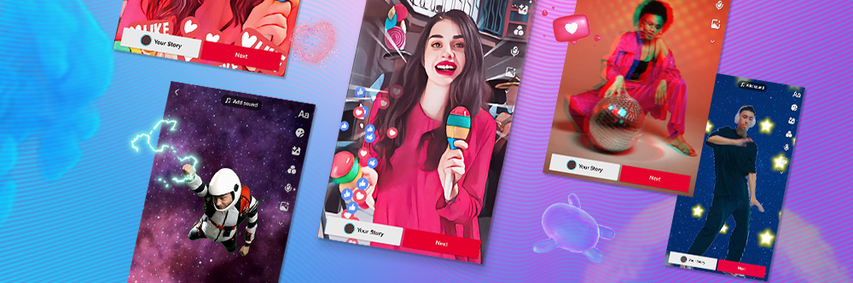 Aesthetic shifting, cyber-identity, and the magic of seeing yourself differently. There is something deeply satisfying about the "What if?" factor of AI filters. What if I lived in a Studio Ghibli movie? What if I was a 90s grunge icon? What if I were a character in a futuristic dystopia? TikTok AI filters are giving us a glimpse into these alternate timelines. They aren't just filters; they are digital costumes for our online souls. 🌙 The Vibe Shift The best part about the current trend of AI filters is the Aesthetic Customization. It’s not just about beauty filters (smoothing skin, big eyes) anymore. It’s about atmosphere. ●The Y2K Glitch filters that make you look like a corrupted video file. ●The Ethereal/Fairy filters that add flowing hair and flower crowns. ●The Dark Academia filters that turn your bedroom into a gothic library. 🖌️ Taking Control of Your Look While the TikTok effects are great for quick videos, sometimes you want a specific aesthetic that the app doesn't offer. That’s where AI Art Generators (like HitPaw) come in. You can take a photo of yourself, type in a prompt like "Dreamy cottagecore aesthetic, soft lighting, wildflowers in hair, oil painting style," and generate a custom profile picture or video background that perfectly matches your Tumblr mood board. It’s about curating a digital presence that feels authentic to your imagination, not just your physical reality. 💅 Tips for the Perfect AI Aesthetic ●Lighting is Key: AI loves natural, soft lighting for the best "morphs." ●Angles: Try face-on portraits for cartoon style filters, and profile shots for artistic/abstract filters. ●Hybrid Workflow: Use TikTok filters for movement, but use external AI tools to create your "PFP" (Profile Picture) or banner art. Your aesthetic is limitless. Don’t let the default settings define you—use the AI to shift into the version of yourself you want to be today. |
| json metadata | {"tags":["ai","tiktok","aitiktokfilter"],"image":["https://cdn.steemitimages.com/DQmbaUJSby9yzitnYyZaSHDEmffSYgH2Aiq32WMY9HtfUFP/image.png"],"app":"steemit/0.2","format":"markdown"} |
| Transaction Info | Block #103084138/Trx 324d9e183a707aa890683b8029ed051ef69f8f3d |
View Raw JSON Data
{
"trx_id": "324d9e183a707aa890683b8029ed051ef69f8f3d",
"block": 103084138,
"trx_in_block": 4,
"op_in_trx": 0,
"virtual_op": 0,
"timestamp": "2026-01-31T09:49:06",
"op": [
"comment",
{
"parent_author": "",
"parent_permlink": "ai",
"author": "yunahi",
"permlink": "finding-your-digital-persona-with-tiktok-ai-filters",
"title": "✨ Finding Your Digital Persona with TikTok AI Filters",
"body": "\n\nAesthetic shifting, cyber-identity, and the magic of seeing yourself differently.\nThere is something deeply satisfying about the \"What if?\" factor of AI filters.\nWhat if I lived in a Studio Ghibli movie?\nWhat if I was a 90s grunge icon?\nWhat if I were a character in a futuristic dystopia?\nTikTok AI filters are giving us a glimpse into these alternate timelines. They aren't just filters; they are digital costumes for our online souls.\n🌙 The Vibe Shift\nThe best part about the current trend of AI filters is the Aesthetic Customization. It’s not just about beauty filters (smoothing skin, big eyes) anymore. It’s about atmosphere.\n●The Y2K Glitch filters that make you look like a corrupted video file.\n●The Ethereal/Fairy filters that add flowing hair and flower crowns.\n●The Dark Academia filters that turn your bedroom into a gothic library.\n🖌️ Taking Control of Your Look\nWhile the TikTok effects are great for quick videos, sometimes you want a specific aesthetic that the app doesn't offer.\nThat’s where AI Art Generators (like HitPaw) come in. You can take a photo of yourself, type in a prompt like \"Dreamy cottagecore aesthetic, soft lighting, wildflowers in hair, oil painting style,\" and generate a custom profile picture or video background that perfectly matches your Tumblr mood board.\nIt’s about curating a digital presence that feels authentic to your imagination, not just your physical reality.\n💅 Tips for the Perfect AI Aesthetic\n●Lighting is Key: AI loves natural, soft lighting for the best \"morphs.\"\n●Angles: Try face-on portraits for cartoon style filters, and profile shots for artistic/abstract filters.\n●Hybrid Workflow: Use TikTok filters for movement, but use external AI tools to create your \"PFP\" (Profile Picture) or banner art.\nYour aesthetic is limitless. Don’t let the default settings define you—use the AI to shift into the version of yourself you want to be today.",
"json_metadata": "{\"tags\":[\"ai\",\"tiktok\",\"aitiktokfilter\"],\"image\":[\"https://cdn.steemitimages.com/DQmbaUJSby9yzitnYyZaSHDEmffSYgH2Aiq32WMY9HtfUFP/image.png\"],\"app\":\"steemit/0.2\",\"format\":\"markdown\"}"
}
]
}yunahipublished a new post: anime-in-2026-the-characters-fans-still-can-t-let-go-of2026/01/21 09:07:51
yunahipublished a new post: anime-in-2026-the-characters-fans-still-can-t-let-go-of
2026/01/21 09:07:51
| parent author | |
| parent permlink | anime |
| author | yunahi |
| permlink | anime-in-2026-the-characters-fans-still-can-t-let-go-of |
| title | 🎌 Anime in 2026: The Characters Fans Still Can’t Let Go Of |
| body | Anime has never been just entertainment. By 2026, it has become a global cultural language — one that connects fans from Japan to Europe, from North America to Southeast Asia. What fascinates me most is not only how many anime series are released each year, but how certain characters refuse to fade away, even long after their stories end. In 2026, fan discussions, cosplay events, online polls, and AI-generated content all point to one clear truth: anime characters live far beyond their original narratives. <h2>🔥 The Male Characters Fans Still Obsess Over</h2>  Some male characters dominate not just because of power, but because of presence. ●Gojo Satoru (Jujutsu Kaisen) continues to top global popularity charts. His combination of overwhelming strength, humor, and visual design makes him a modern anime icon. ●Levi Ackerman remains a symbol of discipline and sacrifice. Even after Attack on Titan, fans still debate his quiet leadership and moral resolve. ●Luffy, Naruto, and Zoro prove that classic shōnen ideals — freedom, perseverance, loyalty — never go out of style. These characters thrive because fans see parts of themselves in their struggles. <h2>🌸 Female Characters Who Define Strength Differently</h2>  Female anime characters in 2026 are no longer side roles — they are emotional and narrative anchors. ●Mikasa Ackerman represents unwavering loyalty paired with devastating strength. ●Nezuko Kamado shows that gentleness and ferocity can coexist. ●Makima and Power spark constant debate, proving that complexity fuels popularity. Their appeal lies not just in combat ability, but in personality, vulnerability, and growth. <h2>🤖 The New Era: When Fans Interact With Characters</h2> One interesting trend I’ve noticed in 2026 is how fans are no longer just watching anime or collecting merchandise — they’re creating their own content. Short videos, interactive character clips, and stylized scenes allow fans to engage with their favorite characters in entirely new ways. Tools like <a href="https://online.hitpaw.com/online-ai-video-generator.html">HitPaw Online AI Video Generator</a> make this really easy. With it, you can turn a favorite anime character into a personalized video, experiment with different aesthetics, and even create short interactions or mini-scenes to share with friends and global communities. It’s fascinating to see how quickly these AI tools are transforming fan engagement, letting people take part in the story rather than just observing it. 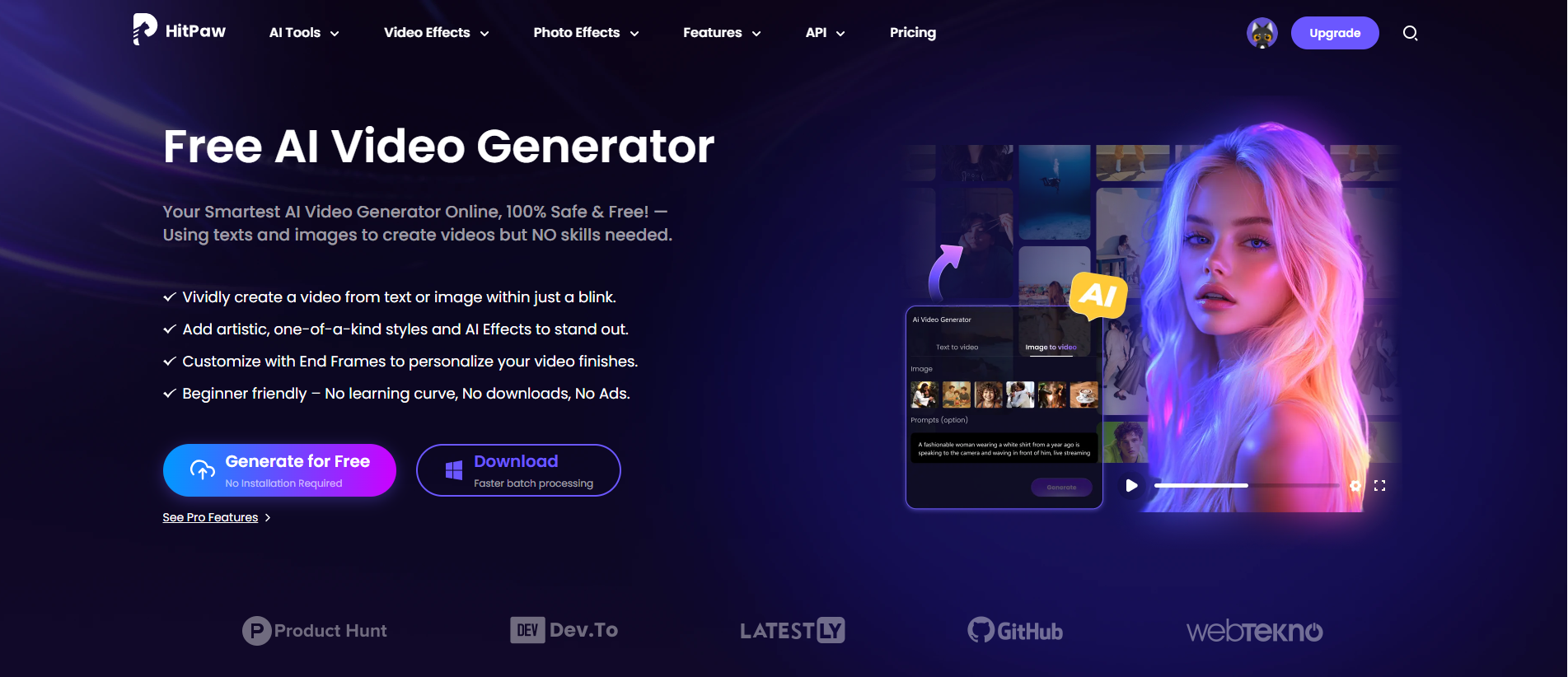 <h2>💭 Final Thoughts</h2> Popularity changes, trends shift — but characters with emotional depth and strong storytelling endure. Whether you grew up with Naruto or discovered Gojo recently, anime characters continue to shape how we think about courage, friendship, and identity. Which anime character has stayed with you the longest, and why? I’d love to hear different perspectives from the Steemit community. |
| json metadata | {"tags":["anime","animevideo","animecharacters","videogenerator","hitpaw"],"image":["https://cdn.steemitimages.com/DQmZAd3h2cb2WJBcJdQpmxWVDePP31cZESFug2FsQdkBX3i/image.png","https://cdn.steemitimages.com/DQmabdFDTtpScFgSzTFs9QqQ5skdkgdobxDrjN71pcBxmHc/image.png","https://cdn.steemitimages.com/DQmXAPRxLNSUiMhxmqLwHyoRAqZRbjakUbxR13idTdxoL5Y/image.png"],"links":["https://online.hitpaw.com/online-ai-video-generator.html"],"app":"steemit/0.2","format":"markdown"} |
| Transaction Info | Block #102795916/Trx 09692ef87999adc3de6ab89125f7fafb6e36a857 |
View Raw JSON Data
{
"trx_id": "09692ef87999adc3de6ab89125f7fafb6e36a857",
"block": 102795916,
"trx_in_block": 0,
"op_in_trx": 0,
"virtual_op": 0,
"timestamp": "2026-01-21T09:07:51",
"op": [
"comment",
{
"parent_author": "",
"parent_permlink": "anime",
"author": "yunahi",
"permlink": "anime-in-2026-the-characters-fans-still-can-t-let-go-of",
"title": "🎌 Anime in 2026: The Characters Fans Still Can’t Let Go Of",
"body": "Anime has never been just entertainment. By 2026, it has become a global cultural language — one that connects fans from Japan to Europe, from North America to Southeast Asia. What fascinates me most is not only how many anime series are released each year, but how certain characters refuse to fade away, even long after their stories end.\nIn 2026, fan discussions, cosplay events, online polls, and AI-generated content all point to one clear truth: anime characters live far beyond their original narratives.\n\n<h2>🔥 The Male Characters Fans Still Obsess Over</h2>\n\n\n\nSome male characters dominate not just because of power, but because of presence.\n●Gojo Satoru (Jujutsu Kaisen) continues to top global popularity charts. His combination of overwhelming strength, humor, and visual design makes him a modern anime icon.\n●Levi Ackerman remains a symbol of discipline and sacrifice. Even after Attack on Titan, fans still debate his quiet leadership and moral resolve.\n●Luffy, Naruto, and Zoro prove that classic shōnen ideals — freedom, perseverance, loyalty — never go out of style.\nThese characters thrive because fans see parts of themselves in their struggles.\n<h2>🌸 Female Characters Who Define Strength Differently</h2>\n\n\n\nFemale anime characters in 2026 are no longer side roles — they are emotional and narrative anchors.\n●Mikasa Ackerman represents unwavering loyalty paired with devastating strength.\n●Nezuko Kamado shows that gentleness and ferocity can coexist.\n●Makima and Power spark constant debate, proving that complexity fuels popularity.\nTheir appeal lies not just in combat ability, but in personality, vulnerability, and growth.\n<h2>🤖 The New Era: When Fans Interact With Characters</h2>\nOne interesting trend I’ve noticed in 2026 is how fans are no longer just watching anime or collecting merchandise — they’re creating their own content. Short videos, interactive character clips, and stylized scenes allow fans to engage with their favorite characters in entirely new ways.\nTools like <a href=\"https://online.hitpaw.com/online-ai-video-generator.html\">HitPaw Online AI Video Generator</a> make this really easy. With it, you can turn a favorite anime character into a personalized video, experiment with different aesthetics, and even create short interactions or mini-scenes to share with friends and global communities. It’s fascinating to see how quickly these AI tools are transforming fan engagement, letting people take part in the story rather than just observing it.\n\n\n\n<h2>💭 Final Thoughts</h2>\nPopularity changes, trends shift — but characters with emotional depth and strong storytelling endure. Whether you grew up with Naruto or discovered Gojo recently, anime characters continue to shape how we think about courage, friendship, and identity.\nWhich anime character has stayed with you the longest, and why?\n I’d love to hear different perspectives from the Steemit community.",
"json_metadata": "{\"tags\":[\"anime\",\"animevideo\",\"animecharacters\",\"videogenerator\",\"hitpaw\"],\"image\":[\"https://cdn.steemitimages.com/DQmZAd3h2cb2WJBcJdQpmxWVDePP31cZESFug2FsQdkBX3i/image.png\",\"https://cdn.steemitimages.com/DQmabdFDTtpScFgSzTFs9QqQ5skdkgdobxDrjN71pcBxmHc/image.png\",\"https://cdn.steemitimages.com/DQmXAPRxLNSUiMhxmqLwHyoRAqZRbjakUbxR13idTdxoL5Y/image.png\"],\"links\":[\"https://online.hitpaw.com/online-ai-video-generator.html\"],\"app\":\"steemit/0.2\",\"format\":\"markdown\"}"
}
]
}yunahipublished a new post: 8-powerful-vtuber-model-makers-to-build-your-virtual-identity2026/01/20 10:33:51
yunahipublished a new post: 8-powerful-vtuber-model-makers-to-build-your-virtual-identity
2026/01/20 10:33:51
| parent author | |
| parent permlink | ai |
| author | yunahi |
| permlink | 8-powerful-vtuber-model-makers-to-build-your-virtual-identity |
| title | 8 Powerful VTuber Model Makers to Build Your Virtual Identity |
| body | Creating a VTuber avatar used to require professional artists, complex software, and long production cycles. Today, VTuber model makers simplify the entire process — from character design to live streaming. Whether you’re planning your first VTuber debut or upgrading your existing model, the tools below cover every stage of creation. 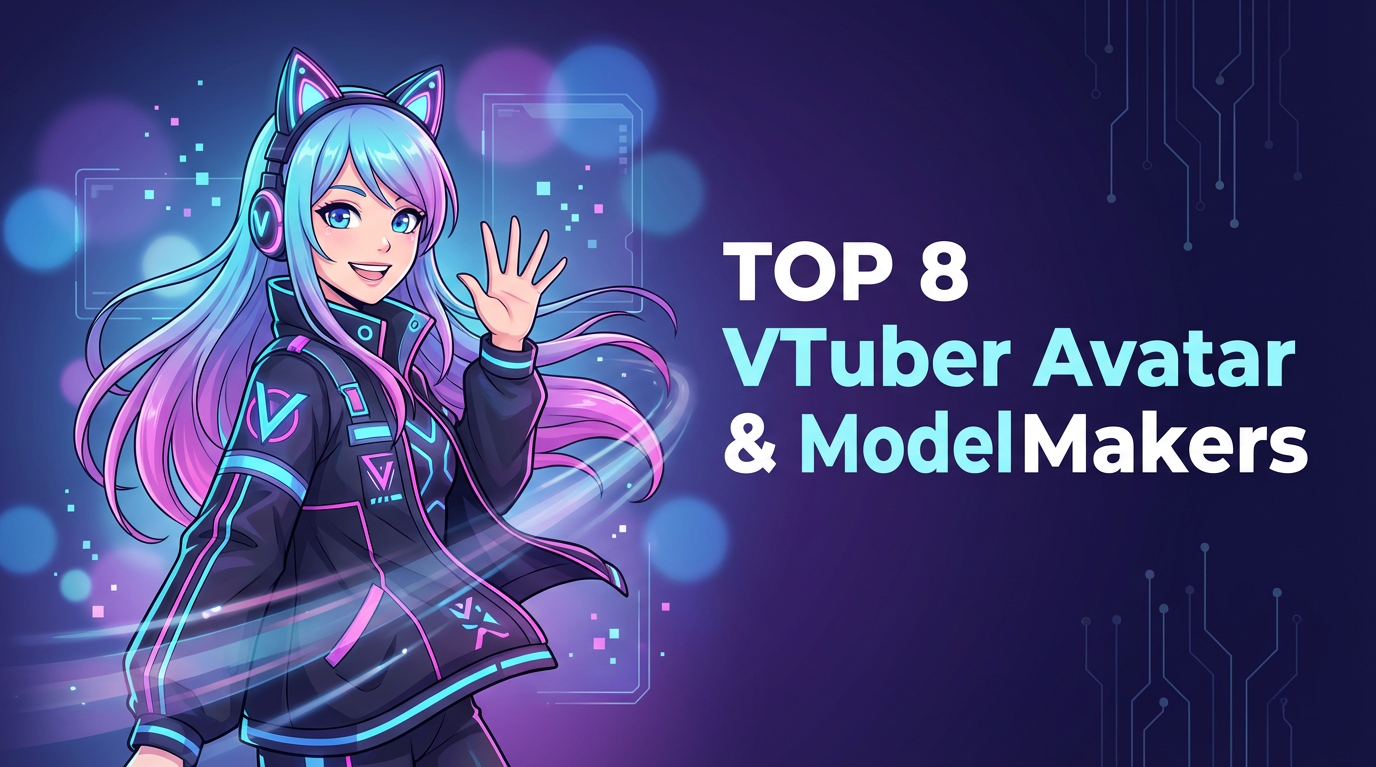 <h2>1. <a href="https://online.hitpaw.com/ai-image-generator-free.html">HitPaw Online AI Image Generator</a></h2> HitPaw provides one of the fastest ways to design VTuber characters. Using AI text-to-image technology, creators can generate anime-style avatars simply by describing their idea. 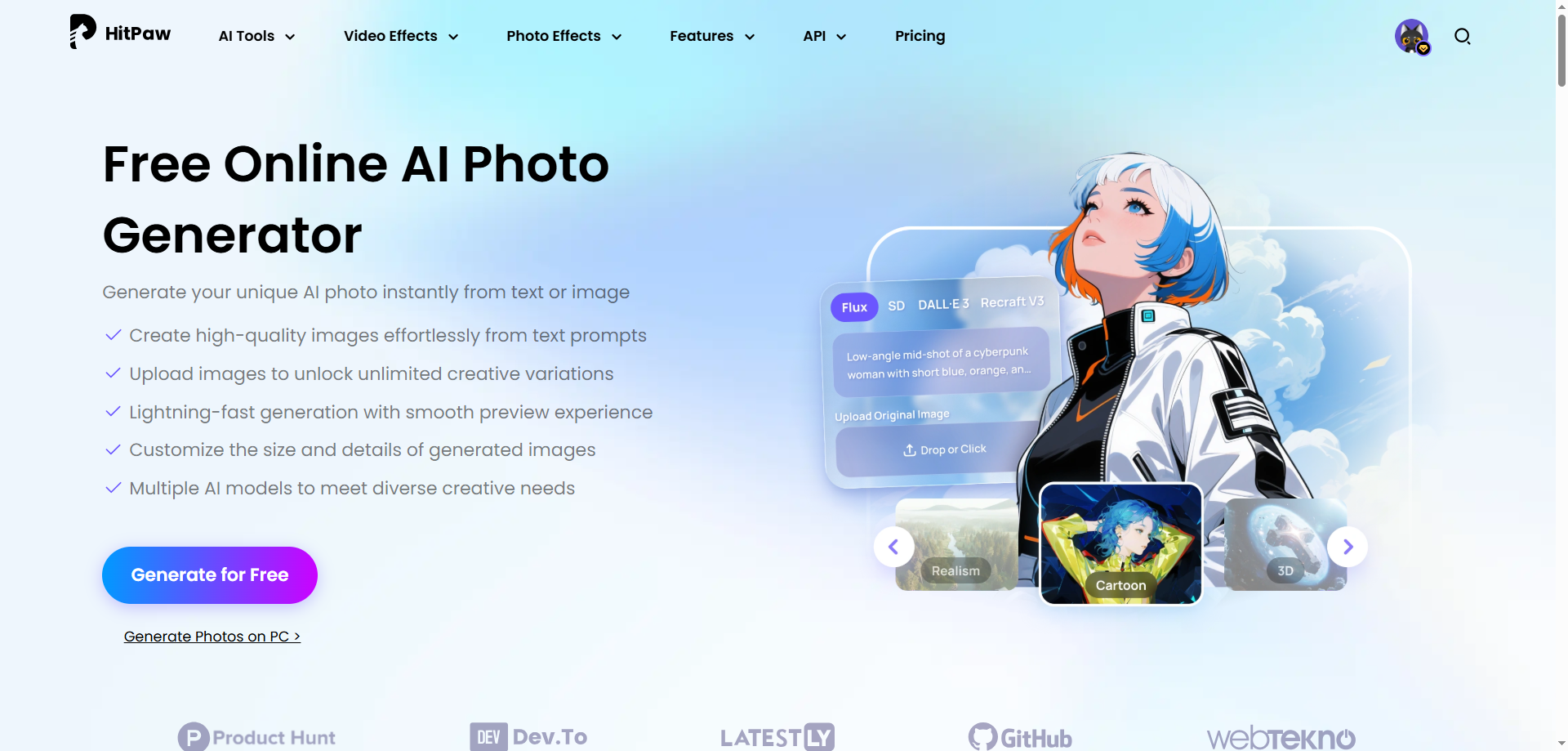 It supports multiple art styles and allows image refinement through image-to-image transformation. Many VTubers use HitPaw to create their base character before moving into Live2D or 3D modeling software. <b>Prompt example:</b> “A high-quality anime-style VTuber character illustration, full body and half-body reference, cute and clean Japanese VTuber design. A young female VTuber with short fluffy silver-white hair, soft layered bob cut, slightly curved bangs, large expressive eyes with glossy highlights, cat ears on the head, small decorative hair accessories. Outfit features a modern futuristic VTuber costume with a nurse-inspired design, tech details and ribbons, short jacket and skirt, thigh-high socks, cute boots. Color palette is soft blue and light cyan, mixed with white accents, pastel blue lighting, cool and calm atmosphere. Art style is clean lineart, soft shading, pastel anime style, smooth gradients, high detail, professional VTuber model illustration. Character pose is friendly and open, smiling expression, suitable for livestream VTuber avatar reference. Simple background with light blue gradient, minimal UI-style framing, studio-quality illustration.” <b>HitPaw Result:</b> 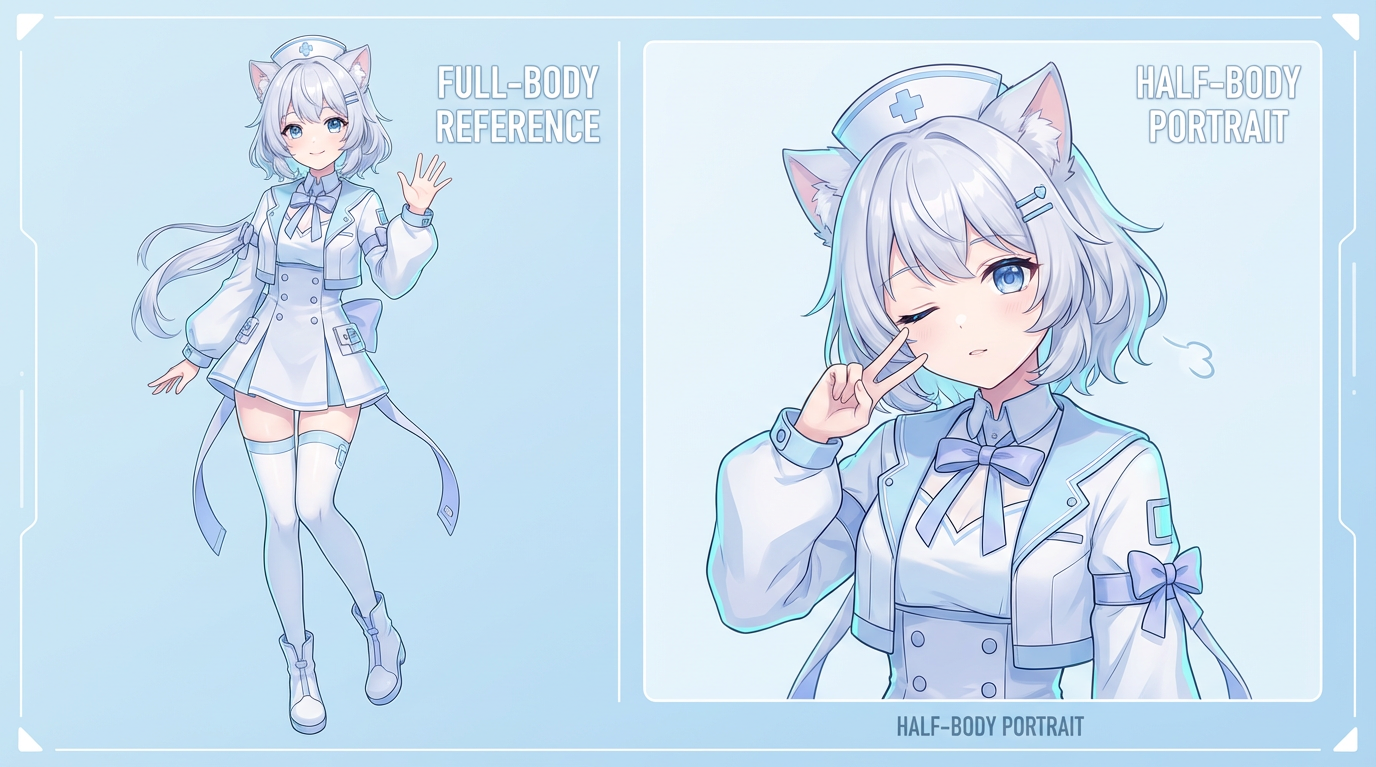 <b>Ideal use: </b>character design, concept art, base model creation <b>Pricing: </b>$135.99/year <h2>2. Live2D Cubism</h2> Live2D Cubism remains the professional choice for 2D VTubers. Its layer-based animation system enables natural head movement, facial expressions, and mouth tracking. Creators who invest time into Live2D gain unmatched expression quality, making it the foundation of most successful anime VTuber channels. <h2>3. Fotor AI Avatar Generator</h2> Fotor allows users to create 2D VTuber avatars quickly using AI prompts. While it does not support animation, it’s excellent for profile images, branding assets, and early character testing. Its simplicity makes it a popular option for beginners exploring VTuber design ideas. <h2>4. VIVERSE Avatar</h2> Designed for immersive experiences, VIVERSE Avatar provides full 3D avatar creation with VR compatibility. Users can customize body shape, facial structure, clothing, and accessories in real time. It’s well-suited for creators who want to operate beyond traditional livestreaming platforms. <h2>5. ReadyPlayer.me</h2> ReadyPlayer.me allows creators to design one 3D avatar and deploy it across thousands of supported platforms. Its strength lies in flexibility, speed, and compatibility. Although it offers fewer anime details, it is extremely efficient for multi-platform creators. <h2>6. VTube Studio</h2> VTube Studio brings Live2D models to life through real-time face tracking. It remains the most widely used animation software for 2D VTubers. With OBS support and customizable tracking settings, it provides smooth and expressive motion during streams. <h2>7. VSeeFace</h2> VSeeFace delivers reliable 3D tracking without system strain. It supports VRM avatars, webcam-based face capture, and seamless OBS integration. For creators seeking a free 3D VTuber solution, it remains one of the best options available. <h2>8. MagicVox</h2> MagicVox enhances immersion by allowing creators to modify their voice in real time. With dozens of presets, VTubers can match their character’s personality and maintain anonymity. <h2>Conclusion</h2> Modern VTuber creation is built on flexibility. From AI character generators to professional animation software, creators can now build avatars step by step — starting simple and upgrading over time. By combining the right VTuber model maker tools, anyone can create a virtual persona that looks professional, expressive, and uniquely their own. |
| json metadata | {"tags":["ai","vtubertools","vtubermodel","vtuberavatar","vtubermaker","contentcreator","streamingtools","live2d"],"image":["https://cdn.steemitimages.com/DQmZk2vnRyg6wqUVr8cxd5GupiUiqqduYCdRkvkxHGAbEFU/image.png","https://cdn.steemitimages.com/DQmX7XRYgGxruYaZg7iLFCAJN8apnbiM68nmKsPhVGKSE5w/image.png","https://cdn.steemitimages.com/DQmNMbAmNTG6T8EMRBZntHrEgGq5wDVata7wH8w1Vycqorp/image.png"],"links":["https://online.hitpaw.com/ai-image-generator-free.html"],"app":"steemit/0.2","format":"markdown"} |
| Transaction Info | Block #102768893/Trx 7f24168c40271a06fe68e0007d8b5f5ae780f3ef |
View Raw JSON Data
{
"trx_id": "7f24168c40271a06fe68e0007d8b5f5ae780f3ef",
"block": 102768893,
"trx_in_block": 0,
"op_in_trx": 0,
"virtual_op": 0,
"timestamp": "2026-01-20T10:33:51",
"op": [
"comment",
{
"parent_author": "",
"parent_permlink": "ai",
"author": "yunahi",
"permlink": "8-powerful-vtuber-model-makers-to-build-your-virtual-identity",
"title": "8 Powerful VTuber Model Makers to Build Your Virtual Identity",
"body": "Creating a VTuber avatar used to require professional artists, complex software, and long production cycles. Today, VTuber model makers simplify the entire process — from character design to live streaming.\nWhether you’re planning your first VTuber debut or upgrading your existing model, the tools below cover every stage of creation.\n\n\n\n\n<h2>1. <a href=\"https://online.hitpaw.com/ai-image-generator-free.html\">HitPaw Online AI Image Generator</a></h2>\nHitPaw provides one of the fastest ways to design VTuber characters. Using AI text-to-image technology, creators can generate anime-style avatars simply by describing their idea.\n\n\n\n\n\nIt supports multiple art styles and allows image refinement through image-to-image transformation. Many VTubers use HitPaw to create their base character before moving into Live2D or 3D modeling software.\n<b>Prompt example:</b>\n“A high-quality anime-style VTuber character illustration, full body and half-body reference, cute and clean Japanese VTuber design. A young female VTuber with short fluffy silver-white hair, soft layered bob cut, slightly curved bangs, large expressive eyes with glossy highlights, cat ears on the head, small decorative hair accessories. Outfit features a modern futuristic VTuber costume with a nurse-inspired design, tech details and ribbons, short jacket and skirt, thigh-high socks, cute boots. Color palette is soft blue and light cyan, mixed with white accents, pastel blue lighting, cool and calm atmosphere. Art style is clean lineart, soft shading, pastel anime style, smooth gradients, high detail, professional VTuber model illustration. Character pose is friendly and open, smiling expression, suitable for livestream VTuber avatar reference. Simple background with light blue gradient, minimal UI-style framing, studio-quality illustration.”\n<b>HitPaw Result:</b>\n\n\n\n<b>Ideal use: </b>character design, concept art, base model creation\n<b>Pricing: </b>$135.99/year\n\n<h2>2. Live2D Cubism</h2>\nLive2D Cubism remains the professional choice for 2D VTubers. Its layer-based animation system enables natural head movement, facial expressions, and mouth tracking.\nCreators who invest time into Live2D gain unmatched expression quality, making it the foundation of most successful anime VTuber channels.\n\n<h2>3. Fotor AI Avatar Generator</h2>\nFotor allows users to create 2D VTuber avatars quickly using AI prompts. While it does not support animation, it’s excellent for profile images, branding assets, and early character testing.\nIts simplicity makes it a popular option for beginners exploring VTuber design ideas.\n\n<h2>4. VIVERSE Avatar</h2>\nDesigned for immersive experiences, VIVERSE Avatar provides full 3D avatar creation with VR compatibility. Users can customize body shape, facial structure, clothing, and accessories in real time.\nIt’s well-suited for creators who want to operate beyond traditional livestreaming platforms.\n\n<h2>5. ReadyPlayer.me</h2>\nReadyPlayer.me allows creators to design one 3D avatar and deploy it across thousands of supported platforms. Its strength lies in flexibility, speed, and compatibility.\nAlthough it offers fewer anime details, it is extremely efficient for multi-platform creators.\n\n<h2>6. VTube Studio</h2>\nVTube Studio brings Live2D models to life through real-time face tracking. It remains the most widely used animation software for 2D VTubers.\nWith OBS support and customizable tracking settings, it provides smooth and expressive motion during streams.\n\n<h2>7. VSeeFace</h2>\nVSeeFace delivers reliable 3D tracking without system strain. It supports VRM avatars, webcam-based face capture, and seamless OBS integration.\nFor creators seeking a free 3D VTuber solution, it remains one of the best options available.\n\n<h2>8. MagicVox</h2>\nMagicVox enhances immersion by allowing creators to modify their voice in real time. With dozens of presets, VTubers can match their character’s personality and maintain anonymity.\n\n<h2>Conclusion</h2>\nModern VTuber creation is built on flexibility. From AI character generators to professional animation software, creators can now build avatars step by step — starting simple and upgrading over time.\nBy combining the right VTuber model maker tools, anyone can create a virtual persona that looks professional, expressive, and uniquely their own.",
"json_metadata": "{\"tags\":[\"ai\",\"vtubertools\",\"vtubermodel\",\"vtuberavatar\",\"vtubermaker\",\"contentcreator\",\"streamingtools\",\"live2d\"],\"image\":[\"https://cdn.steemitimages.com/DQmZk2vnRyg6wqUVr8cxd5GupiUiqqduYCdRkvkxHGAbEFU/image.png\",\"https://cdn.steemitimages.com/DQmX7XRYgGxruYaZg7iLFCAJN8apnbiM68nmKsPhVGKSE5w/image.png\",\"https://cdn.steemitimages.com/DQmNMbAmNTG6T8EMRBZntHrEgGq5wDVata7wH8w1Vycqorp/image.png\"],\"links\":[\"https://online.hitpaw.com/ai-image-generator-free.html\"],\"app\":\"steemit/0.2\",\"format\":\"markdown\"}"
}
]
}yunahipublished a new post: blue-monday-and-digital-mood-how-visuals-quietly-shape-how-we-feel-online2026/01/19 08:07:57
yunahipublished a new post: blue-monday-and-digital-mood-how-visuals-quietly-shape-how-we-feel-online
2026/01/19 08:07:57
| parent author | |
| parent permlink | monday |
| author | yunahi |
| permlink | blue-monday-and-digital-mood-how-visuals-quietly-shape-how-we-feel-online |
| title | Blue Monday and Digital Mood: How Visuals Quietly Shape How We Feel Online |
| body | <h1>Blue Monday Isn’t Just in Your Head — It’s in the Visuals You Consume</h1> Every January, the phrase Blue Monday starts circulating again — labeled as the “most depressing day of the year.”  Cold weather, short daylight hours, unfinished New Year’s goals, and the slow return to routine all seem to collide around mid-January.Is it scientifically proven? Not really. But the emotional experience behind it feels familiar to many of us — and that’s worth paying attention to.What often gets overlooked is this: our mood during Blue Monday isn’t shaped only by thoughts or weather, but also by what we see every day on screens. <h2>Why Blue Monday Feels So Real in the Digital Age</h2> Blue Monday didn’t exist in isolation before screens dominated daily life. Today, we scroll, watch, and consume visuals almost constantly — especially in winter. Short days push us indoors, and our phones become the primary window to the world. Over time, this creates a quiet buildup: ●Low-energy routines ●Endless scrolling ●Dim, poorly lit, low-quality videos ●Muted colors that match a tired mindset Individually, these things seem harmless. Together, they reinforce emotional fatigue. That’s why Blue Monday doesn’t arrive suddenly — it accumulates.  <h2>How Visuals Directly Influence Mood</h2> The brain reacts to visuals faster than words. Brightness, color balance, and contrast send immediate emotional signals: ●Dark, flat visuals feel heavy and draining ●Washed-out colors reduce focus ●Poor lighting increases eye strain and mental fatigue During periods like Blue Monday, people often gravitate toward content that matches how they feel — which creates a loop. The more dull visuals we consume, the heavier everything feels. On the other hand, clear and well-balanced visuals quietly do the opposite: ●They reduce visual stress ●Make content easier to engage with ●Create a subtle sense of calm and clarity This is why visual quality matters far beyond aesthetics. <h2>From Faded Footage to Emotional Contrast</h2> One of the most striking examples of this effect is color restoration. A faded or black-and-white video doesn’t just look old — it feels distant. Once color, contrast, and clarity are restored, the same footage suddenly feels alive, warm, and human again.That emotional shift is powerful — especially on days like Blue Monday, when many people feel disconnected or low-energy. Small visual improvements can genuinely change how content is felt, not just seen. <h2>Using AI to Improve Visual Mood (Without Being a Pro)</h2> This is where modern AI tools quietly step in. Tools like HitPaw VikPea use <a href="https://www.hitpaw.com/colorize-video.html">AI video colorization</a> and enhancement to restore brightness, improve color balance, and reduce visual fatigue — without requiring professional editing skills. 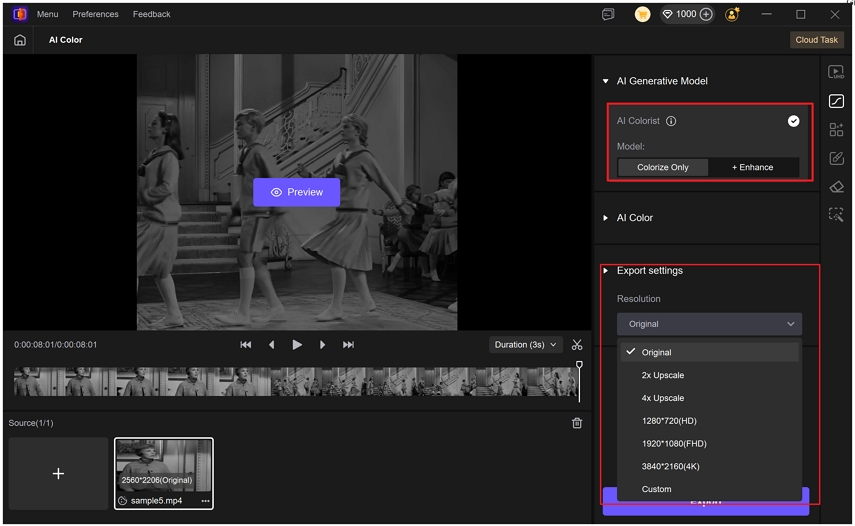 What stands out isn’t just sharper images, but the emotional difference: ●Old or dull footage becomes approachable ●Colors feel natural, not over-processed ●Videos become easier to watch for longer periods For personal videos, social clips, or creative storytelling, this kind of enhancement subtly changes the viewer’s experience — which matters more than most people realize. <h2>A Different Way to Think About Blue Monday</h2> Blue Monday may not be scientifically “real,” but the emotions behind it are. Winter slows us down. Screens dominate our time. Visuals shape our mental space. The good news? You don’t need big changes to feel better. Sometimes, improving what you see is enough to lighten how you feel.Clearer visuals don’t fix everything — but they can make digital life feel less heavy, one frame at a time. If you enjoy thoughtful reflections on digital life, visuals, and creative tools, follow this blog and stay connected for more quiet insights like this. |
| json metadata | {"tags":["accountbooster","bluemonday","digitalwellbeing","visualculture","aiart","videocreators","steemitblog"],"image":["https://cdn.steemitimages.com/DQmZhEPSjgJeVaMZziLmyuTFLr2SN9CPB6f5UeuNZv8Lx2c/image.png","https://cdn.steemitimages.com/DQmQe815kCN97F2K5GcoYPauNJ5foRvd6NkGWu67UeU1UnE/image.png","https://cdn.steemitimages.com/DQmPh9GKinmRePdCbQ5zJh3vGCSzYaZfTppTujmZ3VGXEfX/image.png"],"links":["https://www.hitpaw.com/colorize-video.html"],"app":"steemit/0.2","format":"markdown"} |
| Transaction Info | Block #102737244/Trx e4fe0a4e4e02f7595f8464cc8f0a731c1f89f0a9 |
View Raw JSON Data
{
"trx_id": "e4fe0a4e4e02f7595f8464cc8f0a731c1f89f0a9",
"block": 102737244,
"trx_in_block": 4,
"op_in_trx": 0,
"virtual_op": 0,
"timestamp": "2026-01-19T08:07:57",
"op": [
"comment",
{
"parent_author": "",
"parent_permlink": "monday",
"author": "yunahi",
"permlink": "blue-monday-and-digital-mood-how-visuals-quietly-shape-how-we-feel-online",
"title": "Blue Monday and Digital Mood: How Visuals Quietly Shape How We Feel Online",
"body": "<h1>Blue Monday Isn’t Just in Your Head — It’s in the Visuals You Consume</h1>\nEvery January, the phrase Blue Monday starts circulating again — labeled as the “most depressing day of the year.”\n\n\n\nCold weather, short daylight hours, unfinished New Year’s goals, and the slow return to routine all seem to collide around mid-January.Is it scientifically proven? Not really.\nBut the emotional experience behind it feels familiar to many of us — and that’s worth paying attention to.What often gets overlooked is this: our mood during Blue Monday isn’t shaped only by thoughts or weather, but also by what we see every day on screens.\n<h2>Why Blue Monday Feels So Real in the Digital Age</h2>\nBlue Monday didn’t exist in isolation before screens dominated daily life.\nToday, we scroll, watch, and consume visuals almost constantly — especially in winter. Short days push us indoors, and our phones become the primary window to the world.\nOver time, this creates a quiet buildup:\n●Low-energy routines\n●Endless scrolling\n●Dim, poorly lit, low-quality videos\n●Muted colors that match a tired mindset\nIndividually, these things seem harmless. Together, they reinforce emotional fatigue.\nThat’s why Blue Monday doesn’t arrive suddenly — it accumulates.\n\n\n\n<h2>How Visuals Directly Influence Mood</h2>\nThe brain reacts to visuals faster than words.\nBrightness, color balance, and contrast send immediate emotional signals:\n●Dark, flat visuals feel heavy and draining\n●Washed-out colors reduce focus\n●Poor lighting increases eye strain and mental fatigue\nDuring periods like Blue Monday, people often gravitate toward content that matches how they feel — which creates a loop. The more dull visuals we consume, the heavier everything feels.\nOn the other hand, clear and well-balanced visuals quietly do the opposite:\n●They reduce visual stress\n●Make content easier to engage with\n●Create a subtle sense of calm and clarity\nThis is why visual quality matters far beyond aesthetics.\n<h2>From Faded Footage to Emotional Contrast</h2>\nOne of the most striking examples of this effect is color restoration.\nA faded or black-and-white video doesn’t just look old — it feels distant.\nOnce color, contrast, and clarity are restored, the same footage suddenly feels alive, warm, and human again.That emotional shift is powerful — especially on days like Blue Monday, when many people feel disconnected or low-energy.\nSmall visual improvements can genuinely change how content is felt, not just seen.\n<h2>Using AI to Improve Visual Mood (Without Being a Pro)</h2>\nThis is where modern AI tools quietly step in.\nTools like HitPaw VikPea use <a href=\"https://www.hitpaw.com/colorize-video.html\">AI video colorization</a> and enhancement to restore brightness, improve color balance, and reduce visual fatigue — without requiring professional editing skills.\n\n\n\nWhat stands out isn’t just sharper images, but the emotional difference:\n●Old or dull footage becomes approachable\n●Colors feel natural, not over-processed\n●Videos become easier to watch for longer periods\nFor personal videos, social clips, or creative storytelling, this kind of enhancement subtly changes the viewer’s experience — which matters more than most people realize.\n<h2>A Different Way to Think About Blue Monday</h2>\nBlue Monday may not be scientifically “real,” but the emotions behind it are.\nWinter slows us down. Screens dominate our time. Visuals shape our mental space.\nThe good news? You don’t need big changes to feel better.\nSometimes, improving what you see is enough to lighten how you feel.Clearer visuals don’t fix everything — but they can make digital life feel less heavy, one frame at a time.\n\nIf you enjoy thoughtful reflections on digital life, visuals, and creative tools, follow this blog and stay connected for more quiet insights like this.",
"json_metadata": "{\"tags\":[\"accountbooster\",\"bluemonday\",\"digitalwellbeing\",\"visualculture\",\"aiart\",\"videocreators\",\"steemitblog\"],\"image\":[\"https://cdn.steemitimages.com/DQmZhEPSjgJeVaMZziLmyuTFLr2SN9CPB6f5UeuNZv8Lx2c/image.png\",\"https://cdn.steemitimages.com/DQmQe815kCN97F2K5GcoYPauNJ5foRvd6NkGWu67UeU1UnE/image.png\",\"https://cdn.steemitimages.com/DQmPh9GKinmRePdCbQ5zJh3vGCSzYaZfTppTujmZ3VGXEfX/image.png\"],\"links\":[\"https://www.hitpaw.com/colorize-video.html\"],\"app\":\"steemit/0.2\",\"format\":\"markdown\"}"
}
]
}yunahipublished a new post: blue-monday-and-digital-mood-how-visuals-quietly-shape-how-we-feel-online2026/01/19 08:06:42
yunahipublished a new post: blue-monday-and-digital-mood-how-visuals-quietly-shape-how-we-feel-online
2026/01/19 08:06:42
| parent author | |
| parent permlink | monday |
| author | yunahi |
| permlink | blue-monday-and-digital-mood-how-visuals-quietly-shape-how-we-feel-online |
| title | Blue Monday and Digital Mood: How Visuals Quietly Shape How We Feel Online |
| body | <h1>Blue Monday Isn’t Just in Your Head — It’s in the Visuals You Consume</h1> Every January, the phrase Blue Monday starts circulating again — labeled as the “most depressing day of the year.”  Cold weather, short daylight hours, unfinished New Year’s goals, and the slow return to routine all seem to collide around mid-January.Is it scientifically proven? Not really. But the emotional experience behind it feels familiar to many of us — and that’s worth paying attention to.What often gets overlooked is this: our mood during Blue Monday isn’t shaped only by thoughts or weather, but also by what we see every day on screens. <h2>Why Blue Monday Feels So Real in the Digital Age</h2> Blue Monday didn’t exist in isolation before screens dominated daily life. Today, we scroll, watch, and consume visuals almost constantly — especially in winter. Short days push us indoors, and our phones become the primary window to the world. Over time, this creates a quiet buildup: ●Low-energy routines ●Endless scrolling ●Dim, poorly lit, low-quality videos ●Muted colors that match a tired mindset Individually, these things seem harmless. Together, they reinforce emotional fatigue. That’s why Blue Monday doesn’t arrive suddenly — it accumulates.  <h2>How Visuals Directly Influence Mood</h2> The brain reacts to visuals faster than words. Brightness, color balance, and contrast send immediate emotional signals: ●Dark, flat visuals feel heavy and draining ●Washed-out colors reduce focus ●Poor lighting increases eye strain and mental fatigue During periods like Blue Monday, people often gravitate toward content that matches how they feel — which creates a loop. The more dull visuals we consume, the heavier everything feels. On the other hand, clear and well-balanced visuals quietly do the opposite: ●They reduce visual stress ●Make content easier to engage with ●Create a subtle sense of calm and clarity This is why visual quality matters far beyond aesthetics. <h2>From Faded Footage to Emotional Contrast</h2> One of the most striking examples of this effect is color restoration. A faded or black-and-white video doesn’t just look old — it feels distant. Once color, contrast, and clarity are restored, the same footage suddenly feels alive, warm, and human again.That emotional shift is powerful — especially on days like Blue Monday, when many people feel disconnected or low-energy. Small visual improvements can genuinely change how content is felt, not just seen. <h2>Using AI to Improve Visual Mood (Without Being a Pro)</h2> This is where modern AI tools quietly step in. Tools like HitPaw VikPea use <a href="https://www.hitpaw.com/colorize-video.html">AI video colorization</a> and enhancement to restore brightness, improve color balance, and reduce visual fatigue — without requiring professional editing skills.  What stands out isn’t just sharper images, but the emotional difference: ●Old or dull footage becomes approachable ●Colors feel natural, not over-processed ●Videos become easier to watch for longer periods For personal videos, social clips, or creative storytelling, this kind of enhancement subtly changes the viewer’s experience — which matters more than most people realize. <h2>A Different Way to Think About Blue Monday</h2> Blue Monday may not be scientifically “real,” but the emotions behind it are. Winter slows us down. Screens dominate our time. Visuals shape our mental space. The good news? You don’t need big changes to feel better. Sometimes, improving what you see is enough to lighten how you feel.Clearer visuals don’t fix everything — but they can make digital life feel less heavy, one frame at a time. If you enjoy thoughtful reflections on digital life, visuals, and creative tools, follow this blog and stay connected for more quiet insights like this. |
| json metadata | {"tags":["accountbooster","bluemonday","digitalwellbeing","visualculture","aiart","videocreators","steemitblog"],"image":["https://cdn.steemitimages.com/DQmZhEPSjgJeVaMZziLmyuTFLr2SN9CPB6f5UeuNZv8Lx2c/image.png","https://cdn.steemitimages.com/DQmQe815kCN97F2K5GcoYPauNJ5foRvd6NkGWu67UeU1UnE/image.png","https://cdn.steemitimages.com/DQmPh9GKinmRePdCbQ5zJh3vGCSzYaZfTppTujmZ3VGXEfX/image.png"],"links":["https://www.hitpaw.com/colorize-video.html"],"app":"steemit/0.2","format":"markdown"} |
| Transaction Info | Block #102737219/Trx 9670ce2353e04e7e04f790e8e0b56655d10f2d40 |
View Raw JSON Data
{
"trx_id": "9670ce2353e04e7e04f790e8e0b56655d10f2d40",
"block": 102737219,
"trx_in_block": 10,
"op_in_trx": 0,
"virtual_op": 0,
"timestamp": "2026-01-19T08:06:42",
"op": [
"comment",
{
"parent_author": "",
"parent_permlink": "monday",
"author": "yunahi",
"permlink": "blue-monday-and-digital-mood-how-visuals-quietly-shape-how-we-feel-online",
"title": "Blue Monday and Digital Mood: How Visuals Quietly Shape How We Feel Online",
"body": "<h1>Blue Monday Isn’t Just in Your Head — It’s in the Visuals You Consume</h1>\nEvery January, the phrase Blue Monday starts circulating again — labeled as the “most depressing day of the year.”\n\n\n\nCold weather, short daylight hours, unfinished New Year’s goals, and the slow return to routine all seem to collide around mid-January.Is it scientifically proven? Not really.\nBut the emotional experience behind it feels familiar to many of us — and that’s worth paying attention to.What often gets overlooked is this: our mood during Blue Monday isn’t shaped only by thoughts or weather, but also by what we see every day on screens.\n<h2>Why Blue Monday Feels So Real in the Digital Age</h2>\nBlue Monday didn’t exist in isolation before screens dominated daily life.\nToday, we scroll, watch, and consume visuals almost constantly — especially in winter. Short days push us indoors, and our phones become the primary window to the world.\nOver time, this creates a quiet buildup:\n●Low-energy routines\n●Endless scrolling\n●Dim, poorly lit, low-quality videos\n●Muted colors that match a tired mindset\nIndividually, these things seem harmless. Together, they reinforce emotional fatigue.\nThat’s why Blue Monday doesn’t arrive suddenly — it accumulates.\n\n\n\n<h2>How Visuals Directly Influence Mood</h2>\nThe brain reacts to visuals faster than words.\nBrightness, color balance, and contrast send immediate emotional signals:\n●Dark, flat visuals feel heavy and draining\n●Washed-out colors reduce focus\n●Poor lighting increases eye strain and mental fatigue\nDuring periods like Blue Monday, people often gravitate toward content that matches how they feel — which creates a loop. The more dull visuals we consume, the heavier everything feels.\nOn the other hand, clear and well-balanced visuals quietly do the opposite:\n●They reduce visual stress\n●Make content easier to engage with\n●Create a subtle sense of calm and clarity\nThis is why visual quality matters far beyond aesthetics.\n<h2>From Faded Footage to Emotional Contrast</h2>\nOne of the most striking examples of this effect is color restoration.\nA faded or black-and-white video doesn’t just look old — it feels distant.\nOnce color, contrast, and clarity are restored, the same footage suddenly feels alive, warm, and human again.That emotional shift is powerful — especially on days like Blue Monday, when many people feel disconnected or low-energy.\nSmall visual improvements can genuinely change how content is felt, not just seen.\n<h2>Using AI to Improve Visual Mood (Without Being a Pro)</h2>\nThis is where modern AI tools quietly step in.\nTools like HitPaw VikPea use <a href=\"https://www.hitpaw.com/colorize-video.html\">AI video colorization</a> and enhancement to restore brightness, improve color balance, and reduce visual fatigue — without requiring professional editing skills.\n\n\n\nWhat stands out isn’t just sharper images, but the emotional difference:\n●Old or dull footage becomes approachable\n●Colors feel natural, not over-processed\n●Videos become easier to watch for longer periods\nFor personal videos, social clips, or creative storytelling, this kind of enhancement subtly changes the viewer’s experience — which matters more than most people realize.\n<h2>A Different Way to Think About Blue Monday</h2>\nBlue Monday may not be scientifically “real,” but the emotions behind it are.\nWinter slows us down. Screens dominate our time. Visuals shape our mental space.\nThe good news? You don’t need big changes to feel better.\nSometimes, improving what you see is enough to lighten how you feel.Clearer visuals don’t fix everything — but they can make digital life feel less heavy, one frame at a time.\n\nIf you enjoy thoughtful reflections on digital life, visuals, and creative tools, follow this blog and stay connected for more quiet insights like this.",
"json_metadata": "{\"tags\":[\"accountbooster\",\"bluemonday\",\"digitalwellbeing\",\"visualculture\",\"aiart\",\"videocreators\",\"steemitblog\"],\"image\":[\"https://cdn.steemitimages.com/DQmZhEPSjgJeVaMZziLmyuTFLr2SN9CPB6f5UeuNZv8Lx2c/image.png\",\"https://cdn.steemitimages.com/DQmQe815kCN97F2K5GcoYPauNJ5foRvd6NkGWu67UeU1UnE/image.png\",\"https://cdn.steemitimages.com/DQmPh9GKinmRePdCbQ5zJh3vGCSzYaZfTppTujmZ3VGXEfX/image.png\"],\"links\":[\"https://www.hitpaw.com/colorize-video.html\"],\"app\":\"steemit/0.2\",\"format\":\"markdown\"}"
}
]
}yunahicustom json: community2026/01/19 08:04:45
yunahicustom json: community
2026/01/19 08:04:45
| required auths | [] |
| required posting auths | ["yunahi"] |
| id | community |
| json | ["subscribe",{"community":"hive-119463"}] |
| Transaction Info | Block #102737180/Trx 0eb0c3942d09ae62c742d2fe73c5dc072eab79b9 |
View Raw JSON Data
{
  "trx_id": "0eb0c3942d09ae62c742d2fe73c5dc072eab79b9",
  "block": 102737180,
  "trx_in_block": 6,
  "op_in_trx": 0,
  "virtual_op": 0,
  "timestamp": "2026-01-19T08:04:45",
  "op": [
    "custom_json",
    {
      "required_auths": [],
      "required_posting_auths": [
        "yunahi"
      ],
      "id": "community",
      "json": "[\"subscribe\",{\"community\":\"hive-119463\"}]"
    }
  ]
}yunahipublished a new post: blue-monday-and-digital-mood-how-visuals-quietly-shape-how-we-feel-online2026/01/19 08:03:45
yunahipublished a new post: blue-monday-and-digital-mood-how-visuals-quietly-shape-how-we-feel-online
2026/01/19 08:03:45
| parent author | |
| parent permlink | monday |
| author | yunahi |
| permlink | blue-monday-and-digital-mood-how-visuals-quietly-shape-how-we-feel-online |
| title | Blue Monday and Digital Mood: How Visuals Quietly Shape How We Feel Online |
| body | <h1>Blue Monday Isn’t Just in Your Head — It’s in the Visuals You Consume</h1> Every January, the phrase Blue Monday starts circulating again — labeled as the “most depressing day of the year.”  Cold weather, short daylight hours, unfinished New Year’s goals, and the slow return to routine all seem to collide around mid-January.Is it scientifically proven? Not really. But the emotional experience behind it feels familiar to many of us — and that’s worth paying attention to.What often gets overlooked is this: our mood during Blue Monday isn’t shaped only by thoughts or weather, but also by what we see every day on screens. <h2>Why Blue Monday Feels So Real in the Digital Age</h2> Blue Monday didn’t exist in isolation before screens dominated daily life. Today, we scroll, watch, and consume visuals almost constantly — especially in winter. Short days push us indoors, and our phones become the primary window to the world. Over time, this creates a quiet buildup: ●Low-energy routines ●Endless scrolling ●Dim, poorly lit, low-quality videos ●Muted colors that match a tired mindset Individually, these things seem harmless. Together, they reinforce emotional fatigue. That’s why Blue Monday doesn’t arrive suddenly — it accumulates.  <h2>How Visuals Directly Influence Mood</h2> The brain reacts to visuals faster than words. Brightness, color balance, and contrast send immediate emotional signals: ●Dark, flat visuals feel heavy and draining ●Washed-out colors reduce focus ●Poor lighting increases eye strain and mental fatigue During periods like Blue Monday, people often gravitate toward content that matches how they feel — which creates a loop. The more dull visuals we consume, the heavier everything feels. On the other hand, clear and well-balanced visuals quietly do the opposite: ●They reduce visual stress ●Make content easier to engage with ●Create a subtle sense of calm and clarity This is why visual quality matters far beyond aesthetics. <h2>From Faded Footage to Emotional Contrast</h2> One of the most striking examples of this effect is color restoration. A faded or black-and-white video doesn’t just look old — it feels distant. Once color, contrast, and clarity are restored, the same footage suddenly feels alive, warm, and human again.That emotional shift is powerful — especially on days like Blue Monday, when many people feel disconnected or low-energy. Small visual improvements can genuinely change how content is felt, not just seen. <h2>Using AI to Improve Visual Mood (Without Being a Pro)</h2> This is where modern AI tools quietly step in. Tools like HitPaw VikPea use <a href="https://www.hitpaw.com/colorize-video.html">AI video colorization</a> and enhancement to restore brightness, improve color balance, and reduce visual fatigue — without requiring professional editing skills.  What stands out isn’t just sharper images, but the emotional difference: ●Old or dull footage becomes approachable ●Colors feel natural, not over-processed ●Videos become easier to watch for longer periods For personal videos, social clips, or creative storytelling, this kind of enhancement subtly changes the viewer’s experience — which matters more than most people realize. <h2>A Different Way to Think About Blue Monday</h2> Blue Monday may not be scientifically “real,” but the emotions behind it are. Winter slows us down. Screens dominate our time. Visuals shape our mental space. The good news? You don’t need big changes to feel better. Sometimes, improving what you see is enough to lighten how you feel.Clearer visuals don’t fix everything — but they can make digital life feel less heavy, one frame at a time. If you enjoy thoughtful reflections on digital life, visuals, and creative tools, follow this blog and stay connected for more quiet insights like this. |
| json metadata | {"tags":["monday","bluemonday","digitalwellbeing","visualculture","aiart","videocreators","steemitblog","winterthoughts"],"image":["https://cdn.steemitimages.com/DQmZhEPSjgJeVaMZziLmyuTFLr2SN9CPB6f5UeuNZv8Lx2c/image.png","https://cdn.steemitimages.com/DQmQe815kCN97F2K5GcoYPauNJ5foRvd6NkGWu67UeU1UnE/image.png","https://cdn.steemitimages.com/DQmPh9GKinmRePdCbQ5zJh3vGCSzYaZfTppTujmZ3VGXEfX/image.png"],"links":["https://www.hitpaw.com/colorize-video.html"],"app":"steemit/0.2","format":"markdown"} |
| Transaction Info | Block #102737161/Trx 5ee087748a66f616729c0e2bb3eb044b25ffb831 |
View Raw JSON Data
{
"trx_id": "5ee087748a66f616729c0e2bb3eb044b25ffb831",
"block": 102737161,
"trx_in_block": 6,
"op_in_trx": 0,
"virtual_op": 0,
"timestamp": "2026-01-19T08:03:45",
"op": [
"comment",
{
"parent_author": "",
"parent_permlink": "monday",
"author": "yunahi",
"permlink": "blue-monday-and-digital-mood-how-visuals-quietly-shape-how-we-feel-online",
"title": "Blue Monday and Digital Mood: How Visuals Quietly Shape How We Feel Online",
"body": "<h1>Blue Monday Isn’t Just in Your Head — It’s in the Visuals You Consume</h1>\nEvery January, the phrase Blue Monday starts circulating again — labeled as the “most depressing day of the year.”\n\n\n\nCold weather, short daylight hours, unfinished New Year’s goals, and the slow return to routine all seem to collide around mid-January.Is it scientifically proven? Not really.\nBut the emotional experience behind it feels familiar to many of us — and that’s worth paying attention to.What often gets overlooked is this: our mood during Blue Monday isn’t shaped only by thoughts or weather, but also by what we see every day on screens.\n<h2>Why Blue Monday Feels So Real in the Digital Age</h2>\nBlue Monday didn’t exist in isolation before screens dominated daily life.\nToday, we scroll, watch, and consume visuals almost constantly — especially in winter. Short days push us indoors, and our phones become the primary window to the world.\nOver time, this creates a quiet buildup:\n●Low-energy routines\n●Endless scrolling\n●Dim, poorly lit, low-quality videos\n●Muted colors that match a tired mindset\nIndividually, these things seem harmless. Together, they reinforce emotional fatigue.\nThat’s why Blue Monday doesn’t arrive suddenly — it accumulates.\n\n\n\n<h2>How Visuals Directly Influence Mood</h2>\nThe brain reacts to visuals faster than words.\nBrightness, color balance, and contrast send immediate emotional signals:\n●Dark, flat visuals feel heavy and draining\n●Washed-out colors reduce focus\n●Poor lighting increases eye strain and mental fatigue\nDuring periods like Blue Monday, people often gravitate toward content that matches how they feel — which creates a loop. The more dull visuals we consume, the heavier everything feels.\nOn the other hand, clear and well-balanced visuals quietly do the opposite:\n●They reduce visual stress\n●Make content easier to engage with\n●Create a subtle sense of calm and clarity\nThis is why visual quality matters far beyond aesthetics.\n<h2>From Faded Footage to Emotional Contrast</h2>\nOne of the most striking examples of this effect is color restoration.\nA faded or black-and-white video doesn’t just look old — it feels distant.\nOnce color, contrast, and clarity are restored, the same footage suddenly feels alive, warm, and human again.That emotional shift is powerful — especially on days like Blue Monday, when many people feel disconnected or low-energy.\nSmall visual improvements can genuinely change how content is felt, not just seen.\n<h2>Using AI to Improve Visual Mood (Without Being a Pro)</h2>\nThis is where modern AI tools quietly step in.\nTools like HitPaw VikPea use <a href=\"https://www.hitpaw.com/colorize-video.html\">AI video colorization</a> and enhancement to restore brightness, improve color balance, and reduce visual fatigue — without requiring professional editing skills.\n\n\n\nWhat stands out isn’t just sharper images, but the emotional difference:\n●Old or dull footage becomes approachable\n●Colors feel natural, not over-processed\n●Videos become easier to watch for longer periods\nFor personal videos, social clips, or creative storytelling, this kind of enhancement subtly changes the viewer’s experience — which matters more than most people realize.\n<h2>A Different Way to Think About Blue Monday</h2>\nBlue Monday may not be scientifically “real,” but the emotions behind it are.\nWinter slows us down. Screens dominate our time. Visuals shape our mental space.\nThe good news? You don’t need big changes to feel better.\nSometimes, improving what you see is enough to lighten how you feel.Clearer visuals don’t fix everything — but they can make digital life feel less heavy, one frame at a time.\n\nIf you enjoy thoughtful reflections on digital life, visuals, and creative tools, follow this blog and stay connected for more quiet insights like this.",
"json_metadata": "{\"tags\":[\"monday\",\"bluemonday\",\"digitalwellbeing\",\"visualculture\",\"aiart\",\"videocreators\",\"steemitblog\",\"winterthoughts\"],\"image\":[\"https://cdn.steemitimages.com/DQmZhEPSjgJeVaMZziLmyuTFLr2SN9CPB6f5UeuNZv8Lx2c/image.png\",\"https://cdn.steemitimages.com/DQmQe815kCN97F2K5GcoYPauNJ5foRvd6NkGWu67UeU1UnE/image.png\",\"https://cdn.steemitimages.com/DQmPh9GKinmRePdCbQ5zJh3vGCSzYaZfTppTujmZ3VGXEfX/image.png\"],\"links\":[\"https://www.hitpaw.com/colorize-video.html\"],\"app\":\"steemit/0.2\",\"format\":\"markdown\"}"
}
]
}yunahipublished a new post: landman-season-2-review-release-dates-cast-and-the-dark-side-of-power2026/01/17 10:24:51
yunahipublished a new post: landman-season-2-review-release-dates-cast-and-the-dark-side-of-power
2026/01/17 10:24:51
| parent author | |
| parent permlink | tvreview |
| author | yunahi |
| permlink | landman-season-2-review-release-dates-cast-and-the-dark-side-of-power |
| title | Landman Season 2 Review: Release Dates, Cast, and the Dark Side of Power |
| body | <h1>Landman Season 2: Power, Oil, and the Cost of Survival</h1> Taylor Sheridan has a rare talent for turning industries into character studies. With Landman, he once again proves that modern power struggles don’t just happen in politics or crime syndicates—they happen in boardrooms, oil fields, and family homes. After a strong first season, Landman Season 2 premiered on November 16, 2025, and it quickly made one thing clear: this story is no longer just about oil. It’s about control, legacy, and the moral compromises people make when success becomes survival. With the season finale scheduled for January 18, 2026, the tension continues to build week by week.  <h2>A Weekly Release That Rewards Patience</h2> Paramount+ sticks to a weekly release schedule for Season 2, and that decision suits the show perfectly. Each episode arrives on Sunday, leaving viewers time to reflect on the choices made—and the damage those choices cause. This is not a series meant to be rushed. Landman works best when its themes are allowed to linger. <h2>Tommy Norris: Leadership Without Safety</h2> At the heart of Season 2 is Tommy Norris, played with quiet intensity by Billy Bob Thornton. Now President of M-Tex Oil, Tommy inherits more than a company. He inherits unresolved debts, legal risks, and enemies who are waiting for him to fail. Thornton’s performance captures a man constantly balancing principle and pragmatism. Tommy isn’t chasing power for its own sake—he’s trying to keep everything from collapsing, even if that means compromising pieces of himself along the way. <h2>When Business Turns Dangerous</h2> Season 2 shifts sharply with the arrival of Gallino (Andy Garcia). What starts as a corporate relationship reveals deeper connections to the cartel world, exposing how oil money intersects with violence and criminal influence. This storyline pushes Landman beyond a traditional business drama and into darker, more unsettling territory. The oil fields are no longer just places of labor—they become front lines. <h2>Family Ties Under Pressure</h2> Family plays a much larger role this season, especially through Cooper Norris (Jacob Lofland). Watching him rise in the oil business forces viewers to question whether generational success is progress—or simply repetition. The introduction of T.L. “Pops” Norris (Sam Elliott) adds emotional weight. Pops represents an older code of ethics, one that feels increasingly incompatible with the modern oil economy. His presence grounds the story, while also highlighting how much has changed. <h2>Cami Miller Steps Into the Spotlight</h2> One of the most compelling arcs of Season 2 belongs to Cami Miller (Demi Moore). No longer operating in the background, she becomes a strategic force—calm, precise, and deeply calculating. Her transformation reinforces one of the show’s strongest messages: power doesn’t need to be loud. It only needs to be effective. <h2>Atmosphere Matters in Landman</h2> Visually, Landman relies heavily on atmosphere—dusty highways, burning oil rigs, and stark interiors that reflect emotional tension. Streaming compression can sometimes dull these details. For viewers who enjoy rewatching or analyzing scenes, <a href="https://www.hitpaw.com/ai-video-software.html">AI video software</a> like HitPaw VikPea can help restore sharpness, color depth, and clarity, even upscaling footage to near-4K quality. It’s not essential, but it does enhance a show that’s built on mood and texture. 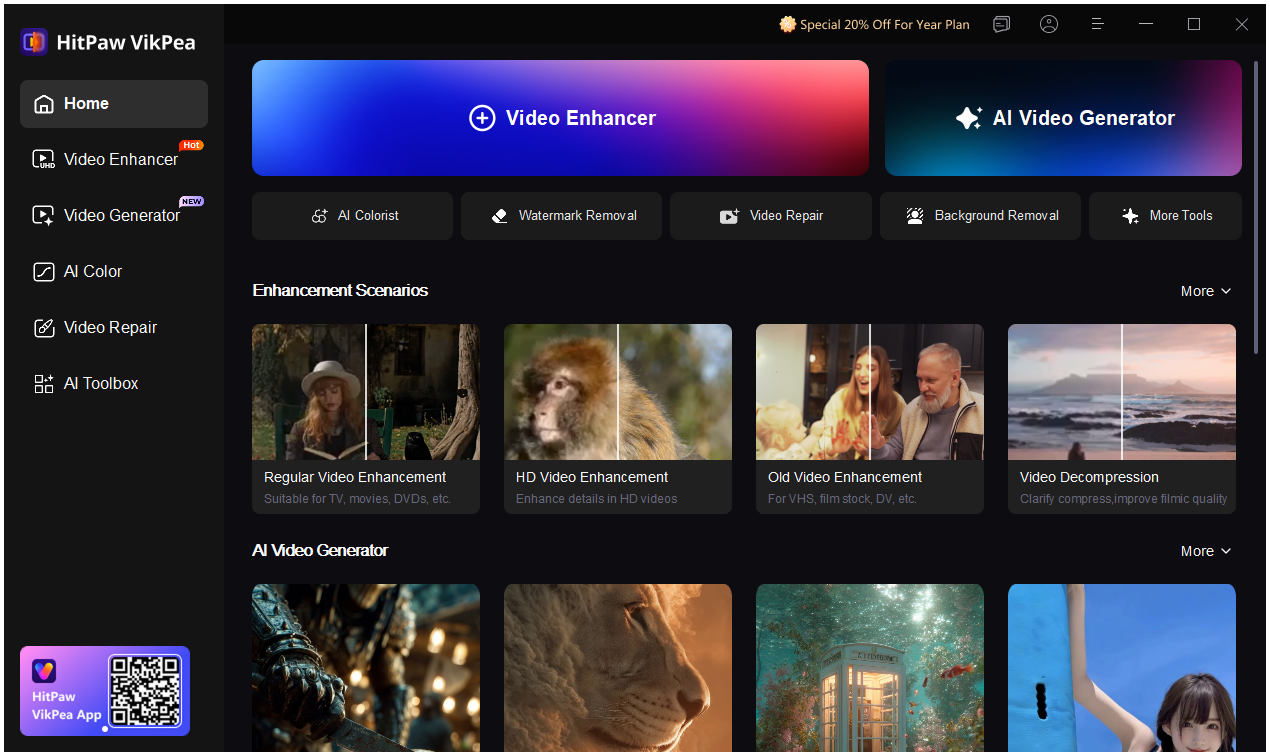 <h2>Final Thoughts</h2> Landman Season 2 is slower, heavier, and more morally complex than its predecessor. It’s not interested in easy answers or clean victories. Instead, it asks a harder question: how much of yourself are you willing to trade for control? If you enjoy thoughtful breakdowns of character-driven series like this, follow and subscribe for more deep dives into the stories shaping modern TV. |
| json metadata | {"tags":["tvreview","landmanseason2","taylorsheridan","paramountplus","dramaseries","streamingtv"],"image":["https://cdn.steemitimages.com/DQmUrDUeBcEPma4RoJE96nEpDo2Q8UBkiSuACrkwff7yvna/image.png","https://cdn.steemitimages.com/DQmT7NixD2gLo1bHtgat3KHQBuinbjsTsNtS16Bstb22XFk/image.png"],"links":["https://www.hitpaw.com/ai-video-software.html"],"app":"steemit/0.2","format":"markdown"} |
| Transaction Info | Block #102682500/Trx e8bd918474eaae9613b56b032bd233689b46af44 |
View Raw JSON Data
{
"trx_id": "e8bd918474eaae9613b56b032bd233689b46af44",
"block": 102682500,
"trx_in_block": 0,
"op_in_trx": 0,
"virtual_op": 0,
"timestamp": "2026-01-17T10:24:51",
"op": [
"comment",
{
"parent_author": "",
"parent_permlink": "tvreview",
"author": "yunahi",
"permlink": "landman-season-2-review-release-dates-cast-and-the-dark-side-of-power",
"title": "Landman Season 2 Review: Release Dates, Cast, and the Dark Side of Power",
"body": "<h1>Landman Season 2: Power, Oil, and the Cost of Survival</h1>\nTaylor Sheridan has a rare talent for turning industries into character studies. With Landman, he once again proves that modern power struggles don’t just happen in politics or crime syndicates—they happen in boardrooms, oil fields, and family homes.\nAfter a strong first season, Landman Season 2 premiered on November 16, 2025, and it quickly made one thing clear: this story is no longer just about oil. It’s about control, legacy, and the moral compromises people make when success becomes survival. With the season finale scheduled for January 18, 2026, the tension continues to build week by week.\n\n\n\n<h2>A Weekly Release That Rewards Patience</h2>\nParamount+ sticks to a weekly release schedule for Season 2, and that decision suits the show perfectly. Each episode arrives on Sunday, leaving viewers time to reflect on the choices made—and the damage those choices cause.\nThis is not a series meant to be rushed. Landman works best when its themes are allowed to linger.\n<h2>Tommy Norris: Leadership Without Safety</h2>\nAt the heart of Season 2 is Tommy Norris, played with quiet intensity by Billy Bob Thornton. Now President of M-Tex Oil, Tommy inherits more than a company. He inherits unresolved debts, legal risks, and enemies who are waiting for him to fail.\nThornton’s performance captures a man constantly balancing principle and pragmatism. Tommy isn’t chasing power for its own sake—he’s trying to keep everything from collapsing, even if that means compromising pieces of himself along the way.\n<h2>When Business Turns Dangerous</h2>\nSeason 2 shifts sharply with the arrival of Gallino (Andy Garcia). What starts as a corporate relationship reveals deeper connections to the cartel world, exposing how oil money intersects with violence and criminal influence.\nThis storyline pushes Landman beyond a traditional business drama and into darker, more unsettling territory. The oil fields are no longer just places of labor—they become front lines.\n<h2>Family Ties Under Pressure</h2>\nFamily plays a much larger role this season, especially through Cooper Norris (Jacob Lofland). Watching him rise in the oil business forces viewers to question whether generational success is progress—or simply repetition.\nThe introduction of T.L. “Pops” Norris (Sam Elliott) adds emotional weight. Pops represents an older code of ethics, one that feels increasingly incompatible with the modern oil economy. His presence grounds the story, while also highlighting how much has changed.\n<h2>Cami Miller Steps Into the Spotlight</h2>\nOne of the most compelling arcs of Season 2 belongs to Cami Miller (Demi Moore). No longer operating in the background, she becomes a strategic force—calm, precise, and deeply calculating.\nHer transformation reinforces one of the show’s strongest messages: power doesn’t need to be loud. It only needs to be effective.\n<h2>Atmosphere Matters in Landman</h2>\nVisually, Landman relies heavily on atmosphere—dusty highways, burning oil rigs, and stark interiors that reflect emotional tension. Streaming compression can sometimes dull these details.\nFor viewers who enjoy rewatching or analyzing scenes, <a href=\"https://www.hitpaw.com/ai-video-software.html\">AI video software</a> like HitPaw VikPea can help restore sharpness, color depth, and clarity, even upscaling footage to near-4K quality. It’s not essential, but it does enhance a show that’s built on mood and texture.\n\n\n\n<h2>Final Thoughts</h2>\nLandman Season 2 is slower, heavier, and more morally complex than its predecessor. It’s not interested in easy answers or clean victories. Instead, it asks a harder question: how much of yourself are you willing to trade for control?\nIf you enjoy thoughtful breakdowns of character-driven series like this, follow and subscribe for more deep dives into the stories shaping modern TV.",
"json_metadata": "{\"tags\":[\"tvreview\",\"landmanseason2\",\"taylorsheridan\",\"paramountplus\",\"dramaseries\",\"streamingtv\"],\"image\":[\"https://cdn.steemitimages.com/DQmUrDUeBcEPma4RoJE96nEpDo2Q8UBkiSuACrkwff7yvna/image.png\",\"https://cdn.steemitimages.com/DQmT7NixD2gLo1bHtgat3KHQBuinbjsTsNtS16Bstb22XFk/image.png\"],\"links\":[\"https://www.hitpaw.com/ai-video-software.html\"],\"app\":\"steemit/0.2\",\"format\":\"markdown\"}"
}
]
}yunahipublished a new post: the-night-manager-season-2-is-finally-coming-back-my-thoughts-before-20262026/01/13 01:45:36
yunahipublished a new post: the-night-manager-season-2-is-finally-coming-back-my-thoughts-before-2026
2026/01/13 01:45:36
| parent author | |
| parent permlink | tvseries |
| author | yunahi |
| permlink | the-night-manager-season-2-is-finally-coming-back-my-thoughts-before-2026 |
| title | The Night Manager Season 2 Is Finally Coming Back — My Thoughts Before 2026 |
| body | <h1>The Night Manager Season 2: Why This Comeback Feels Different</h1> It’s hard to believe that almost ten years have passed since The Night Manager first aired. Back in 2016, it didn’t feel like just another spy series—it felt cinematic, restrained, and unusually patient. For a long time, Season 2 seemed unlikely, almost mythical. And yet, here we are. Season 2 is officially arriving in January 2026, with Tom Hiddleston returning as Jonathan Pine. What makes this return especially interesting is that it’s not simply revisiting old ground. This time, the story moves beyond John le Carré’s original novel into a completely new chapter. <h2>Release Timing and Where to Watch</h2>  The global release is scheduled for January 11, 2026, streaming worldwide on Amazon Prime Video. UK viewers get an early window, with BBC One and BBC iPlayer airing the series starting January 1, 2026. It’s a nice reminder that, despite its global scale, The Night Manager is still deeply rooted in British television tradition. Season 2 will have six episodes, released in a mixed format. The first three episodes drop together, followed by weekly releases. Personally, I think this suits the show perfectly—it’s the kind of series that benefits from a pause between episodes, letting the tension settle rather than rushing to the next twist. <h2>Rewatching Season 1 and the Trailers</h2> While waiting, I recently revisited parts of Season 1 and some of the early Season 2 teasers floating around online. One thing I noticed is how much the show depends on darkness, shadows, and subtle expressions. On social platforms, some of that atmosphere gets lost due to heavy compression.  Out of curiosity, I ran a trailer clip through HitPaw VikPea, an <a href="https://www.hitpaw.com/video-enhancer-mac.html">AI video enhancer</a> I sometimes use when footage feels visually flattened online. What stood out wasn’t flashy sharpness, but depth. Faces carried more tension, and low-light scenes felt closer to what I remembered from the original broadcast. For a series built on quiet unease, that visual clarity actually changes the experience. <h2>A New Story, Years Later</h2> Season 2 takes place nearly a decade after the fall of Richard Roper. Jonathan Pine has disappeared from the intelligence world and now lives quietly in London under a different identity. He’s no longer chasing danger—at least not willingly. That calm ends when a new international arms network begins destabilizing regions across South America and Europe. Pine is pulled back into espionage, moving between cities like London, Bogotá, Havana, and Madrid. This season feels broader and more political, less about infiltration and more about consequences. <h2>The Cast: Old Names, New Power</h2> 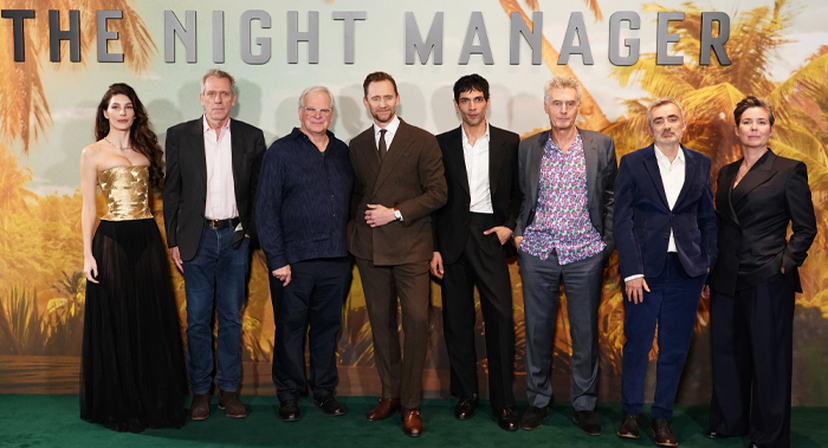 Tom Hiddleston’s return is central, but familiar faces matter too. Olivia Colman is back as Angela Burr, still sharp and morally complex. Alistair Petrie returns as Sandy Langbourne, representing the machinery behind intelligence decisions. New cast members introduce fresh tension, including Diego Calva as a volatile new antagonist, alongside Camila Morrone and Indira Varma in roles that hint at shifting alliances and internal conflict. It feels less like a reunion and more like a careful evolution. <h2>Final Thoughts Before 2026</h2> Season 2 of The Night Manager doesn’t look interested in nostalgia. It looks interested in aftermath—what happens after missions end and identities collapse. That alone makes this comeback feel worth the long wait. If you enjoy slow-burn thrillers, character-driven spy stories, and personal takes on upcoming series, consider following for more posts like this. |
| json metadata | {"tags":["tvseries","thenightmanager","spythriller","tomhiddleston","aienhancement","vikpea"],"image":["https://cdn.steemitimages.com/DQmePRzXU3T5d9CBFbkG5buPQDgFFrzx9TAChajhkcu2SFv/image.png","https://cdn.steemitimages.com/DQmT7NixD2gLo1bHtgat3KHQBuinbjsTsNtS16Bstb22XFk/image.png","https://cdn.steemitimages.com/DQmUpetbfYeFdKXCXtq8yHkyC8KFGaNL9AF3j89cv9qUSe4/image.png"],"links":["https://www.hitpaw.com/video-enhancer-mac.html"],"app":"steemit/0.2","format":"markdown"} |
| Transaction Info | Block #102557424/Trx 265fedbfcb08b03298daf771478e424e20805d4b |
View Raw JSON Data
{
"trx_id": "265fedbfcb08b03298daf771478e424e20805d4b",
"block": 102557424,
"trx_in_block": 5,
"op_in_trx": 0,
"virtual_op": 0,
"timestamp": "2026-01-13T01:45:36",
"op": [
"comment",
{
"parent_author": "",
"parent_permlink": "tvseries",
"author": "yunahi",
"permlink": "the-night-manager-season-2-is-finally-coming-back-my-thoughts-before-2026",
"title": "The Night Manager Season 2 Is Finally Coming Back — My Thoughts Before 2026",
"body": "<h1>The Night Manager Season 2: Why This Comeback Feels Different</h1>\nIt’s hard to believe that almost ten years have passed since The Night Manager first aired. Back in 2016, it didn’t feel like just another spy series—it felt cinematic, restrained, and unusually patient. For a long time, Season 2 seemed unlikely, almost mythical. And yet, here we are.\nSeason 2 is officially arriving in January 2026, with Tom Hiddleston returning as Jonathan Pine. What makes this return especially interesting is that it’s not simply revisiting old ground. This time, the story moves beyond John le Carré’s original novel into a completely new chapter.\n<h2>Release Timing and Where to Watch</h2>\n\n\n\nThe global release is scheduled for January 11, 2026, streaming worldwide on Amazon Prime Video.\nUK viewers get an early window, with BBC One and BBC iPlayer airing the series starting January 1, 2026. It’s a nice reminder that, despite its global scale, The Night Manager is still deeply rooted in British television tradition.\nSeason 2 will have six episodes, released in a mixed format. The first three episodes drop together, followed by weekly releases. Personally, I think this suits the show perfectly—it’s the kind of series that benefits from a pause between episodes, letting the tension settle rather than rushing to the next twist.\n<h2>Rewatching Season 1 and the Trailers</h2>\nWhile waiting, I recently revisited parts of Season 1 and some of the early Season 2 teasers floating around online. One thing I noticed is how much the show depends on darkness, shadows, and subtle expressions. On social platforms, some of that atmosphere gets lost due to heavy compression.\n\n\n\nOut of curiosity, I ran a trailer clip through HitPaw VikPea, an <a href=\"https://www.hitpaw.com/video-enhancer-mac.html\">AI video enhancer</a> I sometimes use when footage feels visually flattened online. What stood out wasn’t flashy sharpness, but depth. Faces carried more tension, and low-light scenes felt closer to what I remembered from the original broadcast. For a series built on quiet unease, that visual clarity actually changes the experience.\n<h2>A New Story, Years Later</h2>\nSeason 2 takes place nearly a decade after the fall of Richard Roper. Jonathan Pine has disappeared from the intelligence world and now lives quietly in London under a different identity. He’s no longer chasing danger—at least not willingly.\nThat calm ends when a new international arms network begins destabilizing regions across South America and Europe. Pine is pulled back into espionage, moving between cities like London, Bogotá, Havana, and Madrid. This season feels broader and more political, less about infiltration and more about consequences.\n<h2>The Cast: Old Names, New Power</h2>\n\n\n\nTom Hiddleston’s return is central, but familiar faces matter too. Olivia Colman is back as Angela Burr, still sharp and morally complex. Alistair Petrie returns as Sandy Langbourne, representing the machinery behind intelligence decisions.\nNew cast members introduce fresh tension, including Diego Calva as a volatile new antagonist, alongside Camila Morrone and Indira Varma in roles that hint at shifting alliances and internal conflict. It feels less like a reunion and more like a careful evolution.\n<h2>Final Thoughts Before 2026</h2>\nSeason 2 of The Night Manager doesn’t look interested in nostalgia. It looks interested in aftermath—what happens after missions end and identities collapse. That alone makes this comeback feel worth the long wait.\nIf you enjoy slow-burn thrillers, character-driven spy stories, and personal takes on upcoming series, consider following for more posts like this.",
"json_metadata": "{\"tags\":[\"tvseries\",\"thenightmanager\",\"spythriller\",\"tomhiddleston\",\"aienhancement\",\"vikpea\"],\"image\":[\"https://cdn.steemitimages.com/DQmePRzXU3T5d9CBFbkG5buPQDgFFrzx9TAChajhkcu2SFv/image.png\",\"https://cdn.steemitimages.com/DQmT7NixD2gLo1bHtgat3KHQBuinbjsTsNtS16Bstb22XFk/image.png\",\"https://cdn.steemitimages.com/DQmUpetbfYeFdKXCXtq8yHkyC8KFGaNL9AF3j89cv9qUSe4/image.png\"],\"links\":[\"https://www.hitpaw.com/video-enhancer-mac.html\"],\"app\":\"steemit/0.2\",\"format\":\"markdown\"}"
}
]
}yunahipublished a new post: meta-vibes-the-immersive-ai-lab-i-use-for-sensory-client-work2026/01/07 02:16:39
yunahipublished a new post: meta-vibes-the-immersive-ai-lab-i-use-for-sensory-client-work
2026/01/07 02:16:39
| parent author | |
| parent permlink | ai |
| author | yunahi |
| permlink | meta-vibes-the-immersive-ai-lab-i-use-for-sensory-client-work |
| title | 💛 Meta Vibes: The Immersive AI Lab I Use for Sensory Client Work |
| body |  I’ve been testing Meta Vibes behind the scenes, and it’s quickly become my go-to tool for crafting immersive client experiences. Unlike single-format tools that only do audio or visuals, Meta Vibes unites audio, visual, and interactive AI engines in one dashboard—letting me build multi-sensory experiences that audiences can see, hear, and engage with. For experience designers, event planners, and brand clients, this tool cuts production time by 80% and delivers experiences that stand out. Here’s my honest breakdown. <h2>🎬 Why Meta Vibes Stands Out</h2> Most creative tools focus on one sense—e.g., a music generator or a visual tool. Meta Vibes engages all senses. You can pick engines for: ●Ambient audio (relaxing, energetic, nostalgic) ●Dynamic visuals (slow-moving, fast-paced, brand-aligned) ●Interactive elements (motion triggers, user-controlled effects) ●Audio-visual sync (auto-match tempo and motion) It’s like having an audio designer, visual artist, and interactive developer in one tool—all working to create cohesive sensory vibes. <h2>🧠 The Four Workflows I Use Most</h2> 🔹 Vibe-to-Experience: Pick a pre-built mood (e.g., “corporate event energetic”) → generate a full experience (upbeat audio + dynamic brand visuals + motion triggers). I use this for fast client approvals—perfect for event backdrops. 🔹 Custom Immersion: Mix brand-specific audio (client’s jingle + ambient sounds), visuals (brand colors + dynamic scenes), and interactive elements (e.g., “tap to learn about product”). Great for brand activations and digital demos. 🔹 Social Media Immersion: Create 360° Reels/TikToks with spatial audio + interactive triggers (e.g., “tap to change product color”). This is a hit with brand clients—immersive social content gets 2x more engagement. 🔹 Event Backdrops: Generate dynamic visuals + synced audio + crowd triggers (e.g., audio volume controls visual intensity). Perfect for virtual events or in-person parties. <h2>🌌 Why It’s Actually Useful for Creators</h2> ●Client wow factor: Immersive experiences stand out more than static content. ●Cohesion: Audio, visuals, and interactivity are synced—no more mismatched elements. ●Speed: Create an immersive event backdrop in 10 mins vs. 2 days with traditional tools. ●Versatility: Export one experience for multiple uses (social media + event + website). <h2>🎪 Event & Brand Hack</h2> For event clients, Meta Vibes crushes digital and in-person experiences: ●Virtual conferences: Generate “networking lounge” vibes (soft audio + calming visuals + “click to connect” prompts). ●Product launches: Build immersive demos (360° product visuals + spatial audio + “tap to explore features”). ●Holiday parties: Create festive backdrops (holiday music + dynamic lights + motion triggers that react to dancing). I recently created an immersive product launch experience for a skincare brand—360° visuals of their products + calming audio + “tap to learn ingredients” triggers. The client’s engagement rate was 3x higher than their previous static launch. <h2>🧪 What Worked (and What Didn’t) in My Tests</h2> ⭐ Works beautifully: ●Short-form immersive content (social media Reels, 5–10 min event backdrops) ●Brand-aligned vibes (custom colors, audio, visuals) ●Calming/energetic moods (meditation, party, focus) ●Simple interactive elements (1–2 triggers) ⭐ Good with tweaks: ●Complex brand visuals (add brand assets for accuracy) ●Long-form experiences (over 10 mins need file optimization) ⭐ Still challenging: ●Highly technical interactive elements (e.g., VR hand tracking) need external tools ●Large-scale event projections (test file size before venue setup) <h2>💬 Supporters-Only FAQs</h2> ●Beginner-friendly? Yes—pre-built mood presets and one-click generation, even for non-technical clients. ●Can I control brand consistency? Absolutely—lock brand colors, audio, and key visuals. ●Commercial use okay? Yes—all assets are rights-cleared for client work. ●Replaces experience designers? No—think of it as a fast prototyping tool. I still add creative direction and final tweaks. <h2>🧡 Final Thoughts Of all the AI tools I’ve tested this year, Meta Vibes is the most innovative for client experiences. |
| json metadata | {"tags":["ai","aitool","aitoolreview","metavibes"],"image":["https://cdn.steemitimages.com/DQmX5hEKw9LhVrJ2zGmZQ6DEWKQtr2WMPon22QBxP4A3eAE/image.png"],"app":"steemit/0.2","format":"markdown"} |
| Transaction Info | Block #102385595/Trx 5389fe7cc9fc9630945b589601371a10206598dc |
View Raw JSON Data
{
"trx_id": "5389fe7cc9fc9630945b589601371a10206598dc",
"block": 102385595,
"trx_in_block": 3,
"op_in_trx": 0,
"virtual_op": 0,
"timestamp": "2026-01-07T02:16:39",
"op": [
"comment",
{
"parent_author": "",
"parent_permlink": "ai",
"author": "yunahi",
"permlink": "meta-vibes-the-immersive-ai-lab-i-use-for-sensory-client-work",
"title": "💛 Meta Vibes: The Immersive AI Lab I Use for Sensory Client Work",
"body": "\nI’ve been testing Meta Vibes behind the scenes, and it’s quickly become my go-to tool for crafting immersive client experiences. Unlike single-format tools that only do audio or visuals, Meta Vibes unites audio, visual, and interactive AI engines in one dashboard—letting me build multi-sensory experiences that audiences can see, hear, and engage with. For experience designers, event planners, and brand clients, this tool cuts production time by 80% and delivers experiences that stand out. Here’s my honest breakdown.\n<h2>🎬 Why Meta Vibes Stands Out</h2>\nMost creative tools focus on one sense—e.g., a music generator or a visual tool. Meta Vibes engages all senses. You can pick engines for:\n●Ambient audio (relaxing, energetic, nostalgic)\n●Dynamic visuals (slow-moving, fast-paced, brand-aligned)\n●Interactive elements (motion triggers, user-controlled effects)\n●Audio-visual sync (auto-match tempo and motion)\nIt’s like having an audio designer, visual artist, and interactive developer in one tool—all working to create cohesive sensory vibes.\n<h2>🧠 The Four Workflows I Use Most</h2>\n🔹 Vibe-to-Experience: Pick a pre-built mood (e.g., “corporate event energetic”) → generate a full experience (upbeat audio + dynamic brand visuals + motion triggers). I use this for fast client approvals—perfect for event backdrops.\n🔹 Custom Immersion: Mix brand-specific audio (client’s jingle + ambient sounds), visuals (brand colors + dynamic scenes), and interactive elements (e.g., “tap to learn about product”). Great for brand activations and digital demos.\n🔹 Social Media Immersion: Create 360° Reels/TikToks with spatial audio + interactive triggers (e.g., “tap to change product color”). This is a hit with brand clients—immersive social content gets 2x more engagement.\n🔹 Event Backdrops: Generate dynamic visuals + synced audio + crowd triggers (e.g., audio volume controls visual intensity). Perfect for virtual events or in-person parties.\n<h2>🌌 Why It’s Actually Useful for Creators</h2>\n●Client wow factor: Immersive experiences stand out more than static content.\n●Cohesion: Audio, visuals, and interactivity are synced—no more mismatched elements.\n●Speed: Create an immersive event backdrop in 10 mins vs. 2 days with traditional tools.\n●Versatility: Export one experience for multiple uses (social media + event + website).\n<h2>🎪 Event & Brand Hack</h2>\nFor event clients, Meta Vibes crushes digital and in-person experiences:\n●Virtual conferences: Generate “networking lounge” vibes (soft audio + calming visuals + “click to connect” prompts).\n●Product launches: Build immersive demos (360° product visuals + spatial audio + “tap to explore features”).\n●Holiday parties: Create festive backdrops (holiday music + dynamic lights + motion triggers that react to dancing).\nI recently created an immersive product launch experience for a skincare brand—360° visuals of their products + calming audio + “tap to learn ingredients” triggers. The client’s engagement rate was 3x higher than their previous static launch.\n<h2>🧪 What Worked (and What Didn’t) in My Tests</h2>\n⭐ Works beautifully:\n●Short-form immersive content (social media Reels, 5–10 min event backdrops)\n●Brand-aligned vibes (custom colors, audio, visuals)\n●Calming/energetic moods (meditation, party, focus)\n●Simple interactive elements (1–2 triggers)\n⭐ Good with tweaks:\n●Complex brand visuals (add brand assets for accuracy)\n●Long-form experiences (over 10 mins need file optimization)\n⭐ Still challenging:\n●Highly technical interactive elements (e.g., VR hand tracking) need external tools\n●Large-scale event projections (test file size before venue setup)\n<h2>💬 Supporters-Only FAQs</h2>\n●Beginner-friendly? Yes—pre-built mood presets and one-click generation, even for non-technical clients.\n●Can I control brand consistency? Absolutely—lock brand colors, audio, and key visuals.\n●Commercial use okay? Yes—all assets are rights-cleared for client work.\n●Replaces experience designers? No—think of it as a fast prototyping tool. I still add creative direction and final tweaks.\n<h2>🧡 Final Thoughts\nOf all the AI tools I’ve tested this year, Meta Vibes is the most innovative for client experiences.",
"json_metadata": "{\"tags\":[\"ai\",\"aitool\",\"aitoolreview\",\"metavibes\"],\"image\":[\"https://cdn.steemitimages.com/DQmX5hEKw9LhVrJ2zGmZQ6DEWKQtr2WMPon22QBxP4A3eAE/image.png\"],\"app\":\"steemit/0.2\",\"format\":\"markdown\"}"
}
]
}yunahipublished a new post: bridgerton-season-4-release-dates-new-cast-and-why-benedict-s-story-matters2026/01/06 10:49:51
yunahipublished a new post: bridgerton-season-4-release-dates-new-cast-and-why-benedict-s-story-matters
2026/01/06 10:49:51
| parent author | |
| parent permlink | tvdrama |
| author | yunahi |
| permlink | bridgerton-season-4-release-dates-new-cast-and-why-benedict-s-story-matters |
| title | Bridgerton Season 4: Release Dates, New Cast, and Why Benedict’s Story Matters |
| body | <h1>Bridgerton Season 4: A New Love Story, a Slower Pace, and Higher Expectations</h1> When Netflix officially confirmed Bridgerton Season 4, it was clear that the series is entering a different phase. Instead of escalating drama or bigger scandals, this season turns inward—choosing Benedict Bridgerton as its emotional core. For longtime fans, that choice feels overdue. <h2>Bridgerton Season 4 Release Schedule</h2>  Netflix has announced a two-part release, continuing the format used in the previous season: ●Part 1: January 29, 2026 ●Part 2: February 26, 2026 This release strategy encourages conversation and reflection rather than instant binge-and-forget viewing. For a romance driven by longing and restraint, the pacing feels intentional and effective. <h2>Benedict Bridgerton Steps Into the Spotlight</h2> Benedict has always stood slightly apart from his family—an artist who resisted expectations and avoided emotional commitments. In Season 4, that distance disappears. Played again by Luke Thompson, Benedict is pushed to confront love in a way he can no longer escape. A fleeting encounter at a masquerade ball becomes the emotional trigger for a season defined by obsession, memory, and unanswered questions. His story feels quieter than past leads, but also more intimate.  <h2>Sophie Baek Brings a New Emotional Balance</h2> The introduction of Sophie Baek, portrayed by Yerin Ha, adds a fresh dimension to the Bridgerton universe. Inspired by a Cinderella-like storyline, Sophie represents resilience rather than fantasy. Her presence grounds the season emotionally. She doesn’t overwhelm the narrative—instead, she gives it weight, making Benedict’s journey feel earned rather than idealized. <h2>Familiar Faces, Stronger Family Threads</h2> Season 4 maintains the family dynamic fans love, with appearances from: ●Anthony and Kate Bridgerton ●Colin and Penelope Bridgerton ●Eloise Bridgerton ●Violet Bridgerton Rather than dominating the plot, these characters reinforce the season’s themes of growth, choice, and emotional responsibility. <h2>A Trailer Built on Atmosphere, Not Dialogue</h2>  The Season 4 trailer focuses on visual storytelling. Soft candlelight, layered costumes, and slow movement set the tone, while silence does much of the emotional work. Benedict is often shown still, separated from the crowd. A mysterious woman in silver appears briefly, yet leaves a lasting impression. The trailer suggests that this season will rely less on spectacle and more on subtle expression.  Because so much meaning is carried through lighting, texture, and facial detail, visual clarity matters. Some viewers enhance trailers or saved clips using tools like HitPaw VikPea <a href="https://www.hitpaw.com/vikpea-video-enhancer.html">AI Video Enhancer</a> to reduce compression blur and preserve the details that make Bridgerton visually distinctive. <h2>Final Thoughts</h2> Bridgerton Season 4 isn’t trying to outdo previous seasons—it’s trying to refine them. With Benedict’s introspective love story, a carefully chosen cast, and a visually restrained trailer, this season promises a more mature and emotionally grounded chapter in the series. Sometimes, the quietest stories leave the strongest impression. If you enjoy thoughtful commentary on film, TV, and streaming culture, follow and subscribe for more long-form insights. |
| json metadata | {"tags":["tvdrama","netflix","tvseries","bridgertonseason4","bridgerton"],"image":["https://cdn.steemitimages.com/DQmYbzqJeP9yLRM4mPvQrvGpmnFi7hd4793keqDC4FJ9cD6/image.png","https://cdn.steemitimages.com/DQmUoYVKUGPrRuvn4Kgsc2B2TcdDATxm8cM2tRYWxbPjkVW/image.png","https://cdn.steemitimages.com/DQmTkj9g2zo5tJmABzJ6DYLtTRa1RBvEYtWPxRWmsgyxMRU/image.png","https://cdn.steemitimages.com/DQmT7NixD2gLo1bHtgat3KHQBuinbjsTsNtS16Bstb22XFk/image.png"],"links":["https://www.hitpaw.com/vikpea-video-enhancer.html"],"app":"steemit/0.2","format":"markdown"} |
| Transaction Info | Block #102367098/Trx d4a6c7a7a0a83de0fd8ba9974180989c06b233ad |
View Raw JSON Data
{
"trx_id": "d4a6c7a7a0a83de0fd8ba9974180989c06b233ad",
"block": 102367098,
"trx_in_block": 7,
"op_in_trx": 0,
"virtual_op": 0,
"timestamp": "2026-01-06T10:49:51",
"op": [
"comment",
{
"parent_author": "",
"parent_permlink": "tvdrama",
"author": "yunahi",
"permlink": "bridgerton-season-4-release-dates-new-cast-and-why-benedict-s-story-matters",
"title": "Bridgerton Season 4: Release Dates, New Cast, and Why Benedict’s Story Matters",
"body": "<h1>Bridgerton Season 4: A New Love Story, a Slower Pace, and Higher Expectations</h1>\nWhen Netflix officially confirmed Bridgerton Season 4, it was clear that the series is entering a different phase. Instead of escalating drama or bigger scandals, this season turns inward—choosing Benedict Bridgerton as its emotional core.\nFor longtime fans, that choice feels overdue.\n<h2>Bridgerton Season 4 Release Schedule</h2>\n\n\n\nNetflix has announced a two-part release, continuing the format used in the previous season:\n●Part 1: January 29, 2026\n●Part 2: February 26, 2026\nThis release strategy encourages conversation and reflection rather than instant binge-and-forget viewing. For a romance driven by longing and restraint, the pacing feels intentional and effective.\n<h2>Benedict Bridgerton Steps Into the Spotlight</h2>\nBenedict has always stood slightly apart from his family—an artist who resisted expectations and avoided emotional commitments. In Season 4, that distance disappears.\nPlayed again by Luke Thompson, Benedict is pushed to confront love in a way he can no longer escape. A fleeting encounter at a masquerade ball becomes the emotional trigger for a season defined by obsession, memory, and unanswered questions. His story feels quieter than past leads, but also more intimate.\n\n\n\n<h2>Sophie Baek Brings a New Emotional Balance</h2>\nThe introduction of Sophie Baek, portrayed by Yerin Ha, adds a fresh dimension to the Bridgerton universe. Inspired by a Cinderella-like storyline, Sophie represents resilience rather than fantasy.\nHer presence grounds the season emotionally. She doesn’t overwhelm the narrative—instead, she gives it weight, making Benedict’s journey feel earned rather than idealized.\n<h2>Familiar Faces, Stronger Family Threads</h2>\nSeason 4 maintains the family dynamic fans love, with appearances from:\n●Anthony and Kate Bridgerton\n●Colin and Penelope Bridgerton\n●Eloise Bridgerton\n●Violet Bridgerton\nRather than dominating the plot, these characters reinforce the season’s themes of growth, choice, and emotional responsibility.\n<h2>A Trailer Built on Atmosphere, Not Dialogue</h2>\n\n\n\nThe Season 4 trailer focuses on visual storytelling. Soft candlelight, layered costumes, and slow movement set the tone, while silence does much of the emotional work.\nBenedict is often shown still, separated from the crowd. A mysterious woman in silver appears briefly, yet leaves a lasting impression. The trailer suggests that this season will rely less on spectacle and more on subtle expression.\n\n\n\nBecause so much meaning is carried through lighting, texture, and facial detail, visual clarity matters. Some viewers enhance trailers or saved clips using tools like HitPaw VikPea <a href=\"https://www.hitpaw.com/vikpea-video-enhancer.html\">AI Video Enhancer</a> to reduce compression blur and preserve the details that make Bridgerton visually distinctive.\n<h2>Final Thoughts</h2>\nBridgerton Season 4 isn’t trying to outdo previous seasons—it’s trying to refine them.\nWith Benedict’s introspective love story, a carefully chosen cast, and a visually restrained trailer, this season promises a more mature and emotionally grounded chapter in the series. Sometimes, the quietest stories leave the strongest impression.\nIf you enjoy thoughtful commentary on film, TV, and streaming culture, follow and subscribe for more long-form insights.",
"json_metadata": "{\"tags\":[\"tvdrama\",\"netflix\",\"tvseries\",\"bridgertonseason4\",\"bridgerton\"],\"image\":[\"https://cdn.steemitimages.com/DQmYbzqJeP9yLRM4mPvQrvGpmnFi7hd4793keqDC4FJ9cD6/image.png\",\"https://cdn.steemitimages.com/DQmUoYVKUGPrRuvn4Kgsc2B2TcdDATxm8cM2tRYWxbPjkVW/image.png\",\"https://cdn.steemitimages.com/DQmTkj9g2zo5tJmABzJ6DYLtTRa1RBvEYtWPxRWmsgyxMRU/image.png\",\"https://cdn.steemitimages.com/DQmT7NixD2gLo1bHtgat3KHQBuinbjsTsNtS16Bstb22XFk/image.png\"],\"links\":[\"https://www.hitpaw.com/vikpea-video-enhancer.html\"],\"app\":\"steemit/0.2\",\"format\":\"markdown\"}"
}
]
}yunahipublished a new post: polybuzz-ai-the-social-media-ai-lab-i-use-to-batch-viral-content2026/01/06 08:49:30
yunahipublished a new post: polybuzz-ai-the-social-media-ai-lab-i-use-to-batch-viral-content
2026/01/06 08:49:30
| parent author | |
| parent permlink | ai |
| author | yunahi |
| permlink | polybuzz-ai-the-social-media-ai-lab-i-use-to-batch-viral-content |
| title | 💛 PolyBuzz AI: The Social Media AI Lab I Use to Batch Viral Content |
| body |  I’ve been testing PolyBuzz AI behind the scenes, and it’s become my go-to tool for batching viral social content. Unlike generic AI tools that spit out one-size-fits-all posts, PolyBuzz AI is built specifically for social media—tracking real-time trends and generating platform-specific content (TikTok/Instagram/Shorts/Tumblr) that’s optimized for engagement. For influencers, brand creators, or social media managers, this tool cuts content time by 80% and boosts reach. Here’s my honest breakdown. <h2>🎬 Why PolyBuzz AI Stands Out</h2> Most social AI tools generate content in a vacuum—no trend data, no platform optimization. PolyBuzz AI is different. You can pick engines for: ●Real-time trend tracking (TikTok/Instagram/Shorts/Tumblr) ●Platform-specific content (TikTok’s hooks, Instagram’s aesthetics, Tumblr’s vibes) ●Engagement prediction (score posts before posting) ●Caption/hashtag optimization (algorithm-friendly) It’s like having a social media strategist, content creator, and data analyst in one tool—all focused on making your content go viral. <h2>🧠 The Four Workflows I Use Most</h2> 🔹 Trend-to-Content: Pick a viral trend (e.g., “TikTok ‘product reveal’ audio”) → input my niche (e.g., “skincare”) → generate platform-specific content. I use this to jump on trends fast—content that used to take 2 hours now takes 10 mins. 🔹 Cross-Platform Generation: Create one idea (e.g., “skincare routine”) → auto-adapt to TikTok/Instagram/Shorts/Tumblr. Saves me from reworking content for each platform. 🔹 Batch Content Creation: Generate 10 post variations in one session—perfect for prepping a week’s worth of content. 🔹 Engagement Prediction: Test 2–3 variations of a post, pick the one with the highest engagement score. This has boosted my average views by 40%. <h2>🌌 Why It’s Actually Useful for Creators</h2> ●Trend speed: Ride trends before they peak (content is ready in 10 mins). ●Platform fit: No more “this post works on TikTok but not Instagram”—each post is tailored to the channel’s algorithm. ●Batch efficiency: Prep a week’s content in 1 hour instead of 5. ●Niche focus: Trend tool includes niche categories (no more mainstream trends that don’t fit your brand). <h2>📈 Viral Growth HackFor brand clients, PolyBuzz AI crushes product promotions:</h2> ●Track “product demo” trends on TikTok/Instagram. ●Generate platform-specific content (TikTok’s fast demo, Instagram’s aesthetic shots). ●Optimize captions/hashtags for each platform. ●Batch 10+ variations to test what resonates. I recently helped a skincare client get 100k+ views on a TikTok by riding a trend—all generated and posted in 15 mins with PolyBuzz AI. <h2>🧪 What Worked (and What Didn’t) in My Tests</h2> ⭐ Works beautifully: ●Short-form content (15–60 secs) ●Trend-based posts (audio/format challenges) ●Niche content (fitness, beauty, food, bookish) ●Platform-specific optimization ⭐ Good with tweaks: ●Brand-specific visuals (add your logo/colors after generation) ●Long captions (keep under 200 words for best engagement) ⭐ Still challenging: ●Highly original concepts (trend-based works better than totally new ideas) ●Long-form content (over 2 mins isn’t supported) <h2>💬 Supporters-Only FAQs</h2> ●Beginner-friendly? Yes—super intuitive, even for clients who want to batch their own content. ●Can I control brand consistency? Absolutely—lock brand colors, tone, and logo placement. ●Commercial use okay? Yes—clean, rights-cleared content for brand posts. ●Replaces social media managers? No—think of it as a helper. I still add creative direction and strategy. <h2>🧡 Final Thoughts</h2> Of all the social media AI tools I’ve tested, PolyBuzz AI is the most effective for viral growth. It’s not just a content generator—it’s a trend-driven, platform-optimized tool that’s built to perform. For anyone looking to batch content fast, ride trends, and boost engagement, this tool is a must-have. It’s not perfect, but it’s the closest thing to a “viral shortcut” I’ve found. |
| json metadata | {"tags":["ai","aitools","polybuzzai","aitoolreview"],"image":["https://cdn.steemitimages.com/DQmSfE6mp7XTvcL9oCrivZFKUwEsSXgz6i8o3ngSJipzr8t/image.png"],"app":"steemit/0.2","format":"markdown"} |
| Transaction Info | Block #102364696/Trx 36c14565dc5c9e47a63fdee1f692291987727f44 |
View Raw JSON Data
{
"trx_id": "36c14565dc5c9e47a63fdee1f692291987727f44",
"block": 102364696,
"trx_in_block": 0,
"op_in_trx": 0,
"virtual_op": 0,
"timestamp": "2026-01-06T08:49:30",
"op": [
"comment",
{
"parent_author": "",
"parent_permlink": "ai",
"author": "yunahi",
"permlink": "polybuzz-ai-the-social-media-ai-lab-i-use-to-batch-viral-content",
"title": "💛 PolyBuzz AI: The Social Media AI Lab I Use to Batch Viral Content",
"body": "\nI’ve been testing PolyBuzz AI behind the scenes, and it’s become my go-to tool for batching viral social content. Unlike generic AI tools that spit out one-size-fits-all posts, PolyBuzz AI is built specifically for social media—tracking real-time trends and generating platform-specific content (TikTok/Instagram/Shorts/Tumblr) that’s optimized for engagement. For influencers, brand creators, or social media managers, this tool cuts content time by 80% and boosts reach. Here’s my honest breakdown.\n<h2>🎬 Why PolyBuzz AI Stands Out</h2> \nMost social AI tools generate content in a vacuum—no trend data, no platform optimization. PolyBuzz AI is different. You can pick engines for:\n●Real-time trend tracking (TikTok/Instagram/Shorts/Tumblr)\n●Platform-specific content (TikTok’s hooks, Instagram’s aesthetics, Tumblr’s vibes)\n●Engagement prediction (score posts before posting)\n●Caption/hashtag optimization (algorithm-friendly)\nIt’s like having a social media strategist, content creator, and data analyst in one tool—all focused on making your content go viral.\n<h2>🧠 The Four Workflows I Use Most</h2> \n🔹 Trend-to-Content: Pick a viral trend (e.g., “TikTok ‘product reveal’ audio”) → input my niche (e.g., “skincare”) → generate platform-specific content. I use this to jump on trends fast—content that used to take 2 hours now takes 10 mins.\n🔹 Cross-Platform Generation: Create one idea (e.g., “skincare routine”) → auto-adapt to TikTok/Instagram/Shorts/Tumblr. Saves me from reworking content for each platform.\n🔹 Batch Content Creation: Generate 10 post variations in one session—perfect for prepping a week’s worth of content.\n🔹 Engagement Prediction: Test 2–3 variations of a post, pick the one with the highest engagement score. This has boosted my average views by 40%.\n<h2>🌌 Why It’s Actually Useful for Creators</h2> \n●Trend speed: Ride trends before they peak (content is ready in 10 mins).\n●Platform fit: No more “this post works on TikTok but not Instagram”—each post is tailored to the channel’s algorithm.\n●Batch efficiency: Prep a week’s content in 1 hour instead of 5.\n●Niche focus: Trend tool includes niche categories (no more mainstream trends that don’t fit your brand).\n<h2>📈 Viral Growth HackFor brand clients, PolyBuzz AI crushes product promotions:</h2> \n●Track “product demo” trends on TikTok/Instagram.\n●Generate platform-specific content (TikTok’s fast demo, Instagram’s aesthetic shots).\n●Optimize captions/hashtags for each platform.\n●Batch 10+ variations to test what resonates.\nI recently helped a skincare client get 100k+ views on a TikTok by riding a trend—all generated and posted in 15 mins with PolyBuzz AI.\n<h2>🧪 What Worked (and What Didn’t) in My Tests</h2> \n⭐ Works beautifully:\n●Short-form content (15–60 secs)\n●Trend-based posts (audio/format challenges)\n●Niche content (fitness, beauty, food, bookish)\n●Platform-specific optimization\n⭐ Good with tweaks:\n●Brand-specific visuals (add your logo/colors after generation)\n●Long captions (keep under 200 words for best engagement)\n⭐ Still challenging:\n●Highly original concepts (trend-based works better than totally new ideas)\n●Long-form content (over 2 mins isn’t supported)\n<h2>💬 Supporters-Only FAQs</h2> \n●Beginner-friendly? Yes—super intuitive, even for clients who want to batch their own content.\n●Can I control brand consistency? Absolutely—lock brand colors, tone, and logo placement.\n●Commercial use okay? Yes—clean, rights-cleared content for brand posts.\n●Replaces social media managers? No—think of it as a helper. I still add creative direction and strategy.\n<h2>🧡 Final Thoughts</h2> \nOf all the social media AI tools I’ve tested, PolyBuzz AI is the most effective for viral growth. It’s not just a content generator—it’s a trend-driven, platform-optimized tool that’s built to perform. For anyone looking to batch content fast, ride trends, and boost engagement, this tool is a must-have. It’s not perfect, but it’s the closest thing to a “viral shortcut” I’ve found.",
"json_metadata": "{\"tags\":[\"ai\",\"aitools\",\"polybuzzai\",\"aitoolreview\"],\"image\":[\"https://cdn.steemitimages.com/DQmSfE6mp7XTvcL9oCrivZFKUwEsSXgz6i8o3ngSJipzr8t/image.png\"],\"app\":\"steemit/0.2\",\"format\":\"markdown\"}"
}
]
}yunahipublished a new post: a-quiet-experiment-with-ai-and-imagination2026/01/06 08:43:09
yunahipublished a new post: a-quiet-experiment-with-ai-and-imagination
2026/01/06 08:43:09
| parent author | |
| parent permlink | ai |
| author | yunahi |
| permlink | a-quiet-experiment-with-ai-and-imagination |
| title | A Quiet Experiment With AI and Imagination |
| body | I’ve been spending time lately testing AI tools that don’t try to be productive, efficient, or impressive. Instead, they do something much simpler. They make you pause and imagine. AI baby face generators fall into that category. They don’t solve a problem. They don’t optimize workflow. They just create a moment where technology intersects with curiosity about the future. This post is not a review or a ranking. It’s a reflection on what these tools are doing emotionally and creatively, and why so many people are quietly fascinated by them. 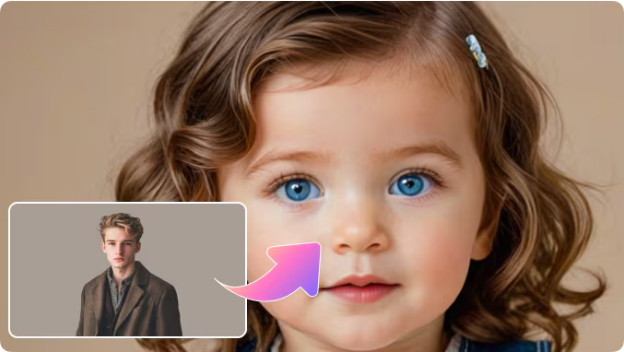 <h2>What Happens When You See a Face That Does Not Exist?</h2> There’s something strange about seeing a face that feels familiar but belongs to no one. AI baby face generators create exactly that experience. When tools like HitPaw AI Baby Face Generator, MagicShot AI Baby Generator, or AI Ease Baby Face Predictor blend facial traits, the result often triggers recognition. You might notice your eyes, your partner’s smile, or a vague resemblance that feels personal even though it’s artificial. That reaction is the point. AI is not predicting genetics. It’s creating a believable visual prompt that your brain completes emotionally. <h2>Tools That Shape the Experience Differently</h2> Not all generators are designed to feel the same, and that difference in user experience significantly matters. The specific design of a tool shapes how you interact with the concept of a future child. Some tools prioritize speed and simplicity. Generators like Vidnoz AI Baby Generator or BabyAC AI Generator keep the experience lightweight and fast. The process is straightforward: you upload a couple of photos, the AI generates a result, and you move on. The interaction is transactional and designed for quick, casual curiosity. Other platforms, such as MyShell AI Baby Face Predictor or AI Ease Baby Face Predictor, invite a deeper level of interaction. They encourage you to engage more with the result by letting you explore different age stages or generate multiple variations of the same "child." This transforms the experience from a one-off curiosity into a more exploratory process. Meanwhile, tools like insMind AI Baby Generator lean into a sense of playfulness in their design, while others like Bylo AI Baby Face Generator focus on user trust by emphasizing privacy and minimal data handling. Each of these distinct design choices—whether focusing on speed, exploration, play, or privacy—subtly changes how seriously or casually the entire experience feels to the user. <h2>Why Do People Keep Coming Back to These Generators?</h2> People keep returning to AI baby face generators because they offer a unique space for imagination without any real-world commitment. This low-pressure interaction is a rare find in the AI landscape, which typically focuses on output, value, or performance. Instead of demanding action or belief, these tools simply invite users to look, react, and perhaps smile. They ask for nothing more than a moment of curiosity. This appeal can be broken down into a few key points: ● Zero Commitment: Users can imagine a future without any obligation to believe or act on the generated image. ● Pure Curiosity: The primary engagement driver is simple curiosity, not a need for a functional output. ● Low-Pressure Fun: It offers a lighthearted, playful interaction, unlike most goal-oriented AI tools. <h2>A Seasonal Observation From Christmas Use</h2> Something interesting happens around Christmas. Engagement with these tools tends to rise. That makes sense. Christmas is already about family, memory, and future traditions. When people are surrounded by conversations about relatives, childhood photos, and shared history, imagining a future child feels more natural. Generating a baby face during this season often becomes part of a quiet, reflective moment rather than a joke. It blends into thoughts about continuity, belonging, and what future holidays might look like. <h2>Is This Kind of AI Harmless Fun or Something More?</h2> These tools are a mix of fun and thoughtfulness. On the surface, they seem playful and harmless, but they reveal how AI can engage with identity and emotions without overstepping boundaries. This is crucial because trust in AI erodes when it claims to predict or define reality. These tools succeed by remaining firmly in the space of creativity and imagination. When used responsibly, they showcase a gentler side of AI—one that complements rather than replaces human choices or experiences. By staying in this imaginative realm, they offer a way for AI to coexist meaningfully without undermining human trust or agency. <h2>What Should Creators Be Careful About?</h2> Context is key. When creators share baby face outputs, it’s important to clearly state that the images are not real. Being transparent ensures the experience stays enjoyable and avoids confusion. Privacy is equally crucial—using tools that process images temporarily and delete them afterward sets a responsible standard. AI doesn’t need to rely on sensationalism to capture interest. Often, being upfront and honest about its capabilities and limitations is enough. Responsible use and transparency go a long way in making AI both engaging and trustworthy. <h2>A Closing Note for Supporters</h2> AI baby face generators won’t change the world. But they do show how AI is slowly moving into emotional and imaginative spaces. They remind us that not every tool has to be useful to be meaningful. For me, these generators are a small example of how AI can create moments instead of outputs. And sometimes, that’s enough. |
| json metadata | {"tags":["ai","aitools","aitechnology"],"image":["https://cdn.steemitimages.com/DQmV6e8sBgoTB2KDBS71eJRCaPCf2oLfqdnb96HLfSx2w9p/image.png"],"app":"steemit/0.2","format":"markdown"} |
| Transaction Info | Block #102364569/Trx 00a27e1ae01820d0db962258738cbede1523ad73 |
View Raw JSON Data
{
"trx_id": "00a27e1ae01820d0db962258738cbede1523ad73",
"block": 102364569,
"trx_in_block": 9,
"op_in_trx": 0,
"virtual_op": 0,
"timestamp": "2026-01-06T08:43:09",
"op": [
"comment",
{
"parent_author": "",
"parent_permlink": "ai",
"author": "yunahi",
"permlink": "a-quiet-experiment-with-ai-and-imagination",
"title": "A Quiet Experiment With AI and Imagination",
"body": "I’ve been spending time lately testing AI tools that don’t try to be productive, efficient, or impressive. Instead, they do something much simpler. They make you pause and imagine.\nAI baby face generators fall into that category. They don’t solve a problem. They don’t optimize workflow. They just create a moment where technology intersects with curiosity about the future.\nThis post is not a review or a ranking. It’s a reflection on what these tools are doing emotionally and creatively, and why so many people are quietly fascinated by them.\n\n\n<h2>What Happens When You See a Face That Does Not Exist?</h2>\nThere’s something strange about seeing a face that feels familiar but belongs to no one. AI baby face generators create exactly that experience.\nWhen tools like HitPaw AI Baby Face Generator, MagicShot AI Baby Generator, or AI Ease Baby Face Predictor blend facial traits, the result often triggers recognition. You might notice your eyes, your partner’s smile, or a vague resemblance that feels personal even though it’s artificial.\nThat reaction is the point. AI is not predicting genetics. It’s creating a believable visual prompt that your brain completes emotionally.\n<h2>Tools That Shape the Experience Differently</h2>\nNot all generators are designed to feel the same, and that difference in user experience significantly matters. The specific design of a tool shapes how you interact with the concept of a future child.\nSome tools prioritize speed and simplicity. Generators like Vidnoz AI Baby Generator or BabyAC AI Generator keep the experience lightweight and fast. The process is straightforward: you upload a couple of photos, the AI generates a result, and you move on. The interaction is transactional and designed for quick, casual curiosity.\nOther platforms, such as MyShell AI Baby Face Predictor or AI Ease Baby Face Predictor, invite a deeper level of interaction. They encourage you to engage more with the result by letting you explore different age stages or generate multiple variations of the same \"child.\" \nThis transforms the experience from a one-off curiosity into a more exploratory process. Meanwhile, tools like insMind AI Baby Generator lean into a sense of playfulness in their design, while others like Bylo AI Baby Face Generator focus on user trust by emphasizing privacy and minimal data handling.\nEach of these distinct design choices—whether focusing on speed, exploration, play, or privacy—subtly changes how seriously or casually the entire experience feels to the user.\n<h2>Why Do People Keep Coming Back to These Generators?</h2>\nPeople keep returning to AI baby face generators because they offer a unique space for imagination without any real-world commitment. This low-pressure interaction is a rare find in the AI landscape, which typically focuses on output, value, or performance. Instead of demanding action or belief, these tools simply invite users to look, react, and perhaps smile. They ask for nothing more than a moment of curiosity.\nThis appeal can be broken down into a few key points:\n● Zero Commitment: Users can imagine a future without any obligation to believe or act on the generated image.\n● Pure Curiosity: The primary engagement driver is simple curiosity, not a need for a functional output.\n● Low-Pressure Fun: It offers a lighthearted, playful interaction, unlike most goal-oriented AI tools.\n<h2>A Seasonal Observation From Christmas Use</h2>\nSomething interesting happens around Christmas. Engagement with these tools tends to rise. That makes sense. Christmas is already about family, memory, and future traditions. When people are surrounded by conversations about relatives, childhood photos, and shared history, imagining a future child feels more natural.\nGenerating a baby face during this season often becomes part of a quiet, reflective moment rather than a joke. It blends into thoughts about continuity, belonging, and what future holidays might look like.\n<h2>Is This Kind of AI Harmless Fun or Something More?</h2>\nThese tools are a mix of fun and thoughtfulness. On the surface, they seem playful and harmless, but they reveal how AI can engage with identity and emotions without overstepping boundaries. This is crucial because trust in AI erodes when it claims to predict or define reality.\nThese tools succeed by remaining firmly in the space of creativity and imagination. When used responsibly, they showcase a gentler side of AI—one that complements rather than replaces human choices or experiences. By staying in this imaginative realm, they offer a way for AI to coexist meaningfully without undermining human trust or agency.\n<h2>What Should Creators Be Careful About?</h2>\nContext is key. When creators share baby face outputs, it’s important to clearly state that the images are not real.\nBeing transparent ensures the experience stays enjoyable and avoids confusion. Privacy is equally crucial—using tools that process images temporarily and delete them afterward sets a responsible standard. AI doesn’t need to rely on sensationalism to capture interest.\nOften, being upfront and honest about its capabilities and limitations is enough. Responsible use and transparency go a long way in making AI both engaging and trustworthy.\n<h2>A Closing Note for Supporters</h2>\nAI baby face generators won’t change the world. But they do show how AI is slowly moving into emotional and imaginative spaces. They remind us that not every tool has to be useful to be meaningful.\nFor me, these generators are a small example of how AI can create moments instead of outputs. And sometimes, that’s enough.",
"json_metadata": "{\"tags\":[\"ai\",\"aitools\",\"aitechnology\"],\"image\":[\"https://cdn.steemitimages.com/DQmV6e8sBgoTB2KDBS71eJRCaPCf2oLfqdnb96HLfSx2w9p/image.png\"],\"app\":\"steemit/0.2\",\"format\":\"markdown\"}"
}
]
}yunahipublished a new post: how-ai-can-bring-avatar-2009-back-to-life-in-4k-on-modern-screens2025/12/27 09:08:30
yunahipublished a new post: how-ai-can-bring-avatar-2009-back-to-life-in-4k-on-modern-screens
2025/12/27 09:08:30
| parent author | |
| parent permlink | movie |
| author | yunahi |
| permlink | how-ai-can-bring-avatar-2009-back-to-life-in-4k-on-modern-screens |
| title | How AI Can Bring Avatar (2009) Back to Life in 4K on Modern Screens |
| body | <h1>How AI Can Remaster Avatar (2009) to 4K and Restore the Magic of Pandora</h1> With the release of Avatar 3, many fans have been revisiting James Cameron’s original Avatar (2009)—a film that once redefined what cinema could look like. But watching it today on a large 4K TV or monitor can feel surprisingly underwhelming. What once looked breathtaking now appears softer, slightly blurred, and occasionally flat. Dense jungles lose their texture, night scenes feel noisy, and fast aerial sequences don’t look as smooth as our memories suggest. Pandora is still beautiful—but it doesn’t quite shine the way it used to. The issue isn’t the movie itself. It’s the gap between 2009-era technology and today’s ultra-high-resolution displays. <h2>Why Avatar Feels Dated on Modern 4K Screens</h2>  When Avatar was released, 1080p was the industry standard. Rendering power, color depth, and dynamic range were impressive for the time—but they simply weren’t designed for modern HDR and 4K panels. As a result, today’s viewers notice: ●Loss of fine detail in wide landscape shots ●Motion blur during fast action and flight scenes ●Digital noise in darker environments ●Colors that feel less vibrant than modern CGI films This creates a strange disconnect: emotionally, we remember Pandora as immersive and alive—but visually, the presentation no longer fully supports that feeling. <h2>How AI Video Enhancement Changes the Experience</h2> This is where AI-powered video enhancement comes in. Unlike traditional upscaling, which just stretches pixels, AI enhancement analyzes the content of each frame. It learns from high-quality video data and intelligently reconstructs missing details—reducing noise, sharpening textures, and improving color balance without altering the original artistic intent. In practical terms, AI can: ●Restore clarity in dark, bioluminescent scenes ●Improve texture detail in foliage, creatures, and environments ●Smooth out motion-heavy sequences ●Make colors feel richer and more cinematic The goal isn’t to modernize Avatar into something new—it’s to let it look its best on today’s screens. <h2>Scenes That Benefit the Most from AI Enhancement</h2> Some moments in Avatar respond especially well to AI restoration. ●The bioluminescent forest scenes regain depth and glow, with clearer separation between light and shadow.  ●Ikran flight sequences feel smoother and more controlled instead of slightly smeared. ●Close-ups of characters like Neytiri reveal subtle facial detail that strengthens emotional connection.  ●Large-scale scenes like the destruction of Hometree become clearer and more impactful without losing their chaos. These improvements don’t feel artificial—they simply make the film easier to get lost in again. <h2>Making AI Enhancement Accessible</h2> What’s impressive is how accessible this technology has become. You no longer need professional editing skills or expensive studio equipment to <a href="https://www.hitpaw.com/vikpea-video-enhancer.html">enhance video quality</a>. 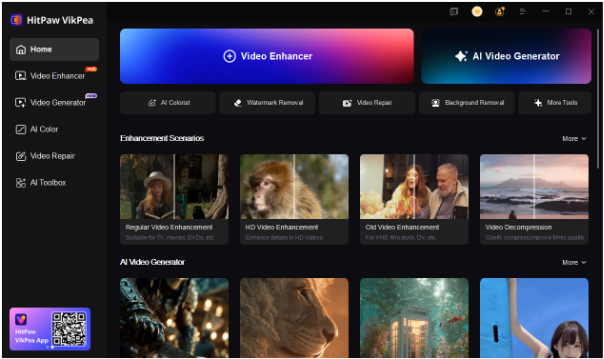 AI tools such as HitPaw VikPea are designed for everyday users. You load a video, select an AI model (or let the software recommend one), preview the result, and export. The heavy technical work happens in the background. For fans, creators, or anyone who enjoys revisiting classic films, this makes high-quality restoration achievable without a steep learning curve. <h2>Final Thoughts</h2> AI enhancement does more than increase resolution—it helps preserve cinematic experiences as display technology evolves. For a film like Avatar, which relies so heavily on visual immersion, that makes a meaningful difference. As we wait for the next chapter in the franchise, revisiting Pandora in restored quality feels like the best way to reconnect with what made the original so special in the first place. If you enjoy thoughtful discussions about AI tools, digital media, and creative technology, consider following or subscribing for more posts like this. |
| json metadata | {"tags":["movie","aienhancement","avatar3","videorestoration","digitalcinema","filmtechnology","steemitblog"],"image":["https://cdn.steemitimages.com/DQmTzuGR49rbhURHj2LkuwRZZqjxu492AEpeLjAvaJKMpPE/image.png","https://cdn.steemitimages.com/DQmfCJiYPb8NB3A61DYfLfnxVkCyVtWsbfvGuwt2QXqfiA3/image.png","https://cdn.steemitimages.com/DQmXgoUGJ7w4FrWkN2YVvAmLPJPXq84cEJefKJwHrpzDVni/image.png","https://cdn.steemitimages.com/DQmbxNfcuku7h2Qg86bRDaUEhiX1mLEBh2u2eJM47xr1oEw/image.png"],"links":["https://www.hitpaw.com/vikpea-video-enhancer.html"],"app":"steemit/0.2","format":"markdown"} |
| Transaction Info | Block #102077675/Trx b3cb160a6ac89f426d885460eb7548ed89590e6b |
View Raw JSON Data
{
"trx_id": "b3cb160a6ac89f426d885460eb7548ed89590e6b",
"block": 102077675,
"trx_in_block": 0,
"op_in_trx": 0,
"virtual_op": 0,
"timestamp": "2025-12-27T09:08:30",
"op": [
"comment",
{
"parent_author": "",
"parent_permlink": "movie",
"author": "yunahi",
"permlink": "how-ai-can-bring-avatar-2009-back-to-life-in-4k-on-modern-screens",
"title": "How AI Can Bring Avatar (2009) Back to Life in 4K on Modern Screens",
"body": "<h1>How AI Can Remaster Avatar (2009) to 4K and Restore the Magic of Pandora</h1>\nWith the release of Avatar 3, many fans have been revisiting James Cameron’s original Avatar (2009)—a film that once redefined what cinema could look like. But watching it today on a large 4K TV or monitor can feel surprisingly underwhelming.\nWhat once looked breathtaking now appears softer, slightly blurred, and occasionally flat. Dense jungles lose their texture, night scenes feel noisy, and fast aerial sequences don’t look as smooth as our memories suggest. Pandora is still beautiful—but it doesn’t quite shine the way it used to.\nThe issue isn’t the movie itself. It’s the gap between 2009-era technology and today’s ultra-high-resolution displays.\n<h2>Why Avatar Feels Dated on Modern 4K Screens</h2>\n\n\n\nWhen Avatar was released, 1080p was the industry standard. Rendering power, color depth, and dynamic range were impressive for the time—but they simply weren’t designed for modern HDR and 4K panels.\nAs a result, today’s viewers notice:\n●Loss of fine detail in wide landscape shots\n●Motion blur during fast action and flight scenes\n●Digital noise in darker environments\n●Colors that feel less vibrant than modern CGI films\nThis creates a strange disconnect: emotionally, we remember Pandora as immersive and alive—but visually, the presentation no longer fully supports that feeling.\n<h2>How AI Video Enhancement Changes the Experience</h2>\nThis is where AI-powered video enhancement comes in.\nUnlike traditional upscaling, which just stretches pixels, AI enhancement analyzes the content of each frame. It learns from high-quality video data and intelligently reconstructs missing details—reducing noise, sharpening textures, and improving color balance without altering the original artistic intent.\nIn practical terms, AI can:\n●Restore clarity in dark, bioluminescent scenes\n●Improve texture detail in foliage, creatures, and environments\n●Smooth out motion-heavy sequences\n●Make colors feel richer and more cinematic\nThe goal isn’t to modernize Avatar into something new—it’s to let it look its best on today’s screens.\n<h2>Scenes That Benefit the Most from AI Enhancement</h2>\nSome moments in Avatar respond especially well to AI restoration.\n●The bioluminescent forest scenes regain depth and glow, with clearer separation between light and shadow.\n\n\n\n●Ikran flight sequences feel smoother and more controlled instead of slightly smeared.\n●Close-ups of characters like Neytiri reveal subtle facial detail that strengthens emotional connection.\n\n\n\n●Large-scale scenes like the destruction of Hometree become clearer and more impactful without losing their chaos.\nThese improvements don’t feel artificial—they simply make the film easier to get lost in again.\n<h2>Making AI Enhancement Accessible</h2>\nWhat’s impressive is how accessible this technology has become. You no longer need professional editing skills or expensive studio equipment to <a href=\"https://www.hitpaw.com/vikpea-video-enhancer.html\">enhance video quality</a>.\n\n\n\nAI tools such as HitPaw VikPea are designed for everyday users. You load a video, select an AI model (or let the software recommend one), preview the result, and export. The heavy technical work happens in the background.\nFor fans, creators, or anyone who enjoys revisiting classic films, this makes high-quality restoration achievable without a steep learning curve.\n<h2>Final Thoughts</h2>\nAI enhancement does more than increase resolution—it helps preserve cinematic experiences as display technology evolves. For a film like Avatar, which relies so heavily on visual immersion, that makes a meaningful difference.\nAs we wait for the next chapter in the franchise, revisiting Pandora in restored quality feels like the best way to reconnect with what made the original so special in the first place.\nIf you enjoy thoughtful discussions about AI tools, digital media, and creative technology, consider following or subscribing for more posts like this.",
"json_metadata": "{\"tags\":[\"movie\",\"aienhancement\",\"avatar3\",\"videorestoration\",\"digitalcinema\",\"filmtechnology\",\"steemitblog\"],\"image\":[\"https://cdn.steemitimages.com/DQmTzuGR49rbhURHj2LkuwRZZqjxu492AEpeLjAvaJKMpPE/image.png\",\"https://cdn.steemitimages.com/DQmfCJiYPb8NB3A61DYfLfnxVkCyVtWsbfvGuwt2QXqfiA3/image.png\",\"https://cdn.steemitimages.com/DQmXgoUGJ7w4FrWkN2YVvAmLPJPXq84cEJefKJwHrpzDVni/image.png\",\"https://cdn.steemitimages.com/DQmbxNfcuku7h2Qg86bRDaUEhiX1mLEBh2u2eJM47xr1oEw/image.png\"],\"links\":[\"https://www.hitpaw.com/vikpea-video-enhancer.html\"],\"app\":\"steemit/0.2\",\"format\":\"markdown\"}"
}
]
}yunahipublished a new post: avengers-doomsday-2026-release-date-cast-expectations-and-multiverse-speculation2025/12/27 01:55:51
yunahipublished a new post: avengers-doomsday-2026-release-date-cast-expectations-and-multiverse-speculation
2025/12/27 01:55:51
| parent author | |
| parent permlink | movie |
| author | yunahi |
| permlink | avengers-doomsday-2026-release-date-cast-expectations-and-multiverse-speculation |
| title | Avengers: Doomsday (2026): Release Date, Cast Expectations, and Multiverse Speculation |
| body | <h1>Avengers: Doomsday (2026): What We Know So Far About Marvel’s Multiverse Finale</h1> The MCU multiverse saga has been building toward something big for years—and Avengers: Doomsday looks like the moment when everything finally collides. Marvel Studios has officially confirmed that Avengers: Doomsday will arrive on December 18, 2026, positioning it as a key milestone in MCU Phase Six. For longtime fans, this film isn’t just another Avengers entry—it feels like a test of whether the multiverse era can deliver a truly satisfying payoff. Here’s a grounded look at what’s confirmed, what’s expected, and why this movie matters. <h2>Release Date and Production Insights</h2>  The December 18, 2026 release date puts Avengers: Doomsday right in Marvel’s favorite blockbuster window. Historically, Marvel reserves this slot for films with major narrative weight, which already tells us how important this project is. From what’s been shared so far: ●Core action scenes have reportedly finished filming ●Visual effects teams are heavily focused on multiverse-scale environments ●Writers are aligning the story closely with events from earlier MCU phases Marvel appears to be prioritizing continuity and consequence, especially after mixed fan reactions to some recent multiverse stories. <h2>Cast Expectations: Old Legends and New Blood</h2> Marvel hasn’t revealed the full cast yet, but expectations are high—and fairly logical.  Likely Returning Characters ●Captain America – navigating leadership in a fractured reality ●Doctor Strange – once again central to multiverse control and damage ●Spider-Man and Young Avengers – representing the MCU’s future ●Legacy heroes like Iron Man or Black Panther may appear via variants, memories, or alternate timelines If rumors and concept art clues are accurate, we may see multiple versions of the same hero, redesigned suits, and characters shaped by very different choices across timelines. That alone opens the door to some emotionally heavy storytelling. <h2>Plot Speculation: What “Doomsday” Implies</h2> Marvel is keeping the plot under wraps, but the title Doomsday suggests stakes far beyond a single villain. Many fans speculate the story may involve: ●A multiverse-level collapse tied to Kang or an even greater force ●Heroes forced to cooperate—or clash—with versions of themselves ●Decisions that permanently erase timelines rather than “fix” them Concept art hints at distorted cities, collapsing realities, and massive battles happening across dimensions at the same time. But what’s more interesting are the quiet conflicts—trust issues, leadership struggles, and sacrifices that can’t be undone. If Marvel plays this right, Avengers: Doomsday could be more than spectacle—it could be emotionally devastating in a meaningful way. <h2>Fans Are Already Creating Their Own Multiverse Stories</h2> One thing I’ve noticed recently: fans aren’t waiting passively anymore. Using AI tools like <a href="https://www.hitpaw.com/vikpea-video-enhancer.html">HitPaw VikPea AI Video Generator</a>, creators are: ●Making their own Avengers-style trailers ●Reimagining alternate timelines ●Restoring and enhancing classic MCU clips 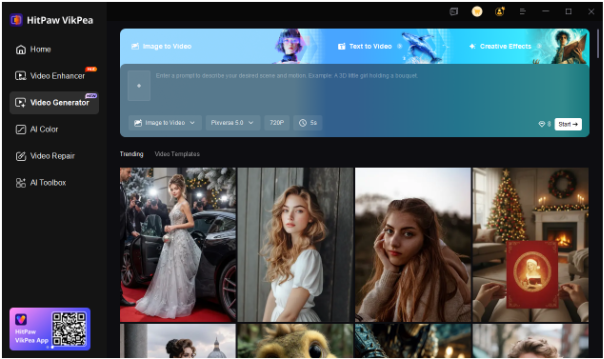 These tools allow fans to experiment with: ●Image-to-video hero scenes ●4K video enhancement ●Colorized or restored footage ●Short cinematic edits for social sharing In a way, this mirrors the spirit of Doomsday itself—infinite versions of the same story, shaped by different creators and choices. <h2>Final Thoughts</h2> Avengers: Doomsday feels like a make-or-break moment for the MCU. It’s not just about bigger battles—it’s about whether Marvel can give real weight to its multiverse concept and deliver consequences that matter. With nearly two years to go before release, theories will keep evolving, fan creations will keep growing, and expectations will only rise. If you enjoy deep dives into movies, pop culture trends, and creative tools shaping fandom today, follow and subscribe for more posts like this—your support keeps this multiverse expanding. |
| json metadata | {"tags":["movie","avengersdoomsday","mcuphase6","marvelmultiverse","moviediscussion","filmanalysis","aicontentcreation"],"image":["https://cdn.steemitimages.com/DQmV4nC1Lk9EgvHpM34aMvTQmiMS25u4dNGKorQAUH8aW4v/image.png","https://cdn.steemitimages.com/DQmUzCToLxaMfWoUmyM7TNR1ByfLtsG9xgyrk25T4geka2e/image.png","https://cdn.steemitimages.com/DQmUnQdRm9Tc1egz7nvWHaVdpZ2zFxsT1ZUE3CcWKNTDjC9/image.png"],"links":["https://www.hitpaw.com/vikpea-video-enhancer.html"],"app":"steemit/0.2","format":"markdown"} |
| Transaction Info | Block #102069039/Trx 1fb3ac0b7cd0221f20c8a2ad73bbe13696f37a3b |
View Raw JSON Data
{
"trx_id": "1fb3ac0b7cd0221f20c8a2ad73bbe13696f37a3b",
"block": 102069039,
"trx_in_block": 0,
"op_in_trx": 0,
"virtual_op": 0,
"timestamp": "2025-12-27T01:55:51",
"op": [
"comment",
{
"parent_author": "",
"parent_permlink": "movie",
"author": "yunahi",
"permlink": "avengers-doomsday-2026-release-date-cast-expectations-and-multiverse-speculation",
"title": "Avengers: Doomsday (2026): Release Date, Cast Expectations, and Multiverse Speculation",
"body": "<h1>Avengers: Doomsday (2026): What We Know So Far About Marvel’s Multiverse Finale</h1>\nThe MCU multiverse saga has been building toward something big for years—and Avengers: Doomsday looks like the moment when everything finally collides.\nMarvel Studios has officially confirmed that Avengers: Doomsday will arrive on December 18, 2026, positioning it as a key milestone in MCU Phase Six. For longtime fans, this film isn’t just another Avengers entry—it feels like a test of whether the multiverse era can deliver a truly satisfying payoff.\nHere’s a grounded look at what’s confirmed, what’s expected, and why this movie matters.\n\n<h2>Release Date and Production Insights</h2>\n\n\n\nThe December 18, 2026 release date puts Avengers: Doomsday right in Marvel’s favorite blockbuster window. Historically, Marvel reserves this slot for films with major narrative weight, which already tells us how important this project is.\nFrom what’s been shared so far:\n●Core action scenes have reportedly finished filming\n●Visual effects teams are heavily focused on multiverse-scale environments\n●Writers are aligning the story closely with events from earlier MCU phases\nMarvel appears to be prioritizing continuity and consequence, especially after mixed fan reactions to some recent multiverse stories.\n\n<h2>Cast Expectations: Old Legends and New Blood</h2>\nMarvel hasn’t revealed the full cast yet, but expectations are high—and fairly logical.\n\n\n\nLikely Returning Characters\n●Captain America – navigating leadership in a fractured reality\n●Doctor Strange – once again central to multiverse control and damage\n●Spider-Man and Young Avengers – representing the MCU’s future\n●Legacy heroes like Iron Man or Black Panther may appear via variants, memories, or alternate timelines\nIf rumors and concept art clues are accurate, we may see multiple versions of the same hero, redesigned suits, and characters shaped by very different choices across timelines.\nThat alone opens the door to some emotionally heavy storytelling.\n\n<h2>Plot Speculation: What “Doomsday” Implies</h2>\nMarvel is keeping the plot under wraps, but the title Doomsday suggests stakes far beyond a single villain.\nMany fans speculate the story may involve:\n●A multiverse-level collapse tied to Kang or an even greater force\n●Heroes forced to cooperate—or clash—with versions of themselves\n●Decisions that permanently erase timelines rather than “fix” them\nConcept art hints at distorted cities, collapsing realities, and massive battles happening across dimensions at the same time. But what’s more interesting are the quiet conflicts—trust issues, leadership struggles, and sacrifices that can’t be undone.\nIf Marvel plays this right, Avengers: Doomsday could be more than spectacle—it could be emotionally devastating in a meaningful way.\n\n<h2>Fans Are Already Creating Their Own Multiverse Stories</h2>\nOne thing I’ve noticed recently: fans aren’t waiting passively anymore.\nUsing AI tools like <a href=\"https://www.hitpaw.com/vikpea-video-enhancer.html\">HitPaw VikPea AI Video Generator</a>, creators are:\n●Making their own Avengers-style trailers\n●Reimagining alternate timelines\n●Restoring and enhancing classic MCU clips\n\n\n\nThese tools allow fans to experiment with:\n●Image-to-video hero scenes\n●4K video enhancement\n●Colorized or restored footage\n●Short cinematic edits for social sharing\nIn a way, this mirrors the spirit of Doomsday itself—infinite versions of the same story, shaped by different creators and choices.\n\n<h2>Final Thoughts</h2>\nAvengers: Doomsday feels like a make-or-break moment for the MCU. It’s not just about bigger battles—it’s about whether Marvel can give real weight to its multiverse concept and deliver consequences that matter.\nWith nearly two years to go before release, theories will keep evolving, fan creations will keep growing, and expectations will only rise.\nIf you enjoy deep dives into movies, pop culture trends, and creative tools shaping fandom today, follow and subscribe for more posts like this—your support keeps this multiverse expanding.",
"json_metadata": "{\"tags\":[\"movie\",\"avengersdoomsday\",\"mcuphase6\",\"marvelmultiverse\",\"moviediscussion\",\"filmanalysis\",\"aicontentcreation\"],\"image\":[\"https://cdn.steemitimages.com/DQmV4nC1Lk9EgvHpM34aMvTQmiMS25u4dNGKorQAUH8aW4v/image.png\",\"https://cdn.steemitimages.com/DQmUzCToLxaMfWoUmyM7TNR1ByfLtsG9xgyrk25T4geka2e/image.png\",\"https://cdn.steemitimages.com/DQmUnQdRm9Tc1egz7nvWHaVdpZ2zFxsT1ZUE3CcWKNTDjC9/image.png\"],\"links\":[\"https://www.hitpaw.com/vikpea-video-enhancer.html\"],\"app\":\"steemit/0.2\",\"format\":\"markdown\"}"
}
]
}yunahipublished a new post: seedance-1-5-pro-review-features-pricing-and-how-to-use-it-free2025/12/26 09:33:57
yunahipublished a new post: seedance-1-5-pro-review-features-pricing-and-how-to-use-it-free
2025/12/26 09:33:57
| parent author | |
| parent permlink | ai |
| author | yunahi |
| permlink | seedance-1-5-pro-review-features-pricing-and-how-to-use-it-free |
| title | Seedance 1.5 Pro Review: Features, Pricing, and How to Use It Free |
| body | Seedance 1.5 Pro is an AI video generation model designed to create video and audio at the same time. Unlike traditional workflows that require adding voice, sound effects, or music after video creation, Seedance handles everything in one unified process. This makes it especially attractive for users who want synchronized speech, movement, and visuals without manual editing. In this review, we break down how Seedance 1.5 Pro works, its main features, free access options, and whether it’s the right tool for your video creation needs. <h2>What Is Seedance 1.5 Pro?</h2>  Seedance 1.5 Pro is an advanced text-to-video and image-to-video AI model that generates visuals and audio simultaneously. Its core strength lies in native audio-visual synchronization, ensuring that voice, lip movement, and scene transitions stay aligned throughout the video. Users can simply enter a text prompt or upload an image, and the model automatically produces a complete video with sound, dialogue, and motion. <h2>Core Features of Seedance 1.5 Pro</h2> Seedance 1.5 Pro is built for creators who want streamlined video production without complex post-editing. Key features include: ●Audio and video generated in a single process ●Accurate lip-sync across multiple languages ●Text-to-video creation from detailed prompts ●Image-to-video animation for static visuals ●Camera motion control such as zoom and pan ●Faster rendering compared to earlier models ●Consistent storytelling across scenes These features help reduce production time while maintaining natural movement and clear audio output. <h2>Download Options and Free Access</h2> Seedance 1.5 Pro is available through official platforms and supported services such as CapCut. In most cases, no local installation is required, as the model can be accessed directly through a web browser. Free access is provided through trial credits, allowing users to test video generation before committing to a paid plan. However, free usage comes with limitations on duration, resolution, and output quality. Paid plans unlock higher-quality exports, longer videos, and increased usage limits. <h2>Pros and Cons of Seedance 1.5 Pro</h2> <h3>Pros</h3> ●Audio and video sync automatically ●Supports both text and image input ●Ideal for story-driven and dialogue-based videos ●Minimal manual editing required <h3>Cons</h3> ●Free credits are limited ●Long or high-resolution videos require payment ●Prompt quality significantly affects output accuracy <h2>Alternative Recommendation: HitPaw Online AI Video Generator</h2> For users who prefer a browser-based solution with minimal setup, <a href="https://online.hitpaw.com/online-ai-video-generator.html">HitPaw Online AI Video Generator</a> is a practical alternative. It integrates Seedance AI models and allows users to generate videos directly from text or images without downloading software. HitPaw is especially suitable for short-form content, social media clips, and fast creative projects. <h2>Final Thoughts</h2> Seedance 1.5 Pro is a strong choice for creators who prioritize synchronized audio and video generation. While free access is limited, paid plans unlock its full potential. For quick and simple workflows, tools like HitPaw Online AI Video Generator offer an easier entry point using the same underlying technology. |
| json metadata | {"tags":["ai","aivideomodel","aimodel","aivideogeneration","aivideogenerator","seedance"],"image":["https://cdn.steemitimages.com/DQmQkCaUZt9K1ei3QqBbGzex7nnUVSmdW7Xg8HQYXohyfXH/image.png"],"links":["https://online.hitpaw.com/online-ai-video-generator.html"],"app":"steemit/0.2","format":"markdown"} |
| Transaction Info | Block #102049435/Trx 8602352d98fa9f3c05e6d09707700bfe4ab12b3a |
View Raw JSON Data
{
"trx_id": "8602352d98fa9f3c05e6d09707700bfe4ab12b3a",
"block": 102049435,
"trx_in_block": 0,
"op_in_trx": 0,
"virtual_op": 0,
"timestamp": "2025-12-26T09:33:57",
"op": [
"comment",
{
"parent_author": "",
"parent_permlink": "ai",
"author": "yunahi",
"permlink": "seedance-1-5-pro-review-features-pricing-and-how-to-use-it-free",
"title": "Seedance 1.5 Pro Review: Features, Pricing, and How to Use It Free",
"body": "Seedance 1.5 Pro is an AI video generation model designed to create video and audio at the same time. Unlike traditional workflows that require adding voice, sound effects, or music after video creation, Seedance handles everything in one unified process. This makes it especially attractive for users who want synchronized speech, movement, and visuals without manual editing.\nIn this review, we break down how Seedance 1.5 Pro works, its main features, free access options, and whether it’s the right tool for your video creation needs.\n<h2>What Is Seedance 1.5 Pro?</h2>\n\n\n\nSeedance 1.5 Pro is an advanced text-to-video and image-to-video AI model that generates visuals and audio simultaneously. Its core strength lies in native audio-visual synchronization, ensuring that voice, lip movement, and scene transitions stay aligned throughout the video.\nUsers can simply enter a text prompt or upload an image, and the model automatically produces a complete video with sound, dialogue, and motion.\n<h2>Core Features of Seedance 1.5 Pro</h2>\nSeedance 1.5 Pro is built for creators who want streamlined video production without complex post-editing. Key features include:\n●Audio and video generated in a single process\n●Accurate lip-sync across multiple languages\n●Text-to-video creation from detailed prompts\n●Image-to-video animation for static visuals\n●Camera motion control such as zoom and pan\n●Faster rendering compared to earlier models\n●Consistent storytelling across scenes\nThese features help reduce production time while maintaining natural movement and clear audio output.\n<h2>Download Options and Free Access</h2>\nSeedance 1.5 Pro is available through official platforms and supported services such as CapCut. In most cases, no local installation is required, as the model can be accessed directly through a web browser.\nFree access is provided through trial credits, allowing users to test video generation before committing to a paid plan. However, free usage comes with limitations on duration, resolution, and output quality.\nPaid plans unlock higher-quality exports, longer videos, and increased usage limits.\n<h2>Pros and Cons of Seedance 1.5 Pro</h2>\n<h3>Pros</h3>\n●Audio and video sync automatically\n●Supports both text and image input\n●Ideal for story-driven and dialogue-based videos\n●Minimal manual editing required\n<h3>Cons</h3>\n●Free credits are limited\n●Long or high-resolution videos require payment\n●Prompt quality significantly affects output accuracy\n<h2>Alternative Recommendation: HitPaw Online AI Video Generator</h2>\nFor users who prefer a browser-based solution with minimal setup, <a href=\"https://online.hitpaw.com/online-ai-video-generator.html\">HitPaw Online AI Video Generator</a> is a practical alternative. It integrates Seedance AI models and allows users to generate videos directly from text or images without downloading software.\nHitPaw is especially suitable for short-form content, social media clips, and fast creative projects.\n<h2>Final Thoughts</h2>\nSeedance 1.5 Pro is a strong choice for creators who prioritize synchronized audio and video generation. While free access is limited, paid plans unlock its full potential. For quick and simple workflows, tools like HitPaw Online AI Video Generator offer an easier entry point using the same underlying technology.",
"json_metadata": "{\"tags\":[\"ai\",\"aivideomodel\",\"aimodel\",\"aivideogeneration\",\"aivideogenerator\",\"seedance\"],\"image\":[\"https://cdn.steemitimages.com/DQmQkCaUZt9K1ei3QqBbGzex7nnUVSmdW7Xg8HQYXohyfXH/image.png\"],\"links\":[\"https://online.hitpaw.com/online-ai-video-generator.html\"],\"app\":\"steemit/0.2\",\"format\":\"markdown\"}"
}
]
}yunahipublished a new post: how-jewelry-brands-are-bringing-still-designs-to-life-with-ai-motion2025/12/23 08:50:36
yunahipublished a new post: how-jewelry-brands-are-bringing-still-designs-to-life-with-ai-motion
2025/12/23 08:50:36
| parent author | |
| parent permlink | aivideo |
| author | yunahi |
| permlink | how-jewelry-brands-are-bringing-still-designs-to-life-with-ai-motion |
| title | How Jewelry Brands Are Bringing Still Designs to Life with AI Motion |
| body | If you work with jewelry, you already know this truth: a piece never truly shows its beauty when it’s standing still. Jewelry is designed to interact with light, movement, and perspective. A ring looks different with every small turn. A necklace changes character as it shifts on the body. Yet online, most jewelry is still presented as flat images. Image-to-video AI is changing that quietly but decisively. With one high-quality photo, brands can now create subtle motion that makes jewelry feel real, dimensional, and premium — without the cost of traditional video production. <h2>Why Motion Has Become a Quiet Luxury Signal?</h2> Luxury whispers, it doesn't shout. It glides with a gentle, serene elegance. In the world of jewelry marketing, this slow, deliberate movement is a sign of true confidence. When a piece turns softly, allowing light to dance across a precious gemstone, it speaks volumes about its craftsmanship without needing a single word. This is the beautiful secret many high-end brands are embracing with AI motion—not for a loud spectacle, but for a touch of pure refinement. Image-to-video AI lets brands add this lovely movement without taking away from the jewelry's own design. The piece itself stays the heart of the story, with motion simply helping to reveal the beauty that’s already there. <h2>What Makes Jewelry a Unique Challenge for AI Video?</h2> Jewelry is a delicate art to capture. Every shimmer, reflection, and detail makes a difference. The best image-to-video tools know how to keep it simple—avoiding harsh movements, preserving clarity, and honoring the natural beauty of metals and stones under real-world lighting. For brands, it’s not about flashy effects but about creating videos that feel authentic and beautifully lifelike. With the right AI tools, you can showcase your jewelry with elegance, precision, and the perfect balance of realism and control. After all, true beauty deserves nothing less. <h2>7 Image-to-Video AI Tools Jewelry Brands Are Actually Using</h2> Below are seven tools that align well with jewelry presentation, each serving a slightly different creative need. <h3>HitPaw Online AI Video Generator</h3> HitPaw is a strong all-around choice for jewelry brands. It creates smooth, cinematic motion that enhances depth and sparkle without distorting fine details. Many brands use it to add gentle rotation or camera drift to product images. <h3>Neural Love</h3> Neural Love focuses on visual polish. It enhances image quality before adding motion, which helps maintain clean edges and refined metal surfaces. This makes it a good fit for luxury collections and editorial visuals. <h3>Artbreeder</h3> Artbreeder is more expressive than technical. Jewelry designers with artistic or experimental identities use it to explore mood-driven visuals rather than strict product accuracy. <h3>Runway Gen-4</h3> Runway is favored by creative teams and agencies. It allows users to guide motion and lighting through prompts, offering more control for premium campaigns and brand storytelling. <h3>ImagineArt</h3> ImagineArt leans into style and atmosphere. Jewelry brands use it for lifestyle-focused content where emotion and visual tone matter more than exact product realism. <h3>TheNewBlack</h3> Built with fashion brands in mind, TheNewBlack offers clean motion templates that work well for catalog-style presentations and consistent brand visuals. <h3>VEED.IO</h3> VEED.IO is practical and fast. Jewelry brands often use it for short promotional clips, announcements, and social content where speed matters more than fine detail. <h2>How Brands Are Using These Videos Day to Day?</h2> AI-generated motion clips are transforming the way jewelry brands captivate their audiences. These subtle yet impactful animations bring products to life, adding a touch of magic to every marketing channel. From boosting engagement to creating visually stunning campaigns, the possibilities are endless. Here’s how brands are using motion clips: ●Adding dynamic movement to ecommerce product pages ●Crafting scroll-stopping visuals for social media ads ●Highlighting new collections with eye-catching launch announcements ●Replacing static homepage hero images with engaging animations ●Creating more captivating email campaigns Brands are finding that even short motion clips can outperform traditional photos, making them an essential tool for modern jewelry marketing. <h2>Why Does This Matters for Buyer Confidence?</h2> When buying jewelry, trust is just as precious as the piece itself. Customers seek more than just beauty; they crave the confidence that comes from truly understanding their purchase. Motion helps them see every detail—the depth, the size, the way it catches the light—making the piece feel real and tangible. This clarity builds trust and turns hesitation into desire, especially for treasured items. AI-driven motion isn't just about looks; it’s about creating a bond between the customer and their future heirloom. <h2>Where Image-to-Video AI Is Heading Next?</h2> This technology is still in its early stages. We can expect future developments to include longer video clips, more precise lighting controls, and better integration with e-commerce platforms. For jewelry brands, this will enable richer digital shopping experiences that maintain the elegance of luxury. Instead of being an add-on, motion will become a natural part of product presentation. This shift will allow for more dynamic and engaging displays, making digital browsing feel closer to an in-person viewing. <h2>Closing Thoughts for Brands and Creators</h2> Image-to-video AI isn’t about replacing photography. It’s about giving jewelry the space to move the way it was meant to. For brands that value craftsmanship, subtlety, and trust, AI motion offers a practical way to elevate presentation without overproduction. With the right tools, a single image can now tell a deeper, more convincing story. And in jewelry, that story is everything. |
| json metadata | {"tags":["aivideo","aijewelry","aijewelryvideo","aivideogenerators"],"app":"steemit/0.2","format":"markdown"} |
| Transaction Info | Block #101962430/Trx 59cacce3374a446daf36890f9b84b7089383cb59 |
View Raw JSON Data
{
  "trx_id": "59cacce3374a446daf36890f9b84b7089383cb59",
  "block": 101962430,
  "trx_in_block": 3,
  "op_in_trx": 0,
  "virtual_op": 0,
  "timestamp": "2025-12-23T08:50:36",
  "op": [
    "comment",
    {
      "parent_author": "",
      "parent_permlink": "aivideo",
      "author": "yunahi",
      "permlink": "how-jewelry-brands-are-bringing-still-designs-to-life-with-ai-motion",
      "title": "How Jewelry Brands Are Bringing Still Designs to Life with AI Motion",
      "body": "If you work with jewelry, you already know this truth: a piece never truly shows its beauty when it’s standing still.\n\nJewelry is designed to interact with light, movement, and perspective. A ring looks different with every small turn. A necklace changes character as it shifts on the body. Yet online, most jewelry is still presented as flat images.\nImage-to-video AI is changing that quietly but decisively. With one high-quality photo, brands can now create subtle motion that makes jewelry feel real, dimensional, and premium — without the cost of traditional video production.\n<h2>Why Motion Has Become a Quiet Luxury Signal?</h2>\nLuxury whispers, it doesn't shout. It glides with a gentle, serene elegance.\nIn the world of jewelry marketing, this slow, deliberate movement is a sign of true confidence. When a piece turns softly, allowing light to dance across a precious gemstone, it speaks volumes about its craftsmanship without needing a single word. This is the beautiful secret many high-end brands are embracing with AI motion—not for a loud spectacle, but for a touch of pure refinement.\nImage-to-video AI lets brands add this lovely movement without taking away from the jewelry's own design. The piece itself stays the heart of the story, with motion simply helping to reveal the beauty that’s already there.\n<h2>What Makes Jewelry a Unique Challenge for AI Video?</h2>\nJewelry is a delicate art to capture. Every shimmer, reflection, and detail makes a difference.\nThe best image-to-video tools know how to keep it simple—avoiding harsh movements, preserving clarity, and honoring the natural beauty of metals and stones under real-world lighting.\nFor brands, it’s not about flashy effects but about creating videos that feel authentic and beautifully lifelike. With the right AI tools, you can showcase your jewelry with elegance, precision, and the perfect balance of realism and control. After all, true beauty deserves nothing less.\n<h2>7 Image-to-Video AI Tools Jewelry Brands Are Actually Using</h2>\nBelow are seven tools that align well with jewelry presentation, each serving a slightly different creative need.\n<h3>HitPaw Online AI Video Generator</h3>\nHitPaw is a strong all-around choice for jewelry brands. It creates smooth, cinematic motion that enhances depth and sparkle without distorting fine details. Many brands use it to add gentle rotation or camera drift to product images.\n<h3>Neural Love</h3>\nNeural Love focuses on visual polish. It enhances image quality before adding motion, which helps maintain clean edges and refined metal surfaces. This makes it a good fit for luxury collections and editorial visuals.\n<h3>Artbreeder</h3>\nArtbreeder is more expressive than technical. Jewelry designers with artistic or experimental identities use it to explore mood-driven visuals rather than strict product accuracy.\n<h3>Runway Gen-4</h3>\nRunway is favored by creative teams and agencies. It allows users to guide motion and lighting through prompts, offering more control for premium campaigns and brand storytelling.\n<h3>ImagineArt</h3>\nImagineArt leans into style and atmosphere. Jewelry brands use it for lifestyle-focused content where emotion and visual tone matter more than exact product realism.\n<h3>TheNewBlack</h3>\nBuilt with fashion brands in mind, TheNewBlack offers clean motion templates that work well for catalog-style presentations and consistent brand visuals.\n<h3>VEED.IO</h3>\nVEED.IO is practical and fast. Jewelry brands often use it for short promotional clips, announcements, and social content where speed matters more than fine detail.\n<h2>How Brands Are Using These Videos Day to Day?</h2>\nAI-generated motion clips are transforming the way jewelry brands captivate their audiences. These subtle yet impactful animations bring products to life, adding a touch of magic to every marketing channel. From boosting engagement to creating visually stunning campaigns, the possibilities are endless.\nHere’s how brands are using motion clips: \n●Adding dynamic movement to ecommerce product pages \n●Crafting scroll-stopping visuals for social media ads \n●Highlighting new collections with eye-catching launch announcements \n●Replacing static homepage hero images with engaging animations \n●Creating more captivating email campaigns \nBrands are finding that even short motion clips can outperform traditional photos, making them an essential tool for modern jewelry marketing.\n<h2>Why Does This Matters for Buyer Confidence?</h2>\nWhen buying jewelry, trust is just as precious as the piece itself. Customers seek more than just beauty; they crave the confidence that comes from truly understanding their purchase.\nMotion helps them see every detail—the depth, the size, the way it catches the light—making the piece feel real and tangible. This clarity builds trust and turns hesitation into desire, especially for treasured items.\nAI-driven motion isn't just about looks; it’s about creating a bond between the customer and their future heirloom.\n<h2>Where Image-to-Video AI Is Heading Next?</h2>\nThis technology is still in its early stages. We can expect future developments to include longer video clips, more precise lighting controls, and better integration with e-commerce platforms. For jewelry brands, this will enable richer digital shopping experiences that maintain the elegance of luxury.\nInstead of being an add-on, motion will become a natural part of product presentation. This shift will allow for more dynamic and engaging displays, making digital browsing feel closer to an in-person viewing.\n<h2>Closing Thoughts for Brands and Creators</h2>\nImage-to-video AI isn’t about replacing photography.\nIt’s about giving jewelry the space to move the way it was meant to.\nFor brands that value craftsmanship, subtlety, and trust, AI motion offers a practical way to elevate presentation without overproduction. With the right tools, a single image can now tell a deeper, more convincing story.\nAnd in jewelry, that story is everything.",
      "json_metadata": "{\"tags\":[\"aivideo\",\"aijewelry\",\"aijewelryvideo\",\"aivideogenerators\"],\"app\":\"steemit/0.2\",\"format\":\"markdown\"}"
    }
  ]
}yunahipublished a new post: 360-jewelry-videos-a-smarter-way-to-show-craftsmanship-online2025/12/23 08:36:30
yunahipublished a new post: 360-jewelry-videos-a-smarter-way-to-show-craftsmanship-online
2025/12/23 08:36:30
| parent author | |
| parent permlink | ai |
| author | yunahi |
| permlink | 360-jewelry-videos-a-smarter-way-to-show-craftsmanship-online |
| title | 360° Jewelry Videos: A Smarter Way to Show Craftsmanship Online |
| body | If you design or sell jewelry, you already know that photos only tell part of the story. A ring’s brilliance, a stone’s cut, or the curve of a bracelet is something people usually understand only when they see it move.  That’s why 360° rotating jewelry videos are becoming a quiet standard for modern brands. They offer clarity without overproduction and let customers explore a piece visually, almost the way they would in real life. <h2>Why Rotation Feels More Honest Than Still Images?</h2> While a still photo captures a moment of beauty, it leaves so much to the imagination. A rotating video, however, unveils the full story. As a piece of jewelry gently twirls, every facet, curve, and glint of light comes alive, letting its true depth and character shine. This complete, graceful view offers a sense of honesty, building a heartfelt connection and trust. It replaces any lingering questions with pure confidence, letting your customers fall completely in love with the piece, knowing they’ve seen it from every beautiful angle. <h2>What Makes a Good 360° Jewelry Video?</h2> A strong rotating video doesn’t rely on flashy editing or dramatic effects. Instead, its power comes from restraint and a focus on clarity. The best videos let the jewelry speak for itself. An effective rotation is: ●Slow and consistent: The rotation should be gentle and steady, giving the viewer ample time to appreciate every detail without feeling rushed. ●Smooth, without sudden shifts: Any jarring movements or abrupt changes in speed can distract from the piece. A seamless, fluid motion creates a more professional and luxurious feel. ●Focused on the jewelry, not the background: The background should be simple and non-distracting. The piece of jewelry is the star of the show, and everything in the frame should serve to highlight its features. ●Honest to the real appearance of the piece: The video should accurately represent the item's size, color, and sparkle. Avoid using filters or effects that might misrepresent the jewelry and mislead the customer. Ultimately, the goal is not to impress with cinematic motion, but to clarify with gentle movement. It’s about giving the viewer a complete and trustworthy look at the piece from all angles. <h2>Tools Jewelry Creators Are Using for Rotation</h2> Here are seven tools commonly used to create 360° rotating jewelry videos, each offering a different balance of control, simplicity, and style. <b>HitPaw Online AI Video Generator</b> HitPaw is widely used because it produces clean, realistic rotation from a single product image. It preserves sparkle and metal finish while keeping motion natural and controlled. <b>Runway Gen-4</b> Runway is chosen by creators who want more direction over camera movement and lighting. It works well for premium visuals and campaign-level content. <b>Neural Love</b> Neural Love enhances image quality before adding motion, making it useful for jewelry with reflective surfaces and fine detailing. <b>TheNewBlack</b> TheNewBlack offers fashion-oriented templates that keep presentation consistent across collections, which is helpful for brands managing many products. <b>ImagineArt</b> ImagineArt focuses on mood and visual storytelling. Jewelry brands use it when emotion and atmosphere matter more than strict realism. <b>VEED.IO</b> VEED.IO is practical and fast, making it suitable for promotional clips, seasonal campaigns, and quick social content. <b>Artbreeder</b> Artbreeder is more experimental and artistic, often used for conceptual jewelry visuals rather than ecommerce accuracy. <h2>A Simple Workflow Creators Can Repeat Easily</h2> Most creators follow a straightforward process: 1.Start with a clean, well-lit jewelry image 2.Upload it to a rotation-capable AI tool 3.Apply slow, even rotation 4.Adjust duration and format 5.Review reflections and edges 6.Export and publish Once the workflow is set, rotating videos can be created quickly across an entire collection. <h2>Why Is Christmas the Perfect Time for 360° Jewelry Videos?</h2> Christmas is when jewelry becomes more than just an accessory—it's an emotional gift symbolizing love, milestones, and memories. During the busy holiday season, shoppers are under pressure to find the perfect present. This is where 360° rotating jewelry videos shine, offering a comprehensive view that builds buyer confidence quickly. Seeing a piece from every angle under soft lighting highlights its sparkle and craftsmanship, making it feel more luxurious and gift-worthy. Here’s why these videos are so effective for holiday shoppers: ● Boosts Confidence: It provides the clarity needed to turn interest into a confident purchase. ● Highlights Quality: The rotation showcases intricate details and the quality of the piece. ● Enhances Perceived Value: It makes the jewelry seem more luxurious and special. <h2>Common Mistakes to Avoid with Rotation</h2> While 360° rotation can significantly enhance your product presentation, it can also backfire if handled poorly. The most common mistakes to steer clear of include spinning the jewelry too fast, incorporating overly dramatic camera angles, or placing the piece against a visually distracting background. Jewelry, by its nature, benefits from calm, minimal, and elegant motion. When a rotation video feels rushed, jarring, or artistically exaggerated, it can inadvertently cheapen the item's perceived value and reduce the customer's trust in its quality rather than building it. The goal is to create a sense of graceful inspection, not a dizzying spin. <h2>Final Note for Creators and Brands</h2> 360° rotating jewelry videos don’t replace photography—they enhance it. For brands and creators, rotation highlights craftsmanship, boosts trust, and elevates online presentations without complex production. When executed well, movement doesn't distract; it clarifies. In the world of jewelry, clear visuals build confidence, showing customers the intricate details that static photos can’t capture. Rotation offers a practical and impactful way to communicate quality and authenticity, making it a valuable tool for showcasing fine craftsmanship. |
| json metadata | {"tags":["ai","aivideogenerator","aivideo","aijewelryvideo"],"image":["https://cdn.steemitimages.com/DQmccEthaNW18cJ2EN8HkA4JUYmSVraxYkSpDMasqRsUheX/image.png"],"app":"steemit/0.2","format":"markdown"} |
| Transaction Info | Block #101962150/Trx 58f6a5edb2eafd852b0c16e181c0e7a3aecc5980 |
View Raw JSON Data
{
"trx_id": "58f6a5edb2eafd852b0c16e181c0e7a3aecc5980",
"block": 101962150,
"trx_in_block": 0,
"op_in_trx": 0,
"virtual_op": 0,
"timestamp": "2025-12-23T08:36:30",
"op": [
"comment",
{
"parent_author": "",
"parent_permlink": "ai",
"author": "yunahi",
"permlink": "360-jewelry-videos-a-smarter-way-to-show-craftsmanship-online",
"title": "360° Jewelry Videos: A Smarter Way to Show Craftsmanship Online",
"body": "If you design or sell jewelry, you already know that photos only tell part of the story. A ring’s brilliance, a stone’s cut, or the curve of a bracelet is something people usually understand only when they see it move.\n\n\n\nThat’s why 360° rotating jewelry videos are becoming a quiet standard for modern brands. They offer clarity without overproduction and let customers explore a piece visually, almost the way they would in real life.\n<h2>Why Rotation Feels More Honest Than Still Images?</h2>\nWhile a still photo captures a moment of beauty, it leaves so much to the imagination. A rotating video, however, unveils the full story. As a piece of jewelry gently twirls, every facet, curve, and glint of light comes alive, letting its true depth and character shine.\nThis complete, graceful view offers a sense of honesty, building a heartfelt connection and trust. It replaces any lingering questions with pure confidence, letting your customers fall completely in love with the piece, knowing they’ve seen it from every beautiful angle.\n<h2>What Makes a Good 360° Jewelry Video?</h2>\nA strong rotating video doesn’t rely on flashy editing or dramatic effects. Instead, its power comes from restraint and a focus on clarity. The best videos let the jewelry speak for itself.\nAn effective rotation is:\n●Slow and consistent: The rotation should be gentle and steady, giving the viewer ample time to appreciate every detail without feeling rushed.\n●Smooth, without sudden shifts: Any jarring movements or abrupt changes in speed can distract from the piece. A seamless, fluid motion creates a more professional and luxurious feel.\n●Focused on the jewelry, not the background: The background should be simple and non-distracting. The piece of jewelry is the star of the show, and everything in the frame should serve to highlight its features.\n●Honest to the real appearance of the piece: The video should accurately represent the item's size, color, and sparkle. Avoid using filters or effects that might misrepresent the jewelry and mislead the customer.\nUltimately, the goal is not to impress with cinematic motion, but to clarify with gentle movement. It’s about giving the viewer a complete and trustworthy look at the piece from all angles.\n<h2>Tools Jewelry Creators Are Using for Rotation</h2>\nHere are seven tools commonly used to create 360° rotating jewelry videos, each offering a different balance of control, simplicity, and style.\n<b>HitPaw Online AI Video Generator</b>\nHitPaw is widely used because it produces clean, realistic rotation from a single product image. It preserves sparkle and metal finish while keeping motion natural and controlled.\n<b>Runway Gen-4</b>\nRunway is chosen by creators who want more direction over camera movement and lighting. It works well for premium visuals and campaign-level content.\n<b>Neural Love</b>\nNeural Love enhances image quality before adding motion, making it useful for jewelry with reflective surfaces and fine detailing.\n<b>TheNewBlack</b>\nTheNewBlack offers fashion-oriented templates that keep presentation consistent across collections, which is helpful for brands managing many products.\n<b>ImagineArt</b>\nImagineArt focuses on mood and visual storytelling. Jewelry brands use it when emotion and atmosphere matter more than strict realism.\n<b>VEED.IO</b>\nVEED.IO is practical and fast, making it suitable for promotional clips, seasonal campaigns, and quick social content.\n<b>Artbreeder</b>\nArtbreeder is more experimental and artistic, often used for conceptual jewelry visuals rather than ecommerce accuracy.\n<h2>A Simple Workflow Creators Can Repeat Easily</h2>\nMost creators follow a straightforward process:\n1.Start with a clean, well-lit jewelry image\n2.Upload it to a rotation-capable AI tool\n3.Apply slow, even rotation\n4.Adjust duration and format\n5.Review reflections and edges\n6.Export and publish\nOnce the workflow is set, rotating videos can be created quickly across an entire collection.\n<h2>Why Is Christmas the Perfect Time for 360° Jewelry Videos?</h2>\nChristmas is when jewelry becomes more than just an accessory—it's an emotional gift symbolizing love, milestones, and memories. During the busy holiday season, shoppers are under pressure to find the perfect present. This is where 360° rotating jewelry videos shine, offering a comprehensive view that builds buyer confidence quickly. Seeing a piece from every angle under soft lighting highlights its sparkle and craftsmanship, making it feel more luxurious and gift-worthy.\nHere’s why these videos are so effective for holiday shoppers:\n● Boosts Confidence: It provides the clarity needed to turn interest into a confident purchase.\n● Highlights Quality: The rotation showcases intricate details and the quality of the piece.\n● Enhances Perceived Value: It makes the jewelry seem more luxurious and special.\n<h2>Common Mistakes to Avoid with Rotation</h2>\nWhile 360° rotation can significantly enhance your product presentation, it can also backfire if handled poorly. The most common mistakes to steer clear of include spinning the jewelry too fast, incorporating overly dramatic camera angles, or placing the piece against a visually distracting background.\nJewelry, by its nature, benefits from calm, minimal, and elegant motion. When a rotation video feels rushed, jarring, or artistically exaggerated, it can inadvertently cheapen the item's perceived value and reduce the customer's trust in its quality rather than building it. The goal is to create a sense of graceful inspection, not a dizzying spin.\n<h2>Final Note for Creators and Brands</h2>\n360° rotating jewelry videos don’t replace photography—they enhance it.\nFor brands and creators, rotation highlights craftsmanship, boosts trust, and elevates online presentations without complex production. When executed well, movement doesn't distract; it clarifies. In the world of jewelry, clear visuals build confidence, showing customers the intricate details that static photos can’t capture.\nRotation offers a practical and impactful way to communicate quality and authenticity, making it a valuable tool for showcasing fine craftsmanship.",
"json_metadata": "{\"tags\":[\"ai\",\"aivideogenerator\",\"aivideo\",\"aijewelryvideo\"],\"image\":[\"https://cdn.steemitimages.com/DQmccEthaNW18cJ2EN8HkA4JUYmSVraxYkSpDMasqRsUheX/image.png\"],\"app\":\"steemit/0.2\",\"format\":\"markdown\"}"
}
]
}yunahipublished a new post: trying-the-hitpaw-video-enhancer-free-trial-a-creator-s-honest-take2025/12/23 08:20:18
yunahipublished a new post: trying-the-hitpaw-video-enhancer-free-trial-a-creator-s-honest-take
2025/12/23 08:20:18
| parent author | |
| parent permlink | ai |
| author | yunahi |
| permlink | trying-the-hitpaw-video-enhancer-free-trial-a-creator-s-honest-take |
| title | Trying the HitPaw Video Enhancer Free Trial: A Creator’s Honest Take |
| body | Hey everyone, I wanted to share something I’ve been testing quietly for a while now — the HitPaw Video Enhancer free trial. A lot of you have asked how to improve old or low-quality videos without diving into complex editing software, so I figured this would be worth breaking down properly here.  This isn’t a hype post. It’s just an honest walkthrough of what the experience actually feels like. <h2>A Calm, No-Stress Way to Improve Videos</h2> One thing I immediately appreciated is how calm and straightforward the workflow is. Unlike traditional video editing software, you don’t get bogged down with cluttered timelines, multiple layers, or confusing advanced controls. Instead, the process is refreshingly simple: you upload a video, select an AI model that fits your needs, and let the system handle the rest with minimal effort on your part. For creators who want polished, professional-looking visuals without spending hours learning complex software or becoming full-time editors, this simplicity is a game-changer. It allows you to focus more on your creativity and less on the technicalities, which is especially valuable for those with busy schedules or limited editing experience. <h2>Watching the AI Work Its Magic</h2> The preview step is where you can truly grasp the tool's value. By displaying the original and enhanced versions side-by-side, the platform makes the improvements immediately obvious without feeling overprocessed or exaggerated. Here’s what you’ll likely notice: ●Clearer Edges: Objects and figures in your video will have more defined outlines, making them stand out. ●Reduced Noise in Dark Scenes: Low-light footage often has that grainy look, but the AI cleans this up, resulting in smoother, more professional visuals. ●Sharper Facial Features: Faces become clearer and more detailed, which is crucial for interviews, vlogs, or family videos. ●Overall Cleaner Visuals: The entire frame just looks tidier and more polished, free from the subtle imperfections of the original clip. Crucially, the enhancement doesn’t feel artificial. It preserves the authenticity of your footage, which is vital if you care about keeping your videos looking natural rather than like they've been put through a heavy filter. <h2>About the Watermark (Yes, It’s There)</h2> Just to be transparent: the free trial does export videos with a watermark. That’s the main limitation, and we want to be upfront about it. However, the watermark is a small trade-off for being able to thoroughly test the tool before committing. You can still explore all of the features, experience the full enhancement quality, and determine how well it fits into your workflow without paying upfront. The watermark doesn’t affect the actual performance of the tool, so you can focus on what really matters—seeing how it improves your videos and whether it’s the right fit for your creative projects. <h2>A Quick Christmas Use Case</h2> With Christmas just around the corner, I discovered how this tool can truly work its magic. Think about those old family videos, holiday clips from years past, or quick phone recordings of Christmas mornings—often dimly lit and grainy, right? Well, here’s the game-changer: running those precious moments through the HitPaw Video Enhancer (even the free trial!) transforms them into clearer, sharper, and more vibrant memories. It’s an effortless way to breathe new life into your favorite holiday moments before sharing them with loved ones or preserving them for years to come. <h2>Online vs. Desktop: Choosing Your Enhancement Tool</h2> HitPaw offers two distinct experiences with its online and desktop versions, catering to different needs and workflows. The online version is ideal for quick, on-the-fly enhancements. If you have a short clip you want to touch up without a big commitment, this browser-based tool is incredibly convenient. It’s lightweight, meaning it doesn’t demand much from your computer, and you can get the job done fast without installing any software. On the other hand, the desktop version feels like the more robust, heavy-duty option. It’s better suited for handling longer videos and seems to process them more quickly, especially if you have a powerful computer. The great thing about the free trial is that it gives you access to both, so you can easily experiment and determine which one aligns better with your specific projects and comfort level. <h2>Who I Think This Free Trial Is For</h2> This trial makes the most sense if you: ●want to restore older videos ●improve phone-recorded clips ●clean up talking-head footage ●prepare videos for social platforms ●test AI enhancement before paying If you’re looking for fast quality improvement rather than manual editing control, it fits nicely. <h2>Final Thoughts for My Patrons</h2> The HitPaw Video Enhancer free trial feels honest. It lets you see real results without forcing you into a purchase too early. You get enough access to understand the quality, the workflow, and whether it’s worth upgrading. If you’ve got videos sitting around that deserve a little polish — especially during the holiday season — this is a low-effort way to see what AI can do for your content and your memories. |
| json metadata | {"tags":["ai","aivideoenhancer","videoenhancerment","enahncevideoquality","hitpaw"],"image":["https://cdn.steemitimages.com/DQmWq2jshNKuw9RtyzxYq1SzYJjJrzKFZXopvAJAyUs4raA/image.png"],"app":"steemit/0.2","format":"markdown"} |
| Transaction Info | Block #101961826/Trx 54377936a66d9b4d35b96b2dd07907f9d1741ae0 |
View Raw JSON Data
{
"trx_id": "54377936a66d9b4d35b96b2dd07907f9d1741ae0",
"block": 101961826,
"trx_in_block": 0,
"op_in_trx": 0,
"virtual_op": 0,
"timestamp": "2025-12-23T08:20:18",
"op": [
"comment",
{
"parent_author": "",
"parent_permlink": "ai",
"author": "yunahi",
"permlink": "trying-the-hitpaw-video-enhancer-free-trial-a-creator-s-honest-take",
"title": "Trying the HitPaw Video Enhancer Free Trial: A Creator’s Honest Take",
"body": "Hey everyone,\nI wanted to share something I’ve been testing quietly for a while now — the HitPaw Video Enhancer free trial. A lot of you have asked how to improve old or low-quality videos without diving into complex editing software, so I figured this would be worth breaking down properly here.\n\n\n\nThis isn’t a hype post. It’s just an honest walkthrough of what the experience actually feels like.\n<h2>A Calm, No-Stress Way to Improve Videos</h2>\nOne thing I immediately appreciated is how calm and straightforward the workflow is. Unlike traditional video editing software, you don’t get bogged down with cluttered timelines, multiple layers, or confusing advanced controls.\nInstead, the process is refreshingly simple: you upload a video, select an AI model that fits your needs, and let the system handle the rest with minimal effort on your part.\nFor creators who want polished, professional-looking visuals without spending hours learning complex software or becoming full-time editors, this simplicity is a game-changer. It allows you to focus more on your creativity and less on the technicalities, which is especially valuable for those with busy schedules or limited editing experience.\n<h2>Watching the AI Work Its Magic</h2>\nThe preview step is where you can truly grasp the tool's value. By displaying the original and enhanced versions side-by-side, the platform makes the improvements immediately obvious without feeling overprocessed or exaggerated.\nHere’s what you’ll likely notice:\n●Clearer Edges: Objects and figures in your video will have more defined outlines, making them stand out.\n●Reduced Noise in Dark Scenes: Low-light footage often has that grainy look, but the AI cleans this up, resulting in smoother, more professional visuals.\n●Sharper Facial Features: Faces become clearer and more detailed, which is crucial for interviews, vlogs, or family videos.\n●Overall Cleaner Visuals: The entire frame just looks tidier and more polished, free from the subtle imperfections of the original clip.\nCrucially, the enhancement doesn’t feel artificial. It preserves the authenticity of your footage, which is vital if you care about keeping your videos looking natural rather than like they've been put through a heavy filter.\n<h2>About the Watermark (Yes, It’s There)</h2>\nJust to be transparent: the free trial does export videos with a watermark. That’s the main limitation, and we want to be upfront about it.\nHowever, the watermark is a small trade-off for being able to thoroughly test the tool before committing. You can still explore all of the features, experience the full enhancement quality, and determine how well it fits into your workflow without paying upfront.\nThe watermark doesn’t affect the actual performance of the tool, so you can focus on what really matters—seeing how it improves your videos and whether it’s the right fit for your creative projects.\n<h2>A Quick Christmas Use Case</h2>\nWith Christmas just around the corner, I discovered how this tool can truly work its magic. Think about those old family videos, holiday clips from years past, or quick phone recordings of Christmas mornings—often dimly lit and grainy, right?\nWell, here’s the game-changer: running those precious moments through the HitPaw Video Enhancer (even the free trial!) transforms them into clearer, sharper, and more vibrant memories. It’s an effortless way to breathe new life into your favorite holiday moments before sharing them with loved ones or preserving them for years to come. \n<h2>Online vs. Desktop: Choosing Your Enhancement Tool</h2>\nHitPaw offers two distinct experiences with its online and desktop versions, catering to different needs and workflows.\nThe online version is ideal for quick, on-the-fly enhancements. If you have a short clip you want to touch up without a big commitment, this browser-based tool is incredibly convenient. It’s lightweight, meaning it doesn’t demand much from your computer, and you can get the job done fast without installing any software.\nOn the other hand, the desktop version feels like the more robust, heavy-duty option. It’s better suited for handling longer videos and seems to process them more quickly, especially if you have a powerful computer. The great thing about the free trial is that it gives you access to both, so you can easily experiment and determine which one aligns better with your specific projects and comfort level.\n<h2>Who I Think This Free Trial Is For</h2>\nThis trial makes the most sense if you:\n●want to restore older videos\n●improve phone-recorded clips\n●clean up talking-head footage\n●prepare videos for social platforms\n●test AI enhancement before paying\nIf you’re looking for fast quality improvement rather than manual editing control, it fits nicely.\n<h2>Final Thoughts for My Patrons</h2>\nThe HitPaw Video Enhancer free trial feels honest. It lets you see real results without forcing you into a purchase too early. You get enough access to understand the quality, the workflow, and whether it’s worth upgrading.\nIf you’ve got videos sitting around that deserve a little polish — especially during the holiday season — this is a low-effort way to see what AI can do for your content and your memories.",
"json_metadata": "{\"tags\":[\"ai\",\"aivideoenhancer\",\"videoenhancerment\",\"enahncevideoquality\",\"hitpaw\"],\"image\":[\"https://cdn.steemitimages.com/DQmWq2jshNKuw9RtyzxYq1SzYJjJrzKFZXopvAJAyUs4raA/image.png\"],\"app\":\"steemit/0.2\",\"format\":\"markdown\"}"
}
]
}yunahipublished a new post: chinese-ai-video-generators-what-i-ve-learned-after-testing-them2025/12/23 08:14:45
yunahipublished a new post: chinese-ai-video-generators-what-i-ve-learned-after-testing-them
2025/12/23 08:14:45
| parent author | |
| parent permlink | ai |
| author | yunahi |
| permlink | chinese-ai-video-generators-what-i-ve-learned-after-testing-them |
| title | Chinese AI Video Generators: What I’ve Learned After Testing Them |
| body | Hey everyone, I wanted to share something I’ve been exploring deeply over the past few weeks. AI video generation has exploded recently, and while most people talk about Western tools, some of the most interesting progress is happening with Chinese AI video generators. 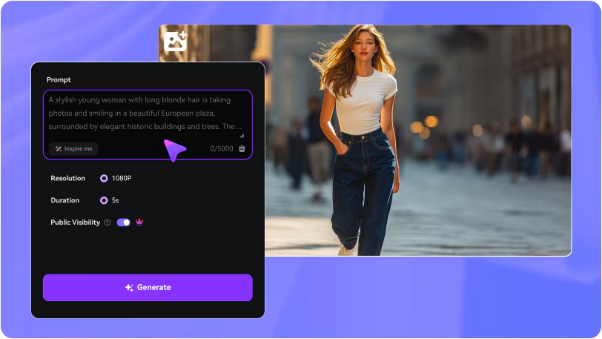 These platforms aren’t just experimental anymore. They’re fast, surprisingly polished, and in many cases practical enough for real creative and commercial work. Below is my honest breakdown of what stands out, what works, and where each type of tool fits. <h2>Why Chinese AI Video Tools Stand Out</h2> What struck me immediately when using these tools was their focus on speed and efficiency. Compared to many Western alternatives, the creative process has far less friction. There’s no need to navigate overly technical menus or deal with an overwhelming number of settings. Instead, the workflow is refreshingly simple: describe the scene you want, optionally upload a reference image, and let the AI handle the rest. This streamlined approach makes the tools feel more like creative partners than complex software you need to master. The focus is on collaboration, not configuration. For creators who need to move quickly, experiment with ideas, or refine a concept, this difference in user experience is significant. It removes obstacles and helps you stay in the creative flow. <h2>The Tool I Recommend for Getting Started</h2> If you're just dipping your toes into AI video generation, HitPaw Online AI Video Generator is one of the friendliest tools I've had the chance to test. It doesn't bombard you with complicated options, but the videos still come out looking clean and professional. You can create videos from text or images, tweak the basics like length and resolution, and get something you can use right away. For marketing clips, storytelling, or social media posts, this blend of simplicity and quality is perfect for most creators. It's definitely the tool I'd recommend trying before you jump into more complex software. <h2>Speed vs. Control: A Tale of Two AI Video Philosophies</h2> Ever found yourself needing a video clip right now? Some Chinese AI video tools, like Hailuo AI, are built for exactly that moment. They're the sprinters of the AI world, perfect for churning out short clips, testing a quick idea, or creating social media content where speed is everything. But what if you're in a more artistic mood? That's where platforms like Wan AI and Hunyuan Video come in. Think of them as the seasoned filmmakers of the AI space. These tools hand you the director's chair, offering granular control over lighting, camera angles, and intricate scene details. It's not about which is superior; it's about matching the tool to your creative impulse. Are you feeling like a rapid-fire content creator or a meticulous digital cinematographer today? <h2>When Human Motion Really Matters</h2> One area where Chinese AI video generators genuinely impressed me is human animation. Bytedance’s AI video technology focuses heavily on facial expressions, gestures, and natural movement. This makes a big difference for content that features people. Influencer-style videos, demonstrations, or character-driven storytelling feel more believable when motion doesn’t look robotic. If your content relies on human presence, this category of tools is worth exploring. <h2>A Quick Thought on Christmas Content Creation</h2> Christmas is one of the busiest seasons for video creation, and AI video tools quietly make this period much easier. I’ve seen creators use AI to generate festive greetings, winter-themed animations, and holiday promos without rushing production or hiring extra help. AI video generators allow you to focus on warmth, emotion, and seasonal storytelling while still delivering visually polished content that feels timely and professional during the holiday rush. <h2>Business-Oriented Tools Serve a Different Purpose</h2> Not all Chinese AI video generators are about creating artistic masterpieces. Some, like Baidu’s video platforms, focus on getting the job done efficiently. They’re great at transforming written content into clear, narrated videos that are easy to follow. These tools might not be the flashiest, but they’re super reliable. Whether you’re creating educational content, sharing internal updates, or producing large-scale informational videos, they do exactly what you need—no fuss, just results. <h2>Choosing the Right Tool Is About Intent, Not Hype</h2> I've played around with a bunch of different platforms, and here's what I've learned: picking the "best" AI video generator isn't the point. It's about figuring out what you actually want to create. Want something easy that you can use right away? A browser-based tool like HitPaw Online AI Video Generator is a great starting point. If you're after those stunning, movie-like visuals and you're up for a bit of a challenge, then you'll want to check out the more advanced systems. And if you're making content for social media where you need people to look and move realistically, then tools like those from Bytedance are probably your best bet. <h2>Common Questions I Get from Other Creators</h2> A lot of people ask whether these tools are “good enough” for professional use. In many cases, they absolutely are, especially when paired with thoughtful prompts and creative direction. Another frequent question is about hardware. The good news is that most of these platforms are cloud-based, so you don’t need a powerful computer. The heavy processing happens on their servers. <h2>Final Thoughts for Supporters</h2> I’m sharing this on Patreon because it’s the kind of insight I wish I had earlier. Chinese AI video generators are no longer just alternatives. They’re legitimate tools that can save time, spark creativity, and open new workflows. If you’re experimenting with AI video, my advice is simple: try a few, see how they feel, and let your creative goals guide you. The tools are evolving fast, and this space is only getting more exciting. |
| json metadata | {"tags":["ai","aivideogenerator","aivideo","aivideogeneration"],"image":["https://cdn.steemitimages.com/DQmdEU5Jsys5yzcERt3HxtB3USWMcaU98syaNNtEvnGTJu4/image.png"],"app":"steemit/0.2","format":"markdown"} |
| Transaction Info | Block #101961715/Trx e26d8503097df82929d8a61615bfafac8a3c5304 |
View Raw JSON Data
{
"trx_id": "e26d8503097df82929d8a61615bfafac8a3c5304",
"block": 101961715,
"trx_in_block": 0,
"op_in_trx": 0,
"virtual_op": 0,
"timestamp": "2025-12-23T08:14:45",
"op": [
"comment",
{
"parent_author": "",
"parent_permlink": "ai",
"author": "yunahi",
"permlink": "chinese-ai-video-generators-what-i-ve-learned-after-testing-them",
"title": "Chinese AI Video Generators: What I’ve Learned After Testing Them",
"body": "Hey everyone,\nI wanted to share something I’ve been exploring deeply over the past few weeks. AI video generation has exploded recently, and while most people talk about Western tools, some of the most interesting progress is happening with Chinese AI video generators.\n\n\n\nThese platforms aren’t just experimental anymore. They’re fast, surprisingly polished, and in many cases practical enough for real creative and commercial work. Below is my honest breakdown of what stands out, what works, and where each type of tool fits.\n<h2>Why Chinese AI Video Tools Stand Out</h2>\nWhat struck me immediately when using these tools was their focus on speed and efficiency. Compared to many Western alternatives, the creative process has far less friction.\nThere’s no need to navigate overly technical menus or deal with an overwhelming number of settings. Instead, the workflow is refreshingly simple: describe the scene you want, optionally upload a reference image, and let the AI handle the rest.\nThis streamlined approach makes the tools feel more like creative partners than complex software you need to master. The focus is on collaboration, not configuration. For creators who need to move quickly, experiment with ideas, or refine a concept, this difference in user experience is significant. It removes obstacles and helps you stay in the creative flow.\n<h2>The Tool I Recommend for Getting Started</h2>\nIf you're just dipping your toes into AI video generation, HitPaw Online AI Video Generator is one of the friendliest tools I've had the chance to test. It doesn't bombard you with complicated options, but the videos still come out looking clean and professional.\nYou can create videos from text or images, tweak the basics like length and resolution, and get something you can use right away. For marketing clips, storytelling, or social media posts, this blend of simplicity and quality is perfect for most creators.\nIt's definitely the tool I'd recommend trying before you jump into more complex software.\n<h2>Speed vs. Control: A Tale of Two AI Video Philosophies</h2>\nEver found yourself needing a video clip right now? Some Chinese AI video tools, like Hailuo AI, are built for exactly that moment. They're the sprinters of the AI world, perfect for churning out short clips, testing a quick idea, or creating social media content where speed is everything.\nBut what if you're in a more artistic mood? That's where platforms like Wan AI and Hunyuan Video come in. Think of them as the seasoned filmmakers of the AI space. These tools hand you the director's chair, offering granular control over lighting, camera angles, and intricate scene details.\nIt's not about which is superior; it's about matching the tool to your creative impulse. Are you feeling like a rapid-fire content creator or a meticulous digital cinematographer today?\n<h2>When Human Motion Really Matters</h2>\nOne area where Chinese AI video generators genuinely impressed me is human animation. Bytedance’s AI video technology focuses heavily on facial expressions, gestures, and natural movement.\nThis makes a big difference for content that features people. Influencer-style videos, demonstrations, or character-driven storytelling feel more believable when motion doesn’t look robotic. If your content relies on human presence, this category of tools is worth exploring.\n<h2>A Quick Thought on Christmas Content Creation</h2>\nChristmas is one of the busiest seasons for video creation, and AI video tools quietly make this period much easier.\nI’ve seen creators use AI to generate festive greetings, winter-themed animations, and holiday promos without rushing production or hiring extra help.\nAI video generators allow you to focus on warmth, emotion, and seasonal storytelling while still delivering visually polished content that feels timely and professional during the holiday rush.\n<h2>Business-Oriented Tools Serve a Different Purpose</h2>\nNot all Chinese AI video generators are about creating artistic masterpieces. Some, like Baidu’s video platforms, focus on getting the job done efficiently. They’re great at transforming written content into clear, narrated videos that are easy to follow.\nThese tools might not be the flashiest, but they’re super reliable. Whether you’re creating educational content, sharing internal updates, or producing large-scale informational videos, they do exactly what you need—no fuss, just results.\n<h2>Choosing the Right Tool Is About Intent, Not Hype</h2>\nI've played around with a bunch of different platforms, and here's what I've learned: picking the \"best\" AI video generator isn't the point. It's about figuring out what you actually want to create.\nWant something easy that you can use right away? A browser-based tool like HitPaw Online AI Video Generator is a great starting point. If you're after those stunning, movie-like visuals and you're up for a bit of a challenge, then you'll want to check out the more advanced systems.\nAnd if you're making content for social media where you need people to look and move realistically, then tools like those from Bytedance are probably your best bet.\n<h2>Common Questions I Get from Other Creators</h2>\nA lot of people ask whether these tools are “good enough” for professional use. In many cases, they absolutely are, especially when paired with thoughtful prompts and creative direction.\nAnother frequent question is about hardware. The good news is that most of these platforms are cloud-based, so you don’t need a powerful computer. The heavy processing happens on their servers.\n<h2>Final Thoughts for Supporters</h2>\nI’m sharing this on Patreon because it’s the kind of insight I wish I had earlier. Chinese AI video generators are no longer just alternatives. They’re legitimate tools that can save time, spark creativity, and open new workflows.\nIf you’re experimenting with AI video, my advice is simple: try a few, see how they feel, and let your creative goals guide you. The tools are evolving fast, and this space is only getting more exciting.",
"json_metadata": "{\"tags\":[\"ai\",\"aivideogenerator\",\"aivideo\",\"aivideogeneration\"],\"image\":[\"https://cdn.steemitimages.com/DQmdEU5Jsys5yzcERt3HxtB3USWMcaU98syaNNtEvnGTJu4/image.png\"],\"app\":\"steemit/0.2\",\"format\":\"markdown\"}"
}
]
}yunahipublished a new post: best-1990s-christmas-movies-10-holiday-classics-worth-revisiting-today2025/12/17 10:14:27
yunahipublished a new post: best-1990s-christmas-movies-10-holiday-classics-worth-revisiting-today
2025/12/17 10:14:27
| parent author | |
| parent permlink | movies |
| author | yunahi |
| permlink | best-1990s-christmas-movies-10-holiday-classics-worth-revisiting-today |
| title | Best 1990s Christmas Movies: 10 Holiday Classics Worth Revisiting Today |
| body | <h1>Best 1990s Christmas Movies: A Nostalgic Holiday Film Guide</h1> If you grew up in the 1990s, there’s a good chance Christmas doesn’t feel complete without at least one classic holiday movie from that era playing in the background. The ’90s produced some of the most memorable Christmas films ever made—movies that balanced humor, warmth, family values, and just enough magic to make the season feel special. These films weren’t flashy, but they were heartfelt. And that’s exactly why we still return to them every December. Here are 10 iconic 1990s Christmas movies that continue to bring comfort, laughter, and nostalgia—whether you’re watching them for the first time or sharing them with a new generation. <h2>1.Home Alone (1990)</h2>  Few movies capture Christmas chaos better than Home Alone. Kevin McCallister’s accidental solo holiday turns into a hilarious battle of wits filled with unforgettable traps and genuine family warmth. It’s funny, clever, and endlessly rewatchable. <h2>2. The Santa Clause (1994)</h2> Tim Allen’s transformation from ordinary dad to Santa Claus is pure ’90s charm. This movie blends comedy with a surprisingly emotional message about belief, responsibility, and reconnecting with family. <h2>3. Miracle on 34th Street (1994)</h2> This remake delivers a softer, more emotional take on Christmas magic. It reminds us that belief isn’t just about Santa—it’s about kindness, generosity, and seeing the world with hope. <h2>4. Jingle All the Way (1996)</h2> Before online shopping, Christmas stress looked very different. Jingle All the Way turns holiday consumer panic into comedy, while quietly reminding us that love matters more than gifts. <h2>5. National Lampoon’s Christmas Vacation (1990)</h2> Holiday plans gone wrong, awkward relatives, and unrealistic expectations—this film captures the messy reality of family Christmas gatherings perfectly. Somehow, that chaos is what makes it comforting. <h2>6.The Grinch (1996)</h2>  This animated version of The Grinch delivers humor and heart in equal measure. Beneath the jokes is a timeless message: Christmas isn’t about what’s under the tree. <h2>7. The Preacher’s Wife (1996)</h2> Warm, soulful, and quietly powerful, this film uses the holiday setting to explore love, faith, and second chances. Whitney Houston’s presence alone makes it worth revisiting. <h2>8. The Family Stone (1999)</h2> Not your typical cheerful Christmas movie, but that’s its strength. The Family Stone dives into family tension, misunderstandings, and emotional growth—things many of us recognize during the holidays. <h2>9. The Muppet Christmas Carol (1992)</h2> A classic story told with humor, music, and heart. This adaptation manages to be fun for kids while still delivering a meaningful message for adults. <h2>10. Edward Scissorhands (1990)</h2> Unconventional but unforgettable. With its snowy final scenes and themes of acceptance and compassion, this film proves that Christmas movies don’t have to follow a formula to feel meaningful. <h2>Watching 1990s Christmas Movies on Modern Screens</h2> Many of these films were made for older TVs and formats, which can make them look soft or noisy on today’s large displays. If you’re revisiting these classics, improving visual quality can make a surprising difference. Tools like <a href="https://www.hitpaw.com/vikpea-video-enhancer.html">HitPaw VikPea</a> use AI to upscale videos to 4K, reduce noise, and restore color—helping classic Christmas movies look cleaner and more vivid without complicated editing. It’s a simple way to make old favorites feel fresh again. 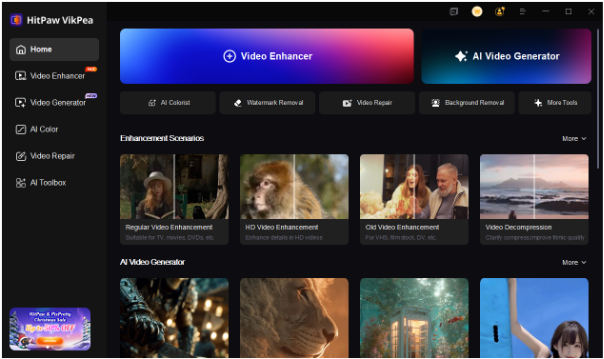 <h2>Final Thoughts</h2> 1990s Christmas movies hold a special place in holiday traditions because they focus on what truly matters: family, kindness, laughter, and togetherness. Whether you’re reliving childhood memories or introducing these films to someone new, they still have the power to make the season feel warm and familiar. If you enjoy nostalgic film discussions and thoughtful holiday content, follow and subscribe for more classic movie reflections and seasonal inspiration 🎄✨ |
| json metadata | {"tags":["movies","christmasmovies","moviesin90s","holidaytraditions","classicfilms","familymovies","movienight","aivideoenhancer"],"image":["https://cdn.steemitimages.com/DQmfDhCbLRiAuyE91rtzPTALiBGJmyRzDC17nTRjWqSNW9E/image.png","https://cdn.steemitimages.com/DQmUosBB3bDnV397sQhRTiCdL6vPaDea7i6WcjcPpz8twtj/image.png","https://cdn.steemitimages.com/DQmQcjsTAXXsdWKABBK7CGRogTrSLCFcbAeV9ePN5Ewzi6F/image.png"],"links":["https://www.hitpaw.com/vikpea-video-enhancer.html"],"app":"steemit/0.2","format":"markdown"} |
| Transaction Info | Block #101791960/Trx 3a6884bbe2a136c57a32b21678cd68b238007b39 |
View Raw JSON Data
{
"trx_id": "3a6884bbe2a136c57a32b21678cd68b238007b39",
"block": 101791960,
"trx_in_block": 0,
"op_in_trx": 0,
"virtual_op": 0,
"timestamp": "2025-12-17T10:14:27",
"op": [
"comment",
{
"parent_author": "",
"parent_permlink": "movies",
"author": "yunahi",
"permlink": "best-1990s-christmas-movies-10-holiday-classics-worth-revisiting-today",
"title": "Best 1990s Christmas Movies: 10 Holiday Classics Worth Revisiting Today",
"body": "<h1>Best 1990s Christmas Movies: A Nostalgic Holiday Film Guide</h1>\nIf you grew up in the 1990s, there’s a good chance Christmas doesn’t feel complete without at least one classic holiday movie from that era playing in the background.\nThe ’90s produced some of the most memorable Christmas films ever made—movies that balanced humor, warmth, family values, and just enough magic to make the season feel special. These films weren’t flashy, but they were heartfelt. And that’s exactly why we still return to them every December.\nHere are 10 iconic 1990s Christmas movies that continue to bring comfort, laughter, and nostalgia—whether you’re watching them for the first time or sharing them with a new generation.\n\n<h2>1.Home Alone (1990)</h2>\n\n\n\nFew movies capture Christmas chaos better than Home Alone. Kevin McCallister’s accidental solo holiday turns into a hilarious battle of wits filled with unforgettable traps and genuine family warmth. It’s funny, clever, and endlessly rewatchable.\n<h2>2. The Santa Clause (1994)</h2>\nTim Allen’s transformation from ordinary dad to Santa Claus is pure ’90s charm. This movie blends comedy with a surprisingly emotional message about belief, responsibility, and reconnecting with family.\n<h2>3. Miracle on 34th Street (1994)</h2>\nThis remake delivers a softer, more emotional take on Christmas magic. It reminds us that belief isn’t just about Santa—it’s about kindness, generosity, and seeing the world with hope.\n<h2>4. Jingle All the Way (1996)</h2>\nBefore online shopping, Christmas stress looked very different. Jingle All the Way turns holiday consumer panic into comedy, while quietly reminding us that love matters more than gifts.\n<h2>5. National Lampoon’s Christmas Vacation (1990)</h2>\nHoliday plans gone wrong, awkward relatives, and unrealistic expectations—this film captures the messy reality of family Christmas gatherings perfectly. Somehow, that chaos is what makes it comforting.\n<h2>6.The Grinch (1996)</h2>\n\n\n\nThis animated version of The Grinch delivers humor and heart in equal measure. Beneath the jokes is a timeless message: Christmas isn’t about what’s under the tree.\n<h2>7. The Preacher’s Wife (1996)</h2>\nWarm, soulful, and quietly powerful, this film uses the holiday setting to explore love, faith, and second chances. Whitney Houston’s presence alone makes it worth revisiting.\n<h2>8. The Family Stone (1999)</h2>\nNot your typical cheerful Christmas movie, but that’s its strength. The Family Stone dives into family tension, misunderstandings, and emotional growth—things many of us recognize during the holidays.\n<h2>9. The Muppet Christmas Carol (1992)</h2>\nA classic story told with humor, music, and heart. This adaptation manages to be fun for kids while still delivering a meaningful message for adults.\n<h2>10. Edward Scissorhands (1990)</h2>\nUnconventional but unforgettable. With its snowy final scenes and themes of acceptance and compassion, this film proves that Christmas movies don’t have to follow a formula to feel meaningful.\n\n<h2>Watching 1990s Christmas Movies on Modern Screens</h2>\nMany of these films were made for older TVs and formats, which can make them look soft or noisy on today’s large displays. If you’re revisiting these classics, improving visual quality can make a surprising difference.\nTools like <a href=\"https://www.hitpaw.com/vikpea-video-enhancer.html\">HitPaw VikPea</a> use AI to upscale videos to 4K, reduce noise, and restore color—helping classic Christmas movies look cleaner and more vivid without complicated editing. It’s a simple way to make old favorites feel fresh again.\n\n\n\n\n<h2>Final Thoughts</h2>\n1990s Christmas movies hold a special place in holiday traditions because they focus on what truly matters: family, kindness, laughter, and togetherness. Whether you’re reliving childhood memories or introducing these films to someone new, they still have the power to make the season feel warm and familiar.\nIf you enjoy nostalgic film discussions and thoughtful holiday content, follow and subscribe for more classic movie reflections and seasonal inspiration 🎄✨",
"json_metadata": "{\"tags\":[\"movies\",\"christmasmovies\",\"moviesin90s\",\"holidaytraditions\",\"classicfilms\",\"familymovies\",\"movienight\",\"aivideoenhancer\"],\"image\":[\"https://cdn.steemitimages.com/DQmfDhCbLRiAuyE91rtzPTALiBGJmyRzDC17nTRjWqSNW9E/image.png\",\"https://cdn.steemitimages.com/DQmUosBB3bDnV397sQhRTiCdL6vPaDea7i6WcjcPpz8twtj/image.png\",\"https://cdn.steemitimages.com/DQmQcjsTAXXsdWKABBK7CGRogTrSLCFcbAeV9ePN5Ewzi6F/image.png\"],\"links\":[\"https://www.hitpaw.com/vikpea-video-enhancer.html\"],\"app\":\"steemit/0.2\",\"format\":\"markdown\"}"
}
]
}2025/12/17 09:56:57
2025/12/17 09:56:57
| parent author | |
| parent permlink | christmas |
| author | yunahi |
| permlink | christmas-video-ideas-15-creative-funny-and-heartwarming-ways-to-capture-the-season |
| title | Christmas Video Ideas: 15 Creative, Funny, and Heartwarming Ways to Capture the Season |
| body | <h1>Christmas Video Ideas: 15 Creative, Funny, and Heartwarming Ways to Celebrate 🎄</h1> Christmas has always been one of the easiest seasons to turn everyday moments into meaningful videos. The lights, the food, the laughter, the quiet family time—almost everything feels worth recording. Whether you’re new to video creation or someone who’s been making content for years, Christmas offers endless inspiration. Below are 15 Christmas video ideas that work well for YouTube, social platforms, or even as private memories to look back on. They’re creative, fun, and—most importantly—human. <h2>🎨 Creative Christmas Video Ideas</h2> <h3>1. DIY Christmas Decorations</h3> Film yourself making simple ornaments, wreaths, or snow globes using affordable or recycled materials. Clear close-up shots and easy steps make this perfect for viewers who enjoy hands-on holiday projects. 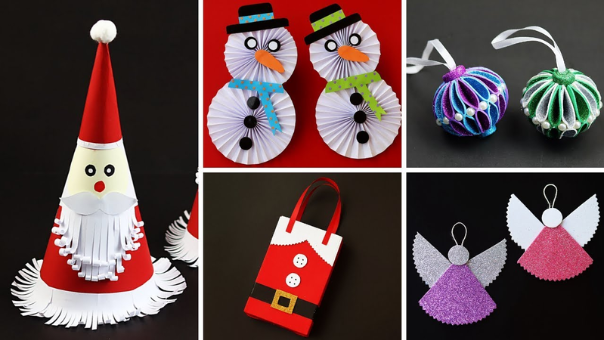 <h3>2. Festive Recipe Videos</h3> Christmas treats like gingerbread cookies, eggnog, or Christmas cake are always crowd-pleasers. Focus on clean visuals, calm pacing, and a satisfying final presentation. <h3>3. Christmas Day Vlog</h3> A slow, cozy vlog works surprisingly well during the holidays. Decorating the house, wrapping gifts, baking, or just enjoying a warm drink—these everyday moments feel relatable and comforting.  <h3>4. Christmas Makeup or Outfit Lookbook</h3> Share festive makeup looks or outfit ideas for holiday parties and family gatherings. Keep the tips practical so viewers can easily recreate the looks themselves. <h3>5. Holiday Cinematic Short</h3> If you enjoy storytelling, try a short cinematic video. Use warm lighting, soft music, and simple scenes to capture the emotional side of Christmas. <h2>😂 Funny Christmas Video Ideas</h2>  <h3>6. Christmas Pranks (Keep Them Light)</h3> Harmless pranks—like funny gift swaps or playful surprises—work best when everyone ends up laughing. Focus on reactions rather than the prank itself. <h3>7. Expectation vs. Reality: Christmas Edition</h3> Perfect plans vs. real-life chaos. Burnt cookies, tangled lights, pets ruining decorations—this format is popular because it’s relatable and honest. <h3>8. Reacting to Old Christmas Photos or Videos</h3> Rewatch childhood holiday memories and comment on outfits, hairstyles, or awkward moments. It’s a great mix of humor and nostalgia. <h3>9. Christmas Challenge Videos</h3> Try simple challenges like decorating a tree in five minutes or wrapping a gift blindfolded. These videos are easy to film and fun to share. <h3>10. Parody Christmas Song or Skit</h3> Put your own twist on a classic Christmas song or film a short skit. Creativity and personality matter more than perfection here. <h2>❤️ Heartwarming Christmas Video Ideas</h2> <h3>11. Surprise Gift Reaction Video</h3> Capture genuine reactions when someone opens a thoughtful gift. The emotion matters more than the price. <h3>12. Giving Back or Charity Vlog</h3> Document volunteering, donating, or small acts of kindness. Keep it sincere and understated to reflect the real spirit of the season. <h3>13. Family Reunion Story</h3> Film family meals, conversations, and shared traditions. Natural, unpolished footage often feels the most meaningful. <h3>14. “What Christmas Means to Me” Video Diary</h3> Talk about your traditions, memories, or lessons learned. Mix talking clips with simple holiday scenes to add warmth. <h3>15. Christmas Thank-You Montage</h3> Create a short montage thanking family, friends, or your community. Soft music and real moments turn this into a timeless keepsake. <h2>✨ Making Your Christmas Videos Look Better</h2> Holiday videos are often shot in low light or come from older devices. Tools like <a href="https://www.hitpaw.com/vikpea-video-enhancer.html">HitPaw VikPea</a> can help enhance clarity, color, and sharpness using AI, making old or blurry footage look cleaner and more polished.  It’s especially useful if you want to restore past Christmas memories or prepare videos for sharing online without spending hours editing. <h2>Final Thoughts</h2> Christmas videos don’t need to be perfect to be meaningful. Sometimes, the simplest clips—laughter around the table, quiet moments at home—become the most valuable memories over time. If you enjoy content like this and want more creator ideas, storytelling inspiration, and practical tools, hit follow and subscribe to stay connected—more thoughtful posts are coming soon 🎄✨ |
| json metadata | {"tags":["christmas","contentcreation","videocreator","aivideo","digitalcreativity","holidayideas","steemit"],"image":["https://cdn.steemitimages.com/DQmSsRLMuevoefMfQV5RinZp6g2WbWneYD1fZpYk44s459t/image.png","https://cdn.steemitimages.com/DQmTbhB71zkXxza7vm9kzwFkAB1safQjQhSAetEKst1P6Xa/image.png","https://cdn.steemitimages.com/DQmaRBc9Wjg8f6tLrbC9riionde1ox27U1jV9RAAyLZGVZs/image.png","https://cdn.steemitimages.com/DQmQcjsTAXXsdWKABBK7CGRogTrSLCFcbAeV9ePN5Ewzi6F/image.png"],"links":["https://www.hitpaw.com/vikpea-video-enhancer.html"],"app":"steemit/0.2","format":"markdown"} |
| Transaction Info | Block #101791610/Trx 2972aa111472558a70f7cb5aeaba86efb04e9166 |
View Raw JSON Data
{
"trx_id": "2972aa111472558a70f7cb5aeaba86efb04e9166",
"block": 101791610,
"trx_in_block": 0,
"op_in_trx": 0,
"virtual_op": 0,
"timestamp": "2025-12-17T09:56:57",
"op": [
"comment",
{
"parent_author": "",
"parent_permlink": "christmas",
"author": "yunahi",
"permlink": "christmas-video-ideas-15-creative-funny-and-heartwarming-ways-to-capture-the-season",
"title": "Christmas Video Ideas: 15 Creative, Funny, and Heartwarming Ways to Capture the Season",
"body": "<h1>Christmas Video Ideas: 15 Creative, Funny, and Heartwarming Ways to Celebrate 🎄</h1>\nChristmas has always been one of the easiest seasons to turn everyday moments into meaningful videos. The lights, the food, the laughter, the quiet family time—almost everything feels worth recording.\nWhether you’re new to video creation or someone who’s been making content for years, Christmas offers endless inspiration. Below are 15 Christmas video ideas that work well for YouTube, social platforms, or even as private memories to look back on. They’re creative, fun, and—most importantly—human.\n\n<h2>🎨 Creative Christmas Video Ideas</h2>\n<h3>1. DIY Christmas Decorations</h3>\nFilm yourself making simple ornaments, wreaths, or snow globes using affordable or recycled materials. Clear close-up shots and easy steps make this perfect for viewers who enjoy hands-on holiday projects.\n\n\n\n<h3>2. Festive Recipe Videos</h3>\nChristmas treats like gingerbread cookies, eggnog, or Christmas cake are always crowd-pleasers. Focus on clean visuals, calm pacing, and a satisfying final presentation.\n<h3>3. Christmas Day Vlog</h3>\nA slow, cozy vlog works surprisingly well during the holidays. Decorating the house, wrapping gifts, baking, or just enjoying a warm drink—these everyday moments feel relatable and comforting.\n\n\n\n<h3>4. Christmas Makeup or Outfit Lookbook</h3>\nShare festive makeup looks or outfit ideas for holiday parties and family gatherings. Keep the tips practical so viewers can easily recreate the looks themselves.\n<h3>5. Holiday Cinematic Short</h3>\nIf you enjoy storytelling, try a short cinematic video. Use warm lighting, soft music, and simple scenes to capture the emotional side of Christmas.\n\n<h2>😂 Funny Christmas Video Ideas</h2>\n\n\n\n<h3>6. Christmas Pranks (Keep Them Light)</h3>\nHarmless pranks—like funny gift swaps or playful surprises—work best when everyone ends up laughing. Focus on reactions rather than the prank itself.\n<h3>7. Expectation vs. Reality: Christmas Edition</h3>\nPerfect plans vs. real-life chaos. Burnt cookies, tangled lights, pets ruining decorations—this format is popular because it’s relatable and honest.\n<h3>8. Reacting to Old Christmas Photos or Videos</h3>\nRewatch childhood holiday memories and comment on outfits, hairstyles, or awkward moments. It’s a great mix of humor and nostalgia.\n<h3>9. Christmas Challenge Videos</h3>\nTry simple challenges like decorating a tree in five minutes or wrapping a gift blindfolded. These videos are easy to film and fun to share.\n<h3>10. Parody Christmas Song or Skit</h3>\nPut your own twist on a classic Christmas song or film a short skit. Creativity and personality matter more than perfection here.\n\n<h2>❤️ Heartwarming Christmas Video Ideas</h2>\n<h3>11. Surprise Gift Reaction Video</h3>\nCapture genuine reactions when someone opens a thoughtful gift. The emotion matters more than the price.\n<h3>12. Giving Back or Charity Vlog</h3>\nDocument volunteering, donating, or small acts of kindness. Keep it sincere and understated to reflect the real spirit of the season.\n<h3>13. Family Reunion Story</h3>\nFilm family meals, conversations, and shared traditions. Natural, unpolished footage often feels the most meaningful.\n<h3>14. “What Christmas Means to Me” Video Diary</h3>\nTalk about your traditions, memories, or lessons learned. Mix talking clips with simple holiday scenes to add warmth.\n<h3>15. Christmas Thank-You Montage</h3>\nCreate a short montage thanking family, friends, or your community. Soft music and real moments turn this into a timeless keepsake.\n\n<h2>✨ Making Your Christmas Videos Look Better</h2>\nHoliday videos are often shot in low light or come from older devices. Tools like <a href=\"https://www.hitpaw.com/vikpea-video-enhancer.html\">HitPaw VikPea</a> can help enhance clarity, color, and sharpness using AI, making old or blurry footage look cleaner and more polished.\n\n\n\nIt’s especially useful if you want to restore past Christmas memories or prepare videos for sharing online without spending hours editing.\n\n<h2>Final Thoughts</h2>\nChristmas videos don’t need to be perfect to be meaningful. Sometimes, the simplest clips—laughter around the table, quiet moments at home—become the most valuable memories over time.\nIf you enjoy content like this and want more creator ideas, storytelling inspiration, and practical tools, hit follow and subscribe to stay connected—more thoughtful posts are coming soon 🎄✨",
"json_metadata": "{\"tags\":[\"christmas\",\"contentcreation\",\"videocreator\",\"aivideo\",\"digitalcreativity\",\"holidayideas\",\"steemit\"],\"image\":[\"https://cdn.steemitimages.com/DQmSsRLMuevoefMfQV5RinZp6g2WbWneYD1fZpYk44s459t/image.png\",\"https://cdn.steemitimages.com/DQmTbhB71zkXxza7vm9kzwFkAB1safQjQhSAetEKst1P6Xa/image.png\",\"https://cdn.steemitimages.com/DQmaRBc9Wjg8f6tLrbC9riionde1ox27U1jV9RAAyLZGVZs/image.png\",\"https://cdn.steemitimages.com/DQmQcjsTAXXsdWKABBK7CGRogTrSLCFcbAeV9ePN5Ewzi6F/image.png\"],\"links\":[\"https://www.hitpaw.com/vikpea-video-enhancer.html\"],\"app\":\"steemit/0.2\",\"format\":\"markdown\"}"
}
]
}yunahipublished a new post: fun-christmas-party-ideas-and-how-to-spice-it-up-with-hitpaw-voicepea2025/12/16 09:19:42
yunahipublished a new post: fun-christmas-party-ideas-and-how-to-spice-it-up-with-hitpaw-voicepea
2025/12/16 09:19:42
| parent author | |
| parent permlink | christmas |
| author | yunahi |
| permlink | fun-christmas-party-ideas-and-how-to-spice-it-up-with-hitpaw-voicepea |
| title | Fun Christmas Party Ideas & How to Spice It Up with HitPaw VoicePea |
| body | The holidays are here! If you’re planning a Christmas party, here’s a mix of fun themes, tasty food, and a little tech magic with HitPaw VoicePea to make your celebration stand out.  <h2>Party Themes</h2> ●Cozy Christmas: Warm lights, blankets, hot cocoa, and carols ●Ugly Sweater Party: Guests wear funny or colorful sweaters ●Winter Wonderland: White, silver, icy blue decorations, snowflake candles ●Character Party: Dress as Santa, elves, reindeer, or snowmen <h2>Food Ideas</h2> ●Mini quiches, stuffed mushrooms, cranberry meatballs ●Roasted turkey sliders, baked ham, mashed potatoes ●Christmas tree cheese board, festive bruschetta ●Gingerbread cookies, peppermint brownies, hot chocolate bar ●Mulled wine, eggnog, apple cider, holiday mocktails <h2><a href="https://www.hitpaw.com/voice-changer.html">HitPaw VoicePea</a> Fun</h2> Want to surprise your guests? HitPaw VoicePea can turn your voice into Santa, elves, or other festive characters. Real-time changes on Zoom, Discord, or WhatsApp. Great for: ●Party toasts ●Short fun videos ●Announcements <h2>Quick Steps:</h2> 1.Select input/output 2.Pick a festive voice and click “Apply” 3.Turn on “Voice Changer” and adjust noise 4.Fine-tune pitch and volume <h2>FAQ</h2> ●Themes to try? Ugly sweater, White Elephant gift exchange, Santa workshop ●Best food? Mix appetizers, mains, desserts, and drinks <h2>Wrap-up:</h2> Add cozy vibes, fun themes, yummy food, and a touch of HitPaw VoicePea magic to make your Christmas party memorable. |
| json metadata | {"tags":["christmas","partyideas","holidayparty","hitpaw","voicechanger"],"image":["https://cdn.steemitimages.com/DQma7EapVDPWv8tHK7er2oNKQnkuDyh6grLvq1516nUCYFh/image.png"],"links":["https://www.hitpaw.com/voice-changer.html"],"app":"steemit/0.2","format":"markdown"} |
| Transaction Info | Block #101762126/Trx e7c3d996c50ed3dcfdd943c703b35a7990e99c99 |
View Raw JSON Data
{
"trx_id": "e7c3d996c50ed3dcfdd943c703b35a7990e99c99",
"block": 101762126,
"trx_in_block": 0,
"op_in_trx": 0,
"virtual_op": 0,
"timestamp": "2025-12-16T09:19:42",
"op": [
"comment",
{
"parent_author": "",
"parent_permlink": "christmas",
"author": "yunahi",
"permlink": "fun-christmas-party-ideas-and-how-to-spice-it-up-with-hitpaw-voicepea",
"title": "Fun Christmas Party Ideas & How to Spice It Up with HitPaw VoicePea",
"body": "The holidays are here! If you’re planning a Christmas party, here’s a mix of fun themes, tasty food, and a little tech magic with HitPaw VoicePea to make your celebration stand out.\n\n\n\n<h2>Party Themes</h2>\n●Cozy Christmas: Warm lights, blankets, hot cocoa, and carols\n●Ugly Sweater Party: Guests wear funny or colorful sweaters\n●Winter Wonderland: White, silver, icy blue decorations, snowflake candles\n●Character Party: Dress as Santa, elves, reindeer, or snowmen\n<h2>Food Ideas</h2>\n●Mini quiches, stuffed mushrooms, cranberry meatballs\n●Roasted turkey sliders, baked ham, mashed potatoes\n●Christmas tree cheese board, festive bruschetta\n●Gingerbread cookies, peppermint brownies, hot chocolate bar\n●Mulled wine, eggnog, apple cider, holiday mocktails\n<h2><a href=\"https://www.hitpaw.com/voice-changer.html\">HitPaw VoicePea</a> Fun</h2>\nWant to surprise your guests? HitPaw VoicePea can turn your voice into Santa, elves, or other festive characters. Real-time changes on Zoom, Discord, or WhatsApp. Great for:\n●Party toasts\n●Short fun videos\n●Announcements\n<h2>Quick Steps:</h2>\n1.Select input/output\n2.Pick a festive voice and click “Apply”\n3.Turn on “Voice Changer” and adjust noise\n4.Fine-tune pitch and volume\n<h2>FAQ</h2>\n●Themes to try? \nUgly sweater, White Elephant gift exchange, Santa workshop\n●Best food? \nMix appetizers, mains, desserts, and drinks\n<h2>Wrap-up:</h2>\nAdd cozy vibes, fun themes, yummy food, and a touch of HitPaw VoicePea magic to make your Christmas party memorable.",
"json_metadata": "{\"tags\":[\"christmas\",\"partyideas\",\"holidayparty\",\"hitpaw\",\"voicechanger\"],\"image\":[\"https://cdn.steemitimages.com/DQma7EapVDPWv8tHK7er2oNKQnkuDyh6grLvq1516nUCYFh/image.png\"],\"links\":[\"https://www.hitpaw.com/voice-changer.html\"],\"app\":\"steemit/0.2\",\"format\":\"markdown\"}"
}
]
}yunahipublished a new post: from-classic-christmas-songs-to-ai-creation-a-new-way-to-make-holiday-music2025/12/16 07:57:33
yunahipublished a new post: from-classic-christmas-songs-to-ai-creation-a-new-way-to-make-holiday-music
2025/12/16 07:57:33
| parent author | |
| parent permlink | christmassong |
| author | yunahi |
| permlink | from-classic-christmas-songs-to-ai-creation-a-new-way-to-make-holiday-music |
| title | From Classic Christmas Songs to AI Creation: A New Way to Make Holiday Music |
| body | Christmas music has always been a core part of the holiday season. From traditional carols to modern pop hits, festive songs shape the mood and emotions of Christmas celebrations. However, as digital content continues to grow, relying on the same familiar tracks year after year has become increasingly limiting. This is why the idea of a Christmas Song Generator is gaining attention. Instead of reusing existing music, AI tools now allow users to create original Christmas songs that feel personal, flexible, and suitable for modern content needs. <h2>The Role of Classic Christmas Songs</h2> Songs like Jingle Bells, We Wish You a Merry Christmas, and Silent Night have remained popular across generations because of their simplicity and emotional resonance. More recent classics such as All I Want for Christmas Is You and Last Christmas show that Christmas music continues to evolve with listener preferences. While these songs remain meaningful, modern creators often look for music that feels unique rather than repeated. <h2>What Is a Christmas Song Generator?</h2>  A Christmas Song Generator is an AI-powered tool designed to create original Christmas-themed music. By analyzing common elements such as melody, rhythm, and mood, it can generate new compositions from simple text input. Some tools focus on generating lyrics, while others generate melodies or background music. More advanced solutions combine both, turning written lyrics into complete holiday songs. <h2>Creating Christmas Music with <a href="https://www.hitpaw.com/voice-changer.html">HitPaw VoicePea</a></h2>  HitPaw VoicePea offers an AI Music feature that fits naturally into this creative process. Instead of requiring professional music knowledge, users can start with text and transform Christmas-themed lyrics into original melodies. The ability to adjust mood, tempo, and duration makes it easier to create music that matches different holiday scenarios, from cheerful celebrations to calm seasonal moments. <h2>Where AI-Generated Christmas Music Can Be Used</h2> Original Christmas music created with AI tools can be used in many scenarios, including: ●Holiday-themed videos and short-form content ●Seasonal marketing and promotional materials ●Company greeting videos and presentations ●Personal projects and family celebrations Using original music also helps avoid licensing limitations associated with traditional Christmas songs. <h2>Conclusion</h2> Christmas music continues to evolve alongside technology. While classic songs remain important, AI-powered creation tools provide new opportunities to produce original holiday music. With tools like HitPaw VoicePea, creating Christmas music becomes more accessible, efficient, and adaptable to modern creative needs. |
| json metadata | {"tags":["christmassong","aimusic","hitpaw","songgenerator"],"image":["https://cdn.steemitimages.com/DQmWJt9y7nLgsZXAirFXD7rinvC25eapiYHpKqpL1cbn5LA/image.png","https://cdn.steemitimages.com/DQmXDGqS6Hf8iKqhRvFRhry9TdphPL7PGX5NZVnt9LE4LYV/image.png"],"links":["https://www.hitpaw.com/voice-changer.html"],"app":"steemit/0.2","format":"markdown"} |
| Transaction Info | Block #101760485/Trx 2adeb4c75d2e719eae43a377b98624a68e743c98 |
View Raw JSON Data
{
"trx_id": "2adeb4c75d2e719eae43a377b98624a68e743c98",
"block": 101760485,
"trx_in_block": 0,
"op_in_trx": 0,
"virtual_op": 0,
"timestamp": "2025-12-16T07:57:33",
"op": [
"comment",
{
"parent_author": "",
"parent_permlink": "christmassong",
"author": "yunahi",
"permlink": "from-classic-christmas-songs-to-ai-creation-a-new-way-to-make-holiday-music",
"title": "From Classic Christmas Songs to AI Creation: A New Way to Make Holiday Music",
"body": "Christmas music has always been a core part of the holiday season. From traditional carols to modern pop hits, festive songs shape the mood and emotions of Christmas celebrations. However, as digital content continues to grow, relying on the same familiar tracks year after year has become increasingly limiting.\nThis is why the idea of a Christmas Song Generator is gaining attention. Instead of reusing existing music, AI tools now allow users to create original Christmas songs that feel personal, flexible, and suitable for modern content needs.\n<h2>The Role of Classic Christmas Songs</h2>\nSongs like Jingle Bells, We Wish You a Merry Christmas, and Silent Night have remained popular across generations because of their simplicity and emotional resonance. More recent classics such as All I Want for Christmas Is You and Last Christmas show that Christmas music continues to evolve with listener preferences.\nWhile these songs remain meaningful, modern creators often look for music that feels unique rather than repeated.\n<h2>What Is a Christmas Song Generator?</h2>\n\n\n\nA Christmas Song Generator is an AI-powered tool designed to create original Christmas-themed music. By analyzing common elements such as melody, rhythm, and mood, it can generate new compositions from simple text input.\nSome tools focus on generating lyrics, while others generate melodies or background music. More advanced solutions combine both, turning written lyrics into complete holiday songs.\n<h2>Creating Christmas Music with <a href=\"https://www.hitpaw.com/voice-changer.html\">HitPaw VoicePea</a></h2>\n\n\n\nHitPaw VoicePea offers an AI Music feature that fits naturally into this creative process. Instead of requiring professional music knowledge, users can start with text and transform Christmas-themed lyrics into original melodies.\nThe ability to adjust mood, tempo, and duration makes it easier to create music that matches different holiday scenarios, from cheerful celebrations to calm seasonal moments.\n<h2>Where AI-Generated Christmas Music Can Be Used</h2>\nOriginal Christmas music created with AI tools can be used in many scenarios, including:\n●Holiday-themed videos and short-form content\n●Seasonal marketing and promotional materials\n●Company greeting videos and presentations\n●Personal projects and family celebrations\nUsing original music also helps avoid licensing limitations associated with traditional Christmas songs.\n<h2>Conclusion</h2>\nChristmas music continues to evolve alongside technology. While classic songs remain important, AI-powered creation tools provide new opportunities to produce original holiday music. With tools like HitPaw VoicePea, creating Christmas music becomes more accessible, efficient, and adaptable to modern creative needs.",
"json_metadata": "{\"tags\":[\"christmassong\",\"aimusic\",\"hitpaw\",\"songgenerator\"],\"image\":[\"https://cdn.steemitimages.com/DQmWJt9y7nLgsZXAirFXD7rinvC25eapiYHpKqpL1cbn5LA/image.png\",\"https://cdn.steemitimages.com/DQmXDGqS6Hf8iKqhRvFRhry9TdphPL7PGX5NZVnt9LE4LYV/image.png\"],\"links\":[\"https://www.hitpaw.com/voice-changer.html\"],\"app\":\"steemit/0.2\",\"format\":\"markdown\"}"
}
]
}yunahipublished a new post: best-ai-christmas-photo-ideas-you-can-create-in-minutes2025/12/16 06:31:27
yunahipublished a new post: best-ai-christmas-photo-ideas-you-can-create-in-minutes
2025/12/16 06:31:27
| parent author | |
| parent permlink | ai |
| author | yunahi |
| permlink | best-ai-christmas-photo-ideas-you-can-create-in-minutes |
| title | Best AI Christmas Photo Ideas You Can Create in Minutes |
| body | AI technology has completely changed how people create holiday images. Today, Christmas AI photo ideas allow users to generate festive visuals with realistic lighting, accurate facial details, and professional-quality results—no camera setup required. This article introduces the best AI-powered Christmas photo ideas along with a reliable tool that makes the entire process simple and fast.  <h2>Popular Christmas AI Photo Ideas for 2025</h2> Here are ten AI Christmas photo concepts that maintain facial identity while enhancing festive elements: ●Christmas-themed makeup portraits ●Realistic Santa costume transformations ●Cozy indoor sweater photography ●Santa visiting home scenes ●Christmas room decoration edits ●Elf character conversions ●Festive pet portraits ●Polaroid-style Christmas photos ●Selfies with Santa ●Outdoor snowman winter shots Each idea works perfectly with image-to-image AI generation and delivers natural-looking results. Get detailed prompt here: <a href="https://www.hitpaw.com/christmas-tips/christmas-ai-photo-ideas.html">10 Best Christmas AI Photo Ideas (With Free Prompts)</a> <h2>Best AI Tool for Christmas Photos: HitPaw FotorPea</h2> HitPaw FotorPea stands out among AI image generators due to its balance of quality, speed, and ease of use. Users can create Christmas-themed images using simple text prompts or upload existing photos for transformation. <h3>Key Features Include:</h3> ●Text-to-image and image-to-image generation ●Multiple art styles including Christmas, watercolor, and 3D ●Support for JPG, PNG, WEBP, and more ●Beginner-friendly interface ●Windows and macOS compatibility <h3>How to Generate Christmas AI Photos</h3> 1.Install HitPaw FotorPea on your computer 2.Upload an image and enter a Christmas AI prompt 3.Generate the image and download it instantly 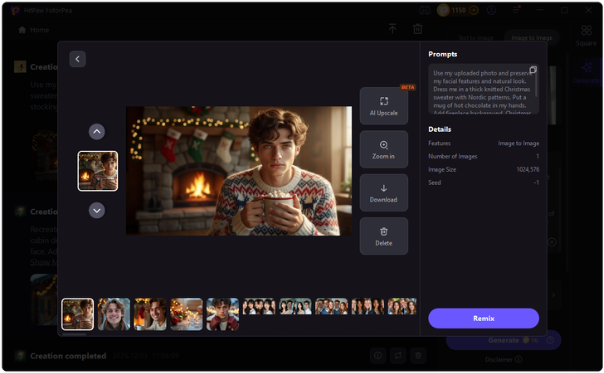 <h2>Conclusion</h2> AI-generated Christmas photos offer a fast and creative way to celebrate the holidays. With thoughtful prompts and a powerful tool like HitPaw FotorPea, users can easily produce festive visuals that look polished and authentic. Whether for social media or personal use, AI makes Christmas photo creation easier than ever. |
| json metadata | {"tags":["ai","aiimage","aiphoto","aiprompt","christmasai","aiphotoideas"],"image":["https://cdn.steemitimages.com/DQmTEDDmaJs9KvP8yPRzaaSuVxyRm2GxaxXFz1JLHC6XvnL/image.png","https://cdn.steemitimages.com/DQmZsZo4mYqjcBqSDY5bHa9rKMu6zvK5r6tk1fGN1KuoeHy/image.png"],"links":["https://www.hitpaw.com/christmas-tips/christmas-ai-photo-ideas.html"],"app":"steemit/0.2","format":"markdown"} |
| Transaction Info | Block #101758767/Trx b5deb9110d458ba2ad34d8f6ecdd6a254223cc3d |
View Raw JSON Data
{
"trx_id": "b5deb9110d458ba2ad34d8f6ecdd6a254223cc3d",
"block": 101758767,
"trx_in_block": 5,
"op_in_trx": 0,
"virtual_op": 0,
"timestamp": "2025-12-16T06:31:27",
"op": [
"comment",
{
"parent_author": "",
"parent_permlink": "ai",
"author": "yunahi",
"permlink": "best-ai-christmas-photo-ideas-you-can-create-in-minutes",
"title": "Best AI Christmas Photo Ideas You Can Create in Minutes",
"body": "AI technology has completely changed how people create holiday images. Today, Christmas AI photo ideas allow users to generate festive visuals with realistic lighting, accurate facial details, and professional-quality results—no camera setup required.\nThis article introduces the best AI-powered Christmas photo ideas along with a reliable tool that makes the entire process simple and fast.\n\n\n\n<h2>Popular Christmas AI Photo Ideas for 2025</h2>\nHere are ten AI Christmas photo concepts that maintain facial identity while enhancing festive elements:\n●Christmas-themed makeup portraits\n●Realistic Santa costume transformations\n●Cozy indoor sweater photography\n●Santa visiting home scenes\n●Christmas room decoration edits\n●Elf character conversions\n●Festive pet portraits\n●Polaroid-style Christmas photos\n●Selfies with Santa\n●Outdoor snowman winter shots\nEach idea works perfectly with image-to-image AI generation and delivers natural-looking results.\nGet detailed prompt here: <a href=\"https://www.hitpaw.com/christmas-tips/christmas-ai-photo-ideas.html\">10 Best Christmas AI Photo Ideas (With Free Prompts)</a>\n<h2>Best AI Tool for Christmas Photos: HitPaw FotorPea</h2>\nHitPaw FotorPea stands out among AI image generators due to its balance of quality, speed, and ease of use. Users can create Christmas-themed images using simple text prompts or upload existing photos for transformation.\n<h3>Key Features Include:</h3>\n●Text-to-image and image-to-image generation\n●Multiple art styles including Christmas, watercolor, and 3D\n●Support for JPG, PNG, WEBP, and more\n●Beginner-friendly interface\n●Windows and macOS compatibility\n<h3>How to Generate Christmas AI Photos</h3>\n1.Install HitPaw FotorPea on your computer\n2.Upload an image and enter a Christmas AI prompt\n3.Generate the image and download it instantly\n\n\n\n<h2>Conclusion</h2>\nAI-generated Christmas photos offer a fast and creative way to celebrate the holidays. With thoughtful prompts and a powerful tool like HitPaw FotorPea, users can easily produce festive visuals that look polished and authentic. Whether for social media or personal use, AI makes Christmas photo creation easier than ever.",
"json_metadata": "{\"tags\":[\"ai\",\"aiimage\",\"aiphoto\",\"aiprompt\",\"christmasai\",\"aiphotoideas\"],\"image\":[\"https://cdn.steemitimages.com/DQmTEDDmaJs9KvP8yPRzaaSuVxyRm2GxaxXFz1JLHC6XvnL/image.png\",\"https://cdn.steemitimages.com/DQmZsZo4mYqjcBqSDY5bHa9rKMu6zvK5r6tk1fGN1KuoeHy/image.png\"],\"links\":[\"https://www.hitpaw.com/christmas-tips/christmas-ai-photo-ideas.html\"],\"app\":\"steemit/0.2\",\"format\":\"markdown\"}"
}
]
}yunahipublished a new post: how-to-create-a-1x1x1x1-voice-with-hitpaw-voicepea-2025-guide2025/12/12 08:10:09
yunahipublished a new post: how-to-create-a-1x1x1x1-voice-with-hitpaw-voicepea-2025-guide
2025/12/12 08:10:09
| parent author | |
| parent permlink | voicechanger |
| author | yunahi |
| permlink | how-to-create-a-1x1x1x1-voice-with-hitpaw-voicepea-2025-guide |
| title | How to Create a 1x1x1x1 Voice with HitPaw VoicePea (2025 Guide) |
| body | If you’re part of the Roblox community, you’ve probably heard the legend of 1x1x1x1—one of the most iconic “mysterious characters” in Roblox history. Over the years, this character became a meme, a myth, and a fun way for players to experiment with eerie or robotic voice effects. In 2025, voice changers have become more advanced, and it’s now possible to recreate a 1x1x1x1-style voice in real time. In this post, I’ll share how you can easily generate this signature robotic tone using HitPaw VoicePea, along with a few customization techniques to achieve an impressive result. <h2>Why 1x1x1x1 Voice Is Popular</h2>  The 1x1x1x1 voice style usually includes: ●A mechanical, slightly glitchy tone ●Lower pitch or altered resonance ●A “mysterious NPC” feeling ●A metallic or robotic echo This makes it perfect for roleplay, Roblox content creation, livestreams, or just having fun with friends. <h2>Using <a href="https://www.hitpaw.com/voice-changer.html">HitPaw VoicePea</a> to Create a 1x1x1x1 Voice</h2> HitPaw VoicePea is a real-time voice changer available for both Windows and macOS. It supports gaming, streaming, Discord, and other communication platforms. What makes it helpful for this voice style is its ability to layer effects, customize tone, and reduce latency.  <h3>How to Get the 1x1x1x1 Voice</h3> <b>Step 1 — Install HitPaw VoicePea</b> Download it from the official website and complete the setup. <b>Step 2 — Select a Robotic or Metallic Base Effect</b> Choose any robot/mech-style voice as the starting point. <b>Step 3 — Adjust the Pitch & Timbre</b> Lower the pitch slightly (+/- based on your natural voice). Increase metallic texture for a more synthetic tone. <b>Step 4 — Use It in Real-Time</b> HitPaw VoicePea works smoothly on Discord, Roblox VC, Zoom, and more.The final result sounds close to the eerie, distorted voice many players associate with the 1x1x1x1 character. <h2>Why Choose HitPaw VoicePea Over Other Tools?</h2> ●Works on both Windows and Mac ●Low latency for real-time gaming ●Highly customizable voice settings ●500+ sound effects (and still growing) ●Beginner-friendly interface Whether you're creating a character, making content, or just experimenting with audio effects, it gives you full control to shape any voice you want. <h2>Final Thoughts</h2> Recreating the 1x1x1x1 voice is easier than ever. AI-powered tools like HitPaw VoicePea allow you to craft robotic, glitchy, or mysterious voices in seconds. The customization options make it suitable for both beginners and advanced users who want more control. If you're exploring voice-based roleplay, virtual personas, or game content creation, this is definitely a tool worth trying. |
| json metadata | {"tags":["voicechanger","roblox","hitpaw"],"image":["https://cdn.steemitimages.com/DQmUdmssTcmkPCy6z9TEb9BHXYNAW5Py562Zt18PY6AbgEj/image.png","https://cdn.steemitimages.com/DQmXDGqS6Hf8iKqhRvFRhry9TdphPL7PGX5NZVnt9LE4LYV/image.png"],"links":["https://www.hitpaw.com/voice-changer.html"],"app":"steemit/0.2","format":"markdown"} |
| Transaction Info | Block #101645780/Trx 341cf0704ce3a7e95ec48c2cbeba97af652f001f |
View Raw JSON Data
{
"trx_id": "341cf0704ce3a7e95ec48c2cbeba97af652f001f",
"block": 101645780,
"trx_in_block": 4,
"op_in_trx": 0,
"virtual_op": 0,
"timestamp": "2025-12-12T08:10:09",
"op": [
"comment",
{
"parent_author": "",
"parent_permlink": "voicechanger",
"author": "yunahi",
"permlink": "how-to-create-a-1x1x1x1-voice-with-hitpaw-voicepea-2025-guide",
"title": "How to Create a 1x1x1x1 Voice with HitPaw VoicePea (2025 Guide)",
"body": "If you’re part of the Roblox community, you’ve probably heard the legend of 1x1x1x1—one of the most iconic “mysterious characters” in Roblox history. Over the years, this character became a meme, a myth, and a fun way for players to experiment with eerie or robotic voice effects.\nIn 2025, voice changers have become more advanced, and it’s now possible to recreate a 1x1x1x1-style voice in real time. In this post, I’ll share how you can easily generate this signature robotic tone using HitPaw VoicePea, along with a few customization techniques to achieve an impressive result.\n<h2>Why 1x1x1x1 Voice Is Popular</h2>\n\n\n\nThe 1x1x1x1 voice style usually includes:\n●A mechanical, slightly glitchy tone\n●Lower pitch or altered resonance\n●A “mysterious NPC” feeling\n●A metallic or robotic echo\nThis makes it perfect for roleplay, Roblox content creation, livestreams, or just having fun with friends.\n<h2>Using <a href=\"https://www.hitpaw.com/voice-changer.html\">HitPaw VoicePea</a> to Create a 1x1x1x1 Voice</h2>\nHitPaw VoicePea is a real-time voice changer available for both Windows and macOS. It supports gaming, streaming, Discord, and other communication platforms. What makes it helpful for this voice style is its ability to layer effects, customize tone, and reduce latency.\n\n\n\n<h3>How to Get the 1x1x1x1 Voice</h3>\n<b>Step 1 — Install HitPaw VoicePea</b>\nDownload it from the official website and complete the setup.\n<b>Step 2 — Select a Robotic or Metallic Base Effect</b>\nChoose any robot/mech-style voice as the starting point.\n<b>Step 3 — Adjust the Pitch & Timbre</b>\nLower the pitch slightly (+/- based on your natural voice). Increase metallic texture for a more synthetic tone.\n<b>Step 4 — Use It in Real-Time</b>\nHitPaw VoicePea works smoothly on Discord, Roblox VC, Zoom, and more.The final result sounds close to the eerie, distorted voice many players associate with the 1x1x1x1 character.\n<h2>Why Choose HitPaw VoicePea Over Other Tools?</h2>\n●Works on both Windows and Mac\n●Low latency for real-time gaming\n●Highly customizable voice settings\n●500+ sound effects (and still growing)\n●Beginner-friendly interface\nWhether you're creating a character, making content, or just experimenting with audio effects, it gives you full control to shape any voice you want.\n<h2>Final Thoughts</h2>\nRecreating the 1x1x1x1 voice is easier than ever. AI-powered tools like HitPaw VoicePea allow you to craft robotic, glitchy, or mysterious voices in seconds. The customization options make it suitable for both beginners and advanced users who want more control.\nIf you're exploring voice-based roleplay, virtual personas, or game content creation, this is definitely a tool worth trying.",
"json_metadata": "{\"tags\":[\"voicechanger\",\"roblox\",\"hitpaw\"],\"image\":[\"https://cdn.steemitimages.com/DQmUdmssTcmkPCy6z9TEb9BHXYNAW5Py562Zt18PY6AbgEj/image.png\",\"https://cdn.steemitimages.com/DQmXDGqS6Hf8iKqhRvFRhry9TdphPL7PGX5NZVnt9LE4LYV/image.png\"],\"links\":[\"https://www.hitpaw.com/voice-changer.html\"],\"app\":\"steemit/0.2\",\"format\":\"markdown\"}"
}
]
}2025/12/12 07:45:06
2025/12/12 07:45:06
| parent author | |
| parent permlink | vtubers |
| author | yunahi |
| permlink | trying-out-several-vtuber-voice-changers-and-why-i-finally-settled-on-hitpaw-voicepea |
| title | Trying Out Several VTuber Voice Changers… and Why I Finally Settled on HitPaw VoicePea 🎧✨ |
| body | Over the past few weeks, I’ve been setting up my VTuber workflow, and one of the biggest challenges has been finding a voice changer that can deliver a stable, natural-sounding voice during livestreams. Since voice plays a huge role in defining a VTuber’s character, I wanted something that not only sounded good but also worked reliably with OBS and other streaming tools. So, I went on a testing journey—trying multiple voice changers, from popular paid options to lesser-known free ones. Some were fun, some were frustrating, and a few nearly crashed my stream setup. But after all the trial and error, the tool I eventually stuck with was HitPaw VoicePea. I thought I’d share my experience here for anyone else searching for the right VTuber voice changer.  <h2>🚫 Tools That Didn’t Quite Work for Me</h2> Before discovering HitPaw VoicePea, I tried several well-known alternatives. While some had impressive effects, they came with issues such as: ●Noticeable delay during livestreams ●Voices sounding too “processed” or robotic ●Poor noise reduction (my PC fans are loud…) ●Complicated interfaces ●Audio crackling or stuttering during long streams Free tools were okay for casual fun but didn’t perform well enough for content creation. Noise reduction and stability were the biggest weak points. <h2>🎭 Why <a href="https://www.hitpaw.com/voice-changer.html">HitPaw VoicePea</a> Stood Out</h2>  When I installed HitPaw VoicePea, I initially thought it would just be another quick test. But to my surprise, it immediately felt different: ✔ <b>Natural & Believable Voice Effects</b> I mainly use character-style voices, and they actually sound organic—no plasticky, synthetic tone. ✔ <b>Very Low Latency</b> I streamed for hours using OBS, and the audio remained smooth throughout. ✔ <b>Excellent Noise Reduction</b> HitPaw VoicePea handles background noise extremely well. My room isn’t quiet, so this made a big difference. ✔ <b>Large Effect Library + Customization</b> Pitch, tone, and speed adjustments make it easy to create a unique VTuber identity. ✔ <b>Minimal Learning Curve</b> The UI is simple, clean, and intuitive. I was able to use it effectively within minutes. <h2>🎙️ Why I’m Sticking with HitPaw VoicePea for VTubing</h2> After trying so many tools, HitPaw VoicePea is the only one that consistently delivered: ●Stability ●Realistic voice effects ●Smooth streaming performance ●Easy customization For someone who isn’t a professional voice actor, being able to create a believable VTuber voice quickly is a huge plus. If you’re looking for a reliable VTuber voice changer for 2025, HitPaw VoicePea is definitely worth trying. <h2>💬 Anyone Else Here Using HitPaw VoicePea?</h2> Steemit has many creators, so I’m curious: ●Which voice changers have you tried? ●Has anyone here used HitPaw VoicePea long-term? ●Any voice effects or settings worth recommending? Would love to hear your experiences and exchange tips! 🎤✨ |
| json metadata | {"tags":["vtubers","streaming","hitpaw","voicechanger"],"image":["https://cdn.steemitimages.com/DQmYtjEeHXzVMVW8L9bPkQqNZ1znfxvzkDToaUoGiRVBKbf/image.png","https://cdn.steemitimages.com/DQmXDGqS6Hf8iKqhRvFRhry9TdphPL7PGX5NZVnt9LE4LYV/image.png"],"links":["https://www.hitpaw.com/voice-changer.html"],"app":"steemit/0.2","format":"markdown"} |
| Transaction Info | Block #101645280/Trx 64512f7c2490cb1f547baa9ea8dcb2e9e9568271 |
View Raw JSON Data
{
"trx_id": "64512f7c2490cb1f547baa9ea8dcb2e9e9568271",
"block": 101645280,
"trx_in_block": 0,
"op_in_trx": 0,
"virtual_op": 0,
"timestamp": "2025-12-12T07:45:06",
"op": [
"comment",
{
"parent_author": "",
"parent_permlink": "vtubers",
"author": "yunahi",
"permlink": "trying-out-several-vtuber-voice-changers-and-why-i-finally-settled-on-hitpaw-voicepea",
"title": "Trying Out Several VTuber Voice Changers… and Why I Finally Settled on HitPaw VoicePea 🎧✨",
"body": "Over the past few weeks, I’ve been setting up my VTuber workflow, and one of the biggest challenges has been finding a voice changer that can deliver a stable, natural-sounding voice during livestreams. Since voice plays a huge role in defining a VTuber’s character, I wanted something that not only sounded good but also worked reliably with OBS and other streaming tools.\nSo, I went on a testing journey—trying multiple voice changers, from popular paid options to lesser-known free ones.\n Some were fun, some were frustrating, and a few nearly crashed my stream setup.\n But after all the trial and error, the tool I eventually stuck with was HitPaw VoicePea.\nI thought I’d share my experience here for anyone else searching for the right VTuber voice changer.\n\n\n\n<h2>🚫 Tools That Didn’t Quite Work for Me</h2>\nBefore discovering HitPaw VoicePea, I tried several well-known alternatives. While some had impressive effects, they came with issues such as:\n●Noticeable delay during livestreams\n●Voices sounding too “processed” or robotic\n●Poor noise reduction (my PC fans are loud…)\n●Complicated interfaces\n●Audio crackling or stuttering during long streams\nFree tools were okay for casual fun but didn’t perform well enough for content creation.\nNoise reduction and stability were the biggest weak points.\n\n<h2>🎭 Why <a href=\"https://www.hitpaw.com/voice-changer.html\">HitPaw VoicePea</a> Stood Out</h2>\n\n\n\nWhen I installed HitPaw VoicePea, I initially thought it would just be another quick test. But to my surprise, it immediately felt different:\n✔ <b>Natural & Believable Voice Effects</b>\nI mainly use character-style voices, and they actually sound organic—no plasticky, synthetic tone.\n✔ <b>Very Low Latency</b>\nI streamed for hours using OBS, and the audio remained smooth throughout.\n✔ <b>Excellent Noise Reduction</b>\nHitPaw VoicePea handles background noise extremely well.\n My room isn’t quiet, so this made a big difference.\n✔ <b>Large Effect Library + Customization</b>\nPitch, tone, and speed adjustments make it easy to create a unique VTuber identity.\n✔ <b>Minimal Learning Curve</b>\nThe UI is simple, clean, and intuitive.\n I was able to use it effectively within minutes.\n<h2>🎙️ Why I’m Sticking with HitPaw VoicePea for VTubing</h2>\nAfter trying so many tools, HitPaw VoicePea is the only one that consistently delivered:\n●Stability\n●Realistic voice effects\n●Smooth streaming performance\n●Easy customization\nFor someone who isn’t a professional voice actor, being able to create a believable VTuber voice quickly is a huge plus.\nIf you’re looking for a reliable VTuber voice changer for 2025, HitPaw VoicePea is definitely worth trying.\n<h2>💬 Anyone Else Here Using HitPaw VoicePea?</h2>\nSteemit has many creators, so I’m curious:\n●Which voice changers have you tried?\n●Has anyone here used HitPaw VoicePea long-term?\n●Any voice effects or settings worth recommending?\nWould love to hear your experiences and exchange tips! 🎤✨",
"json_metadata": "{\"tags\":[\"vtubers\",\"streaming\",\"hitpaw\",\"voicechanger\"],\"image\":[\"https://cdn.steemitimages.com/DQmYtjEeHXzVMVW8L9bPkQqNZ1znfxvzkDToaUoGiRVBKbf/image.png\",\"https://cdn.steemitimages.com/DQmXDGqS6Hf8iKqhRvFRhry9TdphPL7PGX5NZVnt9LE4LYV/image.png\"],\"links\":[\"https://www.hitpaw.com/voice-changer.html\"],\"app\":\"steemit/0.2\",\"format\":\"markdown\"}"
}
]
}2025/12/11 09:52:42
2025/12/11 09:52:42
| parent author | |
| parent permlink | tvseries |
| author | yunahi |
| permlink | stranger-things-season-5-finale-release-date-plot-and-how-to-watch-the-final-episode |
| title | Stranger Things Season 5 Finale: Release Date, Plot, and How to Watch the Final Episode |
| body | <h1>Stranger Things Season 5 Finale: Release Date, Plot & What to Expect</h1> The wait is almost over. After nine years of Demogorgons, nosebleeds, Hawkins chaos, and an entire generation growing up with Eleven and the gang, Stranger Things is officially closing the gates on December 31. The long-awaited Season 5 finale—Episode 8—will premiere simultaneously on Netflix and in select theaters worldwide, giving fans a choice between a cozy New Year’s Eve binge or a full theatrical send-off.  This finale isn’t just another episode. It’s the final chapter of one of the biggest sci-fi series of the decade, wrapping up character arcs, answering long-standing mysteries, and delivering the showdown against Vecna fans have been theorizing about since Season 4. Let’s dive into everything worth knowing—Steemit style. <h2>Part 1: Release Date & Where You Can Watch</h2> The finale drops on December 31, 2025, and the release plan is surprisingly ambitious: ●Netflix: Available globally at the same time ●Theaters: Limited screenings in major cities ●Runtime: 2 hours 5 minutes If you’re planning on watching it on the big screen, expect seats to disappear fast. Tickets can be bought through: ●Fandango ●Atom Tickets ●Local theater websites Rural areas may have more limited options, so early booking is your safest bet. And just to make it official: Season 5 is the final season. No Season 6 is in development. This is the end of Hawkins. <h2>Part 2: What Happens in the Season 5 Finale?</h2>  Fans across Reddit, X, and TikTok are deep into theory mode—and the finale is shaping up to deliver exactly what everyone is expecting: a huge emotional and supernatural climax. <h3>The Final Battle</h3> The last confrontation with Vecna is expected to take center stage. Eleven, her friends, and the fate of Hawkins all collide in what the showrunners are calling the “true endgame.” <h3>High-Risk Sacrifices</h3> Stranger Things isn’t afraid of emotional punches, and fans are bracing for potential losses. Max, in particular, remains the biggest question mark since her near-fatal encounter in Season 4. <h3>The Fate of the Upside Down</h3> One of the biggest mysteries the finale must solve is whether the Upside Down will collapse, close, or take Hawkins down with it. The ending could redefine the entire mythology of the show. Character Closures Expect emotional resolution for the major relationships: ●Eleven & Mike ●Steve & Nancy ●Hopper & Joyce Season 5 has been building toward closure, and Episode 8 is the culmination of every arc since 2016. <h2>Part 3: Season 5 Release Schedule Recap</h2>  Netflix has spaced out the final season to amplify hype: ●Episodes 1–4: November 26 ●Episodes 5–7: December 25 (Christmas drop) ●Episode 8 Finale: December 31 The staggered release has fueled weekly discussions, theories, and breakdowns—a smart strategy leading into the finale. <h2>Part 4: Enhance Your Finale Experience with AI</h2> If you’re the kind of fan who saves your favorite scenes, makes edits, or just wants the finale to look as sharp as possible, <a href="https://www.hitpaw.com/vikpea-video-enhancer.html">HitPaw VikPea</a> is surprisingly useful. It boosts video quality with Visual AI, making scenes more detailed, colorful, and crisp—even upscaling 720p clips to 4K. 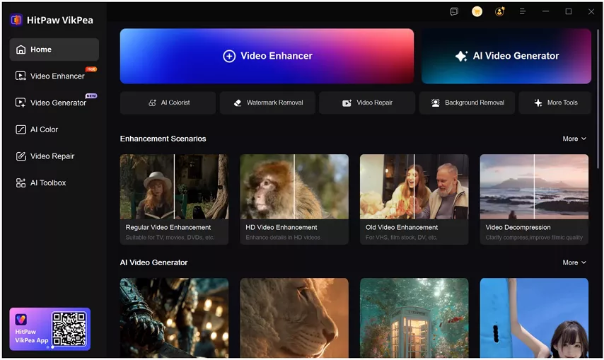 What VikPea Can Do: ●Repair blurry or low-quality video ●Enhance color and brightness (great for dark Upside Down scenes) ●Upscale clips up to 4K ●Beginner-friendly interface ●AI video generator to create videos from text or images Perfect for fan edits, reactions, or preserving the finale in the best possible quality. <h2>Conclusion</h2> The Stranger Things Season 5 finale is more than an episode—it’s the final heartbeat of a series that shaped an entire era of streaming culture. Whether you’re watching from your couch or catching the big-screen version, December 31 marks the end of Hawkins, the Upside Down, and one of the most iconic TV journeys of the 2010s and 2020s. Thanks for reading—follow for more pop-culture deep dives, AI tools, and TV/film breakdowns. |
| json metadata | {"tags":["tvseries","netflix","strangerthings","season5finale","upsidedown","vecnareturns"],"image":["https://cdn.steemitimages.com/DQmVQdzaQc5pX9Yx5E4KkQFVvNpsKXa1fsJnU6AVwAbjnG1/image.png","https://cdn.steemitimages.com/DQmVD7ybES5RfNw4QGaW8fS7JCuHnXATJrxb1dm9PeWfVCr/image.png","https://cdn.steemitimages.com/DQmWLh7KsDE4pYNj1n1a5ZButnGZnHTvWiV8bSy95RAPW3G/image.png","https://cdn.steemitimages.com/DQmb3WNUwHmTQMUi8Jm9qhbPLJ2tWjcFfCT3VWdRSbtr4de/image.png"],"links":["https://www.hitpaw.com/vikpea-video-enhancer.html"],"app":"steemit/0.2","format":"markdown"} |
| Transaction Info | Block #101619089/Trx 527902e6535675bd6780354f5764dded99872928 |
View Raw JSON Data
{
"trx_id": "527902e6535675bd6780354f5764dded99872928",
"block": 101619089,
"trx_in_block": 0,
"op_in_trx": 0,
"virtual_op": 0,
"timestamp": "2025-12-11T09:52:42",
"op": [
"comment",
{
"parent_author": "",
"parent_permlink": "tvseries",
"author": "yunahi",
"permlink": "stranger-things-season-5-finale-release-date-plot-and-how-to-watch-the-final-episode",
"title": "Stranger Things Season 5 Finale: Release Date, Plot, and How to Watch the Final Episode",
"body": "<h1>Stranger Things Season 5 Finale: Release Date, Plot & What to Expect</h1>\nThe wait is almost over. After nine years of Demogorgons, nosebleeds, Hawkins chaos, and an entire generation growing up with Eleven and the gang, Stranger Things is officially closing the gates on December 31. The long-awaited Season 5 finale—Episode 8—will premiere simultaneously on Netflix and in select theaters worldwide, giving fans a choice between a cozy New Year’s Eve binge or a full theatrical send-off.\n\n\nThis finale isn’t just another episode. It’s the final chapter of one of the biggest sci-fi series of the decade, wrapping up character arcs, answering long-standing mysteries, and delivering the showdown against Vecna fans have been theorizing about since Season 4.\nLet’s dive into everything worth knowing—Steemit style.\n<h2>Part 1: Release Date & Where You Can Watch</h2>\nThe finale drops on December 31, 2025, and the release plan is surprisingly ambitious:\n●Netflix: Available globally at the same time\n●Theaters: Limited screenings in major cities\n●Runtime: 2 hours 5 minutes\nIf you’re planning on watching it on the big screen, expect seats to disappear fast. Tickets can be bought through:\n●Fandango\n●Atom Tickets\n●Local theater websites\nRural areas may have more limited options, so early booking is your safest bet.\nAnd just to make it official: Season 5 is the final season. No Season 6 is in development. This is the end of Hawkins.\n<h2>Part 2: What Happens in the Season 5 Finale?</h2>\n\n\n\nFans across Reddit, X, and TikTok are deep into theory mode—and the finale is shaping up to deliver exactly what everyone is expecting: a huge emotional and supernatural climax.\n<h3>The Final Battle</h3>\nThe last confrontation with Vecna is expected to take center stage. Eleven, her friends, and the fate of Hawkins all collide in what the showrunners are calling the “true endgame.”\n<h3>High-Risk Sacrifices</h3>\nStranger Things isn’t afraid of emotional punches, and fans are bracing for potential losses. Max, in particular, remains the biggest question mark since her near-fatal encounter in Season 4.\n<h3>The Fate of the Upside Down</h3>\nOne of the biggest mysteries the finale must solve is whether the Upside Down will collapse, close, or take Hawkins down with it. The ending could redefine the entire mythology of the show.\nCharacter Closures\nExpect emotional resolution for the major relationships:\n●Eleven & Mike\n●Steve & Nancy\n●Hopper & Joyce\nSeason 5 has been building toward closure, and Episode 8 is the culmination of every arc since 2016.\n<h2>Part 3: Season 5 Release Schedule Recap</h2>\n\n\n\nNetflix has spaced out the final season to amplify hype:\n●Episodes 1–4: November 26\n●Episodes 5–7: December 25 (Christmas drop)\n●Episode 8 Finale: December 31\nThe staggered release has fueled weekly discussions, theories, and breakdowns—a smart strategy leading into the finale.\n<h2>Part 4: Enhance Your Finale Experience with AI</h2>\nIf you’re the kind of fan who saves your favorite scenes, makes edits, or just wants the finale to look as sharp as possible, <a href=\"https://www.hitpaw.com/vikpea-video-enhancer.html\">HitPaw VikPea</a> is surprisingly useful. It boosts video quality with Visual AI, making scenes more detailed, colorful, and crisp—even upscaling 720p clips to 4K.\n\n\n\nWhat VikPea Can Do:\n●Repair blurry or low-quality video\n●Enhance color and brightness (great for dark Upside Down scenes)\n●Upscale clips up to 4K\n●Beginner-friendly interface\n●AI video generator to create videos from text or images\nPerfect for fan edits, reactions, or preserving the finale in the best possible quality.\n<h2>Conclusion</h2>\nThe Stranger Things Season 5 finale is more than an episode—it’s the final heartbeat of a series that shaped an entire era of streaming culture. Whether you’re watching from your couch or catching the big-screen version, December 31 marks the end of Hawkins, the Upside Down, and one of the most iconic TV journeys of the 2010s and 2020s.\nThanks for reading—follow for more pop-culture deep dives, AI tools, and TV/film breakdowns.",
"json_metadata": "{\"tags\":[\"tvseries\",\"netflix\",\"strangerthings\",\"season5finale\",\"upsidedown\",\"vecnareturns\"],\"image\":[\"https://cdn.steemitimages.com/DQmVQdzaQc5pX9Yx5E4KkQFVvNpsKXa1fsJnU6AVwAbjnG1/image.png\",\"https://cdn.steemitimages.com/DQmVD7ybES5RfNw4QGaW8fS7JCuHnXATJrxb1dm9PeWfVCr/image.png\",\"https://cdn.steemitimages.com/DQmWLh7KsDE4pYNj1n1a5ZButnGZnHTvWiV8bSy95RAPW3G/image.png\",\"https://cdn.steemitimages.com/DQmb3WNUwHmTQMUi8Jm9qhbPLJ2tWjcFfCT3VWdRSbtr4de/image.png\"],\"links\":[\"https://www.hitpaw.com/vikpea-video-enhancer.html\"],\"app\":\"steemit/0.2\",\"format\":\"markdown\"}"
}
]
}yunahipublished a new post: faceapp-gender-swap-explained-features-workflow-and-ai-video-enhancement2025/12/11 09:47:06
yunahipublished a new post: faceapp-gender-swap-explained-features-workflow-and-ai-video-enhancement
2025/12/11 09:47:06
| parent author | |
| parent permlink | aitool |
| author | yunahi |
| permlink | faceapp-gender-swap-explained-features-workflow-and-ai-video-enhancement |
| title | FaceApp Gender Swap Explained: Features, Workflow & AI Video Enhancement |
| body | The FaceApp Gender Swap filter is one of the most advanced and realistic consumer-level AI face-editing tools available today. This guide takes a closer look at how the feature works, how to use it efficiently, what limitations to expect, and how to enhance your results by converting them into videos with HitPaw Online AI Video Generator. 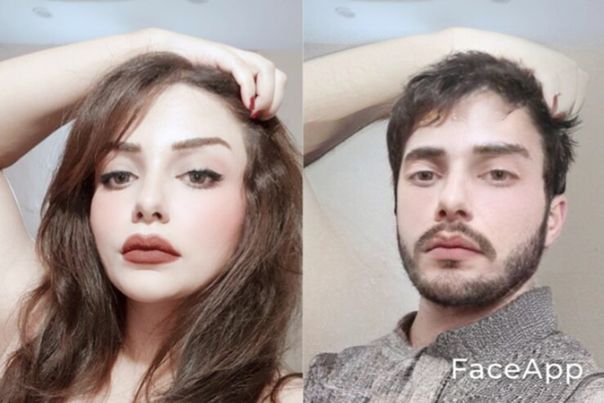 <h2>Section 1: How the FaceApp Gender Swap Filter Works</h2> FaceApp relies on deep learning to map and reconstruct facial features. The gender swap filter modifies anatomical structure, hair patterns, and stylistic elements such as makeup to generate convincing opposite-gender appearances. Core Transformations Include: ●Adjusted jawline and cheekbone structure ●Modified hairstyle or hair length ●Skin texture refinements ●Optional application of makeup or facial hair ●Proportional reshaping for realism The output blends your features with stylistic changes rather than replacing your identity entirely. <h2>Section 2: Using FaceApp — A Structured Workflow</h2> <b>Step 1: Install the Application</b> Available on both iOS and Android. Some advanced filters require the Pro plan. <b>Step 2: Initial Setup</b> Grant access to the photo library and camera. Skip the trial window if not needed. <b>Step 3: Import an Image</b> Choose a well-lit, frontal image to maximize compatibility with the AI model. <b>Step 4: Find the Gender Swap Category</b> Located in the lower filter bar. Options usually include several male and female variations. <b>Step 5: Preview & Apply</b> The system processes your image cloud-side to generate a refined transformation. <b>Step 6: Export Options</b> Save as a single image or create comparison formats such as: ●Duo (side-by-side) ●GIF (animated transformation) <h2>Section 3: Advantages and Drawbacks</h2> <h3>Advantages</h3> ●Highly accurate image synthesis ●User-friendly interface ●High entertainment and social share value <h3>Drawbacks</h3> ●Some modes locked behind subscription ●Requires stable internet ●Photos are temporarily uploaded for processing (privacy consideration) <h2>Section 4: Practical & Creative Applications</h2> ●Content creation for social platforms ●Reaction-based videos ●Collage or composite design ●Event entertainment or casual use <h2>Section 5: Generate Gender Swap Video with HitPaw Online AI Video Generator</h2> To elevate static images, <a href="https://online.hitpaw.com/online-ai-video-generator.html">HitPaw</a> allows users to animate gender-swapped photos with subtle facial motions, transitions, and music. <h3>Key Functions</h3> ●AI-generated motion such as blinking and smiling ●Image-to-video rendering in seconds ●Customizable text overlays and end frames ●Online operation without software installation <h3>How to Create an AI-Powered Gender Swap Video</h3> 1.Visit HitPaw Online Video Generator → choose Image to Video – Gender Swap 2.Upload edited photos 3.Adjust duration, transitions, and audio 4.Generate the final video through HitPaw's AI engine 5.Export in your preferred resolution  <h2>Conclusion</h2> FaceApp’s gender swap filter is both playful and technically impressive. While it comes with limitations tied to privacy and subscription content, its realism makes it one of the most popular AI effects today. Pairing your transformed images with HitPaw Online AI Video Generator can turn your edits into polished videos ready for TikTok, Instagram, and YouTube. |
| json metadata | {"tags":["faceapp","genderswap","genderswapfilter"],"image":["https://cdn.steemitimages.com/DQmWihm2RZ6qiTyYcLAha7GenZVGCByHprSh7xvxviSZ8FH/image.png","https://cdn.steemitimages.com/DQmXW6KxRP6gpkunr3nPRLmeAqoSkT4gd7zhXJZQR9nZQ6k/image.png"],"links":["https://online.hitpaw.com/online-ai-video-generator.html"],"app":"steemit/0.2","format":"markdown"} |
| Transaction Info | Block #101618977/Trx 1337eb5d9d755e3c23c11c7f4f45ff5380dbe000 |
View Raw JSON Data
{
"trx_id": "1337eb5d9d755e3c23c11c7f4f45ff5380dbe000",
"block": 101618977,
"trx_in_block": 3,
"op_in_trx": 0,
"virtual_op": 0,
"timestamp": "2025-12-11T09:47:06",
"op": [
"comment",
{
"parent_author": "",
"parent_permlink": "aitool",
"author": "yunahi",
"permlink": "faceapp-gender-swap-explained-features-workflow-and-ai-video-enhancement",
"title": "FaceApp Gender Swap Explained: Features, Workflow & AI Video Enhancement",
"body": "The FaceApp Gender Swap filter is one of the most advanced and realistic consumer-level AI face-editing tools available today. This guide takes a closer look at how the feature works, how to use it efficiently, what limitations to expect, and how to enhance your results by converting them into videos with HitPaw Online AI Video Generator.\n\n\n\n<h2>Section 1: How the FaceApp Gender Swap Filter Works</h2>\nFaceApp relies on deep learning to map and reconstruct facial features. The gender swap filter modifies anatomical structure, hair patterns, and stylistic elements such as makeup to generate convincing opposite-gender appearances.\nCore Transformations Include:\n●Adjusted jawline and cheekbone structure\n●Modified hairstyle or hair length\n●Skin texture refinements\n●Optional application of makeup or facial hair\n●Proportional reshaping for realism\nThe output blends your features with stylistic changes rather than replacing your identity entirely.\n<h2>Section 2: Using FaceApp — A Structured Workflow</h2>\n<b>Step 1: Install the Application</b>\nAvailable on both iOS and Android. Some advanced filters require the Pro plan.\n<b>Step 2: Initial Setup</b>\nGrant access to the photo library and camera. Skip the trial window if not needed.\n<b>Step 3: Import an Image</b>\nChoose a well-lit, frontal image to maximize compatibility with the AI model.\n<b>Step 4: Find the Gender Swap Category</b>\nLocated in the lower filter bar. Options usually include several male and female variations.\n<b>Step 5: Preview & Apply</b>\nThe system processes your image cloud-side to generate a refined transformation.\n<b>Step 6: Export Options</b>\nSave as a single image or create comparison formats such as:\n●Duo (side-by-side)\n●GIF (animated transformation)\n<h2>Section 3: Advantages and Drawbacks</h2>\n<h3>Advantages</h3>\n●Highly accurate image synthesis\n●User-friendly interface\n●High entertainment and social share value\n<h3>Drawbacks</h3>\n●Some modes locked behind subscription\n●Requires stable internet\n●Photos are temporarily uploaded for processing (privacy consideration)\n<h2>Section 4: Practical & Creative Applications</h2>\n●Content creation for social platforms\n●Reaction-based videos\n●Collage or composite design\n●Event entertainment or casual use\n<h2>Section 5: Generate Gender Swap Video with HitPaw Online AI Video Generator</h2>\nTo elevate static images, <a href=\"https://online.hitpaw.com/online-ai-video-generator.html\">HitPaw</a> allows users to animate gender-swapped photos with subtle facial motions, transitions, and music.\n<h3>Key Functions</h3>\n●AI-generated motion such as blinking and smiling\n●Image-to-video rendering in seconds\n●Customizable text overlays and end frames\n●Online operation without software installation\n<h3>How to Create an AI-Powered Gender Swap Video</h3>\n1.Visit HitPaw Online Video Generator → choose Image to Video – Gender Swap\n2.Upload edited photos\n3.Adjust duration, transitions, and audio\n4.Generate the final video through HitPaw's AI engine\n5.Export in your preferred resolution\n\n\n\n<h2>Conclusion</h2>\nFaceApp’s gender swap filter is both playful and technically impressive. While it comes with limitations tied to privacy and subscription content, its realism makes it one of the most popular AI effects today. Pairing your transformed images with HitPaw Online AI Video Generator can turn your edits into polished videos ready for TikTok, Instagram, and YouTube.",
"json_metadata": "{\"tags\":[\"faceapp\",\"genderswap\",\"genderswapfilter\"],\"image\":[\"https://cdn.steemitimages.com/DQmWihm2RZ6qiTyYcLAha7GenZVGCByHprSh7xvxviSZ8FH/image.png\",\"https://cdn.steemitimages.com/DQmXW6KxRP6gpkunr3nPRLmeAqoSkT4gd7zhXJZQR9nZQ6k/image.png\"],\"links\":[\"https://online.hitpaw.com/online-ai-video-generator.html\"],\"app\":\"steemit/0.2\",\"format\":\"markdown\"}"
}
]
}yunahipublished a new post: faceapp-gender-swap-explained-features-workflow-and-ai-video-enhancement2025/12/11 09:30:33
yunahipublished a new post: faceapp-gender-swap-explained-features-workflow-and-ai-video-enhancement
2025/12/11 09:30:33
| parent author | |
| parent permlink | aitool |
| author | yunahi |
| permlink | faceapp-gender-swap-explained-features-workflow-and-ai-video-enhancement |
| title | FaceApp Gender Swap Explained: Features, Workflow & AI Video Enhancement |
| body | The FaceApp Gender Swap filter is one of the most advanced and realistic consumer-level AI face-editing tools available today. This guide takes a closer look at how the feature works, how to use it efficiently, what limitations to expect, and how to enhance your results by converting them into videos with HitPaw Online AI Video Generator.  <h2>Section 1: How the FaceApp Gender Swap Filter Works</h2> FaceApp relies on deep learning to map and reconstruct facial features. The gender swap filter modifies anatomical structure, hair patterns, and stylistic elements such as makeup to generate convincing opposite-gender appearances. Core Transformations Include: ●Adjusted jawline and cheekbone structure ●Modified hairstyle or hair length ●Skin texture refinements ●Optional application of makeup or facial hair ●Proportional reshaping for realism The output blends your features with stylistic changes rather than replacing your identity entirely. <h2>Section 2: Using FaceApp — A Structured Workflow</h2> <b>Step 1: Install the Application</b> Available on both iOS and Android. Some advanced filters require the Pro plan. <b>Step 2: Initial Setup</b> Grant access to the photo library and camera. Skip the trial window if not needed. <b>Step 3: Import an Image</b> Choose a well-lit, frontal image to maximize compatibility with the AI model. <b>Step 4: Find the Gender Swap Category</b> Located in the lower filter bar. Options usually include several male and female variations. <b>Step 5: Preview & Apply</b> The system processes your image cloud-side to generate a refined transformation. <b>Step 6: Export Options</b> Save as a single image or create comparison formats such as: ●Duo (side-by-side) ●GIF (animated transformation) <h2>Section 3: Advantages and Drawbacks</h2> <h3>Advantages</h3> ●Highly accurate image synthesis ●User-friendly interface ●High entertainment and social share value <h3>Drawbacks</h3> ●Some modes locked behind subscription ●Requires stable internet ●Photos are temporarily uploaded for processing (privacy consideration) <h2>Section 4: Practical & Creative Applications</h2> ●Content creation for social platforms ●Reaction-based videos ●Collage or composite design ●Event entertainment or casual use <h2>Section 5: Generate Gender Swap Video with HitPaw Online AI Video Generator</h2> To elevate static images, <a href="https://online.hitpaw.com/online-ai-video-generator.html">HitPaw</a> allows users to animate gender-swapped photos with subtle facial motions, transitions, and music. <h3>Key Functions</h3> ●AI-generated motion such as blinking and smiling ●Image-to-video rendering in seconds ●Customizable text overlays and end frames ●Online operation without software installation <h3>How to Create an AI-Powered Gender Swap Video</h3> 1.Visit HitPaw Online Video Generator → choose Image to Video – Gender Swap 2.Upload edited photos 3.Adjust duration, transitions, and audio 4.Generate the final video through HitPaw's AI engine 5.Export in your preferred resolution  <h2>Conclusion</h2> FaceApp’s gender swap filter is both playful and technically impressive. While it comes with limitations tied to privacy and subscription content, its realism makes it one of the most popular AI effects today. Pairing your transformed images with HitPaw Online AI Video Generator can turn your edits into polished videos ready for TikTok, Instagram, and YouTube. |
| json metadata | {"tags":["aitool","deblurimage","photoenhancer","imageenhancement"],"image":["https://cdn.steemitimages.com/DQmWihm2RZ6qiTyYcLAha7GenZVGCByHprSh7xvxviSZ8FH/image.png","https://cdn.steemitimages.com/DQmXW6KxRP6gpkunr3nPRLmeAqoSkT4gd7zhXJZQR9nZQ6k/image.png"],"links":["https://online.hitpaw.com/online-ai-video-generator.html"],"app":"steemit/0.2","format":"markdown"} |
| Transaction Info | Block #101618648/Trx e08768f4ba57d2b5c5ee577f44432fecf9138ccf |
View Raw JSON Data
{
"trx_id": "e08768f4ba57d2b5c5ee577f44432fecf9138ccf",
"block": 101618648,
"trx_in_block": 4,
"op_in_trx": 0,
"virtual_op": 0,
"timestamp": "2025-12-11T09:30:33",
"op": [
"comment",
{
"parent_author": "",
"parent_permlink": "aitool",
"author": "yunahi",
"permlink": "faceapp-gender-swap-explained-features-workflow-and-ai-video-enhancement",
"title": "FaceApp Gender Swap Explained: Features, Workflow & AI Video Enhancement",
"body": "The FaceApp Gender Swap filter is one of the most advanced and realistic consumer-level AI face-editing tools available today. This guide takes a closer look at how the feature works, how to use it efficiently, what limitations to expect, and how to enhance your results by converting them into videos with HitPaw Online AI Video Generator.\n\n\n\n<h2>Section 1: How the FaceApp Gender Swap Filter Works</h2>\nFaceApp relies on deep learning to map and reconstruct facial features. The gender swap filter modifies anatomical structure, hair patterns, and stylistic elements such as makeup to generate convincing opposite-gender appearances.\nCore Transformations Include:\n●Adjusted jawline and cheekbone structure\n●Modified hairstyle or hair length\n●Skin texture refinements\n●Optional application of makeup or facial hair\n●Proportional reshaping for realism\nThe output blends your features with stylistic changes rather than replacing your identity entirely.\n<h2>Section 2: Using FaceApp — A Structured Workflow</h2>\n<b>Step 1: Install the Application</b>\nAvailable on both iOS and Android. Some advanced filters require the Pro plan.\n<b>Step 2: Initial Setup</b>\nGrant access to the photo library and camera. Skip the trial window if not needed.\n<b>Step 3: Import an Image</b>\nChoose a well-lit, frontal image to maximize compatibility with the AI model.\n<b>Step 4: Find the Gender Swap Category</b>\nLocated in the lower filter bar. Options usually include several male and female variations.\n<b>Step 5: Preview & Apply</b>\nThe system processes your image cloud-side to generate a refined transformation.\n<b>Step 6: Export Options</b>\nSave as a single image or create comparison formats such as:\n●Duo (side-by-side)\n●GIF (animated transformation)\n<h2>Section 3: Advantages and Drawbacks</h2>\n<h3>Advantages</h3>\n●Highly accurate image synthesis\n●User-friendly interface\n●High entertainment and social share value\n<h3>Drawbacks</h3>\n●Some modes locked behind subscription\n●Requires stable internet\n●Photos are temporarily uploaded for processing (privacy consideration)\n<h2>Section 4: Practical & Creative Applications</h2>\n●Content creation for social platforms\n●Reaction-based videos\n●Collage or composite design\n●Event entertainment or casual use\n<h2>Section 5: Generate Gender Swap Video with HitPaw Online AI Video Generator</h2>\nTo elevate static images, <a href=\"https://online.hitpaw.com/online-ai-video-generator.html\">HitPaw</a> allows users to animate gender-swapped photos with subtle facial motions, transitions, and music.\n<h3>Key Functions</h3>\n●AI-generated motion such as blinking and smiling\n●Image-to-video rendering in seconds\n●Customizable text overlays and end frames\n●Online operation without software installation\n<h3>How to Create an AI-Powered Gender Swap Video</h3>\n1.Visit HitPaw Online Video Generator → choose Image to Video – Gender Swap\n2.Upload edited photos\n3.Adjust duration, transitions, and audio\n4.Generate the final video through HitPaw's AI engine\n5.Export in your preferred resolution\n\n\n\n<h2>Conclusion</h2>\nFaceApp’s gender swap filter is both playful and technically impressive. While it comes with limitations tied to privacy and subscription content, its realism makes it one of the most popular AI effects today. Pairing your transformed images with HitPaw Online AI Video Generator can turn your edits into polished videos ready for TikTok, Instagram, and YouTube.",
"json_metadata": "{\"tags\":[\"aitool\",\"deblurimage\",\"photoenhancer\",\"imageenhancement\"],\"image\":[\"https://cdn.steemitimages.com/DQmWihm2RZ6qiTyYcLAha7GenZVGCByHprSh7xvxviSZ8FH/image.png\",\"https://cdn.steemitimages.com/DQmXW6KxRP6gpkunr3nPRLmeAqoSkT4gd7zhXJZQR9nZQ6k/image.png\"],\"links\":[\"https://online.hitpaw.com/online-ai-video-generator.html\"],\"app\":\"steemit/0.2\",\"format\":\"markdown\"}"
}
]
}yunahipublished a new post: top-tools-to-deblur-images-best-online-and-mobile-options2025/12/10 04:29:03
yunahipublished a new post: top-tools-to-deblur-images-best-online-and-mobile-options
2025/12/10 04:29:03
| parent author | |
| parent permlink | aitool |
| author | yunahi |
| permlink | top-tools-to-deblur-images-best-online-and-mobile-options |
| title | Top Tools to Deblur Images: Best Online and Mobile Options |
| body | Blurry photos don’t have to be unusable. AI tools now make it possible to restore clarity with just a few clicks. Below is a straightforward guide to the 10 best tools—online and mobile—that help you sharpen and deblur images effectively. <h2>Part 1: What Is AI Image Deblurring?</h2> AI deblurring uses deep learning to detect blur, rebuild textures, reduce noise, and sharpen photos naturally. It’s more accurate than basic sharpening filters and works well for motion blur, lens blur, and low-light softness. <h2>Part 2: Best 5 Online Tools</h2> 1. <a href="https://online.hitpaw.com/online-photo-enhancer.html">HitPaw Online Photo Enhancer</a> – Upload, process, and download a clearer image instantly. 2. SmartDeblur – Offers manual blur-removal controls. 3. Fotor Photo Blur – Simple clarity/sharpen tools for quick enhancement. 4. Blurity – Dedicated deblurring tool with no extra editing features. 5. Lunapic – Basic deblurring ideal for simple fixes. 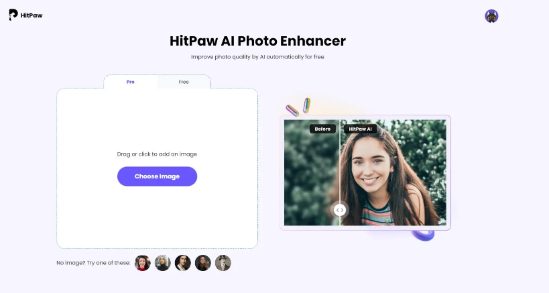 <h2>Part 3: Best 5 Mobile Apps</h2> 1. HitPaw FotorPea (Android) – Strong AI deblurring with simple controls. 2. Snapseed – Sharpen and Structure tools for general clarity improvements. 3. Adobe Photoshop Express – Comprehensive mobile editing with sharpening. 4. Fotor – Includes an advanced Deblur feature (some tools premium). 5. AfterFocus – Android app with Intelligent Focus for clarity adjustments. 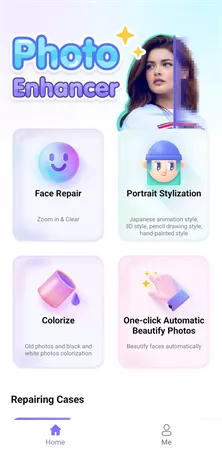 <h2>Part 4: How to Choose the Right Tool</h2> ●<b>Need instant results?</b> Use HitPaw Online Photo Enhancer. ●<b>Want basic editing?</b> Choose Fotor. ●<b>Prefer manual control?</b> SmartDeblur or Blurity works best. ●<b>Editing on mobile?</b> Snapseed, Photoshop Express, or AfterFocus. ●<b>Restoring old/batch photos?</b> Use HitPaw’s desktop software. <h2>Final Thoughts</h2> Whether online or on mobile, deblurring photos is now simple and accessible. With tools like HitPaw Online Photo Enhancer and popular editing apps, you can restore clean and sharp images in minutes. |
| json metadata | {"tags":["aitool","deblurimage","photoenhancer","imageenhancement"],"image":["https://cdn.steemitimages.com/DQmVspvVrnoY1NBAZXG4FMXAXHR317x5tpcTRdHeaJQYkv8/image.png","https://cdn.steemitimages.com/DQmUstPEcSr9LErebb5cH2JaoX1p48NZvzQCCpQcrmi9G8K/image.png"],"links":["https://online.hitpaw.com/online-photo-enhancer.html"],"app":"steemit/0.2","format":"markdown"} |
| Transaction Info | Block #101583889/Trx b1f5a512bcea8a6e98d89c72488b7b2dfac9dd60 |
View Raw JSON Data
{
"trx_id": "b1f5a512bcea8a6e98d89c72488b7b2dfac9dd60",
"block": 101583889,
"trx_in_block": 0,
"op_in_trx": 0,
"virtual_op": 0,
"timestamp": "2025-12-10T04:29:03",
"op": [
"comment",
{
"parent_author": "",
"parent_permlink": "aitool",
"author": "yunahi",
"permlink": "top-tools-to-deblur-images-best-online-and-mobile-options",
"title": "Top Tools to Deblur Images: Best Online and Mobile Options",
"body": "Blurry photos don’t have to be unusable. AI tools now make it possible to restore clarity with just a few clicks. Below is a straightforward guide to the 10 best tools—online and mobile—that help you sharpen and deblur images effectively.\n<h2>Part 1: What Is AI Image Deblurring?</h2>\nAI deblurring uses deep learning to detect blur, rebuild textures, reduce noise, and sharpen photos naturally. It’s more accurate than basic sharpening filters and works well for motion blur, lens blur, and low-light softness.\n<h2>Part 2: Best 5 Online Tools</h2>\n1. <a href=\"https://online.hitpaw.com/online-photo-enhancer.html\">HitPaw Online Photo Enhancer</a> – Upload, process, and download a clearer image instantly.\n2. SmartDeblur – Offers manual blur-removal controls.\n3. Fotor Photo Blur – Simple clarity/sharpen tools for quick enhancement.\n4. Blurity – Dedicated deblurring tool with no extra editing features.\n5. Lunapic – Basic deblurring ideal for simple fixes.\n\n\n\n<h2>Part 3: Best 5 Mobile Apps</h2>\n1. HitPaw FotorPea (Android) – Strong AI deblurring with simple controls.\n2. Snapseed – Sharpen and Structure tools for general clarity improvements.\n3. Adobe Photoshop Express – Comprehensive mobile editing with sharpening.\n4. Fotor – Includes an advanced Deblur feature (some tools premium).\n5. AfterFocus – Android app with Intelligent Focus for clarity adjustments.\n\n\n\n<h2>Part 4: How to Choose the Right Tool</h2>\n●<b>Need instant results?</b> Use HitPaw Online Photo Enhancer.\n●<b>Want basic editing?</b> Choose Fotor.\n●<b>Prefer manual control?</b> SmartDeblur or Blurity works best.\n●<b>Editing on mobile?</b> Snapseed, Photoshop Express, or AfterFocus.\n●<b>Restoring old/batch photos?</b> Use HitPaw’s desktop software.\n<h2>Final Thoughts</h2>\nWhether online or on mobile, deblurring photos is now simple and accessible. With tools like HitPaw Online Photo Enhancer and popular editing apps, you can restore clean and sharp images in minutes.",
"json_metadata": "{\"tags\":[\"aitool\",\"deblurimage\",\"photoenhancer\",\"imageenhancement\"],\"image\":[\"https://cdn.steemitimages.com/DQmVspvVrnoY1NBAZXG4FMXAXHR317x5tpcTRdHeaJQYkv8/image.png\",\"https://cdn.steemitimages.com/DQmUstPEcSr9LErebb5cH2JaoX1p48NZvzQCCpQcrmi9G8K/image.png\"],\"links\":[\"https://online.hitpaw.com/online-photo-enhancer.html\"],\"app\":\"steemit/0.2\",\"format\":\"markdown\"}"
}
]
}2025/12/09 09:09:21
2025/12/09 09:09:21
| parent author | |
| parent permlink | movie |
| author | yunahi |
| permlink | the-spongebob-movie-search-for-squarepants-everything-you-need-to-know-about-the-2025-release |
| title | The SpongeBob Movie: Search for SquarePants – Everything You Need to Know About the 2025 Release |
| body | <h1>The SpongeBob Movie: Search for SquarePants (2025) – Release Date, Plot, Cast, and What You Can Expect</h1> The SpongeBob Movie: Search for SquarePants is set to make a big splash in theaters on December 19, 2025, and it’s shaping up to be one of the most exciting animated releases of the year. Whether you're a long-time fan or a newcomer to Bikini Bottom, this new film promises to be full of adventure, humor, and those heartfelt moments that we all know and love. In this post, we’ll dive into all the juicy details about the movie—from the release date to the plot, characters, and why this is a must-watch for everyone.  <h2>Part 1: The New SpongeBob Movie Basics & Release Date</h2> The new SpongeBob Movie: Search for SquarePants is a family-friendly adventure film that stays true to the series' signature humor while offering something new for both fans and newcomers alike. Set to be released in U.S. theaters on December 19, 2025, it’s going to be a wild ride through SpongeBob’s underwater world. Expect plenty of color, laughs, and an exciting new storyline that explores the ever-beloved Bikini Bottom. The production team has stuck with the classic animation style that made the original show so iconic, while also pushing the boundaries to make this movie visually stunning. With a mix of action, adventure, and humor, it’s a guaranteed good time for all ages. <h2>Part 2: What’s the Plot of SpongeBob Movie 2025?</h2>  SpongeBob Movie: Search for SquarePants follows our hero, SpongeBob, on a new mission to find his iconic square pants. Along the way, he faces some unexpected challenges, solves underwater puzzles, and meets new characters. But what really stands out is how the film combines slapstick humor with genuine, touching moments. It’s an adventure that will entertain kids, make adults chuckle, and give fans a healthy dose of nostalgia. With the familiar gang—Patrick, Sandy, and Squidward—back in action, the movie maintains that perfect balance of humor and heart. From the quirky dialogue to the outlandish scenarios, this film promises the kind of laughs that’ll make you smile long after the credits roll. <h2>Part 3: The Characters and Voice Cast – A Return of Favorites</h2> Fans of the show will be thrilled to hear that all the classic characters are returning for the 2025 movie. Here’s the cast we know and love: ●<b>SpongeBob SquarePants</b> – Voiced by Tom Kenny ●<b>Patrick Star</b> – Voiced by Bill Fagerbakke ●<b>Sandy Cheeks</b> – Voiced by Carolyn Lawrence ●<b>Squidward Tentacles </b>– Voiced by Rodger Bumpass These voice actors have brought their characters to life for years, and it’s clear they’re bringing their A-game to this new adventure. And of course, we can expect some new faces to join the underwater madness, with big-name actors lending their voices to fresh characters. The blend of old and new voices helps keep the movie feeling both nostalgic and exciting. <h2>Part 4: Trailer Highlights – A Peek Into SpongeBob’s World</h2>  If you’ve already seen the trailer for SpongeBob Movie: Search for SquarePants, you know it’s a visual feast. The underwater world looks even more vibrant than before, with high-quality animation and some seriously funny moments. There’s a strong sense of adventure, with plenty of action, bright colors, and new characters who only add to the movie’s charm. Fans of the series will notice the familiar locations, but also a few surprises in the mix. There’s no doubt that the trailer has set the bar high for this theatrical release. From the quirky underwater adventures to the touching character moments, the visuals alone will have you excited for the full experience. <h2>Part 5: How to Enhance the Trailer Experience with AI Video Tools</h2> Want to make your viewing experience of the trailer even better? You can use <a href="https://www.hitpaw.com/vikpea-video-enhancer.html">HitPaw VikPea</a>, a powerful AI video enhancer, to improve the quality of the SpongeBob trailer. Whether it’s in 720P, 1080P, or higher, HitPaw VikPea can upscale it to 4K for a sharper, more detailed view.  Here’s how HitPaw VikPea can improve your trailer experience: ●<b>AI Video Repair:</b> Fix blurry or damaged scenes for a smooth playback experience. ●<b>Colorize Video:</b> Restore vivid colors to bring Bikini Bottom to life. ●<b>Upscale video to 4K:</b> Enhance the resolution for clearer, more vibrant visuals. ●<b>AI-Powered UHD Restoration:</b> Automatically enhances textures, lighting, and details. The best part? It's super easy to use. Just upload your video, choose the enhancement model (like the UHD Restoration Model), and watch your trailer transform into a visual masterpiece. Whether you're previewing the movie or simply enjoying the trailer over and over again, HitPaw VikPea lets you experience it like never before. <h2>Conclusion – The SpongeBob Movie You’ve Been Waiting For</h2> SpongeBob Movie: Search for SquarePants is a must-see for fans of all ages. It’s fun, funny, and filled with the heartwarming moments that have made the series so beloved. With stunning animation, a talented voice cast, and an adventure that promises lots of laughs, it’s no wonder this film is one of the most anticipated releases of 2025. So, mark your calendars for December 19, 2025, and get ready to dive back into the world of Bikini Bottom. And if you want to get the most out of your trailer viewing experience, don’t forget to use HitPaw VikPea to enhance the video quality—watch it in gorgeous 4K! Like this post? Subscribe for more movie news, tech tips, and all things entertainment every week! |
| json metadata | {"tags":["movie","spongebobmovie2025","spongebobsquarepants","animatedmovies","familymovies","aienhancement","techtips","movietrailer"],"image":["https://cdn.steemitimages.com/DQmaSMxgmy3fFSJzYnYm7d15j3BtjV8cTFVbxd4qHhBGa6B/image.png","https://cdn.steemitimages.com/DQmUaRukmc1sT22KoYYUNLhDQbDYgWfKNKRgzBduv9NyVhv/image.png","https://cdn.steemitimages.com/DQmem4Lbz9RoBhQ1BRvHmJiRFDjxTN59K4YbfBTiNiowyz7/image.png","https://cdn.steemitimages.com/DQmb3WNUwHmTQMUi8Jm9qhbPLJ2tWjcFfCT3VWdRSbtr4de/image.png"],"links":["https://www.hitpaw.com/vikpea-video-enhancer.html"],"app":"steemit/0.2","format":"markdown"} |
| Transaction Info | Block #101560753/Trx c4975bdd51792405a72da5900e32d12a61e0ef55 |
View Raw JSON Data
{
"trx_id": "c4975bdd51792405a72da5900e32d12a61e0ef55",
"block": 101560753,
"trx_in_block": 3,
"op_in_trx": 0,
"virtual_op": 0,
"timestamp": "2025-12-09T09:09:21",
"op": [
"comment",
{
"parent_author": "",
"parent_permlink": "movie",
"author": "yunahi",
"permlink": "the-spongebob-movie-search-for-squarepants-everything-you-need-to-know-about-the-2025-release",
"title": "The SpongeBob Movie: Search for SquarePants – Everything You Need to Know About the 2025 Release",
"body": "<h1>The SpongeBob Movie: Search for SquarePants (2025) – Release Date, Plot, Cast, and What You Can Expect</h1>\nThe SpongeBob Movie: Search for SquarePants is set to make a big splash in theaters on December 19, 2025, and it’s shaping up to be one of the most exciting animated releases of the year. Whether you're a long-time fan or a newcomer to Bikini Bottom, this new film promises to be full of adventure, humor, and those heartfelt moments that we all know and love. In this post, we’ll dive into all the juicy details about the movie—from the release date to the plot, characters, and why this is a must-watch for everyone.\n\n\n\n\n<h2>Part 1: The New SpongeBob Movie Basics & Release Date</h2>\nThe new SpongeBob Movie: Search for SquarePants is a family-friendly adventure film that stays true to the series' signature humor while offering something new for both fans and newcomers alike. Set to be released in U.S. theaters on December 19, 2025, it’s going to be a wild ride through SpongeBob’s underwater world. Expect plenty of color, laughs, and an exciting new storyline that explores the ever-beloved Bikini Bottom.\nThe production team has stuck with the classic animation style that made the original show so iconic, while also pushing the boundaries to make this movie visually stunning. With a mix of action, adventure, and humor, it’s a guaranteed good time for all ages.\n\n<h2>Part 2: What’s the Plot of SpongeBob Movie 2025?</h2>\n\n\n\nSpongeBob Movie: Search for SquarePants follows our hero, SpongeBob, on a new mission to find his iconic square pants. Along the way, he faces some unexpected challenges, solves underwater puzzles, and meets new characters. But what really stands out is how the film combines slapstick humor with genuine, touching moments. It’s an adventure that will entertain kids, make adults chuckle, and give fans a healthy dose of nostalgia.\nWith the familiar gang—Patrick, Sandy, and Squidward—back in action, the movie maintains that perfect balance of humor and heart. From the quirky dialogue to the outlandish scenarios, this film promises the kind of laughs that’ll make you smile long after the credits roll.\n\n<h2>Part 3: The Characters and Voice Cast – A Return of Favorites</h2>\nFans of the show will be thrilled to hear that all the classic characters are returning for the 2025 movie. Here’s the cast we know and love:\n●<b>SpongeBob SquarePants</b> – Voiced by Tom Kenny\n●<b>Patrick Star</b> – Voiced by Bill Fagerbakke\n●<b>Sandy Cheeks</b> – Voiced by Carolyn Lawrence\n●<b>Squidward Tentacles </b>– Voiced by Rodger Bumpass\nThese voice actors have brought their characters to life for years, and it’s clear they’re bringing their A-game to this new adventure. And of course, we can expect some new faces to join the underwater madness, with big-name actors lending their voices to fresh characters. The blend of old and new voices helps keep the movie feeling both nostalgic and exciting.\n\n<h2>Part 4: Trailer Highlights – A Peek Into SpongeBob’s World</h2>\n\n\n\nIf you’ve already seen the trailer for SpongeBob Movie: Search for SquarePants, you know it’s a visual feast. The underwater world looks even more vibrant than before, with high-quality animation and some seriously funny moments. There’s a strong sense of adventure, with plenty of action, bright colors, and new characters who only add to the movie’s charm.\nFans of the series will notice the familiar locations, but also a few surprises in the mix. There’s no doubt that the trailer has set the bar high for this theatrical release. From the quirky underwater adventures to the touching character moments, the visuals alone will have you excited for the full experience.\n\n<h2>Part 5: How to Enhance the Trailer Experience with AI Video Tools</h2>\nWant to make your viewing experience of the trailer even better? You can use <a href=\"https://www.hitpaw.com/vikpea-video-enhancer.html\">HitPaw VikPea</a>, a powerful AI video enhancer, to improve the quality of the SpongeBob trailer. Whether it’s in 720P, 1080P, or higher, HitPaw VikPea can upscale it to 4K for a sharper, more detailed view.\n\n\n\nHere’s how HitPaw VikPea can improve your trailer experience:\n●<b>AI Video Repair:</b> Fix blurry or damaged scenes for a smooth playback experience.\n●<b>Colorize Video:</b> Restore vivid colors to bring Bikini Bottom to life.\n●<b>Upscale video to 4K:</b> Enhance the resolution for clearer, more vibrant visuals.\n●<b>AI-Powered UHD Restoration:</b> Automatically enhances textures, lighting, and details.\nThe best part? It's super easy to use. Just upload your video, choose the enhancement model (like the UHD Restoration Model), and watch your trailer transform into a visual masterpiece. Whether you're previewing the movie or simply enjoying the trailer over and over again, HitPaw VikPea lets you experience it like never before.\n\n<h2>Conclusion – The SpongeBob Movie You’ve Been Waiting For</h2>\nSpongeBob Movie: Search for SquarePants is a must-see for fans of all ages. It’s fun, funny, and filled with the heartwarming moments that have made the series so beloved. With stunning animation, a talented voice cast, and an adventure that promises lots of laughs, it’s no wonder this film is one of the most anticipated releases of 2025.\nSo, mark your calendars for December 19, 2025, and get ready to dive back into the world of Bikini Bottom. And if you want to get the most out of your trailer viewing experience, don’t forget to use HitPaw VikPea to enhance the video quality—watch it in gorgeous 4K!\n\nLike this post? Subscribe for more movie news, tech tips, and all things entertainment every week!",
"json_metadata": "{\"tags\":[\"movie\",\"spongebobmovie2025\",\"spongebobsquarepants\",\"animatedmovies\",\"familymovies\",\"aienhancement\",\"techtips\",\"movietrailer\"],\"image\":[\"https://cdn.steemitimages.com/DQmaSMxgmy3fFSJzYnYm7d15j3BtjV8cTFVbxd4qHhBGa6B/image.png\",\"https://cdn.steemitimages.com/DQmUaRukmc1sT22KoYYUNLhDQbDYgWfKNKRgzBduv9NyVhv/image.png\",\"https://cdn.steemitimages.com/DQmem4Lbz9RoBhQ1BRvHmJiRFDjxTN59K4YbfBTiNiowyz7/image.png\",\"https://cdn.steemitimages.com/DQmb3WNUwHmTQMUi8Jm9qhbPLJ2tWjcFfCT3VWdRSbtr4de/image.png\"],\"links\":[\"https://www.hitpaw.com/vikpea-video-enhancer.html\"],\"app\":\"steemit/0.2\",\"format\":\"markdown\"}"
}
]
}2025/12/06 06:00:33
2025/12/06 06:00:33
| delegator | steem |
| delegatee | yunahi |
| vesting shares | 16475.166774 VESTS |
| Transaction Info | Block #101470752/Trx 240cfcfa615c9a0351abd0f72f5a8bcbbba7b383 |
View Raw JSON Data
{
  "trx_id": "240cfcfa615c9a0351abd0f72f5a8bcbbba7b383",
  "block": 101470752,
  "trx_in_block": 6,
  "op_in_trx": 0,
  "virtual_op": 0,
  "timestamp": "2025-12-06T06:00:33",
  "op": [
    "delegate_vesting_shares",
    {
      "delegator": "steem",
      "delegatee": "yunahi",
      "vesting_shares": "16475.166774 VESTS"
    }
  ]
}yunahipublished a new post: boost-your-b2b-growth-in-2025-demand-generation-made-easy2025/12/04 02:03:09
yunahipublished a new post: boost-your-b2b-growth-in-2025-demand-generation-made-easy
2025/12/04 02:03:09
| parent author | |
| parent permlink | marketing |
| author | yunahi |
| permlink | boost-your-b2b-growth-in-2025-demand-generation-made-easy |
| title | Boost Your B2B Growth in 2025: Demand Generation Made Easy |
| body | In the fast-paced B2B world, attracting new customers and building a strong reputation is crucial. Demand Generation is one of the most effective strategies to achieve this. At its core, it’s about educating your audience, providing value, and naturally sparking interest in your product or service. With the right approach, you can expand your reach, gain trust, and turn potential leads into loyal clients. In this post, we’ll break down key demand generation strategies and show how AI tools like HitPaw Online AI Video Generator and HitPaw VikPea can make your content marketing more engaging and impactful. <h2>What is Demand Generation?</h2> Unlike traditional lead generation, demand generation focuses on creating awareness and interest. It involves content creation, social engagement, and campaigns that position your brand as a valuable resource. Essentially, it’s about attracting attention in a way that builds credibility and trust, rather than pushing a hard sell. 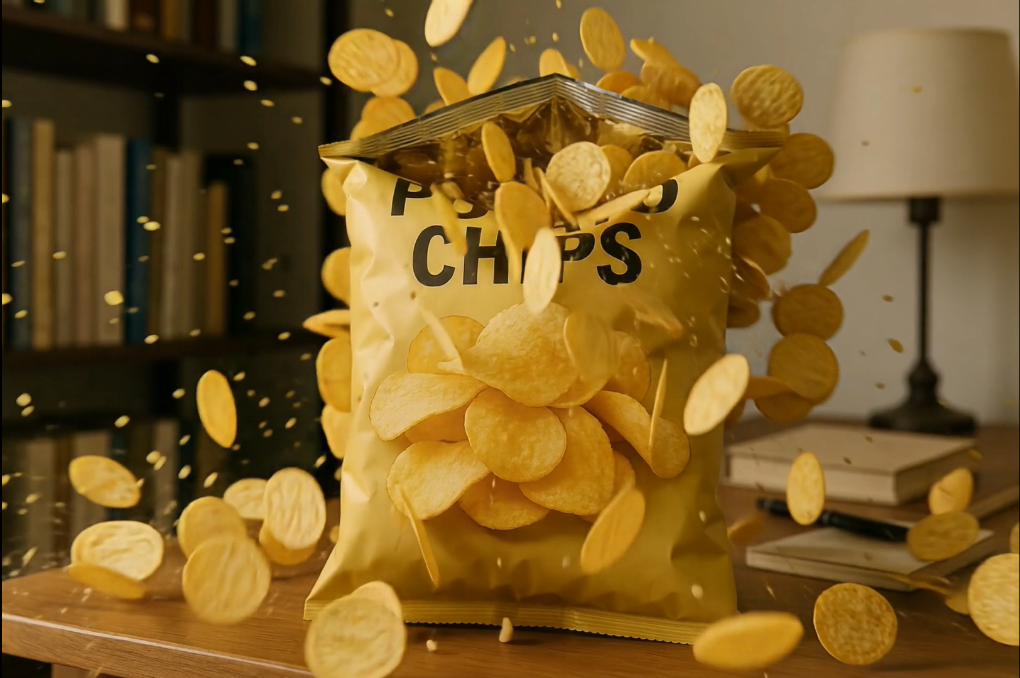 <h2>Key Strategies for Demand Generation</h2> Here are some proven strategies to amplify your B2B marketing in 2025: <h3>1. Content Marketing</h3> Content is still king. Sharing helpful and engaging content naturally attracts potential customers. Consider: ●Blogs: Publish articles answering common questions and highlighting your product benefits. ●Videos: Create tutorials, demo videos, or entertaining short clips. ●Social Media: Share tips, stories, and interactive posts to reach a wider audience. ●Email Marketing: Build personal connections with informative newsletters. ●Ads: Run subtle, informative ads that educate instead of pushing hard. <h3>2. Know Your Audience</h3> Before you start any campaign, define your Ideal Customer Profile (ICP). Knowing your audience ensures your content resonates and brings the best results. <h3>3. Monitor and Optimize</h3> Track your campaigns, measure results, and adjust your strategies. Use analytics tools to know what works and what doesn’t. Don’t hesitate to pivot if needed. <h3>4. Build a Strong Website</h3> Your website is often the first touchpoint. Make sure it’s SEO-optimized, visually appealing, and easy to navigate. A strong online presence builds trust and encourages engagement. <h2>Enhance Your Content with AI</h2> Creating high-quality, engaging content is crucial for demand generation. Here’s how HitPaw Online AI Video Generator and HitPaw VikPea can help: <h3><a href="https://online.hitpaw.com/online-ai-video-generator.html">HitPaw Online AI Video Generator</a></h3> 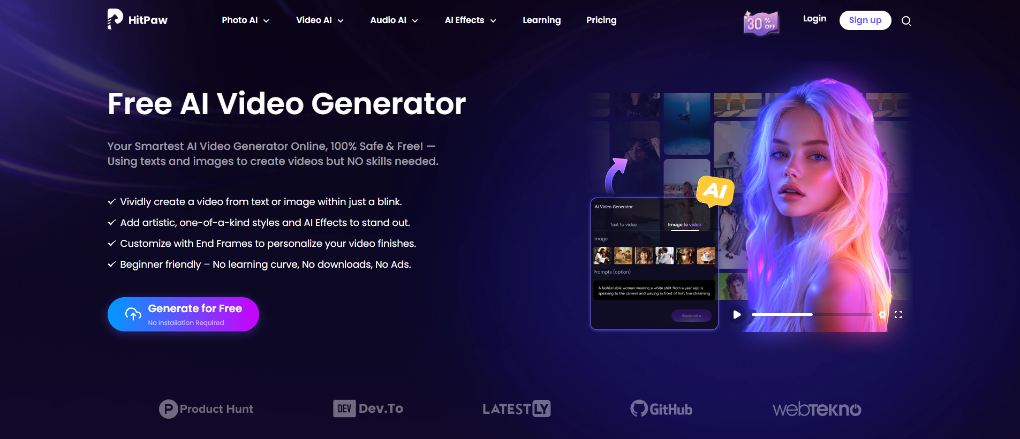 ●Convert text or images into engaging videos in minutes. ●Add AI effects for extra visual impact. ●Fully online—no installation required. <b>How to Use:</b> 1. Select “Image to Video” or “Text to Video.” 2. Upload an image or type your scene description. 3. Click “Generate” and get your video instantly. <h3><a href="https://www.hitpaw.com/vikpea-video-enhancer.html">HitPaw VikPea</a></h3>  ●Enhance video quality with one click. ●Repair old or blurry videos. ●Add color, sharpen visuals, and perfect your YouTube or social media content. <b>How to Use:</b> 1.Download and open the tool, select “Video Enhancer.” 2.Choose the AI model for enhancement. 3.Preview your video. 4.Export and share on your channels. <h2>Why This Matters for B2B</h2> Demand generation is more than just marketing—it’s about building authority and trust. By educating your audience and providing high-quality, interactive content, your brand can stand out in a crowded market. Using AI tools like HitPaw Online AI Video Generator and HitPaw VikPea, your content becomes more engaging, professional, and ready to impress potential clients. <h2>Let’s Discuss:</h2> Have you tried AI tools for B2B content creation yet? Which one worked best for your campaigns? Share your experiences below—I’d love to hear your thoughts! |
| json metadata | {"tags":["marketing","b2bmarketing","demandgeneration","hitpaw"],"image":["https://cdn.steemitimages.com/DQmXvdpewraPtoNJ2CwCEjDTbaDZVBMqmUu6pJbChmH93pv/image.png","https://cdn.steemitimages.com/DQmR59wnD1LVypGx1L1UCvqaCp1C3xcSQSqDeu1qG5eSFgE/image.png","https://cdn.steemitimages.com/DQmeEm7Z3toeMdKk6ThDjNgy3MXfCxb69wNEgN7dTw8fwCy/image.png"],"links":["https://online.hitpaw.com/online-ai-video-generator.html","https://www.hitpaw.com/vikpea-video-enhancer.html"],"app":"steemit/0.2","format":"markdown"} |
| Transaction Info | Block #101408531/Trx c592e00c9f3126a0fd88ae44f8b735e791aba844 |
View Raw JSON Data
{
"trx_id": "c592e00c9f3126a0fd88ae44f8b735e791aba844",
"block": 101408531,
"trx_in_block": 1,
"op_in_trx": 0,
"virtual_op": 0,
"timestamp": "2025-12-04T02:03:09",
"op": [
"comment",
{
"parent_author": "",
"parent_permlink": "marketing",
"author": "yunahi",
"permlink": "boost-your-b2b-growth-in-2025-demand-generation-made-easy",
"title": "Boost Your B2B Growth in 2025: Demand Generation Made Easy",
"body": "In the fast-paced B2B world, attracting new customers and building a strong reputation is crucial. Demand Generation is one of the most effective strategies to achieve this. At its core, it’s about educating your audience, providing value, and naturally sparking interest in your product or service.\nWith the right approach, you can expand your reach, gain trust, and turn potential leads into loyal clients. In this post, we’ll break down key demand generation strategies and show how AI tools like HitPaw Online AI Video Generator and HitPaw VikPea can make your content marketing more engaging and impactful.\n\n<h2>What is Demand Generation?</h2>\nUnlike traditional lead generation, demand generation focuses on creating awareness and interest. It involves content creation, social engagement, and campaigns that position your brand as a valuable resource. Essentially, it’s about attracting attention in a way that builds credibility and trust, rather than pushing a hard sell.\n\n\n\n<h2>Key Strategies for Demand Generation</h2>\nHere are some proven strategies to amplify your B2B marketing in 2025:\n<h3>1. Content Marketing</h3>\nContent is still king. Sharing helpful and engaging content naturally attracts potential customers. Consider:\n●Blogs: Publish articles answering common questions and highlighting your product benefits.\n●Videos: Create tutorials, demo videos, or entertaining short clips.\n●Social Media: Share tips, stories, and interactive posts to reach a wider audience.\n●Email Marketing: Build personal connections with informative newsletters.\n●Ads: Run subtle, informative ads that educate instead of pushing hard.\n\n<h3>2. Know Your Audience</h3>\nBefore you start any campaign, define your Ideal Customer Profile (ICP). Knowing your audience ensures your content resonates and brings the best results.\n<h3>3. Monitor and Optimize</h3>\nTrack your campaigns, measure results, and adjust your strategies. Use analytics tools to know what works and what doesn’t. Don’t hesitate to pivot if needed.\n<h3>4. Build a Strong Website</h3>\nYour website is often the first touchpoint. Make sure it’s SEO-optimized, visually appealing, and easy to navigate. A strong online presence builds trust and encourages engagement.\n\n<h2>Enhance Your Content with AI</h2>\nCreating high-quality, engaging content is crucial for demand generation. Here’s how HitPaw Online AI Video Generator and HitPaw VikPea can help:\n<h3><a href=\"https://online.hitpaw.com/online-ai-video-generator.html\">HitPaw Online AI Video Generator</a></h3>\n\n\n\n●Convert text or images into engaging videos in minutes.\n●Add AI effects for extra visual impact.\n●Fully online—no installation required.\n\n<b>How to Use:</b>\n1. Select “Image to Video” or “Text to Video.”\n2. Upload an image or type your scene description.\n3. Click “Generate” and get your video instantly.\n\n<h3><a href=\"https://www.hitpaw.com/vikpea-video-enhancer.html\">HitPaw VikPea</a></h3>\n\n\n\n●Enhance video quality with one click.\n●Repair old or blurry videos.\n●Add color, sharpen visuals, and perfect your YouTube or social media content.\n\n<b>How to Use:</b>\n1.Download and open the tool, select “Video Enhancer.”\n2.Choose the AI model for enhancement.\n3.Preview your video.\n4.Export and share on your channels.\n\n\n<h2>Why This Matters for B2B</h2>\nDemand generation is more than just marketing—it’s about building authority and trust. By educating your audience and providing high-quality, interactive content, your brand can stand out in a crowded market.\nUsing AI tools like HitPaw Online AI Video Generator and HitPaw VikPea, your content becomes more engaging, professional, and ready to impress potential clients.\n\n<h2>Let’s Discuss:</h2>\nHave you tried AI tools for B2B content creation yet? Which one worked best for your campaigns? Share your experiences below—I’d love to hear your thoughts!",
"json_metadata": "{\"tags\":[\"marketing\",\"b2bmarketing\",\"demandgeneration\",\"hitpaw\"],\"image\":[\"https://cdn.steemitimages.com/DQmXvdpewraPtoNJ2CwCEjDTbaDZVBMqmUu6pJbChmH93pv/image.png\",\"https://cdn.steemitimages.com/DQmR59wnD1LVypGx1L1UCvqaCp1C3xcSQSqDeu1qG5eSFgE/image.png\",\"https://cdn.steemitimages.com/DQmeEm7Z3toeMdKk6ThDjNgy3MXfCxb69wNEgN7dTw8fwCy/image.png\"],\"links\":[\"https://online.hitpaw.com/online-ai-video-generator.html\",\"https://www.hitpaw.com/vikpea-video-enhancer.html\"],\"app\":\"steemit/0.2\",\"format\":\"markdown\"}"
}
]
}yunahipublished a new post: the-end-of-an-era-a-glimpse-behind-taylor-swift-s-iconic-era-tour2025/12/03 06:43:36
yunahipublished a new post: the-end-of-an-era-a-glimpse-behind-taylor-swift-s-iconic-era-tour
2025/12/03 06:43:36
| parent author | |
| parent permlink | taylorswift |
| author | yunahi |
| permlink | the-end-of-an-era-a-glimpse-behind-taylor-swift-s-iconic-era-tour |
| title | The End of an Era: A Glimpse Behind Taylor Swift’s Iconic Era Tour |
| body | <h1>Dive Into Taylor Swift’s Era Tour Documentary: Behind the Scenes and Emotional Highlights</h1> Hey Swifties! The wait is almost over. Taylor Swift’s documentary The End of an Era is set to premiere on Disney+ on December 12th, and it promises to take us deeper into the magic behind her epic Era Tour. If you've ever wondered what goes into those larger-than-life performances or how much heart Taylor pours into her connection with fans, this documentary is for you. Let’s dive into the key highlights of the documentary and explore how you can make the experience even more immersive with HitPaw VikPea's UHD video enhancer. <h2>Part 1: The Heart of the Era Tour – Backstage and Beyond</h2> In The End of an Era, we get a rare behind-the-scenes look at the making of Taylor's Era Tour, one of the most ambitious concert tours ever. From pre-show preparations to emotional fan interactions, this documentary brings us up close to Taylor’s world like never before. The Scale of the Era Tour It’s not just a concert—it's a full-on production. Each era of Taylor’s discography is brought to life with its own theme, set design, and even unique costumes. Every song transition is carefully planned, ensuring the audience gets a smooth, unforgettable experience. The documentary shows how each of these elements fits together to create something visually stunning and thematically cohesive.  <h3>Teamwork Behind the Scenes</h3> The documentary also highlights the teamwork that goes into every performance. From rehearsals with dancers to sound checks and costume adjustments, we get a glimpse of the hard work behind the glitz and glamour. It’s a reminder that, while Taylor shines on stage, there’s an entire crew of dedicated professionals working tirelessly to make sure everything runs smoothly. <h3>Taylor’s Connection With Fans</h3> What truly sets this documentary apart is the emotional depth it brings to Taylor’s relationship with her fans. Through personal moments shared before and during the concerts, we see how much she values her connection with the audience. Whether she’s acknowledging fan signs, responding to chants, or simply sharing a quiet moment, The End of an Era shows the deep bond Taylor has cultivated with her supporters. <h3>The Live Performance Energy</h3> From the roar of the crowd to Taylor’s powerhouse vocals, the documentary captures the raw energy of her live performances. The dynamic camera angles and close-up shots allow fans to feel as if they are right there in the front row, experiencing the excitement of the show firsthand. <h2>Part 2: Trailer Insights – Sneak Peek into The End of an Era</h2> Before the documentary drops, the trailer gives us a taste of what’s to come. In it, we’re treated to stunning visuals, emotional moments, and glimpses of what it takes to pull off such a monumental tour.  <h3>Stunning Visuals and Era Themes</h3> The trailer showcases the breathtaking stage setups and vibrant visuals that define each of Taylor’s album eras. Bright lights, intricate set designs, and eye-catching costumes transport viewers to each unique moment of the concert. These visuals give us a sneak peek into the grandeur of The End of an Era and hint at how much work went into making these performances so special. <h3>Behind-the-Scenes Rehearsals</h3> Of course, we also see the hard work behind the scenes. From vocal training to choreographed dance routines, the trailer features rehearsal footage that highlights the level of preparation that goes into each show. It's not all glam—Taylor and her team put in countless hours to ensure everything is perfect for the fans. <h3>Emotional Moments</h3> Taylor reflects on her journey throughout the trailer, sharing personal memories and insights into the evolution of her career. These moments give us a glimpse into her growth as an artist and the emotional rollercoaster of touring. We also see how Taylor’s connection with her fans has influenced her career and the music she creates.  <h3>The Crowd’s Energy</h3> Perhaps the most exciting part of the trailer is seeing the fans’ energy. Their cheers, screams, and reactions to Taylor’s surprise moments perfectly capture the magic of a live Taylor Swift concert. The documentary brings that same energy, showing how deeply Taylor’s music resonates with her audience. <h2>Part 3: Fan Reactions and Emotional Takeaways</h2> After seeing The End of an Era, many fans have shared how deeply moved they were by the emotional moments in the documentary. It’s not just about the music—it's about the journey Taylor has been on with her fans. From celebrating past hits to embracing new music, fans are reminded of the unique bond they share with the artist. Many have described the documentary as nostalgic, bringing back memories of the first time they heard a Taylor Swift song or attended one of her concerts. These personal reflections make The End of an Era much more than just a concert film—they transform it into a heartfelt experience that captures the essence of Taylor Swift’s music and the people who love it. <h2>Part 4: Enhance The End of an Era with HitPaw VikPea AI Video Enhancer</h2> Ready to take your viewing experience to the next level? With HitPaw VikPea’s UHD Restoration Model, you can enhance the video quality of The End of an Era and experience the tour in stunning detail. 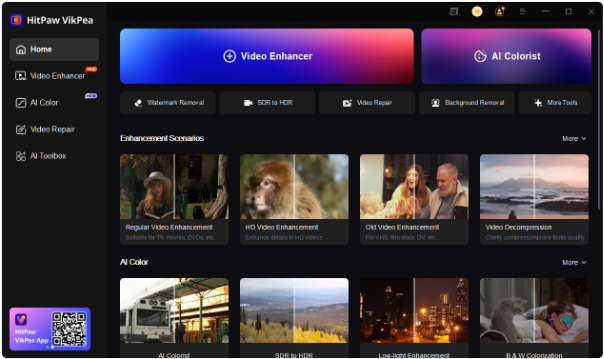 <h3>Why HitPaw VikPea?</h3> ●<a href="https://www.hitpaw.com/video-repair.html">AI Video Repair</a>: Fixes blurriness, noise, and other video defects, giving you a smoother, clearer viewing experience. ●Color Enhancement: Boosts the vibrancy of colors, making the stage lights, costumes, and audience reactions even more lifelike. ●4K Upscaling: Upgrades your videos to 4K resolution, making every performance moment sharper and more detailed. ●Detail Enhancement: Focus on subtle elements like facial expressions and background details to bring out the emotion of every scene. With HitPaw VikPea, you can enjoy the documentary in full HD or even 4K, allowing you to catch every detail of Taylor’s incredible performance and the behind-the-scenes magic. Don’t miss out on the chance to experience The End of an Era in a whole new light. Subscribe now and get the latest updates on how to enhance your favorite videos with HitPaw VikPea! |
| json metadata | {"tags":["taylorswift","theendofanera","eratour","behindthescenes","concertdocumentary","hitpawvikpea","videoenhancement","musicfans"],"image":["https://cdn.steemitimages.com/DQmTCse47HyFECVBbLNSzNdmXpYPSyuCwHR87FEF5mkJyP5/image.png","https://cdn.steemitimages.com/DQmVQh9U8QVVXiczvJVGyya374JRscfVoDEKZvtfBf6HEqe/image.png","https://cdn.steemitimages.com/DQmNtUe5NSsGwdPTZS4MrQfArpCmgVcuviYic1HccBpTJCG/image.png","https://cdn.steemitimages.com/DQmUsdCMZaKzx6BZwALmPQSj9rZ8LzhpfLqRvgr7CGCHh92/image.png"],"links":["https://www.hitpaw.com/video-repair.html"],"app":"steemit/0.2","format":"markdown"} |
| Transaction Info | Block #101385388/Trx dae2f91c7c02618c3da8a9a920e08298c7cd66d3 |
View Raw JSON Data
{
"trx_id": "dae2f91c7c02618c3da8a9a920e08298c7cd66d3",
"block": 101385388,
"trx_in_block": 2,
"op_in_trx": 0,
"virtual_op": 0,
"timestamp": "2025-12-03T06:43:36",
"op": [
"comment",
{
"parent_author": "",
"parent_permlink": "taylorswift",
"author": "yunahi",
"permlink": "the-end-of-an-era-a-glimpse-behind-taylor-swift-s-iconic-era-tour",
"title": "The End of an Era: A Glimpse Behind Taylor Swift’s Iconic Era Tour",
"body": "<h1>Dive Into Taylor Swift’s Era Tour Documentary: Behind the Scenes and Emotional Highlights</h1>\nHey Swifties! The wait is almost over. Taylor Swift’s documentary The End of an Era is set to premiere on Disney+ on December 12th, and it promises to take us deeper into the magic behind her epic Era Tour. If you've ever wondered what goes into those larger-than-life performances or how much heart Taylor pours into her connection with fans, this documentary is for you.\nLet’s dive into the key highlights of the documentary and explore how you can make the experience even more immersive with HitPaw VikPea's UHD video enhancer.\n\n<h2>Part 1: The Heart of the Era Tour – Backstage and Beyond</h2>\nIn The End of an Era, we get a rare behind-the-scenes look at the making of Taylor's Era Tour, one of the most ambitious concert tours ever. From pre-show preparations to emotional fan interactions, this documentary brings us up close to Taylor’s world like never before.\nThe Scale of the Era Tour\nIt’s not just a concert—it's a full-on production. Each era of Taylor’s discography is brought to life with its own theme, set design, and even unique costumes. Every song transition is carefully planned, ensuring the audience gets a smooth, unforgettable experience. The documentary shows how each of these elements fits together to create something visually stunning and thematically cohesive.\n\n\n\n<h3>Teamwork Behind the Scenes</h3>\nThe documentary also highlights the teamwork that goes into every performance. From rehearsals with dancers to sound checks and costume adjustments, we get a glimpse of the hard work behind the glitz and glamour. It’s a reminder that, while Taylor shines on stage, there’s an entire crew of dedicated professionals working tirelessly to make sure everything runs smoothly.\n<h3>Taylor’s Connection With Fans</h3>\nWhat truly sets this documentary apart is the emotional depth it brings to Taylor’s relationship with her fans. Through personal moments shared before and during the concerts, we see how much she values her connection with the audience. Whether she’s acknowledging fan signs, responding to chants, or simply sharing a quiet moment, The End of an Era shows the deep bond Taylor has cultivated with her supporters.\n<h3>The Live Performance Energy</h3>\nFrom the roar of the crowd to Taylor’s powerhouse vocals, the documentary captures the raw energy of her live performances. The dynamic camera angles and close-up shots allow fans to feel as if they are right there in the front row, experiencing the excitement of the show firsthand.\n\n<h2>Part 2: Trailer Insights – Sneak Peek into The End of an Era</h2>\nBefore the documentary drops, the trailer gives us a taste of what’s to come. In it, we’re treated to stunning visuals, emotional moments, and glimpses of what it takes to pull off such a monumental tour.\n\n\n\n<h3>Stunning Visuals and Era Themes</h3>\nThe trailer showcases the breathtaking stage setups and vibrant visuals that define each of Taylor’s album eras. Bright lights, intricate set designs, and eye-catching costumes transport viewers to each unique moment of the concert. These visuals give us a sneak peek into the grandeur of The End of an Era and hint at how much work went into making these performances so special.\n<h3>Behind-the-Scenes Rehearsals</h3>\nOf course, we also see the hard work behind the scenes. From vocal training to choreographed dance routines, the trailer features rehearsal footage that highlights the level of preparation that goes into each show. It's not all glam—Taylor and her team put in countless hours to ensure everything is perfect for the fans.\n<h3>Emotional Moments</h3>\nTaylor reflects on her journey throughout the trailer, sharing personal memories and insights into the evolution of her career. These moments give us a glimpse into her growth as an artist and the emotional rollercoaster of touring. We also see how Taylor’s connection with her fans has influenced her career and the music she creates.\n\n\n\n<h3>The Crowd’s Energy</h3>\nPerhaps the most exciting part of the trailer is seeing the fans’ energy. Their cheers, screams, and reactions to Taylor’s surprise moments perfectly capture the magic of a live Taylor Swift concert. The documentary brings that same energy, showing how deeply Taylor’s music resonates with her audience.\n\n<h2>Part 3: Fan Reactions and Emotional Takeaways</h2>\nAfter seeing The End of an Era, many fans have shared how deeply moved they were by the emotional moments in the documentary. It’s not just about the music—it's about the journey Taylor has been on with her fans. From celebrating past hits to embracing new music, fans are reminded of the unique bond they share with the artist.\nMany have described the documentary as nostalgic, bringing back memories of the first time they heard a Taylor Swift song or attended one of her concerts. These personal reflections make The End of an Era much more than just a concert film—they transform it into a heartfelt experience that captures the essence of Taylor Swift’s music and the people who love it.\n\n<h2>Part 4: Enhance The End of an Era with HitPaw VikPea AI Video Enhancer</h2>\nReady to take your viewing experience to the next level? With HitPaw VikPea’s UHD Restoration Model, you can enhance the video quality of The End of an Era and experience the tour in stunning detail.\n\n\n\n<h3>Why HitPaw VikPea?</h3>\n●<a href=\"https://www.hitpaw.com/video-repair.html\">AI Video Repair</a>: Fixes blurriness, noise, and other video defects, giving you a smoother, clearer viewing experience.\n●Color Enhancement: Boosts the vibrancy of colors, making the stage lights, costumes, and audience reactions even more lifelike.\n●4K Upscaling: Upgrades your videos to 4K resolution, making every performance moment sharper and more detailed.\n●Detail Enhancement: Focus on subtle elements like facial expressions and background details to bring out the emotion of every scene.\nWith HitPaw VikPea, you can enjoy the documentary in full HD or even 4K, allowing you to catch every detail of Taylor’s incredible performance and the behind-the-scenes magic.\n\nDon’t miss out on the chance to experience The End of an Era in a whole new light. Subscribe now and get the latest updates on how to enhance your favorite videos with HitPaw VikPea!",
"json_metadata": "{\"tags\":[\"taylorswift\",\"theendofanera\",\"eratour\",\"behindthescenes\",\"concertdocumentary\",\"hitpawvikpea\",\"videoenhancement\",\"musicfans\"],\"image\":[\"https://cdn.steemitimages.com/DQmTCse47HyFECVBbLNSzNdmXpYPSyuCwHR87FEF5mkJyP5/image.png\",\"https://cdn.steemitimages.com/DQmVQh9U8QVVXiczvJVGyya374JRscfVoDEKZvtfBf6HEqe/image.png\",\"https://cdn.steemitimages.com/DQmNtUe5NSsGwdPTZS4MrQfArpCmgVcuviYic1HccBpTJCG/image.png\",\"https://cdn.steemitimages.com/DQmUsdCMZaKzx6BZwALmPQSj9rZ8LzhpfLqRvgr7CGCHh92/image.png\"],\"links\":[\"https://www.hitpaw.com/video-repair.html\"],\"app\":\"steemit/0.2\",\"format\":\"markdown\"}"
}
]
}yunahipublished a new post: percy-jackson-and-the-olympians-season-2-release-date-cast-and-trailer-insights2025/12/03 06:26:45
yunahipublished a new post: percy-jackson-and-the-olympians-season-2-release-date-cast-and-trailer-insights
2025/12/03 06:26:45
| parent author | |
| parent permlink | tvshows |
| author | yunahi |
| permlink | percy-jackson-and-the-olympians-season-2-release-date-cast-and-trailer-insights |
| title | Percy Jackson and the Olympians Season 2: Release Date, Cast, and Trailer Insights |
| body | <h1>Percy Jackson and the Olympians Season 2: What We Can Expect</h1> The wait is almost over for fans of Percy Jackson and the Olympians as Season 2 is set to premiere on December 10, 2025, on Disney+. With the success of the first season, expectations are sky-high for what’s next. If you’re a fan of the books, the trailer, or just epic mythological adventures, you won’t want to miss this new chapter. Here’s everything we know so far about Season 2, from the cast to the behind-the-scenes buzz, plus how AI tools like HitPaw VikPea can elevate your viewing experience. <h2>Part 1. Confirmed Release Date and What’s Coming in Season 2</h2> Season 2’s official premiere date is locked in for December 10, and Disney+ is making sure it’s a part of your holiday plans. Fans who loved the first season will find themselves back in the world of Percy Jackson, with the story shifting to The Sea of Monsters. The stakes are higher, the monsters are fiercer, and Percy’s world is about to change in ways he could never expect.  If you’re wondering how closely the season will stick to the books, rest assured it’s continuing the trend of staying faithful to Rick Riordan’s original work while still leaving room for creative adaptations. In this season, Percy faces a greater foe, dives into more complex mythological challenges, and has to navigate some of his toughest adventures yet. <h2>Part 2. The Cast: Who’s Coming Back for More?</h2> One of the biggest draws of the series is its fantastic cast, and thankfully, our main trio is back: ●Walker Scobell as Percy Jackson ●Leah Sava Jeffries as Annabeth Chase ●Aryan Simhadri as Grover Underwood These three have incredible chemistry, and in Season 2, their bond will be tested as they face new monsters and tougher challenges. Fans can expect deeper character development and more emotional moments, especially as the trio’s trust and teamwork are put to the ultimate test.  But it’s not just the main characters returning—Percy Jackson and the Olympians Season 2 will bring back several familiar faces from Season 1. The leaders of Half Blood Camp will make their appearances, as will a variety of gods and mythological figures to help guide (or hinder) Percy in his quest. Additionally, there are new mythological characters to look forward to—creatures, gods, and even some half-bloods who will play crucial roles in Percy’s journey. <h2>Part 3. The Trailer: A Glimpse into the Sea of Monsters</h2>  Disney has already dropped the Season 2 trailer, and it’s everything fans have been hoping for. From the ominous underwater scenes to the intense monster battles, it’s clear that this season is going to deliver on the action and thrills. The trailer also hints at some darker moments that will test Percy, Annabeth, and Grover to their limits. If you’ve watched the trailer, you’ve probably noticed the upgraded visual effects. The underwater scenes are sharper, the monster designs are more intricate, and even the night scenes look brighter and clearer than before. Disney has really ramped up the visual quality for this season, and it shows. <h2>Part 4. Enhance Your Percy Jackson Experience with AI</h2> As much as we all love the trailer, some of the action-packed scenes can be hard to follow due to shaky camera work or dark lighting. That’s where AI tools like <a href="https://www.hitpaw.com/vikpea-video-enhancer.html">HitPaw VikPea AI video enhancer</a> come in handy.  This easy-to-use tool can enhance your trailer (or any video, really) by improving image clarity, fixing blurry frames, and adjusting brightness to ensure you never miss a moment of action. <h3>Here’s how it works:</h3> ●Fix Blurry or Shaky Scenes: AI enhances blurry frames and smooths out any shakiness, ensuring fluid action even during fast-moving scenes. ●Remove Noise and Improve Brightness: It cleans up grainy footage and brightens up dark scenes so you can see all the details. ●Add Natural, Balanced Color: The AI restores faded colors and brings your video back to life, enhancing the visual experience. ●Fast and Beginner-Friendly: You don’t need any editing experience—just a few clicks and you’re done! To get started, simply download HitPaw VikPea, import your video, select the appropriate enhancement settings, and hit preview. Once you’re happy with the results, export your improved video and enjoy it in stunning clarity! <h2>Wrapping Up: A Sea of Possibilities</h2> As the countdown to Percy Jackson and the Olympians Season 2 begins, the excitement is palpable. With the confirmed release date, returning cast, and all the amazing improvements in visual effects, this season promises to be everything fans have been waiting for—and more. If you’re planning on rewatching the trailer or your favorite episodes, don’t forget to enhance your viewing experience with tools like HitPaw VikPea to make every scene pop with better quality and vivid color. We’re just days away from diving into the Sea of Monsters, and it’s sure to be a ride you won’t want to miss! Want more updates on Percy Jackson and the Olympians, or tips on how to enhance your favorite shows? Subscribe now to stay updated with the latest in TV, tech, and everything in between. |
| json metadata | {"tags":["tvshows","disneyplus","seaofmonsters","aivideoenhancement","hitpawvikpea","trailerbreakdown","percyjacksonfans"],"image":["https://cdn.steemitimages.com/DQmQK2eVg8Cg1fxEbKo7DD7cBMbvbKfpn8CF8CVp1YwvNmA/image.png","https://cdn.steemitimages.com/DQmQ5eAWZd7TPmVhTatLLijhWyRLPKmrSVYY4G9SJwMJDgT/image.png","https://cdn.steemitimages.com/DQmcXwu8AXtsojHSM5KYKKYA3Za5ze3KLwNfaci9z5xgR7T/image.png","https://cdn.steemitimages.com/DQmUsdCMZaKzx6BZwALmPQSj9rZ8LzhpfLqRvgr7CGCHh92/image.png"],"links":["https://www.hitpaw.com/vikpea-video-enhancer.html"],"app":"steemit/0.2","format":"markdown"} |
| Transaction Info | Block #101385053/Trx 32fb7941304942c6328eb112525d58c0cc8ca478 |
View Raw JSON Data
{
"trx_id": "32fb7941304942c6328eb112525d58c0cc8ca478",
"block": 101385053,
"trx_in_block": 0,
"op_in_trx": 0,
"virtual_op": 0,
"timestamp": "2025-12-03T06:26:45",
"op": [
"comment",
{
"parent_author": "",
"parent_permlink": "tvshows",
"author": "yunahi",
"permlink": "percy-jackson-and-the-olympians-season-2-release-date-cast-and-trailer-insights",
"title": "Percy Jackson and the Olympians Season 2: Release Date, Cast, and Trailer Insights",
"body": "<h1>Percy Jackson and the Olympians Season 2: What We Can Expect</h1>\nThe wait is almost over for fans of Percy Jackson and the Olympians as Season 2 is set to premiere on December 10, 2025, on Disney+. With the success of the first season, expectations are sky-high for what’s next. If you’re a fan of the books, the trailer, or just epic mythological adventures, you won’t want to miss this new chapter. Here’s everything we know so far about Season 2, from the cast to the behind-the-scenes buzz, plus how AI tools like HitPaw VikPea can elevate your viewing experience.\n\n<h2>Part 1. Confirmed Release Date and What’s Coming in Season 2</h2>\nSeason 2’s official premiere date is locked in for December 10, and Disney+ is making sure it’s a part of your holiday plans. Fans who loved the first season will find themselves back in the world of Percy Jackson, with the story shifting to The Sea of Monsters. The stakes are higher, the monsters are fiercer, and Percy’s world is about to change in ways he could never expect.\n\n\n\nIf you’re wondering how closely the season will stick to the books, rest assured it’s continuing the trend of staying faithful to Rick Riordan’s original work while still leaving room for creative adaptations. In this season, Percy faces a greater foe, dives into more complex mythological challenges, and has to navigate some of his toughest adventures yet.\n\n<h2>Part 2. The Cast: Who’s Coming Back for More?</h2>\nOne of the biggest draws of the series is its fantastic cast, and thankfully, our main trio is back:\n●Walker Scobell as Percy Jackson\n●Leah Sava Jeffries as Annabeth Chase\n●Aryan Simhadri as Grover Underwood\nThese three have incredible chemistry, and in Season 2, their bond will be tested as they face new monsters and tougher challenges. Fans can expect deeper character development and more emotional moments, especially as the trio’s trust and teamwork are put to the ultimate test.\n\n\n\nBut it’s not just the main characters returning—Percy Jackson and the Olympians Season 2 will bring back several familiar faces from Season 1. The leaders of Half Blood Camp will make their appearances, as will a variety of gods and mythological figures to help guide (or hinder) Percy in his quest. Additionally, there are new mythological characters to look forward to—creatures, gods, and even some half-bloods who will play crucial roles in Percy’s journey.\n\n<h2>Part 3. The Trailer: A Glimpse into the Sea of Monsters</h2>\n\n\n\nDisney has already dropped the Season 2 trailer, and it’s everything fans have been hoping for. From the ominous underwater scenes to the intense monster battles, it’s clear that this season is going to deliver on the action and thrills. The trailer also hints at some darker moments that will test Percy, Annabeth, and Grover to their limits.\nIf you’ve watched the trailer, you’ve probably noticed the upgraded visual effects. The underwater scenes are sharper, the monster designs are more intricate, and even the night scenes look brighter and clearer than before. Disney has really ramped up the visual quality for this season, and it shows.\n\n<h2>Part 4. Enhance Your Percy Jackson Experience with AI</h2>\nAs much as we all love the trailer, some of the action-packed scenes can be hard to follow due to shaky camera work or dark lighting. That’s where AI tools like <a href=\"https://www.hitpaw.com/vikpea-video-enhancer.html\">HitPaw VikPea AI video enhancer</a> come in handy. \n\n\n\nThis easy-to-use tool can enhance your trailer (or any video, really) by improving image clarity, fixing blurry frames, and adjusting brightness to ensure you never miss a moment of action.\n<h3>Here’s how it works:</h3>\n●Fix Blurry or Shaky Scenes: AI enhances blurry frames and smooths out any shakiness, ensuring fluid action even during fast-moving scenes.\n●Remove Noise and Improve Brightness: It cleans up grainy footage and brightens up dark scenes so you can see all the details.\n●Add Natural, Balanced Color: The AI restores faded colors and brings your video back to life, enhancing the visual experience.\n●Fast and Beginner-Friendly: You don’t need any editing experience—just a few clicks and you’re done!\nTo get started, simply download HitPaw VikPea, import your video, select the appropriate enhancement settings, and hit preview. Once you’re happy with the results, export your improved video and enjoy it in stunning clarity!\n\n<h2>Wrapping Up: A Sea of Possibilities</h2>\nAs the countdown to Percy Jackson and the Olympians Season 2 begins, the excitement is palpable. With the confirmed release date, returning cast, and all the amazing improvements in visual effects, this season promises to be everything fans have been waiting for—and more. If you’re planning on rewatching the trailer or your favorite episodes, don’t forget to enhance your viewing experience with tools like HitPaw VikPea to make every scene pop with better quality and vivid color.\nWe’re just days away from diving into the Sea of Monsters, and it’s sure to be a ride you won’t want to miss!\n\nWant more updates on Percy Jackson and the Olympians, or tips on how to enhance your favorite shows? Subscribe now to stay updated with the latest in TV, tech, and everything in between.",
"json_metadata": "{\"tags\":[\"tvshows\",\"disneyplus\",\"seaofmonsters\",\"aivideoenhancement\",\"hitpawvikpea\",\"trailerbreakdown\",\"percyjacksonfans\"],\"image\":[\"https://cdn.steemitimages.com/DQmQK2eVg8Cg1fxEbKo7DD7cBMbvbKfpn8CF8CVp1YwvNmA/image.png\",\"https://cdn.steemitimages.com/DQmQ5eAWZd7TPmVhTatLLijhWyRLPKmrSVYY4G9SJwMJDgT/image.png\",\"https://cdn.steemitimages.com/DQmcXwu8AXtsojHSM5KYKKYA3Za5ze3KLwNfaci9z5xgR7T/image.png\",\"https://cdn.steemitimages.com/DQmUsdCMZaKzx6BZwALmPQSj9rZ8LzhpfLqRvgr7CGCHh92/image.png\"],\"links\":[\"https://www.hitpaw.com/vikpea-video-enhancer.html\"],\"app\":\"steemit/0.2\",\"format\":\"markdown\"}"
}
]
}2025/12/01 07:06:45
2025/12/01 07:06:45
| parent author | |
| parent permlink | aiphoto |
| author | yunahi |
| permlink | zootopia-2-filter-guide-create-your-own-cinema-selfies-with-judy-and-nick-using-hitpaw-fotorpea |
| title | Zootopia 2 Filter Guide: Create Your Own Cinema Selfies with Judy & Nick Using HitPaw FotorPea |
| body | The Zootopia 2 craze has officially kicked off, and alongside the movie hype, a brand-new filter trend is taking over TikTok, Instagram, and Xiaohongshu. Fans are generating ultra-cute “cinema selfies” with Judy Hopps and Nick Wilde—AI-crafted photos that look like you're literally sitting in the theater watching the sequel with them. If you’re wondering how these hyper-realistic AI photos are made or want to recreate the trend for yourself, this guide breaks everything down—from the release details of Zootopia 2 to how the viral filter works and how to generate your own Judy-and-Nick movie photo using HitPaw FotorPea. <h2>Part 1: Zootopia 2 Release Overview</h2>  Zootopia 2 finally brings Judy and Nick back to the big screen. The plot follows them as rookie detectives tasked with tracking down a dangerous snake wanted by the mayor. Release Details: ●Release Date: November 26, 2025 ●Runtime: 1h 50m Cast Highlights: ○Ginnifer Goodwin — Judy Hopps ○Jason Bateman — Nick Wilde ○Ke Huy Quan — Gary the Snake ○Shakira — Gazelle <h2>Part 2: What Is the Viral Zootopia 2 Filter?</h2> <h3>2.1 The Trend Explained</h3> The Zootopia 2 Filter isn’t an official Disney effect—it’s a fan-driven AI trend. Users upload a selfie and get a generated image that places them inside a cozy cinema setup next to Judy and Nick. <h3>2.2 How It Works</h3> The AI analyzes the user’s facial structure, builds a realistic theater backdrop, and integrates Judy and Nick with accurate lighting, shadows, and depth. The result looks like a genuine photo with the characters. <h2>Part 3: Best Tool to Make Zootopia AI Photos — HitPaw FotorPea</h2> <a href="https://www.hitpaw.com/ai-image-generator.html">HitPaw FotorPea</a> stands out as the most reliable AI editor for recreating this trend. The tool combines a strong AI Generator with image-to-image processing, cinematic lighting, and high-definition enhancement. <h3>Key Features</h3> ●Text-to-Image generation for instant Zootopia-style scenes ●Image-to-Image editing for modifying selfies with Judy & Nick ●Cinematic lighting + wide angle effects for movie-quality visuals ●HD enhancement up to 4K ●Beginner-friendly interface across Windows, Mac, iOS, Android <h3>Optimized Prompt for Best Results</h3> “A vibrant, stylized selfie taken inside a large modern movie theater. I am standing in the foreground, posing naturally as if taking a real photo. I have casual curly hair, soft cinematic lighting on my face, and realistic skin texture. Behind me, the theater is filled with an audience watching a giant screen displaying a colorful ‘Zootopia 2’ movie poster with bright, high-contrast animated characters. Nick Wilde and Judy Hopps are standing beside me, integrated seamlessly into the scene with balanced lighting and shadows. The image uses a wide-angle lens effect for a dramatic perspective from the front row. Ultra-realistic rendering, high detail, crisp lighting, vibrant colors, and a cinematic atmosphere.” <h3>Step-By-Step</h3> 1.Open HitPaw FotorPea → choose AI Generator 2.Upload a selfie under Image-to-Image 3.Paste the optimized prompt 4.Generate → Preview → Download 5.Share with #Zootopia2Filter 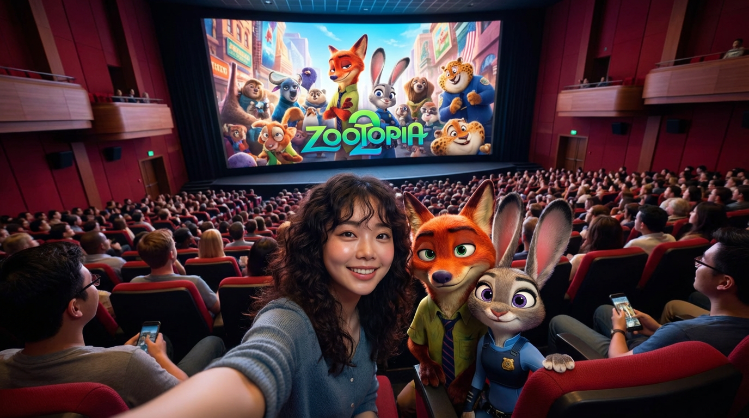 <h2>Part 4: Popular Zootopia AI Photo Ideas</h2> ●Cinema moments with popcorn ●Running through Zootopia city streets ●AI brainrot comedy mashups ●Pixar-style animal portraits <h2>Conclusion</h2> The Zootopia 2 Filter trend is charming, nostalgic, and wildly easy to join—especially with HitPaw FotorPea. Whether you're chasing realism or creativity, this AI tool simplifies everything into a few steps while delivering cinema-quality results. |
| json metadata | {"tags":["aiphoto","aigenerated","zootopia2","zootopiaaifilter","aiedit","movie","moviecharacter","zootopia2filter"],"image":["https://cdn.steemitimages.com/DQmUuwUkZ81tJmbPWZYoXmGQXQ71voizBGfMnXAhyAZHuq7/image.png","https://cdn.steemitimages.com/DQmcUzeYPGGoWN9MTk8MVbUUu34MLFPAQDhfMzL6rb4pQAP/image.png"],"links":["https://www.hitpaw.com/ai-image-generator.html"],"app":"steemit/0.2","format":"markdown"} |
| Transaction Info | Block #101328366/Trx fad91cb2189ae13b6e245baca4436b44a3854c94 |
View Raw JSON Data
{
"trx_id": "fad91cb2189ae13b6e245baca4436b44a3854c94",
"block": 101328366,
"trx_in_block": 4,
"op_in_trx": 0,
"virtual_op": 0,
"timestamp": "2025-12-01T07:06:45",
"op": [
"comment",
{
"parent_author": "",
"parent_permlink": "aiphoto",
"author": "yunahi",
"permlink": "zootopia-2-filter-guide-create-your-own-cinema-selfies-with-judy-and-nick-using-hitpaw-fotorpea",
"title": "Zootopia 2 Filter Guide: Create Your Own Cinema Selfies with Judy & Nick Using HitPaw FotorPea",
"body": "The Zootopia 2 craze has officially kicked off, and alongside the movie hype, a brand-new filter trend is taking over TikTok, Instagram, and Xiaohongshu. Fans are generating ultra-cute “cinema selfies” with Judy Hopps and Nick Wilde—AI-crafted photos that look like you're literally sitting in the theater watching the sequel with them.\nIf you’re wondering how these hyper-realistic AI photos are made or want to recreate the trend for yourself, this guide breaks everything down—from the release details of Zootopia 2 to how the viral filter works and how to generate your own Judy-and-Nick movie photo using HitPaw FotorPea.\n<h2>Part 1: Zootopia 2 Release Overview</h2>\n\n\n\nZootopia 2 finally brings Judy and Nick back to the big screen. The plot follows them as rookie detectives tasked with tracking down a dangerous snake wanted by the mayor.\nRelease Details:\n●Release Date: November 26, 2025\n●Runtime: 1h 50m\nCast Highlights:\n○Ginnifer Goodwin — Judy Hopps\n○Jason Bateman — Nick Wilde\n○Ke Huy Quan — Gary the Snake\n○Shakira — Gazelle\n<h2>Part 2: What Is the Viral Zootopia 2 Filter?</h2>\n<h3>2.1 The Trend Explained</h3>\nThe Zootopia 2 Filter isn’t an official Disney effect—it’s a fan-driven AI trend. Users upload a selfie and get a generated image that places them inside a cozy cinema setup next to Judy and Nick.\n<h3>2.2 How It Works</h3>\nThe AI analyzes the user’s facial structure, builds a realistic theater backdrop, and integrates Judy and Nick with accurate lighting, shadows, and depth. The result looks like a genuine photo with the characters.\n<h2>Part 3: Best Tool to Make Zootopia AI Photos — HitPaw FotorPea</h2>\n<a href=\"https://www.hitpaw.com/ai-image-generator.html\">HitPaw FotorPea</a> stands out as the most reliable AI editor for recreating this trend. The tool combines a strong AI Generator with image-to-image processing, cinematic lighting, and high-definition enhancement.\n<h3>Key Features</h3>\n●Text-to-Image generation for instant Zootopia-style scenes\n●Image-to-Image editing for modifying selfies with Judy & Nick\n●Cinematic lighting + wide angle effects for movie-quality visuals\n●HD enhancement up to 4K\n●Beginner-friendly interface across Windows, Mac, iOS, Android\n<h3>Optimized Prompt for Best Results</h3>\n“A vibrant, stylized selfie taken inside a large modern movie theater. I am standing in the foreground, posing naturally as if taking a real photo. I have casual curly hair, soft cinematic lighting on my face, and realistic skin texture. Behind me, the theater is filled with an audience watching a giant screen displaying a colorful ‘Zootopia 2’ movie poster with bright, high-contrast animated characters. Nick Wilde and Judy Hopps are standing beside me, integrated seamlessly into the scene with balanced lighting and shadows. The image uses a wide-angle lens effect for a dramatic perspective from the front row. Ultra-realistic rendering, high detail, crisp lighting, vibrant colors, and a cinematic atmosphere.”\n<h3>Step-By-Step</h3>\n1.Open HitPaw FotorPea → choose AI Generator\n2.Upload a selfie under Image-to-Image\n3.Paste the optimized prompt\n4.Generate → Preview → Download\n5.Share with #Zootopia2Filter\n\n\n\n<h2>Part 4: Popular Zootopia AI Photo Ideas</h2>\n●Cinema moments with popcorn\n●Running through Zootopia city streets\n●AI brainrot comedy mashups\n●Pixar-style animal portraits\n<h2>Conclusion</h2>\nThe Zootopia 2 Filter trend is charming, nostalgic, and wildly easy to join—especially with HitPaw FotorPea. Whether you're chasing realism or creativity, this AI tool simplifies everything into a few steps while delivering cinema-quality results.",
"json_metadata": "{\"tags\":[\"aiphoto\",\"aigenerated\",\"zootopia2\",\"zootopiaaifilter\",\"aiedit\",\"movie\",\"moviecharacter\",\"zootopia2filter\"],\"image\":[\"https://cdn.steemitimages.com/DQmUuwUkZ81tJmbPWZYoXmGQXQ71voizBGfMnXAhyAZHuq7/image.png\",\"https://cdn.steemitimages.com/DQmcUzeYPGGoWN9MTk8MVbUUu34MLFPAQDhfMzL6rb4pQAP/image.png\"],\"links\":[\"https://www.hitpaw.com/ai-image-generator.html\"],\"app\":\"steemit/0.2\",\"format\":\"markdown\"}"
}
]
}davidmurphysreplied to @yunahi / t6g5zn2025/11/28 17:31:00
davidmurphysreplied to @yunahi / t6g5zn
2025/11/28 17:31:00
| parent author | yunahi |
| parent permlink | behind-the-scenes-how-i-use-ai-to-create-tiktok-videos-in-minutes |
| author | davidmurphys |
| permlink | t6g5zn |
| title | |
| body | Free-Followers turned out to be a lifesaver for my TikTok account. It’s completely safe and doesn’t ask for sensitive info, which I really appreciate. Within minutes, I saw my posts get real engagement. The <a href="https://free-followers.net/services/tiktok-likes">free tiktok likes</a> feature is perfect for small creators looking to build credibility quickly. The experience feels fair, human, and encouraging — exactly what I needed to start gaining social proof without spending a dime. |
| json metadata | {"links":["https://free-followers.net/services/tiktok-likes"],"app":"steemit/0.2"} |
| Transaction Info | Block #101254605/Trx 206a3f4e96dae13141faa4f960c817ca7b396689 |
View Raw JSON Data
{
  "trx_id": "206a3f4e96dae13141faa4f960c817ca7b396689",
  "block": 101254605,
  "trx_in_block": 2,
  "op_in_trx": 0,
  "virtual_op": 0,
  "timestamp": "2025-11-28T17:31:00",
  "op": [
    "comment",
    {
      "parent_author": "yunahi",
      "parent_permlink": "behind-the-scenes-how-i-use-ai-to-create-tiktok-videos-in-minutes",
      "author": "davidmurphys",
      "permlink": "t6g5zn",
      "title": "",
      "body": "Free-Followers turned out to be a lifesaver for my TikTok account. It’s completely safe and doesn’t ask for sensitive info, which I really appreciate. Within minutes, I saw my posts get real engagement. The <a href=\"https://free-followers.net/services/tiktok-likes\">free tiktok likes</a> feature is perfect for small creators looking to build credibility quickly. The experience feels fair, human, and encouraging — exactly what I needed to start gaining social proof without spending a dime.",
      "json_metadata": "{\"links\":[\"https://free-followers.net/services/tiktok-likes\"],\"app\":\"steemit/0.2\"}"
    }
  ]
}yunahipublished a new post: soulgen-review-2-0-i-tried-the-update-so-you-don-t-have-to-here-s-the-truth2025/11/27 07:26:33
yunahipublished a new post: soulgen-review-2-0-i-tried-the-update-so-you-don-t-have-to-here-s-the-truth
2025/11/27 07:26:33
| parent author | |
| parent permlink | ai |
| author | yunahi |
| permlink | soulgen-review-2-0-i-tried-the-update-so-you-don-t-have-to-here-s-the-truth |
| title | SoulGen Review 2.0: I Tried the Update So You Don’t Have To — Here’s the Truth |
| body | SoulGen has been trending lately — especially the new SoulGen 2.0 update — and everywhere I look, people are posting animated portraits, AI girl edits, aesthetic character videos, and short cinematic clips. So I tested the new version thoroughly to see whether SoulGen is actually worth the hype in 2025. Here’s the honest breakdown, written from a creator’s perspective. <h2>What Exactly Is SoulGen?</h2>  SoulGen is an AI video generator that lets you: ●turn a single photo into a moving video ●generate a video with nothing but a prompt ●extend a video and keep the motion going The platform is super beginner-friendly and focuses on portrait-style animation, soft lighting, and stylized motion. Think: mood edits, AI muses, and anime-inspired scenes. SoulGen Features: In Real Life, Here’s What Works <h3>1. Image-to-Video</h3> Upload a photo → get a moving portrait. Great for creative edits or TikTok “aesthetic girl/boy” content. <h3>2. Text-to-Video</h3> Describe a scene, pick a style, and generate a short cinematic clip. <h3>3. Video Extension</h3> Take your last frame and continue the motion. Perfect for looping clips. SoulGen keeps things simple — and that’s part of its charm. <h2>SoulGen 2.0 — What’s Actually New?</h2> This is where things get interesting. <h3>1. Much Better Movement</h3> SoulGen 2.0’s motion accuracy got a significant upgrade (from 68.5mm MPJPE to 42.3mm). That means: ●fewer weird limb distortions ●smoother head movement ●more natural gestures <h3>2. Way Better Color Consistency</h3> Old SoulGen sometimes messed up colors. In 2.0, skin tones and lighting are noticeably more stable.3. Cleaner Visual Quality SoulGen reports: ●+23% improvement in image-to-video ●+17% improvement in text-to-video From my tests, videos are sharper and look less “AI-glitchy.” <h2>Who Is SoulGen Perfect For?</h2> ●TikTok / Reels creators ●mood edit creators ●anime-inspired content ●stylized motion ●digital muses ●virtual influencers SoulGen is fun, artistic, and simple — but it’s not a Hollywood tool. <h2>Bonus Tip: A Better Alternative — HitPaw Online AI Video Generator</h2> If SoulGen feels too limited or you want more realism, you should try <a href="https://online.hitpaw.com/online-ai-video-generator.html">HitPaw Online AI Video Generator</a> — it offers more modern models and cleaner output. 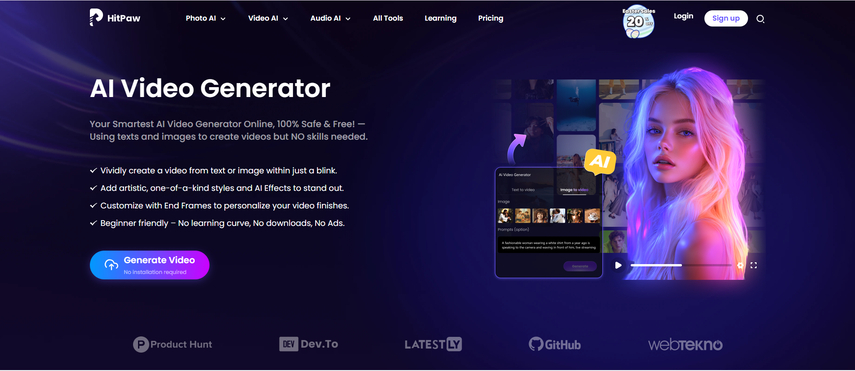 <h3>HitPaw Features</h3> <b>Feature 1: Multiple AI Video Models</b> HitPaw includes powerful models like PixVerse, Google Veo, Sora, and Kling, so you can create realistic, cinematic, anime, or portrait-style videos without switching platforms. <b>Feature 2: Image-to-Video & Text-to-Video</b> Just upload an image or write a prompt. HitPaw gives you more control over motion and style. <b>Feature 3: 720p & 1080p Output</b> No 4K, but definitely clean enough for TikTok, YouTube Shorts, or Instagram. <b>Feature 4: No Watermark for Paid Users</b> Huge advantage if you post professionally. <b>Feature 5: Fast Rendering</b> Even during peak hours, HitPaw doesn’t feel sluggish. <h2>Final Thoughts</h2> SoulGen 2.0 is a big improvement — smoother motion, better colors, and more polished videos. It’s great for stylized portrait videos and fast content creation. But if you want more serious tools, higher realism, or multiple video models, HitPaw Online AI Video Generator is hands-down the stronger choice. Both tools have their place — it just depends on the kind of creator you are. |
| json metadata | {"tags":["ai","aivideogenerator","aitool","aitoolreview","soulgen","hitpaw"],"image":["https://cdn.steemitimages.com/DQmQgbCebU69vg7b1286pXNKj2FVDsMwUP6HfZoG4a4xPUE/image.png","https://cdn.steemitimages.com/DQmSy9B7p2MBNZFHe2JMd1cpxqFbERQaDU6Jz6bjWPSwi2B/image.png"],"links":["https://online.hitpaw.com/online-ai-video-generator.html"],"app":"steemit/0.2","format":"markdown"} |
| Transaction Info | Block #101213800/Trx 818ee29e129659c4e14502a06ca8ce943672d4b8 |
View Raw JSON Data
{
"trx_id": "818ee29e129659c4e14502a06ca8ce943672d4b8",
"block": 101213800,
"trx_in_block": 0,
"op_in_trx": 0,
"virtual_op": 0,
"timestamp": "2025-11-27T07:26:33",
"op": [
"comment",
{
"parent_author": "",
"parent_permlink": "ai",
"author": "yunahi",
"permlink": "soulgen-review-2-0-i-tried-the-update-so-you-don-t-have-to-here-s-the-truth",
"title": "SoulGen Review 2.0: I Tried the Update So You Don’t Have To — Here’s the Truth",
"body": "SoulGen has been trending lately — especially the new SoulGen 2.0 update — and everywhere I look, people are posting animated portraits, AI girl edits, aesthetic character videos, and short cinematic clips. So I tested the new version thoroughly to see whether SoulGen is actually worth the hype in 2025.\nHere’s the honest breakdown, written from a creator’s perspective.\n<h2>What Exactly Is SoulGen?</h2>\n\n\n\nSoulGen is an AI video generator that lets you:\n●turn a single photo into a moving video\n●generate a video with nothing but a prompt\n●extend a video and keep the motion going\nThe platform is super beginner-friendly and focuses on portrait-style animation, soft lighting, and stylized motion. Think: mood edits, AI muses, and anime-inspired scenes.\nSoulGen Features: In Real Life, Here’s What Works\n<h3>1. Image-to-Video</h3>\nUpload a photo → get a moving portrait.\nGreat for creative edits or TikTok “aesthetic girl/boy” content.\n<h3>2. Text-to-Video</h3>\nDescribe a scene, pick a style, and generate a short cinematic clip.\n<h3>3. Video Extension</h3>\nTake your last frame and continue the motion. Perfect for looping clips.\nSoulGen keeps things simple — and that’s part of its charm.\n<h2>SoulGen 2.0 — What’s Actually New?</h2>\nThis is where things get interesting.\n<h3>1. Much Better Movement</h3>\nSoulGen 2.0’s motion accuracy got a significant upgrade (from 68.5mm MPJPE to 42.3mm). That means:\n●fewer weird limb distortions\n●smoother head movement\n●more natural gestures\n<h3>2. Way Better Color Consistency</h3>\nOld SoulGen sometimes messed up colors.\n In 2.0, skin tones and lighting are noticeably more stable.3. Cleaner Visual Quality\nSoulGen reports:\n●+23% improvement in image-to-video\n●+17% improvement in text-to-video\nFrom my tests, videos are sharper and look less “AI-glitchy.”\n<h2>Who Is SoulGen Perfect For?</h2>\n●TikTok / Reels creators\n●mood edit creators\n●anime-inspired content\n●stylized motion\n●digital muses\n●virtual influencers\nSoulGen is fun, artistic, and simple — but it’s not a Hollywood tool.\n<h2>Bonus Tip: A Better Alternative — HitPaw Online AI Video Generator</h2>\nIf SoulGen feels too limited or you want more realism, you should try <a href=\"https://online.hitpaw.com/online-ai-video-generator.html\">HitPaw Online AI Video Generator</a> — it offers more modern models and cleaner output.\n\n\n\n<h3>HitPaw Features</h3>\n<b>Feature 1: Multiple AI Video Models</b>\nHitPaw includes powerful models like PixVerse, Google Veo, Sora, and Kling, so you can create realistic, cinematic, anime, or portrait-style videos without switching platforms.\n<b>Feature 2: Image-to-Video & Text-to-Video</b>\nJust upload an image or write a prompt. HitPaw gives you more control over motion and style.\n<b>Feature 3: 720p & 1080p Output</b>\nNo 4K, but definitely clean enough for TikTok, YouTube Shorts, or Instagram.\n<b>Feature 4: No Watermark for Paid Users</b>\nHuge advantage if you post professionally.\n<b>Feature 5: Fast Rendering</b>\nEven during peak hours, HitPaw doesn’t feel sluggish.\n<h2>Final Thoughts</h2>\nSoulGen 2.0 is a big improvement — smoother motion, better colors, and more polished videos. It’s great for stylized portrait videos and fast content creation. But if you want more serious tools, higher realism, or multiple video models, HitPaw Online AI Video Generator is hands-down the stronger choice.\nBoth tools have their place — it just depends on the kind of creator you are.",
"json_metadata": "{\"tags\":[\"ai\",\"aivideogenerator\",\"aitool\",\"aitoolreview\",\"soulgen\",\"hitpaw\"],\"image\":[\"https://cdn.steemitimages.com/DQmQgbCebU69vg7b1286pXNKj2FVDsMwUP6HfZoG4a4xPUE/image.png\",\"https://cdn.steemitimages.com/DQmSy9B7p2MBNZFHe2JMd1cpxqFbERQaDU6Jz6bjWPSwi2B/image.png\"],\"links\":[\"https://online.hitpaw.com/online-ai-video-generator.html\"],\"app\":\"steemit/0.2\",\"format\":\"markdown\"}"
}
]
}yunahipublished a new post: minimax-hailuo-2-3-a-creator-s-deep-dive-into-the-new-ai-video-model2025/11/27 02:22:18
yunahipublished a new post: minimax-hailuo-2-3-a-creator-s-deep-dive-into-the-new-ai-video-model
2025/11/27 02:22:18
| parent author | |
| parent permlink | ai |
| author | yunahi |
| permlink | minimax-hailuo-2-3-a-creator-s-deep-dive-into-the-new-ai-video-model |
| title | MiniMax Hailuo 2.3: A Creator’s Deep Dive Into the New AI Video Model |
| body | Hey everyone, welcome back. Today we’re exploring something that has been making waves across the AI video community — MiniMax Hailuo 2.3. This update is a big step forward for anyone creating short-form visuals, aesthetic edits, promotional clips, concept scenes, or animated sequences. If you’re a creator who relies on motion, atmosphere, and cinematic feeling, this model has a lot to offer. Let’s break it down together.  <h2>Why Hailuo 2.3 Matters to Creators</h2> We’ve had plenty of AI video models over the last year, but most of them struggled with motion instability, prompt drift, or washed-out visuals. Hailuo 2.3 moves past many of those limitations. It feels like the first version designed with real creators in mind — not just labs and demos. Here’s why: ●Motion is smoother and more natural ●Lighting is richer and more expressive ●Characters maintain shape and consistency ●Prompts are followed more accurately ●Scenes have more emotional impact It’s not perfect, but it is significantly better than previous iterations. <h2>A Noticeable Upgrade in Movement and Flow</h2> You can tell immediately that Hailuo 2.3 has a stronger temporal backbone. The model understands how bodies move, how fabrics shift, and how cameras should glide through space. It especially shines in: ●Slow cinematic movement ●Atmospheric storytelling ●Fashion and beauty shots ●Outdoor and moody edits ●Character-based loops For anyone creating visual poetry, emotional reels, or stylized sequences, this model finally gives motion that feels alive. <h2>The Importance of Prompt Design</h2> Hailuo 2.3 listens closely to the details you give it, so your prompts matter more than ever. Creators are getting the best results by including: ●Camera direction ●Lighting mood ●Color palette ●Style references (cinematic, anime, surreal, realistic) ●Motion verbs ●Emotional tone Detailed prompts = higher control. This is a model that rewards creativity and clarity. <h2>Two Creative Paths: Build From Text or Animate an Image</h2> Hailuo 2.3 supports both: Text to Video Write a scene description, and the model builds everything from scratch. Image to Video Upload a still image — a portrait, an artwork, a product — and the model animates it. I2V is especially loved by creators who build their own OCs, product demos, or aesthetic personality edits. <h2>Visual Quality That Fits Real Projects</h2> One of the biggest changes in Hailuo 2.3 is how clean the outputs look. Sharpened edges, controlled lighting, consistent colors — it’s visually strong enough for: ●Short-form ads ●Reels ●TikTok content ●Concept animations ●E-commerce promos ●Mood films The jump in clarity makes it feel usable, not just experimental. <h2>⚡ Two Modes for Different Creator Needs</h2> Hailuo 2.3 includes: Fast Mode This mode is great for the initial stages of a project, like brainstorming ideas, iterating on concepts, and trying out many different versions of an animation quickly without long render times. High-Fidelity Mode When you've settled on a concept and are ready for the final cut, this mode is ideal. It's built for final exports where you need that extra cinematic polish and professional-grade visual quality. Creators can test ideas fast, then switch to premium quality for final production. It’s an efficient workflow. <h2>Realistic Use Cases for Hailuo 2.3</h2> Hailuo 2.3 is already proving to be a game-changer across many creative fields. Here's where we're seeing it make a real impact: ●Product motion videos ●Character animations ●Vibe edits / aesthetic loops ●Fashion and beauty content ●Short mood sequences ●Pre-visualization for film ●UGC advertising ●Story-driven micro-scenes It gives small creators access to video quality that used to require full production studios. <h2>Tips for Getting the Best Results</h2> Here are a few -exclusive suggestions to help you improve your output: 1. Choose a simple motion The cleaner the movement you're aiming for, the smoother your result will be. 2. Focus on lighting Hailuo 2.3 reacts beautifully to strong lighting cues like sunset, neon, overcast, and candlelight. 3. Use short, strong prompts Overly long descriptions can sometimes cause the style to drift. 4. Keep backgrounds simple This helps reduce visual noise and can increase the sense of realism. 5. Test in Fast Mode first You can save time and credits by refining your idea before switching over to High-Fidelity. <h2>Creator FAQs</h2> Does Hailuo 2.3 create extended video sequences? Currently, Hailuo 2.3 is designed to generate shorter clips, aligning with the common limitations of most platforms that still restrict video lengths to approximately 6–10 seconds. This focus allows for high-quality, impactful short-form content. How would you describe the quality of motion within the videos? The motion generated by Hailuo 2.3 is remarkably strong, showing significant improvements compared to its previous iterations. This is particularly evident and effective in scenes featuring single characters, where the fluidity and realism of movement truly shine. Is Hailuo 2.3 more effective for text-to-video or image-to-video conversions? While both text-to-video (T2V) and image-to-video (I2V) functionalities perform exceptionally well, many experienced creators have noted that the model truly excels and demonstrates its unique capabilities when working with image-to-video inputs. Can Hailuo 2.3 effectively handle various stylized visual aesthetics? Absolutely. The model is highly versatile and capable of producing beautiful results across a wide range of stylized visuals. This includes distinct styles such as anime, cinematic compositions, surreal imagery, and soft, aesthetically pleasing visuals, all of which are rendered with impressive fidelity. Am I permitted to use the videos generated by Hailuo 2.3 for commercial purposes? Yes, commercial use is generally permissible for content created with Hailuo 2.3. However, it is always crucial to carefully review and understand the specific licensing terms and conditions provided by the platform you are using to generate and download these videos, as these can vary. <h2>Final Thoughts for My Patrons</h2> MiniMax Hailuo 2.3 feels like a meaningful shift in AI video generation. It may not replace traditional production, but for creators who want to bring ideas to life quickly, beautifully, and emotionally, it is one of the strongest tools available right now. If you’re creating edits, storytelling visuals, product videos, or concept scenes, this model is absolutely worth experimenting with. If you want a custom prompt crafted specifically for your idea, just reply here — I’d be happy to help you build it. |
| json metadata | {"tags":["ai","aivideo","aivideomodel","hailuoai","haoluoaivideo","hailuoaimodel"],"image":["https://cdn.steemitimages.com/DQmQgDefz2HtSYxKrpZt8Um8rZ5yc5HbVT3fMHTMUpxaKRT/image.png"],"app":"steemit/0.2","format":"markdown"} |
| Transaction Info | Block #101207725/Trx d56b0409654356356722e6f2531e891e7eb045b6 |
View Raw JSON Data
{
"trx_id": "d56b0409654356356722e6f2531e891e7eb045b6",
"block": 101207725,
"trx_in_block": 0,
"op_in_trx": 0,
"virtual_op": 0,
"timestamp": "2025-11-27T02:22:18",
"op": [
"comment",
{
"parent_author": "",
"parent_permlink": "ai",
"author": "yunahi",
"permlink": "minimax-hailuo-2-3-a-creator-s-deep-dive-into-the-new-ai-video-model",
"title": "MiniMax Hailuo 2.3: A Creator’s Deep Dive Into the New AI Video Model",
"body": "Hey everyone, welcome back.\nToday we’re exploring something that has been making waves across the AI video community — MiniMax Hailuo 2.3.\nThis update is a big step forward for anyone creating short-form visuals, aesthetic edits, promotional clips, concept scenes, or animated sequences. If you’re a creator who relies on motion, atmosphere, and cinematic feeling, this model has a lot to offer.\nLet’s break it down together.\n\n\n<h2>Why Hailuo 2.3 Matters to Creators</h2>\nWe’ve had plenty of AI video models over the last year, but most of them struggled with motion instability, prompt drift, or washed-out visuals. Hailuo 2.3 moves past many of those limitations.\nIt feels like the first version designed with real creators in mind — not just labs and demos.\nHere’s why:\n●Motion is smoother and more natural\n●Lighting is richer and more expressive\n●Characters maintain shape and consistency\n●Prompts are followed more accurately\n●Scenes have more emotional impact\nIt’s not perfect, but it is significantly better than previous iterations.\n<h2>A Noticeable Upgrade in Movement and Flow</h2>\nYou can tell immediately that Hailuo 2.3 has a stronger temporal backbone. The model understands how bodies move, how fabrics shift, and how cameras should glide through space.\nIt especially shines in:\n●Slow cinematic movement\n●Atmospheric storytelling \n●Fashion and beauty shots\n●Outdoor and moody edits\n●Character-based loops\nFor anyone creating visual poetry, emotional reels, or stylized sequences, this model finally gives motion that feels alive.\n<h2>The Importance of Prompt Design</h2>\nHailuo 2.3 listens closely to the details you give it, so your prompts matter more than ever.\nCreators are getting the best results by including:\n●Camera direction\n●Lighting mood\n●Color palette\n●Style references (cinematic, anime, surreal, realistic)\n●Motion verbs\n●Emotional tone\nDetailed prompts = higher control.\nThis is a model that rewards creativity and clarity.\n<h2>Two Creative Paths: Build From Text or Animate an Image</h2>\nHailuo 2.3 supports both:\nText to Video\nWrite a scene description, and the model builds everything from scratch.\nImage to Video\nUpload a still image — a portrait, an artwork, a product — and the model animates it.\nI2V is especially loved by creators who build their own OCs, product demos, or aesthetic personality edits.\n<h2>Visual Quality That Fits Real Projects</h2>\nOne of the biggest changes in Hailuo 2.3 is how clean the outputs look.\nSharpened edges, controlled lighting, consistent colors — it’s visually strong enough for:\n●Short-form ads\n●Reels\n●TikTok content\n●Concept animations\n●E-commerce promos\n●Mood films\nThe jump in clarity makes it feel usable, not just experimental.\n<h2>⚡ Two Modes for Different Creator Needs</h2>\nHailuo 2.3 includes:\nFast Mode\nThis mode is great for the initial stages of a project, like brainstorming ideas, iterating on concepts, and trying out many different versions of an animation quickly without long render times.\nHigh-Fidelity Mode\nWhen you've settled on a concept and are ready for the final cut, this mode is ideal. It's built for final exports where you need that extra cinematic polish and professional-grade visual quality.\nCreators can test ideas fast, then switch to premium quality for final production. It’s an efficient workflow.\n<h2>Realistic Use Cases for Hailuo 2.3</h2>\nHailuo 2.3 is already proving to be a game-changer across many creative fields. Here's where we're seeing it make a real impact:\n●Product motion videos\n●Character animations\n●Vibe edits / aesthetic loops\n●Fashion and beauty content\n●Short mood sequences\n●Pre-visualization for film\n●UGC advertising\n●Story-driven micro-scenes\nIt gives small creators access to video quality that used to require full production studios.\n<h2>Tips for Getting the Best Results</h2>\nHere are a few -exclusive suggestions to help you improve your output:\n1. Choose a simple motion\nThe cleaner the movement you're aiming for, the smoother your result will be.\n2. Focus on lighting\nHailuo 2.3 reacts beautifully to strong lighting cues like sunset, neon, overcast, and candlelight.\n3. Use short, strong prompts\nOverly long descriptions can sometimes cause the style to drift.\n4. Keep backgrounds simple\nThis helps reduce visual noise and can increase the sense of realism.\n5. Test in Fast Mode first\nYou can save time and credits by refining your idea before switching over to High-Fidelity.\n<h2>Creator FAQs</h2>\nDoes Hailuo 2.3 create extended video sequences?\nCurrently, Hailuo 2.3 is designed to generate shorter clips, aligning with the common limitations of most platforms that still restrict video lengths to approximately 6–10 seconds. This focus allows for high-quality, impactful short-form content.\nHow would you describe the quality of motion within the videos?\nThe motion generated by Hailuo 2.3 is remarkably strong, showing significant improvements compared to its previous iterations. This is particularly evident and effective in scenes featuring single characters, where the fluidity and realism of movement truly shine.\nIs Hailuo 2.3 more effective for text-to-video or image-to-video conversions?\nWhile both text-to-video (T2V) and image-to-video (I2V) functionalities perform exceptionally well, many experienced creators have noted that the model truly excels and demonstrates its unique capabilities when working with image-to-video inputs.\nCan Hailuo 2.3 effectively handle various stylized visual aesthetics?\nAbsolutely. The model is highly versatile and capable of producing beautiful results across a wide range of stylized visuals. This includes distinct styles such as anime, cinematic compositions, surreal imagery, and soft, aesthetically pleasing visuals, all of which are rendered with impressive fidelity.\nAm I permitted to use the videos generated by Hailuo 2.3 for commercial purposes?\nYes, commercial use is generally permissible for content created with Hailuo 2.3. However, it is always crucial to carefully review and understand the specific licensing terms and conditions provided by the platform you are using to generate and download these videos, as these can vary.\n<h2>Final Thoughts for My Patrons</h2>\nMiniMax Hailuo 2.3 feels like a meaningful shift in AI video generation. It may not replace traditional production, but for creators who want to bring ideas to life quickly, beautifully, and emotionally, it is one of the strongest tools available right now.\nIf you’re creating edits, storytelling visuals, product videos, or concept scenes, this model is absolutely worth experimenting with.\nIf you want a custom prompt crafted specifically for your idea, just reply here — I’d be happy to help you build it.",
"json_metadata": "{\"tags\":[\"ai\",\"aivideo\",\"aivideomodel\",\"hailuoai\",\"haoluoaivideo\",\"hailuoaimodel\"],\"image\":[\"https://cdn.steemitimages.com/DQmQgDefz2HtSYxKrpZt8Um8rZ5yc5HbVT3fMHTMUpxaKRT/image.png\"],\"app\":\"steemit/0.2\",\"format\":\"markdown\"}"
}
]
}yunahipublished a new post: creating-cinematic-magic-with-the-wan-2-5-ai-video-model2025/11/26 09:58:39
yunahipublished a new post: creating-cinematic-magic-with-the-wan-2-5-ai-video-model
2025/11/26 09:58:39
| parent author | |
| parent permlink | aivideo |
| author | yunahi |
| permlink | creating-cinematic-magic-with-the-wan-2-5-ai-video-model |
| title | Creating Cinematic Magic with the Wan 2.5 AI Video Model |
| body | Hey everyone, You know how I’m always on the hunt for tools that make creativity faster, easier, and just more fun? Well, I think I’ve found one that’s going to blow your mind. It’s called Wan 2.5, and it might be the most powerful AI video model I’ve tested so far. It takes your ideas — literally just your words — and turns them into full-motion video clips with sound, light, and realism that feels like something out of a film. <h2>How I Discovered It</h2> I stumbled upon Wan 2.5 while experimenting with text-to-video tools for a short creative project. My goal was simple: could AI capture the feeling of a sunrise? So, I wrote this: “A drone flies over quiet mountains at dawn, golden sunlight breaking through the mist.” Within seconds, Wan 2.5 gave me a smooth cinematic shot — complete with soft morning light and subtle ambient audio. No editing. No color grading. No sound mixing. Just… art. That’s when I realized this wasn’t just another AI model — it’s the start of something much bigger for creators like us. <h2>What Wan 2.5 Actually Does</h2> Wan 2.5 is an advanced AI video model capable of generating short video clips, ranging from 5 to 15 seconds, using either a text prompt or a still image as input. A standout feature is its automatic inclusion of synchronized audio, meaning that if your prompt describes waves, the generated video will feature the sound of the ocean, and if wind is mentioned, its sound will be integrated seamlessly. This functionality effectively streamlines the video production process. It's akin to having a dedicated production team that interprets your script and immediately translates it into a polished, full-motion video, complete with appropriate sound design, without requiring manual editing or mixing. <h2>My Favorite Use Cases</h2> AI-generated video tools open up endless creative possibilities. Here are a few of my favorite ways to use them: Storyboarding – Quickly visualize your script, scene, or concept before filming. Perfect for pre-production planning. Social Media Videos – Create fast, eye-catching clips for TikTok, Instagram, or Reels in minutes. Digital Art Animation – Bring paintings, portraits, or concept art to life with subtle, realistic motion. Education & Storytelling – Turn complex ideas—like history, science, or abstract concepts—into visual stories that make learning engaging. AI tools make it easy to experiment, express, and elevate your creative vision—no camera crew required. <h2>⚙️ How I Use It in My Workflow</h2> I like to think of Wan 2.5 as my creative engine — it does the heavy lifting, generating rich, cinematic raw footage from nothing but a few words. Once the visuals are ready, I bring them into HitPaw AI Video Generator for refinement: trimming, pacing, adding stylish transitions, titles, or layering music for emotional depth. Together, they’re an unbeatable duo. Wan 2.5 sparks the imagination, while HitPaw adds the professional polish. Here’s how my workflow usually unfolds: 1. ✍️ Write a short, emotional prompt that sets the tone. 2. Generate the full video sequence in Wan 2.5. 3. Enhance it in HitPaw — add overlays, transitions, and fine-tuned audio. 4. Export and publish for Reels, YouTube Shorts, or social campaigns. It’s so efficient that I can produce an entire week of content in just one afternoon — all with cinematic quality and complete creative control. <h2>✍️ Prompt Ideas You Can Try</h2> Try these if you want to get started: ●“Moonlight over ocean waves, slow camera pan, peaceful music.” ●“Fog rolls through a neon-lit city, reflections on wet pavement, distant traffic sounds.” ●“A butterfly landing on a flower in slow motion, morning light, cinematic tone.” Play around with the lighting and motion verbs — the model responds beautifully to words like slow pan, zoom in, or drone shot. <h2>FAQs</h2> Q: Can I sell the videos I make with Wan 2.5? Yes, generally for commercial purposes. Always check Wan 2.5's specific terms and conditions for licensing and usage rights to ensure compliance. Q: Does it always generate audio? Typically, yes, Wan 2.5 generates an ambient audio track. You can always replace or layer this with your own custom soundtrack for a specific mood or brand voice. Q: What’s the best resolution? 1080p is recommended for a crisp, cinematic look, ideal for social media (Reels, YouTube Shorts) and professional editing. It balances quality without large file sizes. Q: Is it beginner-friendly? Absolutely! If you can type and describe your vision, you can generate impressive videos. There's no complex software or jargon; it's all natural language prompts. <h2>Final Thoughts</h2> We’ve reached a moment where AI isn’t just helping us — it’s collaborating with us. Wan 2.5 feels like having a creative partner that understands motion, sound, and emotion. If you’ve ever had a vision you couldn’t film — now you can. No team, no studio, no limits. Just your words, your creativity, and a model that turns them into moving art. ✨ Try this challenge: Write your favorite one-sentence scene idea and generate it in Wan 2.5. Then share your clip — I’d love to see what your imagination looks like when it moves. |
| json metadata | {"tags":["aivideo","ai","aivideomodel","wan","aimodel"],"app":"steemit/0.2","format":"markdown"} |
| Transaction Info | Block #101188102/Trx a1d45d0b3a7b9b563a06d9d432c305760fabd9de |
View Raw JSON Data
{
  "trx_id": "a1d45d0b3a7b9b563a06d9d432c305760fabd9de",
  "block": 101188102,
  "trx_in_block": 0,
  "op_in_trx": 0,
  "virtual_op": 0,
  "timestamp": "2025-11-26T09:58:39",
  "op": [
    "comment",
    {
      "parent_author": "",
      "parent_permlink": "aivideo",
      "author": "yunahi",
      "permlink": "creating-cinematic-magic-with-the-wan-2-5-ai-video-model",
      "title": "Creating Cinematic Magic with the Wan 2.5 AI Video Model",
      "body": "Hey everyone,\nYou know how I’m always on the hunt for tools that make creativity faster, easier, and just more fun?\nWell, I think I’ve found one that’s going to blow your mind.\nIt’s called Wan 2.5, and it might be the most powerful AI video model I’ve tested so far.\nIt takes your ideas — literally just your words — and turns them into full-motion video clips with sound, light, and realism that feels like something out of a film.\n<h2>How I Discovered It</h2>\nI stumbled upon Wan 2.5 while experimenting with text-to-video tools for a short creative project.\nMy goal was simple: could AI capture the feeling of a sunrise?\nSo, I wrote this:\n“A drone flies over quiet mountains at dawn, golden sunlight breaking through the mist.”\nWithin seconds, Wan 2.5 gave me a smooth cinematic shot — complete with soft morning light and subtle ambient audio.\nNo editing. No color grading. No sound mixing.\nJust… art.\nThat’s when I realized this wasn’t just another AI model — it’s the start of something much bigger for creators like us.\n<h2>What Wan 2.5 Actually Does</h2>\nWan 2.5 is an advanced AI video model capable of generating short video clips, ranging from 5 to 15 seconds, using either a text prompt or a still image as input.\nA standout feature is its automatic inclusion of synchronized audio, meaning that if your prompt describes waves, the generated video will feature the sound of the ocean, and if wind is mentioned, its sound will be integrated seamlessly.\nThis functionality effectively streamlines the video production process. It's akin to having a dedicated production team that interprets your script and immediately translates it into a polished, full-motion video, complete with appropriate sound design, without requiring manual editing or mixing.\n<h2>My Favorite Use Cases</h2>\nAI-generated video tools open up endless creative possibilities. Here are a few of my favorite ways to use them:\nStoryboarding – Quickly visualize your script, scene, or concept before filming. Perfect for pre-production planning.\nSocial Media Videos – Create fast, eye-catching clips for TikTok, Instagram, or Reels in minutes.\nDigital Art Animation – Bring paintings, portraits, or concept art to life with subtle, realistic motion.\nEducation & Storytelling – Turn complex ideas—like history, science, or abstract concepts—into visual stories that make learning engaging.\nAI tools make it easy to experiment, express, and elevate your creative vision—no camera crew required.\n<h2>⚙️ How I Use It in My Workflow</h2>\nI like to think of Wan 2.5 as my creative engine — it does the heavy lifting, generating rich, cinematic raw footage from nothing but a few words. Once the visuals are ready, I bring them into HitPaw AI Video Generator for refinement: trimming, pacing, adding stylish transitions, titles, or layering music for emotional depth.\nTogether, they’re an unbeatable duo.\nWan 2.5 sparks the imagination, while HitPaw adds the professional polish.\nHere’s how my workflow usually unfolds:\n1. ✍️ Write a short, emotional prompt that sets the tone.\n2. Generate the full video sequence in Wan 2.5.\n3. Enhance it in HitPaw — add overlays, transitions, and fine-tuned audio.\n4. Export and publish for Reels, YouTube Shorts, or social campaigns.\nIt’s so efficient that I can produce an entire week of content in just one afternoon — all with cinematic quality and complete creative control.\n<h2>✍️ Prompt Ideas You Can Try</h2>\nTry these if you want to get started:\n●“Moonlight over ocean waves, slow camera pan, peaceful music.”\n●“Fog rolls through a neon-lit city, reflections on wet pavement, distant traffic sounds.”\n●“A butterfly landing on a flower in slow motion, morning light, cinematic tone.”\nPlay around with the lighting and motion verbs — the model responds beautifully to words like slow pan, zoom in, or drone shot.\n<h2>FAQs</h2>\nQ: Can I sell the videos I make with Wan 2.5?\nYes, generally for commercial purposes. Always check Wan 2.5's specific terms and conditions for licensing and usage rights to ensure compliance.\nQ: Does it always generate audio?\nTypically, yes, Wan 2.5 generates an ambient audio track. You can always replace or layer this with your own custom soundtrack for a specific mood or brand voice.\nQ: What’s the best resolution?\n1080p is recommended for a crisp, cinematic look, ideal for social media (Reels, YouTube Shorts) and professional editing. It balances quality without large file sizes.\nQ: Is it beginner-friendly?\nAbsolutely! If you can type and describe your vision, you can generate impressive videos. There's no complex software or jargon; it's all natural language prompts.\n<h2>Final Thoughts</h2>\nWe’ve reached a moment where AI isn’t just helping us — it’s collaborating with us.\nWan 2.5 feels like having a creative partner that understands motion, sound, and emotion.\nIf you’ve ever had a vision you couldn’t film — now you can.\nNo team, no studio, no limits.\nJust your words, your creativity, and a model that turns them into moving art.\n✨ Try this challenge:\nWrite your favorite one-sentence scene idea and generate it in Wan 2.5. Then share your clip — I’d love to see what your imagination looks like when it moves.",
      "json_metadata": "{\"tags\":[\"aivideo\",\"ai\",\"aivideomodel\",\"wan\",\"aimodel\"],\"app\":\"steemit/0.2\",\"format\":\"markdown\"}"
    }
  ]
}yunahipublished a new post: bring-your-videos-to-life-my-5-favorite-cartoon-filter-tools-that-actually-work2025/11/26 04:31:12
yunahipublished a new post: bring-your-videos-to-life-my-5-favorite-cartoon-filter-tools-that-actually-work
2025/11/26 04:31:12
| parent author | |
| parent permlink | ai |
| author | yunahi |
| permlink | bring-your-videos-to-life-my-5-favorite-cartoon-filter-tools-that-actually-work |
| title | Bring Your Videos to Life: My 5 Favorite Cartoon Filter Tools (That Actually Work) |
| body | Hey creators — You know that feeling when your video looks fine but not wow? Like it’s missing that spark, that unique visual twist? I’ve been there. And lately, I’ve been obsessed with one thing that changes everything: AI cartoon filters. They turn plain clips into moving illustrations — smooth, colorful, full of personality. You don’t need motion graphics software or a studio budget — just an internet connection and a spark of curiosity. Let me share the five online tools I use (and love) to make videos look straight out of an animated short. 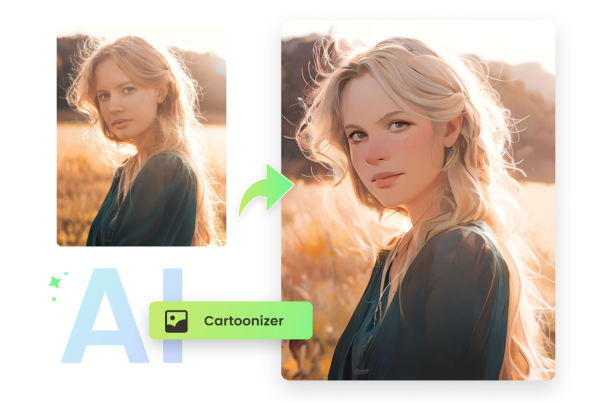 <h2>Why I Fell in Love with Cartoon Filters</h2> While standard video is effective, animation adds a distinct emotional layer. When you apply a cartoon filter to a video, you introduce a new dimension of storytelling that can be playful, dreamy, or nostalgic. These AI tools essentially redraw each frame, adding elements like comic book outlines, watercolor textures, or an anime-style glow. The result is your original footage, reinterpreted through an artistic lens. Seeing your own content reimagined with animated brushstrokes offers a unique and compelling viewing experience. <h2>✨ Tool #1 – Media.io Video Cartoonizer: Your Instant Cartoon Studio!</h2> New to cartoon videos? Start with Media.io – it's pure magic! This tool is so intuitive, it's practically foolproof. Just upload your video, pick a style, hit generate, and voilà! No downloads, no plugins, no head-scratching. What blows me away is how it delivers realistic cartoon motion without sacrificing detail. Perfect for spicing up vlogs, product demos, or those catchy intro sequences. Pro tip: Ever wanted your behind-the-scenes footage to feel cinematic? Slap a cartoon filter on it with Media.io. Even setup shots become masterpieces! <h2>Tool #2 – DomoAI: Unleash Your Inner Digital Artist</h2> Step into an artistic playground with DomoAI! This isn't just a tool; it's an art lab brimming with possibilities. Dive into over thirty unique filters, from vibrant anime styles to delicate brush-stroke sketches and retro pixel art. If you crave variety and love to experiment, DomoAI is your new best friend. I often generate the same clip in three different styles, then mash them together for mind-blowing mixed-media vibes. Why I'm obsessed: It puts incredible creative power in your hands, without forcing you to write a single line of code or tweak settings for hours. It just gets you. <h2>Tool #3 – GoEnhance AI Cartoon Maker: Bold, Dynamic, Unforgettable</h2> GoEnhance doesn't just do cartoons; it creates drama – in the absolute best way possible! Its filters are built for impact, featuring razor-sharp edge definition and high-contrast lighting that make your videos pop like a graphic novel or a stunning 3D render. I once used it for a short ad reel, and the results felt like a stylized movie trailer straight out of Hollywood. If you're chasing that bold, dynamic motion that screams "look at me!", this is your go-to. Best for: Epic music videos, show-stopping art reels, and building a truly iconic visual brand. <h2>Tool #4 – Fotor Video-to-Cartoon: Gentle Hues, Dreamy Vibes, and Free Joy!</h2> When I crave something soft, serene, and utterly charming, Fotor is my secret weapon. It paints your footage with delicate pastel tones and ethereal hand-drawn sketch effects, transforming it into a tranquil watercolor dream. It's entirely web-based, incredibly light on your browser, and here's the kicker – even the free plan delivers surprisingly beautiful results. Ideal for capturing lifestyle moments, adding charm to journaling vlogs, or creating enchanting teasers. Why it shines: It infuses your content with a personal, handcrafted feel that never looks over-processed. <h2>Tool #5 – Reface Cartoon Video Maker: Pocket-Sized Creative Power</h2> Reface started with face-swaps, but it's evolved into a powerhouse for cartoon filters right in your pocket! Animate short clips directly on your phone – perfect for Reels, Shorts, or exclusive content. It's playful, mobile-first, and dangerously addictive. I often use it as a lightning-fast sketchpad to preview creative ideas before diving into bigger, more complex edits. ⚡ Creator tip: Experiment by mixing Reface cartoons with real-footage transitions – audiences absolutely adore that unexpected leap between worlds! <h2>My Quick Workflow (Tried & Tested)</h2> Want to streamline your creative process? Here’s the five-step routine I swear by: 1.Shoot short, shoot smart. Keep clips clean and steady — 5–8 seconds is the sweet spot. 2.Let the AI do the heavy lifting. Upload your footage and pick one killer filter that matches your vibe. 3.Fine-tune like a pro. Tweak line weight, colors, and shadows until it’s just right. 4.Add the magic touches. Layer in text or sound after exporting for that extra wow-factor. 5.Share and shine. Post your masterpiece and get ready for people to ask, “How did you do that?” This simple routine lets me churn out multiple animated clips in no time — and have fun doing it! <h2>Lessons I’ve Learned While Experimenting</h2> ●Lighting is everything. Soft daylight or a diffused glow can take your filter from average to stunning. ●Don’t box yourself in with one tool — mix and match styles to create something truly unique. ●Less is more when it comes to movement. Subtle, graceful motion always beats chaotic clips. ●Serious about quality? Invest in watermark-free exports — it’s worth every penny. At the end of the day, it’s all about finding your creative flow. The AI is just your brush, but you’re the artist. <h2>Why I’m Sharing This with You</h2> Here , we keep it real as creators — sharing what clicks, what flops, and how we elevate each other. These tools unlocked new levels for my storytelling, and I'm itching for you to experience that same creative explosion. Whether you're animating dazzling jewelry reels, pumping out dynamic music videos, or crafting captivating daily vlogs, cartoon filters are your secret weapon for instant visual magic. No hiding tricks, no secret handshake — just pure, accessible creative tech that anyone can master. <h2>The Bigger Picture</h2> AI tools like these aren’t here to replace creativity — they’re here to supercharge it. They help us dream bigger, try new things faster, and bring stories to life that might’ve otherwise stayed in our heads. So the next time you record something simple, ask yourself: What if this was a cartoon? Because once you give it a shot, you’ll see — you’re not just making videos anymore. You’re building whole worlds. |
| json metadata | {"tags":["ai","aicartoonfilter","aitools","aifilter","aicartoon"],"image":["https://cdn.steemitimages.com/DQmUiL6t5PMVbuPqQTsmxEPJAuPxLqhrWW4i1uy5s9GLeC6/image.png"],"app":"steemit/0.2","format":"markdown"} |
| Transaction Info | Block #101181564/Trx 47b641c675d1bcb724a78183c6e80f47025da72c |
View Raw JSON Data
{
"trx_id": "47b641c675d1bcb724a78183c6e80f47025da72c",
"block": 101181564,
"trx_in_block": 0,
"op_in_trx": 0,
"virtual_op": 0,
"timestamp": "2025-11-26T04:31:12",
"op": [
"comment",
{
"parent_author": "",
"parent_permlink": "ai",
"author": "yunahi",
"permlink": "bring-your-videos-to-life-my-5-favorite-cartoon-filter-tools-that-actually-work",
"title": "Bring Your Videos to Life: My 5 Favorite Cartoon Filter Tools (That Actually Work)",
"body": "Hey creators —\nYou know that feeling when your video looks fine but not wow? Like it’s missing that spark, that unique visual twist?\nI’ve been there. And lately, I’ve been obsessed with one thing that changes everything: AI cartoon filters.\nThey turn plain clips into moving illustrations — smooth, colorful, full of personality. You don’t need motion graphics software or a studio budget — just an internet connection and a spark of curiosity.\nLet me share the five online tools I use (and love) to make videos look straight out of an animated short.\n\n\n<h2>Why I Fell in Love with Cartoon Filters</h2>\nWhile standard video is effective, animation adds a distinct emotional layer.\nWhen you apply a cartoon filter to a video, you introduce a new dimension of storytelling that can be playful, dreamy, or nostalgic.\nThese AI tools essentially redraw each frame, adding elements like comic book outlines, watercolor textures, or an anime-style glow.\nThe result is your original footage, reinterpreted through an artistic lens.\nSeeing your own content reimagined with animated brushstrokes offers a unique and compelling viewing experience.\n<h2>✨ Tool #1 – Media.io Video Cartoonizer: Your Instant Cartoon Studio!</h2>\nNew to cartoon videos? Start with Media.io – it's pure magic! This tool is so intuitive, it's practically foolproof. Just upload your video, pick a style, hit generate, and voilà! No downloads, no plugins, no head-scratching.\nWhat blows me away is how it delivers realistic cartoon motion without sacrificing detail. Perfect for spicing up vlogs, product demos, or those catchy intro sequences.\nPro tip: Ever wanted your behind-the-scenes footage to feel cinematic? Slap a cartoon filter on it with Media.io. Even setup shots become masterpieces!\n<h2>Tool #2 – DomoAI: Unleash Your Inner Digital Artist</h2>\nStep into an artistic playground with DomoAI! This isn't just a tool; it's an art lab brimming with possibilities. Dive into over thirty unique filters, from vibrant anime styles to delicate brush-stroke sketches and retro pixel art.\nIf you crave variety and love to experiment, DomoAI is your new best friend. I often generate the same clip in three different styles, then mash them together for mind-blowing mixed-media vibes.\nWhy I'm obsessed: It puts incredible creative power in your hands, without forcing you to write a single line of code or tweak settings for hours. It just gets you.\n<h2>Tool #3 – GoEnhance AI Cartoon Maker: Bold, Dynamic, Unforgettable</h2>\nGoEnhance doesn't just do cartoons; it creates drama – in the absolute best way possible! Its filters are built for impact, featuring razor-sharp edge definition and high-contrast lighting that make your videos pop like a graphic novel or a stunning 3D render.\nI once used it for a short ad reel, and the results felt like a stylized movie trailer straight out of Hollywood. If you're chasing that bold, dynamic motion that screams \"look at me!\", this is your go-to.\nBest for: Epic music videos, show-stopping art reels, and building a truly iconic visual brand.\n<h2>Tool #4 – Fotor Video-to-Cartoon: Gentle Hues, Dreamy Vibes, and Free Joy!</h2>\nWhen I crave something soft, serene, and utterly charming, Fotor is my secret weapon. It paints your footage with delicate pastel tones and ethereal hand-drawn sketch effects, transforming it into a tranquil watercolor dream.\nIt's entirely web-based, incredibly light on your browser, and here's the kicker – even the free plan delivers surprisingly beautiful results. Ideal for capturing lifestyle moments, adding charm to journaling vlogs, or creating enchanting teasers.\nWhy it shines: It infuses your content with a personal, handcrafted feel that never looks over-processed.\n<h2>Tool #5 – Reface Cartoon Video Maker: Pocket-Sized Creative Power</h2>\nReface started with face-swaps, but it's evolved into a powerhouse for cartoon filters right in your pocket! Animate short clips directly on your phone – perfect for Reels, Shorts, or exclusive content.\nIt's playful, mobile-first, and dangerously addictive. I often use it as a lightning-fast sketchpad to preview creative ideas before diving into bigger, more complex edits.\n⚡ Creator tip: Experiment by mixing Reface cartoons with real-footage transitions – audiences absolutely adore that unexpected leap between worlds!\n<h2>My Quick Workflow (Tried & Tested)</h2>\nWant to streamline your creative process? Here’s the five-step routine I swear by:\n1.Shoot short, shoot smart. Keep clips clean and steady — 5–8 seconds is the sweet spot.\n2.Let the AI do the heavy lifting. Upload your footage and pick one killer filter that matches your vibe.\n3.Fine-tune like a pro. Tweak line weight, colors, and shadows until it’s just right.\n4.Add the magic touches. Layer in text or sound after exporting for that extra wow-factor.\n5.Share and shine. Post your masterpiece and get ready for people to ask, “How did you do that?”\nThis simple routine lets me churn out multiple animated clips in no time — and have fun doing it!\n<h2>Lessons I’ve Learned While Experimenting</h2>\n●Lighting is everything. Soft daylight or a diffused glow can take your filter from average to stunning.\n●Don’t box yourself in with one tool — mix and match styles to create something truly unique.\n●Less is more when it comes to movement. Subtle, graceful motion always beats chaotic clips.\n●Serious about quality? Invest in watermark-free exports — it’s worth every penny.\nAt the end of the day, it’s all about finding your creative flow. The AI is just your brush, but you’re the artist. \n<h2>Why I’m Sharing This with You</h2>\nHere , we keep it real as creators — sharing what clicks, what flops, and how we elevate each other.\nThese tools unlocked new levels for my storytelling, and I'm itching for you to experience that same creative explosion.\nWhether you're animating dazzling jewelry reels, pumping out dynamic music videos, or crafting captivating daily vlogs, cartoon filters are your secret weapon for instant visual magic.\nNo hiding tricks, no secret handshake — just pure, accessible creative tech that anyone can master.\n<h2>The Bigger Picture</h2>\nAI tools like these aren’t here to replace creativity — they’re here to supercharge it.\nThey help us dream bigger, try new things faster, and bring stories to life that might’ve otherwise stayed in our heads.\nSo the next time you record something simple, ask yourself:\nWhat if this was a cartoon?\nBecause once you give it a shot, you’ll see — you’re not just making videos anymore.\nYou’re building whole worlds.",
"json_metadata": "{\"tags\":[\"ai\",\"aicartoonfilter\",\"aitools\",\"aifilter\",\"aicartoon\"],\"image\":[\"https://cdn.steemitimages.com/DQmUiL6t5PMVbuPqQTsmxEPJAuPxLqhrWW4i1uy5s9GLeC6/image.png\"],\"app\":\"steemit/0.2\",\"format\":\"markdown\"}"
}
]
}yunahipublished a new post: behind-the-scenes-how-i-use-ai-to-create-tiktok-videos-in-minutes2025/11/25 10:54:06
yunahipublished a new post: behind-the-scenes-how-i-use-ai-to-create-tiktok-videos-in-minutes
2025/11/25 10:54:06
| parent author | |
| parent permlink | shortvideo |
| author | yunahi |
| permlink | behind-the-scenes-how-i-use-ai-to-create-tiktok-videos-in-minutes |
| title | Behind the Scenes: How I Use AI to Create TikTok Videos in Minutes |
| body | Hey everyone I’ve been getting a lot of questions lately about how I make short-form videos so quickly — especially the ones that look like they took hours. Here’s the truth: they don’t. 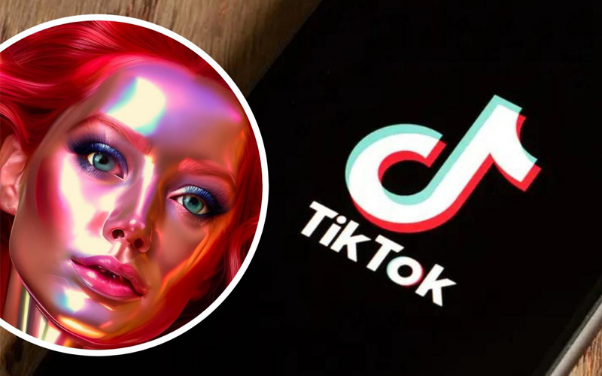 I’ve been experimenting with AI TikTok video makers, and they’ve completely changed how I create. If you’re trying to post consistently, save time, or just fall in love with the creative process again — this one’s for you. <h2>Why I Started Using AI for TikTok</h2> Let's be brutally honest—the daily grind of creating content is exhausting. Film, edit, sync, caption, export, repeat... It's a never-ending cycle, even when you're deeply passionate about what you do. Burnout felt inevitable. That's when I had to change something. I started cautiously experimenting with AI tools. My biggest fear? Losing my unique creative spark. But what I desperately craved was more time to brainstorm killer ideas and less time wrestling with editing timelines. The result? Mind-blowing. Now, I can transform a raw idea into a perfectly polished TikTok in under 10 minutes. And the absolute best part? It still feels authentically mine. <h2>My Go-To Tool: InVideo AI – Your Personal Production Powerhouse!</h2> When I need something that absolutely pops and looks utterly professional, I fire up InVideo AI. Think of it as having an entire film crew, editor, and voice artist, all packed into one intuitive website. Just throw it your video idea – seriously, get creative! Like: “Craft a 20-second lifestyle TikTok about crushing morning goals.” And bam! It generates stunning visuals, seamless transitions, dynamic captions, and even a polished voiceover. Tweak the style, pump up the pacing, or fine-tune the tone until it’s perfectly you. Why I'm obsessed: The results? Consistently branded, incredibly intentional, and ready to impress. It's my secret weapon for high-impact collaborations and sponsored content! <h2>Revid AI: Transform Text into TikTok Magic!</h2> Sometimes, fresh footage just isn't happening. But a killer idea or a stack of notes? Always! That’s precisely where Revid AI absolutely shines. Paste any text – a blog paragraph, a viral tweet, a detailed script – and watch it morph into a captivating TikTok video. It conjures up perfect scenes, snappy captions, and relevant stock visuals. It's literally "blog post to video" with one click. Talk about a game-changer! Why I swear by it: This tool is pure gold for informational or storytelling content when I want to deliver impact without hitting record myself. <h2>CapCut AI: Your Fast-Track to Trending!</h2> When a trend hits, I don’t hesitate – I dive straight into CapCut! Created by TikTok’s own parent company (ByteDance), every single template is engineered for maximum virality. CapCut’s AI features are constantly leveling up. You can: ●Type an idea, and it whips up a punchy script. ●Pick your vibe (hilarious, cinematic, super chill). ●Let the app automatically sync your clips to the beat of the trend. Why it's unstoppable: It's plugged directly into what's currently exploding online. You just bring the spark, and CapCut ignites the flame! <h2>Vizard.ai: The Ultimate Repurposing Revolution!</h2> I live for long-form content – my podcasts, my YouTube deep dives. But chopping those into TikToks used to eat up hours. Enter Vizard.ai. This genius analyzes long videos, pinpointing the juiciest quotes and most engaging moments. Then, it automatically formats them perfectly for TikTok – complete with spot-on captions and sleek vertical framing. This means I can record one epic long video a week and effortlessly pump out five short ones every single day. ⚡ Why it’s non-negotiable: It keeps me consistent, keeps my audience engaged, and keeps burnout completely at bay! <h2>Renderforest: Instant Mood, Instant Magic!</h2> Sometimes, I just need a quick visual hit – something soft, inspiring, or cinematic – but I don’t have new footage. That’s my cue to open Renderforest. Just describe your vision (“a 15-second clip with a breathtaking sunrise and serene music”), and poof! It builds it from scratch with absolutely gorgeous visuals. It’s perfect for compelling intro videos, empowering affirmations, or tantalizing mood clips for teasers. Why it feels so special: It looks and feels completely handmade, even though it’s powered by brilliant AI. <h2>My Workflow for Creating TikToks Faster</h2> Here’s the behind-the-scenes look at my creative flow. You can copy this system — it works whether you’re a solo creator or a small team. 1.Write the hook – something that makes people stop scrolling. 2.Choose a vibe – educational, emotional, aesthetic, or funny. 3.Pick the right tool – I usually match the idea with the AI. ○Scripted idea? → Revid AI ○Quick trend? → CapCut ○Brand promo? → InVideo ○Repurpose content? → Vizard ○Mood-based video? → Renderforest 4.Generate the video – let the AI do 80% of the work. 5.Personalize it – I still add small touches like subtitles, my logo, or a final line. 6.Post and engage – reply to comments fast while the algorithm’s fresh. The result: I make better videos, in less time, without losing the creative spark. <h2>What I Learned Along the Way</h2> ●Work with the algorithm, don't fight it. It's better to post something quickly and tweak it later than to wait for perfection. ●Think of AI as your partner, not your enemy. Let it handle the repetitive, boring tasks so you can focus on the fun stuff. ●Stay true to your voice. Just because you're using automation doesn't mean you should sound like a robot. Keep it real! ●Don't stress about getting it right on the first try. Your first few videos probably won't be perfect, and that's totally okay. On TikTok, it's more about putting out a lot of content with great energy than getting every little detail perfect. <h2>My Honest Take: AI Isn't Replacing Us, It's Unleashing Us.</h2> If you asked me to boil it down, here’s the truth: AI isn't here to replace creators. It's here to amplify them. It liberates our time, fueling deeper thought, bolder experiments, and uninhibited play. When I tap into AI, the pressure to chase perfection melts away. Instead, I'm electrified by the thrill of crafting something truly new. That liberation? It's utterly transformative. <h2>Final Thoughts for My Supporters</h2> To my incredible supporters, if you're battling creative block or inconsistent output, remember this: Creativity isn't meant to be a struggle. Sometimes, embracing a little help—even from a powerful tool—is precisely what you need. Dare yourself to start small. This week, why not craft a quick 10-second AI-powered clip? The instant you taste that effortless creation, watch your own genius reignite. Because ultimately, your ideas are the masterpiece—AI is merely the rocket fuel, propelling them into the world with exhilarating speed. Thanks for joining the conversation, friends Let’s ignite our collective potential, experimenting, learning, and creating more—together. |
| json metadata | {"tags":["shortvideo","tiktok","videogenerator","ai"],"image":["https://cdn.steemitimages.com/DQmR49db99v6fxi8RDKFtUA5i6wZyk3RsEcT4D56DnR4Qsq/image.png"],"app":"steemit/0.2","format":"markdown"} |
| Transaction Info | Block #101160460/Trx d302dad3be6432ef5974bd18c606f5608bdc234d |
View Raw JSON Data
{
"trx_id": "d302dad3be6432ef5974bd18c606f5608bdc234d",
"block": 101160460,
"trx_in_block": 25,
"op_in_trx": 0,
"virtual_op": 0,
"timestamp": "2025-11-25T10:54:06",
"op": [
"comment",
{
"parent_author": "",
"parent_permlink": "shortvideo",
"author": "yunahi",
"permlink": "behind-the-scenes-how-i-use-ai-to-create-tiktok-videos-in-minutes",
"title": "Behind the Scenes: How I Use AI to Create TikTok Videos in Minutes",
"body": "Hey everyone \nI’ve been getting a lot of questions lately about how I make short-form videos so quickly — especially the ones that look like they took hours.\nHere’s the truth: they don’t.\n\n\n\nI’ve been experimenting with AI TikTok video makers, and they’ve completely changed how I create. If you’re trying to post consistently, save time, or just fall in love with the creative process again — this one’s for you.\n<h2>Why I Started Using AI for TikTok</h2>\nLet's be brutally honest—the daily grind of creating content is exhausting. Film, edit, sync, caption, export, repeat... It's a never-ending cycle, even when you're deeply passionate about what you do. Burnout felt inevitable.\nThat's when I had to change something. I started cautiously experimenting with AI tools. My biggest fear? Losing my unique creative spark. But what I desperately craved was more time to brainstorm killer ideas and less time wrestling with editing timelines.\nThe result? Mind-blowing. Now, I can transform a raw idea into a perfectly polished TikTok in under 10 minutes. And the absolute best part? It still feels authentically mine.\n<h2>My Go-To Tool: InVideo AI – Your Personal Production Powerhouse!</h2>\nWhen I need something that absolutely pops and looks utterly professional, I fire up InVideo AI. Think of it as having an entire film crew, editor, and voice artist, all packed into one intuitive website.\nJust throw it your video idea – seriously, get creative! Like:\n“Craft a 20-second lifestyle TikTok about crushing morning goals.”\nAnd bam! It generates stunning visuals, seamless transitions, dynamic captions, and even a polished voiceover. Tweak the style, pump up the pacing, or fine-tune the tone until it’s perfectly you.\nWhy I'm obsessed: The results? Consistently branded, incredibly intentional, and ready to impress. It's my secret weapon for high-impact collaborations and sponsored content!\n<h2>Revid AI: Transform Text into TikTok Magic!</h2>\nSometimes, fresh footage just isn't happening. But a killer idea or a stack of notes? Always! That’s precisely where Revid AI absolutely shines.\nPaste any text – a blog paragraph, a viral tweet, a detailed script – and watch it morph into a captivating TikTok video. It conjures up perfect scenes, snappy captions, and relevant stock visuals.\nIt's literally \"blog post to video\" with one click. Talk about a game-changer!\nWhy I swear by it: This tool is pure gold for informational or storytelling content when I want to deliver impact without hitting record myself.\n<h2>CapCut AI: Your Fast-Track to Trending!</h2>\nWhen a trend hits, I don’t hesitate – I dive straight into CapCut! Created by TikTok’s own parent company (ByteDance), every single template is engineered for maximum virality.\nCapCut’s AI features are constantly leveling up. You can:\n●Type an idea, and it whips up a punchy script.\n●Pick your vibe (hilarious, cinematic, super chill).\n●Let the app automatically sync your clips to the beat of the trend.\nWhy it's unstoppable: It's plugged directly into what's currently exploding online. You just bring the spark, and CapCut ignites the flame!\n<h2>Vizard.ai: The Ultimate Repurposing Revolution!</h2>\nI live for long-form content – my podcasts, my YouTube deep dives. But chopping those into TikToks used to eat up hours.\nEnter Vizard.ai. This genius analyzes long videos, pinpointing the juiciest quotes and most engaging moments. Then, it automatically formats them perfectly for TikTok – complete with spot-on captions and sleek vertical framing.\nThis means I can record one epic long video a week and effortlessly pump out five short ones every single day.\n⚡ Why it’s non-negotiable: It keeps me consistent, keeps my audience engaged, and keeps burnout completely at bay!\n<h2>Renderforest: Instant Mood, Instant Magic!</h2>\nSometimes, I just need a quick visual hit – something soft, inspiring, or cinematic – but I don’t have new footage. That’s my cue to open Renderforest.\nJust describe your vision (“a 15-second clip with a breathtaking sunrise and serene music”), and poof! It builds it from scratch with absolutely gorgeous visuals. It’s perfect for compelling intro videos, empowering affirmations, or tantalizing mood clips for teasers.\nWhy it feels so special: It looks and feels completely handmade, even though it’s powered by brilliant AI.\n<h2>My Workflow for Creating TikToks Faster</h2>\nHere’s the behind-the-scenes look at my creative flow.\nYou can copy this system — it works whether you’re a solo creator or a small team.\n1.Write the hook – something that makes people stop scrolling.\n2.Choose a vibe – educational, emotional, aesthetic, or funny.\n3.Pick the right tool – I usually match the idea with the AI.\n○Scripted idea? → Revid AI\n○Quick trend? → CapCut\n○Brand promo? → InVideo\n○Repurpose content? → Vizard\n○Mood-based video? → Renderforest\n4.Generate the video – let the AI do 80% of the work.\n5.Personalize it – I still add small touches like subtitles, my logo, or a final line.\n6.Post and engage – reply to comments fast while the algorithm’s fresh.\nThe result: I make better videos, in less time, without losing the creative spark.\n<h2>What I Learned Along the Way</h2>\n●Work with the algorithm, don't fight it. It's better to post something quickly and tweak it later than to wait for perfection.\n●Think of AI as your partner, not your enemy. Let it handle the repetitive, boring tasks so you can focus on the fun stuff.\n●Stay true to your voice. Just because you're using automation doesn't mean you should sound like a robot. Keep it real!\n●Don't stress about getting it right on the first try. Your first few videos probably won't be perfect, and that's totally okay. On TikTok, it's more about putting out a lot of content with great energy than getting every little detail perfect.\n<h2>My Honest Take: AI Isn't Replacing Us, It's Unleashing Us.</h2>\nIf you asked me to boil it down, here’s the truth: AI isn't here to replace creators. It's here to amplify them.\nIt liberates our time, fueling deeper thought, bolder experiments, and uninhibited play. When I tap into AI, the pressure to chase perfection melts away. Instead, I'm electrified by the thrill of crafting something truly new.\nThat liberation? It's utterly transformative.\n<h2>Final Thoughts for My Supporters</h2>\nTo my incredible supporters, if you're battling creative block or inconsistent output, remember this:\nCreativity isn't meant to be a struggle. Sometimes, embracing a little help—even from a powerful tool—is precisely what you need. Dare yourself to start small. This week, why not craft a quick 10-second AI-powered clip?\nThe instant you taste that effortless creation, watch your own genius reignite. Because ultimately, your ideas are the masterpiece—AI is merely the rocket fuel, propelling them into the world with exhilarating speed. Thanks for joining the conversation, friends \nLet’s ignite our collective potential, experimenting, learning, and creating more—together.",
"json_metadata": "{\"tags\":[\"shortvideo\",\"tiktok\",\"videogenerator\",\"ai\"],\"image\":[\"https://cdn.steemitimages.com/DQmR49db99v6fxi8RDKFtUA5i6wZyk3RsEcT4D56DnR4Qsq/image.png\"],\"app\":\"steemit/0.2\",\"format\":\"markdown\"}"
}
]
}yunahipublished a new post: product-advertisement-ideas-for-black-friday-2025-what-really-moves-the-needle2025/11/24 07:05:15
yunahipublished a new post: product-advertisement-ideas-for-black-friday-2025-what-really-moves-the-needle
2025/11/24 07:05:15
| parent author | |
| parent permlink | blackfriday2025 |
| author | yunahi |
| permlink | product-advertisement-ideas-for-black-friday-2025-what-really-moves-the-needle |
| title | Product Advertisement Ideas for Black Friday 2025: What Really Moves the Needle |
| body | @@ -1,28 +1,32 @@ +%3Ch1%3E Product Advertisement Ideas @@ -86,16 +86,21 @@ lly Work +%3C/h1%3E %0ABlack F |
| json metadata | {"tags":["marketingtips","productads","digitalcreativity","hitpaw"],"image":["https://cdn.steemitimages.com/DQmcAsPmES7Gtn9osKUnMGwBGgDSopg1LoLfEdfBYcuu2Xr/image.png","https://cdn.steemitimages.com/DQmaviVfmVxfebUVSrURrFhs7qgUaJ4AvHhQt7LXve4Jabb/image.png","https://cdn.steemitimages.com/DQmWXMhHNaRFstYixYnQATCRcugsrwxcWwqEWb8479NDsuF/image.png","https://cdn.steemitimages.com/DQmVd2bjGmw5PpX1wLb2DRjSrKfNpDxxtLgNjUHFw69EW5u/image.png","https://cdn.steemitimages.com/DQmUsdCMZaKzx6BZwALmPQSj9rZ8LzhpfLqRvgr7CGCHh92/image.png"],"links":["https://www.hitpaw.com/sales-promotion.html"],"app":"steemit/0.2","format":"markdown"} |
| Transaction Info | Block #101127151/Trx d66841f8c7dfc66d0d6361a5e39719d1835e1db1 |
View Raw JSON Data
{
  "trx_id": "d66841f8c7dfc66d0d6361a5e39719d1835e1db1",
  "block": 101127151,
  "trx_in_block": 4,
  "op_in_trx": 0,
  "virtual_op": 0,
  "timestamp": "2025-11-24T07:05:15",
  "op": [
    "comment",
    {
      "parent_author": "",
      "parent_permlink": "blackfriday2025",
      "author": "yunahi",
      "permlink": "product-advertisement-ideas-for-black-friday-2025-what-really-moves-the-needle",
      "title": "Product Advertisement Ideas for Black Friday 2025: What Really Moves the Needle",
      "body": "@@ -1,28 +1,32 @@\n+%3Ch1%3E\n Product Advertisement Ideas \n@@ -86,16 +86,21 @@\n lly Work\n+%3C/h1%3E\n %0ABlack F\n",
      "json_metadata": "{\"tags\":[\"marketingtips\",\"productads\",\"digitalcreativity\",\"hitpaw\"],\"image\":[\"https://cdn.steemitimages.com/DQmcAsPmES7Gtn9osKUnMGwBGgDSopg1LoLfEdfBYcuu2Xr/image.png\",\"https://cdn.steemitimages.com/DQmaviVfmVxfebUVSrURrFhs7qgUaJ4AvHhQt7LXve4Jabb/image.png\",\"https://cdn.steemitimages.com/DQmWXMhHNaRFstYixYnQATCRcugsrwxcWwqEWb8479NDsuF/image.png\",\"https://cdn.steemitimages.com/DQmVd2bjGmw5PpX1wLb2DRjSrKfNpDxxtLgNjUHFw69EW5u/image.png\",\"https://cdn.steemitimages.com/DQmUsdCMZaKzx6BZwALmPQSj9rZ8LzhpfLqRvgr7CGCHh92/image.png\"],\"links\":[\"https://www.hitpaw.com/sales-promotion.html\"],\"app\":\"steemit/0.2\",\"format\":\"markdown\"}"
    }
  ]
}yunahipublished a new post: black-friday-marketing-2025-20-creative-strategies-to-boost-sales2025/11/24 07:04:45
yunahipublished a new post: black-friday-marketing-2025-20-creative-strategies-to-boost-sales
2025/11/24 07:04:45
| parent author | |
| parent permlink | marketingtips |
| author | yunahi |
| permlink | black-friday-marketing-2025-20-creative-strategies-to-boost-sales |
| title | Black Friday Marketing 2025: 20 Creative Strategies to Boost Sales |
| body | <h1>Black Friday Marketing 2025: 20 Creative Strategies to Boost Sales</h1> Black Friday has evolved far beyond a simple discount day—it’s now a yearly battlefield where brands fight for attention, clicks, and loyalty. Competition grows sharper each year, and the brands winning in 2025 are those leaning into creativity, personalization, and the kind of high-impact visuals that stop the scroll instantly. With two decades of blogging and covering campaigns from small DTC brands to global product launches, I’ve seen one truth repeat itself every Black Friday: The winners are the ones who understand buyer psychology and execute with craftsmanship.  In this post, I’m breaking down the psychology behind Black Friday behavior, 10 creative ideas that inject energy into your campaigns, 10 proven strategies that consistently deliver results, and how you can amplify your Black Friday ad videos using HitPaw VikPea’s UHD Restoration Model. Let’s dive in. <h2>Part 1: The Psychology Behind Black Friday Shopping</h2> Black Friday works because it taps directly into emotional decision-making. Scarcity (“only 3 left”), urgency (“sale ends tonight”), and FOMO (“everyone is buying this”) trigger fast action—often faster than logical reasoning. Consumers respond even more strongly when they see social proof. Someone else bought it. Someone shared it. Someone reviewed it. These signals build trust instantly. Add VIP-only perks or exclusive early access, and you deepen that emotional pull. Shoppers feel rewarded, valued, and “on the inside.” And in a crowded Black Friday landscape, that emotional connection is everything. <h2>Part 2: 10 Creative Black Friday Marketing Ideas That Stand Out</h2> These ideas are designed to break the pattern fatigue shoppers experience during Black Friday week. <h3>1. Interactive Countdown Campaigns</h3> A visible timer builds anticipation and drives repeated site visits. It resets shoppers into “don’t miss it” mode every time they see it. <h3>2. Gamified Shopping Experiences</h3> AR try-ons, quizzes, spin-to-win wheels—these turn shopping into entertainment, giving buyers a reason to stay longer and engage more deeply.  <h3>3. AI-Powered Personalized Offers</h3> Tailored deals based on past behavior feel more relevant, boosting both conversions and loyalty. <h3>4. VIP Early Access Sales</h3> Rewarding loyal customers with early entry makes them feel exclusive—and encourages repeat purchases. <h3>5. Social Media Challenges & Hashtags</h3> UGC-driven challenges multiply your reach organically. The right hashtag can turn Black Friday into a brand-wide moment. <h3>6. Mystery Box Offers</h3> Surprise-based buying taps into curiosity and impulse behavior. People love the thrill of “opening” something unknown. <h3>7. Influencer Flash Sales</h3> Creators can drive rapid spikes in traffic with limited-time promotions that feel urgent and personal. <h3>8. Cinematic Video Teasers</h3> Short cinematic teasers hinting at your sale or product drops build hype and keep your brand top of mind. <h3>9. Sustainability Campaigns</h3> Eco-conscious messaging stands out in a cluttered ad space. It also resonates strongly with younger shoppers. <h3>10. Gamified Email Marketing</h3> Scratch cards, hidden codes, digital treasure hunts—these transform emails into something people actually look forward to opening. <h2>Part 3: 10 Proven Black Friday Marketing Strategies for Guaranteed Results</h2> Creative ideas help you stand out, but proven fundamentals keep conversions consistent. These strategies work year after year.  <h3>1. Start Early</h3> Warm your audience before your competitors do. <h3>2. Use Limited-Time Offers</h3> Flash deals and countdowns reduce hesitation and push action. <h3>3. Segment and Personalize Emails</h3> The more relevant the content, the faster the click. <h3>4. Retarget Abandoned Carts</h3> A gentle reminder—plus a nudge—can revive lost sales. <h3>5. Optimize for Mobile First</h3> Most purchases happen on mobile. A slow checkout kills revenue instantly. <h3>6. Offer Product Bundles</h3> Bundles boost perceived value and increase average order size. <h3>7. Give Free Shipping</h3> Still one of the biggest conversion boosters across every industry. <h3>8. Use Persuasive Copy with Urgency</h3> Simple phrases like “Ends tonight” still outperform generalized language. <h3>9. Highlight Reviews and Testimonials</h3> Real customer voices do the heavy lifting of trust-building. <h3>10. Track in Real Time & Adjust Quickly</h3> Fast optimization = maximized profit during the highest-traffic window of the year. <h2>Part 4: Enhance Your Black Friday Ad Videos with HitPaw VikPea</h2> In 2025, video isn’t optional—it’s the core format driving conversions across TikTok, Instagram, YouTube, and product landing pages. But low-quality video? That’s an instant credibility killer.This is where <b>HitPaw VikPea</b> makes a big difference. 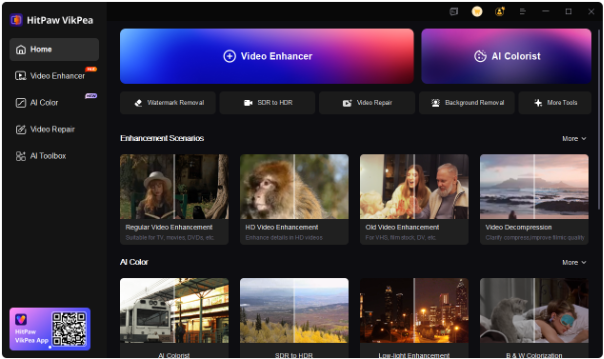 Its UHD Restoration Model upgrades regular 720P footage to crisp, clean 4K. It sharpens details, restores clarity, balances brightness, and improves color so your ads look polished and professional—without needing editing expertise. 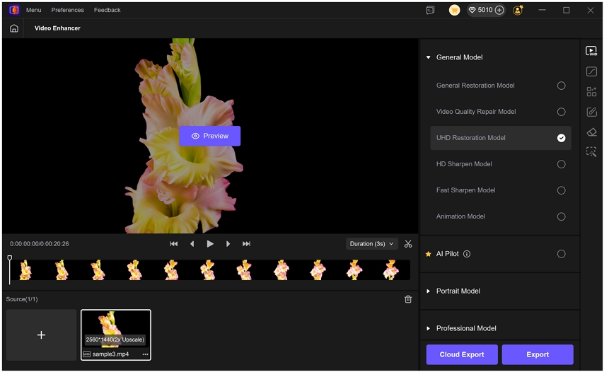 If you want your Black Friday creatives to stand out in feeds flooded with ads, this kind of enhancement is a genuine performance booster. 👉 HitPaw’s Black Friday event page: <a href="https://www.hitpaw.com/sales-promotion.html ">HitPaw Black Friday: Up to 60% Off</a> <h2>Conclusion</h2> Black Friday success in 2025 comes from mastering three pillars: <b>psychology + creativity + execution</b>. When you combine emotional triggers, standout campaign ideas, proven strategies, and premium-quality visuals, you create a marketing engine that not only boosts sales but also strengthens your brand long-term. If this breakdown helped, feel free to follow along—I share more deep-dive marketing guides, creator tools, and campaign strategies every week. Follow for more content like this! |
| json metadata | {"tags":["marketingtips","blackfriday2025","hitpavikpea","ecommercegrowth","steemitblog"],"image":["https://cdn.steemitimages.com/DQmPJzyZDi7zbt1FpnMiRi9oddyLLpvXw4ojFW8hfZ481Nr/image.png","https://cdn.steemitimages.com/DQmPCSoorz7Z6QVYwB5rjXrYYXtQizp78NHYPXh9FWgsHPr/image.png","https://cdn.steemitimages.com/DQmSrQcdnCHzfLGDzncminsbYZf2coXvBVcusao84ZvwuER/image.png","https://cdn.steemitimages.com/DQmaftnkw3dR8Fv232goidJQwkpkDadk47843sEYXBrpJnu/image.png","https://cdn.steemitimages.com/DQmfJG4n3SAA8Lm24xopj9DyU7TF9YBuSSSESjEjGeZhLUT/image.png"],"links":["https://www.hitpaw.com/sales-promotion.html "],"app":"steemit/0.2","format":"markdown"} |
| Transaction Info | Block #101127141/Trx 4aa00e07cf6f19aae5a35a0b6752ca2ee7f4c608 |
View Raw JSON Data
{
"trx_id": "4aa00e07cf6f19aae5a35a0b6752ca2ee7f4c608",
"block": 101127141,
"trx_in_block": 8,
"op_in_trx": 0,
"virtual_op": 0,
"timestamp": "2025-11-24T07:04:45",
"op": [
"comment",
{
"parent_author": "",
"parent_permlink": "marketingtips",
"author": "yunahi",
"permlink": "black-friday-marketing-2025-20-creative-strategies-to-boost-sales",
"title": "Black Friday Marketing 2025: 20 Creative Strategies to Boost Sales",
"body": "<h1>Black Friday Marketing 2025: 20 Creative Strategies to Boost Sales</h1>\nBlack Friday has evolved far beyond a simple discount day—it’s now a yearly battlefield where brands fight for attention, clicks, and loyalty. Competition grows sharper each year, and the brands winning in 2025 are those leaning into creativity, personalization, and the kind of high-impact visuals that stop the scroll instantly.\nWith two decades of blogging and covering campaigns from small DTC brands to global product launches, I’ve seen one truth repeat itself every Black Friday: The winners are the ones who understand buyer psychology and execute with craftsmanship.\n\n\n\nIn this post, I’m breaking down the psychology behind Black Friday behavior, 10 creative ideas that inject energy into your campaigns, 10 proven strategies that consistently deliver results, and how you can amplify your Black Friday ad videos using HitPaw VikPea’s UHD Restoration Model.\nLet’s dive in.\n\n<h2>Part 1: The Psychology Behind Black Friday Shopping</h2>\nBlack Friday works because it taps directly into emotional decision-making. Scarcity (“only 3 left”), urgency (“sale ends tonight”), and FOMO (“everyone is buying this”) trigger fast action—often faster than logical reasoning.\nConsumers respond even more strongly when they see social proof. Someone else bought it. Someone shared it. Someone reviewed it. These signals build trust instantly.\nAdd VIP-only perks or exclusive early access, and you deepen that emotional pull. Shoppers feel rewarded, valued, and “on the inside.” And in a crowded Black Friday landscape, that emotional connection is everything.\n\n<h2>Part 2: 10 Creative Black Friday Marketing Ideas That Stand Out</h2>\nThese ideas are designed to break the pattern fatigue shoppers experience during Black Friday week.\n<h3>1. Interactive Countdown Campaigns</h3>\nA visible timer builds anticipation and drives repeated site visits. It resets shoppers into “don’t miss it” mode every time they see it.\n<h3>2. Gamified Shopping Experiences</h3>\nAR try-ons, quizzes, spin-to-win wheels—these turn shopping into entertainment, giving buyers a reason to stay longer and engage more deeply.\n\n\n\n<h3>3. AI-Powered Personalized Offers</h3>\nTailored deals based on past behavior feel more relevant, boosting both conversions and loyalty.\n<h3>4. VIP Early Access Sales</h3>\nRewarding loyal customers with early entry makes them feel exclusive—and encourages repeat purchases.\n<h3>5. Social Media Challenges & Hashtags</h3>\nUGC-driven challenges multiply your reach organically. The right hashtag can turn Black Friday into a brand-wide moment.\n<h3>6. Mystery Box Offers</h3>\nSurprise-based buying taps into curiosity and impulse behavior. People love the thrill of “opening” something unknown.\n<h3>7. Influencer Flash Sales</h3>\nCreators can drive rapid spikes in traffic with limited-time promotions that feel urgent and personal.\n<h3>8. Cinematic Video Teasers</h3>\nShort cinematic teasers hinting at your sale or product drops build hype and keep your brand top of mind.\n<h3>9. Sustainability Campaigns</h3>\nEco-conscious messaging stands out in a cluttered ad space. It also resonates strongly with younger shoppers.\n<h3>10. Gamified Email Marketing</h3>\nScratch cards, hidden codes, digital treasure hunts—these transform emails into something people actually look forward to opening.\n\n<h2>Part 3: 10 Proven Black Friday Marketing Strategies for Guaranteed Results</h2>\nCreative ideas help you stand out, but proven fundamentals keep conversions consistent. These strategies work year after year.\n\n\n\n<h3>1. Start Early</h3>\nWarm your audience before your competitors do.\n<h3>2. Use Limited-Time Offers</h3>\nFlash deals and countdowns reduce hesitation and push action.\n<h3>3. Segment and Personalize Emails</h3>\nThe more relevant the content, the faster the click.\n<h3>4. Retarget Abandoned Carts</h3>\nA gentle reminder—plus a nudge—can revive lost sales.\n<h3>5. Optimize for Mobile First</h3>\nMost purchases happen on mobile. A slow checkout kills revenue instantly.\n<h3>6. Offer Product Bundles</h3>\nBundles boost perceived value and increase average order size.\n<h3>7. Give Free Shipping</h3>\nStill one of the biggest conversion boosters across every industry.\n<h3>8. Use Persuasive Copy with Urgency</h3>\nSimple phrases like “Ends tonight” still outperform generalized language.\n<h3>9. Highlight Reviews and Testimonials</h3>\nReal customer voices do the heavy lifting of trust-building.\n<h3>10. Track in Real Time & Adjust Quickly</h3>\nFast optimization = maximized profit during the highest-traffic window of the year.\n\n<h2>Part 4: Enhance Your Black Friday Ad Videos with HitPaw VikPea</h2>\nIn 2025, video isn’t optional—it’s the core format driving conversions across TikTok, Instagram, YouTube, and product landing pages. But low-quality video?\nThat’s an instant credibility killer.This is where <b>HitPaw VikPea</b> makes a big difference.\n\n\n\nIts UHD Restoration Model upgrades regular 720P footage to crisp, clean 4K. It sharpens details, restores clarity, balances brightness, and improves color so your ads look polished and professional—without needing editing expertise.\n\n\n\nIf you want your Black Friday creatives to stand out in feeds flooded with ads, this kind of enhancement is a genuine performance booster.\n👉 HitPaw’s Black Friday event page:\n<a href=\"https://www.hitpaw.com/sales-promotion.html \">HitPaw Black Friday: Up to 60% Off</a>\n<h2>Conclusion</h2>\nBlack Friday success in 2025 comes from mastering three pillars:\n<b>psychology + creativity + execution</b>.\nWhen you combine emotional triggers, standout campaign ideas, proven strategies, and premium-quality visuals, you create a marketing engine that not only boosts sales but also strengthens your brand long-term.\nIf this breakdown helped, feel free to follow along—I share more deep-dive marketing guides, creator tools, and campaign strategies every week.\nFollow for more content like this!",
"json_metadata": "{\"tags\":[\"marketingtips\",\"blackfriday2025\",\"hitpavikpea\",\"ecommercegrowth\",\"steemitblog\"],\"image\":[\"https://cdn.steemitimages.com/DQmPJzyZDi7zbt1FpnMiRi9oddyLLpvXw4ojFW8hfZ481Nr/image.png\",\"https://cdn.steemitimages.com/DQmPCSoorz7Z6QVYwB5rjXrYYXtQizp78NHYPXh9FWgsHPr/image.png\",\"https://cdn.steemitimages.com/DQmSrQcdnCHzfLGDzncminsbYZf2coXvBVcusao84ZvwuER/image.png\",\"https://cdn.steemitimages.com/DQmaftnkw3dR8Fv232goidJQwkpkDadk47843sEYXBrpJnu/image.png\",\"https://cdn.steemitimages.com/DQmfJG4n3SAA8Lm24xopj9DyU7TF9YBuSSSESjEjGeZhLUT/image.png\"],\"links\":[\"https://www.hitpaw.com/sales-promotion.html \"],\"app\":\"steemit/0.2\",\"format\":\"markdown\"}"
}
]
}yunahipublished a new post: product-advertisement-ideas-for-black-friday-2025-what-really-moves-the-needle2025/11/24 03:48:24
yunahipublished a new post: product-advertisement-ideas-for-black-friday-2025-what-really-moves-the-needle
2025/11/24 03:48:24
| parent author | |
| parent permlink | blackfriday2025 |
| author | yunahi |
| permlink | product-advertisement-ideas-for-black-friday-2025-what-really-moves-the-needle |
| title | Product Advertisement Ideas for Black Friday 2025: What Really Moves the Needle |
| body | Product Advertisement Ideas for Black Friday 2025: Creative Strategies That Actually Work Black Friday used to feel like a chaotic shopping festival—massive lines, overflowing carts, and people sprinting across aisles like it was a competitive sport. But today, the battlefield has moved online. What we get instead is a digital flood: ads everywhere, deals everywhere, and brands fighting fiercely for attention. As someone who’s spent 20 years writing and analyzing online campaigns, one thing is very clear: <b>Black Friday success in 2025 is no longer about who shouts the loudest—it’s about who creates the smartest, most engaging product advertisements.</b> With consumers being hit from all sides, the real challenge is standing out in a space where every competitor is running “their biggest sale ever.” Here’s a breakdown of what actually works this year—including fresh product advertisement ideas, classic strategies that still hold up, and the not-so-secret weapon many brands ignore: upgrading your ad videos so they actually look worth clicking. And before we dive in—if you’re preparing your Black Friday content, you might want to check out HitPaw’s official sale event here (they’re running some major deals): 👉 <a href="https://www.hitpaw.com/sales-promotion.html">HitPaw Black Friday Mega Deal: Up to 60% OFF</a> <h2>Part 1: The Main Types of Product Advertisement Ideas (What Still Matters)</h2>  Even though Black Friday campaigns have evolved, the core advertising channels haven’t changed—you just have to use them more intelligently. <h3>Digital Advertising: Still the Precision Powerhouse</h3> Search ads, display ads, and retargeting remain the backbone of high-intent conversions. Black Friday shoppers are ready to act fast, and hitting them at the right moment is everything. <h3>Social Media Campaigns: Your Real-Time Attention Grabber</h3> Platforms like TikTok, Instagram, and Pinterest are where trends explode in minutes. Black Friday thrives on urgency, making real-time engagement and visual storytelling critical. <h3>Television & CTV: Credibility at Scale</h3> While digital dominates, TV (especially connected TV) still boosts trust and mass awareness. Paired with targeting, it’s surprisingly effective. <h3>Email Marketing: The Personal Touch That Works Every Year</h3> Email remains the highest-ROI channel during Black Friday. Shoppers expect Black Friday emails—so personalization pays off big. <h2>Part 2: Classic Advertisement Ideas That Always Win</h2>  Some strategies never go out of style because they trigger universal shopper instincts. • Limited-Time Offers Countdown timers, flash deals, “only today” banners—all of these create urgency and spark quick decisions. • Bundle Deals People love feeling like they’re getting more for less. A discounted bundle increases both value and average order size. • Seasonal Promotions Tie your product to gifting, traditions, or the holiday mood. It works every single year. • Lightning Deals Amazon made these famous for a reason—they keep customers checking back repeatedly throughout the week.These classic tactics work because they tap into two things: emotion and timing. And Black Friday is built on both. <h2>Part 3: 10 New Product Advertisement Ideas for Black Friday 2025</h2> To stand out today, you need creativity that taps into modern consumer behavior. Here are ten strategies that genuinely make an impact: <h3>1. Short-Term Influencer Codes</h3> Partner with creators who align with your brand and give them “expires in 2 hours” codes. The urgency + trust combo is powerful.  <h3>2. Click-to-Unlock Interactive Ads</h3> Let users tap, swipe, or solve mini challenges to reveal deals. Interaction = higher attention. <h3>3. Gamified Shopping Experiences</h3> Spin-to-win wheels, scratch cards, quiz discounts—these keep shoppers engaged and browsing longer. <h3>4. AR Product Try-Ons</h3> Let customers preview furniture, makeup, or decor using AR. Reduced hesitation = higher conversion. <h3>5. Live Social Media Flash Sales</h3> Host real-time sales on TikTok Live or IG Live. “Happening right now” energy drives impulse buying. <h3>6. UGC-Based Campaigns</h3> Invite customers to share their purchases using branded hashtags and reward participation. Nothing beats real user proof.  <h3>7. AI-Personalized Video Ads</h3> Dynamic videos based on user behavior feel tailored and modern—super relevant during peak shopping season. <h3>8. Countdown-Driven Discount Structures</h3> Reward early visitors or email subscribers. Time-sensitive offers keep traffic flowing all week. <h3>9. Cross-Brand Collaborations</h3> Work with complementary brands for co-branded bundles. It doubles reach at half the cost. <h3>10. VIP Early Access for Subscribers</h3> Give loyal users first access to deals. This boosts email subscribers and app downloads overnight. <h2>Part 4: Upgrade Your Black Friday Ad Videos with HitPaw VikPea</h2> Here’s something most brands overlook: your ad might have the best script, the best timing, the best audience targeting—but if the video quality is mediocre, your conversion rate instantly drops. Black Friday shoppers scroll fast. Blurry, dull, or noisy videos get ignored. That’s where <b>HitPaw VikPea</b> becomes a major advantage. Using advanced AI, VikPea enhances your ad footage automatically—giving you polished, professional-looking videos without a studio. Perfect for teams that need high quality fast.  <h3>Why VikPea is perfect for Black Friday campaigns:</h3> ●AI upscaling to 4K/8K ●Clean noise reduction for crisp visuals ●Automatic color correction ●Specialized enhancement models (portraits, landscapes, documentary, etc.) ●Batch processing for speed ●Cloud export for easy sharing If you’re reusing old product videos or creating quick-turnaround ads, the enhancement difference is massive. And yes—VikPea is currently on sale for Black Friday too: 👉 <a href="https://www.hitpaw.com/sales-promotion.html">HitPaw Black Friday Mega Deal: Up to 60% OFF</a> <h2>Conclusion</h2> Black Friday in 2025 demands more creativity and sharper strategy than ever before. Yes, classic tactics still work—but the brands that win combine them with fresh interactive ideas, community-driven content, and polished visuals that look worth watching. You don’t need a giant budget to pull it off either. With tools like HitPaw VikPea, even a small team can create ads that look studio-quality and outperform much bigger competitors. If you enjoyed this post and want more deep dives on marketing, ads, and digital creativity, follow me on Steemit so you don’t miss the next one. |
| json metadata | {"tags":["blackfriday2025","marketingtips","productads","digitalcreativity","hitpaw"],"image":["https://cdn.steemitimages.com/DQmcAsPmES7Gtn9osKUnMGwBGgDSopg1LoLfEdfBYcuu2Xr/image.png","https://cdn.steemitimages.com/DQmaviVfmVxfebUVSrURrFhs7qgUaJ4AvHhQt7LXve4Jabb/image.png","https://cdn.steemitimages.com/DQmWXMhHNaRFstYixYnQATCRcugsrwxcWwqEWb8479NDsuF/image.png","https://cdn.steemitimages.com/DQmVd2bjGmw5PpX1wLb2DRjSrKfNpDxxtLgNjUHFw69EW5u/image.png","https://cdn.steemitimages.com/DQmUsdCMZaKzx6BZwALmPQSj9rZ8LzhpfLqRvgr7CGCHh92/image.png"],"links":["https://www.hitpaw.com/sales-promotion.html"],"app":"steemit/0.2","format":"markdown"} |
| Transaction Info | Block #101123222/Trx 9682fa53c5acee39a11f35533edb68c8ce693714 |
View Raw JSON Data
{
"trx_id": "9682fa53c5acee39a11f35533edb68c8ce693714",
"block": 101123222,
"trx_in_block": 0,
"op_in_trx": 0,
"virtual_op": 0,
"timestamp": "2025-11-24T03:48:24",
"op": [
"comment",
{
"parent_author": "",
"parent_permlink": "blackfriday2025",
"author": "yunahi",
"permlink": "product-advertisement-ideas-for-black-friday-2025-what-really-moves-the-needle",
"title": "Product Advertisement Ideas for Black Friday 2025: What Really Moves the Needle",
"body": "Product Advertisement Ideas for Black Friday 2025: Creative Strategies That Actually Work\nBlack Friday used to feel like a chaotic shopping festival—massive lines, overflowing carts, and people sprinting across aisles like it was a competitive sport. But today, the battlefield has moved online. What we get instead is a digital flood: ads everywhere, deals everywhere, and brands fighting fiercely for attention.\nAs someone who’s spent 20 years writing and analyzing online campaigns, one thing is very clear: <b>Black Friday success in 2025 is no longer about who shouts the loudest—it’s about who creates the smartest, most engaging product advertisements.</b> With consumers being hit from all sides, the real challenge is standing out in a space where every competitor is running “their biggest sale ever.”\nHere’s a breakdown of what actually works this year—including fresh product advertisement ideas, classic strategies that still hold up, and the not-so-secret weapon many brands ignore: upgrading your ad videos so they actually look worth clicking.\nAnd before we dive in—if you’re preparing your Black Friday content, you might want to check out HitPaw’s official sale event here (they’re running some major deals):\n👉 <a href=\"https://www.hitpaw.com/sales-promotion.html\">HitPaw Black Friday Mega Deal: Up to 60% OFF</a>\n<h2>Part 1: The Main Types of Product Advertisement Ideas (What Still Matters)</h2>\n\n\n\nEven though Black Friday campaigns have evolved, the core advertising channels haven’t changed—you just have to use them more intelligently.\n<h3>Digital Advertising: Still the Precision Powerhouse</h3>\nSearch ads, display ads, and retargeting remain the backbone of high-intent conversions. Black Friday shoppers are ready to act fast, and hitting them at the right moment is everything.\n<h3>Social Media Campaigns: Your Real-Time Attention Grabber</h3>\nPlatforms like TikTok, Instagram, and Pinterest are where trends explode in minutes. Black Friday thrives on urgency, making real-time engagement and visual storytelling critical.\n<h3>Television & CTV: Credibility at Scale</h3>\nWhile digital dominates, TV (especially connected TV) still boosts trust and mass awareness. Paired with targeting, it’s surprisingly effective.\n<h3>Email Marketing: The Personal Touch That Works Every Year</h3>\nEmail remains the highest-ROI channel during Black Friday. Shoppers expect Black Friday emails—so personalization pays off big.\n\n<h2>Part 2: Classic Advertisement Ideas That Always Win</h2>\n\n\n\nSome strategies never go out of style because they trigger universal shopper instincts.\n• Limited-Time Offers\n Countdown timers, flash deals, “only today” banners—all of these create urgency and spark quick decisions.\n• Bundle Deals\n People love feeling like they’re getting more for less. A discounted bundle increases both value and average order size.\n• Seasonal Promotions\n Tie your product to gifting, traditions, or the holiday mood. It works every single year.\n• Lightning Deals\n Amazon made these famous for a reason—they keep customers checking back repeatedly throughout the week.These classic tactics work because they tap into two things: emotion and timing. And Black Friday is built on both.\n\n<h2>Part 3: 10 New Product Advertisement Ideas for Black Friday 2025</h2>\nTo stand out today, you need creativity that taps into modern consumer behavior. Here are ten strategies that genuinely make an impact:\n<h3>1. Short-Term Influencer Codes</h3>\nPartner with creators who align with your brand and give them “expires in 2 hours” codes. The urgency + trust combo is powerful.\n\n\n\n<h3>2. Click-to-Unlock Interactive Ads</h3>\nLet users tap, swipe, or solve mini challenges to reveal deals. Interaction = higher attention.\n<h3>3. Gamified Shopping Experiences</h3>\nSpin-to-win wheels, scratch cards, quiz discounts—these keep shoppers engaged and browsing longer.\n<h3>4. AR Product Try-Ons</h3>\nLet customers preview furniture, makeup, or decor using AR. Reduced hesitation = higher conversion.\n<h3>5. Live Social Media Flash Sales</h3>\nHost real-time sales on TikTok Live or IG Live. “Happening right now” energy drives impulse buying.\n<h3>6. UGC-Based Campaigns</h3>\nInvite customers to share their purchases using branded hashtags and reward participation. Nothing beats real user proof.\n\n\n\n<h3>7. AI-Personalized Video Ads</h3>\nDynamic videos based on user behavior feel tailored and modern—super relevant during peak shopping season.\n<h3>8. Countdown-Driven Discount Structures</h3>\nReward early visitors or email subscribers. Time-sensitive offers keep traffic flowing all week.\n<h3>9. Cross-Brand Collaborations</h3>\nWork with complementary brands for co-branded bundles. It doubles reach at half the cost.\n<h3>10. VIP Early Access for Subscribers</h3>\nGive loyal users first access to deals. This boosts email subscribers and app downloads overnight.\n\n<h2>Part 4: Upgrade Your Black Friday Ad Videos with HitPaw VikPea</h2>\nHere’s something most brands overlook: your ad might have the best script, the best timing, the best audience targeting—but if the video quality is mediocre, your conversion rate instantly drops. Black Friday shoppers scroll fast. Blurry, dull, or noisy videos get ignored. That’s where <b>HitPaw VikPea</b> becomes a major advantage. Using advanced AI, VikPea enhances your ad footage automatically—giving you polished, professional-looking videos without a studio. Perfect for teams that need high quality fast.\n\n\n\n<h3>Why VikPea is perfect for Black Friday campaigns:</h3>\n●AI upscaling to 4K/8K\n●Clean noise reduction for crisp visuals\n●Automatic color correction\n●Specialized enhancement models (portraits, landscapes, documentary, etc.)\n●Batch processing for speed\n●Cloud export for easy sharing\nIf you’re reusing old product videos or creating quick-turnaround ads, the enhancement difference is massive.\nAnd yes—VikPea is currently on sale for Black Friday too:\n 👉 <a href=\"https://www.hitpaw.com/sales-promotion.html\">HitPaw Black Friday Mega Deal: Up to 60% OFF</a>\n\n<h2>Conclusion</h2>\nBlack Friday in 2025 demands more creativity and sharper strategy than ever before. Yes, classic tactics still work—but the brands that win combine them with fresh interactive ideas, community-driven content, and polished visuals that look worth watching.\nYou don’t need a giant budget to pull it off either. With tools like HitPaw VikPea, even a small team can create ads that look studio-quality and outperform much bigger competitors.\nIf you enjoyed this post and want more deep dives on marketing, ads, and digital creativity, follow me on Steemit so you don’t miss the next one.",
"json_metadata": "{\"tags\":[\"blackfriday2025\",\"marketingtips\",\"productads\",\"digitalcreativity\",\"hitpaw\"],\"image\":[\"https://cdn.steemitimages.com/DQmcAsPmES7Gtn9osKUnMGwBGgDSopg1LoLfEdfBYcuu2Xr/image.png\",\"https://cdn.steemitimages.com/DQmaviVfmVxfebUVSrURrFhs7qgUaJ4AvHhQt7LXve4Jabb/image.png\",\"https://cdn.steemitimages.com/DQmWXMhHNaRFstYixYnQATCRcugsrwxcWwqEWb8479NDsuF/image.png\",\"https://cdn.steemitimages.com/DQmVd2bjGmw5PpX1wLb2DRjSrKfNpDxxtLgNjUHFw69EW5u/image.png\",\"https://cdn.steemitimages.com/DQmUsdCMZaKzx6BZwALmPQSj9rZ8LzhpfLqRvgr7CGCHh92/image.png\"],\"links\":[\"https://www.hitpaw.com/sales-promotion.html\"],\"app\":\"steemit/0.2\",\"format\":\"markdown\"}"
}
]
}yunahipublished a new post: top-free-real-time-voice-changers-for-pc-in-2025-hitpaw-voicepea-leads-the-pack2025/11/21 06:15:00
yunahipublished a new post: top-free-real-time-voice-changers-for-pc-in-2025-hitpaw-voicepea-leads-the-pack
2025/11/21 06:15:00
| parent author | |
| parent permlink | ai |
| author | yunahi |
| permlink | top-free-real-time-voice-changers-for-pc-in-2025-hitpaw-voicepea-leads-the-pack |
| title | Top Free Real-Time Voice Changers for PC in 2025 — HitPaw VoicePea Leads the Pack |
| body | Real-time voice changers have become essential for gamers, streamers, and creators. Whether you want to prank friends, make your voice sound like a character, or even generate AI music, the right software makes all the difference. Among the many options, <a href="https://www.hitpaw.com/voice-changer.html">HitPaw VoicePea</a> stands out for its mix of fun, creativity, and ease of use. It offers real-time voice transformation, AI music/song generation, and is compatible with platforms like Discord, Twitch, Streamlabs OBS, and TikTok Live Studio.  But it’s not the only player in town. Let’s look at some other free voice changers you might try: <h2>1. Clownfish Voice Changer</h2> A lightweight tool supporting Discord, Steam, and many chat apps. Offers fun effects like robot, alien, or male/female pitch shifts. Pros: ●Free and simple to use ●Text-to-speech support ●Built-in sound player ●VST plugin compatibility Cons: ●Limited voice effects ●Interface is basic <h2>2. MorphVox (Free Version)</h2> Ideal for gamers who want stable real-time voice changes. Free version includes male, female, and child voices; Pro unlocks more. Pros: ●Real-time voice changing ●Free basic version ●Personalized voice editing Cons: ●Limited presets in free version ●Must upgrade for full features <h2>3. AV Voice Changer</h2> Advanced voice customization: change age, gender, or create mechanical sounds. Works well with role-playing games. Pros: ●Wide range of effects ●Advanced editor & recorder ●Compatible with multiple chat apps Cons: ●Steep learning curve ●Limited free trial <h2>4. Voxal Voice Changer</h2> Supports real-time and pre-recorded voice changes, low CPU usage, beginner-friendly with alien and robot presets. Pros: ●Extensive effects library ●Low CPU usage ●Real-time & pre-recorded support Cons: ●Ads in free version ●Limited advanced features <h2>Other Notable Options</h2> ●MasqVox: lightweight, Skype-focused, multiple character voices. ●SuperVoiceChanger: one-click, supports WhatsApp & Line. ●VoiceMeeter: professional mixer, customizable effects, technical knowledge needed. ●Adobe Audition: full audio suite, professional-grade editing. ●All-in-One Voice Changer: IM-focused, great for pranks. <h2>Why HitPaw VoicePea is Unique</h2> Unlike most competitors, HitPaw VoicePea also includes AI music generation, allowing you to create songs in your own style or cover existing tracks. Real-time adjustment, multiple voice models, and noise reduction make it versatile for both casual users and serious creators. Have you tried any of these voice changers? Which is your favorite for gaming or content creation? Let’s discuss! |
| json metadata | {"tags":["ai","voicechanger","hitpaw","techtools"],"image":["https://cdn.steemitimages.com/DQmXDGqS6Hf8iKqhRvFRhry9TdphPL7PGX5NZVnt9LE4LYV/image.png"],"links":["https://www.hitpaw.com/voice-changer.html"],"app":"steemit/0.2","format":"markdown"} |
| Transaction Info | Block #101039930/Trx fb1acc823869a35da57cebdd994aa31749c1971d |
View Raw JSON Data
{
"trx_id": "fb1acc823869a35da57cebdd994aa31749c1971d",
"block": 101039930,
"trx_in_block": 0,
"op_in_trx": 0,
"virtual_op": 0,
"timestamp": "2025-11-21T06:15:00",
"op": [
"comment",
{
"parent_author": "",
"parent_permlink": "ai",
"author": "yunahi",
"permlink": "top-free-real-time-voice-changers-for-pc-in-2025-hitpaw-voicepea-leads-the-pack",
"title": "Top Free Real-Time Voice Changers for PC in 2025 — HitPaw VoicePea Leads the Pack",
"body": "Real-time voice changers have become essential for gamers, streamers, and creators. Whether you want to prank friends, make your voice sound like a character, or even generate AI music, the right software makes all the difference.\nAmong the many options, <a href=\"https://www.hitpaw.com/voice-changer.html\">HitPaw VoicePea</a> stands out for its mix of fun, creativity, and ease of use. It offers real-time voice transformation, AI music/song generation, and is compatible with platforms like Discord, Twitch, Streamlabs OBS, and TikTok Live Studio.\n\n\nBut it’s not the only player in town. Let’s look at some other free voice changers you might try:\n<h2>1. Clownfish Voice Changer</h2>\nA lightweight tool supporting Discord, Steam, and many chat apps. Offers fun effects like robot, alien, or male/female pitch shifts.\nPros:\n●Free and simple to use\n●Text-to-speech support\n●Built-in sound player\n●VST plugin compatibility\n\nCons:\n●Limited voice effects\n●Interface is basic\n\n<h2>2. MorphVox (Free Version)</h2>\nIdeal for gamers who want stable real-time voice changes. Free version includes male, female, and child voices; Pro unlocks more.\nPros:\n●Real-time voice changing\n●Free basic version\n●Personalized voice editing\n\nCons:\n●Limited presets in free version\n●Must upgrade for full features\n\n<h2>3. AV Voice Changer</h2>\nAdvanced voice customization: change age, gender, or create mechanical sounds. Works well with role-playing games.\nPros:\n●Wide range of effects\n●Advanced editor & recorder\n●Compatible with multiple chat apps\n\nCons:\n●Steep learning curve\n●Limited free trial\n\n<h2>4. Voxal Voice Changer</h2>\nSupports real-time and pre-recorded voice changes, low CPU usage, beginner-friendly with alien and robot presets.\nPros:\n●Extensive effects library\n●Low CPU usage\n●Real-time & pre-recorded support\n\nCons:\n●Ads in free version\n●Limited advanced features\n\n<h2>Other Notable Options</h2>\n●MasqVox: lightweight, Skype-focused, multiple character voices.\n●SuperVoiceChanger: one-click, supports WhatsApp & Line.\n●VoiceMeeter: professional mixer, customizable effects, technical knowledge needed.\n●Adobe Audition: full audio suite, professional-grade editing.\n●All-in-One Voice Changer: IM-focused, great for pranks.\n\n<h2>Why HitPaw VoicePea is Unique</h2>\nUnlike most competitors, HitPaw VoicePea also includes AI music generation, allowing you to create songs in your own style or cover existing tracks. Real-time adjustment, multiple voice models, and noise reduction make it versatile for both casual users and serious creators.\nHave you tried any of these voice changers? Which is your favorite for gaming or content creation? Let’s discuss!",
"json_metadata": "{\"tags\":[\"ai\",\"voicechanger\",\"hitpaw\",\"techtools\"],\"image\":[\"https://cdn.steemitimages.com/DQmXDGqS6Hf8iKqhRvFRhry9TdphPL7PGX5NZVnt9LE4LYV/image.png\"],\"links\":[\"https://www.hitpaw.com/voice-changer.html\"],\"app\":\"steemit/0.2\",\"format\":\"markdown\"}"
}
]
}yunahipublished a new post: google-imagefx-review-features-workflow-and-the-best-2025-alternative2025/11/21 02:16:42
yunahipublished a new post: google-imagefx-review-features-workflow-and-the-best-2025-alternative
2025/11/21 02:16:42
| parent author | |
| parent permlink | ai |
| author | yunahi |
| permlink | google-imagefx-review-features-workflow-and-the-best-2025-alternative |
| title | Google ImageFX Review: Features, Workflow, and the Best 2025 Alternative |
| body | Google ImageFX has quickly become one of Google’s standout tools in the generative-AI space. Built on Imagen 2, it provides a fast and clean way for anyone—from designers to casual experimenters—to turn written prompts into polished images. This in-depth review breaks down how ImageFX works, how to create stronger prompts, and why HitPaw FotorPea is emerging as a superior alternative for users who want maximum creative control.  <h2>What Is Google ImageFX?</h2> Google ImageFX is a browser-based AI image generator powered by Google’s Imagen 2 technology. With no technical expertise required, users can log in with a Google account, type a prompt, and instantly receive four variations of an AI-generated image. Its minimal interface, strict safety rules, and local editing options make it especially suitable for students, educators, content creators, and marketers who want straightforward results without complex settings. <h2>Key Features of Google ImageFX</h2> 1. High-Accuracy Text-to-Image Output Imagen 2 excels at interpreting complex descriptions, relationships, and lighting cues, giving ImageFX strong scene coherence. 2. Four Variations per Prompt Instead of generating a single image, ImageFX produces four options—ideal for users who value quick variety. 3. Fast Processing Speed Backed by Google’s infrastructure, ImageFX delivers noticeably quicker generation times than many browser-based competitors. 4. Localized Editing Mode Users can refine specific areas of an image by brushing over them and applying small changes without re-generating the entire composition. 5. Clean UI + Strict AI Safety ImageFX strictly blocks prompts related to politics, celebrities, copyrighted characters, and sensitive content. <h2>How to Use Google ImageFX: Step-by-Step</h2> 1.Visit the ImageFX website and sign in with your Google account. 2.Enter a text prompt and generate four image results. 3.Click any image to download, or switch to Edit Mode to refine specific areas.  <h2>How to Write Better Prompts for ImageFX</h2> A strong prompt includes: ●Subject ●Attributes (colors, textures, style cues) ●Environment ●Artistic style ●Technical modifiers (lighting, camera angle) <h3>Example Prompts</h3> ●“Portrait of a young woman with curly auburn hair, golden-hour lighting, realistic photography.” ●“Cyberpunk nighttime city with neon reflections and wide-angle composition.” ●“Minimalist perfume bottle on marble, luxury aesthetic, soft studio light.” <h2>A Better Alternative to Google ImageFX: HitPaw FotorPea</h2> If you prefer a more versatile toolkit, <a href="https://www.hitpaw.com/fotorpea-photo-enhancer.html">HitPaw FotorPea</a> provides a full desktop AI creativity suite with: ●Text-to-Image & Image-to-Image ●Multiple top AI models including Gemini, FLUX, GPT ●AI Enhancer for instant quality boosts ●Full manual editing tools (retouching, inpainting, background removal, face swap) ●Stable desktop performance <h3>How It Works</h3> 1.Install FotorPea 2.Open AI Generator → Text to Image 3.Choose a model, enter your prompt, and generate 4.Enhance, retouch, and export  <h2>Final Verdict</h2> Google ImageFX is a fast, accessible option for simple text-to-image tasks—but its strict restrictions and limited model choice hold it back. For creators who need deeper editing options, multiple AI models, and more artistic freedom, HitPaw FotorPea stands out as the better long-term choice. |
| json metadata | {"tags":["ai","aitoolreview","googleimagefx","hitpaw","aivideo","aivideogenerator"],"image":["https://cdn.steemitimages.com/DQmZpXzF9ag7fB9Yqje7UGgkFUSNBtG5rpDaG9VJpMx8746/image.png","https://cdn.steemitimages.com/DQmPG3YEBqE4aGotne1Qbsuu3WhmtSKiw59Mpx68EU3Hhmw/image.png","https://cdn.steemitimages.com/DQmP8gPn4ncx5GNpxgQDyWQFtikzKdrokA2rC3dtgz3qdTN/image.png"],"links":["https://www.hitpaw.com/fotorpea-photo-enhancer.html"],"app":"steemit/0.2","format":"markdown"} |
| Transaction Info | Block #101035171/Trx 6d4f37f056ffc89cb07c23539a4f12c51c9f3bda |
View Raw JSON Data
{
"trx_id": "6d4f37f056ffc89cb07c23539a4f12c51c9f3bda",
"block": 101035171,
"trx_in_block": 3,
"op_in_trx": 0,
"virtual_op": 0,
"timestamp": "2025-11-21T02:16:42",
"op": [
"comment",
{
"parent_author": "",
"parent_permlink": "ai",
"author": "yunahi",
"permlink": "google-imagefx-review-features-workflow-and-the-best-2025-alternative",
"title": "Google ImageFX Review: Features, Workflow, and the Best 2025 Alternative",
"body": "Google ImageFX has quickly become one of Google’s standout tools in the generative-AI space. Built on Imagen 2, it provides a fast and clean way for anyone—from designers to casual experimenters—to turn written prompts into polished images. This in-depth review breaks down how ImageFX works, how to create stronger prompts, and why HitPaw FotorPea is emerging as a superior alternative for users who want maximum creative control.\n\n\n<h2>What Is Google ImageFX?</h2>\nGoogle ImageFX is a browser-based AI image generator powered by Google’s Imagen 2 technology. With no technical expertise required, users can log in with a Google account, type a prompt, and instantly receive four variations of an AI-generated image.\nIts minimal interface, strict safety rules, and local editing options make it especially suitable for students, educators, content creators, and marketers who want straightforward results without complex settings.\n<h2>Key Features of Google ImageFX</h2>\n1. High-Accuracy Text-to-Image Output\nImagen 2 excels at interpreting complex descriptions, relationships, and lighting cues, giving ImageFX strong scene coherence.\n2. Four Variations per Prompt\nInstead of generating a single image, ImageFX produces four options—ideal for users who value quick variety.\n3. Fast Processing Speed\nBacked by Google’s infrastructure, ImageFX delivers noticeably quicker generation times than many browser-based competitors.\n4. Localized Editing Mode\nUsers can refine specific areas of an image by brushing over them and applying small changes without re-generating the entire composition.\n5. Clean UI + Strict AI Safety\nImageFX strictly blocks prompts related to politics, celebrities, copyrighted characters, and sensitive content.\n<h2>How to Use Google ImageFX: Step-by-Step</h2>\n1.Visit the ImageFX website and sign in with your Google account.\n2.Enter a text prompt and generate four image results.\n3.Click any image to download, or switch to Edit Mode to refine specific areas.\n\n\n<h2>How to Write Better Prompts for ImageFX</h2>\nA strong prompt includes:\n●Subject\n●Attributes (colors, textures, style cues)\n●Environment\n●Artistic style\n●Technical modifiers (lighting, camera angle)\n<h3>Example Prompts</h3>\n●“Portrait of a young woman with curly auburn hair, golden-hour lighting, realistic photography.”\n●“Cyberpunk nighttime city with neon reflections and wide-angle composition.”\n●“Minimalist perfume bottle on marble, luxury aesthetic, soft studio light.”\n<h2>A Better Alternative to Google ImageFX: HitPaw FotorPea</h2>\nIf you prefer a more versatile toolkit, <a href=\"https://www.hitpaw.com/fotorpea-photo-enhancer.html\">HitPaw FotorPea</a> provides a full desktop AI creativity suite with:\n●Text-to-Image & Image-to-Image\n●Multiple top AI models including Gemini, FLUX, GPT\n●AI Enhancer for instant quality boosts\n●Full manual editing tools (retouching, inpainting, background removal, face swap)\n●Stable desktop performance\n<h3>How It Works</h3>\n1.Install FotorPea\n2.Open AI Generator → Text to Image\n3.Choose a model, enter your prompt, and generate\n4.Enhance, retouch, and export\n\n\n\n<h2>Final Verdict</h2>\nGoogle ImageFX is a fast, accessible option for simple text-to-image tasks—but its strict restrictions and limited model choice hold it back.\n For creators who need deeper editing options, multiple AI models, and more artistic freedom, HitPaw FotorPea stands out as the better long-term choice.",
"json_metadata": "{\"tags\":[\"ai\",\"aitoolreview\",\"googleimagefx\",\"hitpaw\",\"aivideo\",\"aivideogenerator\"],\"image\":[\"https://cdn.steemitimages.com/DQmZpXzF9ag7fB9Yqje7UGgkFUSNBtG5rpDaG9VJpMx8746/image.png\",\"https://cdn.steemitimages.com/DQmPG3YEBqE4aGotne1Qbsuu3WhmtSKiw59Mpx68EU3Hhmw/image.png\",\"https://cdn.steemitimages.com/DQmP8gPn4ncx5GNpxgQDyWQFtikzKdrokA2rC3dtgz3qdTN/image.png\"],\"links\":[\"https://www.hitpaw.com/fotorpea-photo-enhancer.html\"],\"app\":\"steemit/0.2\",\"format\":\"markdown\"}"
}
]
}yunahipublished a new post: how-i-turn-still-nature-photos-into-moving-ai-magic-2025-creator-guide2025/11/20 10:08:18
yunahipublished a new post: how-i-turn-still-nature-photos-into-moving-ai-magic-2025-creator-guide
2025/11/20 10:08:18
| parent author | |
| parent permlink | imagetovideo |
| author | yunahi |
| permlink | how-i-turn-still-nature-photos-into-moving-ai-magic-2025-creator-guide |
| title | How I Turn Still Nature Photos into Moving AI Magic (2025 Creator Guide) |
| body | Hey creators, If you’ve ever stared at one of your nature photos and wished it could move, breathe, or shimmer like it did in real life — this post is for you. AI has gotten wild in 2025. We can now take a single photo of a forest, waterfall, or desert and turn it into a cinematic video — no drone, no editing studio, just pure creativity. Let’s break down how I’ve been doing it, what tools actually work, and what tricks make the final videos look believable.  <h2>Why AI Motion Works So Well with Nature Photography</h2> Nature is alive by default — even when still. The light changes every second, the leaves shift, the air moves. That’s why AI tools handle nature scenes better than portraits or architecture: there’s freedom for subtle, organic motion. When I animate my nature photos, I’m not trying to fake reality. I’m letting the feeling of that moment breathe again — the calm, the texture, the slow passage of time. <h2>My Personal Setup: From Still Image to Living Scene</h2> I usually start with a high-quality shot — something with depth (sky, foreground, background). Then I feed it into an AI tool that can handle parallax and motion control. Here’s my workflow in short: 1.Upload the image. 2.Add a motion prompt (example: “slow pan across misty forest at sunrise”). 3.Adjust lighting and ambient tone. 4.Export a short loop (usually 8–10 seconds). But the tool you pick makes all the difference. <h2>The 2025 AI Tools That Actually Deliver Beautiful Nature Videos</h2> I’ve tested almost everything out there — here’s what’s worth your time and what each one does best. <h3><a href="https://online.hitpaw.com/online-ai-video-generator.html">HitPaw AI Video Generator</a> – My Go-To for Detail and Light</h3> If you want your landscape to look real, HitPaw is unbeatable. It enhances clarity, simulates natural motion, and keeps lighting soft and cinematic. Use it for: Mountains, water, and sky scenes that need crisp textures. Why I love it: It creates realistic light flickers and subtle movement — like sunlight shifting through clouds. <h3>Runway Gen-4 – When You Want Full Cinematic Control</h3> Runway’s latest update lets you act like a film director. You can describe your camera movement (“drone pan,” “slow tilt up,” etc.), and it follows perfectly. Use it for: Forests, valleys, or any shot where you want that drone-footage feel. Why I love it: It’s professional-grade but still creator-friendly. <h3>Veo 3 (Google Gemini) – Quick Magic for Creators</h3> Sometimes I just want something fast — that’s where Veo 3 comes in. Upload a photo, add a few words, and it turns your still into a short moving scene with built-in nature sounds. Use it for: Fast reels, stories, and behind-the-scenes posts. Why I love it: It’s ridiculously simple. Perfect when I don’t want to overthink. <h3>Luma AI (Ray Engine) – For Depth and Atmosphere</h3> Luma AI creates dreamy, almost spiritual motion. It adds slow, 3D-like depth and texture to your nature photos — perfect for waterfalls, sunlight through leaves, or close-up flora. Use it for: Artistic shots with soft lighting or abstract compositions. Why I love it: It feels emotional. Every clip looks like a mini short film. <h3>LTX Studio – When You Want to Tell a Story</h3> Sometimes one image isn’t enough. With LTX Studio, you can chain multiple photos together — turning your gallery into a motion story. Use it for: Photo sequences — sunrise to sunset, mountain to ocean. Why I love it: It feels like building your own documentary trailer. <h3>HeyGen – For Adding Voice and Brand Personality</h3> HeyGen lets you combine motion visuals with narration or subtitles. It’s great for creators who want to educate, inspire, or promote eco-projects with personality. Use it for: Talking-over clips, tutorials, or branded reels. Why I love it: You can layer movement, sound, and message in one platform. <h3>Neural Frames – Low-Cost, Big Creativity</h3> If you’re experimenting or just starting, Neural Frames gives surprisingly good motion with minimal effort. It’s not flashy, but it’s consistent. Use it for: Testing different light moods or animation speeds. Why I love it: It’s free to try — perfect for early experiments. <h2>My Golden Rules for Making AI Nature Videos Look Real</h2> Here are some golden rules I follow when making AI nature videos, to make them look as realistic as possible: 1.Keep motion slow: Real nature rarely rushes. Gentle movement — drifting clouds, swaying branches, rippling water — feels far more believable than fast or jerky motion. 2.Respect the light: Light tells the story. Always match the direction and tone — whether it’s a warm sunrise, cool dusk, or moody storm. Consistency keeps your scene authentic. 3.Add subtle layers: A touch of fog, soft breeze, or glowing sunlight adds depth and realism. Layer effects lightly so they blend naturally rather than overpower the image. 4.Avoid over-editing: Overdoing contrast, saturation, or blur ruins immersion. Nature’s beauty lies in its balance — let it breathe. 5.Add quiet sound: A hint of birds, wind, or flowing water completes the illusion. The right soundscape turns visuals into an experience. It’s the small, thoughtful details that make your viewer truly believe what they see. <h2>Behind the Scenes: How Long Does It Really Take?</h2> Once you understand your tools, creating a polished AI nature video usually takes around 10 minutes per clip. Fast and efficient platforms like HitPaw and Veo can generate results almost instantly, while Runway and Luma require more rendering time — but the payoff is often cinematic realism that feels handcrafted. The real secret lies in iteration. Most professionals create three or four short versions of the same image, adjusting light, motion speed, or atmosphere each time. Then they simply choose the one with the most natural flow and balanced lighting, ensuring every frame feels authentic and alive. <h2>Ideas for Sharing and Monetizing Your AI Nature Clips</h2> ●Patreon rewards: Offer exclusive motion wallpapers or nature loops. ●YouTube Shorts: Post “breathing photos” of your travel scenes. ● Website banners: Add subtle motion to photography portfolios. ● Meditation apps: Sell or license calm nature motion videos. ●Social collabs: Partner with eco-brands or travel pages. Motion content is in huge demand right now — and these tools make it achievable even solo. <h2>What’s Coming Next for Creators in 2025</h2> We’re moving toward full scene generation — imagine typing: “A morning forest clearing with fog rolling in and a deer walking past.” and getting a 20-second, 4K video instantly. That future is closer than most think. But right now, creators like us have a front-row seat — shaping how AI and art meet in the natural world. So don’t wait for perfection. Experiment, explore, and see your stills come alive. <h2>Final Thoughts: When Tech Feels Like Nature</h2> I’ve learned one thing creating these videos: AI doesn’t replace reality — it helps us appreciate it. It reminds us how dynamic nature really is. If you love photography, storytelling, or just the beauty of stillness turned into motion, tools like HitPaw, Runway, and Luma AI will feel like creative superpowers. Take that favorite photo. Bring it to life. Because when your art moves — people do too. |
| json metadata | {"tags":["imagetovideo","aitools","aivideogenerator","ainaturevideo","aivideotools"],"image":["https://cdn.steemitimages.com/DQmRXjvALYZGEWpc2TAgnjjbUR37fXwW5saM67hYhBdigCh/image.png"],"links":["https://online.hitpaw.com/online-ai-video-generator.html"],"app":"steemit/0.2","format":"markdown"} |
| Transaction Info | Block #101015863/Trx e7b9d0644bc7192cbb942cf8a56eb51aeac674a6 |
View Raw JSON Data
{
"trx_id": "e7b9d0644bc7192cbb942cf8a56eb51aeac674a6",
"block": 101015863,
"trx_in_block": 0,
"op_in_trx": 0,
"virtual_op": 0,
"timestamp": "2025-11-20T10:08:18",
"op": [
"comment",
{
"parent_author": "",
"parent_permlink": "imagetovideo",
"author": "yunahi",
"permlink": "how-i-turn-still-nature-photos-into-moving-ai-magic-2025-creator-guide",
"title": "How I Turn Still Nature Photos into Moving AI Magic (2025 Creator Guide)",
"body": "Hey creators,\nIf you’ve ever stared at one of your nature photos and wished it could move, breathe, or shimmer like it did in real life — this post is for you.\nAI has gotten wild in 2025. We can now take a single photo of a forest, waterfall, or desert and turn it into a cinematic video — no drone, no editing studio, just pure creativity.\nLet’s break down how I’ve been doing it, what tools actually work, and what tricks make the final videos look believable.\n\n\n\n<h2>Why AI Motion Works So Well with Nature Photography</h2>\nNature is alive by default — even when still.\nThe light changes every second, the leaves shift, the air moves. That’s why AI tools handle nature scenes better than portraits or architecture: there’s freedom for subtle, organic motion.\nWhen I animate my nature photos, I’m not trying to fake reality. I’m letting the feeling of that moment breathe again — the calm, the texture, the slow passage of time.\n<h2>My Personal Setup: From Still Image to Living Scene</h2>\nI usually start with a high-quality shot — something with depth (sky, foreground, background). Then I feed it into an AI tool that can handle parallax and motion control.\nHere’s my workflow in short:\n1.Upload the image.\n2.Add a motion prompt (example: “slow pan across misty forest at sunrise”).\n3.Adjust lighting and ambient tone.\n4.Export a short loop (usually 8–10 seconds).\nBut the tool you pick makes all the difference.\n<h2>The 2025 AI Tools That Actually Deliver Beautiful Nature Videos</h2>\nI’ve tested almost everything out there — here’s what’s worth your time and what each one does best.\n<h3><a href=\"https://online.hitpaw.com/online-ai-video-generator.html\">HitPaw AI Video Generator</a> – My Go-To for Detail and Light</h3>\nIf you want your landscape to look real, HitPaw is unbeatable. It enhances clarity, simulates natural motion, and keeps lighting soft and cinematic.\nUse it for: Mountains, water, and sky scenes that need crisp textures.\nWhy I love it: It creates realistic light flickers and subtle movement — like sunlight shifting through clouds.\n<h3>Runway Gen-4 – When You Want Full Cinematic Control</h3>\nRunway’s latest update lets you act like a film director. You can describe your camera movement (“drone pan,” “slow tilt up,” etc.), and it follows perfectly.\nUse it for: Forests, valleys, or any shot where you want that drone-footage feel.\nWhy I love it: It’s professional-grade but still creator-friendly.\n<h3>Veo 3 (Google Gemini) – Quick Magic for Creators</h3>\nSometimes I just want something fast — that’s where Veo 3 comes in. Upload a photo, add a few words, and it turns your still into a short moving scene with built-in nature sounds.\nUse it for: Fast reels, stories, and behind-the-scenes posts.\nWhy I love it: It’s ridiculously simple. Perfect when I don’t want to overthink.\n<h3>Luma AI (Ray Engine) – For Depth and Atmosphere</h3>\nLuma AI creates dreamy, almost spiritual motion. It adds slow, 3D-like depth and texture to your nature photos — perfect for waterfalls, sunlight through leaves, or close-up flora.\nUse it for: Artistic shots with soft lighting or abstract compositions.\nWhy I love it: It feels emotional. Every clip looks like a mini short film.\n<h3>LTX Studio – When You Want to Tell a Story</h3>\nSometimes one image isn’t enough. With LTX Studio, you can chain multiple photos together — turning your gallery into a motion story.\nUse it for: Photo sequences — sunrise to sunset, mountain to ocean.\nWhy I love it: It feels like building your own documentary trailer.\n<h3>HeyGen – For Adding Voice and Brand Personality</h3>\nHeyGen lets you combine motion visuals with narration or subtitles. It’s great for creators who want to educate, inspire, or promote eco-projects with personality.\nUse it for: Talking-over clips, tutorials, or branded reels.\nWhy I love it: You can layer movement, sound, and message in one platform.\n<h3>Neural Frames – Low-Cost, Big Creativity</h3>\nIf you’re experimenting or just starting, Neural Frames gives surprisingly good motion with minimal effort. It’s not flashy, but it’s consistent.\nUse it for: Testing different light moods or animation speeds.\nWhy I love it: It’s free to try — perfect for early experiments.\n<h2>My Golden Rules for Making AI Nature Videos Look Real</h2>\nHere are some golden rules I follow when making AI nature videos, to make them look as realistic as possible:\n1.Keep motion slow: Real nature rarely rushes. Gentle movement — drifting clouds, swaying branches, rippling water — feels far more believable than fast or jerky motion.\n2.Respect the light: Light tells the story. Always match the direction and tone — whether it’s a warm sunrise, cool dusk, or moody storm. Consistency keeps your scene authentic.\n3.Add subtle layers: A touch of fog, soft breeze, or glowing sunlight adds depth and realism. Layer effects lightly so they blend naturally rather than overpower the image.\n4.Avoid over-editing: Overdoing contrast, saturation, or blur ruins immersion. Nature’s beauty lies in its balance — let it breathe.\n5.Add quiet sound: A hint of birds, wind, or flowing water completes the illusion. The right soundscape turns visuals into an experience.\nIt’s the small, thoughtful details that make your viewer truly believe what they see.\n<h2>Behind the Scenes: How Long Does It Really Take?</h2>\nOnce you understand your tools, creating a polished AI nature video usually takes around 10 minutes per clip.\nFast and efficient platforms like HitPaw and Veo can generate results almost instantly, while Runway and Luma require more rendering time — but the payoff is often cinematic realism that feels handcrafted. The real secret lies in iteration.\nMost professionals create three or four short versions of the same image, adjusting light, motion speed, or atmosphere each time. Then they simply choose the one with the most natural flow and balanced lighting, ensuring every frame feels authentic and alive.\n<h2>Ideas for Sharing and Monetizing Your AI Nature Clips</h2>\n●Patreon rewards: Offer exclusive motion wallpapers or nature loops.\n●YouTube Shorts: Post “breathing photos” of your travel scenes.\n● Website banners: Add subtle motion to photography portfolios.\n● Meditation apps: Sell or license calm nature motion videos.\n●Social collabs: Partner with eco-brands or travel pages.\nMotion content is in huge demand right now — and these tools make it achievable even solo.\n<h2>What’s Coming Next for Creators in 2025</h2>\nWe’re moving toward full scene generation — imagine typing:\n“A morning forest clearing with fog rolling in and a deer walking past.”\nand getting a 20-second, 4K video instantly.\nThat future is closer than most think. But right now, creators like us have a front-row seat — shaping how AI and art meet in the natural world.\nSo don’t wait for perfection. Experiment, explore, and see your stills come alive.\n<h2>Final Thoughts: When Tech Feels Like Nature</h2>\nI’ve learned one thing creating these videos: AI doesn’t replace reality — it helps us appreciate it.\nIt reminds us how dynamic nature really is.\nIf you love photography, storytelling, or just the beauty of stillness turned into motion, tools like HitPaw, Runway, and Luma AI will feel like creative superpowers.\nTake that favorite photo. Bring it to life. Because when your art moves — people do too.",
"json_metadata": "{\"tags\":[\"imagetovideo\",\"aitools\",\"aivideogenerator\",\"ainaturevideo\",\"aivideotools\"],\"image\":[\"https://cdn.steemitimages.com/DQmRXjvALYZGEWpc2TAgnjjbUR37fXwW5saM67hYhBdigCh/image.png\"],\"links\":[\"https://online.hitpaw.com/online-ai-video-generator.html\"],\"app\":\"steemit/0.2\",\"format\":\"markdown\"}"
}
]
}yunahipublished a new post: behind-the-scenes-how-i-use-ai-to-create-nature-in-motion2025/11/20 06:44:39
yunahipublished a new post: behind-the-scenes-how-i-use-ai-to-create-nature-in-motion
2025/11/20 06:44:39
| parent author | |
| parent permlink | aivideogenerator |
| author | yunahi |
| permlink | behind-the-scenes-how-i-use-ai-to-create-nature-in-motion |
| title | Behind the Scenes: How I Use AI to Create Nature in Motion |
| body | Hey friends Lately, I’ve been completely obsessed with a new creative rabbit hole — AI-generated nature videos. It started as an experiment, just me typing little descriptions into video tools like “fog over pine trees at sunrise” — and what came out looked like something from a film festival. No drones. No travel. No camera. Just text and curiosity. So in this post, I want to take you inside my process: the tools I use, how I write prompts, and the lessons I’ve learned turning imagination into moving nature.  <h2>Why I Started Making AI Nature Videos</h2> I used to scroll through travel reels and think: “How do they capture that light? That stillness?” Now, I’ve found a way to recreate those same moods digitally — and it feels just as beautiful. AI lets me build worlds that don’t exist. A lavender ocean under a green aurora? A golden forest floating in the clouds? If I can describe it, I can see it move. That’s the magic. <h2>My Secret Weapon: HitPaw AI Video Generator</h2> The main tool I rely on is <a href="https://online.hitpaw.com/online-ai-video-generator.html">HitPaw AI Video Generator</a>. It’s built for exactly this — taking words and turning them into cinematic motion. I start with a feeling. Something like “peaceful rain over a quiet lake at dusk” — and HitPaw builds the light, motion, and reflection instantly. Here’s what makes it amazing: ●It supports both Text-to-Video and Image-to-Video. ●You can customize everything — from resolution to aspect ratio. ●The AI adds natural motion — waves, mist, fog, sunlight. ●You can even generate background music or import your own ambient audio. For creators like us, it’s pure freedom. No limits, no gear, just imagination. <h2>How I Write Prompts That Feel Alive</h2> The prompt is everything. If you treat it like a script, your AI video will look cinematic. If you treat it like a list, it’ll look robotic. Here’s my favorite structure: [Location] + [Lighting] + [Motion] + [Mood] + [Quality] Examples I’ve actually used: “Sun rising over misty green mountains, light fog drifting through trees, cinematic slow pan, soft colors, ultra-realistic.” “Aerial view of waves crashing on a coral shore, golden hour lighting, drone-style zoom out, vibrant and peaceful.” “Rain in dense jungle canopy, beams of light breaking through mist, macro focus on falling droplets.” You can get lost in it — it’s basically writing visual poetry. <h2>The Tools I Switch Between</h2> While HitPaw is my ride-or-die, I love playing with other tools to nail a specific aesthetic. Here are a few others in my rotation: ●Adobe Firefly Video Model: When I need hyper-realistic movement and precise color grading. ●DeepAI Video Generator: Perfect for creating quick, mesmerizing 5-second loops. ●Vizard.ai: My secret weapon for turning long videos into snappy TikToks or Reels. ●AI Studios: The go-to when I want to blend realism with a soft, dreamy, painterly light. Think of each tool as having its own "personality." You’ll quickly learn which one best captures the mood you're going for. <h2>My Creative Workflow (Step by Step)</h2> This is the routine I follow almost every night when I’m creating: 1.Brainstorm the mood. I pick one emotion — peace, awe, mystery. 2.Write a two-line prompt describing the environment and motion. 3.Feed it to HitPaw and adjust duration (I usually do 8–12 seconds). 4.Check the light. If it feels flat, I add “golden hour,” “mist,” or “sun flare.” 5.Add sound. Water flow, birds, wind — I use free ambient tracks or generate music in HitPaw. 6.Export and loop. Short, seamless loops work best for posting or relaxation content. When I post these clips, people assume I filmed them. That’s how realistic the output can be. <h2>Things I Learned Along the Way</h2> ●Lighting sets the tone. An overcast sky and a glowing sunset tell two completely different stories. ●Simplify to amplify. A single clear idea in a video always outshines a cluttered narrative. ●Move with intention. Pan, zoom, rise—how the camera moves makes all the difference. ●Words create worlds. Calm, dramatic, surreal—those mood words aren't just details; they’re the blueprint. ●Short and sweet wins. Clips under 15 seconds are smoother, more natural, and perfect for looping. Each project teaches something new—it’s like mastering the language of visual storytelling, one frame at a time. <h2>Why It Feels So Personal</h2> Creating nature with AI isn’t just a tech experiment — it’s emotional. When I make a misty forest or a distant thunderstorm, it’s not just an image — it’s how peace feels to me. These videos have become my visual journal. Some I keep private; others I share as part of meditative projects or visual soundtracks. There’s something deeply grounding about creating your own version of the natural world — especially when you need a moment of stillness. <h2>How You Can Try It Too</h2> Here’s my advice if you want to start: ●Begin with a single emotion — “peace,” “freedom,” “melancholy.” ●Use HitPaw AI Video Generator for your first few projects. ●Don’t chase perfection; chase feeling. ●Refine one detail at a time — the light, the motion, the texture. ●Add audio — it turns good visuals into experiences. Then post your favorite clips. You’ll be surprised how many people feel what you felt. <h2>Final Words from the Forest</h2> Every night, when I type a new prompt, I realize I’m not just making art — I’m collaborating with a kind of digital nature. AI gives us something no camera can: the power to dream new ecosystems into existence. So next time you close your eyes and picture a place that doesn’t exist — remember, you can build it now. You can make it move, breathe, and shimmer — all from words. Thanks for being part of my creative journey Your support keeps me experimenting, exploring, and finding new ways to bring imagination to life. |
| json metadata | {"tags":["aivideogenerator","ai","aivideo","ainature","ainaturevideo"],"image":["https://cdn.steemitimages.com/DQmPrex8VFoHcxKZ83pGbU7mi8x8xjFBUfcgHFqnFEyh4uY/image.png"],"links":["https://online.hitpaw.com/online-ai-video-generator.html"],"app":"steemit/0.2","format":"markdown"} |
| Transaction Info | Block #101011798/Trx 07df2b481399c8d59a4fe8549c4bd15cc12fa2e3 |
View Raw JSON Data
{
"trx_id": "07df2b481399c8d59a4fe8549c4bd15cc12fa2e3",
"block": 101011798,
"trx_in_block": 0,
"op_in_trx": 0,
"virtual_op": 0,
"timestamp": "2025-11-20T06:44:39",
"op": [
"comment",
{
"parent_author": "",
"parent_permlink": "aivideogenerator",
"author": "yunahi",
"permlink": "behind-the-scenes-how-i-use-ai-to-create-nature-in-motion",
"title": "Behind the Scenes: How I Use AI to Create Nature in Motion",
"body": "Hey friends \nLately, I’ve been completely obsessed with a new creative rabbit hole — AI-generated nature videos.\nIt started as an experiment, just me typing little descriptions into video tools like “fog over pine trees at sunrise” — and what came out looked like something from a film festival.\nNo drones. No travel. No camera. Just text and curiosity.\nSo in this post, I want to take you inside my process: the tools I use, how I write prompts, and the lessons I’ve learned turning imagination into moving nature.\n\n\n<h2>Why I Started Making AI Nature Videos</h2>\nI used to scroll through travel reels and think: “How do they capture that light? That stillness?”\nNow, I’ve found a way to recreate those same moods digitally — and it feels just as beautiful.\nAI lets me build worlds that don’t exist.\nA lavender ocean under a green aurora? A golden forest floating in the clouds?\nIf I can describe it, I can see it move.\nThat’s the magic.\n<h2>My Secret Weapon: HitPaw AI Video Generator</h2>\nThe main tool I rely on is <a href=\"https://online.hitpaw.com/online-ai-video-generator.html\">HitPaw AI Video Generator</a>.\nIt’s built for exactly this — taking words and turning them into cinematic motion.\nI start with a feeling.\nSomething like “peaceful rain over a quiet lake at dusk” — and HitPaw builds the light, motion, and reflection instantly.\nHere’s what makes it amazing:\n●It supports both Text-to-Video and Image-to-Video.\n●You can customize everything — from resolution to aspect ratio.\n●The AI adds natural motion — waves, mist, fog, sunlight.\n●You can even generate background music or import your own ambient audio.\nFor creators like us, it’s pure freedom.\nNo limits, no gear, just imagination.\n<h2>How I Write Prompts That Feel Alive</h2>\nThe prompt is everything.\nIf you treat it like a script, your AI video will look cinematic.\nIf you treat it like a list, it’ll look robotic.\nHere’s my favorite structure:\n[Location] + [Lighting] + [Motion] + [Mood] + [Quality]\nExamples I’ve actually used:\n“Sun rising over misty green mountains, light fog drifting through trees, cinematic slow pan, soft colors, ultra-realistic.”\n “Aerial view of waves crashing on a coral shore, golden hour lighting, drone-style zoom out, vibrant and peaceful.”\n “Rain in dense jungle canopy, beams of light breaking through mist, macro focus on falling droplets.”\nYou can get lost in it — it’s basically writing visual poetry.\n<h2>The Tools I Switch Between</h2>\nWhile HitPaw is my ride-or-die, I love playing with other tools to nail a specific aesthetic. Here are a few others in my rotation:\n●Adobe Firefly Video Model: When I need hyper-realistic movement and precise color grading.\n●DeepAI Video Generator: Perfect for creating quick, mesmerizing 5-second loops.\n●Vizard.ai: My secret weapon for turning long videos into snappy TikToks or Reels.\n●AI Studios: The go-to when I want to blend realism with a soft, dreamy, painterly light.\nThink of each tool as having its own \"personality.\" You’ll quickly learn which one best captures the mood you're going for.\n<h2>My Creative Workflow (Step by Step)</h2>\nThis is the routine I follow almost every night when I’m creating:\n1.Brainstorm the mood. I pick one emotion — peace, awe, mystery.\n2.Write a two-line prompt describing the environment and motion.\n3.Feed it to HitPaw and adjust duration (I usually do 8–12 seconds).\n4.Check the light. If it feels flat, I add “golden hour,” “mist,” or “sun flare.”\n5.Add sound. Water flow, birds, wind — I use free ambient tracks or generate music in HitPaw.\n6.Export and loop. Short, seamless loops work best for posting or relaxation content.\nWhen I post these clips, people assume I filmed them. That’s how realistic the output can be.\n<h2>Things I Learned Along the Way</h2>\n●Lighting sets the tone. An overcast sky and a glowing sunset tell two completely different stories.\n●Simplify to amplify. A single clear idea in a video always outshines a cluttered narrative.\n●Move with intention. Pan, zoom, rise—how the camera moves makes all the difference.\n●Words create worlds. Calm, dramatic, surreal—those mood words aren't just details; they’re the blueprint.\n●Short and sweet wins. Clips under 15 seconds are smoother, more natural, and perfect for looping.\nEach project teaches something new—it’s like mastering the language of visual storytelling, one frame at a time.\n<h2>Why It Feels So Personal</h2>\nCreating nature with AI isn’t just a tech experiment — it’s emotional.\nWhen I make a misty forest or a distant thunderstorm, it’s not just an image — it’s how peace feels to me.\nThese videos have become my visual journal.\nSome I keep private; others I share as part of meditative projects or visual soundtracks.\nThere’s something deeply grounding about creating your own version of the natural world — especially when you need a moment of stillness.\n<h2>How You Can Try It Too</h2>\nHere’s my advice if you want to start:\n●Begin with a single emotion — “peace,” “freedom,” “melancholy.”\n●Use HitPaw AI Video Generator for your first few projects.\n●Don’t chase perfection; chase feeling.\n●Refine one detail at a time — the light, the motion, the texture.\n●Add audio — it turns good visuals into experiences.\nThen post your favorite clips. You’ll be surprised how many people feel what you felt.\n<h2>Final Words from the Forest</h2>\nEvery night, when I type a new prompt, I realize I’m not just making art — I’m collaborating with a kind of digital nature.\nAI gives us something no camera can: the power to dream new ecosystems into existence.\nSo next time you close your eyes and picture a place that doesn’t exist — remember, you can build it now.\nYou can make it move, breathe, and shimmer — all from words.\nThanks for being part of my creative journey \nYour support keeps me experimenting, exploring, and finding new ways to bring imagination to life.",
"json_metadata": "{\"tags\":[\"aivideogenerator\",\"ai\",\"aivideo\",\"ainature\",\"ainaturevideo\"],\"image\":[\"https://cdn.steemitimages.com/DQmPrex8VFoHcxKZ83pGbU7mi8x8xjFBUfcgHFqnFEyh4uY/image.png\"],\"links\":[\"https://online.hitpaw.com/online-ai-video-generator.html\"],\"app\":\"steemit/0.2\",\"format\":\"markdown\"}"
}
]
}yunahipublished a new post: karavideo-ai-the-multi-engine-video-lab-i-ve-been-testing-behind-the-scenes2025/11/20 02:06:57
yunahipublished a new post: karavideo-ai-the-multi-engine-video-lab-i-ve-been-testing-behind-the-scenes
2025/11/20 02:06:57
| parent author | |
| parent permlink | ai |
| author | yunahi |
| permlink | karavideo-ai-the-multi-engine-video-lab-i-ve-been-testing-behind-the-scenes |
| title | KaraVideo AI: The Multi-Engine Video Lab I’ve Been Testing Behind the Scenes |
| body | Hey creators, I’ve been working behind the curtain experimenting with a new AI video tool, and I finally feel ready to talk about it here — privately — with you all. KaraVideo AI has become one of the most surprisingly powerful tools I’ve added to my workflow lately, mainly because it doesn’t lock you into one style, one model, or one aesthetic. Think of it less as a “video generator” and more like a control station where you can choose from several top AI engines — all inside a single dashboard. And honestly, that changes everything. This is my full, honest breakdown.  <h2>Why KaraVideo Is More Interesting Than Most AI Tools Right Now</h2> Most AI video platforms give you one look. One “feel.” One creative signature. KaraVideo gives you choices. You can generate video using different engines based on the mood you want: ●realistic and cinematic ●glossy and commercial ●dreamy and aesthetic ●surreal and stylized ●anime-inspired ●product-focused It’s like running one idea through ten different artists — instantly. If you’re someone who experiments, tests concepts, or makes videos for multiple clients, this flexibility is unreal. <h2>The Three Workflows I Use the Most</h2> <h3>Text to Video</h3> Perfect for drafting scenes, visual ideas, or concept clips. Describe a moment and the engine turns it into motion. This is fantastic for: ●reel intros ●quick TikTok concept videos ●explainer visuals ●vibe edits Every engine interprets the same sentence differently. Some go cinematic. Some go stylized. Some go abstract. And that’s the magic. <h3>Image to Video</h3> This is where KaraVideo really shines. Upload one image. Pick your engine. Add motion. Done. The image stays clean — no melting faces, no weird distortions. Great for: ●jewelry shots ●product photos ●portraits ●digital art ●aesthetic visual loops If you’re a brand creator or someone who posts visuals daily, this feature alone is worth it. <h3>Video to Video</h3> You upload a clip and transform the entire vibe. You can: ●shift style ●adjust lighting ●enhance motion ●redraw the scene with a new aesthetic ●upgrade older footage It’s like giving your video a new “skin.” <h2>What Makes KaraVideo Actually Useful for Creators</h2> <h3>You can test multiple looks fast</h3> One idea → multiple outputs → different moods. For creators juggling clients or platforms, this is huge. It saves a ton of production time You don’t need: ●studio lighting ●a camera ●a background setup ●a motion slider A single image becomes a moving clip.A simple prompt becomes a finished scene. <h3>Works incredibly well for aesthetic content</h3> ●Soft motion ●Slow drifts ●Loopable cuts ●Dreamy camera glides ●Minimalistic product reveals You can create this in minutes, not hours. <h2>Why KaraVideo Hits Hard During Black Friday Season</h2> If you post for brands, small businesses, or your own shop, you know how overwhelming Black Friday content can get. You suddenly need: ●multiple product videos ●fast promo edits ●animated banners ●vertical ads for TikTok ●short teasers ●landing page motion graphics With KaraVideo, you can produce: ●10 variations of a product shot ●animated sale graphics ●aesthetic loops for category pages ●dynamic motion videos for ads ●lifestyle-inspired scenes for campaigns All… from a single image or prompt. It becomes a cheat code when you need content now. <h2>What Worked Best in My Tests</h2> After hours of experimenting: <h3>⭐ Works beautifully with:</h3> ●portraits ●jewelry and watches ●skincare bottles ●tech devices ●interior shots ●landscapes ●art and illustrations <h3>⭐ Good but depends on the prompt:</h3> ●highly stylized characters ●fantasy scenes ●fast action <h3>⭐ Still challenging:</h3> ●full body movement ●complex multi-person motion ●long dialogues So far, the engines do best with atmospheric, product, or close-up visuals. <h2>Final Thoughts for My Patreon Community</h2> Of all the generative AI video tools I’ve tested this month, KaraVideo AI stands out as the most flexible and creatively open. Instead of boxing you into a single aesthetic, it provides a wide array of options and styles, giving you the freedom to experiment and bring your vision to life. For creators who love to explore diverse visual palettes, blend aesthetics, or rapidly produce high-quality content, KaraVideo AI is an invaluable asset. It can significantly streamline your creative process and expand your artistic boundaries. |
| json metadata | {"tags":["ai","aivideo","aivideogenerator","karavideoai"],"image":["https://cdn.steemitimages.com/DQmQqVrLKiDNDpjYyesQ83eunXorG4pfAxg6k3eQTgbWtgw/image.png"],"app":"steemit/0.2","format":"markdown"} |
| Transaction Info | Block #101006252/Trx 4b1b7e88dbbc09fcfa92015a45be5deeb7355fc7 |
View Raw JSON Data
{
"trx_id": "4b1b7e88dbbc09fcfa92015a45be5deeb7355fc7",
"block": 101006252,
"trx_in_block": 4,
"op_in_trx": 0,
"virtual_op": 0,
"timestamp": "2025-11-20T02:06:57",
"op": [
"comment",
{
"parent_author": "",
"parent_permlink": "ai",
"author": "yunahi",
"permlink": "karavideo-ai-the-multi-engine-video-lab-i-ve-been-testing-behind-the-scenes",
"title": "KaraVideo AI: The Multi-Engine Video Lab I’ve Been Testing Behind the Scenes",
"body": "Hey creators,\nI’ve been working behind the curtain experimenting with a new AI video tool, and I finally feel ready to talk about it here — privately — with you all. KaraVideo AI has become one of the most surprisingly powerful tools I’ve added to my workflow lately, mainly because it doesn’t lock you into one style, one model, or one aesthetic.\nThink of it less as a “video generator” and more like a control station where you can choose from several top AI engines — all inside a single dashboard.\nAnd honestly, that changes everything.\nThis is my full, honest breakdown.\n\n\n\n<h2>Why KaraVideo Is More Interesting Than Most AI Tools Right Now</h2>\nMost AI video platforms give you one look.\nOne “feel.”\nOne creative signature.\nKaraVideo gives you choices.\nYou can generate video using different engines based on the mood you want:\n●realistic and cinematic\n●glossy and commercial\n●dreamy and aesthetic\n●surreal and stylized\n●anime-inspired\n●product-focused\nIt’s like running one idea through ten different artists — instantly.\nIf you’re someone who experiments, tests concepts, or makes videos for multiple clients, this flexibility is unreal.\n<h2>The Three Workflows I Use the Most</h2>\n<h3>Text to Video</h3>\nPerfect for drafting scenes, visual ideas, or concept clips. Describe a moment and the engine turns it into motion.\nThis is fantastic for:\n●reel intros\n●quick TikTok concept videos\n●explainer visuals\n●vibe edits\nEvery engine interprets the same sentence differently.\nSome go cinematic.\nSome go stylized.\nSome go abstract.\nAnd that’s the magic.\n<h3>Image to Video</h3>\nThis is where KaraVideo really shines.\nUpload one image.\nPick your engine.\nAdd motion.\nDone.\nThe image stays clean — no melting faces, no weird distortions.\nGreat for:\n●jewelry shots\n●product photos\n●portraits\n●digital art\n●aesthetic visual loops\nIf you’re a brand creator or someone who posts visuals daily, this feature alone is worth it.\n<h3>Video to Video</h3>\nYou upload a clip and transform the entire vibe.\nYou can:\n●shift style\n●adjust lighting\n●enhance motion\n●redraw the scene with a new aesthetic\n●upgrade older footage\nIt’s like giving your video a new “skin.”\n<h2>What Makes KaraVideo Actually Useful for Creators</h2>\n<h3>You can test multiple looks fast</h3>\nOne idea → multiple outputs → different moods.\nFor creators juggling clients or platforms, this is huge.\nIt saves a ton of production time\nYou don’t need:\n●studio lighting\n●a camera\n●a background setup\n●a motion slider\nA single image becomes a moving clip.A simple prompt becomes a finished scene.\n<h3>Works incredibly well for aesthetic content</h3>\n●Soft motion\n●Slow drifts\n●Loopable cuts\n●Dreamy camera glides\n●Minimalistic product reveals\nYou can create this in minutes, not hours.\n<h2>Why KaraVideo Hits Hard During Black Friday Season</h2>\nIf you post for brands, small businesses, or your own shop, you know how overwhelming Black Friday content can get. You suddenly need:\n●multiple product videos\n●fast promo edits\n●animated banners\n●vertical ads for TikTok\n●short teasers\n●landing page motion graphics\nWith KaraVideo, you can produce:\n●10 variations of a product shot\n●animated sale graphics\n●aesthetic loops for category pages\n●dynamic motion videos for ads\n●lifestyle-inspired scenes for campaigns\nAll… from a single image or prompt.\nIt becomes a cheat code when you need content now.\n<h2>What Worked Best in My Tests</h2>\nAfter hours of experimenting:\n<h3>⭐ Works beautifully with:</h3>\n●portraits\n●jewelry and watches\n●skincare bottles\n●tech devices\n●interior shots\n●landscapes\n●art and illustrations\n<h3>⭐ Good but depends on the prompt:</h3>\n●highly stylized characters\n●fantasy scenes\n●fast action\n<h3>⭐ Still challenging:</h3>\n●full body movement\n●complex multi-person motion\n●long dialogues\nSo far, the engines do best with atmospheric, product, or close-up visuals.\n\n<h2>Final Thoughts for My Patreon Community</h2>\nOf all the generative AI video tools I’ve tested this month, KaraVideo AI stands out as the most flexible and creatively open.\nInstead of boxing you into a single aesthetic, it provides a wide array of options and styles, giving you the freedom to experiment and bring your vision to life.\nFor creators who love to explore diverse visual palettes, blend aesthetics, or rapidly produce high-quality content, KaraVideo AI is an invaluable asset. It can significantly streamline your creative process and expand your artistic boundaries.",
"json_metadata": "{\"tags\":[\"ai\",\"aivideo\",\"aivideogenerator\",\"karavideoai\"],\"image\":[\"https://cdn.steemitimages.com/DQmQqVrLKiDNDpjYyesQ83eunXorG4pfAxg6k3eQTgbWtgw/image.png\"],\"app\":\"steemit/0.2\",\"format\":\"markdown\"}"
}
]
}yunahipublished a new post: motionstream-the-ai-video-tool-i-ve-been-waiting-to-share-with-you2025/11/19 07:49:09
yunahipublished a new post: motionstream-the-ai-video-tool-i-ve-been-waiting-to-share-with-you
2025/11/19 07:49:09
| parent author | |
| parent permlink | aivideo |
| author | yunahi |
| permlink | motionstream-the-ai-video-tool-i-ve-been-waiting-to-share-with-you |
| title | MotionStream: The AI Video Tool I’ve Been Waiting to Share With You |
| body | Hey friends, I’ve been testing a lot of AI video tools lately — probably more than is healthy — but this one genuinely stopped me. MotionStream feels different. It doesn’t just make video, it lets you guide motion in real time. So I wanted to give you the full breakdown here on Patreon, where I can talk openly, deeply, and honestly about why this tool stands out. This isn’t a sponsorship. Just something cool I think you’ll love.  <h2>The Moment I Realized MotionStream Was Special</h2> Most AI video tools force you into a cycle: type → wait → render → fix → wait again. But MotionStream works like a live canvas. You drag a path, and the motion updates instantly. You curve a line, and the camera glides exactly where you want it. You adjust lighting in the prompt, and the scene reshapes itself. It feels less like traditional AI and more like directing with your hands. <h2>A Tool Built for Creators Who Care About Atmosphere</h2> If your content lives on: ●aesthetic vibes ●mood-driven motion ●dreamy loops ●product reveals ●or emotional storytelling MotionStream nails all of it. It’s the first tool I’ve used where you can feel the motion. Gentle pans. Slow zooms. Ambient drifts. Soft kinetic lighting. It’s perfect for creators who don’t want chaos — they want control. <h2>Black Friday + E-commerce: Why This Tool Helps Right Now</h2> A lot of you run shops, promote products, or build content for clients during Black Friday and holiday season. MotionStream makes it ridiculously easy to create: ●looping promo clips ●smooth product sweeps ●minimalistic floating reveals ●aesthetic background shots ●dynamic TikTok-style ad animations You can build a full product motion ad in minutes. No studio. No camera. No editing timeline. Just motion paths and your imagination. <h2>What I Tested (And What Actually Works Best)</h2> You know me — I test aggressively. Here’s what MotionStream handled beautifully: <b>Works extremely well with:</b> ●portraits ●jewelry ●objects ●landscapes ●album cover animations ●interior aesthetics ●abstract scenes ●moodboards <b>Works fine but depends heavily on the prompt:</b> ●clothing product shots ●travel cinematic scenes ●looping wallpapers ●stylized fan edits <b>Struggles with:</b> ●full body human movement ●too much chaos in directions ●ultra-fast motion ●heavily detailed crowds This tool shines when you keep the mood soft, controlled, intentional. <h2>Creators Will Love This: Why It Actually Helps You Grow</h2> Here’s the honest part: AI tools are everywhere. But not many actually save you time and improve your visuals. MotionStream does both. It gives you: ●instant motion previews ●precise direction control ●dynamic lighting variations ●smoother output than most entry tools ●intuitive motion shaping (big win) If you post regularly or create content for clients, this tool can literally cut your production time in half. <h2>Final Thoughts</h2> I test dozens of tools every week, and most are forgettable. MotionStream is not. It’s intuitive, visual, fast, and genuinely fun in a way that makes video creation feel artistic again. If you love crafting motion, mood, and aesthetic videos, you will have a lot of fun with this one. |
| json metadata | {"tags":["aivideo","aivideotool","motionstream","aivideogenerator"],"image":["https://cdn.steemitimages.com/DQmRiE1ZRh9ZMedxYnWHX9RArF6WdiTQrKNqWmbFbw5NbG7/image.png"],"app":"steemit/0.2","format":"markdown"} |
| Transaction Info | Block #100984339/Trx b66d7a29bbeb32147ff8c87a4cb183efee05b566 |
View Raw JSON Data
{
"trx_id": "b66d7a29bbeb32147ff8c87a4cb183efee05b566",
"block": 100984339,
"trx_in_block": 2,
"op_in_trx": 0,
"virtual_op": 0,
"timestamp": "2025-11-19T07:49:09",
"op": [
"comment",
{
"parent_author": "",
"parent_permlink": "aivideo",
"author": "yunahi",
"permlink": "motionstream-the-ai-video-tool-i-ve-been-waiting-to-share-with-you",
"title": "MotionStream: The AI Video Tool I’ve Been Waiting to Share With You",
"body": "Hey friends,\nI’ve been testing a lot of AI video tools lately — probably more than is healthy — but this one genuinely stopped me. MotionStream feels different.\nIt doesn’t just make video, it lets you guide motion in real time. So I wanted to give you the full breakdown here on Patreon, where I can talk openly, deeply, and honestly about why this tool stands out.\nThis isn’t a sponsorship. Just something cool I think you’ll love.\n\n\n\n<h2>The Moment I Realized MotionStream Was Special</h2>\nMost AI video tools force you into a cycle:\ntype → wait → render → fix → wait again.\nBut MotionStream works like a live canvas.\nYou drag a path, and the motion updates instantly.\nYou curve a line, and the camera glides exactly where you want it.\nYou adjust lighting in the prompt, and the scene reshapes itself.\nIt feels less like traditional AI and more like directing with your hands.\n<h2>A Tool Built for Creators Who Care About Atmosphere</h2>\nIf your content lives on:\n●aesthetic vibes\n●mood-driven motion\n●dreamy loops\n●product reveals\n●or emotional storytelling\nMotionStream nails all of it.\nIt’s the first tool I’ve used where you can feel the motion. Gentle pans. Slow zooms. Ambient drifts. Soft kinetic lighting. It’s perfect for creators who don’t want chaos — they want control.\n<h2>Black Friday + E-commerce: Why This Tool Helps Right Now</h2>\nA lot of you run shops, promote products, or build content for clients during Black Friday and holiday season. MotionStream makes it ridiculously easy to create:\n●looping promo clips\n●smooth product sweeps\n●minimalistic floating reveals\n●aesthetic background shots\n●dynamic TikTok-style ad animations\nYou can build a full product motion ad in minutes.\nNo studio. No camera. No editing timeline.\nJust motion paths and your imagination.\n<h2>What I Tested (And What Actually Works Best)</h2>\nYou know me — I test aggressively.\nHere’s what MotionStream handled beautifully:\n<b>Works extremely well with:</b>\n●portraits\n●jewelry\n●objects\n●landscapes\n●album cover animations\n●interior aesthetics\n●abstract scenes\n●moodboards\n<b>Works fine but depends heavily on the prompt:</b>\n●clothing product shots\n●travel cinematic scenes\n●looping wallpapers\n●stylized fan edits\n<b>Struggles with:</b>\n●full body human movement\n●too much chaos in directions\n●ultra-fast motion\n●heavily detailed crowds\nThis tool shines when you keep the mood soft, controlled, intentional.\n<h2>Creators Will Love This: Why It Actually Helps You Grow</h2>\nHere’s the honest part: AI tools are everywhere. But not many actually save you time and improve your visuals. MotionStream does both.\nIt gives you:\n●instant motion previews\n●precise direction control\n●dynamic lighting variations\n●smoother output than most entry tools\n●intuitive motion shaping (big win)\nIf you post regularly or create content for clients, this tool can literally cut your production time in half.\n\n<h2>Final Thoughts</h2>\nI test dozens of tools every week, and most are forgettable.\nMotionStream is not.\nIt’s intuitive, visual, fast, and genuinely fun in a way that makes video creation feel artistic again. If you love crafting motion, mood, and aesthetic videos, you will have a lot of fun with this one.",
"json_metadata": "{\"tags\":[\"aivideo\",\"aivideotool\",\"motionstream\",\"aivideogenerator\"],\"image\":[\"https://cdn.steemitimages.com/DQmRiE1ZRh9ZMedxYnWHX9RArF6WdiTQrKNqWmbFbw5NbG7/image.png\"],\"app\":\"steemit/0.2\",\"format\":\"markdown\"}"
}
]
}yunahipublished a new post: guide-to-creating-fake-girlfriend-and-boyfriend-ai-videos2025/11/19 02:01:48
yunahipublished a new post: guide-to-creating-fake-girlfriend-and-boyfriend-ai-videos
2025/11/19 02:01:48
| parent author | |
| parent permlink | ai |
| author | yunahi |
| permlink | guide-to-creating-fake-girlfriend-and-boyfriend-ai-videos |
| title | ❤️ Guide to Creating Fake Girlfriend and Boyfriend AI Videos |
| body |  A creator-friendly walkthrough for building virtual partners using AI video tools. Hi everyone, welcome back. Today we’re exploring something that has become surprisingly popular among creators, storytellers, video editors, and character designers — AI-generated girlfriend and boyfriend videos. These are not deepfakes, not impersonations, and not real people. They’re AI characters. Digital companions used in stories, projects, aesthetic edits, animations, and virtual worlds. Patreon is home to original characters, world-building, and creative experimentation, and this guide is made exactly for that. Let’s dive in. <h2>Why Creators Are Making AI Girlfriend and Boyfriend Videos</h2> AI characters allow you to: ●Build a virtual partner for storytelling ●Visualize scenes for comics, fanfiction, or animations ●Create aesthetic edits for TikTok, Reels, and Tumblr ●Produce video assets for short films or concept art ●Explore ideas without hiring actors or filming It’s a safe, creative way to produce emotional or cinematic scenes without involving any real person. <h2>The Tool You’ll Use to Generate the Videos</h2> To create these AI character clips, the best option right now is <a href="https://online.hitpaw.com/online-ai-video-generator.html">HitPaw AI Video Generator</a>. Why creators prefer it: ●It turns text into moving video ●It turns images into animated characters ●It supports emotional, cinematic motion ●It works entirely online ●It allows facial movement, environment animation, and scene transitions Think of it as your personal mini-movie machine. <h2>✏️ Step 1: Building Your Character Concept</h2> Before touching any software, define your character: ●Their personality ●Their physical appearance ●Their style and mood ●The type of energy they give ●The environment they belong in Examples: ●Soft, bookish boyfriend in autumn colors ●Elegant AI girlfriend with bright morning light ●Sci-fi virtual boyfriend with neon lighting ●Cottagecore girlfriend standing in a field of warm grass Your character is the heart of the video. <h2>Step 2: Create the Base Image (Optional but Useful)</h2> If you want more control: ●Use an AI image generator ●Or use a photo of your fictional OC ●Or create a stylized portrait in a design tool A single strong image increases accuracy when you animate it later. <h2>Step 3: Turn Your Concept Into Motion</h2> Open HitPaw AI Video Generator and choose: ●Text to Video if you want the AI to build the whole scene ●Image to Video if you already have a visual to animate Then write a detailed prompt. Examples: ●“Cinematic AI girlfriend smiling softly, warm sunlight, gentle hair movement, dreamy background, shallow depth of field.” ●“AI boyfriend walking slowly through neon reflections, confident expression, glowing lights, moody atmosphere.” The more emotion you write, the better the animation feels. <h2>Step 4: Add Movement, Emotion, and Cinematic Details</h2> Inside HitPaw, adjust: ●Facial expression ●Eye direction ●Lighting style ●Background ●Camera movement ●Video length ●Atmosphere (warm, cool, neon, natural, dramatic) This is where your virtual partner becomes alive. <h2>Step 5: Enhance With Sound and Editing</h2> After exporting your AI video, you can enhance it with: ●Soft music ●Ambient sound (wind, rain, ocean, night noise) ●Color grading ●Subtle grain ●Slow zoom animations ●Aesthetic text overlays Your final video should feel like a scene from a short film. <h2>Ethical Tips for Responsible Creation</h2> To keep this creative practice healthy, always: ●Use fictional or AI-generated faces only ●Avoid basing the character on real people ●Label your content as AI-generated ●Keep it transparent, artistic, and safe ●Respect platform guidelines This keeps your work original and protects you legally and ethically. <h2>Final Thoughts</h2> Creating AI girlfriend or boyfriend videos is not about fooling anyone — it’s about storytelling. It’s about giving your imagination a physical shape. Whether you’re building a visual novel, animating an OC, making aesthetic edits, or exploring new creative styles, AI tools open possibilities that didn’t exist a few years ago. If you want me to create a custom prompt for your character, or generate a full scene using your existing artwork, just send it in — Patrons get priority and personal guidance. |
| json metadata | {"tags":["ai","aigirlfriend","aiboyfriend","girlfriendaivideo","boyfriendaivideo"],"image":["https://cdn.steemitimages.com/DQmanRL9Ae1ALNSqAnyXWEBJgcCdZNtckyj2CQmVTwcWATL/image.png"],"links":["https://online.hitpaw.com/online-ai-video-generator.html"],"app":"steemit/0.2","format":"markdown"} |
| Transaction Info | Block #100977407/Trx 2b6c13d285fa2088b4198e51f71acf661f829700 |
View Raw JSON Data
{
"trx_id": "2b6c13d285fa2088b4198e51f71acf661f829700",
"block": 100977407,
"trx_in_block": 0,
"op_in_trx": 0,
"virtual_op": 0,
"timestamp": "2025-11-19T02:01:48",
"op": [
"comment",
{
"parent_author": "",
"parent_permlink": "ai",
"author": "yunahi",
"permlink": "guide-to-creating-fake-girlfriend-and-boyfriend-ai-videos",
"title": "❤️ Guide to Creating Fake Girlfriend and Boyfriend AI Videos",
"body": "\nA creator-friendly walkthrough for building virtual partners using AI video tools.\nHi everyone, welcome back.\nToday we’re exploring something that has become surprisingly popular among creators, storytellers, video editors, and character designers — AI-generated girlfriend and boyfriend videos.\nThese are not deepfakes, not impersonations, and not real people.\nThey’re AI characters.\nDigital companions used in stories, projects, aesthetic edits, animations, and virtual worlds.\nPatreon is home to original characters, world-building, and creative experimentation, and this guide is made exactly for that.\nLet’s dive in.\n<h2>Why Creators Are Making AI Girlfriend and Boyfriend Videos</h2>\nAI characters allow you to:\n●Build a virtual partner for storytelling\n●Visualize scenes for comics, fanfiction, or animations\n●Create aesthetic edits for TikTok, Reels, and Tumblr\n●Produce video assets for short films or concept art\n●Explore ideas without hiring actors or filming\nIt’s a safe, creative way to produce emotional or cinematic scenes without involving any real person.\n<h2>The Tool You’ll Use to Generate the Videos</h2>\nTo create these AI character clips, the best option right now is <a href=\"https://online.hitpaw.com/online-ai-video-generator.html\">HitPaw AI Video Generator</a>.\nWhy creators prefer it:\n●It turns text into moving video\n●It turns images into animated characters\n●It supports emotional, cinematic motion\n●It works entirely online\n●It allows facial movement, environment animation, and scene transitions\nThink of it as your personal mini-movie machine.\n<h2>✏️ Step 1: Building Your Character Concept</h2>\nBefore touching any software, define your character:\n●Their personality\n●Their physical appearance\n●Their style and mood\n●The type of energy they give\n●The environment they belong in\nExamples:\n●Soft, bookish boyfriend in autumn colors\n●Elegant AI girlfriend with bright morning light\n●Sci-fi virtual boyfriend with neon lighting\n●Cottagecore girlfriend standing in a field of warm grass\nYour character is the heart of the video.\n<h2>Step 2: Create the Base Image (Optional but Useful)</h2>\nIf you want more control:\n●Use an AI image generator\n●Or use a photo of your fictional OC\n●Or create a stylized portrait in a design tool\nA single strong image increases accuracy when you animate it later.\n<h2>Step 3: Turn Your Concept Into Motion</h2>\nOpen HitPaw AI Video Generator and choose:\n●Text to Video if you want the AI to build the whole scene\n●Image to Video if you already have a visual to animate\nThen write a detailed prompt.\nExamples:\n●“Cinematic AI girlfriend smiling softly, warm sunlight, gentle hair movement, dreamy background, shallow depth of field.”\n●“AI boyfriend walking slowly through neon reflections, confident expression, glowing lights, moody atmosphere.”\nThe more emotion you write, the better the animation feels.\n<h2>Step 4: Add Movement, Emotion, and Cinematic Details</h2>\nInside HitPaw, adjust:\n●Facial expression\n●Eye direction\n●Lighting style\n●Background\n●Camera movement\n●Video length\n●Atmosphere (warm, cool, neon, natural, dramatic)\nThis is where your virtual partner becomes alive.\n<h2>Step 5: Enhance With Sound and Editing</h2>\nAfter exporting your AI video, you can enhance it with:\n●Soft music\n●Ambient sound (wind, rain, ocean, night noise)\n●Color grading\n●Subtle grain\n●Slow zoom animations\n●Aesthetic text overlays\nYour final video should feel like a scene from a short film.\n<h2>Ethical Tips for Responsible Creation</h2>\nTo keep this creative practice healthy, always:\n●Use fictional or AI-generated faces only\n●Avoid basing the character on real people\n●Label your content as AI-generated\n●Keep it transparent, artistic, and safe\n●Respect platform guidelines\nThis keeps your work original and protects you legally and ethically.\n<h2>Final Thoughts</h2>\nCreating AI girlfriend or boyfriend videos is not about fooling anyone — it’s about storytelling. It’s about giving your imagination a physical shape.\nWhether you’re building a visual novel, animating an OC, making aesthetic edits, or exploring new creative styles, AI tools open possibilities that didn’t exist a few years ago.\nIf you want me to create a custom prompt for your character,\nor generate a full scene using your existing artwork,\njust send it in — Patrons get priority and personal guidance.",
"json_metadata": "{\"tags\":[\"ai\",\"aigirlfriend\",\"aiboyfriend\",\"girlfriendaivideo\",\"boyfriendaivideo\"],\"image\":[\"https://cdn.steemitimages.com/DQmanRL9Ae1ALNSqAnyXWEBJgcCdZNtckyj2CQmVTwcWATL/image.png\"],\"links\":[\"https://online.hitpaw.com/online-ai-video-generator.html\"],\"app\":\"steemit/0.2\",\"format\":\"markdown\"}"
}
]
}akdxupvoted (55.00%) @yunahi / getting-ready-for-outbreak-festival-2026-with-ai-covers-yes-really2025/11/18 12:24:36
akdxupvoted (55.00%) @yunahi / getting-ready-for-outbreak-festival-2026-with-ai-covers-yes-really
2025/11/18 12:24:36
| voter | akdx |
| author | yunahi |
| permlink | getting-ready-for-outbreak-festival-2026-with-ai-covers-yes-really |
| weight | 5500 (55.00%) |
| Transaction Info | Block #100961099/Trx 556f0e3359a26f808ef19a4d2f50a20e6edeccab |
View Raw JSON Data
{
  "trx_id": "556f0e3359a26f808ef19a4d2f50a20e6edeccab",
  "block": 100961099,
  "trx_in_block": 1,
  "op_in_trx": 0,
  "virtual_op": 0,
  "timestamp": "2025-11-18T12:24:36",
  "op": [
    "vote",
    {
      "voter": "akdx",
      "author": "yunahi",
      "permlink": "getting-ready-for-outbreak-festival-2026-with-ai-covers-yes-really",
      "weight": 5500
    }
  ]
}yunahipublished a new post: getting-ready-for-outbreak-festival-2026-with-ai-covers-yes-really2025/11/18 10:41:12
yunahipublished a new post: getting-ready-for-outbreak-festival-2026-with-ai-covers-yes-really
2025/11/18 10:41:12
| parent author | |
| parent permlink | musicfestival |
| author | yunahi |
| permlink | getting-ready-for-outbreak-festival-2026-with-ai-covers-yes-really |
| title | Getting Ready for Outbreak Festival 2026… with AI Covers? Yes, Really. |
| body |  With Outbreak Festival 2026 officially open for ticket sales and heading to B.E.C Arena, Manchester on June 26–28, 2026, the hype online is already massive. But while everyone is busy planning trips, outfits, and who they’re seeing live… I accidentally fell into something else: Making AI Covers inspired by the lineup. And honestly? It might be the most unexpectedly fun way to “warm up” for a festival.I've been using <a href="https://www.hitpaw.com/voice-changer.html">HitPaw VoicePea</a> lately — not as a voice changer this time, but for the AI Cover feature. You can pick a singer’s voice, upload your audio, and it transforms your recording into a cover sung in that style. It's weirdly addictive. <h2>Why AI Covers and a festival actually go well together</h2> Outbreak Festival’s lineup is always energetic, alternative, raw. ● And AI Covers let you:Recreate your favorite songs in surprising new styles ●Turn your voice into something completely different ●Build mini fan-made edits or teasers ●Experiment with mashups or genre switches ●Get hyped for the event in a super creative way I even tried converting one of my rough vocal lines into a gritty, alternative-style version using VoicePea — and it came out surprisingly good. <h2>Is anyone else experimenting with AI music before festivals?</h2> Since Outbreak attracts a very DIY, tech-curious, creative crowd, I feel like people here might actually be doing similar things. So I’m curious: ●Have you used AI Covers to experiment with a band’s style? ●Anyone making Outbreak-themed edits with AI tools? ●Would you ever release an AI remix / fan cover just for fun? Would love to see what others are creating! Festival season + AI tools might be the most chaotic, fun combo ever. |
| json metadata | {"tags":["musicfestival","aicover","outbreakfestival2026","hitpawvoicepea"],"image":["https://cdn.steemitimages.com/DQmafbw3S8d3g3eNGJpADwEd2Es6WVkkmRfj3JdwE2iDkP7/image.png"],"links":["https://www.hitpaw.com/voice-changer.html"],"app":"steemit/0.2","format":"markdown"} |
| Transaction Info | Block #100959034/Trx 5c500c7c75150811fbb429eb3cebb7b7ee060075 |
View Raw JSON Data
{
"trx_id": "5c500c7c75150811fbb429eb3cebb7b7ee060075",
"block": 100959034,
"trx_in_block": 0,
"op_in_trx": 0,
"virtual_op": 0,
"timestamp": "2025-11-18T10:41:12",
"op": [
"comment",
{
"parent_author": "",
"parent_permlink": "musicfestival",
"author": "yunahi",
"permlink": "getting-ready-for-outbreak-festival-2026-with-ai-covers-yes-really",
"title": "Getting Ready for Outbreak Festival 2026… with AI Covers? Yes, Really.",
"body": "\nWith Outbreak Festival 2026 officially open for ticket sales and heading to B.E.C Arena, Manchester on June 26–28, 2026, the hype online is already massive.\nBut while everyone is busy planning trips, outfits, and who they’re seeing live…\nI accidentally fell into something else: Making AI Covers inspired by the lineup.\nAnd honestly?\nIt might be the most unexpectedly fun way to “warm up” for a festival.I've been using <a href=\"https://www.hitpaw.com/voice-changer.html\">HitPaw VoicePea</a> lately — not as a voice changer this time, but for the AI Cover feature. You can pick a singer’s voice, upload your audio, and it transforms your recording into a cover sung in that style. It's weirdly addictive.\n<h2>Why AI Covers and a festival actually go well together</h2>\nOutbreak Festival’s lineup is always energetic, alternative, raw.\n● And AI Covers let you:Recreate your favorite songs in surprising new styles\n●Turn your voice into something completely different\n●Build mini fan-made edits or teasers\n●Experiment with mashups or genre switches\n●Get hyped for the event in a super creative way\nI even tried converting one of my rough vocal lines into a gritty, alternative-style version using VoicePea — and it came out surprisingly good.\n<h2>Is anyone else experimenting with AI music before festivals?</h2>\nSince Outbreak attracts a very DIY, tech-curious, creative crowd, I feel like people here might actually be doing similar things.\nSo I’m curious:\n●Have you used AI Covers to experiment with a band’s style?\n●Anyone making Outbreak-themed edits with AI tools?\n●Would you ever release an AI remix / fan cover just for fun?\n\nWould love to see what others are creating!\nFestival season + AI tools might be the most chaotic, fun combo ever.",
"json_metadata": "{\"tags\":[\"musicfestival\",\"aicover\",\"outbreakfestival2026\",\"hitpawvoicepea\"],\"image\":[\"https://cdn.steemitimages.com/DQmafbw3S8d3g3eNGJpADwEd2Es6WVkkmRfj3JdwE2iDkP7/image.png\"],\"links\":[\"https://www.hitpaw.com/voice-changer.html\"],\"app\":\"steemit/0.2\",\"format\":\"markdown\"}"
}
]
}yunahipublished a new post: making-ai-kiss-videos-with-hailuo-ai-and-hitpaw-ai-a-fun-guide2025/11/18 10:04:42
yunahipublished a new post: making-ai-kiss-videos-with-hailuo-ai-and-hitpaw-ai-a-fun-guide
2025/11/18 10:04:42
| parent author | |
| parent permlink | ai |
| author | yunahi |
| permlink | making-ai-kiss-videos-with-hailuo-ai-and-hitpaw-ai-a-fun-guide |
| title | Making AI Kiss Videos with Hailuo AI and HitPaw AI: A Fun Guide |
| body | I recently tried creating AI kiss videos and wanted to share my experience with Hailuo AI and <a href="https://online.hitpaw.com/online-ai-video-generator.html">HitPaw AI Video Generator</a>. These tools are amazing if you like experimenting with AI and creating short, cute, or cinematic clips. 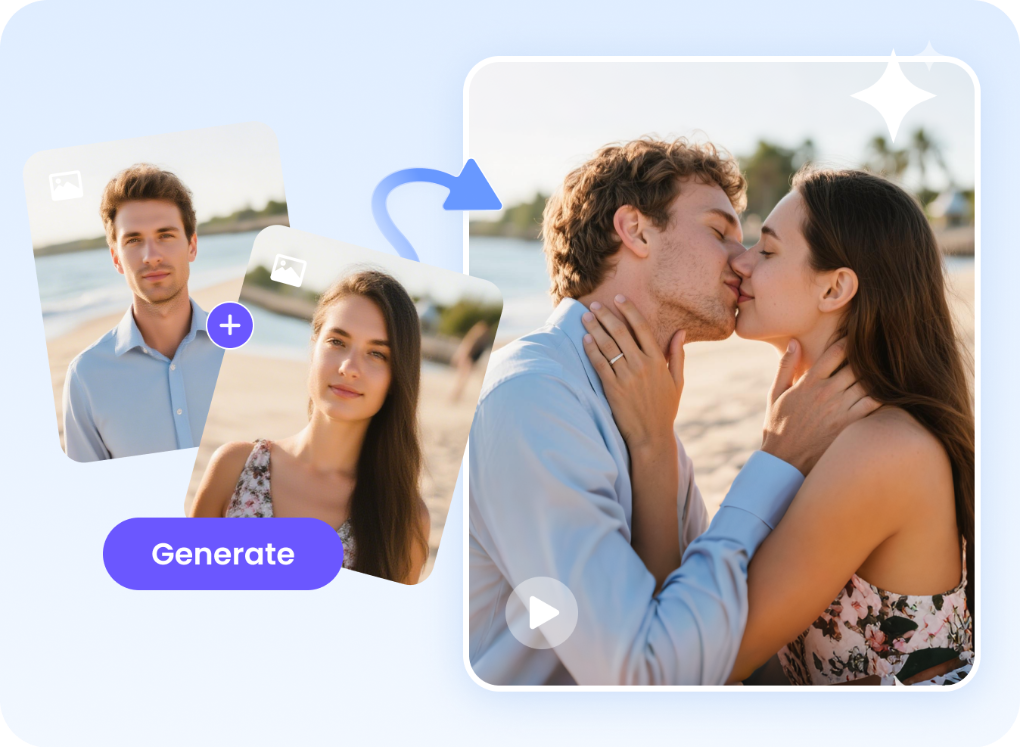 <h2>Hailuo AI: Text-to-Video Magic</h2> Hailuo AI (aka MiniMax AI Video Generator) can turn your text into videos or animate your images. I tried typing prompts like “a romantic cinematic kiss between a couple”, and it generated a short 6–10 second clip. It’s fast and simple, and you can choose templates, resolution (768p or 1080p), and multiple versions at once. One downside: making realistic kiss videos from your own images is tricky. Hailuo AI relies only on text prompts, so results can look a bit unnatural. <h2>HitPaw AI: Easy and Realistic Kiss Videos</h2> Enter HitPaw AI Video Generator — if you want realistic kiss videos, this one’s a lifesaver. ●Upload a photo of the couple ●Pick resolution (360p–1080p) and video length (5–8s) ●Optionally add negative prompts to remove unwanted effects ●Generate and download Boom! You get a realistic, romantic clip without fuss. <h2>My Tips</h2> ●Use clear, descriptive text prompts for Hailuo AI ●For HitPaw, pick good-quality photos to get the most natural results ●Experiment with video length — sometimes shorter clips feel more cinematic I’d love to hear from you — have you tried making AI kiss videos or other AI-generated scenes? Share your experiments, tips, or funny fails! |
| json metadata | {"tags":["ai","hailuoai","hitpawai","aivideo","kissvideo"],"image":["https://cdn.steemitimages.com/DQmQSDUoNt1bGkRcrxQGQNQBwWJ5MMqvfdips5vGuG4ERD9/image.png"],"links":["https://online.hitpaw.com/online-ai-video-generator.html"],"app":"steemit/0.2","format":"markdown"} |
| Transaction Info | Block #100958304/Trx 343b7056b075722b04930f93f05dde518beec2f0 |
View Raw JSON Data
{
"trx_id": "343b7056b075722b04930f93f05dde518beec2f0",
"block": 100958304,
"trx_in_block": 4,
"op_in_trx": 0,
"virtual_op": 0,
"timestamp": "2025-11-18T10:04:42",
"op": [
"comment",
{
"parent_author": "",
"parent_permlink": "ai",
"author": "yunahi",
"permlink": "making-ai-kiss-videos-with-hailuo-ai-and-hitpaw-ai-a-fun-guide",
"title": "Making AI Kiss Videos with Hailuo AI and HitPaw AI: A Fun Guide",
"body": "I recently tried creating AI kiss videos and wanted to share my experience with Hailuo AI and <a href=\"https://online.hitpaw.com/online-ai-video-generator.html\">HitPaw AI Video Generator</a>. These tools are amazing if you like experimenting with AI and creating short, cute, or cinematic clips.\n\n\n\n<h2>Hailuo AI: Text-to-Video Magic</h2>\nHailuo AI (aka MiniMax AI Video Generator) can turn your text into videos or animate your images. I tried typing prompts like “a romantic cinematic kiss between a couple”, and it generated a short 6–10 second clip.\n It’s fast and simple, and you can choose templates, resolution (768p or 1080p), and multiple versions at once. One downside: making realistic kiss videos from your own images is tricky. Hailuo AI relies only on text prompts, so results can look a bit unnatural.\n<h2>HitPaw AI: Easy and Realistic Kiss Videos</h2>\nEnter HitPaw AI Video Generator — if you want realistic kiss videos, this one’s a lifesaver.\n●Upload a photo of the couple\n●Pick resolution (360p–1080p) and video length (5–8s)\n●Optionally add negative prompts to remove unwanted effects\n●Generate and download\nBoom! You get a realistic, romantic clip without fuss. \n\n<h2>My Tips</h2>\n●Use clear, descriptive text prompts for Hailuo AI\n●For HitPaw, pick good-quality photos to get the most natural results\n●Experiment with video length — sometimes shorter clips feel more cinematic\nI’d love to hear from you — have you tried making AI kiss videos or other AI-generated scenes? Share your experiments, tips, or funny fails!",
"json_metadata": "{\"tags\":[\"ai\",\"hailuoai\",\"hitpawai\",\"aivideo\",\"kissvideo\"],\"image\":[\"https://cdn.steemitimages.com/DQmQSDUoNt1bGkRcrxQGQNQBwWJ5MMqvfdips5vGuG4ERD9/image.png\"],\"links\":[\"https://online.hitpaw.com/online-ai-video-generator.html\"],\"app\":\"steemit/0.2\",\"format\":\"markdown\"}"
}
]
}yunahipublished a new post: beginner-s-guide-to-product-photography-from-someone-who-shoots-products-every-day2025/11/18 06:16:09
yunahipublished a new post: beginner-s-guide-to-product-photography-from-someone-who-shoots-products-every-day
2025/11/18 06:16:09
| parent author | |
| parent permlink | commercialphotography |
| author | yunahi |
| permlink | beginner-s-guide-to-product-photography-from-someone-who-shoots-products-every-day |
| title | Beginner’s Guide to Product Photography — From Someone Who Shoots Products Every Day |
| body | I’ve been doing product photography for years, and honestly, you don’t need a fancy studio or a legendary camera to get great shots. What you do need is the right setup, good lighting, and a bit of patience. If you're a beginner trying to make your online store look more professional, here’s everything I wish someone told me when I first started.  <h2>What Exactly Is Product Photography?</h2> Simply put: product photography is the art of showing your item in the best possible way. A clean, sharp, well-lit photo can boost your sales faster than any description ever will. Whether you’re doing catalog shots, lifestyle photos, or something more commercial, your goal is the same — make buyers trust what they see. <h2>Starter Gear That Actually Matters</h2> You don’t need to bankrupt yourself on gear — trust me. ●Camera / Smartphone: A DSLR is nice, but a modern smartphone works shockingly well if you control the light. ●Tripod: Want sharp photos? You need one. Even a cheap mini tripod does the job. ●Lightbox or Backdrop: A simple white backdrop makes your product pop and keeps distractions away. ●Reflectors / Diffusers: These help soften harsh shadows. You can even DIY them with paper or foil. <h2>Lighting Setup That Never Fails</h2> Lighting is 70% of product photography. ●Natural light = perfect for soft lifestyle shots ●Artificial light = more control, consistent results <b>Use a three-point lighting setup:</b> Key light → Fill light → Back light. This combo instantly makes your product look cleaner and more dimensional. <h2>Composition Tips for Total Beginners</h2> ●Use the rule of thirds — off-center = more natural. ●Use simple backgrounds that match your product's vibe. ●Add props only if they support the product. ●Shoot multiple angles — online buyers need detail. <h2>Best Image Size for Online Stores</h2> ●Shopify → 2048×2048px ●Amazon → 1000×1000px ●Etsy → 2000×2000px Stick to 72 DPI for web and use JPEG/PNG depending on transparency needs. <h2>Bonus Tip: Easy Editing with HitPaw FotorPea</h2> After shooting, the real magic happens in editing — and for beginners, HitPaw FotorPea is super easy. <h3>Why I Use It Daily</h3> ●Crop & replace messy backgrounds ●AI filters that fix color + lighting automatically ●Object remover for dust, scratches, reflections ●AI upscale → perfect for Amazon / Etsy uploads ●Batch edit → time-saver for big product lines <h2>🔥 Black Friday Special</h2> HitPaw FotorPea is now up to <a href="https://www.hitpaw.com/sales-promotion.html">60% off</a> for Black Friday — perfect if you work with ads, product catalogs, or any visual brand content. A crazy good deal if you’re building your photography workflow. |
| json metadata | {"tags":["commercialphotography","productphotography","photographytips","aiproductimage"],"image":["https://cdn.steemitimages.com/DQmS2VZ3TaKwkArVPaeSe1Uq9dTN3t4RWbuqUjoTDk2R81o/image.png"],"links":["https://www.hitpaw.com/sales-promotion.html"],"app":"steemit/0.2","format":"markdown"} |
| Transaction Info | Block #100953744/Trx ae0188eaab461f686c7fd8f5862ee874e107400c |
View Raw JSON Data
{
"trx_id": "ae0188eaab461f686c7fd8f5862ee874e107400c",
"block": 100953744,
"trx_in_block": 2,
"op_in_trx": 0,
"virtual_op": 0,
"timestamp": "2025-11-18T06:16:09",
"op": [
"comment",
{
"parent_author": "",
"parent_permlink": "commercialphotography",
"author": "yunahi",
"permlink": "beginner-s-guide-to-product-photography-from-someone-who-shoots-products-every-day",
"title": "Beginner’s Guide to Product Photography — From Someone Who Shoots Products Every Day",
"body": "I’ve been doing product photography for years, and honestly, you don’t need a fancy studio or a legendary camera to get great shots. What you do need is the right setup, good lighting, and a bit of patience. If you're a beginner trying to make your online store look more professional, here’s everything I wish someone told me when I first started.\n\n\n<h2>What Exactly Is Product Photography?</h2>\nSimply put: product photography is the art of showing your item in the best possible way. A clean, sharp, well-lit photo can boost your sales faster than any description ever will. Whether you’re doing catalog shots, lifestyle photos, or something more commercial, your goal is the same — make buyers trust what they see.\n<h2>Starter Gear That Actually Matters</h2>\nYou don’t need to bankrupt yourself on gear — trust me.\n●Camera / Smartphone:\n A DSLR is nice, but a modern smartphone works shockingly well if you control the light.\n●Tripod:\n Want sharp photos? You need one. Even a cheap mini tripod does the job.\n●Lightbox or Backdrop:\n A simple white backdrop makes your product pop and keeps distractions away.\n●Reflectors / Diffusers:\n These help soften harsh shadows. You can even DIY them with paper or foil.\n<h2>Lighting Setup That Never Fails</h2>\nLighting is 70% of product photography.\n●Natural light = perfect for soft lifestyle shots\n●Artificial light = more control, consistent results\n<b>Use a three-point lighting setup:</b>\n Key light → Fill light → Back light.\n This combo instantly makes your product look cleaner and more dimensional.\n<h2>Composition Tips for Total Beginners</h2>\n●Use the rule of thirds — off-center = more natural.\n●Use simple backgrounds that match your product's vibe.\n●Add props only if they support the product.\n●Shoot multiple angles — online buyers need detail.\n<h2>Best Image Size for Online Stores</h2>\n●Shopify → 2048×2048px\n●Amazon → 1000×1000px\n●Etsy → 2000×2000px\nStick to 72 DPI for web and use JPEG/PNG depending on transparency needs.\n<h2>Bonus Tip: Easy Editing with HitPaw FotorPea</h2>\nAfter shooting, the real magic happens in editing — and for beginners, HitPaw FotorPea is super easy.\n<h3>Why I Use It Daily</h3>\n●Crop & replace messy backgrounds\n●AI filters that fix color + lighting automatically\n●Object remover for dust, scratches, reflections\n●AI upscale → perfect for Amazon / Etsy uploads\n●Batch edit → time-saver for big product lines\n<h2>🔥 Black Friday Special</h2>\nHitPaw FotorPea is now up to <a href=\"https://www.hitpaw.com/sales-promotion.html\">60% off</a> for Black Friday — perfect if you work with ads, product catalogs, or any visual brand content. A crazy good deal if you’re building your photography workflow.",
"json_metadata": "{\"tags\":[\"commercialphotography\",\"productphotography\",\"photographytips\",\"aiproductimage\"],\"image\":[\"https://cdn.steemitimages.com/DQmS2VZ3TaKwkArVPaeSe1Uq9dTN3t4RWbuqUjoTDk2R81o/image.png\"],\"links\":[\"https://www.hitpaw.com/sales-promotion.html\"],\"app\":\"steemit/0.2\",\"format\":\"markdown\"}"
}
]
}2025/11/17 09:46:39
2025/11/17 09:46:39
| parent author | |
| parent permlink | photographytips |
| author | yunahi |
| permlink | 12-skincare-product-photography-ideas-that-actually-look-expensive-plus-my-favorite-ai-hack |
| title | 12 Skincare Product Photography Ideas That Actually Look Expensive (Plus My Favorite AI Hack) |
| body | If you’ve ever tried photographing skincare products, you already know the truth: They’re tiny, shiny, reflective, and basically little chaos goblins under studio lights. But good news — with smart lighting, a few styling tricks, and a bit of help from AI, you can make even a $9.99 moisturizer look like it belongs in a luxury ad campaign. I’ll walk you through 12 creative skincare photography ideas that work every single time — with both Traditional Tips (the stuff you do with your actual hands) and AI prompts (the stuff your computer magically does for you thanks to HitPaw FotorPea). Let’s shoot. <h2>Part 1. Quick Setup</h2> All you need to get started: <b>Camera & Lens</b> Anything high-res works. A macro lens is your best friend. <b>Lighting</b> Soft. Always soft. Harsh light is for horror movies, not serums. <b>Props & Backdrops</b> White backgrounds, marble slabs, cute leaves, nice towels — the skincare starter pack. Alright, onto the fun part. <h2>Part 2. 12 Skincare Product Photography Ideas (With Tips + AI Prompts)</h2> These are the concepts that make products look fresh, luxurious, and very “I saw this on Pinterest.” <h3>1. Clean Minimalistic Shot</h3>  Traditional Tip: Use soft light + empty space. Minimalism always works — it’s the avocado toast of photography. AI Prompt: “Minimalist skincare cream jar, off-white background, soft diffused shadows.” <h3>2. Ingredient-Focused Macro</h3>  Traditional Tip: Feature ingredients. Lemons, aloe, mint — anything your serum probably bragged about on Instagram. AI Prompt: “Macro shot of serum bottle with fresh lemons, crisp texture, soft natural light.” <h3>3. Water Splash Drama</h3>  Traditional Tip: Freeze water mid-air with a fast shutter. Warning: You will get wet. AI Prompt: “Skincare bottle with frozen water splash, high-speed capture, bright studio light.” <h3>4. Cinematic Lighting Vibes</h3>  Traditional Tip: Use warm or cool lighting to make your product feel like it’s starring in a movie. AI Prompt: “Serum on vanity, warm cinematic lighting, elegant luxury mood.” <h3>5. Glossy Reflection Shot</h3>  Traditional Tip: Black acrylic makes everything look 10x fancier. It’s like the “little black dress” for products. AI Prompt: “Luxury skincare bottle on black mirrored surface, soft rim lighting.” <h3>6. Real Models, Real Skin</h3>  Traditional Tip: Show diversity. Beauty should look like the real world — not a single Instagram filter. AI Prompt: “Diverse models applying skincare, clean natural light, real textures.” <h3>7. Texture Smear Close-Up</h3>  Traditional Tip: Use a spatula and good lighting to show off creamy, glossy, or gel textures. AI Prompt: “Cream smear macro on white surface, soft natural lighting.” <h3>8. Flat-Lay Aesthetic</h3>  Traditional Tip: Props + balance + pastel backgrounds = instant Pinterest energy. AI Prompt: “Flat-lay with skincare bottle, towel, eucalyptus, pastel background.” <h3>9. Monochromatic Color Theme</h3>  Traditional Tip: Pick a color and commit. It’s bold. It’s clean. It’s very editorial. AI Prompt: “Lavender skincare product in monochrome lavender setting, soft shadows.” <h3>10. Floating Product Magic</h3>  Traditional Tip: Use fishing wire. Yes, really. Photoshop later. Everyone does it. AI Prompt: “Floating toner bottle, pastel background, smooth shadow.” <h3>11. Premium Packaging Spotlight</h3>  Traditional Tip: If the brand spent money on fancy packaging, show it off — embossing and metallic textures included. AI Prompt: “Skincare box on acrylic stand, soft light, embossed logo focus.” <h3>12. 360° Multi-Angle Composite</h3>  Traditional Tip: Perfect for e-commerce. Turntables are not just for DJs anymore. AI Prompt: “Skincare bottle from multiple angles, crisp studio lighting.” <h2>Part 3. How AI Fits into My Photo Workflow (The Not-So-Secret Weapon)</h2> This is where HitPaw FotorPea joins the chat. ●AI Generator Prompts → visual concepts → instant mood boards. Great for clients who say “I don’t know, something elegant?” ●Image-to-Image Upload your product photo → get multiple creative variations without re-shooting. ●AI Enhancer Perfect for fixing compressed photos your client sent from WeChat, WhatsApp, or a potato. ●Lighting & Shadow Simulation For when you want “studio lighting” but don’t want to actually set up studio lighting. 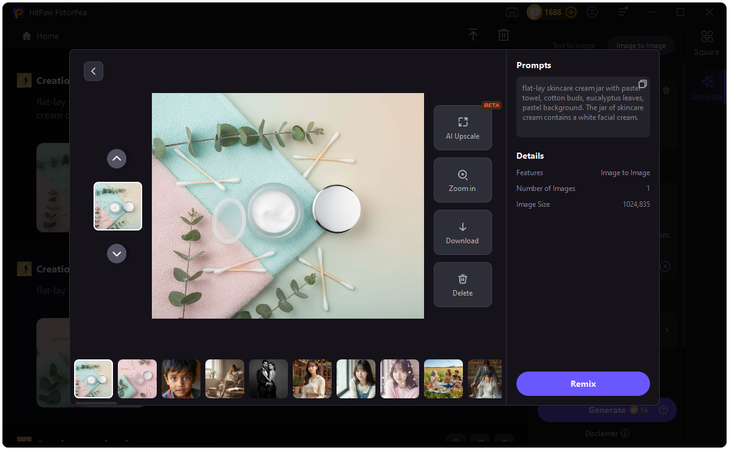 <h3>⭐ HitPaw FotorPea Features + Black Friday Deal</h3> ●AI Generator ●Image-to-Image ●AI Enhancer ●Cutout & shadow simulation ●Batch creation ●Perfect for ads, social campaigns, and e-commerce visuals 🔥 <a href="https://www.hitpaw.com/sales-promotion.html">Black Friday Sale</a>: Up to 60% OFF — a very good excuse to upgrade your visual workflow. <h2>Conclusion</h2> Skincare photography doesn’t need to be intimidating. With the 12 ideas above and some extra help from AI tools like HitPaw FotorPea, even complex compositions become achievable — and honestly, more fun. If you want your visuals to look polished and premium without spending hours stuck in Photoshop, a mixed workflow of traditional skills + AI support is genuinely the best of both worlds. |
| json metadata | {"tags":["photographytips","skincarephotography","productphotography","aiproductimage","aitool"],"image":["https://cdn.steemitimages.com/DQmX7yC9VHnAkY6Sd7LuGH1bvRaJEJMq7FrgGA7gdNqrbLB/image.png","https://cdn.steemitimages.com/DQmXS42Y64t4zrPjWE3yFKEzc8fDWAk9WAaenNXuUu857o9/image.png","https://cdn.steemitimages.com/DQmT48y5RnVMoH5NCt2HbnxPPj22fsEiiHM4kBx1NLBbPEP/image.png","https://cdn.steemitimages.com/DQmVdG8Qhwar15BDmP5tfqCLbnadJGwdj9Usx7tmjvF9UAr/image.png","https://cdn.steemitimages.com/DQmYEkxJrSCEUuvsUzxj4S8EXeiDmueBJcZUecKex9GHTpD/image.png","https://cdn.steemitimages.com/DQmbZPsQSVmGaVQUodAnXaq7tL4wcL9NvJHqX6yXKte8vpJ/image.png","https://cdn.steemitimages.com/DQmdyCcoapg8U8KzHy4mMD6E2om8J9NvUxbWDfjFEDVVro1/image.png","https://cdn.steemitimages.com/DQmZrusHbNKr8J2uuuVxvztHQraoKUXX41UcFo4tu7bo8xt/image.png","https://cdn.steemitimages.com/DQmVb1fd9JZQbechyH9kBfQ1GbKt9SJT16cVw4Bva8s7YBf/image.png","https://cdn.steemitimages.com/DQmWzWHiEnwGJQwbyAaVaygDR27H8XYL6uY7ZQNDvtbLG1s/image.png","https://cdn.steemitimages.com/DQmUutJR3pgYEhzyjo1aYVMbFMFePknDTaY3uuiFcSzCM9R/image.png","https://cdn.steemitimages.com/DQmV8mPUNMY7zGGbCZ98uKYrfW2oW9a8LaSL12SRSuUJnrs/image.png","https://cdn.steemitimages.com/DQmdyRcLmkyTJb85jNB2Ch1REmahftohQ9WCSnLMUEa1ci5/image.png"],"links":["https://www.hitpaw.com/sales-promotion.html"],"app":"steemit/0.2","format":"markdown"} |
| Transaction Info | Block #100929411/Trx 8aae76b08185c144048106619a0817d2937dc863 |
View Raw JSON Data
{
"trx_id": "8aae76b08185c144048106619a0817d2937dc863",
"block": 100929411,
"trx_in_block": 1,
"op_in_trx": 0,
"virtual_op": 0,
"timestamp": "2025-11-17T09:46:39",
"op": [
"comment",
{
"parent_author": "",
"parent_permlink": "photographytips",
"author": "yunahi",
"permlink": "12-skincare-product-photography-ideas-that-actually-look-expensive-plus-my-favorite-ai-hack",
"title": "12 Skincare Product Photography Ideas That Actually Look Expensive (Plus My Favorite AI Hack)",
"body": "If you’ve ever tried photographing skincare products, you already know the truth:\nThey’re tiny, shiny, reflective, and basically little chaos goblins under studio lights.\nBut good news — with smart lighting, a few styling tricks, and a bit of help from AI, you can make even a $9.99 moisturizer look like it belongs in a luxury ad campaign.\nI’ll walk you through 12 creative skincare photography ideas that work every single time — with both Traditional Tips (the stuff you do with your actual hands) and AI prompts (the stuff your computer magically does for you thanks to HitPaw FotorPea).\nLet’s shoot.\n<h2>Part 1. Quick Setup</h2>\nAll you need to get started:\n<b>Camera & Lens</b>\nAnything high-res works. A macro lens is your best friend.\n<b>Lighting</b>\nSoft. Always soft. Harsh light is for horror movies, not serums.\n<b>Props & Backdrops</b>\nWhite backgrounds, marble slabs, cute leaves, nice towels — the skincare starter pack.\nAlright, onto the fun part.\n<h2>Part 2. 12 Skincare Product Photography Ideas (With Tips + AI Prompts)</h2>\nThese are the concepts that make products look fresh, luxurious, and very “I saw this on Pinterest.”\n\n<h3>1. Clean Minimalistic Shot</h3>\n\n\n\nTraditional Tip:\n Use soft light + empty space. Minimalism always works — it’s the avocado toast of photography.\nAI Prompt:\n “Minimalist skincare cream jar, off-white background, soft diffused shadows.”\n<h3>2. Ingredient-Focused Macro</h3>\n\n\n\nTraditional Tip:\n Feature ingredients. Lemons, aloe, mint — anything your serum probably bragged about on Instagram.\nAI Prompt:\n “Macro shot of serum bottle with fresh lemons, crisp texture, soft natural light.”\n<h3>3. Water Splash Drama</h3>\n\n\n\nTraditional Tip:\n Freeze water mid-air with a fast shutter. Warning: You will get wet.\nAI Prompt:\n “Skincare bottle with frozen water splash, high-speed capture, bright studio light.”\n<h3>4. Cinematic Lighting Vibes</h3>\n\n\n\nTraditional Tip:\n Use warm or cool lighting to make your product feel like it’s starring in a movie.\nAI Prompt:\n “Serum on vanity, warm cinematic lighting, elegant luxury mood.”\n<h3>5. Glossy Reflection Shot</h3>\n\n\n\nTraditional Tip:\n Black acrylic makes everything look 10x fancier. It’s like the “little black dress” for products.\nAI Prompt:\n “Luxury skincare bottle on black mirrored surface, soft rim lighting.”\n<h3>6. Real Models, Real Skin</h3>\n\n\n\nTraditional Tip:\n Show diversity. Beauty should look like the real world — not a single Instagram filter.\nAI Prompt:\n “Diverse models applying skincare, clean natural light, real textures.”\n<h3>7. Texture Smear Close-Up</h3>\n\n\n\nTraditional Tip:\n Use a spatula and good lighting to show off creamy, glossy, or gel textures.\nAI Prompt:\n “Cream smear macro on white surface, soft natural lighting.”\n<h3>8. Flat-Lay Aesthetic</h3>\n\n\n\nTraditional Tip:\n Props + balance + pastel backgrounds = instant Pinterest energy.\nAI Prompt:\n “Flat-lay with skincare bottle, towel, eucalyptus, pastel background.”\n<h3>9. Monochromatic Color Theme</h3>\n\n\n\nTraditional Tip:\n Pick a color and commit. It’s bold. It’s clean. It’s very editorial.\nAI Prompt:\n “Lavender skincare product in monochrome lavender setting, soft shadows.”\n<h3>10. Floating Product Magic</h3>\n\n\n\nTraditional Tip:\n Use fishing wire. Yes, really. Photoshop later. Everyone does it.\nAI Prompt:\n “Floating toner bottle, pastel background, smooth shadow.”\n<h3>11. Premium Packaging Spotlight</h3>\n\n\n\nTraditional Tip:\n If the brand spent money on fancy packaging, show it off — embossing and metallic textures included.\nAI Prompt:\n “Skincare box on acrylic stand, soft light, embossed logo focus.”\n<h3>12. 360° Multi-Angle Composite</h3>\n\n\n\nTraditional Tip:\n Perfect for e-commerce. Turntables are not just for DJs anymore.\nAI Prompt:\n “Skincare bottle from multiple angles, crisp studio lighting.”\n<h2>Part 3. How AI Fits into My Photo Workflow (The Not-So-Secret Weapon)</h2>\nThis is where HitPaw FotorPea joins the chat.\n●AI Generator\nPrompts → visual concepts → instant mood boards.\nGreat for clients who say “I don’t know, something elegant?”\n●Image-to-Image\nUpload your product photo → get multiple creative variations without re-shooting.\n●AI Enhancer\nPerfect for fixing compressed photos your client sent from WeChat, WhatsApp, or a potato.\n●Lighting & Shadow Simulation\nFor when you want “studio lighting” but don’t want to actually set up studio lighting.\n\n\n\n<h3>⭐ HitPaw FotorPea Features + Black Friday Deal</h3>\n●AI Generator\n●Image-to-Image\n●AI Enhancer\n●Cutout & shadow simulation\n●Batch creation\n●Perfect for ads, social campaigns, and e-commerce visuals\n🔥 <a href=\"https://www.hitpaw.com/sales-promotion.html\">Black Friday Sale</a>: Up to 60% OFF — a very good excuse to upgrade your visual workflow.\n\n<h2>Conclusion</h2>\nSkincare photography doesn’t need to be intimidating. With the 12 ideas above and some extra help from AI tools like HitPaw FotorPea, even complex compositions become achievable — and honestly, more fun.\nIf you want your visuals to look polished and premium without spending hours stuck in Photoshop, a mixed workflow of traditional skills + AI support is genuinely the best of both worlds.",
"json_metadata": "{\"tags\":[\"photographytips\",\"skincarephotography\",\"productphotography\",\"aiproductimage\",\"aitool\"],\"image\":[\"https://cdn.steemitimages.com/DQmX7yC9VHnAkY6Sd7LuGH1bvRaJEJMq7FrgGA7gdNqrbLB/image.png\",\"https://cdn.steemitimages.com/DQmXS42Y64t4zrPjWE3yFKEzc8fDWAk9WAaenNXuUu857o9/image.png\",\"https://cdn.steemitimages.com/DQmT48y5RnVMoH5NCt2HbnxPPj22fsEiiHM4kBx1NLBbPEP/image.png\",\"https://cdn.steemitimages.com/DQmVdG8Qhwar15BDmP5tfqCLbnadJGwdj9Usx7tmjvF9UAr/image.png\",\"https://cdn.steemitimages.com/DQmYEkxJrSCEUuvsUzxj4S8EXeiDmueBJcZUecKex9GHTpD/image.png\",\"https://cdn.steemitimages.com/DQmbZPsQSVmGaVQUodAnXaq7tL4wcL9NvJHqX6yXKte8vpJ/image.png\",\"https://cdn.steemitimages.com/DQmdyCcoapg8U8KzHy4mMD6E2om8J9NvUxbWDfjFEDVVro1/image.png\",\"https://cdn.steemitimages.com/DQmZrusHbNKr8J2uuuVxvztHQraoKUXX41UcFo4tu7bo8xt/image.png\",\"https://cdn.steemitimages.com/DQmVb1fd9JZQbechyH9kBfQ1GbKt9SJT16cVw4Bva8s7YBf/image.png\",\"https://cdn.steemitimages.com/DQmWzWHiEnwGJQwbyAaVaygDR27H8XYL6uY7ZQNDvtbLG1s/image.png\",\"https://cdn.steemitimages.com/DQmUutJR3pgYEhzyjo1aYVMbFMFePknDTaY3uuiFcSzCM9R/image.png\",\"https://cdn.steemitimages.com/DQmV8mPUNMY7zGGbCZ98uKYrfW2oW9a8LaSL12SRSuUJnrs/image.png\",\"https://cdn.steemitimages.com/DQmdyRcLmkyTJb85jNB2Ch1REmahftohQ9WCSnLMUEa1ci5/image.png\"],\"links\":[\"https://www.hitpaw.com/sales-promotion.html\"],\"app\":\"steemit/0.2\",\"format\":\"markdown\"}"
}
]
}yunahipublished a new post: from-code-to-cinema-how-linux-creators-are-building-ai-videos-that-move-the-world2025/11/17 06:33:48
yunahipublished a new post: from-code-to-cinema-how-linux-creators-are-building-ai-videos-that-move-the-world
2025/11/17 06:33:48
| parent author | |
| parent permlink | ai |
| author | yunahi |
| permlink | from-code-to-cinema-how-linux-creators-are-building-ai-videos-that-move-the-world |
| title | From Code to Cinema: How Linux Creators Are Building AI Videos That Move the World |
| body | Hey friends — if you’ve ever wanted to turn a photo, a line of text, or even an idea into a moving cinematic scene, this one’s for you. The open-source world of Linux is quietly turning into a creative goldmine. Forget expensive subscriptions or closed platforms. With the right AI tools, your Linux setup can generate stunning videos — from dreamy slow-motion shots to full-blown animations — powered by open code and imagination. Let’s dive into the 12 tools that are giving creators superpowers right from their desktops. <h2>Why Linux Is the Secret Weapon of Indie Filmmakers</h2> There’s a reason so many indie filmmakers and digital artists are switching to Linux. It’s not just about cost — it’s about freedom.  Linux lets you control your GPU, automate rendering, and install models that other systems simply lock away. It’s open, flexible, and completely community-driven — the perfect mix for creative experimentation. So when AI video generation started to take off, it found its natural home here. <h2>What Makes Open-Source AI Tools So Different</h2> Open-source tools don’t just give you outputs — they give you insight. You can peek under the hood, modify parameters, and even teach the AI your own visual style. It’s creativity with transparency — something most commercial tools never offer. And the best part? Linux handles these heavy AI workloads better than any other OS. <h2>The 12 Tools That Are Changing the Game for Linux Creators</h2> Here are twelve open and Linux-friendly AI tools helping artists, editors, and coders bring imagination to motion. Each has its own vibe — from polished enhancement apps to full-on generative models. <h3>1. <a href="https://online.hitpaw.com/online-ai-video-generator.html">HitPaw AI Video Generator</a> – The Finisher Every Creator Needs</h3> Even though it’s not open-source, HitPaw is the go-to for producing AI footage. It adds detail, comes with clarity, and even reconstructs lighting to make your videos pop. Perfect for those after generating a clip with an open-source model. Runs smoothly on Linux through Wine or virtual layers. <h3>2. Stable Video Diffusion – Turning Images Into Living Moments</h3> This open-source model takes a static image and turns it into a realistic, dynamic clip. The motion feels organic — like a slow camera pan or natural breathing in animation. It’s simple, effective, and totally free. <h3>3. Wan 2.1 – The Open-Source Powerhouse from Alibaba</h3> Think of it as the “Linux Sora.” It generates high-quality video from text or images, with some of the most fluid results in the open market. Works with ComfyUI for a drag-and-drop experience. <h3>4. HunyuanVideo – For Filmmakers Who Want Realism</h3> If you’re serious about cinematic quality, this is your pick. HunyuanVideo offers stable, frame-perfect motion — ideal for storytelling, product reels, or creative mood videos. ⚙️ Requires a strong GPU, but worth every second of rendering. <h3>5. VideoCrafter2 – The Academic Tool Turned Creator Favorite</h3> Born in research labs, now loved by creators. VideoCrafter2 allows you to input text or images and get moving sequences with surprisingly realistic detail. Runs seamlessly on Linux with PyTorch. <h3>6. ControlVideo – For Creators Who Want to Direct Every Frame</h3> This one’s for perfectionists. ControlVideo lets you guide the AI like a director — controlling motion, pacing, and even character positioning. Built for precision storytelling. <h3>7. VideoTuna – Mix, Match, and Master AI Models</h3> VideoTuna combines multiple open-source models in one interface. You can chain tools like Wan 2.1, Stable Video Diffusion, and HunyuanVideo to get hybrid results that feel totally unique. Made for advanced Linux users who love to experiment. <h3>8. Real Video Enhancer – Clean, Simple, and Powerful</h3> Sometimes your video just needs a little extra sharpness. This open-source tool improves clarity, repairs artifacts, and even interpolates missing frames. Lightweight and perfect for post-processing. <h3>9. LTXV – The Everyday Creator’s Best Friend</h3> Not everyone has a 24GB GPU, and that’s okay. LTXV is optimized for lower-end systems but still delivers cinematic movement. ⚡ Ideal for small creators or those working on older machines. <h3>10. Mochi – Experimental and Expressive</h3> Mochi is one of the most creative open models out there. It creates dreamy, painterly videos that feel hand-drawn — perfect for artists exploring emotional visual storytelling. Great for Patreon-exclusive creative posts. <h3>11. SkyReels V1 – Built for Storytellers</h3> SkyReels doesn’t just generate motion — it understands narrative. It builds sequences with camera focus and lighting that mimic real cinematography. If you love film aesthetics, you’ll love this. <h3>12. Blender with AI Plug-ins – The Ultimate Sandbox</h3> No surprise here — Blender remains the creative heart of Linux. With new AI plug-ins for character animation, neural rendering, and texture diffusion, you can build entire scenes from scratch. Open-source, powerful, and limitless. <h2>Quick Tips for AI Video Creators on Linux</h2> ✨ Keep your system updated: Always maintain the latest CUDA versions, GPU drivers, and dependencies to ensure optimal performance and compatibility with AI video models. ✨ Use ComfyUI or Automatic1111: These platforms offer intuitive visual workflows, letting you manage prompts, nodes, and render chains easily — no coding required. ✨ Chain your models: Combine tools for better results — for example, generate motion with Wan 2.1, then refine or upscale with HitPaw for a polished, cinematic finish. ✨ Don’t over-animate: Subtle, graceful movements feel more realistic and premium than overly dynamic ones, especially for product or artistic visuals. ✨ Back up your projects: AI-generated renders can quickly consume large amounts of storage, so keep organized backups to protect your work and free up space for new creations. <h2>Why This Matters for the Future of Independent Creativity</h2> For the first time in history, independent creators can craft cinematic-quality visuals without the need for massive studios, expensive funding, or restrictive corporate software. What once required entire production teams can now be achieved on a single Linux-powered workstation. Open-source AI is making artistry truly democratic — giving filmmakers, designers, and storytellers complete control over the models, the motion, and the message. No gatekeepers, no locked features — just creative freedom. And perhaps that’s the most beautiful part: the code is open, and so is the imagination. The next wave of visual storytelling won’t be owned by studios — it’ll be shaped by visionaries who build, experiment, and dream in the open. <h2>Final Words</h2> Every great video begins as a still idea — a single frame of imagination waiting to move. Today, with these 12 AI tools — from HitPaw’s professional polish to LTXV’s lightweight magic — Linux creators have everything they need to turn static images into living, breathing motion. So fire up your GPU, open your terminal, and let creativity compile. The era of open filmmaking has arrived, powered by innovation, curiosity, and community. Because the next groundbreaking AI film won’t come from Hollywood — it might just be rendered in your home studio. |
| json metadata | {"tags":["ai","aivideo","aivideogeneration","videogenerator","opensource"],"image":["https://cdn.steemitimages.com/DQmSKhTWgpnVEz8F6jTKqxDioMw4RjRkVQVwjKhu1Q1KDyi/image.png"],"links":["https://online.hitpaw.com/online-ai-video-generator.html"],"app":"steemit/0.2","format":"markdown"} |
| Transaction Info | Block #100925562/Trx 562031bc95cad77c98329893ad76465d699b2412 |
View Raw JSON Data
{
"trx_id": "562031bc95cad77c98329893ad76465d699b2412",
"block": 100925562,
"trx_in_block": 0,
"op_in_trx": 0,
"virtual_op": 0,
"timestamp": "2025-11-17T06:33:48",
"op": [
"comment",
{
"parent_author": "",
"parent_permlink": "ai",
"author": "yunahi",
"permlink": "from-code-to-cinema-how-linux-creators-are-building-ai-videos-that-move-the-world",
"title": "From Code to Cinema: How Linux Creators Are Building AI Videos That Move the World",
"body": "Hey friends — if you’ve ever wanted to turn a photo, a line of text, or even an idea into a moving cinematic scene, this one’s for you.\nThe open-source world of Linux is quietly turning into a creative goldmine.\nForget expensive subscriptions or closed platforms. With the right AI tools, your Linux setup can generate stunning videos — from dreamy slow-motion shots to full-blown animations — powered by open code and imagination.\nLet’s dive into the 12 tools that are giving creators superpowers right from their desktops.\n<h2>Why Linux Is the Secret Weapon of Indie Filmmakers</h2>\nThere’s a reason so many indie filmmakers and digital artists are switching to Linux.\nIt’s not just about cost — it’s about freedom.\n\n\n\nLinux lets you control your GPU, automate rendering, and install models that other systems simply lock away. It’s open, flexible, and completely community-driven — the perfect mix for creative experimentation.\nSo when AI video generation started to take off, it found its natural home here.\n<h2>What Makes Open-Source AI Tools So Different</h2>\nOpen-source tools don’t just give you outputs — they give you insight.\nYou can peek under the hood, modify parameters, and even teach the AI your own visual style.\nIt’s creativity with transparency — something most commercial tools never offer.\nAnd the best part? Linux handles these heavy AI workloads better than any other OS.\n<h2>The 12 Tools That Are Changing the Game for Linux Creators</h2>\n \nHere are twelve open and Linux-friendly AI tools helping artists, editors, and coders bring imagination to motion.\nEach has its own vibe — from polished enhancement apps to full-on generative models.\n<h3>1. <a href=\"https://online.hitpaw.com/online-ai-video-generator.html\">HitPaw AI Video Generator</a> – The Finisher Every Creator Needs</h3>\nEven though it’s not open-source, HitPaw is the go-to for producing AI footage. It adds detail, comes with clarity, and even reconstructs lighting to make your videos pop.\nPerfect for those after generating a clip with an open-source model.\nRuns smoothly on Linux through Wine or virtual layers.\n<h3>2. Stable Video Diffusion – Turning Images Into Living Moments</h3>\nThis open-source model takes a static image and turns it into a realistic, dynamic clip.\nThe motion feels organic — like a slow camera pan or natural breathing in animation.\nIt’s simple, effective, and totally free.\n<h3>3. Wan 2.1 – The Open-Source Powerhouse from Alibaba</h3>\nThink of it as the “Linux Sora.”\nIt generates high-quality video from text or images, with some of the most fluid results in the open market.\nWorks with ComfyUI for a drag-and-drop experience.\n<h3>4. HunyuanVideo – For Filmmakers Who Want Realism</h3>\nIf you’re serious about cinematic quality, this is your pick. HunyuanVideo offers stable, frame-perfect motion — ideal for storytelling, product reels, or creative mood videos.\n⚙️ Requires a strong GPU, but worth every second of rendering.\n<h3>5. VideoCrafter2 – The Academic Tool Turned Creator Favorite</h3>\nBorn in research labs, now loved by creators.\nVideoCrafter2 allows you to input text or images and get moving sequences with surprisingly realistic detail.\nRuns seamlessly on Linux with PyTorch.\n<h3>6. ControlVideo – For Creators Who Want to Direct Every Frame</h3>\nThis one’s for perfectionists.\nControlVideo lets you guide the AI like a director — controlling motion, pacing, and even character positioning.\nBuilt for precision storytelling.\n<h3>7. VideoTuna – Mix, Match, and Master AI Models</h3>\nVideoTuna combines multiple open-source models in one interface.\nYou can chain tools like Wan 2.1, Stable Video Diffusion, and HunyuanVideo to get hybrid results that feel totally unique.\nMade for advanced Linux users who love to experiment.\n<h3>8. Real Video Enhancer – Clean, Simple, and Powerful</h3>\nSometimes your video just needs a little extra sharpness.\nThis open-source tool improves clarity, repairs artifacts, and even interpolates missing frames.\nLightweight and perfect for post-processing.\n<h3>9. LTXV – The Everyday Creator’s Best Friend</h3>\nNot everyone has a 24GB GPU, and that’s okay.\nLTXV is optimized for lower-end systems but still delivers cinematic movement.\n⚡ Ideal for small creators or those working on older machines.\n<h3>10. Mochi – Experimental and Expressive</h3>\nMochi is one of the most creative open models out there.\nIt creates dreamy, painterly videos that feel hand-drawn — perfect for artists exploring emotional visual storytelling.\nGreat for Patreon-exclusive creative posts.\n<h3>11. SkyReels V1 – Built for Storytellers</h3>\nSkyReels doesn’t just generate motion — it understands narrative.\nIt builds sequences with camera focus and lighting that mimic real cinematography.\nIf you love film aesthetics, you’ll love this.\n<h3>12. Blender with AI Plug-ins – The Ultimate Sandbox</h3>\nNo surprise here — Blender remains the creative heart of Linux.\nWith new AI plug-ins for character animation, neural rendering, and texture diffusion, you can build entire scenes from scratch.\nOpen-source, powerful, and limitless.\n<h2>Quick Tips for AI Video Creators on Linux</h2>\n✨ Keep your system updated: Always maintain the latest CUDA versions, GPU drivers, and dependencies to ensure optimal performance and compatibility with AI video models.\n✨ Use ComfyUI or Automatic1111: These platforms offer intuitive visual workflows, letting you manage prompts, nodes, and render chains easily — no coding required.\n✨ Chain your models: Combine tools for better results — for example, generate motion with Wan 2.1, then refine or upscale with HitPaw for a polished, cinematic finish.\n✨ Don’t over-animate: Subtle, graceful movements feel more realistic and premium than overly dynamic ones, especially for product or artistic visuals.\n✨ Back up your projects: AI-generated renders can quickly consume large amounts of storage, so keep organized backups to protect your work and free up space for new creations.\n<h2>Why This Matters for the Future of Independent Creativity</h2>\nFor the first time in history, independent creators can craft cinematic-quality visuals without the need for massive studios, expensive funding, or restrictive corporate software. What once required entire production teams can now be achieved on a single Linux-powered workstation.\nOpen-source AI is making artistry truly democratic — giving filmmakers, designers, and storytellers complete control over the models, the motion, and the message. No gatekeepers, no locked features — just creative freedom.\nAnd perhaps that’s the most beautiful part: the code is open, and so is the imagination. The next wave of visual storytelling won’t be owned by studios — it’ll be shaped by visionaries who build, experiment, and dream in the open.\n<h2>Final Words</h2>\nEvery great video begins as a still idea — a single frame of imagination waiting to move. Today, with these 12 AI tools — from HitPaw’s professional polish to LTXV’s lightweight magic — Linux creators have everything they need to turn static images into living, breathing motion.\nSo fire up your GPU, open your terminal, and let creativity compile. The era of open filmmaking has arrived, powered by innovation, curiosity, and community.\nBecause the next groundbreaking AI film won’t come from Hollywood — it might just be rendered in your home studio.",
"json_metadata": "{\"tags\":[\"ai\",\"aivideo\",\"aivideogeneration\",\"videogenerator\",\"opensource\"],\"image\":[\"https://cdn.steemitimages.com/DQmSKhTWgpnVEz8F6jTKqxDioMw4RjRkVQVwjKhu1Q1KDyi/image.png\"],\"links\":[\"https://online.hitpaw.com/online-ai-video-generator.html\"],\"app\":\"steemit/0.2\",\"format\":\"markdown\"}"
}
]
}yunahipublished a new post: behind-the-sparkle-how-ai-turns-jewelry-photos-into-living-stories2025/11/17 03:41:39
yunahipublished a new post: behind-the-sparkle-how-ai-turns-jewelry-photos-into-living-stories
2025/11/17 03:41:39
| parent author | |
| parent permlink | ai |
| author | yunahi |
| permlink | behind-the-sparkle-how-ai-turns-jewelry-photos-into-living-stories |
| title | Behind the Sparkle: How AI Turns Jewelry Photos Into Living Stories |
| body | Every jewelry creator knows this: the hardest thing to capture isn’t the diamond — it’s the feeling. A still photo shows detail, but motion shows emotion. And now, with AI image-to-video tools, your still photos can actually move — shining, reflecting, and breathing life into your creations. If you’re a jewelry artist, small brand owner, or visual storyteller, this post is for you. Let’s explore the tools and techniques that can turn your static shots into cinematic gems.  <h2>Why Movement Brings Your Jewelry to Life</h2> When you show your jewelry in motion, people don’t just see it — they feel it. The curve of a bracelet, the flicker of light off a ring, the way a pendant sways… all of that becomes part of the story. AI motion tools analyze your photos, map depth, and generate realistic lighting changes — like a digital camera floating around your piece. The result? Jewelry that seems to sparkle right out of the screen. <h2>The Creative Side of AI: Your New Digital Assistant</h2> Forget the idea that AI replaces creativity — it amplifies it. For jewelry creators, AI becomes a digital assistant that handles technical motion work so you can focus on your brand’s essence. You can direct the vibe: ●Romantic glow for engagement rings ●Modern edge for geometric designs ●Soft shimmer for minimalist gold chains All with one image, a few words, and a click. <h2>Seven Tools That Make Still Jewelry Move with Emotion</h2> Here’s a look at seven AI tools helping jewelry brands and artists make their products feel alive online — from cinematic motion to short looping stories. <h3>1. <a href="https://online.hitpaw.com/online-ai-video-generator.html">HitPaw AI Video Generator</a> – The Detail Perfectionist</h3> HitPaw is all about the finer things — gemstone glimmers, metallic tones, perfect shadows. It brings out the subtle details that luxury audiences crave. Best for: Stunning jewelry close-ups and hero shots. Why it shines: Delivers film-style clarity with natural lighting that feels alive. <h3>2. Runway Gen-4 – The Dream Director</h3> Ever wanted to direct your visuals like a pro? With Runway, you can type prompts like “pan slowly across a sapphire ring under soft light” and watch the cinematic magic happen. Perfect for: Crafting creative brand reels and visual storytelling. Pro tip: Blend product images with lifestyle shots for dynamic content. <h3>3. VEED.IO – The Quick Creator’s Companion</h3> Need to create something fast yet polished? VEED.IO transforms static jewelry images into sleek, shareable clips, ready for Instagram, TikTok, or Patreon in minutes. ⚡ Why creators love it: No learning curve—just instant, eye-catching motion. ⚡ Ideal for: Weekly updates, promos, or quick behind-the-scenes content. <h3>4. LTX Studio – The Visual Storyteller’s Canvas</h3> Elevate your storytelling with LTX Studio. It turns multiple jewelry shots into a seamless visual journey—perfect for campaigns or Patreon intros that captivate. Use it for: Showcasing products with smooth transitions and music. What makes it powerful: Adds structure, rhythm, and impact to your visuals. <h3>5. Adobe Firefly Video – The Professional’s Best Friend</h3> Already a Photoshop or Premiere whiz? Adobe Firefly Video fits right into your workflow, making it easy to animate shots while preserving your brand’s unique aesthetic. ✨ What stands out: Every frame stays true to your colors, shine, and tone. ✨ Ideal for: Established brands maintaining a consistent, professional identity. <h3>6. Pika Labs – The Creative Rebel’s Playground</h3> Feeling experimental? Pika Labs lets you create bold, artistic visuals—think glowing loops, dreamy reflections, and stylized movement. It’s perfect for going beyond the ordinary. Fans love it because: The results feel handcrafted, not robotic. Best for: Behind-the-scenes art or exclusive brand teasers. <h3>7. Kling AI 2.0 – The Realism Powerhouse</h3> If precision is your thing, Kling AI is your go-to. It takes realism to the next level, creating stunning camera depth and reflections that look straight out of a professional photoshoot. Best for: Premium collections and high-impact launch campaigns. Bonus: HDR shine for diamonds and crystals that truly dazzle. From cinematic storytelling to quick social-ready clips, these tools are ready to elevate your jewelry visuals and captivate your audience. Which one will you try first? ✨ <h2>From Photo to Motion: A Creator’s Simple Workflow</h2> Want to bring your jewelry to life in under 10 minutes? Here’s a simple, repeatable workflow used by professional creators: 1.Pick your best photo – Start with a clean, well-lit image that highlights texture, brilliance, and reflection. 2.Upload to your chosen AI tool – Platforms like Runway, Kaiber, or Pika handle jewelry motion beautifully. 3.Add a short direction prompt – Try “soft rotation with sparkle lighting” or “slow zoom over gemstone detail.” 4.Preview and tweak – Fine-tune shadows, highlights, or background warmth until the motion feels natural. 5.Export and share – Post it as a looping clip, short reel, or Patreon showcase to captivate your audience. It’s effortless — and, more importantly, scalable for every new design you launch. <h2>Tips to Keep Your Jewelry Videos Elegant (Not Overdone)</h2> ✨ Use minimal motion – Gentle glides and soft rotations evoke sophistication; fast or exaggerated motion breaks the illusion of luxury. ✨ Focus on light, not tricks – Subtle reflections and sparkle transitions create emotional depth far better than camera spins or zooms. ✨ Keep it brief – Six to ten seconds feels refined, polished, and perfectly loopable. ✨ Maintain brand consistency – Stick to your brand’s color palette and preferred background tones for every clip. ✨ Preview on mobile – Most jewelry buyers scroll before they shop, so make sure your video shines beautifully on small screens. Subtlety equals sophistication — and that’s the essence of timeless jewelry storytelling. <h2>The Future of Jewelry in Motion</h2> Think of it this way: every piece you create already tells a story — AI just helps it move. With tools like HitPaw, Runway, and LTX Studio, even small creators can deliver big-brand visuals without big-brand budgets. Your jewelry doesn’t just sparkle anymore. It speaks. It turns emotion into motion — and motion into connection. So go ahead — bring your pieces to life. Your audience isn’t just watching; they’re feeling. |
| json metadata | {"tags":["ai","aijewely","aivideo","aitools","aivideogenerator"],"image":["https://cdn.steemitimages.com/DQmfJJVkpXwt6S1jJSyiio3ZsWrDjyJKzFBG2aH9anH2uBK/image.png"],"links":["https://online.hitpaw.com/online-ai-video-generator.html"],"app":"steemit/0.2","format":"markdown"} |
| Transaction Info | Block #100922124/Trx 78e8f101b8995479c7b6687905372b087be72bc7 |
View Raw JSON Data
{
"trx_id": "78e8f101b8995479c7b6687905372b087be72bc7",
"block": 100922124,
"trx_in_block": 0,
"op_in_trx": 0,
"virtual_op": 0,
"timestamp": "2025-11-17T03:41:39",
"op": [
"comment",
{
"parent_author": "",
"parent_permlink": "ai",
"author": "yunahi",
"permlink": "behind-the-sparkle-how-ai-turns-jewelry-photos-into-living-stories",
"title": "Behind the Sparkle: How AI Turns Jewelry Photos Into Living Stories",
"body": "Every jewelry creator knows this: the hardest thing to capture isn’t the diamond — it’s the feeling.\nA still photo shows detail, but motion shows emotion. And now, with AI image-to-video tools, your still photos can actually move — shining, reflecting, and breathing life into your creations.\nIf you’re a jewelry artist, small brand owner, or visual storyteller, this post is for you. Let’s explore the tools and techniques that can turn your static shots into cinematic gems.\n\n\n\n<h2>Why Movement Brings Your Jewelry to Life</h2>\nWhen you show your jewelry in motion, people don’t just see it — they feel it.\nThe curve of a bracelet, the flicker of light off a ring, the way a pendant sways… all of that becomes part of the story.\nAI motion tools analyze your photos, map depth, and generate realistic lighting changes — like a digital camera floating around your piece.\nThe result? Jewelry that seems to sparkle right out of the screen.\n<h2>The Creative Side of AI: Your New Digital Assistant</h2>\nForget the idea that AI replaces creativity — it amplifies it.\nFor jewelry creators, AI becomes a digital assistant that handles technical motion work so you can focus on your brand’s essence.\nYou can direct the vibe:\n●Romantic glow for engagement rings\n●Modern edge for geometric designs\n●Soft shimmer for minimalist gold chains\nAll with one image, a few words, and a click.\n<h2>Seven Tools That Make Still Jewelry Move with Emotion</h2>\n \nHere’s a look at seven AI tools helping jewelry brands and artists make their products feel alive online — from cinematic motion to short looping stories.\n<h3>1. <a href=\"https://online.hitpaw.com/online-ai-video-generator.html\">HitPaw AI Video Generator</a> – The Detail Perfectionist</h3>\nHitPaw is all about the finer things — gemstone glimmers, metallic tones, perfect shadows. It brings out the subtle details that luxury audiences crave.\nBest for: Stunning jewelry close-ups and hero shots.\nWhy it shines: Delivers film-style clarity with natural lighting that feels alive.\n<h3>2. Runway Gen-4 – The Dream Director</h3>\nEver wanted to direct your visuals like a pro? With Runway, you can type prompts like “pan slowly across a sapphire ring under soft light” and watch the cinematic magic happen.\nPerfect for: Crafting creative brand reels and visual storytelling.\nPro tip: Blend product images with lifestyle shots for dynamic content.\n<h3>3. VEED.IO – The Quick Creator’s Companion</h3>\nNeed to create something fast yet polished? VEED.IO transforms static jewelry images into sleek, shareable clips, ready for Instagram, TikTok, or Patreon in minutes.\n⚡ Why creators love it: No learning curve—just instant, eye-catching motion.\n⚡ Ideal for: Weekly updates, promos, or quick behind-the-scenes content.\n<h3>4. LTX Studio – The Visual Storyteller’s Canvas</h3>\nElevate your storytelling with LTX Studio. It turns multiple jewelry shots into a seamless visual journey—perfect for campaigns or Patreon intros that captivate.\nUse it for: Showcasing products with smooth transitions and music.\nWhat makes it powerful: Adds structure, rhythm, and impact to your visuals.\n<h3>5. Adobe Firefly Video – The Professional’s Best Friend</h3>\nAlready a Photoshop or Premiere whiz? Adobe Firefly Video fits right into your workflow, making it easy to animate shots while preserving your brand’s unique aesthetic.\n✨ What stands out: Every frame stays true to your colors, shine, and tone.\n✨ Ideal for: Established brands maintaining a consistent, professional identity.\n<h3>6. Pika Labs – The Creative Rebel’s Playground</h3>\nFeeling experimental? Pika Labs lets you create bold, artistic visuals—think glowing loops, dreamy reflections, and stylized movement. It’s perfect for going beyond the ordinary.\nFans love it because: The results feel handcrafted, not robotic.\nBest for: Behind-the-scenes art or exclusive brand teasers.\n<h3>7. Kling AI 2.0 – The Realism Powerhouse</h3>\nIf precision is your thing, Kling AI is your go-to. It takes realism to the next level, creating stunning camera depth and reflections that look straight out of a professional photoshoot.\nBest for: Premium collections and high-impact launch campaigns.\nBonus: HDR shine for diamonds and crystals that truly dazzle.\nFrom cinematic storytelling to quick social-ready clips, these tools are ready to elevate your jewelry visuals and captivate your audience. Which one will you try first? ✨\n<h2>From Photo to Motion: A Creator’s Simple Workflow</h2>\nWant to bring your jewelry to life in under 10 minutes? Here’s a simple, repeatable workflow used by professional creators:\n1.Pick your best photo – Start with a clean, well-lit image that highlights texture, brilliance, and reflection.\n2.Upload to your chosen AI tool – Platforms like Runway, Kaiber, or Pika handle jewelry motion beautifully.\n3.Add a short direction prompt – Try “soft rotation with sparkle lighting” or “slow zoom over gemstone detail.”\n4.Preview and tweak – Fine-tune shadows, highlights, or background warmth until the motion feels natural.\n5.Export and share – Post it as a looping clip, short reel, or Patreon showcase to captivate your audience.\nIt’s effortless — and, more importantly, scalable for every new design you launch.\n<h2>Tips to Keep Your Jewelry Videos Elegant (Not Overdone)</h2>\n✨ Use minimal motion – Gentle glides and soft rotations evoke sophistication; fast or exaggerated motion breaks the illusion of luxury.\n✨ Focus on light, not tricks – Subtle reflections and sparkle transitions create emotional depth far better than camera spins or zooms.\n✨ Keep it brief – Six to ten seconds feels refined, polished, and perfectly loopable.\n✨ Maintain brand consistency – Stick to your brand’s color palette and preferred background tones for every clip.\n✨ Preview on mobile – Most jewelry buyers scroll before they shop, so make sure your video shines beautifully on small screens.\nSubtlety equals sophistication — and that’s the essence of timeless jewelry storytelling.\n<h2>The Future of Jewelry in Motion</h2>\nThink of it this way: every piece you create already tells a story — AI just helps it move.\nWith tools like HitPaw, Runway, and LTX Studio, even small creators can deliver big-brand visuals without big-brand budgets.\nYour jewelry doesn’t just sparkle anymore. It speaks.\nIt turns emotion into motion — and motion into connection.\nSo go ahead — bring your pieces to life.\nYour audience isn’t just watching; they’re feeling.",
"json_metadata": "{\"tags\":[\"ai\",\"aijewely\",\"aivideo\",\"aitools\",\"aivideogenerator\"],\"image\":[\"https://cdn.steemitimages.com/DQmfJJVkpXwt6S1jJSyiio3ZsWrDjyJKzFBG2aH9anH2uBK/image.png\"],\"links\":[\"https://online.hitpaw.com/online-ai-video-generator.html\"],\"app\":\"steemit/0.2\",\"format\":\"markdown\"}"
}
]
}yunahipublished a new post: from-still-to-story-turning-static-pics-into-motion-with-ai2025/11/17 01:59:57
yunahipublished a new post: from-still-to-story-turning-static-pics-into-motion-with-ai
2025/11/17 01:59:57
| parent author | |
| parent permlink | ai |
| author | yunahi |
| permlink | from-still-to-story-turning-static-pics-into-motion-with-ai |
| title | From Still to Story: Turning Static Pics into Motion with AI |
| body | Hey friends and fellow creators, What if your favorite photo could move? Imagine the wind brushing through hair, sunlight shifting across a landscape, or a subtle cinematic zoom that makes your memory feel alive again. That’s exactly what AI image-to-video tools are doing — transforming static pics into motion. With a single photo, these platforms can generate realistic movement, camera pans, and emotional flow that feels straight out of a film. Let’s dive into this creative breakthrough, explore the best tools to bring your stills to life, and see how you can start making moving art today.  <h2>Breathing Life into Stills: The New Language of Motion</h2> Photography captures a moment. AI lets that moment breathe. By analyzing depth, light, and texture, modern AI models predict how a scene would behave if filmed in motion — from gentle pans to immersive 3D shifts. What you get isn’t a cartoon or animation, but a video that looks and feels real. This is storytelling 2.0 — where emotion moves, even when you didn’t hit “record.” <h2>The Science Behind the Magic</h2> Each image-to-video model studies millions of visual patterns — how light falls, how objects move, how perspective changes. When you upload a photo, the AI maps out layers of depth, applies motion physics, and generates smooth transitions frame by frame. It’s like handing your photo to a virtual cinematographer who says, “I’ll take it from here.” And the best part? You don’t need technical skills or video-editing experience. Just imagination. <h2>The Top 10 Tools to Turn Static Pics into Motion</h2> Let’s look at the platforms that are redefining how creators animate stills into cinematic clips. <h3>1. <a href="https://online.hitpaw.com/online-ai-video-generator.html">HitPaw AI Video Generator</a> – The Cinematic Standard</h3> HitPaw is one of the most popular tools for creators who want polished, lifelike motion from a single picture. Upload your photo, describe the motion — “zoom into the subject,” “pan gently left,” — and the AI handles the rest. Highlights: ●Dedicated “Image-to-Motion” engine ●AI Kissing and 3D Camera effects ●Templates for cinematic transitions ●4K export and instant preview Best for: Creators who want professional results fast. <h3>2. VEED.IO – Fast, Fun, and Social-Ready</h3> VEED.IO focuses on accessibility and speed. You upload, select a motion style, and export in seconds. Great for TikTok, Instagram Reels, or Patreon teaser clips. Highlights: ●One-click motion generation ●Add captions, sound, and filters ●Simple drag-and-drop interface Best for: Content creators who post short, eye-catching clips. <h3>3. LTX Studio – Turning Photos into Story Sequences</h3> LTX Studio is for storytellers who think beyond a single frame. You can upload multiple static pics and the AI stitches them together with realistic transitions and lighting changes. Highlights: ●Multi-image storytelling ●Audio, voiceover, and sound design options ●Exports in HD or 4K Best for: Filmmakers and digital artists creating cinematic narratives. <h3>4. Google Gemini Veo – Hyper-Realistic Motion</h3> Gemini’s Veo model transforms photos into short, ultra-realistic video scenes that feel filmed. Lighting shifts, background movement, and even sound effects are generated automatically. Highlights: ●Realistic motion blur and light simulation ●AI-generated soundscapes ●Up to 8-second clips Best for: Users seeking lifelike realism and natural motion flow. <h3>5. Hailuo AI I2V-01 – The Expression Engine</h3> Hailuo’s I2V-01 model is known for emotional depth. It animates portraits or scenery while keeping expressions soft and believable. Highlights: ●AI-driven facial and object motion ●Smooth transitions without distortion ●Fast rendering Best for: Artists and photographers who value emotion over speed. <h3>6. Kling AI 2.0 Master – Depth Meets Dimension</h3> Kling AI interprets flat images as 3D spaces. It analyzes depth layers to add perspective and movement that feels like real cinematography. Highlights: ●Advanced depth-mapping technology ●Subtle, lifelike 3D motion ●Crisp high-definition output Best for: Professional designers needing top-tier realism. <h3>7. Runway Gen-4 – The Director’s Choice</h3> Runway lets you steer the creative process. You can upload a photo, add a prompt describing camera movement or mood, and fine-tune the final look. Highlights: ●Prompt-based creative control ●Cinematic lighting options ●Professional-grade rendering Best for: Filmmakers and creatives who want total direction over motion. <h3>8. Adobe Firefly Video – Motion Inside Your Workflow</h3> Adobe Firefly brings AI animation right into Creative Cloud. Animate stills directly inside Photoshop or Premiere with full commercial rights and precise control. Highlights: ●Safe, licensed generation ●Integrates with Adobe apps ●Detailed control over speed and framing Best for: Agencies, brands, and professionals creating client content. <h3>9. Wan 2.1 – Open-Source Freedom</h3> Wan 2.1 is an open-source model built for developers and experimental creators. It’s not as polished, but it’s completely free and customizable. Highlights: ●No subscription required ●Supports community plugins and scripts ●Regular model updates Best for: Developers and hobbyists who like to tinker. <h3>10. Pika Labs – Motion Made Simple</h3> Pika Labs makes motion fun. Upload your static pic, add a style prompt, and get a looping motion clip in seconds. It’s perfect for creative experiments and social posts. Highlights: ●Instant generation ●Filters, loops, and style effects ●Web-based, no installation Best for: Quick social media visuals and creative testing. <h2>Why This Matters for Creators</h2> For digital artists, Patreon illustrators, and photographers, adding motion changes everything. You can: ●Animate your artwork for exclusive member posts ●Create short moving previews of your projects ●Offer “motion versions” of your digital prints as rewards Motion makes your visuals feel alive — and your audience feels that connection instantly. <h2>⚙️ Getting Started: Your First Motion Clip</h2> 1.Choose a clear, detailed image. 2.Upload it to your preferred tool. 3.Add a short prompt (e.g., “camera rotates slightly around subject”). 4.Preview and adjust duration or lighting. 5.Export, share, and amaze your supporters. You’ll go from still photo to moving art in less than five minutes. <h2>Final Thoughts: When Stills Start to Move</h2> We’re witnessing a creative turning point — where photos evolve into living visuals. AI image-to-video tools are helping artists, marketers, and storytellers make content that moves hearts, not just pixels. If you’ve ever wished your image could move, now it can — beautifully, effortlessly, and intelligently. So grab your favorite photo, feed it to AI, and watch stillness transform into story. Because this is the future of visual art — when every picture starts to move. |
| json metadata | {"tags":["ai","imagetovideo","aitools","aivideo","aivideogenerator"],"image":["https://cdn.steemitimages.com/DQmUAjhEoFbrVmv62JGpiLaiiatqyipid4BJquuen8BPLws/image.png"],"links":["https://online.hitpaw.com/online-ai-video-generator.html"],"app":"steemit/0.2","format":"markdown"} |
| Transaction Info | Block #100920092/Trx 12c3e9f3f3058cce6603e613112cd82a7ff3c7de |
View Raw JSON Data
{
"trx_id": "12c3e9f3f3058cce6603e613112cd82a7ff3c7de",
"block": 100920092,
"trx_in_block": 1,
"op_in_trx": 0,
"virtual_op": 0,
"timestamp": "2025-11-17T01:59:57",
"op": [
"comment",
{
"parent_author": "",
"parent_permlink": "ai",
"author": "yunahi",
"permlink": "from-still-to-story-turning-static-pics-into-motion-with-ai",
"title": "From Still to Story: Turning Static Pics into Motion with AI",
"body": "Hey friends and fellow creators,\nWhat if your favorite photo could move? Imagine the wind brushing through hair, sunlight shifting across a landscape, or a subtle cinematic zoom that makes your memory feel alive again.\nThat’s exactly what AI image-to-video tools are doing — transforming static pics into motion. With a single photo, these platforms can generate realistic movement, camera pans, and emotional flow that feels straight out of a film.\nLet’s dive into this creative breakthrough, explore the best tools to bring your stills to life, and see how you can start making moving art today.\n\n\n<h2>Breathing Life into Stills: The New Language of Motion</h2>\nPhotography captures a moment.\nAI lets that moment breathe.\nBy analyzing depth, light, and texture, modern AI models predict how a scene would behave if filmed in motion — from gentle pans to immersive 3D shifts. What you get isn’t a cartoon or animation, but a video that looks and feels real.\nThis is storytelling 2.0 — where emotion moves, even when you didn’t hit “record.”\n<h2>The Science Behind the Magic</h2>\nEach image-to-video model studies millions of visual patterns — how light falls, how objects move, how perspective changes. When you upload a photo, the AI maps out layers of depth, applies motion physics, and generates smooth transitions frame by frame.\nIt’s like handing your photo to a virtual cinematographer who says, “I’ll take it from here.”\nAnd the best part? You don’t need technical skills or video-editing experience. Just imagination.\n<h2>The Top 10 Tools to Turn Static Pics into Motion</h2>\nLet’s look at the platforms that are redefining how creators animate stills into cinematic clips.\n<h3>1. <a href=\"https://online.hitpaw.com/online-ai-video-generator.html\">HitPaw AI Video Generator</a> – The Cinematic Standard</h3>\nHitPaw is one of the most popular tools for creators who want polished, lifelike motion from a single picture.\nUpload your photo, describe the motion — “zoom into the subject,” “pan gently left,” — and the AI handles the rest.\nHighlights:\n●Dedicated “Image-to-Motion” engine\n●AI Kissing and 3D Camera effects\n●Templates for cinematic transitions\n●4K export and instant preview\nBest for: Creators who want professional results fast.\n<h3>2. VEED.IO – Fast, Fun, and Social-Ready</h3>\nVEED.IO focuses on accessibility and speed. You upload, select a motion style, and export in seconds. Great for TikTok, Instagram Reels, or Patreon teaser clips.\nHighlights:\n●One-click motion generation\n●Add captions, sound, and filters\n●Simple drag-and-drop interface\nBest for: Content creators who post short, eye-catching clips.\n<h3>3. LTX Studio – Turning Photos into Story Sequences</h3>\nLTX Studio is for storytellers who think beyond a single frame. You can upload multiple static pics and the AI stitches them together with realistic transitions and lighting changes.\nHighlights:\n●Multi-image storytelling\n●Audio, voiceover, and sound design options\n●Exports in HD or 4K\nBest for: Filmmakers and digital artists creating cinematic narratives.\n<h3>4. Google Gemini Veo – Hyper-Realistic Motion</h3>\nGemini’s Veo model transforms photos into short, ultra-realistic video scenes that feel filmed. Lighting shifts, background movement, and even sound effects are generated automatically.\nHighlights:\n●Realistic motion blur and light simulation\n●AI-generated soundscapes\n●Up to 8-second clips\nBest for: Users seeking lifelike realism and natural motion flow.\n<h3>5. Hailuo AI I2V-01 – The Expression Engine</h3>\nHailuo’s I2V-01 model is known for emotional depth. It animates portraits or scenery while keeping expressions soft and believable.\nHighlights:\n●AI-driven facial and object motion\n●Smooth transitions without distortion\n●Fast rendering\nBest for: Artists and photographers who value emotion over speed.\n<h3>6. Kling AI 2.0 Master – Depth Meets Dimension</h3>\nKling AI interprets flat images as 3D spaces. It analyzes depth layers to add perspective and movement that feels like real cinematography.\nHighlights:\n●Advanced depth-mapping technology\n●Subtle, lifelike 3D motion\n●Crisp high-definition output\nBest for: Professional designers needing top-tier realism.\n<h3>7. Runway Gen-4 – The Director’s Choice</h3>\nRunway lets you steer the creative process. You can upload a photo, add a prompt describing camera movement or mood, and fine-tune the final look.\nHighlights:\n●Prompt-based creative control\n●Cinematic lighting options\n●Professional-grade rendering\nBest for: Filmmakers and creatives who want total direction over motion.\n<h3>8. Adobe Firefly Video – Motion Inside Your Workflow</h3>\nAdobe Firefly brings AI animation right into Creative Cloud. Animate stills directly inside Photoshop or Premiere with full commercial rights and precise control.\nHighlights:\n●Safe, licensed generation\n●Integrates with Adobe apps\n●Detailed control over speed and framing\nBest for: Agencies, brands, and professionals creating client content.\n<h3>9. Wan 2.1 – Open-Source Freedom</h3>\nWan 2.1 is an open-source model built for developers and experimental creators. It’s not as polished, but it’s completely free and customizable.\nHighlights:\n●No subscription required\n●Supports community plugins and scripts\n●Regular model updates\nBest for: Developers and hobbyists who like to tinker.\n<h3>10. Pika Labs – Motion Made Simple</h3>\nPika Labs makes motion fun. Upload your static pic, add a style prompt, and get a looping motion clip in seconds. It’s perfect for creative experiments and social posts.\nHighlights:\n●Instant generation\n●Filters, loops, and style effects\n●Web-based, no installation\nBest for: Quick social media visuals and creative testing.\n<h2>Why This Matters for Creators</h2>\nFor digital artists, Patreon illustrators, and photographers, adding motion changes everything.\nYou can:\n●Animate your artwork for exclusive member posts\n●Create short moving previews of your projects\n●Offer “motion versions” of your digital prints as rewards\nMotion makes your visuals feel alive — and your audience feels that connection instantly.\n<h2>⚙️ Getting Started: Your First Motion Clip</h2>\n1.Choose a clear, detailed image.\n2.Upload it to your preferred tool.\n3.Add a short prompt (e.g., “camera rotates slightly around subject”).\n4.Preview and adjust duration or lighting.\n5.Export, share, and amaze your supporters.\nYou’ll go from still photo to moving art in less than five minutes.\n\n<h2>Final Thoughts: When Stills Start to Move</h2>\nWe’re witnessing a creative turning point — where photos evolve into living visuals.\nAI image-to-video tools are helping artists, marketers, and storytellers make content that moves hearts, not just pixels.\nIf you’ve ever wished your image could move, now it can — beautifully, effortlessly, and intelligently.\nSo grab your favorite photo, feed it to AI, and watch stillness transform into story.\nBecause this is the future of visual art — when every picture starts to move.",
"json_metadata": "{\"tags\":[\"ai\",\"imagetovideo\",\"aitools\",\"aivideo\",\"aivideogenerator\"],\"image\":[\"https://cdn.steemitimages.com/DQmUAjhEoFbrVmv62JGpiLaiiatqyipid4BJquuen8BPLws/image.png\"],\"links\":[\"https://online.hitpaw.com/online-ai-video-generator.html\"],\"app\":\"steemit/0.2\",\"format\":\"markdown\"}"
}
]
}yunahipublished a new post: jujutsu-kaisen-season-3-everything-we-know-so-far-and-it-s-going-to-be-insane2025/11/14 03:11:03
yunahipublished a new post: jujutsu-kaisen-season-3-everything-we-know-so-far-and-it-s-going-to-be-insane
2025/11/14 03:11:03
| parent author | |
| parent permlink | anime |
| author | yunahi |
| permlink | jujutsu-kaisen-season-3-everything-we-know-so-far-and-it-s-going-to-be-insane |
| title | Jujutsu Kaisen Season 3: Everything We Know So Far (and It’s Going to Be INSANE) |
| body | Let’s be real — Jujutsu Kaisen has had the anime community in a chokehold since day one. From cursed energy battles that break the internet to heartbreaks we’re still not over, every new season hits harder than the last. And now, Season 3 is officially on the way — darker, wilder, and full of emotional chaos. Below, we’re diving into all the big stuff: the confirmed release date, the trailer breakdown that everyone’s freaking out over, what to expect from the Culling Game arc, and even a fun bonus on how to literally sound like Gojo Satoru using AI before the season drops. 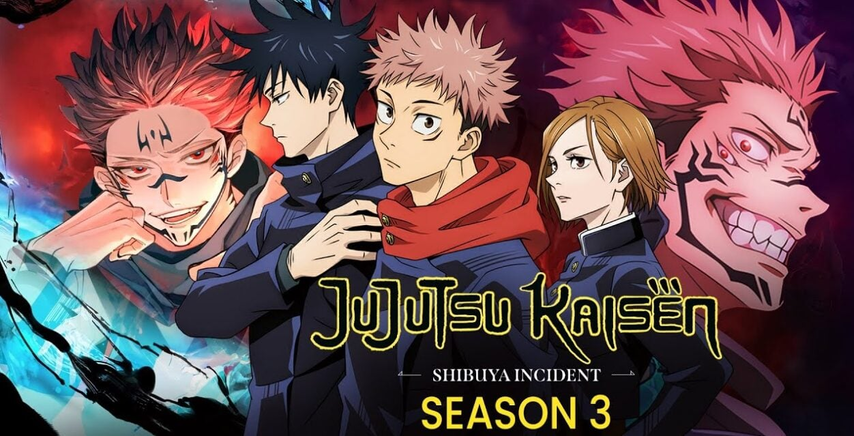 <h2>Season 3 Release Date Confirmed – The Wait Is (Almost) Over</h2> Yep, it’s official — Jujutsu Kaisen Season 3 premieres January 8, 2026 on Japan’s MBS/TBS network. The late-night slot (technically 24:26 JST) means you’ll be catching it Thursday night or early Friday depending on your time zone. International fans, no worries — Crunchyroll’s got your back with a same-day simulcast. New episodes will roll out weekly across North America, Europe, and Asia. This season kicks off right after the Jujutsu Kaisen: Execution compilation movie, which recaps Shibuya’s chaos and leads straight into the Culling Game arc — a brutal, rule-twisting survival match that’s about to test every sorcerer’s limits. So if you’ve been googling “when is Jujutsu Kaisen Season 3 coming out?”— mark your calendar. The cursed countdown ends January 8, 2026. <h2>The Trailer Has Everyone Losing Their Minds</h2> The trailer for Season 3 dropped, and let’s just say — MAPPA did not come to play. It starts with Yuji standing in the wreckage of Shibuya, broken and guilty, before cutting to the return of Yuta Okkotsu (yes, that Yuta from Jujutsu Kaisen 0). The twist? He’s ordered to execute Yuji. Emotional damage, incoming. We also get flashes of Megumi, Maki, and Toge gearing up for the Culling Game — a cursed battle royale orchestrated by Kenjaku. The animation? Cinematic-level smooth. Lighting? Perfectly moody. Emotion? Off the charts. MAPPA just raised the bar again.  <h2>Culling Game Arc: Chaos, Pain, and Pure Fire</h2> Season 3 adapts one of the manga’s most brutal arcs — the Culling Game. After the Shibuya Incident tore the world apart, Kenjaku (inside Noritoshi Kamo’s body) launches a deadly tournament forcing both sorcerers and civilians to kill or be killed. Yuji’s struggling with guilt. Megumi’s desperate to save his sister. Yuta’s torn between orders and friendship. And Gojo? Still sealed, with his fate hanging over everything. Expect nonstop tension, twisted morality, and insane battles — from Maki’s Zen’in clan revenge to Yuta’s 1v4 showdown. Manga readers know what’s coming. Everyone else? Buckle up. <h2>Why Fans Are Hyped Beyond Reason</h2> ●⚔️ Insane Battles – Culling Game = endless cursed mayhem. ●💔 Emotional Carnage – Yuji, Megumi, and Yuta are all fighting inner demons. ●😭 Where’s Gojo?! – His comeback is the #1 question of the fandom. ●🎬 MAPPA Magic – It’s giving movie-quality action every episode. Simply put: JJK Season 3 isn’t just confirmed — it’s looking like a shōnen masterpiece in the making. <h2>Where to Watch (and What to Rewatch Beforehand)</h2> You can catch Jujutsu Kaisen Season 3 on Crunchyroll starting January 8, 2026. Sub first, dub later. ● Prep your memory with:Season 1 (2020) — Yuji’s origins and Gojo’s mentorship. ●Jujutsu Kaisen 0 (film) — Yuta and Rika’s heartbreaking story. ●Season 2 (2023–24) — The Shibuya Incident you’ll never forget. <h2>Bonus: Sound Like Gojo Satoru with HitPaw VoicePea 🎙️</h2> Waiting for Gojo’s return? Why not be him? With <a href="https://www.hitpaw.com/voice-changer.html">HitPaw VoicePea</a>, you can transform your voice in real-time into Gojo’s effortlessly cool tone. Perfect for Discord calls, anime reactions, or cosplay streams. Just plug in your mic, select the Gojo preset, and turn on AI Enhance Audio for smooth, crisp sound. So go ahead — unleash your inner strongest sorcerer while we all wait for January 2026.  <h2>Final Thoughts</h2> Jujutsu Kaisen Season 3 is set to destroy us emotionally (again). The release date’s locked, the trailer’s epic, and the Culling Game is about to rewrite anime history. Until then? Watch your back, charge your cursed energy, and practice that Gojo laugh — the storm hits soon. |
| json metadata | {"tags":["anime","japaneseanime","jujutsukaisen","jujutsukaisenseason3","gojosatoru"],"image":["https://cdn.steemitimages.com/DQmenXmhixj8hGvmEy2EvHDNq2t84m4bGNxNE6x8NyAzABX/image.png","https://cdn.steemitimages.com/DQmYMgQgBDLkaGunAjg7AQsiCz4xy5Ek8PFVhZjQhyihwdf/image.png","https://cdn.steemitimages.com/DQmSYaUn9VB41cgPGAKaKvEmPccsnZvbD1MfCgAvbEbLn29/image.png"],"links":["https://www.hitpaw.com/voice-changer.html"],"app":"steemit/0.2","format":"markdown"} |
| Transaction Info | Block #100835286/Trx 106e84b7af3d7d921f189da7cd3a9eb37b05c5e9 |
View Raw JSON Data
{
"trx_id": "106e84b7af3d7d921f189da7cd3a9eb37b05c5e9",
"block": 100835286,
"trx_in_block": 2,
"op_in_trx": 0,
"virtual_op": 0,
"timestamp": "2025-11-14T03:11:03",
"op": [
"comment",
{
"parent_author": "",
"parent_permlink": "anime",
"author": "yunahi",
"permlink": "jujutsu-kaisen-season-3-everything-we-know-so-far-and-it-s-going-to-be-insane",
"title": "Jujutsu Kaisen Season 3: Everything We Know So Far (and It’s Going to Be INSANE)",
"body": "Let’s be real — Jujutsu Kaisen has had the anime community in a chokehold since day one. From cursed energy battles that break the internet to heartbreaks we’re still not over, every new season hits harder than the last. And now, Season 3 is officially on the way — darker, wilder, and full of emotional chaos.\nBelow, we’re diving into all the big stuff: the confirmed release date, the trailer breakdown that everyone’s freaking out over, what to expect from the Culling Game arc, and even a fun bonus on how to literally sound like Gojo Satoru using AI before the season drops.\n\n\n<h2>Season 3 Release Date Confirmed – The Wait Is (Almost) Over</h2>\nYep, it’s official — Jujutsu Kaisen Season 3 premieres January 8, 2026 on Japan’s MBS/TBS network. The late-night slot (technically 24:26 JST) means you’ll be catching it Thursday night or early Friday depending on your time zone.\nInternational fans, no worries — Crunchyroll’s got your back with a same-day simulcast. New episodes will roll out weekly across North America, Europe, and Asia.\nThis season kicks off right after the Jujutsu Kaisen: Execution compilation movie, which recaps Shibuya’s chaos and leads straight into the Culling Game arc — a brutal, rule-twisting survival match that’s about to test every sorcerer’s limits.\nSo if you’ve been googling “when is Jujutsu Kaisen Season 3 coming out?”— mark your calendar. The cursed countdown ends January 8, 2026.\n<h2>The Trailer Has Everyone Losing Their Minds</h2>\nThe trailer for Season 3 dropped, and let’s just say — MAPPA did not come to play.\nIt starts with Yuji standing in the wreckage of Shibuya, broken and guilty, before cutting to the return of Yuta Okkotsu (yes, that Yuta from Jujutsu Kaisen 0). The twist? He’s ordered to execute Yuji. Emotional damage, incoming.\nWe also get flashes of Megumi, Maki, and Toge gearing up for the Culling Game — a cursed battle royale orchestrated by Kenjaku. The animation? Cinematic-level smooth. Lighting? Perfectly moody. Emotion? Off the charts.\nMAPPA just raised the bar again.\n\n\n<h2>Culling Game Arc: Chaos, Pain, and Pure Fire</h2>\nSeason 3 adapts one of the manga’s most brutal arcs — the Culling Game. After the Shibuya Incident tore the world apart, Kenjaku (inside Noritoshi Kamo’s body) launches a deadly tournament forcing both sorcerers and civilians to kill or be killed.\nYuji’s struggling with guilt. Megumi’s desperate to save his sister. Yuta’s torn between orders and friendship. And Gojo? Still sealed, with his fate hanging over everything.\nExpect nonstop tension, twisted morality, and insane battles — from Maki’s Zen’in clan revenge to Yuta’s 1v4 showdown. Manga readers know what’s coming. Everyone else? Buckle up.\n<h2>Why Fans Are Hyped Beyond Reason</h2>\n●⚔️ Insane Battles – Culling Game = endless cursed mayhem.\n●💔 Emotional Carnage – Yuji, Megumi, and Yuta are all fighting inner demons.\n●😭 Where’s Gojo?! – His comeback is the #1 question of the fandom.\n●🎬 MAPPA Magic – It’s giving movie-quality action every episode.\nSimply put: JJK Season 3 isn’t just confirmed — it’s looking like a shōnen masterpiece in the making.\n<h2>Where to Watch (and What to Rewatch Beforehand)</h2>\nYou can catch Jujutsu Kaisen Season 3 on Crunchyroll starting January 8, 2026. Sub first, dub later.\n● Prep your memory with:Season 1 (2020) — Yuji’s origins and Gojo’s mentorship.\n●Jujutsu Kaisen 0 (film) — Yuta and Rika’s heartbreaking story.\n●Season 2 (2023–24) — The Shibuya Incident you’ll never forget.\n<h2>Bonus: Sound Like Gojo Satoru with HitPaw VoicePea 🎙️</h2>\nWaiting for Gojo’s return? Why not be him?\nWith <a href=\"https://www.hitpaw.com/voice-changer.html\">HitPaw VoicePea</a>, you can transform your voice in real-time into Gojo’s effortlessly cool tone. Perfect for Discord calls, anime reactions, or cosplay streams. Just plug in your mic, select the Gojo preset, and turn on AI Enhance Audio for smooth, crisp sound.\nSo go ahead — unleash your inner strongest sorcerer while we all wait for January 2026.\n\n\n<h2>Final Thoughts</h2>\nJujutsu Kaisen Season 3 is set to destroy us emotionally (again). The release date’s locked, the trailer’s epic, and the Culling Game is about to rewrite anime history.\nUntil then? Watch your back, charge your cursed energy, and practice that Gojo laugh — the storm hits soon.",
"json_metadata": "{\"tags\":[\"anime\",\"japaneseanime\",\"jujutsukaisen\",\"jujutsukaisenseason3\",\"gojosatoru\"],\"image\":[\"https://cdn.steemitimages.com/DQmenXmhixj8hGvmEy2EvHDNq2t84m4bGNxNE6x8NyAzABX/image.png\",\"https://cdn.steemitimages.com/DQmYMgQgBDLkaGunAjg7AQsiCz4xy5Ek8PFVhZjQhyihwdf/image.png\",\"https://cdn.steemitimages.com/DQmSYaUn9VB41cgPGAKaKvEmPccsnZvbD1MfCgAvbEbLn29/image.png\"],\"links\":[\"https://www.hitpaw.com/voice-changer.html\"],\"app\":\"steemit/0.2\",\"format\":\"markdown\"}"
}
]
}yunahipublished a new post: atp-finals-2025-everything-you-should-know-about-tennis-grand-finale2025/11/13 08:32:09
yunahipublished a new post: atp-finals-2025-everything-you-should-know-about-tennis-grand-finale
2025/11/13 08:32:09
| parent author | |
| parent permlink | sport |
| author | yunahi |
| permlink | atp-finals-2025-everything-you-should-know-about-tennis-grand-finale |
| title | ATP Finals 2025 – Everything You Should Know About Tennis’ Grand Finale |
| body | <h1>ATP Finals 2025: Key Players, Schedule & The Best Way to Watch in High Quality</h1> The end of the tennis season is always special. The world’s best eight players, one city, and a week of high-voltage competition — that’s what the ATP Finals are all about. And as we step into 2025, the Nitto ATP Finals 2025 in Turin are already shaping up to be one of the most exciting chapters yet. After an unforgettable 2024 edition, this year’s finals promise more energy, more passion, and maybe even a few surprises. If you’ve been following tennis closely, you know this is the ultimate showdown — where reputations are built, legacies are cemented, and dreams come alive under the indoor lights. <h2>What’s New in the 2025 ATP Finals</h2> The 2025 Nitto ATP Finals will be held from November 9 to 16 at the Inalpi Arena in Turin, Italy — marking the fifth consecutive year the event takes place in this dynamic city. Turin has grown into a tennis capital, with world-class facilities and an atmosphere that perfectly complements the intensity of the matches.  This year, the lineup is truly star-studded: Carlos Alcaraz, Jannik Sinner, Novak Djokovic, and Alexander Zverev lead the charge. Each brings a distinct playing style and story — from Djokovic’s timeless consistency to Alcaraz’s explosive youth and Sinner’s home advantage. The format remains the classic round-robin, where every player gets multiple matches before the knockout rounds. That means more opportunities for epic rallies, shocking upsets, and headline-worthy performances. And let’s not forget — the match schedule is designed to suit both live audiences and global viewers, with prime-time sessions ensuring fans everywhere can tune in comfortably. <h2>Why Turin Is the Perfect Stage</h2> Turin has really made the ATP Finals its own. Beyond the courts, the city buzzes with energy. From fan zones filled with interactive experiences to themed cafes and live performances, the whole week feels like a festival of tennis culture.  For those lucky enough to attend, the city’s architecture, Italian cuisine, and warm hospitality make the trip unforgettable. And even if you’re watching from home, the broadcast quality and on-site production bring the magic of Turin right to your screen. <h2>Reliving Every Moment in Perfect Quality</h2> Here’s a thought — after the match, when you rewatch the highlights, what if you could see every detail with crystal clarity? That’s where HitPaw VikPea comes in.  HitPaw VikPea (formerly known as HitPaw Video Enhancer) uses advanced AI algorithms to repair, upscale, and enhance videos up to 8K resolution. Imagine reliving Djokovic’s drop shot or Alcaraz’s powerful forehand with flawless sharpness and color depth. It’s not just for tennis — it’s for anyone who loves rewatching sports, movies, or personal footage in the best possible quality. Some of its standout features include: ●Easy-to-use interface for all users ●Multiple AI models for denoising, stabilizing, and color enhancement ●Real-time preview before export ●<a href="https://www.hitpaw.com/video-repair.html">Video Repair</a> for damaged or unplayable files With VikPea’s latest update introducing Frame Interpolation and Stabilize Models, you can enjoy smoother playback and more natural motion — perfect for fast-paced sports like tennis. <h3>Why the 2025 Edition Matters</h3> Beyond the prize money and rankings, the ATP Finals represent the spirit of modern tennis — resilience, skill, and the battle for year-end supremacy. Djokovic will aim to extend his legacy, while Sinner looks to make history on home soil. Meanwhile, rising stars like Alcaraz and Rune could shake things up entirely. Every match could reshape the ATP narrative heading into the 2026 season. And with so much talent and unpredictability, fans are in for a breathtaking finale. <h2>Final Thoughts</h2> The ATP Finals 2025 are more than just a tournament — they’re a celebration of everything that makes tennis beautiful. From the energy of the Turin crowd to the precision of every serve and volley, this event captures the essence of competition at its highest level. And if you want to relive it all in unmatched clarity, HitPaw VikPea is your go-to tool to enhance highlights and repair old footage effortlessly. It’s the perfect way to make the best moments last forever. If you enjoy following global sports stories, AI tools, and digital tech that make watching better — follow and subscribe for more content like this! 🎾✨ |
| json metadata | {"tags":["sport","atpfinals2025","tennis","sportstech","videoenhancement","hitpawvikpea","turin"],"image":["https://cdn.steemitimages.com/DQmb7vRW9vPqZuDMtbMggpSQytjDLaKbpHDokWBpiCij1BB/image.png","https://cdn.steemitimages.com/DQmQDVFqssq1sk8ANsPFPy4GSgMDYxV4aaDn8E8LWj2GCsA/image.png","https://cdn.steemitimages.com/DQmUsdCMZaKzx6BZwALmPQSj9rZ8LzhpfLqRvgr7CGCHh92/image.png"],"links":["https://www.hitpaw.com/video-repair.html"],"app":"steemit/0.2","format":"markdown"} |
| Transaction Info | Block #100812946/Trx fed39bf64d0165f87fcaae59112990a5c39363f3 |
View Raw JSON Data
{
"trx_id": "fed39bf64d0165f87fcaae59112990a5c39363f3",
"block": 100812946,
"trx_in_block": 0,
"op_in_trx": 0,
"virtual_op": 0,
"timestamp": "2025-11-13T08:32:09",
"op": [
"comment",
{
"parent_author": "",
"parent_permlink": "sport",
"author": "yunahi",
"permlink": "atp-finals-2025-everything-you-should-know-about-tennis-grand-finale",
"title": "ATP Finals 2025 – Everything You Should Know About Tennis’ Grand Finale",
"body": "<h1>ATP Finals 2025: Key Players, Schedule & The Best Way to Watch in High Quality</h1>\nThe end of the tennis season is always special. The world’s best eight players, one city, and a week of high-voltage competition — that’s what the ATP Finals are all about. And as we step into 2025, the Nitto ATP Finals 2025 in Turin are already shaping up to be one of the most exciting chapters yet.\nAfter an unforgettable 2024 edition, this year’s finals promise more energy, more passion, and maybe even a few surprises. If you’ve been following tennis closely, you know this is the ultimate showdown — where reputations are built, legacies are cemented, and dreams come alive under the indoor lights.\n\n<h2>What’s New in the 2025 ATP Finals</h2>\nThe 2025 Nitto ATP Finals will be held from November 9 to 16 at the Inalpi Arena in Turin, Italy — marking the fifth consecutive year the event takes place in this dynamic city. Turin has grown into a tennis capital, with world-class facilities and an atmosphere that perfectly complements the intensity of the matches.\n\n\n\nThis year, the lineup is truly star-studded: Carlos Alcaraz, Jannik Sinner, Novak Djokovic, and Alexander Zverev lead the charge. Each brings a distinct playing style and story — from Djokovic’s timeless consistency to Alcaraz’s explosive youth and Sinner’s home advantage.\nThe format remains the classic round-robin, where every player gets multiple matches before the knockout rounds. That means more opportunities for epic rallies, shocking upsets, and headline-worthy performances.\nAnd let’s not forget — the match schedule is designed to suit both live audiences and global viewers, with prime-time sessions ensuring fans everywhere can tune in comfortably.\n\n<h2>Why Turin Is the Perfect Stage</h2>\nTurin has really made the ATP Finals its own. Beyond the courts, the city buzzes with energy. From fan zones filled with interactive experiences to themed cafes and live performances, the whole week feels like a festival of tennis culture.\n\n\nFor those lucky enough to attend, the city’s architecture, Italian cuisine, and warm hospitality make the trip unforgettable. And even if you’re watching from home, the broadcast quality and on-site production bring the magic of Turin right to your screen.\n\n<h2>Reliving Every Moment in Perfect Quality</h2>\nHere’s a thought — after the match, when you rewatch the highlights, what if you could see every detail with crystal clarity? That’s where HitPaw VikPea comes in.\n\n\nHitPaw VikPea (formerly known as HitPaw Video Enhancer) uses advanced AI algorithms to repair, upscale, and enhance videos up to 8K resolution. Imagine reliving Djokovic’s drop shot or Alcaraz’s powerful forehand with flawless sharpness and color depth.\nIt’s not just for tennis — it’s for anyone who loves rewatching sports, movies, or personal footage in the best possible quality.\nSome of its standout features include:\n●Easy-to-use interface for all users\n●Multiple AI models for denoising, stabilizing, and color enhancement\n●Real-time preview before export\n●<a href=\"https://www.hitpaw.com/video-repair.html\">Video Repair</a> for damaged or unplayable files\nWith VikPea’s latest update introducing Frame Interpolation and Stabilize Models, you can enjoy smoother playback and more natural motion — perfect for fast-paced sports like tennis.\n\n<h3>Why the 2025 Edition Matters</h3>\nBeyond the prize money and rankings, the ATP Finals represent the spirit of modern tennis — resilience, skill, and the battle for year-end supremacy. Djokovic will aim to extend his legacy, while Sinner looks to make history on home soil. Meanwhile, rising stars like Alcaraz and Rune could shake things up entirely.\nEvery match could reshape the ATP narrative heading into the 2026 season. And with so much talent and unpredictability, fans are in for a breathtaking finale.\n\n<h2>Final Thoughts</h2>\nThe ATP Finals 2025 are more than just a tournament — they’re a celebration of everything that makes tennis beautiful. From the energy of the Turin crowd to the precision of every serve and volley, this event captures the essence of competition at its highest level.\nAnd if you want to relive it all in unmatched clarity, HitPaw VikPea is your go-to tool to enhance highlights and repair old footage effortlessly. It’s the perfect way to make the best moments last forever.\nIf you enjoy following global sports stories, AI tools, and digital tech that make watching better — follow and subscribe for more content like this! 🎾✨",
"json_metadata": "{\"tags\":[\"sport\",\"atpfinals2025\",\"tennis\",\"sportstech\",\"videoenhancement\",\"hitpawvikpea\",\"turin\"],\"image\":[\"https://cdn.steemitimages.com/DQmb7vRW9vPqZuDMtbMggpSQytjDLaKbpHDokWBpiCij1BB/image.png\",\"https://cdn.steemitimages.com/DQmQDVFqssq1sk8ANsPFPy4GSgMDYxV4aaDn8E8LWj2GCsA/image.png\",\"https://cdn.steemitimages.com/DQmUsdCMZaKzx6BZwALmPQSj9rZ8LzhpfLqRvgr7CGCHh92/image.png\"],\"links\":[\"https://www.hitpaw.com/video-repair.html\"],\"app\":\"steemit/0.2\",\"format\":\"markdown\"}"
}
]
}yunahipublished a new post: remove-watermarks-from-gifs-online-5-free-tools-you-can-rely-on2025/11/13 06:12:09
yunahipublished a new post: remove-watermarks-from-gifs-online-5-free-tools-you-can-rely-on
2025/11/13 06:12:09
| parent author | |
| parent permlink | aitools |
| author | yunahi |
| permlink | remove-watermarks-from-gifs-online-5-free-tools-you-can-rely-on |
| title | Remove Watermarks from GIFs Online: 5 Free Tools You Can Rely On |
| body | Watermarked GIFs can be distracting, whether for social media posts, presentations, or personal collections. Fortunately, some online tools can clean them up without complicated software. While GIF watermark removal is trickier than images, a few platforms make it manageable and efficient. <h2>1. EZGif</h2> EZGif provides a comprehensive set of GIF editing features. Its crop and auto-crop tools help remove watermarks precisely, and the platform also allows resizing, optimization, and format conversion. Advanced users can leverage Gifsicle or ImageMagick for manual control. Pros: Handles unique GIF formats, compresses and optimizes files. Cons: Outdated interface, heavy ads, not the best for professional projects. <h2>2. FlexClip</h2> FlexClip combines simplicity and functionality. Users can crop GIFs or videos, cover watermarks with elements, and preview results. Additional editing options include adding overlays, media, text, or filters, with timeline control for precise adjustments. Pros: Supports GIF and MP4 exports, offers royalty-free media library, multiple overlay options. Cons: Sign-up required, beginner guidance needed, no team collaboration. <h2>3. ILoveIMG</h2> ILoveIMG is ideal for light editing. Upload GIFs via Google Drive or Dropbox and remove watermarks using crop or cut functions. Manual pixel adjustments allow precise watermark placement. Other editing options include resizing, compressing, and rotating GIFs. Pros: Secure, cloud support, easy sharing via links or QR codes. Cons: Processing slower, free version limits to 15MB, occasional bugs. <h2>4. Aspose</h2> Aspose is versatile for multiple file types. Its batch processing and cloud integration simplify removing watermarks across documents or images. While it’s less user-friendly visually, it is a reliable and professional solution, especially for developers using APIs. Pros: Reliable and professional, API integration, non-destructive editing. Cons: Interface less intuitive, some advanced features require payment. <h2>5. WatermarkRemover.io</h2> An AI-driven option, WatermarkRemover.io removes watermarks cleanly from GIFs and images. Selection tools allow precise removal, while cloud integration makes uploads seamless. You can tweak sharpness or contrast post-processing. Pros: Supports GIF and image formats, AI-assisted, online. Cons: Ads may interfere, performance drops with complex files. <h2>Why HitPaw Online Watermark Remover Shines for Videos</h2> When your project involves videos, <a href="https://online.hitpaw.com/watermark-remover-online.html">HitPaw Online Watermark Remover</a> is the most reliable solution. Its advantages include: ●Precise watermark selection with duration control. ●Real-time preview for seamless editing. ●Multiple video format support and trimming features. ●Intuitive, beginner-friendly interface with professional-grade output. For creators needing clean, high-quality video content without watermarks, HitPaw is unmatched in efficiency and ease of use.  <h2>Conclusion</h2> Free online tools can help remove watermarks from GIFs, but for videos, HitPaw Online Watermark Remover offers speed, precision, and reliability. Whether you’re editing memes, GIF reactions, or professional clips, these tools provide simple solutions to achieve watermark-free content quickly. |
| json metadata | {"tags":["aitools","watermarkremover","gifwatermark","gifwatermarkremover"],"image":["https://cdn.steemitimages.com/DQmVBAgKKgtohgpP1Vm1quL273pLyc8HGc7R97bDyuS5Vzm/image.png"],"links":["https://online.hitpaw.com/watermark-remover-online.html"],"app":"steemit/0.2","format":"markdown"} |
| Transaction Info | Block #100810150/Trx 2e614fdb3f1cb17ae1f02c0b82f9e7c228c983dd |
View Raw JSON Data
{
"trx_id": "2e614fdb3f1cb17ae1f02c0b82f9e7c228c983dd",
"block": 100810150,
"trx_in_block": 2,
"op_in_trx": 0,
"virtual_op": 0,
"timestamp": "2025-11-13T06:12:09",
"op": [
"comment",
{
"parent_author": "",
"parent_permlink": "aitools",
"author": "yunahi",
"permlink": "remove-watermarks-from-gifs-online-5-free-tools-you-can-rely-on",
"title": "Remove Watermarks from GIFs Online: 5 Free Tools You Can Rely On",
"body": "Watermarked GIFs can be distracting, whether for social media posts, presentations, or personal collections. Fortunately, some online tools can clean them up without complicated software. While GIF watermark removal is trickier than images, a few platforms make it manageable and efficient.\n<h2>1. EZGif</h2>\n EZGif provides a comprehensive set of GIF editing features. Its crop and auto-crop tools help remove watermarks precisely, and the platform also allows resizing, optimization, and format conversion. Advanced users can leverage Gifsicle or ImageMagick for manual control.\nPros: Handles unique GIF formats, compresses and optimizes files.\nCons: Outdated interface, heavy ads, not the best for professional projects.\n<h2>2. FlexClip</h2>\n FlexClip combines simplicity and functionality. Users can crop GIFs or videos, cover watermarks with elements, and preview results. Additional editing options include adding overlays, media, text, or filters, with timeline control for precise adjustments.\nPros: Supports GIF and MP4 exports, offers royalty-free media library, multiple overlay options.\nCons: Sign-up required, beginner guidance needed, no team collaboration.\n<h2>3. ILoveIMG</h2>\n ILoveIMG is ideal for light editing. Upload GIFs via Google Drive or Dropbox and remove watermarks using crop or cut functions. Manual pixel adjustments allow precise watermark placement. Other editing options include resizing, compressing, and rotating GIFs.\nPros: Secure, cloud support, easy sharing via links or QR codes.\nCons: Processing slower, free version limits to 15MB, occasional bugs.\n<h2>4. Aspose</h2>\n Aspose is versatile for multiple file types. Its batch processing and cloud integration simplify removing watermarks across documents or images. While it’s less user-friendly visually, it is a reliable and professional solution, especially for developers using APIs.\nPros: Reliable and professional, API integration, non-destructive editing.\nCons: Interface less intuitive, some advanced features require payment.\n<h2>5. WatermarkRemover.io</h2>\nAn AI-driven option, WatermarkRemover.io removes watermarks cleanly from GIFs and images. Selection tools allow precise removal, while cloud integration makes uploads seamless. You can tweak sharpness or contrast post-processing.\nPros: Supports GIF and image formats, AI-assisted, online.\nCons: Ads may interfere, performance drops with complex files.\n<h2>Why HitPaw Online Watermark Remover Shines for Videos</h2>\nWhen your project involves videos, <a href=\"https://online.hitpaw.com/watermark-remover-online.html\">HitPaw Online Watermark Remover</a> is the most reliable solution. Its advantages include:\n●Precise watermark selection with duration control.\n●Real-time preview for seamless editing.\n●Multiple video format support and trimming features.\n●Intuitive, beginner-friendly interface with professional-grade output.\nFor creators needing clean, high-quality video content without watermarks, HitPaw is unmatched in efficiency and ease of use.\n\n\n\n<h2>Conclusion</h2>\nFree online tools can help remove watermarks from GIFs, but for videos, HitPaw Online Watermark Remover offers speed, precision, and reliability. Whether you’re editing memes, GIF reactions, or professional clips, these tools provide simple solutions to achieve watermark-free content quickly.",
"json_metadata": "{\"tags\":[\"aitools\",\"watermarkremover\",\"gifwatermark\",\"gifwatermarkremover\"],\"image\":[\"https://cdn.steemitimages.com/DQmVBAgKKgtohgpP1Vm1quL273pLyc8HGc7R97bDyuS5Vzm/image.png\"],\"links\":[\"https://online.hitpaw.com/watermark-remover-online.html\"],\"app\":\"steemit/0.2\",\"format\":\"markdown\"}"
}
]
}yunahipublished a new post: in-your-dreams-2025-netflix-s-new-animated-gem-you-won-t-want-to-miss2025/11/13 04:02:42
yunahipublished a new post: in-your-dreams-2025-netflix-s-new-animated-gem-you-won-t-want-to-miss
2025/11/13 04:02:42
| parent author | |
| parent permlink | netflix |
| author | yunahi |
| permlink | in-your-dreams-2025-netflix-s-new-animated-gem-you-won-t-want-to-miss |
| title | In Your Dreams 2025: Netflix’s New Animated Gem You Won’t Want to Miss |
| body | @@ -1,84 +1,4 @@ -%3Ch1%3EIn Your Dreams 2025: Netflix%E2%80%99s New Animated Gem You Won%E2%80%99t Want to Miss%3C/h1%3E%0A Netf |
| json metadata | {"tags":["netflixanimation","inyourdreams2025","animatedmovies","hitpawvikpea","aitools","moviereview"],"image":["https://cdn.steemitimages.com/DQmUEPiEX2wEToB6UVFyiWN9J2NTuZTT463zeDHN3TeWrHf/image.png","https://cdn.steemitimages.com/DQmYVipmqpv37g8dLVXhaGKsn28knzpi5u9Gp1NhxcDu3ZP/image.png","https://cdn.steemitimages.com/DQmTWhrbNHQgXZBaZniEV7JCMqiRCN1d47mut7Jzr9MkYXh/image.png","https://cdn.steemitimages.com/DQmUsdCMZaKzx6BZwALmPQSj9rZ8LzhpfLqRvgr7CGCHh92/image.png","https://cdn.steemitimages.com/DQmfG76RAJ7W2drSf3qa8KA6bKWLiKMDYdRrJwkMSz76noy/image.png"],"links":["https://www.hitpaw.com/video-tips/upscale-video-to-4k.html"],"app":"steemit/0.2","format":"markdown"} |
| Transaction Info | Block #100807567/Trx d63ed84ff379876a0d57379e012bedff5dad1158 |
View Raw JSON Data
{
  "trx_id": "d63ed84ff379876a0d57379e012bedff5dad1158",
  "block": 100807567,
  "trx_in_block": 2,
  "op_in_trx": 0,
  "virtual_op": 0,
  "timestamp": "2025-11-13T04:02:42",
  "op": [
    "comment",
    {
      "parent_author": "",
      "parent_permlink": "netflix",
      "author": "yunahi",
      "permlink": "in-your-dreams-2025-netflix-s-new-animated-gem-you-won-t-want-to-miss",
      "title": "In Your Dreams 2025: Netflix’s New Animated Gem You Won’t Want to Miss",
      "body": "@@ -1,84 +1,4 @@\n-%3Ch1%3EIn Your Dreams 2025: Netflix%E2%80%99s New Animated Gem You Won%E2%80%99t Want to Miss%3C/h1%3E%0A\n Netf\n",
      "json_metadata": "{\"tags\":[\"netflixanimation\",\"inyourdreams2025\",\"animatedmovies\",\"hitpawvikpea\",\"aitools\",\"moviereview\"],\"image\":[\"https://cdn.steemitimages.com/DQmUEPiEX2wEToB6UVFyiWN9J2NTuZTT463zeDHN3TeWrHf/image.png\",\"https://cdn.steemitimages.com/DQmYVipmqpv37g8dLVXhaGKsn28knzpi5u9Gp1NhxcDu3ZP/image.png\",\"https://cdn.steemitimages.com/DQmTWhrbNHQgXZBaZniEV7JCMqiRCN1d47mut7Jzr9MkYXh/image.png\",\"https://cdn.steemitimages.com/DQmUsdCMZaKzx6BZwALmPQSj9rZ8LzhpfLqRvgr7CGCHh92/image.png\",\"https://cdn.steemitimages.com/DQmfG76RAJ7W2drSf3qa8KA6bKWLiKMDYdRrJwkMSz76noy/image.png\"],\"links\":[\"https://www.hitpaw.com/video-tips/upscale-video-to-4k.html\"],\"app\":\"steemit/0.2\",\"format\":\"markdown\"}"
    }
  ]
}yunahipublished a new post: in-your-dreams-2025-netflix-s-new-animated-gem-you-won-t-want-to-miss2025/11/13 04:01:48
yunahipublished a new post: in-your-dreams-2025-netflix-s-new-animated-gem-you-won-t-want-to-miss
2025/11/13 04:01:48
| parent author | |
| parent permlink | netflix |
| author | yunahi |
| permlink | in-your-dreams-2025-netflix-s-new-animated-gem-you-won-t-want-to-miss |
| title | In Your Dreams 2025: Netflix’s New Animated Gem You Won’t Want to Miss |
| body | <h1>In Your Dreams 2025: Netflix’s New Animated Gem You Won’t Want to Miss</h1> Netflix is diving deep into dreamland this year with <i>In Your Dreams (2025)</i> — a brand-new animated adventure that’s already capturing global attention. Blending humor, heart, and breathtaking animation, it’s the kind of movie that reminds us why we love family films in the first place. Premiering in select theaters on November 7, 2025, before streaming on Netflix from November 14, this movie invites audiences into a vibrant world of imagination — and emotion.  <h2>🎬 Plot and Characters: When Dreams Become Adventures</h2>  <i>In Your Dreams (2025)</i> follows two siblings, Stevie and Elliot, whose parents’ marriage is falling apart. Determined to fix it, they embark on a surreal journey into Dreamland — a universe where reality bends, breakfast foods come alive, and nightmares have faces. Dreamland is beautifully absurd: zombie pancakes, talking animals, and a mischievous Queen of Nightmares make it a visual feast that’s both funny and surprisingly emotional. The story isn’t just about fantasy — it’s about courage, empathy, and what it means to hold a family together. It delivers laughter, tears, and wonder in equal measure. <h2>🌟 A Star-Filled Voice Cast</h2> This movie shines with an incredible lineup of voice actors: ●Simu Liu brings warmth and wisdom as the caring father. ●Cristin Milioti voices the mother with tenderness and subtle humor. ●Craig Robinson steals the show as Baloney Tony, a talking giraffe with just the right amount of sass. ●Jolie Hoang-Rappaport and Elias Janssen voice Stevie and Elliot — the brave duo who carry the emotional weight of the film. Their chemistry gives <i>In Your Dreams</i> the kind of energy that makes animated storytelling timeless. <h2>🎨 Animation That Breathes Imagination</h2> Directed by Alex Woo, a former Pixar artist, the animation of <i>In Your Dreams</i> bursts with life. Every corner of Dreamland feels like a painting in motion — from the vibrant skies of fantasy to the shadowy edges of Nightmare Land.  Woo’s Pixar background shows in the film’s emotional rhythm. You get humor for the kids, nostalgia for adults, and visuals that everyone can appreciate. It’s the kind of animation that feels hand-crafted, yet cinematic enough to rival Pixar or DreamWorks. <h2>💭 Why It’s Worth Watching</h2> There’s a lot to love about <i>In Your Dreams 2025</i>: ●<b>Family-first storytelling</b> that resonates across generations. ●<b>Creative dream sequences</b> that turn imagination into emotion. ●<b>Balanced humor and heart</b>, making it both funny and touching. ●<b>Replay value</b> — every rewatch reveals hidden details in Dreamland’s design. Netflix’s animated lineup has been growing stronger each year, but <i>In Your Dreams</i> feels special. It’s emotional without being heavy, funny without losing meaning — and it leaves you thinking long after the credits roll. <h2>✨ Enhance the Magic with HitPaw VikPea</h2> Want to relive your favorite <i>In Your Dreams</i> moments in even sharper detail? That’s where HitPaw VikPea comes in — an AI-powered video enhancer that upgrades your animated clips to 4K resolution while keeping every texture, color, and movement beautifully natural.  With its Animation Model, you can: ●Sharpen details and preserve artistic style ●<a href="https://www.hitpaw.com/video-tips/upscale-video-to-4k.html">Upscale videos to 4K</a> smoothly ●Keep natural color tones without distortion ●Export in multiple formats for easy sharing 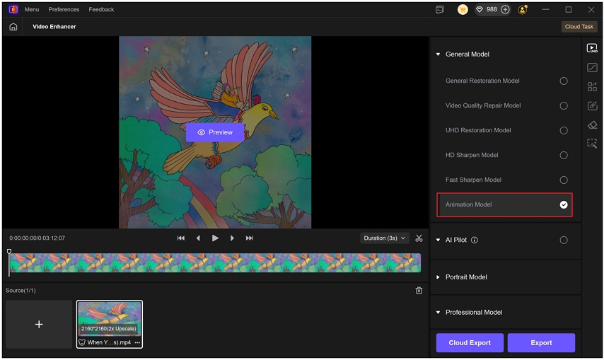 It’s perfect for fans who love editing or want to share aesthetic clips from Netflix animations while keeping the original charm intact. HitPaw VikPea helps you explore creativity beyond the movie screen — turning your favorite scenes into your own digital art. <h2>🌈 Final Thoughts</h2> <i>In Your Dreams 2025</i> is more than another animated release — it’s a vivid reminder of how stories about family, love, and imagination can still touch our hearts. Whether you’re watching with your kids, your friends, or just indulging in a solo night of animation therapy, this film is absolutely worth your time. And if you love enhancing your favorite animated moments, don’t forget to give HitPaw VikPea a try — it’s the easiest way to make Dreamland even more magical. If you enjoyed this post, follow me for more reviews, AI tools, and Netflix animation updates — let’s explore creativity together. 🌙 |
| json metadata | {"tags":["netflix","netflixanimation","inyourdreams2025","animatedmovies","hitpawvikpea","aitools","moviereview"],"image":["https://cdn.steemitimages.com/DQmUEPiEX2wEToB6UVFyiWN9J2NTuZTT463zeDHN3TeWrHf/image.png","https://cdn.steemitimages.com/DQmYVipmqpv37g8dLVXhaGKsn28knzpi5u9Gp1NhxcDu3ZP/image.png","https://cdn.steemitimages.com/DQmTWhrbNHQgXZBaZniEV7JCMqiRCN1d47mut7Jzr9MkYXh/image.png","https://cdn.steemitimages.com/DQmUsdCMZaKzx6BZwALmPQSj9rZ8LzhpfLqRvgr7CGCHh92/image.png","https://cdn.steemitimages.com/DQmfG76RAJ7W2drSf3qa8KA6bKWLiKMDYdRrJwkMSz76noy/image.png"],"links":["https://www.hitpaw.com/video-tips/upscale-video-to-4k.html"],"app":"steemit/0.2","format":"markdown"} |
| Transaction Info | Block #100807549/Trx 95d6ccdf5c88dd07d4f82ab4eca7234bb7dc22a2 |
View Raw JSON Data
{
"trx_id": "95d6ccdf5c88dd07d4f82ab4eca7234bb7dc22a2",
"block": 100807549,
"trx_in_block": 0,
"op_in_trx": 0,
"virtual_op": 0,
"timestamp": "2025-11-13T04:01:48",
"op": [
"comment",
{
"parent_author": "",
"parent_permlink": "netflix",
"author": "yunahi",
"permlink": "in-your-dreams-2025-netflix-s-new-animated-gem-you-won-t-want-to-miss",
"title": "In Your Dreams 2025: Netflix’s New Animated Gem You Won’t Want to Miss",
"body": "<h1>In Your Dreams 2025: Netflix’s New Animated Gem You Won’t Want to Miss</h1>\nNetflix is diving deep into dreamland this year with <i>In Your Dreams (2025)</i> — a brand-new animated adventure that’s already capturing global attention. Blending humor, heart, and breathtaking animation, it’s the kind of movie that reminds us why we love family films in the first place.\nPremiering in select theaters on November 7, 2025, before streaming on Netflix from November 14, this movie invites audiences into a vibrant world of imagination — and emotion.\n\n\n\n<h2>🎬 Plot and Characters: When Dreams Become Adventures</h2>\n\n\n<i>In Your Dreams (2025)</i> follows two siblings, Stevie and Elliot, whose parents’ marriage is falling apart. Determined to fix it, they embark on a surreal journey into Dreamland — a universe where reality bends, breakfast foods come alive, and nightmares have faces.\nDreamland is beautifully absurd: zombie pancakes, talking animals, and a mischievous Queen of Nightmares make it a visual feast that’s both funny and surprisingly emotional.\nThe story isn’t just about fantasy — it’s about courage, empathy, and what it means to hold a family together. It delivers laughter, tears, and wonder in equal measure.\n\n<h2>🌟 A Star-Filled Voice Cast</h2>\nThis movie shines with an incredible lineup of voice actors:\n●Simu Liu brings warmth and wisdom as the caring father.\n●Cristin Milioti voices the mother with tenderness and subtle humor.\n●Craig Robinson steals the show as Baloney Tony, a talking giraffe with just the right amount of sass.\n●Jolie Hoang-Rappaport and Elias Janssen voice Stevie and Elliot — the brave duo who carry the emotional weight of the film.\nTheir chemistry gives <i>In Your Dreams</i> the kind of energy that makes animated storytelling timeless.\n\n<h2>🎨 Animation That Breathes Imagination</h2>\nDirected by Alex Woo, a former Pixar artist, the animation of <i>In Your Dreams</i> bursts with life. Every corner of Dreamland feels like a painting in motion — from the vibrant skies of fantasy to the shadowy edges of Nightmare Land.\n\n\nWoo’s Pixar background shows in the film’s emotional rhythm. You get humor for the kids, nostalgia for adults, and visuals that everyone can appreciate. It’s the kind of animation that feels hand-crafted, yet cinematic enough to rival Pixar or DreamWorks.\n\n<h2>💭 Why It’s Worth Watching</h2>\nThere’s a lot to love about <i>In Your Dreams 2025</i>:\n●<b>Family-first storytelling</b> that resonates across generations.\n●<b>Creative dream sequences</b> that turn imagination into emotion.\n●<b>Balanced humor and heart</b>, making it both funny and touching.\n●<b>Replay value</b> — every rewatch reveals hidden details in Dreamland’s design.\nNetflix’s animated lineup has been growing stronger each year, but <i>In Your Dreams</i> feels special. It’s emotional without being heavy, funny without losing meaning — and it leaves you thinking long after the credits roll.\n\n<h2>✨ Enhance the Magic with HitPaw VikPea</h2>\nWant to relive your favorite <i>In Your Dreams</i> moments in even sharper detail?\n That’s where HitPaw VikPea comes in — an AI-powered video enhancer that upgrades your animated clips to 4K resolution while keeping every texture, color, and movement beautifully natural.\n\n\nWith its Animation Model, you can:\n●Sharpen details and preserve artistic style\n●<a href=\"https://www.hitpaw.com/video-tips/upscale-video-to-4k.html\">Upscale videos to 4K</a> smoothly\n●Keep natural color tones without distortion\n●Export in multiple formats for easy sharing\n\n\nIt’s perfect for fans who love editing or want to share aesthetic clips from Netflix animations while keeping the original charm intact.\nHitPaw VikPea helps you explore creativity beyond the movie screen — turning your favorite scenes into your own digital art.\n\n<h2>🌈 Final Thoughts</h2>\n<i>In Your Dreams 2025</i> is more than another animated release — it’s a vivid reminder of how stories about family, love, and imagination can still touch our hearts. Whether you’re watching with your kids, your friends, or just indulging in a solo night of animation therapy, this film is absolutely worth your time.\nAnd if you love enhancing your favorite animated moments, don’t forget to give HitPaw VikPea a try — it’s the easiest way to make Dreamland even more magical.\n\nIf you enjoyed this post, follow me for more reviews, AI tools, and Netflix animation updates — let’s explore creativity together. 🌙",
"json_metadata": "{\"tags\":[\"netflix\",\"netflixanimation\",\"inyourdreams2025\",\"animatedmovies\",\"hitpawvikpea\",\"aitools\",\"moviereview\"],\"image\":[\"https://cdn.steemitimages.com/DQmUEPiEX2wEToB6UVFyiWN9J2NTuZTT463zeDHN3TeWrHf/image.png\",\"https://cdn.steemitimages.com/DQmYVipmqpv37g8dLVXhaGKsn28knzpi5u9Gp1NhxcDu3ZP/image.png\",\"https://cdn.steemitimages.com/DQmTWhrbNHQgXZBaZniEV7JCMqiRCN1d47mut7Jzr9MkYXh/image.png\",\"https://cdn.steemitimages.com/DQmUsdCMZaKzx6BZwALmPQSj9rZ8LzhpfLqRvgr7CGCHh92/image.png\",\"https://cdn.steemitimages.com/DQmfG76RAJ7W2drSf3qa8KA6bKWLiKMDYdRrJwkMSz76noy/image.png\"],\"links\":[\"https://www.hitpaw.com/video-tips/upscale-video-to-4k.html\"],\"app\":\"steemit/0.2\",\"format\":\"markdown\"}"
}
]
}yunahicustom json: community2025/11/13 03:49:00
yunahicustom json: community
2025/11/13 03:49:00
| required auths | [] |
| required posting auths | ["yunahi"] |
| id | community |
| json | ["subscribe",{"community":"hive-156403"}] |
| Transaction Info | Block #100807294/Trx 11f9949675931947c6b806e33a42364836c6e677 |
View Raw JSON Data
{
  "trx_id": "11f9949675931947c6b806e33a42364836c6e677",
  "block": 100807294,
  "trx_in_block": 0,
  "op_in_trx": 0,
  "virtual_op": 0,
  "timestamp": "2025-11-13T03:49:00",
  "op": [
    "custom_json",
    {
      "required_auths": [],
      "required_posting_auths": [
        "yunahi"
      ],
      "id": "community",
      "json": "[\"subscribe\",{\"community\":\"hive-156403\"}]"
    }
  ]
}yunahireceived 0.228 STEEM, 0.231 SP author reward for @yunahi / clipfly-ai-video-generator-review-fun-or-flop2025/11/12 10:30:30
yunahireceived 0.228 STEEM, 0.231 SP author reward for @yunahi / clipfly-ai-video-generator-review-fun-or-flop
2025/11/12 10:30:30
| author | yunahi |
| permlink | clipfly-ai-video-generator-review-fun-or-flop |
| sbd payout | 0.000 SBD |
| steem payout | 0.228 STEEM |
| vesting payout | 376.379024 VESTS |
| Transaction Info | Block #100786563/Virtual Operation #3 |
View Raw JSON Data
{
  "trx_id": "0000000000000000000000000000000000000000",
  "block": 100786563,
  "trx_in_block": 4294967295,
  "op_in_trx": 0,
  "virtual_op": 3,
  "timestamp": "2025-11-12T10:30:30",
  "op": [
    "author_reward",
    {
      "author": "yunahi",
      "permlink": "clipfly-ai-video-generator-review-fun-or-flop",
      "sbd_payout": "0.000 SBD",
      "steem_payout": "0.228 STEEM",
      "vesting_payout": "376.379024 VESTS"
    }
  ]
}yunahipublished a new post: top-10-nsfw-image-detector-tools-to-keep-your-platform-safe2025/11/12 07:20:39
yunahipublished a new post: top-10-nsfw-image-detector-tools-to-keep-your-platform-safe
2025/11/12 07:20:39
| parent author | |
| parent permlink | ai |
| author | yunahi |
| permlink | top-10-nsfw-image-detector-tools-to-keep-your-platform-safe |
| title | Top 10 NSFW Image Detector Tools to Keep Your Platform Safe |
| body | Whether you manage a community, moderate user submissions, or simply want to make sure your uploads meet platform standards, NSFW image detectors are essential tools for keeping your content safe. These AI-powered systems analyze pictures, detect explicit or inappropriate visuals, and flag anything that may violate public or professional boundaries. In this guide, we’ll explore what NSFW content really means, how detection tools work, and introduce the top 8 NSFW image detector tools available today — with HitPaw AI Image Detector standing out as the most accurate and user-friendly choice. <h2>Part 1. What Is NSFW Content?</h2> The term NSFW (Not Safe For Work) refers to visual material that’s inappropriate for professional, public, or mixed environments. This includes nudity, sexually suggestive imagery, or graphic scenes involving violence or harm. However, NSFW doesn’t just mean explicit nudity. It also covers suggestive poses, exposed body parts, or any imagery intended to provoke sexual attention. The same applies to violent or dehumanizing visuals that can cause discomfort or break content policies. In recent years, the rise of AI-generated visuals — including deepfakes and manipulated portraits — has blurred the lines even further. Many platforms now classify these as NSFW if the subject or intent misrepresents identity, exaggerates body features, or portrays individuals in compromising scenarios. An NSFW image detector helps you stay compliant with ethical and professional standards, automatically identifying risky visuals before they appear on your site or feed. <h2>Part 2. Top 8 NSFW Image Detector Tools</h2> <h3>1. HitPaw AI Image Detector – The Most Accurate NSFW Detection Tool</h3> If you’re looking for precision, accessibility, and multi-function scanning, <a href="https://online.hitpaw.com/ai-image-detector.html">HitPaw AI Image Detector</a> tops the list. It doesn’t just detect nudity or explicit visuals — it also recognizes AI-generated and deepfake content. You can upload images in JPG, PNG, or WEBP formats (under 10 MB), and results appear within seconds. The model identifies altered or synthetic images created using tools like Midjourney, Canvas, or Bing Image Creator, giving a clear “NSFW” or “Safe” result.  Beyond NSFW detection, HitPaw also includes: ●Deepfake Celebrity Detector – flags fake celebrity swaps. ●AI Fake ID Detector – catches altered identification photos. ●Financial Security Detector – protects against forged documents. ●Impersonation Detector – finds face-swapped or identity-misused content. <h3>2. Nyckel</h3> Nyckel provides a quick, multi-category NSFW classifier. It divides results into five classes: Porn, Drawings (NSFW), Drawings (SFW), Neutral, and Mildly Suggestive. Each upload receives a confidence score, showing how certain the system is about its prediction. You can test images directly or integrate the API into your app to build a custom moderation pipeline. Nyckel also includes other classifiers for alcohol, offensive text, and hate imagery — making it ideal for moderation at scale. <h3>3. CVisionLab</h3> CVisionLab’s NSFW Detection API classifies images as either Safe for Work or Not Safe for Work. It uses a cloud-based algorithm optimized for poor lighting or low-resolution inputs, ensuring reliable detection even under suboptimal image quality. Since it’s a hosted service, you don’t need local setup — everything runs in the cloud. This makes CVisionLab a dependable option for web-based moderation systems that require steady, low-latency results. <h3>4. SmartClick</h3> SmartClick stands out with its region-specific NSFW detection. The system identifies exposed body areas (like breasts or genitalia) and visually marks them in the image. It supports more than 15 detection categories, including EXPOSED_ANUS, EXPOSED_GENITALIA_M, and EXPOSED_BREAST_F. With its automatic blur and block options, SmartClick fits platforms like dating apps, live-streaming services, and marketplaces. Developers can integrate the detection API for real-time filtering, keeping uploads safe before publication. <h3>5. NSFW JS</h3> For a lightweight, privacy-first option, NSFW JS runs directly in your browser. It uses client-side machine learning to scan images without sending them to any server, preserving full privacy. You can drag and drop an image, and the model immediately classifies it into safe or NSFW categories. It even includes a Blur Protection mode to automatically hide unsafe visuals. Ideal for developers, NSFW JS offers several model sizes: ●MobileNet V2 (2.6MB) – ~90% accuracy ●Inception V3 (higher precision) – for advanced use Fast, free, and completely offline. <h3>6. Deepgram</h3> Originally based on Stable Diffusion’s Safety Checker, Deepgram’s NSFW detector reviews any uploaded image — real or AI-generated — and flags unsafe visuals. It’s been adapted to handle photos, art, and mixed compositions. Just drag and drop an image, and it returns a clean, binary response: Safe or Unsafe. Its open design makes it perfect for creators who work with AI imagery and want an extra layer of safety before posting. <h3>7. AdValify</h3> AdValify focuses on ad verification. It scans banner ads and creative content for nudity, sexual cues, or offensive visuals, ensuring your campaigns meet IAB standards. Supporting PNG, JPG, and GIF, the system marks each ad as Safe For Work or Not Safe For Work. This early review helps advertisers prevent takedowns, maintain brand reputation, and avoid wasted ad spend from rejected creatives. <h3>8. Image Recognize</h3> Image Recognize uses a flexible AI model that identifies nudity, violence, or disturbing imagery in uploaded photos. The platform includes a confidence threshold slider, allowing users to set stricter or looser detection parameters. It’s particularly effective for photo-sharing apps and UGC moderation, automatically scanning files before they go public. <h2>Part 3. Real-World Use Cases of NSFW Image Detectors</h2> <h3>1. Social Media Platforms</h3> Large networks like Reddit, Discord, or Instagram rely on NSFW detection to prevent rule-breaking uploads. Automated filters stop explicit images from reaching public feeds before human moderators even step in. <h3>2. Content Moderation Systems</h3> For forums, image boards, or community-driven platforms, NSFW detection provides a crucial first layer of protection. It reduces human workload and speeds up response time by flagging unsafe content early. <h3>3. Corporate & Workplace Compliance</h3> Companies that use shared drives or messaging apps can prevent HR issues by running NSFW scans on shared media. It ensures professionalism across all communication channels. <h3>4. Advertising and Marketing</h3> Ad verification tools, especially those powered by AI detection, keep campaigns compliant with ad network guidelines. This helps avoid rejected ads and maintains brand safety across digital placements. <h3>5. Education Platforms</h3> Schools and e-learning sites need strict content filters to maintain safe learning environments. NSFW detection prevents students from uploading inappropriate visuals to shared spaces. <h3>6. Photo Sharing & Creative Tools</h3> Apps focused on image creation or sharing rely on NSFW filters to maintain trust and brand reputation, automatically scanning user uploads before publishing. <h2>Conclusion</h2> Detecting and filtering NSFW content is no longer optional — it’s a necessity for any platform dealing with user visuals. From privacy-conscious tools like NSFW JS to high-accuracy systems like SmartClick, the goal remains the same: protect users, ensure compliance, and maintain community trust. Among all the tools available, HitPaw AI Image Detector stands out for its versatility, ease of use, and advanced AI model that not only detects explicit visuals but also catches deepfakes and synthetic edits. Whether you manage a social platform, ad campaign, or creative studio, integrating a reliable NSFW image detector helps maintain safety — and HitPaw makes that process faster and smarter than ever. |
| json metadata | {"tags":["ai","aiimage","aiimagedetector","aitools","aicontent"],"image":["https://cdn.steemitimages.com/DQmXNQANyjT7mpth6mi7LxHTYqJyBPNawejXE4Yx2vYkQS6/image.png"],"links":["https://online.hitpaw.com/ai-image-detector.html"],"app":"steemit/0.2","format":"markdown"} |
| Transaction Info | Block #100782775/Trx 41bc3ea1a073ce176787d61f14454218d806d543 |
View Raw JSON Data
{
"trx_id": "41bc3ea1a073ce176787d61f14454218d806d543",
"block": 100782775,
"trx_in_block": 0,
"op_in_trx": 0,
"virtual_op": 0,
"timestamp": "2025-11-12T07:20:39",
"op": [
"comment",
{
"parent_author": "",
"parent_permlink": "ai",
"author": "yunahi",
"permlink": "top-10-nsfw-image-detector-tools-to-keep-your-platform-safe",
"title": "Top 10 NSFW Image Detector Tools to Keep Your Platform Safe",
"body": "Whether you manage a community, moderate user submissions, or simply want to make sure your uploads meet platform standards, NSFW image detectors are essential tools for keeping your content safe. These AI-powered systems analyze pictures, detect explicit or inappropriate visuals, and flag anything that may violate public or professional boundaries.\nIn this guide, we’ll explore what NSFW content really means, how detection tools work, and introduce the top 8 NSFW image detector tools available today — with HitPaw AI Image Detector standing out as the most accurate and user-friendly choice.\n\n<h2>Part 1. What Is NSFW Content?</h2>\nThe term NSFW (Not Safe For Work) refers to visual material that’s inappropriate for professional, public, or mixed environments. This includes nudity, sexually suggestive imagery, or graphic scenes involving violence or harm.\nHowever, NSFW doesn’t just mean explicit nudity. It also covers suggestive poses, exposed body parts, or any imagery intended to provoke sexual attention. The same applies to violent or dehumanizing visuals that can cause discomfort or break content policies.\nIn recent years, the rise of AI-generated visuals — including deepfakes and manipulated portraits — has blurred the lines even further. Many platforms now classify these as NSFW if the subject or intent misrepresents identity, exaggerates body features, or portrays individuals in compromising scenarios.\nAn NSFW image detector helps you stay compliant with ethical and professional standards, automatically identifying risky visuals before they appear on your site or feed.\n\n<h2>Part 2. Top 8 NSFW Image Detector Tools</h2>\n<h3>1. HitPaw AI Image Detector – The Most Accurate NSFW Detection Tool</h3>\nIf you’re looking for precision, accessibility, and multi-function scanning, <a href=\"https://online.hitpaw.com/ai-image-detector.html\">HitPaw AI Image Detector</a> tops the list. It doesn’t just detect nudity or explicit visuals — it also recognizes AI-generated and deepfake content.\nYou can upload images in JPG, PNG, or WEBP formats (under 10 MB), and results appear within seconds. The model identifies altered or synthetic images created using tools like Midjourney, Canvas, or Bing Image Creator, giving a clear “NSFW” or “Safe” result.\n\n\n\nBeyond NSFW detection, HitPaw also includes:\n●Deepfake Celebrity Detector – flags fake celebrity swaps.\n●AI Fake ID Detector – catches altered identification photos.\n●Financial Security Detector – protects against forged documents.\n●Impersonation Detector – finds face-swapped or identity-misused content.\n<h3>2. Nyckel</h3>\nNyckel provides a quick, multi-category NSFW classifier. It divides results into five classes: Porn, Drawings (NSFW), Drawings (SFW), Neutral, and Mildly Suggestive.\nEach upload receives a confidence score, showing how certain the system is about its prediction. You can test images directly or integrate the API into your app to build a custom moderation pipeline.\nNyckel also includes other classifiers for alcohol, offensive text, and hate imagery — making it ideal for moderation at scale.\n\n<h3>3. CVisionLab</h3>\nCVisionLab’s NSFW Detection API classifies images as either Safe for Work or Not Safe for Work. It uses a cloud-based algorithm optimized for poor lighting or low-resolution inputs, ensuring reliable detection even under suboptimal image quality.\nSince it’s a hosted service, you don’t need local setup — everything runs in the cloud. This makes CVisionLab a dependable option for web-based moderation systems that require steady, low-latency results.\n\n<h3>4. SmartClick</h3>\nSmartClick stands out with its region-specific NSFW detection. The system identifies exposed body areas (like breasts or genitalia) and visually marks them in the image. It supports more than 15 detection categories, including EXPOSED_ANUS, EXPOSED_GENITALIA_M, and EXPOSED_BREAST_F.\nWith its automatic blur and block options, SmartClick fits platforms like dating apps, live-streaming services, and marketplaces. Developers can integrate the detection API for real-time filtering, keeping uploads safe before publication.\n\n<h3>5. NSFW JS</h3>\nFor a lightweight, privacy-first option, NSFW JS runs directly in your browser. It uses client-side machine learning to scan images without sending them to any server, preserving full privacy.\nYou can drag and drop an image, and the model immediately classifies it into safe or NSFW categories. It even includes a Blur Protection mode to automatically hide unsafe visuals.\nIdeal for developers, NSFW JS offers several model sizes:\n●MobileNet V2 (2.6MB) – ~90% accuracy\n●Inception V3 (higher precision) – for advanced use\nFast, free, and completely offline.\n\n<h3>6. Deepgram</h3>\nOriginally based on Stable Diffusion’s Safety Checker, Deepgram’s NSFW detector reviews any uploaded image — real or AI-generated — and flags unsafe visuals. It’s been adapted to handle photos, art, and mixed compositions.\nJust drag and drop an image, and it returns a clean, binary response: Safe or Unsafe. Its open design makes it perfect for creators who work with AI imagery and want an extra layer of safety before posting.\n\n<h3>7. AdValify</h3>\nAdValify focuses on ad verification. It scans banner ads and creative content for nudity, sexual cues, or offensive visuals, ensuring your campaigns meet IAB standards.\nSupporting PNG, JPG, and GIF, the system marks each ad as Safe For Work or Not Safe For Work. This early review helps advertisers prevent takedowns, maintain brand reputation, and avoid wasted ad spend from rejected creatives.\n\n<h3>8. Image Recognize</h3>\nImage Recognize uses a flexible AI model that identifies nudity, violence, or disturbing imagery in uploaded photos. The platform includes a confidence threshold slider, allowing users to set stricter or looser detection parameters.\nIt’s particularly effective for photo-sharing apps and UGC moderation, automatically scanning files before they go public.\n\n<h2>Part 3. Real-World Use Cases of NSFW Image Detectors</h2>\n<h3>1. Social Media Platforms</h3>\nLarge networks like Reddit, Discord, or Instagram rely on NSFW detection to prevent rule-breaking uploads. Automated filters stop explicit images from reaching public feeds before human moderators even step in.\n<h3>2. Content Moderation Systems</h3>\nFor forums, image boards, or community-driven platforms, NSFW detection provides a crucial first layer of protection. It reduces human workload and speeds up response time by flagging unsafe content early.\n<h3>3. Corporate & Workplace Compliance</h3>\nCompanies that use shared drives or messaging apps can prevent HR issues by running NSFW scans on shared media. It ensures professionalism across all communication channels.\n<h3>4. Advertising and Marketing</h3>\nAd verification tools, especially those powered by AI detection, keep campaigns compliant with ad network guidelines. This helps avoid rejected ads and maintains brand safety across digital placements.\n<h3>5. Education Platforms</h3>\nSchools and e-learning sites need strict content filters to maintain safe learning environments. NSFW detection prevents students from uploading inappropriate visuals to shared spaces.\n<h3>6. Photo Sharing & Creative Tools</h3>\nApps focused on image creation or sharing rely on NSFW filters to maintain trust and brand reputation, automatically scanning user uploads before publishing.\n\n<h2>Conclusion</h2>\nDetecting and filtering NSFW content is no longer optional — it’s a necessity for any platform dealing with user visuals. From privacy-conscious tools like NSFW JS to high-accuracy systems like SmartClick, the goal remains the same: protect users, ensure compliance, and maintain community trust.\nAmong all the tools available, HitPaw AI Image Detector stands out for its versatility, ease of use, and advanced AI model that not only detects explicit visuals but also catches deepfakes and synthetic edits.\nWhether you manage a social platform, ad campaign, or creative studio, integrating a reliable NSFW image detector helps maintain safety — and HitPaw makes that process faster and smarter than ever.",
"json_metadata": "{\"tags\":[\"ai\",\"aiimage\",\"aiimagedetector\",\"aitools\",\"aicontent\"],\"image\":[\"https://cdn.steemitimages.com/DQmXNQANyjT7mpth6mi7LxHTYqJyBPNawejXE4Yx2vYkQS6/image.png\"],\"links\":[\"https://online.hitpaw.com/ai-image-detector.html\"],\"app\":\"steemit/0.2\",\"format\":\"markdown\"}"
}
]
}yunahipublished a new post: novi-ai-review-i-tried-this-text-to-video-generator-here-s-what-actually-happened2025/11/12 02:14:21
yunahipublished a new post: novi-ai-review-i-tried-this-text-to-video-generator-here-s-what-actually-happened
2025/11/12 02:14:21
| parent author | |
| parent permlink | ai |
| author | yunahi |
| permlink | novi-ai-review-i-tried-this-text-to-video-generator-here-s-what-actually-happened |
| title | Novi AI Review: I Tried This Text-to-Video Generator — Here’s What Actually Happened |
| body | I’ve been playing around with a lot of AI video tools lately, trying to find one that doesn’t just make clips, but actually tells a story. Most of them either look too robotic or take forever to generate something usable. Then I found Novi AI — a text-to-video and script-to-video generator that promises to turn your words into full scenes, animations, or cinematic shots. Sounds bold, right? So I decided to test it myself. After a few hours with it, here’s my honest take — what it does well, where it stumbles, and who I think it’s really for. <h2>Part 1: What Exactly Is Novi AI?</h2> In short, Novi AI lets you type out a story or script, pick a style (like anime, cinematic, or kids’ animation), and it’ll generate a full video for you — scenes, transitions, and even voiceovers included. You don’t need to record anything or edit clips manually. The AI reads your script, breaks it down into scenes, and creates visuals to match your text. It’s like having a mini production studio that runs entirely on prompts. Honestly, the concept is pretty magical if you’re a writer, YouTuber, or social media creator. I used one of my short stories as a test, and within minutes, I had a stylized animated video ready to share.  <h2>Part 2: What I Liked About Novi AI</h2> After spending time with it, I found several features that really stood out: 1. Text-to-Video That Actually Works You can paste anything — a paragraph, a blog post, or a full script — and Novi AI turns it into a sequence of visuals that surprisingly match your narrative. It doesn’t always nail every detail, but for story-driven content, it’s impressive. 2. Flexible Styles and Formats It supports 16:9, 1:1, and 9:16, so you can make YouTube videos or vertical Reels. I loved that I could switch from “cinematic” to “cartoon” mode with just one click. 3. Multilingual Voiceovers It has over 60 languages and a ton of natural AI voices. I tried the English and Spanish options — both sounded smooth and realistic, which is great if you’re creating content for global audiences. 4. Simple, Fast Workflow You don’t have to mess around with timelines or heavy editors. Type, choose, and click Generate. My test video took about two minutes to render, and the result was way better than I expected. 5. Story Templates for Beginners If you don’t know what to write, there are pre-made templates like fairy tales or short films. I tested one for fun, and it’s surprisingly good for beginners just exploring video storytelling. So far, I’d describe Novi AI as a blend between ChatGPT for writing and a visual editor for storytelling — and that’s not a bad combo. <h2>Part 3: The Good and the Bad (Real Talk)</h2> Let’s get real: no AI tool is perfect, and Novi AI definitely has its quirks. <h3>What I loved:</h3> ●✅ Fast and smooth. I made a short video in under 5 minutes. ●✅ Great storytelling flow — the AI understands pacing and emotion surprisingly well. ●✅ Super beginner-friendly — you don’t need editing experience. ●✅ Ready for social media — exports perfectly for Reels or TikTok. ●✅ Multilingual — voices sound natural, not robotic. <h3>What bugged me:</h3> ●❌ Not very realistic. If you’re chasing Hollywood-style visuals, this isn’t it. ●❌ Credit-based system — once you run out of coins, you have to top up again. ●❌ Limited customization — you can tweak pacing and text, but not every frame. ●❌ Free version is short — you’ll hit limits quickly if you’re testing multiple scripts. So yeah, Novi AI isn’t trying to be a cinematic engine. It’s built for speed and storytelling, and that’s where it shines. <h2>Part 4: When Novi AI Actually Makes Sense</h2> After using it for a while, I realized Novi AI works best in specific scenarios: ●✍️ Writers and storytellers: Turn your drafts into moving visuals for sharing or pitching. ●🎥 YouTubers and podcasters: Convert your audio scripts or transcripts into short clips. ●📱 Social creators: Make quick, story-based content for TikTok or Instagram. ●📚 Teachers and coaches: Turn lessons into fun explainers. ●💼 Small businesses: Tell product or brand stories without hiring editors. Basically, if your focus is on creativity and storytelling, not realism or production polish, Novi AI saves you a ton of time. <h2>Part 5: Novi AI Pricing — My Thoughts</h2> Novi AI runs on a coin-based system, meaning you buy credits and use them for each video. Here’s what I found on their pricing page: ●100 coins — $6.99 ●500 coins — $15.99 ●1,200 coins — $36.99 ●2,500 coins — $79.99 Coins don’t expire, which is nice, but if you’re making daily videos, the cost adds up fast. A short video usually burns 50–100 coins, depending on your settings. For casual creators, it’s reasonable. For full-time video marketers — maybe not so much. <h2>Part 6: Bonus Tip — If You Want More Realistic Videos, Try HitPaw Online AI Video Generator</h2> After testing Novi AI, I wanted to see how a more “realistic” tool compares. That’s where <a href="https://online.hitpaw.com/online-ai-video-generator.html">HitPaw Online AI Video Generator</a> comes in. While Novi focuses on storytelling, HitPaw is built for photo-real visuals and more cinematic motion.  <h3>Why I Liked HitPaw Better for Realism</h3> ●It generates smoother human motion and detailed lighting. ●Exports look cleaner and more professional. ●The built-in editor gives you more control over colors, pacing, and camera movement. ●And the best part? It’s fully web-based — no heavy software installs. <h3>How to Use It (Quick Guide)</h3> 1.Go to HitPaw Online AI Video Generator and select Text to Video. 2.Type your prompt — include details like camera angles, lighting, and action. 3.Click Generate, then preview and download your video. If your project leans toward product promos, influencer videos, or anything that needs a more real-world look, HitPaw is the better pick. <h2>Final Verdict: Should You Use Novi AI?</h2> If you’re a creator who loves storytelling but hates editing, Novi AI is honestly a joy to use. It’s fast, creative, and gets your ideas out there in minutes. But if your project needs ultra-realistic visuals — think brand videos or cinematic content — pair Novi AI with something like HitPaw Online AI Video Generator. That combo gives you the best of both worlds: storytelling speed and visual realism. In short, Novi AI is for your creative side, and HitPaw is for your professional polish. |
| json metadata | {"tags":["ai","aivideogenerator","texttovideo","scripttovideo","noviai","hitpaw"],"image":["https://cdn.steemitimages.com/DQmWKKKie4BCSz6tbRE9e6mf5HpPdY4XXZ4CohiMhQF9G4c/image.png","https://cdn.steemitimages.com/DQmT9nAy8wCCxS2T1Lz34LixK96NbJfwyEgCweReYTsotGs/image.png"],"links":["https://online.hitpaw.com/online-ai-video-generator.html"],"app":"steemit/0.2","format":"markdown"} |
| Transaction Info | Block #100776668/Trx ea516002f68cf4e0a194248c0beec8414d81d44b |
View Raw JSON Data
{
"trx_id": "ea516002f68cf4e0a194248c0beec8414d81d44b",
"block": 100776668,
"trx_in_block": 4,
"op_in_trx": 0,
"virtual_op": 0,
"timestamp": "2025-11-12T02:14:21",
"op": [
"comment",
{
"parent_author": "",
"parent_permlink": "ai",
"author": "yunahi",
"permlink": "novi-ai-review-i-tried-this-text-to-video-generator-here-s-what-actually-happened",
"title": "Novi AI Review: I Tried This Text-to-Video Generator — Here’s What Actually Happened",
"body": "I’ve been playing around with a lot of AI video tools lately, trying to find one that doesn’t just make clips, but actually tells a story. Most of them either look too robotic or take forever to generate something usable.\nThen I found Novi AI — a text-to-video and script-to-video generator that promises to turn your words into full scenes, animations, or cinematic shots. Sounds bold, right? So I decided to test it myself. After a few hours with it, here’s my honest take — what it does well, where it stumbles, and who I think it’s really for.\n\n<h2>Part 1: What Exactly Is Novi AI?</h2>\nIn short, Novi AI lets you type out a story or script, pick a style (like anime, cinematic, or kids’ animation), and it’ll generate a full video for you — scenes, transitions, and even voiceovers included.\nYou don’t need to record anything or edit clips manually. The AI reads your script, breaks it down into scenes, and creates visuals to match your text. It’s like having a mini production studio that runs entirely on prompts.\nHonestly, the concept is pretty magical if you’re a writer, YouTuber, or social media creator. I used one of my short stories as a test, and within minutes, I had a stylized animated video ready to share.\n\n\n\n<h2>Part 2: What I Liked About Novi AI</h2>\nAfter spending time with it, I found several features that really stood out:\n1. Text-to-Video That Actually Works\nYou can paste anything — a paragraph, a blog post, or a full script — and Novi AI turns it into a sequence of visuals that surprisingly match your narrative. It doesn’t always nail every detail, but for story-driven content, it’s impressive.\n2. Flexible Styles and Formats\nIt supports 16:9, 1:1, and 9:16, so you can make YouTube videos or vertical Reels. I loved that I could switch from “cinematic” to “cartoon” mode with just one click.\n3. Multilingual Voiceovers\nIt has over 60 languages and a ton of natural AI voices. I tried the English and Spanish options — both sounded smooth and realistic, which is great if you’re creating content for global audiences.\n4. Simple, Fast Workflow\nYou don’t have to mess around with timelines or heavy editors. Type, choose, and click Generate. My test video took about two minutes to render, and the result was way better than I expected.\n5. Story Templates for Beginners\nIf you don’t know what to write, there are pre-made templates like fairy tales or short films. I tested one for fun, and it’s surprisingly good for beginners just exploring video storytelling.\nSo far, I’d describe Novi AI as a blend between ChatGPT for writing and a visual editor for storytelling — and that’s not a bad combo.\n\n<h2>Part 3: The Good and the Bad (Real Talk)</h2>\nLet’s get real: no AI tool is perfect, and Novi AI definitely has its quirks.\n<h3>What I loved:</h3>\n●✅ Fast and smooth. I made a short video in under 5 minutes.\n●✅ Great storytelling flow — the AI understands pacing and emotion surprisingly well.\n●✅ Super beginner-friendly — you don’t need editing experience.\n●✅ Ready for social media — exports perfectly for Reels or TikTok.\n●✅ Multilingual — voices sound natural, not robotic.\n<h3>What bugged me:</h3>\n●❌ Not very realistic. If you’re chasing Hollywood-style visuals, this isn’t it.\n●❌ Credit-based system — once you run out of coins, you have to top up again.\n●❌ Limited customization — you can tweak pacing and text, but not every frame.\n●❌ Free version is short — you’ll hit limits quickly if you’re testing multiple scripts.\nSo yeah, Novi AI isn’t trying to be a cinematic engine. It’s built for speed and storytelling, and that’s where it shines.\n\n<h2>Part 4: When Novi AI Actually Makes Sense</h2>\nAfter using it for a while, I realized Novi AI works best in specific scenarios:\n●✍️ Writers and storytellers: Turn your drafts into moving visuals for sharing or pitching.\n●🎥 YouTubers and podcasters: Convert your audio scripts or transcripts into short clips.\n●📱 Social creators: Make quick, story-based content for TikTok or Instagram.\n●📚 Teachers and coaches: Turn lessons into fun explainers.\n●💼 Small businesses: Tell product or brand stories without hiring editors.\nBasically, if your focus is on creativity and storytelling, not realism or production polish, Novi AI saves you a ton of time.\n\n<h2>Part 5: Novi AI Pricing — My Thoughts</h2>\nNovi AI runs on a coin-based system, meaning you buy credits and use them for each video. Here’s what I found on their pricing page:\n●100 coins — $6.99\n●500 coins — $15.99\n●1,200 coins — $36.99\n●2,500 coins — $79.99\nCoins don’t expire, which is nice, but if you’re making daily videos, the cost adds up fast. A short video usually burns 50–100 coins, depending on your settings.\nFor casual creators, it’s reasonable. For full-time video marketers — maybe not so much.\n\n<h2>Part 6: Bonus Tip — If You Want More Realistic Videos, Try HitPaw Online AI Video Generator</h2>\nAfter testing Novi AI, I wanted to see how a more “realistic” tool compares. That’s where <a href=\"https://online.hitpaw.com/online-ai-video-generator.html\">HitPaw Online AI Video Generator</a> comes in.\nWhile Novi focuses on storytelling, HitPaw is built for photo-real visuals and more cinematic motion.\n\n\n\n<h3>Why I Liked HitPaw Better for Realism</h3>\n●It generates smoother human motion and detailed lighting.\n●Exports look cleaner and more professional.\n●The built-in editor gives you more control over colors, pacing, and camera movement.\n●And the best part? It’s fully web-based — no heavy software installs.\n<h3>How to Use It (Quick Guide)</h3>\n1.Go to HitPaw Online AI Video Generator and select Text to Video.\n2.Type your prompt — include details like camera angles, lighting, and action.\n3.Click Generate, then preview and download your video.\nIf your project leans toward product promos, influencer videos, or anything that needs a more real-world look, HitPaw is the better pick.\n\n<h2>Final Verdict: Should You Use Novi AI?</h2>\nIf you’re a creator who loves storytelling but hates editing, Novi AI is honestly a joy to use. It’s fast, creative, and gets your ideas out there in minutes.\nBut if your project needs ultra-realistic visuals — think brand videos or cinematic content — pair Novi AI with something like HitPaw Online AI Video Generator. That combo gives you the best of both worlds: storytelling speed and visual realism.\nIn short, Novi AI is for your creative side, and HitPaw is for your professional polish.",
"json_metadata": "{\"tags\":[\"ai\",\"aivideogenerator\",\"texttovideo\",\"scripttovideo\",\"noviai\",\"hitpaw\"],\"image\":[\"https://cdn.steemitimages.com/DQmWKKKie4BCSz6tbRE9e6mf5HpPdY4XXZ4CohiMhQF9G4c/image.png\",\"https://cdn.steemitimages.com/DQmT9nAy8wCCxS2T1Lz34LixK96NbJfwyEgCweReYTsotGs/image.png\"],\"links\":[\"https://online.hitpaw.com/online-ai-video-generator.html\"],\"app\":\"steemit/0.2\",\"format\":\"markdown\"}"
}
]
}yunahipublished a new post: create-heartfelt-kiss-scenes-with-ai-20-photo-prompts-tool-guide2025/11/10 06:17:09
yunahipublished a new post: create-heartfelt-kiss-scenes-with-ai-20-photo-prompts-tool-guide
2025/11/10 06:17:09
| parent author | |
| parent permlink | ai |
| author | yunahi |
| permlink | create-heartfelt-kiss-scenes-with-ai-20-photo-prompts-tool-guide |
| title | Create Heartfelt Kiss Scenes with AI: 20 Photo-Prompts + Tool Guide |
| body | @@ -513,16 +513,83 @@ ugh AI, +%3Ca href=%22https://online.hitpaw.com/online-ai-video-generator.html%22%3E HitPaw O @@ -612,16 +612,20 @@ enerator +%3C/a%3E stands |
| json metadata | {"tags":["aivideo","aivideogenerator","aikiss","aikissvideo"],"image":["https://cdn.steemitimages.com/DQmTbJUHfLqnEjyxEapbEq3v7kggneJ1GGQfsTWaqRpcStF/image.png"],"app":"steemit/0.2","format":"markdown","links":["https://online.hitpaw.com/online-ai-video-generator.html"]} |
| Transaction Info | Block #100724020/Trx 9627ab5ea4568f0f99d9365d93ea3362c76365eb |
View Raw JSON Data
{
  "trx_id": "9627ab5ea4568f0f99d9365d93ea3362c76365eb",
  "block": 100724020,
  "trx_in_block": 0,
  "op_in_trx": 0,
  "virtual_op": 0,
  "timestamp": "2025-11-10T06:17:09",
  "op": [
    "comment",
    {
      "parent_author": "",
      "parent_permlink": "ai",
      "author": "yunahi",
      "permlink": "create-heartfelt-kiss-scenes-with-ai-20-photo-prompts-tool-guide",
      "title": "Create Heartfelt Kiss Scenes with AI: 20 Photo-Prompts + Tool Guide",
      "body": "@@ -513,16 +513,83 @@\n ugh AI, \n+%3Ca href=%22https://online.hitpaw.com/online-ai-video-generator.html%22%3E\n HitPaw O\n@@ -612,16 +612,20 @@\n enerator\n+%3C/a%3E\n  stands \n",
      "json_metadata": "{\"tags\":[\"aivideo\",\"aivideogenerator\",\"aikiss\",\"aikissvideo\"],\"image\":[\"https://cdn.steemitimages.com/DQmTbJUHfLqnEjyxEapbEq3v7kggneJ1GGQfsTWaqRpcStF/image.png\"],\"app\":\"steemit/0.2\",\"format\":\"markdown\",\"links\":[\"https://online.hitpaw.com/online-ai-video-generator.html\"]}"
    }
  ]
}yunahipublished a new post: create-heartfelt-kiss-scenes-with-ai-20-photo-prompts-tool-guide2025/11/10 06:15:54
yunahipublished a new post: create-heartfelt-kiss-scenes-with-ai-20-photo-prompts-tool-guide
2025/11/10 06:15:54
| parent author | |
| parent permlink | ai |
| author | yunahi |
| permlink | create-heartfelt-kiss-scenes-with-ai-20-photo-prompts-tool-guide |
| title | Create Heartfelt Kiss Scenes with AI: 20 Photo-Prompts + Tool Guide |
| body | Unleash your creativity and craft memorable romantic clips — no filming, no complex editing — just your imagination and an AI video generator. If you’re aiming to design an intimate, cinematic kiss scene from scratch or from a photo, this guide walks you through everything you need: the best tool, inspiring prompts designed for photo-upload workflows, and how to turn your vision into a moving moment. <h2>Part 1. Best Tool for AI-Generated Kiss Videos</h2> When it comes to bringing a kiss scene to life through AI, HitPaw Online AI Video Generator stands out for its simplicity and power. You only need a browser — no software install, no professional editing skills — just upload a photo or write a prompt and the AI handles the motion, composition and export. 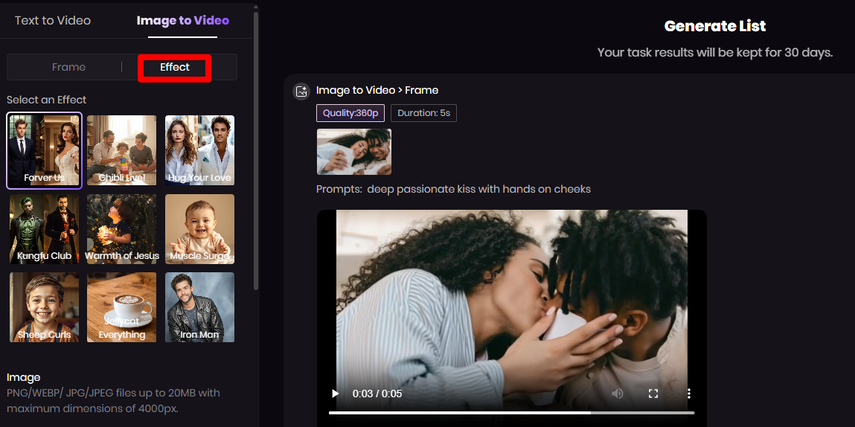 Here are the features that make it ideal for creating AI kiss videos: ●Image-to-Video mode: Upload a still photo (PNG, JPG, JPEG up to 20 MB) and the AI adds movement, transitions and cinematic flair. ●Text-to-Video mode: Describe the kiss scene you imagine — the setting, the posture, the emotion — and the AI constructs it visually. ●Resolution & aspect ratio control: You can pick output quality (360p to 1080p or higher) and aspect ratio (16:9, 1:1, 9:16) so your clip fits Instagram, TikTok or YouTube. ●Negative prompt / “what you don’t want”: You can specify unwanted elements — unwanted background people, distracting objects — so the focus remains on your couple. ●Ready-made templates & AI effects: If you prefer a shortcut, select a “kiss”, “romantic”, or “love story” style template and plug in your photo or prompt. Makes for fast, good looking output. With these tools, creating a short cinematic kiss scene becomes a matter of moments rather than hours of editing. <h2>Part 2. 20 Photo-Prompt Ideas for AI Kiss Videos</h2> Use any of these prompts when uploading your photo to the Image-to-Video mode. Modify them to mention your scenario, clothing style, lighting or mood. Each prompt assumes you’ve uploaded a photo of two people and want to transform that into a moving kiss scene. 1.“The two of them, lips locked in a deep passionate kiss, hands gently holding each other’s face, golden hour light.” 2.“Surprise kiss as one person turns around and sees the other lean in, their lips meeting as eyes widen.” 3.“A romantic shower-kiss in the rain, water dripping down their faces as they embrace and kiss tenderly.” 4.“One person dips the other in a classic movie-style pose, the backdrop soft-focus, motion blur on the dip, lips meeting.” 5.“Beach sunset kiss: couple standing by waves, orange sky behind them, the ocean spray catching the light as their lips touch.” 6.“Nervous first-date kiss: two people awkwardly leaning in, tentative lips, gentle smile, evening café lights around.” 7.“Wedding altar kiss: newlyweds in formal attire, guests in soft blur, confetti swirling as they kiss deeply.” 8.“Goodbye station kiss: one person boarding a train, other leaning in through the window, their lips meet, background motion blur of rushing train.” 9.“Underwater kiss: swimmers in clear blue water, bubbles rising, their bodies floating gently, lips meeting in slow-motion.” 10.“Cinematic slow-motion kiss: camera slowly circling the couple as they embrace and lean in for the kiss.” 11.“Snowy forest kiss: visible breath in the cold air, snowflakes falling slowly around the couple as they press lips together.” 12.“Balcony kiss at twilight: one person pressed against balcony railing, city lights behind, lips meeting in silhouette.” 13.“New Year’s countdown kiss: fireworks bursting in the sky, couple’s lips meeting at midnight, colorful light reflecting on them.” 14.“Silhouette kiss: dark full moon behind, couple in black silhouette facing each other, lips just meeting, stars above.” 15.“Celebratory victory kiss: two people in casual clothes laughing, one lifts the other, lips collide in joyful surprise.” 16.“Forbidden lip grazing: two characters in secret embrace, hesitant glance, first contact of lips, dim ambient lighting.” 17.“Theatrical stage-kiss: dramatic lighting, one hand on face, one arm around waist, lips meeting under spot-light.” 18.“Historical period romance kiss: Victorian-era clothing, grand staircase behind them, warm candlelight, lips meeting.” 19.“Animated pop-art kiss: couple in bold graphic style, lips meeting, comic “SMACK” text overlay, bright colors bursting.” 20.“Reunion kiss: two people meet after months apart, one runs into the other’s arms, lips finally meeting, tears and joy in motion.” Feel free to add mood descriptors like “soft focus”, “cinematic depth of field”, “warm color grading”, or “slow-motion flourish” to push the effect further. <h2>Part 3. Why HitPaw Online AI Video Generator Makes This Fun and Easy</h2> By now you know the tool and have prompts ready — here’s why using HitPaw makes the whole process enjoyable rather than frustrating. ●No editing timeline, no keyframes, no transitions to manually craft: upload or prompt, choose your settings, and let the AI deliver. ●Works on any device with a browser – laptop, tablet, even phone – so you’re not stuck in a desktop-only workflow. ●Fast turnaround: your short kiss scene is generated in seconds or minutes; you’ll be able to preview right away. ●Control over final look: resolution, aspect ratio, unwanted elements – all configured before generation. ●Safe and secure cloud process: you upload photo, it processes, result is available for download, with privacy safeguards in place. Because of these advantages, you can focus on your creative idea—what kind of kiss do you want?—rather than the mechanics of editing. <h2>Conclusion</h2> If you’ve ever imagined creating a cinematic kiss moment — whether for a romantic social-media clip, a short film mood piece, or simply a fun AI experiment — you now have everything you need: the tool, the ideas, and the process. Through HitPaw Online AI Video Generator you can take a still photo (or your description) and turn it into a moving, emotional scene in minutes. With the 20 tailored photo-prompts above, you're equipped to style your scene exactly how you envision it. Upload your image, craft the prompt, choose your settings, generate, download — and share your heartfelt moment with the world. Let your imagination embrace motion. |
| json metadata | {"tags":["ai","aivideo","aivideogenerator","aikiss","aikissvideo"],"image":["https://cdn.steemitimages.com/DQmTbJUHfLqnEjyxEapbEq3v7kggneJ1GGQfsTWaqRpcStF/image.png"],"app":"steemit/0.2","format":"markdown"} |
| Transaction Info | Block #100723995/Trx a957d0e57ebb48fe99f8bbf32cac8b0b2ea1bb96 |
View Raw JSON Data
{
"trx_id": "a957d0e57ebb48fe99f8bbf32cac8b0b2ea1bb96",
"block": 100723995,
"trx_in_block": 0,
"op_in_trx": 0,
"virtual_op": 0,
"timestamp": "2025-11-10T06:15:54",
"op": [
"comment",
{
"parent_author": "",
"parent_permlink": "ai",
"author": "yunahi",
"permlink": "create-heartfelt-kiss-scenes-with-ai-20-photo-prompts-tool-guide",
"title": "Create Heartfelt Kiss Scenes with AI: 20 Photo-Prompts + Tool Guide",
"body": "Unleash your creativity and craft memorable romantic clips — no filming, no complex editing — just your imagination and an AI video generator. If you’re aiming to design an intimate, cinematic kiss scene from scratch or from a photo, this guide walks you through everything you need: the best tool, inspiring prompts designed for photo-upload workflows, and how to turn your vision into a moving moment.\n\n<h2>Part 1. Best Tool for AI-Generated Kiss Videos</h2>\nWhen it comes to bringing a kiss scene to life through AI, HitPaw Online AI Video Generator stands out for its simplicity and power. You only need a browser — no software install, no professional editing skills — just upload a photo or write a prompt and the AI handles the motion, composition and export. \n\n\nHere are the features that make it ideal for creating AI kiss videos:\n●Image-to-Video mode: Upload a still photo (PNG, JPG, JPEG up to 20 MB) and the AI adds movement, transitions and cinematic flair. \n●Text-to-Video mode: Describe the kiss scene you imagine — the setting, the posture, the emotion — and the AI constructs it visually. \n●Resolution & aspect ratio control: You can pick output quality (360p to 1080p or higher) and aspect ratio (16:9, 1:1, 9:16) so your clip fits Instagram, TikTok or YouTube. \n●Negative prompt / “what you don’t want”: You can specify unwanted elements — unwanted background people, distracting objects — so the focus remains on your couple. \n●Ready-made templates & AI effects: If you prefer a shortcut, select a “kiss”, “romantic”, or “love story” style template and plug in your photo or prompt. Makes for fast, good looking output. \nWith these tools, creating a short cinematic kiss scene becomes a matter of moments rather than hours of editing.\n\n<h2>Part 2. 20 Photo-Prompt Ideas for AI Kiss Videos</h2>\nUse any of these prompts when uploading your photo to the Image-to-Video mode. Modify them to mention your scenario, clothing style, lighting or mood. Each prompt assumes you’ve uploaded a photo of two people and want to transform that into a moving kiss scene.\n1.“The two of them, lips locked in a deep passionate kiss, hands gently holding each other’s face, golden hour light.”\n2.“Surprise kiss as one person turns around and sees the other lean in, their lips meeting as eyes widen.”\n3.“A romantic shower-kiss in the rain, water dripping down their faces as they embrace and kiss tenderly.”\n4.“One person dips the other in a classic movie-style pose, the backdrop soft-focus, motion blur on the dip, lips meeting.”\n5.“Beach sunset kiss: couple standing by waves, orange sky behind them, the ocean spray catching the light as their lips touch.”\n6.“Nervous first-date kiss: two people awkwardly leaning in, tentative lips, gentle smile, evening café lights around.”\n7.“Wedding altar kiss: newlyweds in formal attire, guests in soft blur, confetti swirling as they kiss deeply.”\n8.“Goodbye station kiss: one person boarding a train, other leaning in through the window, their lips meet, background motion blur of rushing train.”\n9.“Underwater kiss: swimmers in clear blue water, bubbles rising, their bodies floating gently, lips meeting in slow-motion.”\n10.“Cinematic slow-motion kiss: camera slowly circling the couple as they embrace and lean in for the kiss.”\n11.“Snowy forest kiss: visible breath in the cold air, snowflakes falling slowly around the couple as they press lips together.”\n12.“Balcony kiss at twilight: one person pressed against balcony railing, city lights behind, lips meeting in silhouette.”\n13.“New Year’s countdown kiss: fireworks bursting in the sky, couple’s lips meeting at midnight, colorful light reflecting on them.”\n14.“Silhouette kiss: dark full moon behind, couple in black silhouette facing each other, lips just meeting, stars above.”\n15.“Celebratory victory kiss: two people in casual clothes laughing, one lifts the other, lips collide in joyful surprise.”\n16.“Forbidden lip grazing: two characters in secret embrace, hesitant glance, first contact of lips, dim ambient lighting.”\n17.“Theatrical stage-kiss: dramatic lighting, one hand on face, one arm around waist, lips meeting under spot-light.”\n18.“Historical period romance kiss: Victorian-era clothing, grand staircase behind them, warm candlelight, lips meeting.”\n19.“Animated pop-art kiss: couple in bold graphic style, lips meeting, comic “SMACK” text overlay, bright colors bursting.”\n20.“Reunion kiss: two people meet after months apart, one runs into the other’s arms, lips finally meeting, tears and joy in motion.”\nFeel free to add mood descriptors like “soft focus”, “cinematic depth of field”, “warm color grading”, or “slow-motion flourish” to push the effect further.\n\n<h2>Part 3. Why HitPaw Online AI Video Generator Makes This Fun and Easy</h2>\nBy now you know the tool and have prompts ready — here’s why using HitPaw makes the whole process enjoyable rather than frustrating.\n●No editing timeline, no keyframes, no transitions to manually craft: upload or prompt, choose your settings, and let the AI deliver.\n●Works on any device with a browser – laptop, tablet, even phone – so you’re not stuck in a desktop-only workflow. \n●Fast turnaround: your short kiss scene is generated in seconds or minutes; you’ll be able to preview right away. \n●Control over final look: resolution, aspect ratio, unwanted elements – all configured before generation.\n●Safe and secure cloud process: you upload photo, it processes, result is available for download, with privacy safeguards in place. \nBecause of these advantages, you can focus on your creative idea—what kind of kiss do you want?—rather than the mechanics of editing.\n\n<h2>Conclusion</h2>\nIf you’ve ever imagined creating a cinematic kiss moment — whether for a romantic social-media clip, a short film mood piece, or simply a fun AI experiment — you now have everything you need: the tool, the ideas, and the process. Through HitPaw Online AI Video Generator you can take a still photo (or your description) and turn it into a moving, emotional scene in minutes. With the 20 tailored photo-prompts above, you're equipped to style your scene exactly how you envision it. Upload your image, craft the prompt, choose your settings, generate, download — and share your heartfelt moment with the world. Let your imagination embrace motion.",
"json_metadata": "{\"tags\":[\"ai\",\"aivideo\",\"aivideogenerator\",\"aikiss\",\"aikissvideo\"],\"image\":[\"https://cdn.steemitimages.com/DQmTbJUHfLqnEjyxEapbEq3v7kggneJ1GGQfsTWaqRpcStF/image.png\"],\"app\":\"steemit/0.2\",\"format\":\"markdown\"}"
}
]
}Manabar
Voting Power100.00%
Downvote Power100.00%
Resource Credits100.00%
Reputation Progress30.20%
{
  "voting_manabar": {
    "current_mana": "5431449401",
    "last_update_time": 1778679255
  },
  "downvote_manabar": {
    "current_mana": 1357862351,
    "last_update_time": 1778679255
  },
  "rc_account": {
    "account": "yunahi",
    "rc_manabar": {
      "current_mana": "13144414686",
      "last_update_time": 1778679255
    },
    "max_rc_creation_adjustment": {
      "amount": "4992015766",
      "precision": 6,
      "nai": "@@000000037"
    },
    "max_rc": "10423465167"
  }
}
Account Metadata
| POSTING JSON METADATA | |
| profile | {"profile_image":"https://cdn.steemitimages.com/DQmXCrrNyKjWbrErDkrmoftRP3nVJAfAU898CeziqpAVzAE/5650cae6e8e4729679a52060ab4a2991.jpg","cover_image":"https://cdn.steemitimages.com/DQmfSu1mHdpZTd1ku18BsiAhN4PadRUM4NfRpbpxF7RSPKJ/Night-sky-background.png","name":"yunahi","about":"AI tools & creative tech explorer.","location":"USA","version":2} |
| JSON METADATA | |
| None | |
{
  "posting_json_metadata": {
    "profile": {
      "profile_image": "https://cdn.steemitimages.com/DQmXCrrNyKjWbrErDkrmoftRP3nVJAfAU898CeziqpAVzAE/5650cae6e8e4729679a52060ab4a2991.jpg",
      "cover_image": "https://cdn.steemitimages.com/DQmfSu1mHdpZTd1ku18BsiAhN4PadRUM4NfRpbpxF7RSPKJ/Night-sky-background.png",
      "name": "yunahi",
      "about": "AI tools & creative tech explorer.",
      "location": "USA",
      "version": 2
    }
  },
  "json_metadata": {}
}
Auth Keys
Owner
Single Signature
Public Keys
STM86MQALihJPhMpETgrTGufViDHgRW5n1VupoqsuMs1pGDBXWTJe1/1
Active
Single Signature
Public Keys
STM64Wu6bUwQrgGajATYYYt1VpxCMWsZxFmBnAvkeMA5HM9VoisG11/1
Posting
Single Signature
Public Keys
STM8LSWzpJ5b1y1zy2XsR2FnmrxzFhtf45LhtphWpDDFL64x79J2i1/1
Memo
STM6jQ5VahP85nNsAbiK3d3CTDcuUWm46zzFJoh18mAp6rWCNwQPF
{
  "owner": {
    "weight_threshold": 1,
    "account_auths": [],
    "key_auths": [
      [
        "STM86MQALihJPhMpETgrTGufViDHgRW5n1VupoqsuMs1pGDBXWTJe",
        1
      ]
    ]
  },
  "active": {
    "weight_threshold": 1,
    "account_auths": [],
    "key_auths": [
      [
        "STM64Wu6bUwQrgGajATYYYt1VpxCMWsZxFmBnAvkeMA5HM9VoisG1",
        1
      ]
    ]
  },
  "posting": {
    "weight_threshold": 1,
    "account_auths": [],
    "key_auths": [
      [
        "STM8LSWzpJ5b1y1zy2XsR2FnmrxzFhtf45LhtphWpDDFL64x79J2i",
        1
      ]
    ]
  },
  "memo": "STM6jQ5VahP85nNsAbiK3d3CTDcuUWm46zzFJoh18mAp6rWCNwQPF"
}
Witness Votes
0 / 30
No active witness votes.
[]