

VOTING POWER100.00%
DOWNVOTE POWER100.00%
RESOURCE CREDITS100.00%
REPUTATION PROGRESS0.00%
Net Worth
0.020USD
STEEM
0.000STEEM
SBD
0.027SBD
Effective Power
5.007SP
├── Own SP
0.125SP
└── Incoming DelegationsDeleg
+4.881SP
Detailed Balance
| STEEM | ||
| balance | 0.000STEEM | STEEM |
| market_balance | 0.000STEEM | STEEM |
| savings_balance | 0.000STEEM | STEEM |
| reward_steem_balance | 0.000STEEM | STEEM |
| STEEM POWER | ||
| Own SP | 0.125SP | SP |
| Delegated Out | 0.000SP | SP |
| Delegation In | 4.881SP | SP |
| Effective Power | 5.007SP | SP |
| Reward SP (pending) | 0.010SP | SP |
| SBD | ||
| sbd_balance | 0.000SBD | SBD |
| sbd_conversions | 0.000SBD | SBD |
| sbd_market_balance | 0.000SBD | SBD |
| savings_sbd_balance | 0.000SBD | SBD |
| reward_sbd_balance | 0.027SBD | SBD |
{
  "balance": "0.000 STEEM",
  "savings_balance": "0.000 STEEM",
  "reward_steem_balance": "0.000 STEEM",
  "vesting_shares": "203.541483 VESTS",
  "delegated_vesting_shares": "0.000000 VESTS",
  "received_vesting_shares": "7940.118323 VESTS",
  "sbd_balance": "0.000 SBD",
  "savings_sbd_balance": "0.000 SBD",
  "reward_sbd_balance": "0.027 SBD",
  "conversions": []
}
Account Info
| name | humanscape |
| id | 990290 |
| rank | 1,231,023 |
| reputation | 329709743 |
| created | 2018-05-11T09:47:00 |
| recovery_account | steem |
| proxy | None |
| post_count | 4 |
| comment_count | 0 |
| lifetime_vote_count | 0 |
| witnesses_voted_for | 0 |
| last_post | 2018-06-27T06:06:06 |
| last_root_post | 2018-06-27T06:06:06 |
| last_vote_time | 1970-01-01T00:00:00 |
| proxied_vsf_votes | 0, 0, 0, 0 |
| can_vote | 1 |
| voting_power | 0 |
| delayed_votes | 0 |
| balance | 0.000 STEEM |
| savings_balance | 0.000 STEEM |
| sbd_balance | 0.000 SBD |
| savings_sbd_balance | 0.000 SBD |
| vesting_shares | 203.541483 VESTS |
| delegated_vesting_shares | 0.000000 VESTS |
| received_vesting_shares | 7940.118323 VESTS |
| reward_vesting_balance | 20.342716 VESTS |
| vesting_balance | 0.000 STEEM |
| vesting_withdraw_rate | 0.000000 VESTS |
| next_vesting_withdrawal | 1969-12-31T23:59:59 |
| withdrawn | 0 |
| to_withdraw | 0 |
| withdraw_routes | 0 |
| savings_withdraw_requests | 0 |
| last_account_recovery | 1970-01-01T00:00:00 |
| reset_account | null |
| last_owner_update | 1970-01-01T00:00:00 |
| last_account_update | 2018-06-26T07:41:12 |
| mined | No |
| sbd_seconds | 0 |
| sbd_last_interest_payment | 1970-01-01T00:00:00 |
| savings_sbd_last_interest_payment | 1970-01-01T00:00:00 |
{
  "id": 990290,
  "name": "humanscape",
  "owner": {
    "weight_threshold": 1,
    "account_auths": [],
    "key_auths": [
      [
        "STM6EpbdR2YdLNjk9EVFjZZomZjAZ5MU4zjRmwpt47PnbdAkdBtyd",
        1
      ]
    ]
  },
  "active": {
    "weight_threshold": 1,
    "account_auths": [],
    "key_auths": [
      [
        "STM5EZyL1uhDE8QpxnTbLBCKFE7Ri5gsRfm7JW3W3KrK1QKPT8zHr",
        1
      ]
    ]
  },
  "posting": {
    "weight_threshold": 1,
    "account_auths": [
      [
        "dtube.app",
        1
      ]
    ],
    "key_auths": [
      [
        "STM7SbZnhk4MHqGrvjDfNmqyfcwNnrFst8V72jzDHqzLhGdtCEdoT",
        1
      ]
    ]
  },
  "memo_key": "STM87R38Egr1Tz4xbwXE5eaFJBZdDfvmEXM763gC5CkhEmc1VQBP8",
  "json_metadata": "{\"profile\":{\"cover_image\":\"https://steemitimages.com/DQmeaWNwAidoxsJsnwZ9dRFcgRLooKGwbiN7ykCKtbVahh2/steemit.png\",\"profile_image\":\"https://steemitimages.com/DQmcb1tH7trv2p8fSPiwJjv5aVR5sME7U27svKpjRBPW6Ad/03_humanscape-logo_L.jpg\",\"name\":\"Humanscape\"}}",
  "posting_json_metadata": "{\"profile\":{\"cover_image\":\"https://steemitimages.com/DQmeaWNwAidoxsJsnwZ9dRFcgRLooKGwbiN7ykCKtbVahh2/steemit.png\",\"profile_image\":\"https://steemitimages.com/DQmcb1tH7trv2p8fSPiwJjv5aVR5sME7U27svKpjRBPW6Ad/03_humanscape-logo_L.jpg\",\"name\":\"Humanscape\"}}",
  "proxy": "",
  "last_owner_update": "1970-01-01T00:00:00",
  "last_account_update": "2018-06-26T07:41:12",
  "created": "2018-05-11T09:47:00",
  "mined": false,
  "recovery_account": "steem",
  "last_account_recovery": "1970-01-01T00:00:00",
  "reset_account": "null",
  "comment_count": 0,
  "lifetime_vote_count": 0,
  "post_count": 4,
  "can_vote": true,
  "voting_manabar": {
    "current_mana": "8143659806",
    "last_update_time": 1779066921
  },
  "downvote_manabar": {
    "current_mana": 2035914951,
    "last_update_time": 1779066921
  },
  "voting_power": 0,
  "balance": "0.000 STEEM",
  "savings_balance": "0.000 STEEM",
  "sbd_balance": "0.000 SBD",
  "sbd_seconds": "0",
  "sbd_seconds_last_update": "1970-01-01T00:00:00",
  "sbd_last_interest_payment": "1970-01-01T00:00:00",
  "savings_sbd_balance": "0.000 SBD",
  "savings_sbd_seconds": "0",
  "savings_sbd_seconds_last_update": "1970-01-01T00:00:00",
  "savings_sbd_last_interest_payment": "1970-01-01T00:00:00",
  "savings_withdraw_requests": 0,
  "reward_sbd_balance": "0.027 SBD",
  "reward_steem_balance": "0.000 STEEM",
  "reward_vesting_balance": "20.342716 VESTS",
  "reward_vesting_steem": "0.010 STEEM",
  "vesting_shares": "203.541483 VESTS",
  "delegated_vesting_shares": "0.000000 VESTS",
  "received_vesting_shares": "7940.118323 VESTS",
  "vesting_withdraw_rate": "0.000000 VESTS",
  "next_vesting_withdrawal": "1969-12-31T23:59:59",
  "withdrawn": 0,
  "to_withdraw": 0,
  "withdraw_routes": 0,
  "curation_rewards": 0,
  "posting_rewards": 19,
  "proxied_vsf_votes": [
    0,
    0,
    0,
    0
  ],
  "witnesses_voted_for": 0,
  "last_post": "2018-06-27T06:06:06",
  "last_root_post": "2018-06-27T06:06:06",
  "last_vote_time": "1970-01-01T00:00:00",
  "post_bandwidth": 0,
  "pending_claimed_accounts": 0,
  "vesting_balance": "0.000 STEEM",
  "reputation": 329709743,
  "transfer_history": [],
  "market_history": [],
  "post_history": [],
  "vote_history": [],
  "other_history": [],
  "witness_votes": [],
  "tags_usage": [],
  "guest_bloggers": [],
  "rank": 1231023
}
Withdraw Routes
| Incoming | Outgoing |
|---|---|
Empty | Empty |
{
  "incoming": [],
  "outgoing": []
}From Date
To Date
steemdelegated 4.881 SP to @humanscape2026/05/18 01:15:21
steemdelegated 4.881 SP to @humanscape
2026/05/18 01:15:21
| delegator | steem |
| delegatee | humanscape |
| vesting shares | 7940.118323 VESTS |
| Transaction Info | Block #106144645/Trx 9bd9ccd525bbb4f69f033166c4230e548f0f58c3 |
View Raw JSON Data
{
  "trx_id": "9bd9ccd525bbb4f69f033166c4230e548f0f58c3",
  "block": 106144645,
  "trx_in_block": 0,
  "op_in_trx": 0,
  "virtual_op": 0,
  "timestamp": "2026-05-18T01:15:21",
  "op": [
    "delegate_vesting_shares",
    {
      "delegator": "steem",
      "delegatee": "humanscape",
      "vesting_shares": "7940.118323 VESTS"
    }
  ]
}steemdelegated 3.214 SP to @humanscape2026/05/12 07:55:06
steemdelegated 3.214 SP to @humanscape
2026/05/12 07:55:06
| delegator | steem |
| delegatee | humanscape |
| vesting shares | 5227.907918 VESTS |
| Transaction Info | Block #105980594/Trx 45d0cb19e53e8fc58613ede8540961f02b8e6ed1 |
View Raw JSON Data
{
  "trx_id": "45d0cb19e53e8fc58613ede8540961f02b8e6ed1",
  "block": 105980594,
  "trx_in_block": 2,
  "op_in_trx": 0,
  "virtual_op": 0,
  "timestamp": "2026-05-12T07:55:06",
  "op": [
    "delegate_vesting_shares",
    {
      "delegator": "steem",
      "delegatee": "humanscape",
      "vesting_shares": "5227.907918 VESTS"
    }
  ]
}steemdelegated 4.889 SP to @humanscape2026/04/26 00:34:33
steemdelegated 4.889 SP to @humanscape
2026/04/26 00:34:33
| delegator | steem |
| delegatee | humanscape |
| vesting shares | 7952.634079 VESTS |
| Transaction Info | Block #105512267/Trx 2b3bb1276d75e585b342e22f851ab1b2bb22e470 |
View Raw JSON Data
{
  "trx_id": "2b3bb1276d75e585b342e22f851ab1b2bb22e470",
  "block": 105512267,
  "trx_in_block": 0,
  "op_in_trx": 0,
  "virtual_op": 0,
  "timestamp": "2026-04-26T00:34:33",
  "op": [
    "delegate_vesting_shares",
    {
      "delegator": "steem",
      "delegatee": "humanscape",
      "vesting_shares": "7952.634079 VESTS"
    }
  ]
}steemdelegated 3.240 SP to @humanscape2026/01/23 10:29:45
steemdelegated 3.240 SP to @humanscape
2026/01/23 10:29:45
| delegator | steem |
| delegatee | humanscape |
| vesting shares | 5269.454737 VESTS |
| Transaction Info | Block #102855041/Trx fb24afeaae6e567ddc01f969c0aee331b123db7d |
View Raw JSON Data
{
  "trx_id": "fb24afeaae6e567ddc01f969c0aee331b123db7d",
  "block": 102855041,
  "trx_in_block": 3,
  "op_in_trx": 0,
  "virtual_op": 0,
  "timestamp": "2026-01-23T10:29:45",
  "op": [
    "delegate_vesting_shares",
    {
      "delegator": "steem",
      "delegatee": "humanscape",
      "vesting_shares": "5269.454737 VESTS"
    }
  ]
}steemdelegated 3.341 SP to @humanscape2024/12/17 05:47:15
steemdelegated 3.341 SP to @humanscape
2024/12/17 05:47:15
| delegator | steem |
| delegatee | humanscape |
| vesting shares | 5433.673934 VESTS |
| Transaction Info | Block #91301410/Trx 464ae748118750ea9910080b3d629668f79bf2a8 |
View Raw JSON Data
{
  "trx_id": "464ae748118750ea9910080b3d629668f79bf2a8",
  "block": 91301410,
  "trx_in_block": 7,
  "op_in_trx": 0,
  "virtual_op": 0,
  "timestamp": "2024-12-17T05:47:15",
  "op": [
    "delegate_vesting_shares",
    {
      "delegator": "steem",
      "delegatee": "humanscape",
      "vesting_shares": "5433.673934 VESTS"
    }
  ]
}steemdelegated 3.445 SP to @humanscape2023/11/13 21:29:39
steemdelegated 3.445 SP to @humanscape
2023/11/13 21:29:39
| delegator | steem |
| delegatee | humanscape |
| vesting shares | 5602.807466 VESTS |
| Transaction Info | Block #79855600/Trx d030e22ac564c7994168663b73392fa6c5066bc2 |
View Raw JSON Data
{
  "trx_id": "d030e22ac564c7994168663b73392fa6c5066bc2",
  "block": 79855600,
  "trx_in_block": 7,
  "op_in_trx": 0,
  "virtual_op": 0,
  "timestamp": "2023-11-13T21:29:39",
  "op": [
    "delegate_vesting_shares",
    {
      "delegator": "steem",
      "delegatee": "humanscape",
      "vesting_shares": "5602.807466 VESTS"
    }
  ]
}steemdelegated 5.250 SP to @humanscape2023/09/21 23:00:45
steemdelegated 5.250 SP to @humanscape
2023/09/21 23:00:45
| delegator | steem |
| delegatee | humanscape |
| vesting shares | 8540.086252 VESTS |
| Transaction Info | Block #78349244/Trx f4f30e8c7f9519503fe1d4b8256187033ca88204 |
View Raw JSON Data
{
  "trx_id": "f4f30e8c7f9519503fe1d4b8256187033ca88204",
  "block": 78349244,
  "trx_in_block": 2,
  "op_in_trx": 0,
  "virtual_op": 0,
  "timestamp": "2023-09-21T23:00:45",
  "op": [
    "delegate_vesting_shares",
    {
      "delegator": "steem",
      "delegatee": "humanscape",
      "vesting_shares": "8540.086252 VESTS"
    }
  ]
}steemdelegated 5.387 SP to @humanscape2022/11/03 12:39:03
steemdelegated 5.387 SP to @humanscape
2022/11/03 12:39:03
| delegator | steem |
| delegatee | humanscape |
| vesting shares | 8761.767690 VESTS |
| Transaction Info | Block #69114393/Trx 841a261074f12df2bcaa1a051085e9fd51ba2632 |
View Raw JSON Data
{
  "trx_id": "841a261074f12df2bcaa1a051085e9fd51ba2632",
  "block": 69114393,
  "trx_in_block": 10,
  "op_in_trx": 0,
  "virtual_op": 0,
  "timestamp": "2022-11-03T12:39:03",
  "op": [
    "delegate_vesting_shares",
    {
      "delegator": "steem",
      "delegatee": "humanscape",
      "vesting_shares": "8761.767690 VESTS"
    }
  ]
}steemdelegated 5.522 SP to @humanscape2022/01/17 11:50:18
steemdelegated 5.522 SP to @humanscape
2022/01/17 11:50:18
| delegator | steem |
| delegatee | humanscape |
| vesting shares | 8982.300921 VESTS |
| Transaction Info | Block #60810467/Trx 8e7f8a846bfc956ce29c418728557bc6c5211806 |
View Raw JSON Data
{
  "trx_id": "8e7f8a846bfc956ce29c418728557bc6c5211806",
  "block": 60810467,
  "trx_in_block": 7,
  "op_in_trx": 0,
  "virtual_op": 0,
  "timestamp": "2022-01-17T11:50:18",
  "op": [
    "delegate_vesting_shares",
    {
      "delegator": "steem",
      "delegatee": "humanscape",
      "vesting_shares": "8982.300921 VESTS"
    }
  ]
}steemdelegated 5.635 SP to @humanscape2021/06/14 01:43:03
steemdelegated 5.635 SP to @humanscape
2021/06/14 01:43:03
| delegator | steem |
| delegatee | humanscape |
| vesting shares | 9166.069579 VESTS |
| Transaction Info | Block #54608802/Trx 43133f808406079cced1127d72a9202a597e8387 |
View Raw JSON Data
{
  "trx_id": "43133f808406079cced1127d72a9202a597e8387",
  "block": 54608802,
  "trx_in_block": 1,
  "op_in_trx": 0,
  "virtual_op": 0,
  "timestamp": "2021-06-14T01:43:03",
  "op": [
    "delegate_vesting_shares",
    {
      "delegator": "steem",
      "delegatee": "humanscape",
      "vesting_shares": "9166.069579 VESTS"
    }
  ]
}steemdelegated 5.750 SP to @humanscape2020/12/11 12:00:24
steemdelegated 5.750 SP to @humanscape
2020/12/11 12:00:24
| delegator | steem |
| delegatee | humanscape |
| vesting shares | 9353.491553 VESTS |
| Transaction Info | Block #49356218/Trx 01ff9e7839d6f8840edd558580490b487edbb5c4 |
View Raw JSON Data
{
  "trx_id": "01ff9e7839d6f8840edd558580490b487edbb5c4",
  "block": 49356218,
  "trx_in_block": 5,
  "op_in_trx": 0,
  "virtual_op": 0,
  "timestamp": "2020-12-11T12:00:24",
  "op": [
    "delegate_vesting_shares",
    {
      "delegator": "steem",
      "delegatee": "humanscape",
      "vesting_shares": "9353.491553 VESTS"
    }
  ]
}steemdelegated 1.176 SP to @humanscape2020/12/06 05:37:30
steemdelegated 1.176 SP to @humanscape
2020/12/06 05:37:30
| delegator | steem |
| delegatee | humanscape |
| vesting shares | 1912.543513 VESTS |
| Transaction Info | Block #49207777/Trx 3f185af9d78a461e2911a02346a9fdb760bf6595 |
View Raw JSON Data
{
  "trx_id": "3f185af9d78a461e2911a02346a9fdb760bf6595",
  "block": 49207777,
  "trx_in_block": 5,
  "op_in_trx": 0,
  "virtual_op": 0,
  "timestamp": "2020-12-06T05:37:30",
  "op": [
    "delegate_vesting_shares",
    {
      "delegator": "steem",
      "delegatee": "humanscape",
      "vesting_shares": "1912.543513 VESTS"
    }
  ]
}steemdelegated 5.754 SP to @humanscape2020/12/05 15:38:24
steemdelegated 5.754 SP to @humanscape
2020/12/05 15:38:24
| delegator | steem |
| delegatee | humanscape |
| vesting shares | 9359.699407 VESTS |
| Transaction Info | Block #49191314/Trx 7fe74fd51e0fdcf054e2014ea1c54445652b46b8 |
View Raw JSON Data
{
  "trx_id": "7fe74fd51e0fdcf054e2014ea1c54445652b46b8",
  "block": 49191314,
  "trx_in_block": 2,
  "op_in_trx": 0,
  "virtual_op": 0,
  "timestamp": "2020-12-05T15:38:24",
  "op": [
    "delegate_vesting_shares",
    {
      "delegator": "steem",
      "delegatee": "humanscape",
      "vesting_shares": "9359.699407 VESTS"
    }
  ]
}steemdelegated 1.180 SP to @humanscape2020/11/02 17:26:18
steemdelegated 1.180 SP to @humanscape
2020/11/02 17:26:18
| delegator | steem |
| delegatee | humanscape |
| vesting shares | 1920.017158 VESTS |
| Transaction Info | Block #48259921/Trx 7ea33987c05bd945d131976b7f301ee5f9b4ea7a |
View Raw JSON Data
{
  "trx_id": "7ea33987c05bd945d131976b7f301ee5f9b4ea7a",
  "block": 48259921,
  "trx_in_block": 0,
  "op_in_trx": 0,
  "virtual_op": 0,
  "timestamp": "2020-11-02T17:26:18",
  "op": [
    "delegate_vesting_shares",
    {
      "delegator": "steem",
      "delegatee": "humanscape",
      "vesting_shares": "1920.017158 VESTS"
    }
  ]
}steemdelegated 5.879 SP to @humanscape2020/05/09 06:35:42
steemdelegated 5.879 SP to @humanscape
2020/05/09 06:35:42
| delegator | steem |
| delegatee | humanscape |
| vesting shares | 9562.504766 VESTS |
| Transaction Info | Block #43218040/Trx db0249d848129710256fc5ce6782ae1db5c0c140 |
View Raw JSON Data
{
  "trx_id": "db0249d848129710256fc5ce6782ae1db5c0c140",
  "block": 43218040,
  "trx_in_block": 20,
  "op_in_trx": 0,
  "virtual_op": 0,
  "timestamp": "2020-05-09T06:35:42",
  "op": [
    "delegate_vesting_shares",
    {
      "delegator": "steem",
      "delegatee": "humanscape",
      "vesting_shares": "9562.504766 VESTS"
    }
  ]
}steemdelegated 1.201 SP to @humanscape2020/05/08 10:20:00
steemdelegated 1.201 SP to @humanscape
2020/05/08 10:20:00
| delegator | steem |
| delegatee | humanscape |
| vesting shares | 1953.311140 VESTS |
| Transaction Info | Block #43194293/Trx 1602a9ff8a546b335790ff649d3a748e37293a00 |
View Raw JSON Data
{
  "trx_id": "1602a9ff8a546b335790ff649d3a748e37293a00",
  "block": 43194293,
  "trx_in_block": 17,
  "op_in_trx": 0,
  "virtual_op": 0,
  "timestamp": "2020-05-08T10:20:00",
  "op": [
    "delegate_vesting_shares",
    {
      "delegator": "steem",
      "delegatee": "humanscape",
      "vesting_shares": "1953.311140 VESTS"
    }
  ]
}steemdelegated 5.960 SP to @humanscape2019/09/18 05:20:45
steemdelegated 5.960 SP to @humanscape
2019/09/18 05:20:45
| delegator | steem |
| delegatee | humanscape |
| vesting shares | 9695.119196 VESTS |
| Transaction Info | Block #36520589/Trx e8cbc12afe8b207cc469f46c0ababec106309377 |
View Raw JSON Data
{
  "trx_id": "e8cbc12afe8b207cc469f46c0ababec106309377",
  "block": 36520589,
  "trx_in_block": 0,
  "op_in_trx": 0,
  "virtual_op": 0,
  "timestamp": "2019-09-18T05:20:45",
  "op": [
    "delegate_vesting_shares",
    {
      "delegator": "steem",
      "delegatee": "humanscape",
      "vesting_shares": "9695.119196 VESTS"
    }
  ]
}2019/05/11 10:54:18
2019/05/11 10:54:18
| parent author | humanscape |
| parent permlink | rzut5674 |
| author | steemitboard |
| permlink | steemitboard-notify-humanscape-20190511t105417000z |
| title | |
| body | Congratulations @humanscape! You received a personal award! <table><tr><td>https://steemitimages.com/70x70/http://steemitboard.com/@humanscape/birthday1.png</td><td>Happy Birthday! - You are on the Steem blockchain for 1 year!</td></tr></table> <sub>_You can view [your badges on your Steem Board](https://steemitboard.com/@humanscape) and compare to others on the [Steem Ranking](http://steemitboard.com/ranking/index.php?name=humanscape)_</sub> **Do not miss the last post from @steemitboard:** <table><tr><td><a href="https://steemit.com/steemitboard/@steemitboard/steemitboard-witness-update-2019-05"><img src="https://steemitimages.com/64x128/http://i.cubeupload.com/7CiQEO.png"></a></td><td><a href="https://steemit.com/steemitboard/@steemitboard/steemitboard-witness-update-2019-05">SteemitBoard - Witness Update</a></td></tr></table> ###### [Vote for @Steemitboard as a witness](https://v2.steemconnect.com/sign/account-witness-vote?witness=steemitboard&approve=1) to get one more award and increased upvotes! |
| json metadata | {"image":["https://steemitboard.com/img/notify.png"]} |
| Transaction Info | Block #32811899/Trx 06441009f1294ea4739b397acdae8dbd9d270f36 |
View Raw JSON Data
{
  "trx_id": "06441009f1294ea4739b397acdae8dbd9d270f36",
  "block": 32811899,
  "trx_in_block": 0,
  "op_in_trx": 0,
  "virtual_op": 0,
  "timestamp": "2019-05-11T10:54:18",
  "op": [
    "comment",
    {
      "parent_author": "humanscape",
      "parent_permlink": "rzut5674",
      "author": "steemitboard",
      "permlink": "steemitboard-notify-humanscape-20190511t105417000z",
      "title": "",
      "body": "Congratulations @humanscape! You received a personal award!\n\n<table><tr><td>https://steemitimages.com/70x70/http://steemitboard.com/@humanscape/birthday1.png</td><td>Happy Birthday! - You are on the Steem blockchain for 1 year!</td></tr></table>\n\n<sub>_You can view [your badges on your Steem Board](https://steemitboard.com/@humanscape) and compare to others on the [Steem Ranking](http://steemitboard.com/ranking/index.php?name=humanscape)_</sub>\n\n\n**Do not miss the last post from @steemitboard:**\n<table><tr><td><a href=\"https://steemit.com/steemitboard/@steemitboard/steemitboard-witness-update-2019-05\"><img src=\"https://steemitimages.com/64x128/http://i.cubeupload.com/7CiQEO.png\"></a></td><td><a href=\"https://steemit.com/steemitboard/@steemitboard/steemitboard-witness-update-2019-05\">SteemitBoard - Witness Update</a></td></tr></table>\n\n###### [Vote for @Steemitboard as a witness](https://v2.steemconnect.com/sign/account-witness-vote?witness=steemitboard&approve=1) to get one more award and increased upvotes!",
      "json_metadata": "{\"image\":[\"https://steemitboard.com/img/notify.png\"]}"
    }
  ]
}steemdelegated 6.082 SP to @humanscape2018/10/08 16:44:57
steemdelegated 6.082 SP to @humanscape
2018/10/08 16:44:57
| delegator | steem |
| delegatee | humanscape |
| vesting shares | 9893.140108 VESTS |
| Transaction Info | Block #26632823/Trx d592db5bb992de5d900d3b93ee419a00fd115d37 |
View Raw JSON Data
{
  "trx_id": "d592db5bb992de5d900d3b93ee419a00fd115d37",
  "block": 26632823,
  "trx_in_block": 6,
  "op_in_trx": 0,
  "virtual_op": 0,
  "timestamp": "2018-10-08T16:44:57",
  "op": [
    "delegate_vesting_shares",
    {
      "delegator": "steem",
      "delegatee": "humanscape",
      "vesting_shares": "9893.140108 VESTS"
    }
  ]
}steemdelegated 18.521 SP to @humanscape2018/09/14 06:48:24
steemdelegated 18.521 SP to @humanscape
2018/09/14 06:48:24
| delegator | steem |
| delegatee | humanscape |
| vesting shares | 30125.361700 VESTS |
| Transaction Info | Block #25945889/Trx 01f91eaeb6517dc94f59e0190ea1a3462515c113 |
View Raw JSON Data
{
  "trx_id": "01f91eaeb6517dc94f59e0190ea1a3462515c113",
  "block": 25945889,
  "trx_in_block": 23,
  "op_in_trx": 0,
  "virtual_op": 0,
  "timestamp": "2018-09-14T06:48:24",
  "op": [
    "delegate_vesting_shares",
    {
      "delegator": "steem",
      "delegatee": "humanscape",
      "vesting_shares": "30125.361700 VESTS"
    }
  ]
}2018/06/27 06:36:18
2018/06/27 06:36:18
| parent author | humanscape |
| parent permlink | rzut5674 |
| author | introduce.bot |
| permlink | introduce-bot-re-humanscaperzut5674 |
| title | |
| body | ✅ @humanscape, I gave you an upvote on your post! **Please give me a follow** and I will give you a follow in return and possible future votes!<br><br>Thank you in advance! |
| json metadata | |
| Transaction Info | Block #23681798/Trx 0456ffbb204396308b33482c9be125ecf9f22ffb |
View Raw JSON Data
{
  "trx_id": "0456ffbb204396308b33482c9be125ecf9f22ffb",
  "block": 23681798,
  "trx_in_block": 32,
  "op_in_trx": 0,
  "virtual_op": 0,
  "timestamp": "2018-06-27T06:36:18",
  "op": [
    "comment",
    {
      "parent_author": "humanscape",
      "parent_permlink": "rzut5674",
      "author": "introduce.bot",
      "permlink": "introduce-bot-re-humanscaperzut5674",
      "title": "",
      "body": "✅  @humanscape, I gave you an upvote on your post! **Please give me a follow** and I will give you a follow in return and possible future votes!<br><br>Thank you in advance!",
      "json_metadata": ""
    }
  ]
}introduce.botupvoted (0.36%) @humanscape / rzut56742018/06/27 06:36:12
introduce.botupvoted (0.36%) @humanscape / rzut5674
2018/06/27 06:36:12
| voter | introduce.bot |
| author | humanscape |
| permlink | rzut5674 |
| weight | 36 (0.36%) |
| Transaction Info | Block #23681796/Trx c0c2eab884b1a2cc6433fcbda7bd0699dd6be638 |
View Raw JSON Data
{
  "trx_id": "c0c2eab884b1a2cc6433fcbda7bd0699dd6be638",
  "block": 23681796,
  "trx_in_block": 15,
  "op_in_trx": 0,
  "virtual_op": 0,
  "timestamp": "2018-06-27T06:36:12",
  "op": [
    "vote",
    {
      "voter": "introduce.bot",
      "author": "humanscape",
      "permlink": "rzut5674",
      "weight": 36
    }
  ]
}devmasupvoted (100.00%) @humanscape / rzut56742018/06/27 06:25:21
devmasupvoted (100.00%) @humanscape / rzut5674
2018/06/27 06:25:21
| voter | devmas |
| author | humanscape |
| permlink | rzut5674 |
| weight | 10000 (100.00%) |
| Transaction Info | Block #23681579/Trx 86bb49e2b85e99a8d174fc0f4c35de19b82ac67b |
View Raw JSON Data
{
  "trx_id": "86bb49e2b85e99a8d174fc0f4c35de19b82ac67b",
  "block": 23681579,
  "trx_in_block": 86,
  "op_in_trx": 0,
  "virtual_op": 0,
  "timestamp": "2018-06-27T06:25:21",
  "op": [
    "vote",
    {
      "voter": "devmas",
      "author": "humanscape",
      "permlink": "rzut5674",
      "weight": 10000
    }
  ]
}humanscapeupdated options for rzut56742018/06/27 06:06:06
humanscapeupdated options for rzut5674
2018/06/27 06:06:06
| author | humanscape |
| permlink | rzut5674 |
| max accepted payout | 1000000.000 SBD |
| percent steem dollars | 10000 |
| allow votes | true |
| allow curation rewards | true |
| extensions | [[0,{"beneficiaries":[{"account":"dtube","weight":2500}]}]] |
| Transaction Info | Block #23681194/Trx 5d534d2da8dc1a61189eab14ea57e8b5fb336d6d |
View Raw JSON Data
{
  "trx_id": "5d534d2da8dc1a61189eab14ea57e8b5fb336d6d",
  "block": 23681194,
  "trx_in_block": 23,
  "op_in_trx": 0,
  "virtual_op": 0,
  "timestamp": "2018-06-27T06:06:06",
  "op": [
    "comment_options",
    {
      "author": "humanscape",
      "permlink": "rzut5674",
      "max_accepted_payout": "1000000.000 SBD",
      "percent_steem_dollars": 10000,
      "allow_votes": true,
      "allow_curation_rewards": true,
      "extensions": [
        [
          0,
          {
            "beneficiaries": [
              {
                "account": "dtube",
                "weight": 2500
              }
            ]
          }
        ]
      ]
    }
  ]
}humanscapepublished a new post: rzut56742018/06/27 06:06:06
humanscapepublished a new post: rzut5674
2018/06/27 06:06:06
| parent author | |
| parent permlink | dtube |
| author | humanscape |
| permlink | rzut5674 |
| title | [Humanscape] Solution to Incurable Diseases by Curating Personal Health Data |
| body | <center><a href='https://d.tube/#!/v/humanscape/rzut5674'><img src='https://ipfs.io/ipfs/QmdEiM7vcYXeW1pBq5NX1AkmVz5PL4Bmc1EqFnJCigqxjs'></a></center><hr> - 350million Global Patient Numbers with Rare Diseases - 7,000+ The Number of Rare Diseases -7 out of 10 Deaths caused by Chronic Diseases out of all deaths There are countless people living in agony due to unconquered and incurable diseases.Systematically organized health data from numerous patients are needed to combat the diseases. Though the health data that patients voluntarily generate accounts for 60% of the entire health data, it exists in fragmented forms mainly owing to a lack of solid foundation which enables collecting and organizing the data. Humanscape will compile the patients’ health data and contribute to liberating mankind from diseases. Telegram(EN) : t.me/Humanscape Website : humanscape.io Medium : medium.com/humanscape-ico Facebook : www.facebook.com/humanscape <hr><a href='https://d.tube/#!/v/humanscape/rzut5674'> ▶️ DTube</a><br /><a href='https://ipfs.io/ipfs/QmceqxQK68DXpDJt2tTJCsC582J8E7nPP8ig6h3MYGb2yb'> ▶️ IPFS</a> |
| json metadata | {"video":{"info":{"title":"[Humanscape] Solution to Incurable Diseases by Curating Personal Health Data","snaphash":"QmXmBHvbie69brHFBXL9U7Z1qVjfcreXhN1dUX7o4QzTp7","author":"humanscape","permlink":"rzut5674","duration":112.469333,"filesize":111893179,"spritehash":"QmRSj48uCs3yqGX9zhUTicK3LwMdezcoXHN6sUZgpq8y76"},"content":{"videohash":"QmceqxQK68DXpDJt2tTJCsC582J8E7nPP8ig6h3MYGb2yb","description":"- 350million\nGlobal Patient Numbers with Rare Diseases\n\n- 7,000+\nThe Number of Rare Diseases\n\n-7 out of 10\nDeaths caused by Chronic Diseases out of all deaths\n\nThere are countless people living in agony due to unconquered and incurable\ndiseases.Systematically organized health data from numerous patients are\nneeded to combat the diseases.\n\nThough the health data that patients voluntarily generate accounts for 60% of\nthe entire health data, it exists in fragmented forms mainly owing to a lack of\nsolid foundation which enables collecting and organizing the data.\n\nHumanscape will compile the patients’ health data and contribute to liberating\nmankind from diseases.\n\nTelegram(EN) : t.me/Humanscape\nWebsite : humanscape.io\nMedium : medium.com/humanscape-ico\nFacebook : www.facebook.com/humanscape","tags":["dtube","cryptocurrency","bitcoin","humanscape"],"video240hash":"QmSsaVbWmqN1GK6hMoJBsC7j5E8TAzUJqUtJTbsd73FfjQ","video480hash":"Qmf1AJUeHsEDc2iriUdPzpw6XPtig51eZKTRNLyAo9uZUf"}},"tags":["dtube","cryptocurrency","bitcoin","humanscape","dtube"],"app":"dtube/0.7"} |
| Transaction Info | Block #23681194/Trx 5d534d2da8dc1a61189eab14ea57e8b5fb336d6d |
View Raw JSON Data
{
  "trx_id": "5d534d2da8dc1a61189eab14ea57e8b5fb336d6d",
  "block": 23681194,
  "trx_in_block": 23,
  "op_in_trx": 0,
  "virtual_op": 0,
  "timestamp": "2018-06-27T06:06:06",
  "op": [
    "comment",
    {
      "parent_author": "",
      "parent_permlink": "dtube",
      "author": "humanscape",
      "permlink": "rzut5674",
      "title": "[Humanscape] Solution to Incurable Diseases by Curating Personal Health Data",
      "body": "<center><a href='https://d.tube/#!/v/humanscape/rzut5674'><img src='https://ipfs.io/ipfs/QmdEiM7vcYXeW1pBq5NX1AkmVz5PL4Bmc1EqFnJCigqxjs'></a></center><hr>\n\n- 350million\nGlobal Patient Numbers with Rare Diseases\n\n- 7,000+\nThe Number of Rare Diseases\n\n-7 out of 10\nDeaths caused by Chronic Diseases out of all deaths\n\nThere are countless people living in agony due to unconquered and incurable\ndiseases.Systematically organized health data from numerous patients are\nneeded to combat the diseases.\n\nThough the health data that patients voluntarily generate accounts for 60% of\nthe entire health data, it exists in fragmented forms mainly owing to a lack of\nsolid foundation which enables collecting and organizing the data.\n\nHumanscape will compile the patients’ health data and contribute to liberating\nmankind from diseases.\n\nTelegram(EN) : t.me/Humanscape\nWebsite : humanscape.io\nMedium : medium.com/humanscape-ico\nFacebook : www.facebook.com/humanscape\n\n<hr><a href='https://d.tube/#!/v/humanscape/rzut5674'> ▶️ DTube</a><br /><a href='https://ipfs.io/ipfs/QmceqxQK68DXpDJt2tTJCsC582J8E7nPP8ig6h3MYGb2yb'> ▶️ IPFS</a>",
      "json_metadata": "{\"video\":{\"info\":{\"title\":\"[Humanscape] Solution to Incurable Diseases by Curating Personal Health Data\",\"snaphash\":\"QmXmBHvbie69brHFBXL9U7Z1qVjfcreXhN1dUX7o4QzTp7\",\"author\":\"humanscape\",\"permlink\":\"rzut5674\",\"duration\":112.469333,\"filesize\":111893179,\"spritehash\":\"QmRSj48uCs3yqGX9zhUTicK3LwMdezcoXHN6sUZgpq8y76\"},\"content\":{\"videohash\":\"QmceqxQK68DXpDJt2tTJCsC582J8E7nPP8ig6h3MYGb2yb\",\"description\":\"- 350million\\nGlobal Patient Numbers with Rare Diseases\\n\\n- 7,000+\\nThe Number of Rare Diseases\\n\\n-7 out of 10\\nDeaths caused by Chronic Diseases out of all deaths\\n\\nThere are countless people living in agony due to unconquered and incurable\\ndiseases.Systematically organized health data from numerous patients are\\nneeded to combat the diseases.\\n\\nThough the health data that patients voluntarily generate accounts for 60% of\\nthe entire health data, it exists in fragmented forms mainly owing to a lack of\\nsolid foundation which enables collecting and organizing the data.\\n\\nHumanscape will compile the patients’ health data and contribute to liberating\\nmankind from diseases.\\n\\nTelegram(EN) : t.me/Humanscape\\nWebsite : humanscape.io\\nMedium : medium.com/humanscape-ico\\nFacebook : www.facebook.com/humanscape\",\"tags\":[\"dtube\",\"cryptocurrency\",\"bitcoin\",\"humanscape\"],\"video240hash\":\"QmSsaVbWmqN1GK6hMoJBsC7j5E8TAzUJqUtJTbsd73FfjQ\",\"video480hash\":\"Qmf1AJUeHsEDc2iriUdPzpw6XPtig51eZKTRNLyAo9uZUf\"}},\"tags\":[\"dtube\",\"cryptocurrency\",\"bitcoin\",\"humanscape\",\"dtube\"],\"app\":\"dtube/0.7\"}"
    }
  ]
}2018/06/26 08:43:12
2018/06/26 08:43:12
| parent author | humanscape |
| parent permlink | 492vcxtv |
| author | a-a-a |
| permlink | re-humanscape-492vcxtv-20180626t084313349z |
| title | |
| body | # Sell your vote: https://steemit.com/news/@bible.com/6h36cq |
| json metadata | {"tags":["humanscape"],"links":["https://steemit.com/news/@bible.com/6h36cq"],"app":"steemit/0.1"} |
| Transaction Info | Block #23655537/Trx 752c0caedd0d794bd2751342e3675b61437ce33f |
View Raw JSON Data
{
  "trx_id": "752c0caedd0d794bd2751342e3675b61437ce33f",
  "block": 23655537,
  "trx_in_block": 19,
  "op_in_trx": 0,
  "virtual_op": 0,
  "timestamp": "2018-06-26T08:43:12",
  "op": [
    "comment",
    {
      "parent_author": "humanscape",
      "parent_permlink": "492vcxtv",
      "author": "a-a-a",
      "permlink": "re-humanscape-492vcxtv-20180626t084313349z",
      "title": "",
      "body": "# Sell your vote: https://steemit.com/news/@bible.com/6h36cq",
      "json_metadata": "{\"tags\":[\"humanscape\"],\"links\":[\"https://steemit.com/news/@bible.com/6h36cq\"],\"app\":\"steemit/0.1\"}"
    }
  ]
}humanscapeupdated options for 492vcxtv2018/06/26 08:42:33
humanscapeupdated options for 492vcxtv
2018/06/26 08:42:33
| author | humanscape |
| permlink | 492vcxtv |
| max accepted payout | 1000000.000 SBD |
| percent steem dollars | 10000 |
| allow votes | true |
| allow curation rewards | true |
| extensions | [[0,{"beneficiaries":[{"account":"dtube","weight":2500}]}]] |
| Transaction Info | Block #23655524/Trx cf7c7f9aa5d9d3a59823576b2d28cff6af11b8ef |
View Raw JSON Data
{
  "trx_id": "cf7c7f9aa5d9d3a59823576b2d28cff6af11b8ef",
  "block": 23655524,
  "trx_in_block": 7,
  "op_in_trx": 0,
  "virtual_op": 0,
  "timestamp": "2018-06-26T08:42:33",
  "op": [
    "comment_options",
    {
      "author": "humanscape",
      "permlink": "492vcxtv",
      "max_accepted_payout": "1000000.000 SBD",
      "percent_steem_dollars": 10000,
      "allow_votes": true,
      "allow_curation_rewards": true,
      "extensions": [
        [
          0,
          {
            "beneficiaries": [
              {
                "account": "dtube",
                "weight": 2500
              }
            ]
          }
        ]
      ]
    }
  ]
}humanscapepublished a new post: 492vcxtv2018/06/26 08:42:33
humanscapepublished a new post: 492vcxtv
2018/06/26 08:42:33
| parent author | |
| parent permlink | humanscape |
| author | humanscape |
| permlink | 492vcxtv |
| title | [휴먼스케이프] 블록체인기반 환자 네트워크서비스 💊 |
| body | <center><a href='https://d.tube/#!/v/humanscape/492vcxtv'><img src='https://ipfs.io/ipfs/QmUXMLtrUwG72PRrF2hUPL8pg8UTpMkCeru1G7JarLFhvC'></a></center><hr> - 3억 5천만 명 전세계 희귀난치병 유병인구 - 10명 중 7명 만성질환으로 인한 사망 비율 - 7,000 종 전세계 희귀난치병의 종류 지금 이 순간에도 정복되지 못한 질병으로 인해 많은 사람들이 고통받고 있습니다. 이러한 질병을 해결하기 위해서는 수많은 환자들의 체계화된 건강 정보가 필요합니다. 여러 종류의 건강 기록 중 환자가 자발적으로 생성한 건강 데이터는 전체의 60% 이상을 차지하지만, 이를 수집하고 조직화할 수 있는 토대가 없어 산재해 있습니다. 이것이 우리가 휴먼스케이프 프로젝트를 시작하게 된 이유입니다. 휴먼스케이프는 환자 개인의 건강 데이터를 모아 신약 개발이나 임상 참여의 기회를 높일 수 있는 블록체인 기반의 커뮤니티입니다. 휴먼스케이프는 신약 개발 및 환자들의 임상시험 참여 기회를 증가시키기 위해 체계적인 방법으로 환자의 건강 데이터를 수집하는 블록체인 기반 네트워크입니다. 이 데이터를 통해 얻은 보상은 블록체인을 통해 환자에게 돌아가게 됩니다. Telegram(EN) : t.me/Humanscape KakaoTalk(KR) : open.kakao.com/o/gqbUQEM Website : humanscape.io <hr><a href='https://d.tube/#!/v/humanscape/492vcxtv'> ▶️ DTube</a><br /><a href='https://ipfs.io/ipfs/QmV4vz4y5jUqEup5V8Qeg1KaG9gtF2MJxUULto6icn3JQ3'> ▶️ IPFS</a> |
| json metadata | {"video":{"info":{"title":"[휴먼스케이프] 블록체인기반 환자 네트워크서비스 💊","snaphash":"QmYUmW9xRT7kw1baVXFiZ3YrMbuQMgPRt4gqEbHPrvHZnY","author":"humanscape","permlink":"492vcxtv","duration":112.448,"filesize":107770354,"spritehash":"QmaMfEgnruEoV7Zp3GaWitoP6KmZyjQ6tqCosfi3dt1VyZ"},"content":{"videohash":"QmV4vz4y5jUqEup5V8Qeg1KaG9gtF2MJxUULto6icn3JQ3","description":"- 3억 5천만 명\n전세계 희귀난치병 유병인구\n\n- 10명 중 7명\n만성질환으로 인한 사망 비율\n\n- 7,000 종\n전세계 희귀난치병의 종류\n\n지금 이 순간에도 정복되지 못한 질병으로 인해 많은 사람들이 고통받고 있습니다. 이러한 질병을 해결하기 위해서는 수많은 환자들의 체계화된 건강 정보가 필요합니다.\n\n여러 종류의 건강 기록 중 환자가 자발적으로 생성한 건강 데이터는 전체의 60% 이상을 차지하지만, 이를 수집하고 조직화할 수 있는 토대가 없어 산재해 있습니다.\n\n이것이 우리가 휴먼스케이프 프로젝트를 시작하게 된 이유입니다.\n\n휴먼스케이프는 환자 개인의 건강 데이터를 모아 신약 개발이나 임상 참여의 기회를 높일 수 있는 블록체인 기반의 커뮤니티입니다.\n\n휴먼스케이프는 신약 개발 및 환자들의 임상시험 참여 기회를 증가시키기 위해 체계적인 방법으로 환자의 건강 데이터를 수집하는 블록체인 기반 네트워크입니다. 이 데이터를 통해 얻은 보상은 블록체인을 통해 환자에게 돌아가게 됩니다.\n\nTelegram(EN) : t.me/Humanscape\nKakaoTalk(KR) : open.kakao.com/o/gqbUQEM\nWebsite : humanscape.io","tags":["humanscape","hum","dtube","cryptocurrency"],"video240hash":"QmYicVHhzQ5Y6Mbtrover8biLUd8fisGEkCD3FCm3pA1iG","video480hash":"QmTcMFFxAsQQnyzYnfmGX8mpR5tuER8puRorF5w5DBUL5f"}},"tags":["humanscape","hum","dtube","cryptocurrency","dtube"],"app":"dtube/0.7"} |
| Transaction Info | Block #23655524/Trx cf7c7f9aa5d9d3a59823576b2d28cff6af11b8ef |
View Raw JSON Data
{
  "trx_id": "cf7c7f9aa5d9d3a59823576b2d28cff6af11b8ef",
  "block": 23655524,
  "trx_in_block": 7,
  "op_in_trx": 0,
  "virtual_op": 0,
  "timestamp": "2018-06-26T08:42:33",
  "op": [
    "comment",
    {
      "parent_author": "",
      "parent_permlink": "humanscape",
      "author": "humanscape",
      "permlink": "492vcxtv",
      "title": "[휴먼스케이프] 블록체인기반 환자 네트워크서비스 💊",
      "body": "<center><a href='https://d.tube/#!/v/humanscape/492vcxtv'><img src='https://ipfs.io/ipfs/QmUXMLtrUwG72PRrF2hUPL8pg8UTpMkCeru1G7JarLFhvC'></a></center><hr>\n\n- 3억 5천만 명\n전세계 희귀난치병 유병인구\n\n- 10명 중 7명\n만성질환으로 인한 사망 비율\n\n- 7,000 종\n전세계 희귀난치병의 종류\n\n지금 이 순간에도 정복되지 못한 질병으로 인해 많은 사람들이 고통받고 있습니다. 이러한 질병을 해결하기 위해서는 수많은 환자들의 체계화된 건강 정보가 필요합니다.\n\n여러 종류의 건강 기록 중 환자가 자발적으로 생성한 건강 데이터는 전체의 60% 이상을 차지하지만, 이를 수집하고 조직화할 수 있는 토대가 없어 산재해 있습니다.\n\n이것이 우리가 휴먼스케이프 프로젝트를 시작하게 된 이유입니다.\n\n휴먼스케이프는 환자 개인의 건강 데이터를 모아 신약 개발이나 임상 참여의 기회를 높일 수 있는 블록체인 기반의 커뮤니티입니다.\n\n휴먼스케이프는 신약 개발 및 환자들의 임상시험 참여 기회를 증가시키기 위해 체계적인 방법으로 환자의 건강 데이터를 수집하는 블록체인 기반 네트워크입니다. 이 데이터를 통해 얻은 보상은 블록체인을 통해 환자에게 돌아가게 됩니다.\n\nTelegram(EN) : t.me/Humanscape\nKakaoTalk(KR) : open.kakao.com/o/gqbUQEM\nWebsite : humanscape.io\n\n<hr><a href='https://d.tube/#!/v/humanscape/492vcxtv'> ▶️ DTube</a><br /><a href='https://ipfs.io/ipfs/QmV4vz4y5jUqEup5V8Qeg1KaG9gtF2MJxUULto6icn3JQ3'> ▶️ IPFS</a>",
      "json_metadata": "{\"video\":{\"info\":{\"title\":\"[휴먼스케이프] 블록체인기반 환자 네트워크서비스 💊\",\"snaphash\":\"QmYUmW9xRT7kw1baVXFiZ3YrMbuQMgPRt4gqEbHPrvHZnY\",\"author\":\"humanscape\",\"permlink\":\"492vcxtv\",\"duration\":112.448,\"filesize\":107770354,\"spritehash\":\"QmaMfEgnruEoV7Zp3GaWitoP6KmZyjQ6tqCosfi3dt1VyZ\"},\"content\":{\"videohash\":\"QmV4vz4y5jUqEup5V8Qeg1KaG9gtF2MJxUULto6icn3JQ3\",\"description\":\"- 3억 5천만 명\\n전세계 희귀난치병 유병인구\\n\\n- 10명 중 7명\\n만성질환으로 인한 사망 비율\\n\\n- 7,000 종\\n전세계 희귀난치병의 종류\\n\\n지금 이 순간에도 정복되지 못한 질병으로 인해 많은 사람들이 고통받고 있습니다. 이러한 질병을 해결하기 위해서는 수많은 환자들의 체계화된 건강 정보가 필요합니다.\\n\\n여러 종류의 건강 기록 중 환자가 자발적으로 생성한 건강 데이터는 전체의 60% 이상을 차지하지만, 이를 수집하고 조직화할 수 있는 토대가 없어 산재해 있습니다.\\n\\n이것이 우리가 휴먼스케이프 프로젝트를 시작하게 된 이유입니다.\\n\\n휴먼스케이프는 환자 개인의 건강 데이터를 모아 신약 개발이나 임상 참여의 기회를 높일 수 있는 블록체인 기반의 커뮤니티입니다.\\n\\n휴먼스케이프는 신약 개발 및 환자들의 임상시험 참여 기회를 증가시키기 위해 체계적인 방법으로 환자의 건강 데이터를 수집하는 블록체인 기반 네트워크입니다. 이 데이터를 통해 얻은 보상은 블록체인을 통해 환자에게 돌아가게 됩니다.\\n\\nTelegram(EN) : t.me/Humanscape\\nKakaoTalk(KR) : open.kakao.com/o/gqbUQEM\\nWebsite : humanscape.io\",\"tags\":[\"humanscape\",\"hum\",\"dtube\",\"cryptocurrency\"],\"video240hash\":\"QmYicVHhzQ5Y6Mbtrover8biLUd8fisGEkCD3FCm3pA1iG\",\"video480hash\":\"QmTcMFFxAsQQnyzYnfmGX8mpR5tuER8puRorF5w5DBUL5f\"}},\"tags\":[\"humanscape\",\"hum\",\"dtube\",\"cryptocurrency\",\"dtube\"],\"app\":\"dtube/0.7\"}"
    }
  ]
}humanscapeupdated their account properties2018/06/26 07:41:12
humanscapeupdated their account properties
2018/06/26 07:41:12
| account | humanscape |
| posting | {"weight_threshold":1,"account_auths":[["dtube.app",1]],"key_auths":[["STM7SbZnhk4MHqGrvjDfNmqyfcwNnrFst8V72jzDHqzLhGdtCEdoT",1]]} |
| memo key | STM87R38Egr1Tz4xbwXE5eaFJBZdDfvmEXM763gC5CkhEmc1VQBP8 |
| json metadata | {"profile":{"cover_image":"https://steemitimages.com/DQmeaWNwAidoxsJsnwZ9dRFcgRLooKGwbiN7ykCKtbVahh2/steemit.png","profile_image":"https://steemitimages.com/DQmcb1tH7trv2p8fSPiwJjv5aVR5sME7U27svKpjRBPW6Ad/03_humanscape-logo_L.jpg","name":"Humanscape"}} |
| Transaction Info | Block #23654297/Trx 31f320c8888ecfa96e088ed149b39218c2179895 |
View Raw JSON Data
{
  "trx_id": "31f320c8888ecfa96e088ed149b39218c2179895",
  "block": 23654297,
  "trx_in_block": 12,
  "op_in_trx": 0,
  "virtual_op": 0,
  "timestamp": "2018-06-26T07:41:12",
  "op": [
    "account_update",
    {
      "account": "humanscape",
      "posting": {
        "weight_threshold": 1,
        "account_auths": [
          [
            "dtube.app",
            1
          ]
        ],
        "key_auths": [
          [
            "STM7SbZnhk4MHqGrvjDfNmqyfcwNnrFst8V72jzDHqzLhGdtCEdoT",
            1
          ]
        ]
      },
      "memo_key": "STM87R38Egr1Tz4xbwXE5eaFJBZdDfvmEXM763gC5CkhEmc1VQBP8",
      "json_metadata": "{\"profile\":{\"cover_image\":\"https://steemitimages.com/DQmeaWNwAidoxsJsnwZ9dRFcgRLooKGwbiN7ykCKtbVahh2/steemit.png\",\"profile_image\":\"https://steemitimages.com/DQmcb1tH7trv2p8fSPiwJjv5aVR5sME7U27svKpjRBPW6Ad/03_humanscape-logo_L.jpg\",\"name\":\"Humanscape\"}}"
    }
  ]
}humanscapereceived 0.009 SBD, 0.004 SP author reward for @humanscape / eng-how-to-create-an-ethereum-wallet2018/05/22 08:43:18
humanscapereceived 0.009 SBD, 0.004 SP author reward for @humanscape / eng-how-to-create-an-ethereum-wallet
2018/05/22 08:43:18
| author | humanscape |
| permlink | eng-how-to-create-an-ethereum-wallet |
| sbd payout | 0.009 SBD |
| steem payout | 0.000 STEEM |
| vesting payout | 6.102809 VESTS |
| Transaction Info | Block #22648741/Virtual Operation #4 |
View Raw JSON Data
{
  "trx_id": "0000000000000000000000000000000000000000",
  "block": 22648741,
  "trx_in_block": 4294967295,
  "op_in_trx": 0,
  "virtual_op": 4,
  "timestamp": "2018-05-22T08:43:18",
  "op": [
    "author_reward",
    {
      "author": "humanscape",
      "permlink": "eng-how-to-create-an-ethereum-wallet",
      "sbd_payout": "0.009 SBD",
      "steem_payout": "0.000 STEEM",
      "vesting_payout": "6.102809 VESTS"
    }
  ]
}humanscapereceived 0.018 SBD, 0.009 SP author reward for @humanscape / eng-kyc-process-guide-kyc2018/05/22 08:05:42
humanscapereceived 0.018 SBD, 0.009 SP author reward for @humanscape / eng-kyc-process-guide-kyc
2018/05/22 08:05:42
| author | humanscape |
| permlink | eng-kyc-process-guide-kyc |
| sbd payout | 0.018 SBD |
| steem payout | 0.000 STEEM |
| vesting payout | 14.239907 VESTS |
| Transaction Info | Block #22647989/Virtual Operation #3 |
View Raw JSON Data
{
  "trx_id": "0000000000000000000000000000000000000000",
  "block": 22647989,
  "trx_in_block": 4294967295,
  "op_in_trx": 0,
  "virtual_op": 3,
  "timestamp": "2018-05-22T08:05:42",
  "op": [
    "author_reward",
    {
      "author": "humanscape",
      "permlink": "eng-kyc-process-guide-kyc",
      "sbd_payout": "0.018 SBD",
      "steem_payout": "0.000 STEEM",
      "vesting_payout": "14.239907 VESTS"
    }
  ]
}c1hupvoted (100.00%) @humanscape / eng-how-to-create-an-ethereum-wallet2018/05/17 03:10:12
c1hupvoted (100.00%) @humanscape / eng-how-to-create-an-ethereum-wallet
2018/05/17 03:10:12
| voter | c1h |
| author | humanscape |
| permlink | eng-how-to-create-an-ethereum-wallet |
| weight | 10000 (100.00%) |
| Transaction Info | Block #22498102/Trx 4a623bdcbaa4f909adb488153980297e62fc63ea |
View Raw JSON Data
{
  "trx_id": "4a623bdcbaa4f909adb488153980297e62fc63ea",
  "block": 22498102,
  "trx_in_block": 11,
  "op_in_trx": 0,
  "virtual_op": 0,
  "timestamp": "2018-05-17T03:10:12",
  "op": [
    "vote",
    {
      "voter": "c1h",
      "author": "humanscape",
      "permlink": "eng-how-to-create-an-ethereum-wallet",
      "weight": 10000
    }
  ]
}c1hupvoted (100.00%) @humanscape / eng-kyc-process-guide-kyc2018/05/17 03:10:06
c1hupvoted (100.00%) @humanscape / eng-kyc-process-guide-kyc
2018/05/17 03:10:06
| voter | c1h |
| author | humanscape |
| permlink | eng-kyc-process-guide-kyc |
| weight | 10000 (100.00%) |
| Transaction Info | Block #22498100/Trx 6a5228827427d95bd3a07955c8cef51c9efd8455 |
View Raw JSON Data
{
  "trx_id": "6a5228827427d95bd3a07955c8cef51c9efd8455",
  "block": 22498100,
  "trx_in_block": 7,
  "op_in_trx": 0,
  "virtual_op": 0,
  "timestamp": "2018-05-17T03:10:06",
  "op": [
    "vote",
    {
      "voter": "c1h",
      "author": "humanscape",
      "permlink": "eng-kyc-process-guide-kyc",
      "weight": 10000
    }
  ]
}humanscapepublished a new post: eng-how-to-create-an-ethereum-wallet2018/05/15 10:09:03
humanscapepublished a new post: eng-how-to-create-an-ethereum-wallet
2018/05/15 10:09:03
| parent author | |
| parent permlink | humanscape |
| author | humanscape |
| permlink | eng-how-to-create-an-ethereum-wallet |
| title | [ENG/한국어] How to create an Ethereum wallet / 이더리움 지갑 만들기 |
| body | @@ -7333,16 +7333,17 @@ ter!%3Cbr%3E - + %0AJoin ou @@ -7421,16 +7421,13 @@ cape -_ICO %3Cbr%3E + %0AKak @@ -7475,16 +7475,17 @@ UQEM%3Cbr%3E + %0AWebsite @@ -7512,16 +7512,17 @@ e.io%3Cbr%3E + %0AMedium @@ -7607,16 +7607,17 @@ cape%3Cbr%3E + %0AFaceboo @@ -7679,16 +7679,17 @@ 5667%3Cbr%3E + %0ATwitter @@ -7721,20 +7721,25 @@ manscape +_ICO %3Cbr%3E + %0A%0A%3C/html |
| json metadata | {"tags":["humanscape","hum","ico","mew","kr"],"image":["https://steemitimages.com/DQmbrAFYhwDFnyc2eN6fRLUKT1RXFVTdUv1QwtgExBdiNwb/1_%E1%84%86%E1%85%A6%E1%84%8B%E1%85%B5%E1%86%AB%E1%84%91%E1%85%A6%E1%84%8B%E1%85%B5%E1%84%8C%E1%85%B5.png","https://steemitimages.com/DQmNWzkG87cAcxdk7Hiwjy2ntsbYWEDe8rF7F35Jdqytf5B/2_%E1%84%86%E1%85%A6%E1%84%8B%E1%85%B5%E1%86%AB%E1%84%91%E1%85%A6%E1%84%8B%E1%85%B5%E1%84%8C%E1%85%B5_%E1%84%8B%E1%85%A5%E1%86%AB%E1%84%8B%E1%85%A5%E1%84%89%E1%85%A5%E1%86%AB%E1%84%90%E1%85%A2%E1%86%A8.png","https://steemitimages.com/DQmY5Hr3ZcW5BUaoXRYviE32LVXw2XHLuNUjcV5fPUHNXSQ/3_%E1%84%86%E1%85%A6%E1%84%8B%E1%85%B5%E1%86%AB%E1%84%91%E1%85%A6%E1%84%8B%E1%85%B5%E1%84%8C%E1%85%B5_%E1%84%87%E1%85%B5%E1%84%86%E1%85%B5%E1%86%AF%E1%84%87%E1%85%A5%E1%86%AB%E1%84%92%E1%85%A9%E1%84%8B%E1%85%B5%E1%86%B8%E1%84%85%E1%85%A7%E1%86%A8.png","https://steemitimages.com/DQmRSw1uJSADiuAYwfaPkdYprTnMBzovonSymJSoRAAHdwV/4_keystore%E1%84%8C%E1%85%A5%E1%84%8C%E1%85%A1%E1%86%BC.png","https://steemitimages.com/DQmVnfvLQiptkL7BG5jQnhsWCz1J1dnoTUtrwN2oektuK8v/5_privatekey%E1%84%8C%E1%85%A5%E1%84%8C%E1%85%A1%E1%86%BC.png","https://steemitimages.com/DQmd5Qp4xH1yjnvqBiCq4YEpMcoAKUJ6CwhKZWwE9r4W7kn/6_keystore%E1%84%89%E1%85%A5%E1%86%AB%E1%84%90%E1%85%A2%E1%86%A8.png","https://steemitimages.com/DQmZNXG3ZZCdbj5DUzDYTDN2mzCt866EbdXrJBHBjkJCpyR/7_%E1%84%8C%E1%85%B5%E1%84%80%E1%85%A1%E1%86%B8%E1%84%92%E1%85%AA%E1%86%A8%E1%84%8B%E1%85%B5%E1%86%AB.png"],"links":["https://www.myetherwallet.com/","https://t.me/Humanscape","https://open.kakao.com/o/gqbUQEM","https://humanscape.io","https://medium.com/humanscape-ico","https://steemit.com/@humanscape","https://www.facebook.com/Humanscape-ICO-128195591375667","https://twitter.com/Humanscape_ICO"],"app":"steemit/0.1","format":"html"} |
| Transaction Info | Block #22448889/Trx 8460c129fb69dd4745c6265f7fbe3aa139421b30 |
View Raw JSON Data
{
  "trx_id": "8460c129fb69dd4745c6265f7fbe3aa139421b30",
  "block": 22448889,
  "trx_in_block": 27,
  "op_in_trx": 0,
  "virtual_op": 0,
  "timestamp": "2018-05-15T10:09:03",
  "op": [
    "comment",
    {
      "parent_author": "",
      "parent_permlink": "humanscape",
      "author": "humanscape",
      "permlink": "eng-how-to-create-an-ethereum-wallet",
      "title": "[ENG/한국어] How to create an Ethereum wallet / 이더리움 지갑 만들기",
      "body": "@@ -7333,16 +7333,17 @@\n ter!%3Cbr%3E\n-\n \n+ \n %0AJoin ou\n@@ -7421,16 +7421,13 @@\n cape\n-_ICO\n %3Cbr%3E\n+ \n %0AKak\n@@ -7475,16 +7475,17 @@\n UQEM%3Cbr%3E\n+ \n %0AWebsite\n@@ -7512,16 +7512,17 @@\n e.io%3Cbr%3E\n+ \n %0AMedium \n@@ -7607,16 +7607,17 @@\n cape%3Cbr%3E\n+ \n %0AFaceboo\n@@ -7679,16 +7679,17 @@\n 5667%3Cbr%3E\n+ \n %0ATwitter\n@@ -7721,20 +7721,25 @@\n manscape\n+_ICO\n %3Cbr%3E\n+ \n %0A%0A%3C/html\n",
      "json_metadata": "{\"tags\":[\"humanscape\",\"hum\",\"ico\",\"mew\",\"kr\"],\"image\":[\"https://steemitimages.com/DQmbrAFYhwDFnyc2eN6fRLUKT1RXFVTdUv1QwtgExBdiNwb/1_%E1%84%86%E1%85%A6%E1%84%8B%E1%85%B5%E1%86%AB%E1%84%91%E1%85%A6%E1%84%8B%E1%85%B5%E1%84%8C%E1%85%B5.png\",\"https://steemitimages.com/DQmNWzkG87cAcxdk7Hiwjy2ntsbYWEDe8rF7F35Jdqytf5B/2_%E1%84%86%E1%85%A6%E1%84%8B%E1%85%B5%E1%86%AB%E1%84%91%E1%85%A6%E1%84%8B%E1%85%B5%E1%84%8C%E1%85%B5_%E1%84%8B%E1%85%A5%E1%86%AB%E1%84%8B%E1%85%A5%E1%84%89%E1%85%A5%E1%86%AB%E1%84%90%E1%85%A2%E1%86%A8.png\",\"https://steemitimages.com/DQmY5Hr3ZcW5BUaoXRYviE32LVXw2XHLuNUjcV5fPUHNXSQ/3_%E1%84%86%E1%85%A6%E1%84%8B%E1%85%B5%E1%86%AB%E1%84%91%E1%85%A6%E1%84%8B%E1%85%B5%E1%84%8C%E1%85%B5_%E1%84%87%E1%85%B5%E1%84%86%E1%85%B5%E1%86%AF%E1%84%87%E1%85%A5%E1%86%AB%E1%84%92%E1%85%A9%E1%84%8B%E1%85%B5%E1%86%B8%E1%84%85%E1%85%A7%E1%86%A8.png\",\"https://steemitimages.com/DQmRSw1uJSADiuAYwfaPkdYprTnMBzovonSymJSoRAAHdwV/4_keystore%E1%84%8C%E1%85%A5%E1%84%8C%E1%85%A1%E1%86%BC.png\",\"https://steemitimages.com/DQmVnfvLQiptkL7BG5jQnhsWCz1J1dnoTUtrwN2oektuK8v/5_privatekey%E1%84%8C%E1%85%A5%E1%84%8C%E1%85%A1%E1%86%BC.png\",\"https://steemitimages.com/DQmd5Qp4xH1yjnvqBiCq4YEpMcoAKUJ6CwhKZWwE9r4W7kn/6_keystore%E1%84%89%E1%85%A5%E1%86%AB%E1%84%90%E1%85%A2%E1%86%A8.png\",\"https://steemitimages.com/DQmZNXG3ZZCdbj5DUzDYTDN2mzCt866EbdXrJBHBjkJCpyR/7_%E1%84%8C%E1%85%B5%E1%84%80%E1%85%A1%E1%86%B8%E1%84%92%E1%85%AA%E1%86%A8%E1%84%8B%E1%85%B5%E1%86%AB.png\"],\"links\":[\"https://www.myetherwallet.com/\",\"https://t.me/Humanscape\",\"https://open.kakao.com/o/gqbUQEM\",\"https://humanscape.io\",\"https://medium.com/humanscape-ico\",\"https://steemit.com/@humanscape\",\"https://www.facebook.com/Humanscape-ICO-128195591375667\",\"https://twitter.com/Humanscape_ICO\"],\"app\":\"steemit/0.1\",\"format\":\"html\"}"
    }
  ]
}humanscapepublished a new post: eng-how-to-create-an-ethereum-wallet2018/05/15 10:05:06
humanscapepublished a new post: eng-how-to-create-an-ethereum-wallet
2018/05/15 10:05:06
| parent author | |
| parent permlink | humanscape |
| author | humanscape |
| permlink | eng-how-to-create-an-ethereum-wallet |
| title | [ENG/한국어] How to create an Ethereum wallet / 이더리움 지갑 만들기 |
| body | @@ -7329,17 +7329,21 @@ better! +%3Cbr%3E %0A - Join our @@ -7420,16 +7420,20 @@ cape_ICO +%3Cbr%3E %0AKakaoTa @@ -7473,16 +7473,20 @@ /gqbUQEM +%3Cbr%3E %0AWebsite @@ -7509,16 +7509,20 @@ scape.io +%3Cbr%3E %0AMedium @@ -7556,16 +7556,20 @@ cape-ico +%3Cbr%3E %0ASteemi @@ -7603,16 +7603,20 @@ manscape +%3Cbr%3E %0AFaceboo @@ -7674,16 +7674,20 @@ 91375667 +%3Cbr%3E %0ATwitter @@ -7719,16 +7719,20 @@ manscape +%3Cbr%3E %0A%0A%3C/html |
| json metadata | {"tags":["humanscape","hum","ico","mew","kr"],"image":["https://steemitimages.com/DQmbrAFYhwDFnyc2eN6fRLUKT1RXFVTdUv1QwtgExBdiNwb/1_%E1%84%86%E1%85%A6%E1%84%8B%E1%85%B5%E1%86%AB%E1%84%91%E1%85%A6%E1%84%8B%E1%85%B5%E1%84%8C%E1%85%B5.png","https://steemitimages.com/DQmNWzkG87cAcxdk7Hiwjy2ntsbYWEDe8rF7F35Jdqytf5B/2_%E1%84%86%E1%85%A6%E1%84%8B%E1%85%B5%E1%86%AB%E1%84%91%E1%85%A6%E1%84%8B%E1%85%B5%E1%84%8C%E1%85%B5_%E1%84%8B%E1%85%A5%E1%86%AB%E1%84%8B%E1%85%A5%E1%84%89%E1%85%A5%E1%86%AB%E1%84%90%E1%85%A2%E1%86%A8.png","https://steemitimages.com/DQmY5Hr3ZcW5BUaoXRYviE32LVXw2XHLuNUjcV5fPUHNXSQ/3_%E1%84%86%E1%85%A6%E1%84%8B%E1%85%B5%E1%86%AB%E1%84%91%E1%85%A6%E1%84%8B%E1%85%B5%E1%84%8C%E1%85%B5_%E1%84%87%E1%85%B5%E1%84%86%E1%85%B5%E1%86%AF%E1%84%87%E1%85%A5%E1%86%AB%E1%84%92%E1%85%A9%E1%84%8B%E1%85%B5%E1%86%B8%E1%84%85%E1%85%A7%E1%86%A8.png","https://steemitimages.com/DQmRSw1uJSADiuAYwfaPkdYprTnMBzovonSymJSoRAAHdwV/4_keystore%E1%84%8C%E1%85%A5%E1%84%8C%E1%85%A1%E1%86%BC.png","https://steemitimages.com/DQmVnfvLQiptkL7BG5jQnhsWCz1J1dnoTUtrwN2oektuK8v/5_privatekey%E1%84%8C%E1%85%A5%E1%84%8C%E1%85%A1%E1%86%BC.png","https://steemitimages.com/DQmd5Qp4xH1yjnvqBiCq4YEpMcoAKUJ6CwhKZWwE9r4W7kn/6_keystore%E1%84%89%E1%85%A5%E1%86%AB%E1%84%90%E1%85%A2%E1%86%A8.png","https://steemitimages.com/DQmZNXG3ZZCdbj5DUzDYTDN2mzCt866EbdXrJBHBjkJCpyR/7_%E1%84%8C%E1%85%B5%E1%84%80%E1%85%A1%E1%86%B8%E1%84%92%E1%85%AA%E1%86%A8%E1%84%8B%E1%85%B5%E1%86%AB.png"],"links":["https://www.myetherwallet.com/","https://t.me/Humanscape_ICO","https://open.kakao.com/o/gqbUQEM","https://humanscape.io","https://medium.com/humanscape-ico","https://steemit.com/@humanscape","https://www.facebook.com/Humanscape-ICO-128195591375667","https://twitter.com/Humanscape"],"app":"steemit/0.1","format":"html"} |
| Transaction Info | Block #22448810/Trx e93634e0baefd38501fe3ecb19e94e856f8b657a |
View Raw JSON Data
{
  "trx_id": "e93634e0baefd38501fe3ecb19e94e856f8b657a",
  "block": 22448810,
  "trx_in_block": 29,
  "op_in_trx": 0,
  "virtual_op": 0,
  "timestamp": "2018-05-15T10:05:06",
  "op": [
    "comment",
    {
      "parent_author": "",
      "parent_permlink": "humanscape",
      "author": "humanscape",
      "permlink": "eng-how-to-create-an-ethereum-wallet",
      "title": "[ENG/한국어] How to create an Ethereum wallet / 이더리움 지갑 만들기",
      "body": "@@ -7329,17 +7329,21 @@\n  better!\n+%3Cbr%3E\n %0A\n-\n Join our\n@@ -7420,16 +7420,20 @@\n cape_ICO\n+%3Cbr%3E\n %0AKakaoTa\n@@ -7473,16 +7473,20 @@\n /gqbUQEM\n+%3Cbr%3E\n %0AWebsite\n@@ -7509,16 +7509,20 @@\n scape.io\n+%3Cbr%3E\n %0AMedium \n@@ -7556,16 +7556,20 @@\n cape-ico\n+%3Cbr%3E\n  %0ASteemi\n@@ -7603,16 +7603,20 @@\n manscape\n+%3Cbr%3E\n %0AFaceboo\n@@ -7674,16 +7674,20 @@\n 91375667\n+%3Cbr%3E\n %0ATwitter\n@@ -7719,16 +7719,20 @@\n manscape\n+%3Cbr%3E\n %0A%0A%3C/html\n",
      "json_metadata": "{\"tags\":[\"humanscape\",\"hum\",\"ico\",\"mew\",\"kr\"],\"image\":[\"https://steemitimages.com/DQmbrAFYhwDFnyc2eN6fRLUKT1RXFVTdUv1QwtgExBdiNwb/1_%E1%84%86%E1%85%A6%E1%84%8B%E1%85%B5%E1%86%AB%E1%84%91%E1%85%A6%E1%84%8B%E1%85%B5%E1%84%8C%E1%85%B5.png\",\"https://steemitimages.com/DQmNWzkG87cAcxdk7Hiwjy2ntsbYWEDe8rF7F35Jdqytf5B/2_%E1%84%86%E1%85%A6%E1%84%8B%E1%85%B5%E1%86%AB%E1%84%91%E1%85%A6%E1%84%8B%E1%85%B5%E1%84%8C%E1%85%B5_%E1%84%8B%E1%85%A5%E1%86%AB%E1%84%8B%E1%85%A5%E1%84%89%E1%85%A5%E1%86%AB%E1%84%90%E1%85%A2%E1%86%A8.png\",\"https://steemitimages.com/DQmY5Hr3ZcW5BUaoXRYviE32LVXw2XHLuNUjcV5fPUHNXSQ/3_%E1%84%86%E1%85%A6%E1%84%8B%E1%85%B5%E1%86%AB%E1%84%91%E1%85%A6%E1%84%8B%E1%85%B5%E1%84%8C%E1%85%B5_%E1%84%87%E1%85%B5%E1%84%86%E1%85%B5%E1%86%AF%E1%84%87%E1%85%A5%E1%86%AB%E1%84%92%E1%85%A9%E1%84%8B%E1%85%B5%E1%86%B8%E1%84%85%E1%85%A7%E1%86%A8.png\",\"https://steemitimages.com/DQmRSw1uJSADiuAYwfaPkdYprTnMBzovonSymJSoRAAHdwV/4_keystore%E1%84%8C%E1%85%A5%E1%84%8C%E1%85%A1%E1%86%BC.png\",\"https://steemitimages.com/DQmVnfvLQiptkL7BG5jQnhsWCz1J1dnoTUtrwN2oektuK8v/5_privatekey%E1%84%8C%E1%85%A5%E1%84%8C%E1%85%A1%E1%86%BC.png\",\"https://steemitimages.com/DQmd5Qp4xH1yjnvqBiCq4YEpMcoAKUJ6CwhKZWwE9r4W7kn/6_keystore%E1%84%89%E1%85%A5%E1%86%AB%E1%84%90%E1%85%A2%E1%86%A8.png\",\"https://steemitimages.com/DQmZNXG3ZZCdbj5DUzDYTDN2mzCt866EbdXrJBHBjkJCpyR/7_%E1%84%8C%E1%85%B5%E1%84%80%E1%85%A1%E1%86%B8%E1%84%92%E1%85%AA%E1%86%A8%E1%84%8B%E1%85%B5%E1%86%AB.png\"],\"links\":[\"https://www.myetherwallet.com/\",\"https://t.me/Humanscape_ICO\",\"https://open.kakao.com/o/gqbUQEM\",\"https://humanscape.io\",\"https://medium.com/humanscape-ico\",\"https://steemit.com/@humanscape\",\"https://www.facebook.com/Humanscape-ICO-128195591375667\",\"https://twitter.com/Humanscape\"],\"app\":\"steemit/0.1\",\"format\":\"html\"}"
    }
  ]
}humanscapepublished a new post: eng-how-to-create-an-ethereum-wallet2018/05/15 10:01:24
humanscapepublished a new post: eng-how-to-create-an-ethereum-wallet
2018/05/15 10:01:24
| parent author | |
| parent permlink | humanscape |
| author | humanscape |
| permlink | eng-how-to-create-an-ethereum-wallet |
| title | [ENG/한국어] How to create an Ethereum wallet / 이더리움 지갑 만들기 |
| body | <html> <p>In order to participate in an ICO, you need your own Ethereum wallet, not an exchange wallet. There are many Ethereum wallet services, but this guide will be explaining how to use MyEtherWallet, the one that is most commonly used.<br> </p> <p><strong>1. Access the website.</strong></p> <p> 1.1 Go to the website <a href="https://www.myetherwallet.com/">https://www.myetherwallet.com</a></p> <p> 1.2 You can see a pop-up window as below.</p> <p> 1.3 The pop-up contains introduction of MyEtherWallet and warnings. Click the blue button if you wish to continue reading, otherwise click the empty space around or X button to close it and proceed to create the wallet.</p> https://steemitimages.com/DQmbrAFYhwDFnyc2eN6fRLUKT1RXFVTdUv1QwtgExBdiNwb/1_%E1%84%86%E1%85%A6%E1%84%8B%E1%85%B5%E1%86%AB%E1%84%91%E1%85%A6%E1%84%8B%E1%85%B5%E1%84%8C%E1%85%B5.png <br><br> <p><strong>2. Change language setting</strong></p> <p> 2.1 MyEtherWallet provides various language interface. Choose a language you are comfortable with.</p> https://steemitimages.com/DQmNWzkG87cAcxdk7Hiwjy2ntsbYWEDe8rF7F35Jdqytf5B/2_%E1%84%86%E1%85%A6%E1%84%8B%E1%85%B5%E1%86%AB%E1%84%91%E1%85%A6%E1%84%8B%E1%85%B5%E1%84%8C%E1%85%B5_%E1%84%8B%E1%85%A5%E1%86%AB%E1%84%8B%E1%85%A5%E1%84%89%E1%85%A5%E1%86%AB%E1%84%90%E1%85%A2%E1%86%A8.png <br><br> <p><strong>3. Set your password</strong></p> <p> 3.1 Enter a new password (more than 9 digits) and click the “Create New Wallet” button.</p> https://steemitimages.com/DQmY5Hr3ZcW5BUaoXRYviE32LVXw2XHLuNUjcV5fPUHNXSQ/3_%E1%84%86%E1%85%A6%E1%84%8B%E1%85%B5%E1%86%AB%E1%84%91%E1%85%A6%E1%84%8B%E1%85%B5%E1%84%8C%E1%85%B5_%E1%84%87%E1%85%B5%E1%84%86%E1%85%B5%E1%86%AF%E1%84%87%E1%85%A5%E1%86%AB%E1%84%92%E1%85%A9%E1%84%8B%E1%85%B5%E1%86%B8%E1%84%85%E1%85%A7%E1%86%A8.png <br><br> <p><strong>4. Store your Keystore file.</strong></p> <p> 4.1 Keystore file contains wallet password and private key and you need it to login. Download and store it in a safe place, such as in your personal USB or external hard drive.</p> <p> 4.2 Once you finish downloading it, click the “I understand. Continue.” button.</p> https://steemitimages.com/DQmRSw1uJSADiuAYwfaPkdYprTnMBzovonSymJSoRAAHdwV/4_keystore%E1%84%8C%E1%85%A5%E1%84%8C%E1%85%A1%E1%86%BC.png <br><br> <p><strong>5. Store your private key</strong></p> <p> 5.1 Private key is the combination of numbers and characters shown in the center of the screen. Copy and paste it into a text editor and save it as a file.</p> <p> 5.2 You can also click the “Print Paper Wallet” to print it out or save it as a PDF file.</p> <p> 5.3 Once you save it, click the “Save Your Address”.</p> https://steemitimages.com/DQmVnfvLQiptkL7BG5jQnhsWCz1J1dnoTUtrwN2oektuK8v/5_privatekey%E1%84%8C%E1%85%A5%E1%84%8C%E1%85%A1%E1%86%BC.png <br><br> <p><strong>6. Check your own Ethereum wallet address.</strong></p> <p> 6.1 There are several ways to login to your Ethereum wallet, but now we will be using “Keystore / JSON File”, the most common way.</p> <p> 6.2 Click the “Select Wallet File…” button and choose your Keystore file that you downloaded earlier.</p> <p> 6.3 Type your password in and click the “Unlock” button.</p> https://steemitimages.com/DQmd5Qp4xH1yjnvqBiCq4YEpMcoAKUJ6CwhKZWwE9r4W7kn/6_keystore%E1%84%89%E1%85%A5%E1%86%AB%E1%84%90%E1%85%A2%E1%86%A8.png <br><br> <p><strong>7. Check your wallet.</strong></p> <p> 7.1 After click the “Unlock”, scroll down and you will be able to see your wallet.</p> <p>Ethereum wallet is compatible with not only Ethereum but also ERC-20 tokens.</p> https://steemitimages.com/DQmZNXG3ZZCdbj5DUzDYTDN2mzCt866EbdXrJBHBjkJCpyR/7_%E1%84%8C%E1%85%B5%E1%84%80%E1%85%A1%E1%86%B8%E1%84%92%E1%85%AA%E1%86%A8%E1%84%8B%E1%85%B5%E1%86%AB.png <p><br></p> <p>* * *</p> <p>ICO에 참여하기 위해서는 거래소 지갑이 아닌, 개인 이더리움 지갑이 필요합니다.</p> <p>많은 종류의 개인 이더리움 지갑 서비스가 존재하지만, 오늘은 가장 활발히 사용되는 마이이더월릿(MyEtherWallet)을 사용해보겠습니다.</p> <p><strong>1. 지갑 만들기 페이지로 이동</strong></p> <p> 1.1 <a href="https://www.myetherwallet.com/">https://www.myetherwallet.com/로</a> 이동합니다.</p> <p> 1.2 페이지 이동시 다음과 같은 팝업을 확인할 수 있습니다.</p> <p> 1.3 팝업에선 MyEtherWallet 소개 및 주의사항에 대한 내용을 담고 있습니다. 내용을 계속해서 보시려면 파란색 버튼을 클릭하시고, 바로 지갑만들기를 진행하시려면 빈 공간 또는 X를 클릭하여 닫습니다.</p> https://steemitimages.com/DQmbrAFYhwDFnyc2eN6fRLUKT1RXFVTdUv1QwtgExBdiNwb/1_%E1%84%86%E1%85%A6%E1%84%8B%E1%85%B5%E1%86%AB%E1%84%91%E1%85%A6%E1%84%8B%E1%85%B5%E1%84%8C%E1%85%B5.png<br> <br> <p><strong>2. 언어 설정</strong></p> <p> 2.1 MyEtherWallet은 많은 종류의 언어를 지원합니다. 원하는 언어를 선택해주세요.</p> https://steemitimages.com/DQmNWzkG87cAcxdk7Hiwjy2ntsbYWEDe8rF7F35Jdqytf5B/2_%E1%84%86%E1%85%A6%E1%84%8B%E1%85%B5%E1%86%AB%E1%84%91%E1%85%A6%E1%84%8B%E1%85%B5%E1%84%8C%E1%85%B5_%E1%84%8B%E1%85%A5%E1%86%AB%E1%84%8B%E1%85%A5%E1%84%89%E1%85%A5%E1%86%AB%E1%84%90%E1%85%A2%E1%86%A8.png <br><br> <p><strong>3. 비밀번호 입력</strong></p> <p> 3.1 비밀번호 (9 글자 이상)를 입력하고 “Create New Wallet”버튼을 클릭해주세요.</p> https://steemitimages.com/DQmY5Hr3ZcW5BUaoXRYviE32LVXw2XHLuNUjcV5fPUHNXSQ/3_%E1%84%86%E1%85%A6%E1%84%8B%E1%85%B5%E1%86%AB%E1%84%91%E1%85%A6%E1%84%8B%E1%85%B5%E1%84%8C%E1%85%B5_%E1%84%87%E1%85%B5%E1%84%86%E1%85%B5%E1%86%AF%E1%84%87%E1%85%A5%E1%86%AB%E1%84%92%E1%85%A9%E1%84%8B%E1%85%B5%E1%86%B8%E1%84%85%E1%85%A7%E1%86%A8.png <br><br> <p><strong>4. Keystore 파일 저장</strong></p> <p> 4.1 로그인 시 사용되는 파일로, 지갑 비밀번호와 프라이빗 키 등의 정보를 담고 있습니다. 다운로드 후 USB, 외장하드 등 안전한 곳에 보관해주세요.</p> <p> 4.2 다운로드가 완료되었으면 “I understand. Continue.” 버튼을 클릭해주세요.</p> https://steemitimages.com/DQmRSw1uJSADiuAYwfaPkdYprTnMBzovonSymJSoRAAHdwV/4_keystore%E1%84%8C%E1%85%A5%E1%84%8C%E1%85%A1%E1%86%BC.png <br><br> <p><strong>5. Private key 저장</strong></p> <p> 5.1 숫자와 문자 조합으로 된 화면 중앙의 Private key를 잃어버리지 않도록 메모장과 같이 기억해둘 수 있는 곳에 복사해주세요.</p> <p> 5.2 “Print Paper Wallet” 을 클릭할 경우 출력 또는 PDF 파일로 저장할 수 있습니다.</p> <p> 5.3 저장이 완료되었으면 “Save Your Address” 버튼을 클릭해주세요.</p> https://steemitimages.com/DQmVnfvLQiptkL7BG5jQnhsWCz1J1dnoTUtrwN2oektuK8v/5_privatekey%E1%84%8C%E1%85%A5%E1%84%8C%E1%85%A1%E1%86%BC.png <br><br> <p><strong>6. 개인 이더리움 지갑 주소 확인</strong></p> <p> 6.1 이더리움 지갑에 로그인하는 방법에는 여러가지가 있지만, 일반적으로 많이 사용하는 “Keystore / JSON File” 방식을 사용하겠습니다.</p> <p> 6.2 “Select Wallet File…” 버튼을 클릭하여 다운로드 해 둔 Keystore 파일을 선택합니다.</p> <p> 6.3 파일을 선택하면 비밀번호를 입력하는 곳이 나타납니다. 3단계에서 입력한 비밀번호를 입력하고, “Unlock” 버튼을 클릭합니다.</p> https://steemitimages.com/DQmd5Qp4xH1yjnvqBiCq4YEpMcoAKUJ6CwhKZWwE9r4W7kn/6_keystore%E1%84%89%E1%85%A5%E1%86%AB%E1%84%90%E1%85%A2%E1%86%A8.png <br><br> <p><strong>7. 지갑 확인</strong></p> <p> 7.1 “Unlock” 버튼 클릭 후, 스크롤을 아래로 내리면 지갑을 확인하실 수 있습니다.</p> https://steemitimages.com/DQmZNXG3ZZCdbj5DUzDYTDN2mzCt866EbdXrJBHBjkJCpyR/7_%E1%84%8C%E1%85%B5%E1%84%80%E1%85%A1%E1%86%B8%E1%84%92%E1%85%AA%E1%86%A8%E1%84%8B%E1%85%B5%E1%86%AB.png <br><br> <p><br></p> <p>이더리움 지갑은 이더리움뿐만 아니라 ERC20 기반의 토큰들의 사용도 가능합니다.</p> <p>이상으로 이더리움 지갑을 생성하는 방법을 알아보았습니다.</p> <br><br><br> Get to know us better! Join our official channels below.<br><br> Telegram(EN) : https://t.me/Humanscape_ICO KakaoTalk(KR) : https://open.kakao.com/o/gqbUQEM Website : https://humanscape.io Medium : https://medium.com/humanscape-ico Steemit : https://steemit.com/@humanscape Facebook : https://www.facebook.com/Humanscape-ICO-128195591375667 Twitter : https://twitter.com/Humanscape </html> |
| json metadata | {"tags":["humanscape","hum","ico","mew","kr"],"image":["https://steemitimages.com/DQmbrAFYhwDFnyc2eN6fRLUKT1RXFVTdUv1QwtgExBdiNwb/1_%E1%84%86%E1%85%A6%E1%84%8B%E1%85%B5%E1%86%AB%E1%84%91%E1%85%A6%E1%84%8B%E1%85%B5%E1%84%8C%E1%85%B5.png","https://steemitimages.com/DQmNWzkG87cAcxdk7Hiwjy2ntsbYWEDe8rF7F35Jdqytf5B/2_%E1%84%86%E1%85%A6%E1%84%8B%E1%85%B5%E1%86%AB%E1%84%91%E1%85%A6%E1%84%8B%E1%85%B5%E1%84%8C%E1%85%B5_%E1%84%8B%E1%85%A5%E1%86%AB%E1%84%8B%E1%85%A5%E1%84%89%E1%85%A5%E1%86%AB%E1%84%90%E1%85%A2%E1%86%A8.png","https://steemitimages.com/DQmY5Hr3ZcW5BUaoXRYviE32LVXw2XHLuNUjcV5fPUHNXSQ/3_%E1%84%86%E1%85%A6%E1%84%8B%E1%85%B5%E1%86%AB%E1%84%91%E1%85%A6%E1%84%8B%E1%85%B5%E1%84%8C%E1%85%B5_%E1%84%87%E1%85%B5%E1%84%86%E1%85%B5%E1%86%AF%E1%84%87%E1%85%A5%E1%86%AB%E1%84%92%E1%85%A9%E1%84%8B%E1%85%B5%E1%86%B8%E1%84%85%E1%85%A7%E1%86%A8.png","https://steemitimages.com/DQmRSw1uJSADiuAYwfaPkdYprTnMBzovonSymJSoRAAHdwV/4_keystore%E1%84%8C%E1%85%A5%E1%84%8C%E1%85%A1%E1%86%BC.png","https://steemitimages.com/DQmVnfvLQiptkL7BG5jQnhsWCz1J1dnoTUtrwN2oektuK8v/5_privatekey%E1%84%8C%E1%85%A5%E1%84%8C%E1%85%A1%E1%86%BC.png","https://steemitimages.com/DQmd5Qp4xH1yjnvqBiCq4YEpMcoAKUJ6CwhKZWwE9r4W7kn/6_keystore%E1%84%89%E1%85%A5%E1%86%AB%E1%84%90%E1%85%A2%E1%86%A8.png","https://steemitimages.com/DQmZNXG3ZZCdbj5DUzDYTDN2mzCt866EbdXrJBHBjkJCpyR/7_%E1%84%8C%E1%85%B5%E1%84%80%E1%85%A1%E1%86%B8%E1%84%92%E1%85%AA%E1%86%A8%E1%84%8B%E1%85%B5%E1%86%AB.png"],"links":["https://www.myetherwallet.com/","https://t.me/Humanscape_ICO","https://open.kakao.com/o/gqbUQEM","https://humanscape.io","https://medium.com/humanscape-ico","https://steemit.com/@humanscape","https://www.facebook.com/Humanscape-ICO-128195591375667","https://twitter.com/Humanscape"],"app":"steemit/0.1","format":"html"} |
| Transaction Info | Block #22448736/Trx 5081c18d3072b82ee02941e5d1deeb6078c34524 |
View Raw JSON Data
{
"trx_id": "5081c18d3072b82ee02941e5d1deeb6078c34524",
"block": 22448736,
"trx_in_block": 46,
"op_in_trx": 0,
"virtual_op": 0,
"timestamp": "2018-05-15T10:01:24",
"op": [
"comment",
{
"parent_author": "",
"parent_permlink": "humanscape",
"author": "humanscape",
"permlink": "eng-how-to-create-an-ethereum-wallet",
"title": "[ENG/한국어] How to create an Ethereum wallet / 이더리움 지갑 만들기",
"body": "<html>\n\n<p>In order to participate in an ICO, you need your own Ethereum wallet, not an exchange wallet. There are many Ethereum wallet services, but this guide will be explaining how to use MyEtherWallet, the one that is most commonly used.<br> \n</p> \n<p><strong>1. Access the website.</strong></p> \n<p> 1.1 Go to the website <a href=\"https://www.myetherwallet.com/\">https://www.myetherwallet.com</a></p> \n<p> 1.2 You can see a pop-up window as below.</p> \n<p> 1.3 The pop-up contains introduction of MyEtherWallet and warnings. Click the blue button if you wish to continue reading, otherwise click the empty space around or X button to close it and proceed to create the wallet.</p> \nhttps://steemitimages.com/DQmbrAFYhwDFnyc2eN6fRLUKT1RXFVTdUv1QwtgExBdiNwb/1_%E1%84%86%E1%85%A6%E1%84%8B%E1%85%B5%E1%86%AB%E1%84%91%E1%85%A6%E1%84%8B%E1%85%B5%E1%84%8C%E1%85%B5.png\n<br><br> \n<p><strong>2. Change language setting</strong></p> \n<p> 2.1 MyEtherWallet provides various language interface. Choose a language you are comfortable with.</p> \nhttps://steemitimages.com/DQmNWzkG87cAcxdk7Hiwjy2ntsbYWEDe8rF7F35Jdqytf5B/2_%E1%84%86%E1%85%A6%E1%84%8B%E1%85%B5%E1%86%AB%E1%84%91%E1%85%A6%E1%84%8B%E1%85%B5%E1%84%8C%E1%85%B5_%E1%84%8B%E1%85%A5%E1%86%AB%E1%84%8B%E1%85%A5%E1%84%89%E1%85%A5%E1%86%AB%E1%84%90%E1%85%A2%E1%86%A8.png\n<br><br> \n<p><strong>3. Set your password</strong></p> \n<p> 3.1 Enter a new password (more than 9 digits) and click the “Create New Wallet” button.</p> \nhttps://steemitimages.com/DQmY5Hr3ZcW5BUaoXRYviE32LVXw2XHLuNUjcV5fPUHNXSQ/3_%E1%84%86%E1%85%A6%E1%84%8B%E1%85%B5%E1%86%AB%E1%84%91%E1%85%A6%E1%84%8B%E1%85%B5%E1%84%8C%E1%85%B5_%E1%84%87%E1%85%B5%E1%84%86%E1%85%B5%E1%86%AF%E1%84%87%E1%85%A5%E1%86%AB%E1%84%92%E1%85%A9%E1%84%8B%E1%85%B5%E1%86%B8%E1%84%85%E1%85%A7%E1%86%A8.png\n<br><br> \n<p><strong>4. Store your Keystore file.</strong></p> \n<p> 4.1 Keystore file contains wallet password and private key and you need it to login. Download and store it in a safe place, such as in your personal USB or external hard drive.</p> \n<p> 4.2 Once you finish downloading it, click the “I understand. Continue.” button.</p> \nhttps://steemitimages.com/DQmRSw1uJSADiuAYwfaPkdYprTnMBzovonSymJSoRAAHdwV/4_keystore%E1%84%8C%E1%85%A5%E1%84%8C%E1%85%A1%E1%86%BC.png\n<br><br> \n<p><strong>5. Store your private key</strong></p> \n<p> 5.1 Private key is the combination of numbers and characters shown in the center of the screen. Copy and paste it into a text editor and save it as a file.</p> \n<p> 5.2 You can also click the “Print Paper Wallet” to print it out or save it as a PDF file.</p> \n<p> 5.3 Once you save it, click the “Save Your Address”.</p> \nhttps://steemitimages.com/DQmVnfvLQiptkL7BG5jQnhsWCz1J1dnoTUtrwN2oektuK8v/5_privatekey%E1%84%8C%E1%85%A5%E1%84%8C%E1%85%A1%E1%86%BC.png\n<br><br> \n<p><strong>6. Check your own Ethereum wallet address.</strong></p> \n<p> 6.1 There are several ways to login to your Ethereum wallet, but now we will be using “Keystore / JSON File”, the most common way.</p> \n<p> 6.2 Click the “Select Wallet File…” button and choose your Keystore file that you downloaded earlier.</p> \n<p> 6.3 Type your password in and click the “Unlock” button.</p> \nhttps://steemitimages.com/DQmd5Qp4xH1yjnvqBiCq4YEpMcoAKUJ6CwhKZWwE9r4W7kn/6_keystore%E1%84%89%E1%85%A5%E1%86%AB%E1%84%90%E1%85%A2%E1%86%A8.png\n<br><br> \n<p><strong>7. Check your wallet.</strong></p> \n<p> 7.1 After click the “Unlock”, scroll down and you will be able to see your wallet.</p> \n<p>Ethereum wallet is compatible with not only Ethereum but also ERC-20 tokens.</p> \nhttps://steemitimages.com/DQmZNXG3ZZCdbj5DUzDYTDN2mzCt866EbdXrJBHBjkJCpyR/7_%E1%84%8C%E1%85%B5%E1%84%80%E1%85%A1%E1%86%B8%E1%84%92%E1%85%AA%E1%86%A8%E1%84%8B%E1%85%B5%E1%86%AB.png\n<p><br></p> \n<p>* * *</p> \n<p>ICO에 참여하기 위해서는 거래소 지갑이 아닌, 개인 이더리움 지갑이 필요합니다.</p> \n<p>많은 종류의 개인 이더리움 지갑 서비스가 존재하지만, 오늘은 가장 활발히 사용되는 마이이더월릿(MyEtherWallet)을 사용해보겠습니다.</p> \n<p><strong>1. 지갑 만들기 페이지로 이동</strong></p> \n<p> 1.1 <a href=\"https://www.myetherwallet.com/\">https://www.myetherwallet.com/로</a> 이동합니다.</p> \n<p> 1.2 페이지 이동시 다음과 같은 팝업을 확인할 수 있습니다.</p> \n<p> 1.3 팝업에선 MyEtherWallet 소개 및 주의사항에 대한 내용을 담고 있습니다. 내용을 계속해서 보시려면 파란색 버튼을 클릭하시고, 바로 지갑만들기를 진행하시려면 빈 공간 또는 X를 클릭하여 닫습니다.</p> \nhttps://steemitimages.com/DQmbrAFYhwDFnyc2eN6fRLUKT1RXFVTdUv1QwtgExBdiNwb/1_%E1%84%86%E1%85%A6%E1%84%8B%E1%85%B5%E1%86%AB%E1%84%91%E1%85%A6%E1%84%8B%E1%85%B5%E1%84%8C%E1%85%B5.png<br> \n<br> \n<p><strong>2. 언어 설정</strong></p> \n<p> 2.1 MyEtherWallet은 많은 종류의 언어를 지원합니다. 원하는 언어를 선택해주세요.</p> \nhttps://steemitimages.com/DQmNWzkG87cAcxdk7Hiwjy2ntsbYWEDe8rF7F35Jdqytf5B/2_%E1%84%86%E1%85%A6%E1%84%8B%E1%85%B5%E1%86%AB%E1%84%91%E1%85%A6%E1%84%8B%E1%85%B5%E1%84%8C%E1%85%B5_%E1%84%8B%E1%85%A5%E1%86%AB%E1%84%8B%E1%85%A5%E1%84%89%E1%85%A5%E1%86%AB%E1%84%90%E1%85%A2%E1%86%A8.png\n<br><br> \n<p><strong>3. 비밀번호 입력</strong></p> \n<p> 3.1 비밀번호 (9 글자 이상)를 입력하고 “Create New Wallet”버튼을 클릭해주세요.</p> \nhttps://steemitimages.com/DQmY5Hr3ZcW5BUaoXRYviE32LVXw2XHLuNUjcV5fPUHNXSQ/3_%E1%84%86%E1%85%A6%E1%84%8B%E1%85%B5%E1%86%AB%E1%84%91%E1%85%A6%E1%84%8B%E1%85%B5%E1%84%8C%E1%85%B5_%E1%84%87%E1%85%B5%E1%84%86%E1%85%B5%E1%86%AF%E1%84%87%E1%85%A5%E1%86%AB%E1%84%92%E1%85%A9%E1%84%8B%E1%85%B5%E1%86%B8%E1%84%85%E1%85%A7%E1%86%A8.png\n<br><br> \n<p><strong>4. Keystore 파일 저장</strong></p> \n<p> 4.1 로그인 시 사용되는 파일로, 지갑 비밀번호와 프라이빗 키 등의 정보를 담고 있습니다. 다운로드 후 USB, 외장하드 등 안전한 곳에 보관해주세요.</p> \n<p> 4.2 다운로드가 완료되었으면 “I understand. Continue.” 버튼을 클릭해주세요.</p> \nhttps://steemitimages.com/DQmRSw1uJSADiuAYwfaPkdYprTnMBzovonSymJSoRAAHdwV/4_keystore%E1%84%8C%E1%85%A5%E1%84%8C%E1%85%A1%E1%86%BC.png\n<br><br> \n<p><strong>5. Private key 저장</strong></p> \n<p> 5.1 숫자와 문자 조합으로 된 화면 중앙의 Private key를 잃어버리지 않도록 메모장과 같이 기억해둘 수 있는 곳에 복사해주세요.</p> \n<p> 5.2 “Print Paper Wallet” 을 클릭할 경우 출력 또는 PDF 파일로 저장할 수 있습니다.</p> \n<p> 5.3 저장이 완료되었으면 “Save Your Address” 버튼을 클릭해주세요.</p> \nhttps://steemitimages.com/DQmVnfvLQiptkL7BG5jQnhsWCz1J1dnoTUtrwN2oektuK8v/5_privatekey%E1%84%8C%E1%85%A5%E1%84%8C%E1%85%A1%E1%86%BC.png\n<br><br> \n<p><strong>6. 개인 이더리움 지갑 주소 확인</strong></p> \n<p> 6.1 이더리움 지갑에 로그인하는 방법에는 여러가지가 있지만, 일반적으로 많이 사용하는 “Keystore / JSON File” 방식을 사용하겠습니다.</p> \n<p> 6.2 “Select Wallet File…” 버튼을 클릭하여 다운로드 해 둔 Keystore 파일을 선택합니다.</p> \n<p> 6.3 파일을 선택하면 비밀번호를 입력하는 곳이 나타납니다. 3단계에서 입력한 비밀번호를 입력하고, “Unlock” 버튼을 클릭합니다.</p> \nhttps://steemitimages.com/DQmd5Qp4xH1yjnvqBiCq4YEpMcoAKUJ6CwhKZWwE9r4W7kn/6_keystore%E1%84%89%E1%85%A5%E1%86%AB%E1%84%90%E1%85%A2%E1%86%A8.png\n<br><br> \n<p><strong>7. 지갑 확인</strong></p> \n<p> 7.1 “Unlock” 버튼 클릭 후, 스크롤을 아래로 내리면 지갑을 확인하실 수 있습니다.</p> \nhttps://steemitimages.com/DQmZNXG3ZZCdbj5DUzDYTDN2mzCt866EbdXrJBHBjkJCpyR/7_%E1%84%8C%E1%85%B5%E1%84%80%E1%85%A1%E1%86%B8%E1%84%92%E1%85%AA%E1%86%A8%E1%84%8B%E1%85%B5%E1%86%AB.png\n<br><br> \n<p><br></p> \n<p>이더리움 지갑은 이더리움뿐만 아니라 ERC20 기반의 토큰들의 사용도 가능합니다.</p> \n<p>이상으로 이더리움 지갑을 생성하는 방법을 알아보았습니다.</p> \n<br><br><br> \n\nGet to know us better!\nJoin our official channels below.<br><br> \n\nTelegram(EN) : https://t.me/Humanscape_ICO\nKakaoTalk(KR) : https://open.kakao.com/o/gqbUQEM\nWebsite : https://humanscape.io\nMedium : https://medium.com/humanscape-ico \nSteemit : https://steemit.com/@humanscape\nFacebook : https://www.facebook.com/Humanscape-ICO-128195591375667\nTwitter : https://twitter.com/Humanscape\n\n</html>",
"json_metadata": "{\"tags\":[\"humanscape\",\"hum\",\"ico\",\"mew\",\"kr\"],\"image\":[\"https://steemitimages.com/DQmbrAFYhwDFnyc2eN6fRLUKT1RXFVTdUv1QwtgExBdiNwb/1_%E1%84%86%E1%85%A6%E1%84%8B%E1%85%B5%E1%86%AB%E1%84%91%E1%85%A6%E1%84%8B%E1%85%B5%E1%84%8C%E1%85%B5.png\",\"https://steemitimages.com/DQmNWzkG87cAcxdk7Hiwjy2ntsbYWEDe8rF7F35Jdqytf5B/2_%E1%84%86%E1%85%A6%E1%84%8B%E1%85%B5%E1%86%AB%E1%84%91%E1%85%A6%E1%84%8B%E1%85%B5%E1%84%8C%E1%85%B5_%E1%84%8B%E1%85%A5%E1%86%AB%E1%84%8B%E1%85%A5%E1%84%89%E1%85%A5%E1%86%AB%E1%84%90%E1%85%A2%E1%86%A8.png\",\"https://steemitimages.com/DQmY5Hr3ZcW5BUaoXRYviE32LVXw2XHLuNUjcV5fPUHNXSQ/3_%E1%84%86%E1%85%A6%E1%84%8B%E1%85%B5%E1%86%AB%E1%84%91%E1%85%A6%E1%84%8B%E1%85%B5%E1%84%8C%E1%85%B5_%E1%84%87%E1%85%B5%E1%84%86%E1%85%B5%E1%86%AF%E1%84%87%E1%85%A5%E1%86%AB%E1%84%92%E1%85%A9%E1%84%8B%E1%85%B5%E1%86%B8%E1%84%85%E1%85%A7%E1%86%A8.png\",\"https://steemitimages.com/DQmRSw1uJSADiuAYwfaPkdYprTnMBzovonSymJSoRAAHdwV/4_keystore%E1%84%8C%E1%85%A5%E1%84%8C%E1%85%A1%E1%86%BC.png\",\"https://steemitimages.com/DQmVnfvLQiptkL7BG5jQnhsWCz1J1dnoTUtrwN2oektuK8v/5_privatekey%E1%84%8C%E1%85%A5%E1%84%8C%E1%85%A1%E1%86%BC.png\",\"https://steemitimages.com/DQmd5Qp4xH1yjnvqBiCq4YEpMcoAKUJ6CwhKZWwE9r4W7kn/6_keystore%E1%84%89%E1%85%A5%E1%86%AB%E1%84%90%E1%85%A2%E1%86%A8.png\",\"https://steemitimages.com/DQmZNXG3ZZCdbj5DUzDYTDN2mzCt866EbdXrJBHBjkJCpyR/7_%E1%84%8C%E1%85%B5%E1%84%80%E1%85%A1%E1%86%B8%E1%84%92%E1%85%AA%E1%86%A8%E1%84%8B%E1%85%B5%E1%86%AB.png\"],\"links\":[\"https://www.myetherwallet.com/\",\"https://t.me/Humanscape_ICO\",\"https://open.kakao.com/o/gqbUQEM\",\"https://humanscape.io\",\"https://medium.com/humanscape-ico\",\"https://steemit.com/@humanscape\",\"https://www.facebook.com/Humanscape-ICO-128195591375667\",\"https://twitter.com/Humanscape\"],\"app\":\"steemit/0.1\",\"format\":\"html\"}"
}
]
}humanscapepublished a new post: eng-kyc-process-guide-kyc2018/05/15 09:58:21
humanscapepublished a new post: eng-kyc-process-guide-kyc
2018/05/15 09:58:21
| parent author | |
| parent permlink | ico |
| author | humanscape |
| permlink | eng-kyc-process-guide-kyc |
| title | [ENG/한국어] KYC process guide / KYC 안내가이드 |
| body | @@ -3794,36 +3794,32 @@ /t.me/Humanscape -_ICO %0AKakaoTalk(KR) : @@ -6931,20 +6931,16 @@ manscape -_ICO %0AKakaoTa |
| json metadata | {"tags":["ico","kr","kyc","humanscape"],"image":["https://steemitimages.com/DQmRi3BLDK2tYoWDq1oTvtoWan7n7pHUFTP5GyDqkbAM36e/1_JotForm%20%E1%84%89%E1%85%A1%E1%86%BC%E1%84%83%E1%85%A1%E1%86%AB%20%E1%84%91%E1%85%A9%E1%86%B7%20%E1%84%89%E1%85%B3%E1%84%8F%E1%85%B3%E1%84%85%E1%85%B5%E1%86%AB%E1%84%89%E1%85%A3%E1%86%BA.png","https://steemitimages.com/DQmbps4BxaJGqfng6tfvK38LqSYMZt5CCLWBp7nqkfXeaFc/2_%E1%84%89%E1%85%B5%E1%86%AB%E1%84%87%E1%85%AE%E1%86%AB%E1%84%8C%E1%85%B3%E1%86%BC%20%E1%84%8B%E1%85%B5%E1%84%86%E1%85%B5%E1%84%8C%E1%85%B5.png","https://steemitimages.com/DQmPpxSgQQGQXdcteiT7G89r1YUvKxNzK1Lukw8HAHEpc2Z/3_%E1%84%89%E1%85%B5%E1%86%AB%E1%84%87%E1%85%AE%E1%86%AB%E1%84%8C%E1%85%B3%E1%86%BC%20%2B%20%E1%84%87%E1%85%A9%E1%86%AB%E1%84%8B%E1%85%B5%E1%86%AB%20%E1%84%8B%E1%85%B5%E1%84%86%E1%85%B5%E1%84%8C%E1%85%B5.png","https://steemitimages.com/DQmQk3GwHdy6dd9MNJ5NpCDzZt4uniodMvUMKfsSJ5hD35y/4_%E1%84%83%E1%85%A9%E1%86%BC%E1%84%8B%E1%85%B4%E1%84%89%E1%85%A1%E1%84%92%E1%85%A1%E1%86%BC%20%E1%84%8B%E1%85%B5%E1%84%86%E1%85%B5%E1%84%8C%E1%85%B5.png","https://steemitimages.com/DQmQP7RPLyeexLz6foj643ur9YRRGoZLfcaPCD55Nr7FvZz/5_%E1%84%83%E1%85%A1%E1%84%8B%E1%85%B3%E1%86%B7%20%E1%84%92%E1%85%AA%E1%84%86%E1%85%A7%E1%86%AB%20%E1%84%8B%E1%85%B5%E1%84%86%E1%85%B5%E1%84%8C%E1%85%B5.png"],"links":["https://t.me/Humanscape","https://open.kakao.com/o/gqbUQEM","https://humanscape.io","https://medium.com/humanscape-ico","https://steemit.com/@humanscape","https://www.facebook.com/Humanscape-ICO-128195591375667","https://twitter.com/Humanscape_ICO"],"app":"steemit/0.1","format":"markdown"} |
| Transaction Info | Block #22448675/Trx 9ad69b106602447429b3fd6e44dada4d1d44e62e |
View Raw JSON Data
{
  "trx_id": "9ad69b106602447429b3fd6e44dada4d1d44e62e",
  "block": 22448675,
  "trx_in_block": 49,
  "op_in_trx": 0,
  "virtual_op": 0,
  "timestamp": "2018-05-15T09:58:21",
  "op": [
    "comment",
    {
      "parent_author": "",
      "parent_permlink": "ico",
      "author": "humanscape",
      "permlink": "eng-kyc-process-guide-kyc",
      "title": "[ENG/한국어] KYC process guide / KYC 안내가이드",
      "body": "@@ -3794,36 +3794,32 @@\n /t.me/Humanscape\n-_ICO\n %0AKakaoTalk(KR) :\n@@ -6931,20 +6931,16 @@\n manscape\n-_ICO\n %0AKakaoTa\n",
      "json_metadata": "{\"tags\":[\"ico\",\"kr\",\"kyc\",\"humanscape\"],\"image\":[\"https://steemitimages.com/DQmRi3BLDK2tYoWDq1oTvtoWan7n7pHUFTP5GyDqkbAM36e/1_JotForm%20%E1%84%89%E1%85%A1%E1%86%BC%E1%84%83%E1%85%A1%E1%86%AB%20%E1%84%91%E1%85%A9%E1%86%B7%20%E1%84%89%E1%85%B3%E1%84%8F%E1%85%B3%E1%84%85%E1%85%B5%E1%86%AB%E1%84%89%E1%85%A3%E1%86%BA.png\",\"https://steemitimages.com/DQmbps4BxaJGqfng6tfvK38LqSYMZt5CCLWBp7nqkfXeaFc/2_%E1%84%89%E1%85%B5%E1%86%AB%E1%84%87%E1%85%AE%E1%86%AB%E1%84%8C%E1%85%B3%E1%86%BC%20%E1%84%8B%E1%85%B5%E1%84%86%E1%85%B5%E1%84%8C%E1%85%B5.png\",\"https://steemitimages.com/DQmPpxSgQQGQXdcteiT7G89r1YUvKxNzK1Lukw8HAHEpc2Z/3_%E1%84%89%E1%85%B5%E1%86%AB%E1%84%87%E1%85%AE%E1%86%AB%E1%84%8C%E1%85%B3%E1%86%BC%20%2B%20%E1%84%87%E1%85%A9%E1%86%AB%E1%84%8B%E1%85%B5%E1%86%AB%20%E1%84%8B%E1%85%B5%E1%84%86%E1%85%B5%E1%84%8C%E1%85%B5.png\",\"https://steemitimages.com/DQmQk3GwHdy6dd9MNJ5NpCDzZt4uniodMvUMKfsSJ5hD35y/4_%E1%84%83%E1%85%A9%E1%86%BC%E1%84%8B%E1%85%B4%E1%84%89%E1%85%A1%E1%84%92%E1%85%A1%E1%86%BC%20%E1%84%8B%E1%85%B5%E1%84%86%E1%85%B5%E1%84%8C%E1%85%B5.png\",\"https://steemitimages.com/DQmQP7RPLyeexLz6foj643ur9YRRGoZLfcaPCD55Nr7FvZz/5_%E1%84%83%E1%85%A1%E1%84%8B%E1%85%B3%E1%86%B7%20%E1%84%92%E1%85%AA%E1%84%86%E1%85%A7%E1%86%AB%20%E1%84%8B%E1%85%B5%E1%84%86%E1%85%B5%E1%84%8C%E1%85%B5.png\"],\"links\":[\"https://t.me/Humanscape\",\"https://open.kakao.com/o/gqbUQEM\",\"https://humanscape.io\",\"https://medium.com/humanscape-ico\",\"https://steemit.com/@humanscape\",\"https://www.facebook.com/Humanscape-ICO-128195591375667\",\"https://twitter.com/Humanscape_ICO\"],\"app\":\"steemit/0.1\",\"format\":\"markdown\"}"
    }
  ]
}humanscapepublished a new post: eng-how-to-create-an-ethereum-wallet2018/05/15 09:52:33
humanscapepublished a new post: eng-how-to-create-an-ethereum-wallet
2018/05/15 09:52:33
| parent author | |
| parent permlink | humanscape |
| author | humanscape |
| permlink | eng-how-to-create-an-ethereum-wallet |
| title | [ENG/한국어] How to create an Ethereum wallet / 이더리움 지갑 만들기 |
| body | <html> <p>https://steemitimages.com/DQmbrAFYhwDFnyc2eN6fRLUKT1RXFVTdUv1QwtgExBdiNwb/1_%E1%84%86%E1%85%A6%E1%84%8B%E1%85%B5%E1%86%AB%E1%84%91%E1%85%A6%E1%84%8B%E1%85%B5%E1%84%8C%E1%85%B5.png<br> <br> <br> https://steemitimages.com/DQmNWzkG87cAcxdk7Hiwjy2ntsbYWEDe8rF7F35Jdqytf5B/2_%E1%84%86%E1%85%A6%E1%84%8B%E1%85%B5%E1%86%AB%E1%84%91%E1%85%A6%E1%84%8B%E1%85%B5%E1%84%8C%E1%85%B5_%E1%84%8B%E1%85%A5%E1%86%AB%E1%84%8B%E1%85%A5%E1%84%89%E1%85%A5%E1%86%AB%E1%84%90%E1%85%A2%E1%86%A8.png<br> <br> <br> https://steemitimages.com/DQmY5Hr3ZcW5BUaoXRYviE32LVXw2XHLuNUjcV5fPUHNXSQ/3_%E1%84%86%E1%85%A6%E1%84%8B%E1%85%B5%E1%86%AB%E1%84%91%E1%85%A6%E1%84%8B%E1%85%B5%E1%84%8C%E1%85%B5_%E1%84%87%E1%85%B5%E1%84%86%E1%85%B5%E1%86%AF%E1%84%87%E1%85%A5%E1%86%AB%E1%84%92%E1%85%A9%E1%84%8B%E1%85%B5%E1%86%B8%E1%84%85%E1%85%A7%E1%86%A8.png<br> <br> <br> https://steemitimages.com/DQmRSw1uJSADiuAYwfaPkdYprTnMBzovonSymJSoRAAHdwV/4_keystore%E1%84%8C%E1%85%A5%E1%84%8C%E1%85%A1%E1%86%BC.png<br> <br> <br> https://steemitimages.com/DQmVnfvLQiptkL7BG5jQnhsWCz1J1dnoTUtrwN2oektuK8v/5_privatekey%E1%84%8C%E1%85%A5%E1%84%8C%E1%85%A1%E1%86%BC.png<br> <br> <br> https://steemitimages.com/DQmd5Qp4xH1yjnvqBiCq4YEpMcoAKUJ6CwhKZWwE9r4W7kn/6_keystore%E1%84%89%E1%85%A5%E1%86%AB%E1%84%90%E1%85%A2%E1%86%A8.png<br> <br> <br> https://steemitimages.com/DQmZNXG3ZZCdbj5DUzDYTDN2mzCt866EbdXrJBHBjkJCpyR/7_%E1%84%8C%E1%85%B5%E1%84%80%E1%85%A1%E1%86%B8%E1%84%92%E1%85%AA%E1%86%A8%E1%84%8B%E1%85%B5%E1%86%AB.png<br> <br> <br> https://steemitimages.com/DQmbrAFYhwDFnyc2eN6fRLUKT1RXFVTdUv1QwtgExBdiNwb/1_%E1%84%86%E1%85%A6%E1%84%8B%E1%85%B5%E1%86%AB%E1%84%91%E1%85%A6%E1%84%8B%E1%85%B5%E1%84%8C%E1%85%B5.png<br> <br> <br> https://steemitimages.com/DQmNWzkG87cAcxdk7Hiwjy2ntsbYWEDe8rF7F35Jdqytf5B/2_%E1%84%86%E1%85%A6%E1%84%8B%E1%85%B5%E1%86%AB%E1%84%91%E1%85%A6%E1%84%8B%E1%85%B5%E1%84%8C%E1%85%B5_%E1%84%8B%E1%85%A5%E1%86%AB%E1%84%8B%E1%85%A5%E1%84%89%E1%85%A5%E1%86%AB%E1%84%90%E1%85%A2%E1%86%A8.png<br> <br> <br> https://steemitimages.com/DQmY5Hr3ZcW5BUaoXRYviE32LVXw2XHLuNUjcV5fPUHNXSQ/3_%E1%84%86%E1%85%A6%E1%84%8B%E1%85%B5%E1%86%AB%E1%84%91%E1%85%A6%E1%84%8B%E1%85%B5%E1%84%8C%E1%85%B5_%E1%84%87%E1%85%B5%E1%84%86%E1%85%B5%E1%86%AF%E1%84%87%E1%85%A5%E1%86%AB%E1%84%92%E1%85%A9%E1%84%8B%E1%85%B5%E1%86%B8%E1%84%85%E1%85%A7%E1%86%A8.png<br> <br> <br> https://steemitimages.com/DQmRSw1uJSADiuAYwfaPkdYprTnMBzovonSymJSoRAAHdwV/4_keystore%E1%84%8C%E1%85%A5%E1%84%8C%E1%85%A1%E1%86%BC.png<br> <br> <br> https://steemitimages.com/DQmVnfvLQiptkL7BG5jQnhsWCz1J1dnoTUtrwN2oektuK8v/5_privatekey%E1%84%8C%E1%85%A5%E1%84%8C%E1%85%A1%E1%86%BC.png<br> <br> <br> https://steemitimages.com/DQmd5Qp4xH1yjnvqBiCq4YEpMcoAKUJ6CwhKZWwE9r4W7kn/6_keystore%E1%84%89%E1%85%A5%E1%86%AB%E1%84%90%E1%85%A2%E1%86%A8.png<br> <br> <br> https://steemitimages.com/DQmZNXG3ZZCdbj5DUzDYTDN2mzCt866EbdXrJBHBjkJCpyR/7_%E1%84%8C%E1%85%B5%E1%84%80%E1%85%A1%E1%86%B8%E1%84%92%E1%85%AA%E1%86%A8%E1%84%8B%E1%85%B5%E1%86%AB.png<br> <br> <br> <br> <br> Get to know us better!<br> Join our official channels below.<br> <br> Telegram(EN) : t.me/Humanscape_ICO<br> KakaoTalk(KR) : open.kakao.com/o/gqbUQEM<br> Website : humanscape.io<br> Medium : medium.com/humanscape-ico<br> Steemit : steemit.com/@humanscape<br> Facebook : www.facebook.com/Humanscape-ICO-128195591375667<br> Twitter : twitter.com/Humanscape_ICO<br> Email : [email protected]<br> </p> <p>In order to participate in an ICO, you need your own Ethereum wallet, not an exchange wallet. There are many Ethereum wallet services, but this guide will be explaining how to use MyEtherWallet, the one that is most commonly used.</p> <p><strong>1. Access the website.</strong></p> <p> 1.1 Go to the website <a href="https://www.myetherwallet.com/">https://www.myetherwallet.com</a></p> <p> 1.2 You can see a pop-up window as below.</p> <p> 1.3 The pop-up contains introduction of MyEtherWallet and warnings. Click the blue button if you wish to continue reading, otherwise click the empty space around or X button to close it and proceed to create the wallet.</p> <p><strong>2. Change language setting</strong></p> <p> 2.1 MyEtherWallet provides various language interface. Choose a language you are comfortable with.</p> <p><strong>3. Set your password</strong></p> <p> 3.1 Enter a new password (more than 9 digits) and click the “Create New Wallet” button.</p> <p><strong>4. Store your Keystore file.</strong></p> <p> 4.1 Keystore file contains wallet password and private key and you need it to login. Download and store it in a safe place, such as in your personal USB or external hard drive.</p> <p> 4.2 Once you finish downloading it, click the “I understand. Continue.” button.</p> <p><strong>5. Store your private key</strong></p> <p> 5.1 Private key is the combination of numbers and characters shown in the center of the screen. Copy and paste it into a text editor and save it as a file.</p> <p> 5.2 You can also click the “Print Paper Wallet” to print it out or save it as a PDF file.</p> <p> 5.3 Once you save it, click the “Save Your Address”.</p> <p><strong>6. Check your own Ethereum wallet address.</strong></p> <p> 6.1 There are several ways to login to your Ethereum wallet, but now we will be using “Keystore / JSON File”, the most common way.</p> <p> 6.2 Click the “Select Wallet File…” button and choose your Keystore file that you downloaded earlier.</p> <p> 6.3 Type your password in and click the “Unlock” button.</p> <p><strong>7. Check your wallet.</strong></p> <p> 7.1 After click the “Unlock”, scroll down and you will be able to see your wallet.</p> <p>Ethereum wallet is compatible with not only Ethereum but also ERC-20 tokens.</p> <p>* * *</p> <p>ICO에 참여하기 위해서는 거래소 지갑이 아닌, 개인 이더리움 지갑이 필요합니다.</p> <p>많은 종류의 개인 이더리움 지갑 서비스가 존재하지만, 오늘은 가장 활발히 사용되는 마이이더월릿(MyEtherWallet)을 사용해보겠습니다.</p> <p><strong>1. 지갑 만들기 페이지로 이동</strong></p> <p> 1.1 <a href="https://www.myetherwallet.com/">https://www.myetherwallet.com/로</a> 이동합니다.</p> <p> 1.2 페이지 이동시 다음과 같은 팝업을 확인할 수 있습니다.</p> <p> 1.3 팝업에선 MyEtherWallet 소개 및 주의사항에 대한 내용을 담고 있습니다. 내용을 계속해서 보시려면 파란색 버튼을 클릭하시고, 바로 지갑만들기를 진행하시려면 빈 공간 또는 X를 클릭하여 닫습니다.</p> <p><strong>2. 언어 설정</strong></p> <p> 2.1 MyEtherWallet은 많은 종류의 언어를 지원합니다. 원하는 언어를 선택해주세요.</p> <p><strong>3. 비밀번호 입력</strong></p> <p> 3.1 비밀번호 (9 글자 이상)를 입력하고 “Create New Wallet”버튼을 클릭해주세요.</p> <p><strong>4. Keystore 파일 저장</strong></p> <p> 4.1 로그인 시 사용되는 파일로, 지갑 비밀번호와 프라이빗 키 등의 정보를 담고 있습니다. 다운로드 후 USB, 외장하드 등 안전한 곳에 보관해주세요.</p> <p> 4.2 다운로드가 완료되었으면 “I understand. Continue.” 버튼을 클릭해주세요.</p> <p><strong>5. Private key 저장</strong></p> <p> 5.1 숫자와 문자 조합으로 된 화면 중앙의 Private key를 잃어버리지 않도록 메모장과 같이 기억해둘 수 있는 곳에 복사해주세요.</p> <p> 5.2 “Print Paper Wallet” 을 클릭할 경우 출력 또는 PDF 파일로 저장할 수 있습니다.</p> <p> 5.3 저장이 완료되었으면 “Save Your Address” 버튼을 클릭해주세요.</p> <p><strong>6. 개인 이더리움 지갑 주소 확인</strong></p> <p> 6.1 이더리움 지갑에 로그인하는 방법에는 여러가지가 있지만, 일반적으로 많이 사용하는 “Keystore / JSON File” 방식을 사용하겠습니다.</p> <p> 6.2 “Select Wallet File…” 버튼을 클릭하여 다운로드 해 둔 Keystore 파일을 선택합니다.</p> <p> 6.3 파일을 선택하면 비밀번호를 입력하는 곳이 나타납니다. 3단계에서 입력한 비밀번호를 입력하고, “Unlock” 버튼을 클릭합니다.</p> <p><strong>7. 지갑 확인</strong></p> <p> 7.1 “Unlock” 버튼 클릭 후, 스크롤을 아래로 내리면 지갑을 확인하실 수 있습니다.</p> <p>이더리움 지갑은 이더리움뿐만 아니라 ERC20 기반의 토큰들의 사용도 가능합니다.</p> <p>이상으로 이더리움 지갑을 생성하는 방법을 알아보았습니다.</p> <br><br><br> Get to know us better!<br> Join our official channels below.<br><br> Telegram(EN) : https://t.me/Humanscape_ICO<br> KakaoTalk(KR) : https://open.kakao.com/o/gqbUQEM<br> Website : https://humanscape.io<br> Medium : https://medium.com/humanscape-ico<br> Steemit : https://steemit.com/@humanscape<br> Facebook : https://www.facebook.com/Humanscape-ICO-128195591375667<br> Twitter : https://twitter.com/Humanscape_ICO<br> </html> |
| json metadata | {"tags":["humanscape","hum","ico","mew","kr"],"image":["https://steemitimages.com/DQmbrAFYhwDFnyc2eN6fRLUKT1RXFVTdUv1QwtgExBdiNwb/1_%E1%84%86%E1%85%A6%E1%84%8B%E1%85%B5%E1%86%AB%E1%84%91%E1%85%A6%E1%84%8B%E1%85%B5%E1%84%8C%E1%85%B5.png","https://steemitimages.com/DQmNWzkG87cAcxdk7Hiwjy2ntsbYWEDe8rF7F35Jdqytf5B/2_%E1%84%86%E1%85%A6%E1%84%8B%E1%85%B5%E1%86%AB%E1%84%91%E1%85%A6%E1%84%8B%E1%85%B5%E1%84%8C%E1%85%B5_%E1%84%8B%E1%85%A5%E1%86%AB%E1%84%8B%E1%85%A5%E1%84%89%E1%85%A5%E1%86%AB%E1%84%90%E1%85%A2%E1%86%A8.png","https://steemitimages.com/DQmY5Hr3ZcW5BUaoXRYviE32LVXw2XHLuNUjcV5fPUHNXSQ/3_%E1%84%86%E1%85%A6%E1%84%8B%E1%85%B5%E1%86%AB%E1%84%91%E1%85%A6%E1%84%8B%E1%85%B5%E1%84%8C%E1%85%B5_%E1%84%87%E1%85%B5%E1%84%86%E1%85%B5%E1%86%AF%E1%84%87%E1%85%A5%E1%86%AB%E1%84%92%E1%85%A9%E1%84%8B%E1%85%B5%E1%86%B8%E1%84%85%E1%85%A7%E1%86%A8.png","https://steemitimages.com/DQmRSw1uJSADiuAYwfaPkdYprTnMBzovonSymJSoRAAHdwV/4_keystore%E1%84%8C%E1%85%A5%E1%84%8C%E1%85%A1%E1%86%BC.png","https://steemitimages.com/DQmVnfvLQiptkL7BG5jQnhsWCz1J1dnoTUtrwN2oektuK8v/5_privatekey%E1%84%8C%E1%85%A5%E1%84%8C%E1%85%A1%E1%86%BC.png","https://steemitimages.com/DQmd5Qp4xH1yjnvqBiCq4YEpMcoAKUJ6CwhKZWwE9r4W7kn/6_keystore%E1%84%89%E1%85%A5%E1%86%AB%E1%84%90%E1%85%A2%E1%86%A8.png","https://steemitimages.com/DQmZNXG3ZZCdbj5DUzDYTDN2mzCt866EbdXrJBHBjkJCpyR/7_%E1%84%8C%E1%85%B5%E1%84%80%E1%85%A1%E1%86%B8%E1%84%92%E1%85%AA%E1%86%A8%E1%84%8B%E1%85%B5%E1%86%AB.png"],"links":["https://www.myetherwallet.com/","https://t.me/Humanscape_ICO","https://open.kakao.com/o/gqbUQEM","https://humanscape.io","https://medium.com/humanscape-ico","https://steemit.com/@humanscape","https://www.facebook.com/Humanscape-ICO-128195591375667","https://twitter.com/Humanscape_ICO"],"app":"steemit/0.1","format":"html"} |
| Transaction Info | Block #22448559/Trx 122567016b4b989b41fb7364b89427bbb54db5b6 |
View Raw JSON Data
{
"trx_id": "122567016b4b989b41fb7364b89427bbb54db5b6",
"block": 22448559,
"trx_in_block": 24,
"op_in_trx": 0,
"virtual_op": 0,
"timestamp": "2018-05-15T09:52:33",
"op": [
"comment",
{
"parent_author": "",
"parent_permlink": "humanscape",
"author": "humanscape",
"permlink": "eng-how-to-create-an-ethereum-wallet",
"title": "[ENG/한국어] How to create an Ethereum wallet / 이더리움 지갑 만들기",
"body": "<html>\n<p>https://steemitimages.com/DQmbrAFYhwDFnyc2eN6fRLUKT1RXFVTdUv1QwtgExBdiNwb/1_%E1%84%86%E1%85%A6%E1%84%8B%E1%85%B5%E1%86%AB%E1%84%91%E1%85%A6%E1%84%8B%E1%85%B5%E1%84%8C%E1%85%B5.png<br>\n<br>\n<br>\nhttps://steemitimages.com/DQmNWzkG87cAcxdk7Hiwjy2ntsbYWEDe8rF7F35Jdqytf5B/2_%E1%84%86%E1%85%A6%E1%84%8B%E1%85%B5%E1%86%AB%E1%84%91%E1%85%A6%E1%84%8B%E1%85%B5%E1%84%8C%E1%85%B5_%E1%84%8B%E1%85%A5%E1%86%AB%E1%84%8B%E1%85%A5%E1%84%89%E1%85%A5%E1%86%AB%E1%84%90%E1%85%A2%E1%86%A8.png<br>\n<br>\n<br>\nhttps://steemitimages.com/DQmY5Hr3ZcW5BUaoXRYviE32LVXw2XHLuNUjcV5fPUHNXSQ/3_%E1%84%86%E1%85%A6%E1%84%8B%E1%85%B5%E1%86%AB%E1%84%91%E1%85%A6%E1%84%8B%E1%85%B5%E1%84%8C%E1%85%B5_%E1%84%87%E1%85%B5%E1%84%86%E1%85%B5%E1%86%AF%E1%84%87%E1%85%A5%E1%86%AB%E1%84%92%E1%85%A9%E1%84%8B%E1%85%B5%E1%86%B8%E1%84%85%E1%85%A7%E1%86%A8.png<br>\n<br>\n<br>\nhttps://steemitimages.com/DQmRSw1uJSADiuAYwfaPkdYprTnMBzovonSymJSoRAAHdwV/4_keystore%E1%84%8C%E1%85%A5%E1%84%8C%E1%85%A1%E1%86%BC.png<br>\n<br>\n<br>\nhttps://steemitimages.com/DQmVnfvLQiptkL7BG5jQnhsWCz1J1dnoTUtrwN2oektuK8v/5_privatekey%E1%84%8C%E1%85%A5%E1%84%8C%E1%85%A1%E1%86%BC.png<br>\n<br>\n<br>\nhttps://steemitimages.com/DQmd5Qp4xH1yjnvqBiCq4YEpMcoAKUJ6CwhKZWwE9r4W7kn/6_keystore%E1%84%89%E1%85%A5%E1%86%AB%E1%84%90%E1%85%A2%E1%86%A8.png<br>\n<br>\n<br>\nhttps://steemitimages.com/DQmZNXG3ZZCdbj5DUzDYTDN2mzCt866EbdXrJBHBjkJCpyR/7_%E1%84%8C%E1%85%B5%E1%84%80%E1%85%A1%E1%86%B8%E1%84%92%E1%85%AA%E1%86%A8%E1%84%8B%E1%85%B5%E1%86%AB.png<br>\n<br>\n<br>\nhttps://steemitimages.com/DQmbrAFYhwDFnyc2eN6fRLUKT1RXFVTdUv1QwtgExBdiNwb/1_%E1%84%86%E1%85%A6%E1%84%8B%E1%85%B5%E1%86%AB%E1%84%91%E1%85%A6%E1%84%8B%E1%85%B5%E1%84%8C%E1%85%B5.png<br>\n<br>\n<br>\nhttps://steemitimages.com/DQmNWzkG87cAcxdk7Hiwjy2ntsbYWEDe8rF7F35Jdqytf5B/2_%E1%84%86%E1%85%A6%E1%84%8B%E1%85%B5%E1%86%AB%E1%84%91%E1%85%A6%E1%84%8B%E1%85%B5%E1%84%8C%E1%85%B5_%E1%84%8B%E1%85%A5%E1%86%AB%E1%84%8B%E1%85%A5%E1%84%89%E1%85%A5%E1%86%AB%E1%84%90%E1%85%A2%E1%86%A8.png<br>\n<br>\n<br>\nhttps://steemitimages.com/DQmY5Hr3ZcW5BUaoXRYviE32LVXw2XHLuNUjcV5fPUHNXSQ/3_%E1%84%86%E1%85%A6%E1%84%8B%E1%85%B5%E1%86%AB%E1%84%91%E1%85%A6%E1%84%8B%E1%85%B5%E1%84%8C%E1%85%B5_%E1%84%87%E1%85%B5%E1%84%86%E1%85%B5%E1%86%AF%E1%84%87%E1%85%A5%E1%86%AB%E1%84%92%E1%85%A9%E1%84%8B%E1%85%B5%E1%86%B8%E1%84%85%E1%85%A7%E1%86%A8.png<br>\n<br>\n<br>\nhttps://steemitimages.com/DQmRSw1uJSADiuAYwfaPkdYprTnMBzovonSymJSoRAAHdwV/4_keystore%E1%84%8C%E1%85%A5%E1%84%8C%E1%85%A1%E1%86%BC.png<br>\n<br>\n<br>\nhttps://steemitimages.com/DQmVnfvLQiptkL7BG5jQnhsWCz1J1dnoTUtrwN2oektuK8v/5_privatekey%E1%84%8C%E1%85%A5%E1%84%8C%E1%85%A1%E1%86%BC.png<br>\n<br>\n<br>\nhttps://steemitimages.com/DQmd5Qp4xH1yjnvqBiCq4YEpMcoAKUJ6CwhKZWwE9r4W7kn/6_keystore%E1%84%89%E1%85%A5%E1%86%AB%E1%84%90%E1%85%A2%E1%86%A8.png<br>\n<br>\n<br>\nhttps://steemitimages.com/DQmZNXG3ZZCdbj5DUzDYTDN2mzCt866EbdXrJBHBjkJCpyR/7_%E1%84%8C%E1%85%B5%E1%84%80%E1%85%A1%E1%86%B8%E1%84%92%E1%85%AA%E1%86%A8%E1%84%8B%E1%85%B5%E1%86%AB.png<br>\n<br>\n<br>\n<br>\n<br>\nGet to know us better!<br>\nJoin our official channels below.<br>\n<br>\nTelegram(EN) : t.me/Humanscape_ICO<br>\nKakaoTalk(KR) : open.kakao.com/o/gqbUQEM<br>\nWebsite : humanscape.io<br>\nMedium : medium.com/humanscape-ico<br>\nSteemit : steemit.com/@humanscape<br>\nFacebook : www.facebook.com/Humanscape-ICO-128195591375667<br>\nTwitter : twitter.com/Humanscape_ICO<br>\nEmail : [email protected]<br>\n</p>\n<p>In order to participate in an ICO, you need your own Ethereum wallet, not an exchange wallet. There are many Ethereum wallet services, but this guide will be explaining how to use MyEtherWallet, the one that is most commonly used.</p>\n<p><strong>1. Access the website.</strong></p>\n<p> 1.1 Go to the website <a href=\"https://www.myetherwallet.com/\">https://www.myetherwallet.com</a></p>\n<p> 1.2 You can see a pop-up window as below.</p>\n<p> 1.3 The pop-up contains introduction of MyEtherWallet and warnings. Click the blue button if you wish to continue reading, otherwise click the empty space around or X button to close it and proceed to create the wallet.</p>\n<p><strong>2. Change language setting</strong></p>\n<p> 2.1 MyEtherWallet provides various language interface. Choose a language you are comfortable with.</p>\n<p><strong>3. Set your password</strong></p>\n<p> 3.1 Enter a new password (more than 9 digits) and click the “Create New Wallet” button.</p>\n<p><strong>4. Store your Keystore file.</strong></p>\n<p> 4.1 Keystore file contains wallet password and private key and you need it to login. Download and store it in a safe place, such as in your personal USB or external hard drive.</p>\n<p> 4.2 Once you finish downloading it, click the “I understand. Continue.” button.</p>\n<p><strong>5. Store your private key</strong></p>\n<p> 5.1 Private key is the combination of numbers and characters shown in the center of the screen. Copy and paste it into a text editor and save it as a file.</p>\n<p> 5.2 You can also click the “Print Paper Wallet” to print it out or save it as a PDF file.</p>\n<p> 5.3 Once you save it, click the “Save Your Address”.</p>\n<p><strong>6. Check your own Ethereum wallet address.</strong></p>\n<p> 6.1 There are several ways to login to your Ethereum wallet, but now we will be using “Keystore / JSON File”, the most common way.</p>\n<p> 6.2 Click the “Select Wallet File…” button and choose your Keystore file that you downloaded earlier.</p>\n<p> 6.3 Type your password in and click the “Unlock” button.</p>\n<p><strong>7. Check your wallet.</strong></p>\n<p> 7.1 After click the “Unlock”, scroll down and you will be able to see your wallet.</p>\n<p>Ethereum wallet is compatible with not only Ethereum but also ERC-20 tokens.</p>\n<p>* * *</p>\n<p>ICO에 참여하기 위해서는 거래소 지갑이 아닌, 개인 이더리움 지갑이 필요합니다.</p>\n<p>많은 종류의 개인 이더리움 지갑 서비스가 존재하지만, 오늘은 가장 활발히 사용되는 마이이더월릿(MyEtherWallet)을 사용해보겠습니다.</p>\n<p><strong>1. 지갑 만들기 페이지로 이동</strong></p>\n<p> 1.1 <a href=\"https://www.myetherwallet.com/\">https://www.myetherwallet.com/로</a> 이동합니다.</p>\n<p> 1.2 페이지 이동시 다음과 같은 팝업을 확인할 수 있습니다.</p>\n<p> 1.3 팝업에선 MyEtherWallet 소개 및 주의사항에 대한 내용을 담고 있습니다. 내용을 계속해서 보시려면 파란색 버튼을 클릭하시고, 바로 지갑만들기를 진행하시려면 빈 공간 또는 X를 클릭하여 닫습니다.</p>\n<p><strong>2. 언어 설정</strong></p>\n<p> 2.1 MyEtherWallet은 많은 종류의 언어를 지원합니다. 원하는 언어를 선택해주세요.</p>\n<p><strong>3. 비밀번호 입력</strong></p>\n<p> 3.1 비밀번호 (9 글자 이상)를 입력하고 “Create New Wallet”버튼을 클릭해주세요.</p>\n<p><strong>4. Keystore 파일 저장</strong></p>\n<p> 4.1 로그인 시 사용되는 파일로, 지갑 비밀번호와 프라이빗 키 등의 정보를 담고 있습니다. 다운로드 후 USB, 외장하드 등 안전한 곳에 보관해주세요.</p>\n<p> 4.2 다운로드가 완료되었으면 “I understand. Continue.” 버튼을 클릭해주세요.</p>\n<p><strong>5. Private key 저장</strong></p>\n<p> 5.1 숫자와 문자 조합으로 된 화면 중앙의 Private key를 잃어버리지 않도록 메모장과 같이 기억해둘 수 있는 곳에 복사해주세요.</p>\n<p> 5.2 “Print Paper Wallet” 을 클릭할 경우 출력 또는 PDF 파일로 저장할 수 있습니다.</p>\n<p> 5.3 저장이 완료되었으면 “Save Your Address” 버튼을 클릭해주세요.</p>\n<p><strong>6. 개인 이더리움 지갑 주소 확인</strong></p>\n<p> 6.1 이더리움 지갑에 로그인하는 방법에는 여러가지가 있지만, 일반적으로 많이 사용하는 “Keystore / JSON File” 방식을 사용하겠습니다.</p>\n<p> 6.2 “Select Wallet File…” 버튼을 클릭하여 다운로드 해 둔 Keystore 파일을 선택합니다.</p>\n<p> 6.3 파일을 선택하면 비밀번호를 입력하는 곳이 나타납니다. 3단계에서 입력한 비밀번호를 입력하고, “Unlock” 버튼을 클릭합니다.</p>\n<p><strong>7. 지갑 확인</strong></p>\n<p> 7.1 “Unlock” 버튼 클릭 후, 스크롤을 아래로 내리면 지갑을 확인하실 수 있습니다.</p>\n<p>이더리움 지갑은 이더리움뿐만 아니라 ERC20 기반의 토큰들의 사용도 가능합니다.</p>\n<p>이상으로 이더리움 지갑을 생성하는 방법을 알아보았습니다.</p>\n<br><br><br>\n\nGet to know us better!<br>\nJoin our official channels below.<br><br>\n\nTelegram(EN) : https://t.me/Humanscape_ICO<br>\nKakaoTalk(KR) : https://open.kakao.com/o/gqbUQEM<br>\nWebsite : https://humanscape.io<br>\nMedium : https://medium.com/humanscape-ico<br>\nSteemit : https://steemit.com/@humanscape<br>\nFacebook : https://www.facebook.com/Humanscape-ICO-128195591375667<br>\nTwitter : https://twitter.com/Humanscape_ICO<br>\n</html>",
"json_metadata": "{\"tags\":[\"humanscape\",\"hum\",\"ico\",\"mew\",\"kr\"],\"image\":[\"https://steemitimages.com/DQmbrAFYhwDFnyc2eN6fRLUKT1RXFVTdUv1QwtgExBdiNwb/1_%E1%84%86%E1%85%A6%E1%84%8B%E1%85%B5%E1%86%AB%E1%84%91%E1%85%A6%E1%84%8B%E1%85%B5%E1%84%8C%E1%85%B5.png\",\"https://steemitimages.com/DQmNWzkG87cAcxdk7Hiwjy2ntsbYWEDe8rF7F35Jdqytf5B/2_%E1%84%86%E1%85%A6%E1%84%8B%E1%85%B5%E1%86%AB%E1%84%91%E1%85%A6%E1%84%8B%E1%85%B5%E1%84%8C%E1%85%B5_%E1%84%8B%E1%85%A5%E1%86%AB%E1%84%8B%E1%85%A5%E1%84%89%E1%85%A5%E1%86%AB%E1%84%90%E1%85%A2%E1%86%A8.png\",\"https://steemitimages.com/DQmY5Hr3ZcW5BUaoXRYviE32LVXw2XHLuNUjcV5fPUHNXSQ/3_%E1%84%86%E1%85%A6%E1%84%8B%E1%85%B5%E1%86%AB%E1%84%91%E1%85%A6%E1%84%8B%E1%85%B5%E1%84%8C%E1%85%B5_%E1%84%87%E1%85%B5%E1%84%86%E1%85%B5%E1%86%AF%E1%84%87%E1%85%A5%E1%86%AB%E1%84%92%E1%85%A9%E1%84%8B%E1%85%B5%E1%86%B8%E1%84%85%E1%85%A7%E1%86%A8.png\",\"https://steemitimages.com/DQmRSw1uJSADiuAYwfaPkdYprTnMBzovonSymJSoRAAHdwV/4_keystore%E1%84%8C%E1%85%A5%E1%84%8C%E1%85%A1%E1%86%BC.png\",\"https://steemitimages.com/DQmVnfvLQiptkL7BG5jQnhsWCz1J1dnoTUtrwN2oektuK8v/5_privatekey%E1%84%8C%E1%85%A5%E1%84%8C%E1%85%A1%E1%86%BC.png\",\"https://steemitimages.com/DQmd5Qp4xH1yjnvqBiCq4YEpMcoAKUJ6CwhKZWwE9r4W7kn/6_keystore%E1%84%89%E1%85%A5%E1%86%AB%E1%84%90%E1%85%A2%E1%86%A8.png\",\"https://steemitimages.com/DQmZNXG3ZZCdbj5DUzDYTDN2mzCt866EbdXrJBHBjkJCpyR/7_%E1%84%8C%E1%85%B5%E1%84%80%E1%85%A1%E1%86%B8%E1%84%92%E1%85%AA%E1%86%A8%E1%84%8B%E1%85%B5%E1%86%AB.png\"],\"links\":[\"https://www.myetherwallet.com/\",\"https://t.me/Humanscape_ICO\",\"https://open.kakao.com/o/gqbUQEM\",\"https://humanscape.io\",\"https://medium.com/humanscape-ico\",\"https://steemit.com/@humanscape\",\"https://www.facebook.com/Humanscape-ICO-128195591375667\",\"https://twitter.com/Humanscape_ICO\"],\"app\":\"steemit/0.1\",\"format\":\"html\"}"
}
]
}humanscapepublished a new post: eng-how-to-create-an-ethereum-wallet2018/05/15 09:10:36
humanscapepublished a new post: eng-how-to-create-an-ethereum-wallet
2018/05/15 09:10:36
| parent author | |
| parent permlink | humanscape |
| author | humanscape |
| permlink | eng-how-to-create-an-ethereum-wallet |
| title | [ENG/한국어] How to create an Ethereum wallet / 이더리움 지갑 만들기 |
| body | <html> <p>https://steemitimages.com/DQmbrAFYhwDFnyc2eN6fRLUKT1RXFVTdUv1QwtgExBdiNwb/1_%E1%84%86%E1%85%A6%E1%84%8B%E1%85%B5%E1%86%AB%E1%84%91%E1%85%A6%E1%84%8B%E1%85%B5%E1%84%8C%E1%85%B5.png<br> <br> <br> https://steemitimages.com/DQmNWzkG87cAcxdk7Hiwjy2ntsbYWEDe8rF7F35Jdqytf5B/2_%E1%84%86%E1%85%A6%E1%84%8B%E1%85%B5%E1%86%AB%E1%84%91%E1%85%A6%E1%84%8B%E1%85%B5%E1%84%8C%E1%85%B5_%E1%84%8B%E1%85%A5%E1%86%AB%E1%84%8B%E1%85%A5%E1%84%89%E1%85%A5%E1%86%AB%E1%84%90%E1%85%A2%E1%86%A8.png<br> <br> <br> https://steemitimages.com/DQmY5Hr3ZcW5BUaoXRYviE32LVXw2XHLuNUjcV5fPUHNXSQ/3_%E1%84%86%E1%85%A6%E1%84%8B%E1%85%B5%E1%86%AB%E1%84%91%E1%85%A6%E1%84%8B%E1%85%B5%E1%84%8C%E1%85%B5_%E1%84%87%E1%85%B5%E1%84%86%E1%85%B5%E1%86%AF%E1%84%87%E1%85%A5%E1%86%AB%E1%84%92%E1%85%A9%E1%84%8B%E1%85%B5%E1%86%B8%E1%84%85%E1%85%A7%E1%86%A8.png<br> <br> <br> https://steemitimages.com/DQmRSw1uJSADiuAYwfaPkdYprTnMBzovonSymJSoRAAHdwV/4_keystore%E1%84%8C%E1%85%A5%E1%84%8C%E1%85%A1%E1%86%BC.png<br> <br> <br> https://steemitimages.com/DQmVnfvLQiptkL7BG5jQnhsWCz1J1dnoTUtrwN2oektuK8v/5_privatekey%E1%84%8C%E1%85%A5%E1%84%8C%E1%85%A1%E1%86%BC.png<br> <br> <br> https://steemitimages.com/DQmd5Qp4xH1yjnvqBiCq4YEpMcoAKUJ6CwhKZWwE9r4W7kn/6_keystore%E1%84%89%E1%85%A5%E1%86%AB%E1%84%90%E1%85%A2%E1%86%A8.png<br> <br> <br> https://steemitimages.com/DQmZNXG3ZZCdbj5DUzDYTDN2mzCt866EbdXrJBHBjkJCpyR/7_%E1%84%8C%E1%85%B5%E1%84%80%E1%85%A1%E1%86%B8%E1%84%92%E1%85%AA%E1%86%A8%E1%84%8B%E1%85%B5%E1%86%AB.png<br> <br> <br> https://steemitimages.com/DQmbrAFYhwDFnyc2eN6fRLUKT1RXFVTdUv1QwtgExBdiNwb/1_%E1%84%86%E1%85%A6%E1%84%8B%E1%85%B5%E1%86%AB%E1%84%91%E1%85%A6%E1%84%8B%E1%85%B5%E1%84%8C%E1%85%B5.png<br> <br> <br> https://steemitimages.com/DQmNWzkG87cAcxdk7Hiwjy2ntsbYWEDe8rF7F35Jdqytf5B/2_%E1%84%86%E1%85%A6%E1%84%8B%E1%85%B5%E1%86%AB%E1%84%91%E1%85%A6%E1%84%8B%E1%85%B5%E1%84%8C%E1%85%B5_%E1%84%8B%E1%85%A5%E1%86%AB%E1%84%8B%E1%85%A5%E1%84%89%E1%85%A5%E1%86%AB%E1%84%90%E1%85%A2%E1%86%A8.png<br> <br> <br> https://steemitimages.com/DQmY5Hr3ZcW5BUaoXRYviE32LVXw2XHLuNUjcV5fPUHNXSQ/3_%E1%84%86%E1%85%A6%E1%84%8B%E1%85%B5%E1%86%AB%E1%84%91%E1%85%A6%E1%84%8B%E1%85%B5%E1%84%8C%E1%85%B5_%E1%84%87%E1%85%B5%E1%84%86%E1%85%B5%E1%86%AF%E1%84%87%E1%85%A5%E1%86%AB%E1%84%92%E1%85%A9%E1%84%8B%E1%85%B5%E1%86%B8%E1%84%85%E1%85%A7%E1%86%A8.png<br> <br> <br> https://steemitimages.com/DQmRSw1uJSADiuAYwfaPkdYprTnMBzovonSymJSoRAAHdwV/4_keystore%E1%84%8C%E1%85%A5%E1%84%8C%E1%85%A1%E1%86%BC.png<br> <br> <br> https://steemitimages.com/DQmVnfvLQiptkL7BG5jQnhsWCz1J1dnoTUtrwN2oektuK8v/5_privatekey%E1%84%8C%E1%85%A5%E1%84%8C%E1%85%A1%E1%86%BC.png<br> <br> <br> https://steemitimages.com/DQmd5Qp4xH1yjnvqBiCq4YEpMcoAKUJ6CwhKZWwE9r4W7kn/6_keystore%E1%84%89%E1%85%A5%E1%86%AB%E1%84%90%E1%85%A2%E1%86%A8.png<br> <br> <br> https://steemitimages.com/DQmZNXG3ZZCdbj5DUzDYTDN2mzCt866EbdXrJBHBjkJCpyR/7_%E1%84%8C%E1%85%B5%E1%84%80%E1%85%A1%E1%86%B8%E1%84%92%E1%85%AA%E1%86%A8%E1%84%8B%E1%85%B5%E1%86%AB.png<br> <br> <br> <br> <br> Get to know us better!<br> Join our official channels below.<br> <br> Telegram(EN) : t.me/Humanscape_ICO<br> KakaoTalk(KR) : open.kakao.com/o/gqbUQEM<br> Website : humanscape.io<br> Medium : medium.com/humanscape-ico<br> Steemit : steemit.com/@humanscape<br> Facebook : www.facebook.com/Humanscape-ICO-128195591375667<br> Twitter : twitter.com/Humanscape_ICO<br> Email : [email protected]<br> </p> <p>In order to participate in an ICO, you need your own Ethereum wallet, not an exchange wallet. There are many Ethereum wallet services, but this guide will be explaining how to use MyEtherWallet, the one that is most commonly used.</p> <p><strong>1. Access the website.</strong></p> <p> 1.1 Go to the website <a href="https://www.myetherwallet.com/">https://www.myetherwallet.com</a></p> <p> 1.2 You can see a pop-up window as below.</p> <p> 1.3 The pop-up contains introduction of MyEtherWallet and warnings. Click the blue button if you wish to continue reading, otherwise click the empty space around or X button to close it and proceed to create the wallet.</p> <p><strong>2. Change language setting</strong></p> <p> 2.1 MyEtherWallet provides various language interface. Choose a language you are comfortable with.</p> <p><strong>3. Set your password</strong></p> <p> 3.1 Enter a new password (more than 9 digits) and click the “Create New Wallet” button.</p> <p><strong>4. Store your Keystore file.</strong></p> <p> 4.1 Keystore file contains wallet password and private key and you need it to login. Download and store it in a safe place, such as in your personal USB or external hard drive.</p> <p> 4.2 Once you finish downloading it, click the “I understand. Continue.” button.</p> <p><strong>5. Store your private key</strong></p> <p> 5.1 Private key is the combination of numbers and characters shown in the center of the screen. Copy and paste it into a text editor and save it as a file.</p> <p> 5.2 You can also click the “Print Paper Wallet” to print it out or save it as a PDF file.</p> <p> 5.3 Once you save it, click the “Save Your Address”.</p> <p><strong>6. Check your own Ethereum wallet address.</strong></p> <p> 6.1 There are several ways to login to your Ethereum wallet, but now we will be using “Keystore / JSON File”, the most common way.</p> <p> 6.2 Click the “Select Wallet File…” button and choose your Keystore file that you downloaded earlier.</p> <p> 6.3 Type your password in and click the “Unlock” button.</p> <p><strong>7. Check your wallet.</strong></p> <p> 7.1 After click the “Unlock”, scroll down and you will be able to see your wallet.</p> <p>Ethereum wallet is compatible with not only Ethereum but also ERC-20 tokens.</p> <p>* * *</p> <p>ICO에 참여하기 위해서는 거래소 지갑이 아닌, 개인 이더리움 지갑이 필요합니다.</p> <p>많은 종류의 개인 이더리움 지갑 서비스가 존재하지만, 오늘은 가장 활발히 사용되는 마이이더월릿(MyEtherWallet)을 사용해보겠습니다.</p> <p><strong>1. 지갑 만들기 페이지로 이동</strong></p> <p> 1.1 <a href="https://www.myetherwallet.com/">https://www.myetherwallet.com/로</a> 이동합니다.</p> <p> 1.2 페이지 이동시 다음과 같은 팝업을 확인할 수 있습니다.</p> <p> 1.3 팝업에선 MyEtherWallet 소개 및 주의사항에 대한 내용을 담고 있습니다. 내용을 계속해서 보시려면 파란색 버튼을 클릭하시고, 바로 지갑만들기를 진행하시려면 빈 공간 또는 X를 클릭하여 닫습니다.</p> <p><strong>2. 언어 설정</strong></p> <p> 2.1 MyEtherWallet은 많은 종류의 언어를 지원합니다. 원하는 언어를 선택해주세요.</p> <p><strong>3. 비밀번호 입력</strong></p> <p> 3.1 비밀번호 (9 글자 이상)를 입력하고 “Create New Wallet”버튼을 클릭해주세요.</p> <p><strong>4. Keystore 파일 저장</strong></p> <p> 4.1 로그인 시 사용되는 파일로, 지갑 비밀번호와 프라이빗 키 등의 정보를 담고 있습니다. 다운로드 후 USB, 외장하드 등 안전한 곳에 보관해주세요.</p> <p> 4.2 다운로드가 완료되었으면 “I understand. Continue.” 버튼을 클릭해주세요.</p> <p><strong>5. Private key 저장</strong></p> <p> 5.1 숫자와 문자 조합으로 된 화면 중앙의 Private key를 잃어버리지 않도록 메모장과 같이 기억해둘 수 있는 곳에 복사해주세요.</p> <p> 5.2 “Print Paper Wallet” 을 클릭할 경우 출력 또는 PDF 파일로 저장할 수 있습니다.</p> <p> 5.3 저장이 완료되었으면 “Save Your Address” 버튼을 클릭해주세요.</p> <p><strong>6. 개인 이더리움 지갑 주소 확인</strong></p> <p> 6.1 이더리움 지갑에 로그인하는 방법에는 여러가지가 있지만, 일반적으로 많이 사용하는 “Keystore / JSON File” 방식을 사용하겠습니다.</p> <p> 6.2 “Select Wallet File…” 버튼을 클릭하여 다운로드 해 둔 Keystore 파일을 선택합니다.</p> <p> 6.3 파일을 선택하면 비밀번호를 입력하는 곳이 나타납니다. 3단계에서 입력한 비밀번호를 입력하고, “Unlock” 버튼을 클릭합니다.</p> <p><strong>7. 지갑 확인</strong></p> <p> 7.1 “Unlock” 버튼 클릭 후, 스크롤을 아래로 내리면 지갑을 확인하실 수 있습니다.</p> <p>이더리움 지갑은 이더리움뿐만 아니라 ERC20 기반의 토큰들의 사용도 가능합니다.</p> <p>이상으로 이더리움 지갑을 생성하는 방법을 알아보았습니다.</p> <br><br><br> Get to know us better!<br> Join our official channels below.<br><br> Telegram(EN) : https://t.me/Humanscape_ICO<br> KakaoTalk(KR) : https://open.kakao.com/o/gqbUQEM<br> Website : https://humanscape.io<br> Medium : https://medium.com/humanscape-ico<br> Steemit : https://steemit.com/@humanscape<br> Facebook : https://www.facebook.com/Humanscape-ICO-128195591375667<br> Twitter : https://twitter.com/Humanscape_ICO<br> </html> |
| json metadata | {"tags":["humanscape","hum","ico","ethereum","mew"],"image":["https://steemitimages.com/DQmbrAFYhwDFnyc2eN6fRLUKT1RXFVTdUv1QwtgExBdiNwb/1_%E1%84%86%E1%85%A6%E1%84%8B%E1%85%B5%E1%86%AB%E1%84%91%E1%85%A6%E1%84%8B%E1%85%B5%E1%84%8C%E1%85%B5.png","https://steemitimages.com/DQmNWzkG87cAcxdk7Hiwjy2ntsbYWEDe8rF7F35Jdqytf5B/2_%E1%84%86%E1%85%A6%E1%84%8B%E1%85%B5%E1%86%AB%E1%84%91%E1%85%A6%E1%84%8B%E1%85%B5%E1%84%8C%E1%85%B5_%E1%84%8B%E1%85%A5%E1%86%AB%E1%84%8B%E1%85%A5%E1%84%89%E1%85%A5%E1%86%AB%E1%84%90%E1%85%A2%E1%86%A8.png","https://steemitimages.com/DQmY5Hr3ZcW5BUaoXRYviE32LVXw2XHLuNUjcV5fPUHNXSQ/3_%E1%84%86%E1%85%A6%E1%84%8B%E1%85%B5%E1%86%AB%E1%84%91%E1%85%A6%E1%84%8B%E1%85%B5%E1%84%8C%E1%85%B5_%E1%84%87%E1%85%B5%E1%84%86%E1%85%B5%E1%86%AF%E1%84%87%E1%85%A5%E1%86%AB%E1%84%92%E1%85%A9%E1%84%8B%E1%85%B5%E1%86%B8%E1%84%85%E1%85%A7%E1%86%A8.png","https://steemitimages.com/DQmRSw1uJSADiuAYwfaPkdYprTnMBzovonSymJSoRAAHdwV/4_keystore%E1%84%8C%E1%85%A5%E1%84%8C%E1%85%A1%E1%86%BC.png","https://steemitimages.com/DQmVnfvLQiptkL7BG5jQnhsWCz1J1dnoTUtrwN2oektuK8v/5_privatekey%E1%84%8C%E1%85%A5%E1%84%8C%E1%85%A1%E1%86%BC.png","https://steemitimages.com/DQmd5Qp4xH1yjnvqBiCq4YEpMcoAKUJ6CwhKZWwE9r4W7kn/6_keystore%E1%84%89%E1%85%A5%E1%86%AB%E1%84%90%E1%85%A2%E1%86%A8.png","https://steemitimages.com/DQmZNXG3ZZCdbj5DUzDYTDN2mzCt866EbdXrJBHBjkJCpyR/7_%E1%84%8C%E1%85%B5%E1%84%80%E1%85%A1%E1%86%B8%E1%84%92%E1%85%AA%E1%86%A8%E1%84%8B%E1%85%B5%E1%86%AB.png"],"links":["https://www.myetherwallet.com/","https://t.me/Humanscape_ICO","https://open.kakao.com/o/gqbUQEM","https://humanscape.io","https://medium.com/humanscape-ico","https://steemit.com/@humanscape","https://www.facebook.com/Humanscape-ICO-128195591375667","https://twitter.com/Humanscape_ICO"],"app":"steemit/0.1","format":"html"} |
| Transaction Info | Block #22447720/Trx 3fa7d6a0882f8749e7d79ed67e95dcc49fe0c85f |
View Raw JSON Data
{
"trx_id": "3fa7d6a0882f8749e7d79ed67e95dcc49fe0c85f",
"block": 22447720,
"trx_in_block": 57,
"op_in_trx": 0,
"virtual_op": 0,
"timestamp": "2018-05-15T09:10:36",
"op": [
"comment",
{
"parent_author": "",
"parent_permlink": "humanscape",
"author": "humanscape",
"permlink": "eng-how-to-create-an-ethereum-wallet",
"title": "[ENG/한국어] How to create an Ethereum wallet / 이더리움 지갑 만들기",
"body": "<html>\n<p>https://steemitimages.com/DQmbrAFYhwDFnyc2eN6fRLUKT1RXFVTdUv1QwtgExBdiNwb/1_%E1%84%86%E1%85%A6%E1%84%8B%E1%85%B5%E1%86%AB%E1%84%91%E1%85%A6%E1%84%8B%E1%85%B5%E1%84%8C%E1%85%B5.png<br>\n<br>\n<br>\nhttps://steemitimages.com/DQmNWzkG87cAcxdk7Hiwjy2ntsbYWEDe8rF7F35Jdqytf5B/2_%E1%84%86%E1%85%A6%E1%84%8B%E1%85%B5%E1%86%AB%E1%84%91%E1%85%A6%E1%84%8B%E1%85%B5%E1%84%8C%E1%85%B5_%E1%84%8B%E1%85%A5%E1%86%AB%E1%84%8B%E1%85%A5%E1%84%89%E1%85%A5%E1%86%AB%E1%84%90%E1%85%A2%E1%86%A8.png<br>\n<br>\n<br>\nhttps://steemitimages.com/DQmY5Hr3ZcW5BUaoXRYviE32LVXw2XHLuNUjcV5fPUHNXSQ/3_%E1%84%86%E1%85%A6%E1%84%8B%E1%85%B5%E1%86%AB%E1%84%91%E1%85%A6%E1%84%8B%E1%85%B5%E1%84%8C%E1%85%B5_%E1%84%87%E1%85%B5%E1%84%86%E1%85%B5%E1%86%AF%E1%84%87%E1%85%A5%E1%86%AB%E1%84%92%E1%85%A9%E1%84%8B%E1%85%B5%E1%86%B8%E1%84%85%E1%85%A7%E1%86%A8.png<br>\n<br>\n<br>\nhttps://steemitimages.com/DQmRSw1uJSADiuAYwfaPkdYprTnMBzovonSymJSoRAAHdwV/4_keystore%E1%84%8C%E1%85%A5%E1%84%8C%E1%85%A1%E1%86%BC.png<br>\n<br>\n<br>\nhttps://steemitimages.com/DQmVnfvLQiptkL7BG5jQnhsWCz1J1dnoTUtrwN2oektuK8v/5_privatekey%E1%84%8C%E1%85%A5%E1%84%8C%E1%85%A1%E1%86%BC.png<br>\n<br>\n<br>\nhttps://steemitimages.com/DQmd5Qp4xH1yjnvqBiCq4YEpMcoAKUJ6CwhKZWwE9r4W7kn/6_keystore%E1%84%89%E1%85%A5%E1%86%AB%E1%84%90%E1%85%A2%E1%86%A8.png<br>\n<br>\n<br>\nhttps://steemitimages.com/DQmZNXG3ZZCdbj5DUzDYTDN2mzCt866EbdXrJBHBjkJCpyR/7_%E1%84%8C%E1%85%B5%E1%84%80%E1%85%A1%E1%86%B8%E1%84%92%E1%85%AA%E1%86%A8%E1%84%8B%E1%85%B5%E1%86%AB.png<br>\n<br>\n<br>\nhttps://steemitimages.com/DQmbrAFYhwDFnyc2eN6fRLUKT1RXFVTdUv1QwtgExBdiNwb/1_%E1%84%86%E1%85%A6%E1%84%8B%E1%85%B5%E1%86%AB%E1%84%91%E1%85%A6%E1%84%8B%E1%85%B5%E1%84%8C%E1%85%B5.png<br>\n<br>\n<br>\nhttps://steemitimages.com/DQmNWzkG87cAcxdk7Hiwjy2ntsbYWEDe8rF7F35Jdqytf5B/2_%E1%84%86%E1%85%A6%E1%84%8B%E1%85%B5%E1%86%AB%E1%84%91%E1%85%A6%E1%84%8B%E1%85%B5%E1%84%8C%E1%85%B5_%E1%84%8B%E1%85%A5%E1%86%AB%E1%84%8B%E1%85%A5%E1%84%89%E1%85%A5%E1%86%AB%E1%84%90%E1%85%A2%E1%86%A8.png<br>\n<br>\n<br>\nhttps://steemitimages.com/DQmY5Hr3ZcW5BUaoXRYviE32LVXw2XHLuNUjcV5fPUHNXSQ/3_%E1%84%86%E1%85%A6%E1%84%8B%E1%85%B5%E1%86%AB%E1%84%91%E1%85%A6%E1%84%8B%E1%85%B5%E1%84%8C%E1%85%B5_%E1%84%87%E1%85%B5%E1%84%86%E1%85%B5%E1%86%AF%E1%84%87%E1%85%A5%E1%86%AB%E1%84%92%E1%85%A9%E1%84%8B%E1%85%B5%E1%86%B8%E1%84%85%E1%85%A7%E1%86%A8.png<br>\n<br>\n<br>\nhttps://steemitimages.com/DQmRSw1uJSADiuAYwfaPkdYprTnMBzovonSymJSoRAAHdwV/4_keystore%E1%84%8C%E1%85%A5%E1%84%8C%E1%85%A1%E1%86%BC.png<br>\n<br>\n<br>\nhttps://steemitimages.com/DQmVnfvLQiptkL7BG5jQnhsWCz1J1dnoTUtrwN2oektuK8v/5_privatekey%E1%84%8C%E1%85%A5%E1%84%8C%E1%85%A1%E1%86%BC.png<br>\n<br>\n<br>\nhttps://steemitimages.com/DQmd5Qp4xH1yjnvqBiCq4YEpMcoAKUJ6CwhKZWwE9r4W7kn/6_keystore%E1%84%89%E1%85%A5%E1%86%AB%E1%84%90%E1%85%A2%E1%86%A8.png<br>\n<br>\n<br>\nhttps://steemitimages.com/DQmZNXG3ZZCdbj5DUzDYTDN2mzCt866EbdXrJBHBjkJCpyR/7_%E1%84%8C%E1%85%B5%E1%84%80%E1%85%A1%E1%86%B8%E1%84%92%E1%85%AA%E1%86%A8%E1%84%8B%E1%85%B5%E1%86%AB.png<br>\n<br>\n<br>\n<br>\n<br>\nGet to know us better!<br>\nJoin our official channels below.<br>\n<br>\nTelegram(EN) : t.me/Humanscape_ICO<br>\nKakaoTalk(KR) : open.kakao.com/o/gqbUQEM<br>\nWebsite : humanscape.io<br>\nMedium : medium.com/humanscape-ico<br>\nSteemit : steemit.com/@humanscape<br>\nFacebook : www.facebook.com/Humanscape-ICO-128195591375667<br>\nTwitter : twitter.com/Humanscape_ICO<br>\nEmail : [email protected]<br>\n</p>\n<p>In order to participate in an ICO, you need your own Ethereum wallet, not an exchange wallet. There are many Ethereum wallet services, but this guide will be explaining how to use MyEtherWallet, the one that is most commonly used.</p>\n<p><strong>1. Access the website.</strong></p>\n<p> 1.1 Go to the website <a href=\"https://www.myetherwallet.com/\">https://www.myetherwallet.com</a></p>\n<p> 1.2 You can see a pop-up window as below.</p>\n<p> 1.3 The pop-up contains introduction of MyEtherWallet and warnings. Click the blue button if you wish to continue reading, otherwise click the empty space around or X button to close it and proceed to create the wallet.</p>\n<p><strong>2. Change language setting</strong></p>\n<p> 2.1 MyEtherWallet provides various language interface. Choose a language you are comfortable with.</p>\n<p><strong>3. Set your password</strong></p>\n<p> 3.1 Enter a new password (more than 9 digits) and click the “Create New Wallet” button.</p>\n<p><strong>4. Store your Keystore file.</strong></p>\n<p> 4.1 Keystore file contains wallet password and private key and you need it to login. Download and store it in a safe place, such as in your personal USB or external hard drive.</p>\n<p> 4.2 Once you finish downloading it, click the “I understand. Continue.” button.</p>\n<p><strong>5. Store your private key</strong></p>\n<p> 5.1 Private key is the combination of numbers and characters shown in the center of the screen. Copy and paste it into a text editor and save it as a file.</p>\n<p> 5.2 You can also click the “Print Paper Wallet” to print it out or save it as a PDF file.</p>\n<p> 5.3 Once you save it, click the “Save Your Address”.</p>\n<p><strong>6. Check your own Ethereum wallet address.</strong></p>\n<p> 6.1 There are several ways to login to your Ethereum wallet, but now we will be using “Keystore / JSON File”, the most common way.</p>\n<p> 6.2 Click the “Select Wallet File…” button and choose your Keystore file that you downloaded earlier.</p>\n<p> 6.3 Type your password in and click the “Unlock” button.</p>\n<p><strong>7. Check your wallet.</strong></p>\n<p> 7.1 After click the “Unlock”, scroll down and you will be able to see your wallet.</p>\n<p>Ethereum wallet is compatible with not only Ethereum but also ERC-20 tokens.</p>\n<p>* * *</p>\n<p>ICO에 참여하기 위해서는 거래소 지갑이 아닌, 개인 이더리움 지갑이 필요합니다.</p>\n<p>많은 종류의 개인 이더리움 지갑 서비스가 존재하지만, 오늘은 가장 활발히 사용되는 마이이더월릿(MyEtherWallet)을 사용해보겠습니다.</p>\n<p><strong>1. 지갑 만들기 페이지로 이동</strong></p>\n<p> 1.1 <a href=\"https://www.myetherwallet.com/\">https://www.myetherwallet.com/로</a> 이동합니다.</p>\n<p> 1.2 페이지 이동시 다음과 같은 팝업을 확인할 수 있습니다.</p>\n<p> 1.3 팝업에선 MyEtherWallet 소개 및 주의사항에 대한 내용을 담고 있습니다. 내용을 계속해서 보시려면 파란색 버튼을 클릭하시고, 바로 지갑만들기를 진행하시려면 빈 공간 또는 X를 클릭하여 닫습니다.</p>\n<p><strong>2. 언어 설정</strong></p>\n<p> 2.1 MyEtherWallet은 많은 종류의 언어를 지원합니다. 원하는 언어를 선택해주세요.</p>\n<p><strong>3. 비밀번호 입력</strong></p>\n<p> 3.1 비밀번호 (9 글자 이상)를 입력하고 “Create New Wallet”버튼을 클릭해주세요.</p>\n<p><strong>4. Keystore 파일 저장</strong></p>\n<p> 4.1 로그인 시 사용되는 파일로, 지갑 비밀번호와 프라이빗 키 등의 정보를 담고 있습니다. 다운로드 후 USB, 외장하드 등 안전한 곳에 보관해주세요.</p>\n<p> 4.2 다운로드가 완료되었으면 “I understand. Continue.” 버튼을 클릭해주세요.</p>\n<p><strong>5. Private key 저장</strong></p>\n<p> 5.1 숫자와 문자 조합으로 된 화면 중앙의 Private key를 잃어버리지 않도록 메모장과 같이 기억해둘 수 있는 곳에 복사해주세요.</p>\n<p> 5.2 “Print Paper Wallet” 을 클릭할 경우 출력 또는 PDF 파일로 저장할 수 있습니다.</p>\n<p> 5.3 저장이 완료되었으면 “Save Your Address” 버튼을 클릭해주세요.</p>\n<p><strong>6. 개인 이더리움 지갑 주소 확인</strong></p>\n<p> 6.1 이더리움 지갑에 로그인하는 방법에는 여러가지가 있지만, 일반적으로 많이 사용하는 “Keystore / JSON File” 방식을 사용하겠습니다.</p>\n<p> 6.2 “Select Wallet File…” 버튼을 클릭하여 다운로드 해 둔 Keystore 파일을 선택합니다.</p>\n<p> 6.3 파일을 선택하면 비밀번호를 입력하는 곳이 나타납니다. 3단계에서 입력한 비밀번호를 입력하고, “Unlock” 버튼을 클릭합니다.</p>\n<p><strong>7. 지갑 확인</strong></p>\n<p> 7.1 “Unlock” 버튼 클릭 후, 스크롤을 아래로 내리면 지갑을 확인하실 수 있습니다.</p>\n<p>이더리움 지갑은 이더리움뿐만 아니라 ERC20 기반의 토큰들의 사용도 가능합니다.</p>\n<p>이상으로 이더리움 지갑을 생성하는 방법을 알아보았습니다.</p>\n<br><br><br>\n\nGet to know us better!<br>\nJoin our official channels below.<br><br>\n\nTelegram(EN) : https://t.me/Humanscape_ICO<br>\nKakaoTalk(KR) : https://open.kakao.com/o/gqbUQEM<br>\nWebsite : https://humanscape.io<br>\nMedium : https://medium.com/humanscape-ico<br>\nSteemit : https://steemit.com/@humanscape<br>\nFacebook : https://www.facebook.com/Humanscape-ICO-128195591375667<br>\nTwitter : https://twitter.com/Humanscape_ICO<br>\n</html>",
"json_metadata": "{\"tags\":[\"humanscape\",\"hum\",\"ico\",\"ethereum\",\"mew\"],\"image\":[\"https://steemitimages.com/DQmbrAFYhwDFnyc2eN6fRLUKT1RXFVTdUv1QwtgExBdiNwb/1_%E1%84%86%E1%85%A6%E1%84%8B%E1%85%B5%E1%86%AB%E1%84%91%E1%85%A6%E1%84%8B%E1%85%B5%E1%84%8C%E1%85%B5.png\",\"https://steemitimages.com/DQmNWzkG87cAcxdk7Hiwjy2ntsbYWEDe8rF7F35Jdqytf5B/2_%E1%84%86%E1%85%A6%E1%84%8B%E1%85%B5%E1%86%AB%E1%84%91%E1%85%A6%E1%84%8B%E1%85%B5%E1%84%8C%E1%85%B5_%E1%84%8B%E1%85%A5%E1%86%AB%E1%84%8B%E1%85%A5%E1%84%89%E1%85%A5%E1%86%AB%E1%84%90%E1%85%A2%E1%86%A8.png\",\"https://steemitimages.com/DQmY5Hr3ZcW5BUaoXRYviE32LVXw2XHLuNUjcV5fPUHNXSQ/3_%E1%84%86%E1%85%A6%E1%84%8B%E1%85%B5%E1%86%AB%E1%84%91%E1%85%A6%E1%84%8B%E1%85%B5%E1%84%8C%E1%85%B5_%E1%84%87%E1%85%B5%E1%84%86%E1%85%B5%E1%86%AF%E1%84%87%E1%85%A5%E1%86%AB%E1%84%92%E1%85%A9%E1%84%8B%E1%85%B5%E1%86%B8%E1%84%85%E1%85%A7%E1%86%A8.png\",\"https://steemitimages.com/DQmRSw1uJSADiuAYwfaPkdYprTnMBzovonSymJSoRAAHdwV/4_keystore%E1%84%8C%E1%85%A5%E1%84%8C%E1%85%A1%E1%86%BC.png\",\"https://steemitimages.com/DQmVnfvLQiptkL7BG5jQnhsWCz1J1dnoTUtrwN2oektuK8v/5_privatekey%E1%84%8C%E1%85%A5%E1%84%8C%E1%85%A1%E1%86%BC.png\",\"https://steemitimages.com/DQmd5Qp4xH1yjnvqBiCq4YEpMcoAKUJ6CwhKZWwE9r4W7kn/6_keystore%E1%84%89%E1%85%A5%E1%86%AB%E1%84%90%E1%85%A2%E1%86%A8.png\",\"https://steemitimages.com/DQmZNXG3ZZCdbj5DUzDYTDN2mzCt866EbdXrJBHBjkJCpyR/7_%E1%84%8C%E1%85%B5%E1%84%80%E1%85%A1%E1%86%B8%E1%84%92%E1%85%AA%E1%86%A8%E1%84%8B%E1%85%B5%E1%86%AB.png\"],\"links\":[\"https://www.myetherwallet.com/\",\"https://t.me/Humanscape_ICO\",\"https://open.kakao.com/o/gqbUQEM\",\"https://humanscape.io\",\"https://medium.com/humanscape-ico\",\"https://steemit.com/@humanscape\",\"https://www.facebook.com/Humanscape-ICO-128195591375667\",\"https://twitter.com/Humanscape_ICO\"],\"app\":\"steemit/0.1\",\"format\":\"html\"}"
}
]
}humanscapepublished a new post: eng-how-to-create-an-ethereum-wallet2018/05/15 09:05:33
humanscapepublished a new post: eng-how-to-create-an-ethereum-wallet
2018/05/15 09:05:33
| parent author | |
| parent permlink | humanscape |
| author | humanscape |
| permlink | eng-how-to-create-an-ethereum-wallet |
| title | [ENG/한국어] How to create an Ethereum wallet / 이더리움 지갑 만들기 |
| body | @@ -2408,25 +2408,16 @@ trong%3E5. -%3C/strong%3E Store y @@ -2433,16 +2433,25 @@ te key%3C/ +strong%3E%3C/ p%3E%0A%3Cp%3E&n @@ -7306,19 +7306,16 @@ %EB%8B%88%EB%8B%A4.%3C/p%3E%0A -%3Cp%3E %3Cbr%3E%3Cbr%3E @@ -7711,20 +7711,15 @@ .io%3Cbr%3E%0A -%3C/p%3E%0A %3C/html%3E |
| json metadata | {"tags":["humanscape","hum","ico","ethereum","mew"],"image":["https://steemitimages.com/DQmbrAFYhwDFnyc2eN6fRLUKT1RXFVTdUv1QwtgExBdiNwb/1_%E1%84%86%E1%85%A6%E1%84%8B%E1%85%B5%E1%86%AB%E1%84%91%E1%85%A6%E1%84%8B%E1%85%B5%E1%84%8C%E1%85%B5.png","https://steemitimages.com/DQmNWzkG87cAcxdk7Hiwjy2ntsbYWEDe8rF7F35Jdqytf5B/2_%E1%84%86%E1%85%A6%E1%84%8B%E1%85%B5%E1%86%AB%E1%84%91%E1%85%A6%E1%84%8B%E1%85%B5%E1%84%8C%E1%85%B5_%E1%84%8B%E1%85%A5%E1%86%AB%E1%84%8B%E1%85%A5%E1%84%89%E1%85%A5%E1%86%AB%E1%84%90%E1%85%A2%E1%86%A8.png","https://steemitimages.com/DQmY5Hr3ZcW5BUaoXRYviE32LVXw2XHLuNUjcV5fPUHNXSQ/3_%E1%84%86%E1%85%A6%E1%84%8B%E1%85%B5%E1%86%AB%E1%84%91%E1%85%A6%E1%84%8B%E1%85%B5%E1%84%8C%E1%85%B5_%E1%84%87%E1%85%B5%E1%84%86%E1%85%B5%E1%86%AF%E1%84%87%E1%85%A5%E1%86%AB%E1%84%92%E1%85%A9%E1%84%8B%E1%85%B5%E1%86%B8%E1%84%85%E1%85%A7%E1%86%A8.png","https://steemitimages.com/DQmRSw1uJSADiuAYwfaPkdYprTnMBzovonSymJSoRAAHdwV/4_keystore%E1%84%8C%E1%85%A5%E1%84%8C%E1%85%A1%E1%86%BC.png","https://steemitimages.com/DQmVnfvLQiptkL7BG5jQnhsWCz1J1dnoTUtrwN2oektuK8v/5_privatekey%E1%84%8C%E1%85%A5%E1%84%8C%E1%85%A1%E1%86%BC.png","https://steemitimages.com/DQmd5Qp4xH1yjnvqBiCq4YEpMcoAKUJ6CwhKZWwE9r4W7kn/6_keystore%E1%84%89%E1%85%A5%E1%86%AB%E1%84%90%E1%85%A2%E1%86%A8.png","https://steemitimages.com/DQmZNXG3ZZCdbj5DUzDYTDN2mzCt866EbdXrJBHBjkJCpyR/7_%E1%84%8C%E1%85%B5%E1%84%80%E1%85%A1%E1%86%B8%E1%84%92%E1%85%AA%E1%86%A8%E1%84%8B%E1%85%B5%E1%86%AB.png"],"links":["https://www.myetherwallet.com/"],"app":"steemit/0.1","format":"html"} |
| Transaction Info | Block #22447619/Trx b0806105339586a36e5c0ea926a2541444f07c84 |
View Raw JSON Data
{
  "trx_id": "b0806105339586a36e5c0ea926a2541444f07c84",
  "block": 22447619,
  "trx_in_block": 18,
  "op_in_trx": 0,
  "virtual_op": 0,
  "timestamp": "2018-05-15T09:05:33",
  "op": [
    "comment",
    {
      "parent_author": "",
      "parent_permlink": "humanscape",
      "author": "humanscape",
      "permlink": "eng-how-to-create-an-ethereum-wallet",
      "title": "[ENG/한국어] How to create an Ethereum wallet / 이더리움 지갑 만들기",
      "body": "@@ -2408,25 +2408,16 @@\n trong%3E5.\n-%3C/strong%3E\n  Store y\n@@ -2433,16 +2433,25 @@\n te key%3C/\n+strong%3E%3C/\n p%3E%0A%3Cp%3E&n\n@@ -7306,19 +7306,16 @@\n %EB%8B%88%EB%8B%A4.%3C/p%3E%0A\n-%3Cp%3E\n %3Cbr%3E%3Cbr%3E\n@@ -7711,20 +7711,15 @@\n .io%3Cbr%3E%0A\n-%3C/p%3E%0A\n %3C/html%3E\n",
      "json_metadata": "{\"tags\":[\"humanscape\",\"hum\",\"ico\",\"ethereum\",\"mew\"],\"image\":[\"https://steemitimages.com/DQmbrAFYhwDFnyc2eN6fRLUKT1RXFVTdUv1QwtgExBdiNwb/1_%E1%84%86%E1%85%A6%E1%84%8B%E1%85%B5%E1%86%AB%E1%84%91%E1%85%A6%E1%84%8B%E1%85%B5%E1%84%8C%E1%85%B5.png\",\"https://steemitimages.com/DQmNWzkG87cAcxdk7Hiwjy2ntsbYWEDe8rF7F35Jdqytf5B/2_%E1%84%86%E1%85%A6%E1%84%8B%E1%85%B5%E1%86%AB%E1%84%91%E1%85%A6%E1%84%8B%E1%85%B5%E1%84%8C%E1%85%B5_%E1%84%8B%E1%85%A5%E1%86%AB%E1%84%8B%E1%85%A5%E1%84%89%E1%85%A5%E1%86%AB%E1%84%90%E1%85%A2%E1%86%A8.png\",\"https://steemitimages.com/DQmY5Hr3ZcW5BUaoXRYviE32LVXw2XHLuNUjcV5fPUHNXSQ/3_%E1%84%86%E1%85%A6%E1%84%8B%E1%85%B5%E1%86%AB%E1%84%91%E1%85%A6%E1%84%8B%E1%85%B5%E1%84%8C%E1%85%B5_%E1%84%87%E1%85%B5%E1%84%86%E1%85%B5%E1%86%AF%E1%84%87%E1%85%A5%E1%86%AB%E1%84%92%E1%85%A9%E1%84%8B%E1%85%B5%E1%86%B8%E1%84%85%E1%85%A7%E1%86%A8.png\",\"https://steemitimages.com/DQmRSw1uJSADiuAYwfaPkdYprTnMBzovonSymJSoRAAHdwV/4_keystore%E1%84%8C%E1%85%A5%E1%84%8C%E1%85%A1%E1%86%BC.png\",\"https://steemitimages.com/DQmVnfvLQiptkL7BG5jQnhsWCz1J1dnoTUtrwN2oektuK8v/5_privatekey%E1%84%8C%E1%85%A5%E1%84%8C%E1%85%A1%E1%86%BC.png\",\"https://steemitimages.com/DQmd5Qp4xH1yjnvqBiCq4YEpMcoAKUJ6CwhKZWwE9r4W7kn/6_keystore%E1%84%89%E1%85%A5%E1%86%AB%E1%84%90%E1%85%A2%E1%86%A8.png\",\"https://steemitimages.com/DQmZNXG3ZZCdbj5DUzDYTDN2mzCt866EbdXrJBHBjkJCpyR/7_%E1%84%8C%E1%85%B5%E1%84%80%E1%85%A1%E1%86%B8%E1%84%92%E1%85%AA%E1%86%A8%E1%84%8B%E1%85%B5%E1%86%AB.png\"],\"links\":[\"https://www.myetherwallet.com/\"],\"app\":\"steemit/0.1\",\"format\":\"html\"}"
    }
  ]
}humanscapepublished a new post: eng-how-to-create-an-ethereum-wallet2018/05/15 09:00:45
humanscapepublished a new post: eng-how-to-create-an-ethereum-wallet
2018/05/15 09:00:45
| parent author | |
| parent permlink | humanscape |
| author | humanscape |
| permlink | eng-how-to-create-an-ethereum-wallet |
| title | [ENG/한국어] How to create an Ethereum wallet / 이더리움 지갑 만들기 |
| body | @@ -5,50 +5,8 @@ l%3E%0A%0A -%3Ch1%3EHow to create an Ethereum wallet%3C/h1%3E%0A %0A%3Cp%3E @@ -899,32 +899,44 @@ 1%2585%25B5.png%0A%0A%0A%0A%3C - +br%3E%3Cbr%3E%3Cbr%3E%3C p%3E%3Cstrong%3E2. Cha @@ -1365,32 +1365,44 @@ A2%25E1%2586%25A8.png%0A - +%3Cbr%3E%3Cbr%3E%3Cbr%3E %0A%0A%0A%3Cp%3E%3Cstrong%3E3. @@ -1863,32 +1863,44 @@ A7%25E1%2586%25A8.png%0A - +%3Cbr%3E%3Cbr%3E%3Cbr%3E %0A%0A%0A%3Cp%3E%3Cstrong%3E4. @@ -2372,32 +2372,44 @@ A1%25E1%2586%25BC.png%0A - +%3Cbr%3E%3Cbr%3E%3Cbr%3E %0A%0A%0A%3Cp%3E%3Cstrong%3E5. @@ -2947,32 +2947,44 @@ A1%25E1%2586%25BC.png%0A - +%3Cbr%3E%3Cbr%3E%3Cbr%3E %0A%0A%0A%3Cp%3E%3Cstrong%3E6. @@ -3537,32 +3537,44 @@ A2%25E1%2586%25A8.png%0A - +%3Cbr%3E%3Cbr%3E%3Cbr%3E %0A%0A%0A%3Cp%3E%3Cstrong%3E7. @@ -3977,16 +3977,28 @@ 6%25AB.png - +%3Cbr%3E%3Cbr%3E%3Cbr%3E %0A%3Cp%3E%0A%3C/p @@ -4685,24 +4685,36 @@ 1%2585%25B5.png%0A - +%3Cbr%3E%3Cbr%3E%3Cbr%3E %0A%0A%0A%3Cp%3E%3Cstron @@ -5087,32 +5087,44 @@ A2%25E1%2586%25A8.png%0A - +%3Cbr%3E%3Cbr%3E%3Cbr%3E %0A%0A%0A%3Cp%3E%3Cstrong%3E3. @@ -5230,50 +5230,8 @@ /p%3E%0A -%3Cp%3E%3Cstrong%3E4. Keystore %ED%8C%8C%EC%9D%BC %EC%A0%80%EC%9E%A5%3C/strong%3E%3C/p%3E%0A http @@ -5547,26 +5547,79 @@ 1%2586%25A8.png%0A -%0A%0A +%3Cbr%3E%3Cbr%3E%3Cbr%3E%0A%0A%3Cp%3E%3Cstrong%3E4. Keystore %ED%8C%8C%EC%9D%BC %EC%A0%80%EC%9E%A5%3C/strong%3E%3C/p%3E %0A%3Cp%3E &n @@ -5928,24 +5928,36 @@ 1%2586%25BC.png%0A - +%3Cbr%3E%3Cbr%3E%3Cbr%3E %0A%0A%0A%3Cp%3E%3Cstron @@ -6252,52 +6252,8 @@ /p%3E%0A -%3Cp%3E%3Cstrong%3E6. %EA%B0%9C%EC%9D%B8 %EC%9D%B4%EB%8D%94%EB%A6%AC%EC%9B%80 %EC%A7%80%EA%B0%91 %EC%A3%BC%EC%86%8C %ED%99%95%EC%9D%B8%3C/strong%3E%3C/p%3E%0A http @@ -6380,26 +6380,81 @@ 1%2586%25BC.png%0A -%0A%0A +%3Cbr%3E%3Cbr%3E%3Cbr%3E%0A%0A%3Cp%3E%3Cstrong%3E6. %EA%B0%9C%EC%9D%B8 %EC%9D%B4%EB%8D%94%EB%A6%AC%EC%9B%80 %EC%A7%80%EA%B0%91 %EC%A3%BC%EC%86%8C %ED%99%95%EC%9D%B8%3C/strong%3E%3C/p%3E %0A%3Cp%3E &n @@ -6881,24 +6881,36 @@ 1%2586%25A8.png%0A - +%3Cbr%3E%3Cbr%3E%3Cbr%3E %0A%0A%0A%3Cp%3E%3Cstron @@ -7186,24 +7186,36 @@ 1%2586%25AB.png%0A +%3Cbr%3E%3Cbr%3E%3Cbr%3E %0A%0A%0A%3Cp%3E%0A%3C/p%3E%0A |
| json metadata | {"tags":["humanscape","hum","ico","ethereum","mew"],"image":["https://steemitimages.com/DQmbrAFYhwDFnyc2eN6fRLUKT1RXFVTdUv1QwtgExBdiNwb/1_%E1%84%86%E1%85%A6%E1%84%8B%E1%85%B5%E1%86%AB%E1%84%91%E1%85%A6%E1%84%8B%E1%85%B5%E1%84%8C%E1%85%B5.png","https://steemitimages.com/DQmNWzkG87cAcxdk7Hiwjy2ntsbYWEDe8rF7F35Jdqytf5B/2_%E1%84%86%E1%85%A6%E1%84%8B%E1%85%B5%E1%86%AB%E1%84%91%E1%85%A6%E1%84%8B%E1%85%B5%E1%84%8C%E1%85%B5_%E1%84%8B%E1%85%A5%E1%86%AB%E1%84%8B%E1%85%A5%E1%84%89%E1%85%A5%E1%86%AB%E1%84%90%E1%85%A2%E1%86%A8.png","https://steemitimages.com/DQmY5Hr3ZcW5BUaoXRYviE32LVXw2XHLuNUjcV5fPUHNXSQ/3_%E1%84%86%E1%85%A6%E1%84%8B%E1%85%B5%E1%86%AB%E1%84%91%E1%85%A6%E1%84%8B%E1%85%B5%E1%84%8C%E1%85%B5_%E1%84%87%E1%85%B5%E1%84%86%E1%85%B5%E1%86%AF%E1%84%87%E1%85%A5%E1%86%AB%E1%84%92%E1%85%A9%E1%84%8B%E1%85%B5%E1%86%B8%E1%84%85%E1%85%A7%E1%86%A8.png","https://steemitimages.com/DQmRSw1uJSADiuAYwfaPkdYprTnMBzovonSymJSoRAAHdwV/4_keystore%E1%84%8C%E1%85%A5%E1%84%8C%E1%85%A1%E1%86%BC.png","https://steemitimages.com/DQmVnfvLQiptkL7BG5jQnhsWCz1J1dnoTUtrwN2oektuK8v/5_privatekey%E1%84%8C%E1%85%A5%E1%84%8C%E1%85%A1%E1%86%BC.png","https://steemitimages.com/DQmd5Qp4xH1yjnvqBiCq4YEpMcoAKUJ6CwhKZWwE9r4W7kn/6_keystore%E1%84%89%E1%85%A5%E1%86%AB%E1%84%90%E1%85%A2%E1%86%A8.png","https://steemitimages.com/DQmZNXG3ZZCdbj5DUzDYTDN2mzCt866EbdXrJBHBjkJCpyR/7_%E1%84%8C%E1%85%B5%E1%84%80%E1%85%A1%E1%86%B8%E1%84%92%E1%85%AA%E1%86%A8%E1%84%8B%E1%85%B5%E1%86%AB.png"],"links":["https://www.myetherwallet.com/"],"app":"steemit/0.1","format":"html"} |
| Transaction Info | Block #22447523/Trx c4becde25b911b1f5617915f1a7fe1448c0c763e |
View Raw JSON Data
{
  "trx_id": "c4becde25b911b1f5617915f1a7fe1448c0c763e",
  "block": 22447523,
  "trx_in_block": 40,
  "op_in_trx": 0,
  "virtual_op": 0,
  "timestamp": "2018-05-15T09:00:45",
  "op": [
    "comment",
    {
      "parent_author": "",
      "parent_permlink": "humanscape",
      "author": "humanscape",
      "permlink": "eng-how-to-create-an-ethereum-wallet",
      "title": "[ENG/한국어] How to create an Ethereum wallet / 이더리움 지갑 만들기",
      "body": "@@ -5,50 +5,8 @@\n l%3E%0A%0A\n-%3Ch1%3EHow to create an Ethereum wallet%3C/h1%3E%0A\n %0A%3Cp%3E\n@@ -899,32 +899,44 @@\n 1%2585%25B5.png%0A%0A%0A%0A%3C\n-\n \n+br%3E%3Cbr%3E%3Cbr%3E%3C\n p%3E%3Cstrong%3E2. Cha\n@@ -1365,32 +1365,44 @@\n A2%25E1%2586%25A8.png%0A\n-\n \n+%3Cbr%3E%3Cbr%3E%3Cbr%3E\n %0A%0A%0A%3Cp%3E%3Cstrong%3E3.\n@@ -1863,32 +1863,44 @@\n A7%25E1%2586%25A8.png%0A\n-\n \n+%3Cbr%3E%3Cbr%3E%3Cbr%3E\n %0A%0A%0A%3Cp%3E%3Cstrong%3E4.\n@@ -2372,32 +2372,44 @@\n A1%25E1%2586%25BC.png%0A\n-\n \n+%3Cbr%3E%3Cbr%3E%3Cbr%3E\n %0A%0A%0A%3Cp%3E%3Cstrong%3E5.\n@@ -2947,32 +2947,44 @@\n A1%25E1%2586%25BC.png%0A\n-\n \n+%3Cbr%3E%3Cbr%3E%3Cbr%3E\n %0A%0A%0A%3Cp%3E%3Cstrong%3E6.\n@@ -3537,32 +3537,44 @@\n A2%25E1%2586%25A8.png%0A\n-\n \n+%3Cbr%3E%3Cbr%3E%3Cbr%3E\n %0A%0A%0A%3Cp%3E%3Cstrong%3E7.\n@@ -3977,16 +3977,28 @@\n 6%25AB.png\n-\n \n+%3Cbr%3E%3Cbr%3E%3Cbr%3E\n %0A%3Cp%3E%0A%3C/p\n@@ -4685,24 +4685,36 @@\n 1%2585%25B5.png%0A\n-\n \n+%3Cbr%3E%3Cbr%3E%3Cbr%3E\n %0A%0A%0A%3Cp%3E%3Cstron\n@@ -5087,32 +5087,44 @@\n A2%25E1%2586%25A8.png%0A\n-\n \n+%3Cbr%3E%3Cbr%3E%3Cbr%3E\n %0A%0A%0A%3Cp%3E%3Cstrong%3E3.\n@@ -5230,50 +5230,8 @@\n /p%3E%0A\n-%3Cp%3E%3Cstrong%3E4. Keystore %ED%8C%8C%EC%9D%BC %EC%A0%80%EC%9E%A5%3C/strong%3E%3C/p%3E%0A\n http\n@@ -5547,26 +5547,79 @@\n 1%2586%25A8.png%0A\n-%0A%0A\n+%3Cbr%3E%3Cbr%3E%3Cbr%3E%0A%0A%3Cp%3E%3Cstrong%3E4. Keystore %ED%8C%8C%EC%9D%BC %EC%A0%80%EC%9E%A5%3C/strong%3E%3C/p%3E\n %0A%3Cp%3E &n\n@@ -5928,24 +5928,36 @@\n 1%2586%25BC.png%0A\n-\n \n+%3Cbr%3E%3Cbr%3E%3Cbr%3E\n %0A%0A%0A%3Cp%3E%3Cstron\n@@ -6252,52 +6252,8 @@\n /p%3E%0A\n-%3Cp%3E%3Cstrong%3E6. %EA%B0%9C%EC%9D%B8 %EC%9D%B4%EB%8D%94%EB%A6%AC%EC%9B%80 %EC%A7%80%EA%B0%91 %EC%A3%BC%EC%86%8C %ED%99%95%EC%9D%B8%3C/strong%3E%3C/p%3E%0A\n http\n@@ -6380,26 +6380,81 @@\n 1%2586%25BC.png%0A\n-%0A%0A\n+%3Cbr%3E%3Cbr%3E%3Cbr%3E%0A%0A%3Cp%3E%3Cstrong%3E6. %EA%B0%9C%EC%9D%B8 %EC%9D%B4%EB%8D%94%EB%A6%AC%EC%9B%80 %EC%A7%80%EA%B0%91 %EC%A3%BC%EC%86%8C %ED%99%95%EC%9D%B8%3C/strong%3E%3C/p%3E\n %0A%3Cp%3E &n\n@@ -6881,24 +6881,36 @@\n 1%2586%25A8.png%0A\n-\n \n+%3Cbr%3E%3Cbr%3E%3Cbr%3E\n %0A%0A%0A%3Cp%3E%3Cstron\n@@ -7186,24 +7186,36 @@\n 1%2586%25AB.png%0A\n+%3Cbr%3E%3Cbr%3E%3Cbr%3E\n %0A%0A%0A%3Cp%3E%0A%3C/p%3E%0A\n",
      "json_metadata": "{\"tags\":[\"humanscape\",\"hum\",\"ico\",\"ethereum\",\"mew\"],\"image\":[\"https://steemitimages.com/DQmbrAFYhwDFnyc2eN6fRLUKT1RXFVTdUv1QwtgExBdiNwb/1_%E1%84%86%E1%85%A6%E1%84%8B%E1%85%B5%E1%86%AB%E1%84%91%E1%85%A6%E1%84%8B%E1%85%B5%E1%84%8C%E1%85%B5.png\",\"https://steemitimages.com/DQmNWzkG87cAcxdk7Hiwjy2ntsbYWEDe8rF7F35Jdqytf5B/2_%E1%84%86%E1%85%A6%E1%84%8B%E1%85%B5%E1%86%AB%E1%84%91%E1%85%A6%E1%84%8B%E1%85%B5%E1%84%8C%E1%85%B5_%E1%84%8B%E1%85%A5%E1%86%AB%E1%84%8B%E1%85%A5%E1%84%89%E1%85%A5%E1%86%AB%E1%84%90%E1%85%A2%E1%86%A8.png\",\"https://steemitimages.com/DQmY5Hr3ZcW5BUaoXRYviE32LVXw2XHLuNUjcV5fPUHNXSQ/3_%E1%84%86%E1%85%A6%E1%84%8B%E1%85%B5%E1%86%AB%E1%84%91%E1%85%A6%E1%84%8B%E1%85%B5%E1%84%8C%E1%85%B5_%E1%84%87%E1%85%B5%E1%84%86%E1%85%B5%E1%86%AF%E1%84%87%E1%85%A5%E1%86%AB%E1%84%92%E1%85%A9%E1%84%8B%E1%85%B5%E1%86%B8%E1%84%85%E1%85%A7%E1%86%A8.png\",\"https://steemitimages.com/DQmRSw1uJSADiuAYwfaPkdYprTnMBzovonSymJSoRAAHdwV/4_keystore%E1%84%8C%E1%85%A5%E1%84%8C%E1%85%A1%E1%86%BC.png\",\"https://steemitimages.com/DQmVnfvLQiptkL7BG5jQnhsWCz1J1dnoTUtrwN2oektuK8v/5_privatekey%E1%84%8C%E1%85%A5%E1%84%8C%E1%85%A1%E1%86%BC.png\",\"https://steemitimages.com/DQmd5Qp4xH1yjnvqBiCq4YEpMcoAKUJ6CwhKZWwE9r4W7kn/6_keystore%E1%84%89%E1%85%A5%E1%86%AB%E1%84%90%E1%85%A2%E1%86%A8.png\",\"https://steemitimages.com/DQmZNXG3ZZCdbj5DUzDYTDN2mzCt866EbdXrJBHBjkJCpyR/7_%E1%84%8C%E1%85%B5%E1%84%80%E1%85%A1%E1%86%B8%E1%84%92%E1%85%AA%E1%86%A8%E1%84%8B%E1%85%B5%E1%86%AB.png\"],\"links\":[\"https://www.myetherwallet.com/\"],\"app\":\"steemit/0.1\",\"format\":\"html\"}"
    }
  ]
}humanscapepublished a new post: eng-how-to-create-an-ethereum-wallet2018/05/15 08:53:45
humanscapepublished a new post: eng-how-to-create-an-ethereum-wallet
2018/05/15 08:53:45
| parent author | |
| parent permlink | humanscape |
| author | humanscape |
| permlink | eng-how-to-create-an-ethereum-wallet |
| title | [ENG/한국어] How to create an Ethereum wallet / 이더리움 지갑 만들기 |
| body | <html> <h1>How to create an Ethereum wallet</h1> <p>In order to participate in an ICO, you need your own Ethereum wallet, not an exchange wallet. There are many Ethereum wallet services, but this guide will be explaining how to use MyEtherWallet, the one that is most commonly used. </p> <p><strong>1. Access the website.</strong></p> <p> 1.1 Go to the website <a href="https://www.myetherwallet.com/">https://www.myetherwallet.com</a></p> <p> 1.2 You can see a pop-up window as below.</p> <p> 1.3 The pop-up contains introduction of MyEtherWallet and warnings. Click the blue button if you wish to continue reading, otherwise click the empty space around or X button to close it and proceed to create the wallet.</p> https://steemitimages.com/DQmbrAFYhwDFnyc2eN6fRLUKT1RXFVTdUv1QwtgExBdiNwb/1_%E1%84%86%E1%85%A6%E1%84%8B%E1%85%B5%E1%86%AB%E1%84%91%E1%85%A6%E1%84%8B%E1%85%B5%E1%84%8C%E1%85%B5.png <p><strong>2. Change language setting</strong></p> <p> 2.1 MyEtherWallet provides various language interface. Choose a language you are comfortable with.</p> https://steemitimages.com/DQmNWzkG87cAcxdk7Hiwjy2ntsbYWEDe8rF7F35Jdqytf5B/2_%E1%84%86%E1%85%A6%E1%84%8B%E1%85%B5%E1%86%AB%E1%84%91%E1%85%A6%E1%84%8B%E1%85%B5%E1%84%8C%E1%85%B5_%E1%84%8B%E1%85%A5%E1%86%AB%E1%84%8B%E1%85%A5%E1%84%89%E1%85%A5%E1%86%AB%E1%84%90%E1%85%A2%E1%86%A8.png <p><strong>3. Set your password</strong></p> <p> 3.1 Enter a new password (more than 9 digits) and click the “Create New Wallet” button.</p> https://steemitimages.com/DQmY5Hr3ZcW5BUaoXRYviE32LVXw2XHLuNUjcV5fPUHNXSQ/3_%E1%84%86%E1%85%A6%E1%84%8B%E1%85%B5%E1%86%AB%E1%84%91%E1%85%A6%E1%84%8B%E1%85%B5%E1%84%8C%E1%85%B5_%E1%84%87%E1%85%B5%E1%84%86%E1%85%B5%E1%86%AF%E1%84%87%E1%85%A5%E1%86%AB%E1%84%92%E1%85%A9%E1%84%8B%E1%85%B5%E1%86%B8%E1%84%85%E1%85%A7%E1%86%A8.png <p><strong>4. Store your Keystore file.</strong></p> <p> 4.1 Keystore file contains wallet password and private key and you need it to login. Download and store it in a safe place, such as in your personal USB or external hard drive.</p> <p> 4.2 Once you finish downloading it, click the “I understand. Continue.” button.</p> https://steemitimages.com/DQmRSw1uJSADiuAYwfaPkdYprTnMBzovonSymJSoRAAHdwV/4_keystore%E1%84%8C%E1%85%A5%E1%84%8C%E1%85%A1%E1%86%BC.png <p><strong>5.</strong> Store your private key</p> <p> 5.1 Private key is the combination of numbers and characters shown in the center of the screen. Copy and paste it into a text editor and save it as a file.</p> <p> 5.2 You can also click the “Print Paper Wallet” to print it out or save it as a PDF file.</p> <p> 5.3 Once you save it, click the “Save Your Address”.</p> https://steemitimages.com/DQmVnfvLQiptkL7BG5jQnhsWCz1J1dnoTUtrwN2oektuK8v/5_privatekey%E1%84%8C%E1%85%A5%E1%84%8C%E1%85%A1%E1%86%BC.png <p><strong>6. Check your own Ethereum wallet address.</strong></p> <p> 6.1 There are several ways to login to your Ethereum wallet, but now we will be using “Keystore / JSON File”, the most common way.</p> <p> 6.2 Click the “Select Wallet File…” button and choose your Keystore file that you downloaded earlier.</p> <p> 6.3 Type your password in and click the “Unlock” button.</p> https://steemitimages.com/DQmd5Qp4xH1yjnvqBiCq4YEpMcoAKUJ6CwhKZWwE9r4W7kn/6_keystore%E1%84%89%E1%85%A5%E1%86%AB%E1%84%90%E1%85%A2%E1%86%A8.png <p><strong>7. Check your wallet.</strong></p> <p> 7.1 After click the “Unlock”, scroll down and you will be able to see your wallet.</p> <p>Ethereum wallet is compatible with not only Ethereum but also ERC-20 tokens.</p> https://steemitimages.com/DQmZNXG3ZZCdbj5DUzDYTDN2mzCt866EbdXrJBHBjkJCpyR/7_%E1%84%8C%E1%85%B5%E1%84%80%E1%85%A1%E1%86%B8%E1%84%92%E1%85%AA%E1%86%A8%E1%84%8B%E1%85%B5%E1%86%AB.png <p> </p> <p>* * *</p> <p>ICO에 참여하기 위해서는 거래소 지갑이 아닌, 개인 이더리움 지갑이 필요합니다.</p> <p>많은 종류의 개인 이더리움 지갑 서비스가 존재하지만, 오늘은 가장 활발히 사용되는 마이이더월릿(MyEtherWallet)을 사용해보겠습니다.</p> <p><strong>1. 지갑 만들기 페이지로 이동</strong></p> <p> 1.1 <a href="https://www.myetherwallet.com/">https://www.myetherwallet.com/로</a> 이동합니다.</p> <p> 1.2 페이지 이동시 다음과 같은 팝업을 확인할 수 있습니다.</p> <p> 1.3 팝업에선 MyEtherWallet 소개 및 주의사항에 대한 내용을 담고 있습니다. 내용을 계속해서 보시려면 파란색 버튼을 클릭하시고, 바로 지갑만들기를 진행하시려면 빈 공간 또는 X를 클릭하여 닫습니다.</p> https://steemitimages.com/DQmbrAFYhwDFnyc2eN6fRLUKT1RXFVTdUv1QwtgExBdiNwb/1_%E1%84%86%E1%85%A6%E1%84%8B%E1%85%B5%E1%86%AB%E1%84%91%E1%85%A6%E1%84%8B%E1%85%B5%E1%84%8C%E1%85%B5.png <p><strong>2. 언어 설정</strong></p> <p> 2.1 MyEtherWallet은 많은 종류의 언어를 지원합니다. 원하는 언어를 선택해주세요.</p> https://steemitimages.com/DQmNWzkG87cAcxdk7Hiwjy2ntsbYWEDe8rF7F35Jdqytf5B/2_%E1%84%86%E1%85%A6%E1%84%8B%E1%85%B5%E1%86%AB%E1%84%91%E1%85%A6%E1%84%8B%E1%85%B5%E1%84%8C%E1%85%B5_%E1%84%8B%E1%85%A5%E1%86%AB%E1%84%8B%E1%85%A5%E1%84%89%E1%85%A5%E1%86%AB%E1%84%90%E1%85%A2%E1%86%A8.png <p><strong>3. 비밀번호 입력</strong></p> <p> 3.1 비밀번호 (9 글자 이상)를 입력하고 “Create New Wallet”버튼을 클릭해주세요.</p> <p><strong>4. Keystore 파일 저장</strong></p> https://steemitimages.com/DQmY5Hr3ZcW5BUaoXRYviE32LVXw2XHLuNUjcV5fPUHNXSQ/3_%E1%84%86%E1%85%A6%E1%84%8B%E1%85%B5%E1%86%AB%E1%84%91%E1%85%A6%E1%84%8B%E1%85%B5%E1%84%8C%E1%85%B5_%E1%84%87%E1%85%B5%E1%84%86%E1%85%B5%E1%86%AF%E1%84%87%E1%85%A5%E1%86%AB%E1%84%92%E1%85%A9%E1%84%8B%E1%85%B5%E1%86%B8%E1%84%85%E1%85%A7%E1%86%A8.png <p> 4.1 로그인 시 사용되는 파일로, 지갑 비밀번호와 프라이빗 키 등의 정보를 담고 있습니다. 다운로드 후 USB, 외장하드 등 안전한 곳에 보관해주세요.</p> <p> 4.2 다운로드가 완료되었으면 “I understand. Continue.” 버튼을 클릭해주세요.</p> https://steemitimages.com/DQmRSw1uJSADiuAYwfaPkdYprTnMBzovonSymJSoRAAHdwV/4_keystore%E1%84%8C%E1%85%A5%E1%84%8C%E1%85%A1%E1%86%BC.png <p><strong>5. Private key 저장</strong></p> <p> 5.1 숫자와 문자 조합으로 된 화면 중앙의 Private key를 잃어버리지 않도록 메모장과 같이 기억해둘 수 있는 곳에 복사해주세요.</p> <p> 5.2 “Print Paper Wallet” 을 클릭할 경우 출력 또는 PDF 파일로 저장할 수 있습니다.</p> <p> 5.3 저장이 완료되었으면 “Save Your Address” 버튼을 클릭해주세요.</p> <p><strong>6. 개인 이더리움 지갑 주소 확인</strong></p> https://steemitimages.com/DQmVnfvLQiptkL7BG5jQnhsWCz1J1dnoTUtrwN2oektuK8v/5_privatekey%E1%84%8C%E1%85%A5%E1%84%8C%E1%85%A1%E1%86%BC.png <p> 6.1 이더리움 지갑에 로그인하는 방법에는 여러가지가 있지만, 일반적으로 많이 사용하는 “Keystore / JSON File” 방식을 사용하겠습니다.</p> <p> 6.2 “Select Wallet File…” 버튼을 클릭하여 다운로드 해 둔 Keystore 파일을 선택합니다.</p> <p> 6.3 파일을 선택하면 비밀번호를 입력하는 곳이 나타납니다. 3단계에서 입력한 비밀번호를 입력하고, “Unlock” 버튼을 클릭합니다.</p> https://steemitimages.com/DQmd5Qp4xH1yjnvqBiCq4YEpMcoAKUJ6CwhKZWwE9r4W7kn/6_keystore%E1%84%89%E1%85%A5%E1%86%AB%E1%84%90%E1%85%A2%E1%86%A8.png <p><strong>7. 지갑 확인</strong></p> <p> 7.1 “Unlock” 버튼 클릭 후, 스크롤을 아래로 내리면 지갑을 확인하실 수 있습니다.</p> https://steemitimages.com/DQmZNXG3ZZCdbj5DUzDYTDN2mzCt866EbdXrJBHBjkJCpyR/7_%E1%84%8C%E1%85%B5%E1%84%80%E1%85%A1%E1%86%B8%E1%84%92%E1%85%AA%E1%86%A8%E1%84%8B%E1%85%B5%E1%86%AB.png <p> </p> <p>이더리움 지갑은 이더리움뿐만 아니라 ERC20 기반의 토큰들의 사용도 가능합니다.</p> <p>이상으로 이더리움 지갑을 생성하는 방법을 알아보았습니다.</p> <p><br><br> Get to know us better!<br> Join our official channels below.<br><br> Telegram(EN) : t.me/Humanscape_ICO<br> KakaoTalk(KR) : open.kakao.com/o/gqbUQEM<br> Website : humanscape.io<br> Medium : medium.com/humanscape-ico<br> Steemit : steemit.com/@humanscape<br> Facebook : www.facebook.com/Humanscape-ICO-128195591375667<br> Twitter : twitter.com/Humanscape_ICO<br> Email : [email protected]<br> </p> </html> |
| json metadata | {"tags":["humanscape","hum","ico","ethereum","mew"],"image":["https://steemitimages.com/DQmbrAFYhwDFnyc2eN6fRLUKT1RXFVTdUv1QwtgExBdiNwb/1_%E1%84%86%E1%85%A6%E1%84%8B%E1%85%B5%E1%86%AB%E1%84%91%E1%85%A6%E1%84%8B%E1%85%B5%E1%84%8C%E1%85%B5.png","https://steemitimages.com/DQmNWzkG87cAcxdk7Hiwjy2ntsbYWEDe8rF7F35Jdqytf5B/2_%E1%84%86%E1%85%A6%E1%84%8B%E1%85%B5%E1%86%AB%E1%84%91%E1%85%A6%E1%84%8B%E1%85%B5%E1%84%8C%E1%85%B5_%E1%84%8B%E1%85%A5%E1%86%AB%E1%84%8B%E1%85%A5%E1%84%89%E1%85%A5%E1%86%AB%E1%84%90%E1%85%A2%E1%86%A8.png","https://steemitimages.com/DQmY5Hr3ZcW5BUaoXRYviE32LVXw2XHLuNUjcV5fPUHNXSQ/3_%E1%84%86%E1%85%A6%E1%84%8B%E1%85%B5%E1%86%AB%E1%84%91%E1%85%A6%E1%84%8B%E1%85%B5%E1%84%8C%E1%85%B5_%E1%84%87%E1%85%B5%E1%84%86%E1%85%B5%E1%86%AF%E1%84%87%E1%85%A5%E1%86%AB%E1%84%92%E1%85%A9%E1%84%8B%E1%85%B5%E1%86%B8%E1%84%85%E1%85%A7%E1%86%A8.png","https://steemitimages.com/DQmRSw1uJSADiuAYwfaPkdYprTnMBzovonSymJSoRAAHdwV/4_keystore%E1%84%8C%E1%85%A5%E1%84%8C%E1%85%A1%E1%86%BC.png","https://steemitimages.com/DQmVnfvLQiptkL7BG5jQnhsWCz1J1dnoTUtrwN2oektuK8v/5_privatekey%E1%84%8C%E1%85%A5%E1%84%8C%E1%85%A1%E1%86%BC.png","https://steemitimages.com/DQmd5Qp4xH1yjnvqBiCq4YEpMcoAKUJ6CwhKZWwE9r4W7kn/6_keystore%E1%84%89%E1%85%A5%E1%86%AB%E1%84%90%E1%85%A2%E1%86%A8.png","https://steemitimages.com/DQmZNXG3ZZCdbj5DUzDYTDN2mzCt866EbdXrJBHBjkJCpyR/7_%E1%84%8C%E1%85%B5%E1%84%80%E1%85%A1%E1%86%B8%E1%84%92%E1%85%AA%E1%86%A8%E1%84%8B%E1%85%B5%E1%86%AB.png"],"links":["https://www.myetherwallet.com/"],"app":"steemit/0.1","format":"html"} |
| Transaction Info | Block #22447383/Trx 3edcb4b2a72200a62f470f1345d139514b9feb84 |
View Raw JSON Data
{
"trx_id": "3edcb4b2a72200a62f470f1345d139514b9feb84",
"block": 22447383,
"trx_in_block": 4,
"op_in_trx": 0,
"virtual_op": 0,
"timestamp": "2018-05-15T08:53:45",
"op": [
"comment",
{
"parent_author": "",
"parent_permlink": "humanscape",
"author": "humanscape",
"permlink": "eng-how-to-create-an-ethereum-wallet",
"title": "[ENG/한국어] How to create an Ethereum wallet / 이더리움 지갑 만들기",
"body": "<html>\n\n<h1>How to create an Ethereum wallet</h1>\n\n<p>In order to participate in an ICO, you need your own Ethereum wallet, not an exchange wallet. There are many Ethereum wallet services, but this guide will be explaining how to use MyEtherWallet, the one that is most commonly used.\n\n</p>\n<p><strong>1. Access the website.</strong></p>\n<p> 1.1 Go to the website <a href=\"https://www.myetherwallet.com/\">https://www.myetherwallet.com</a></p>\n<p> 1.2 You can see a pop-up window as below.</p>\n<p> 1.3 The pop-up contains introduction of MyEtherWallet and warnings. Click the blue button if you wish to continue reading, otherwise click the empty space around or X button to close it and proceed to create the wallet.</p>\nhttps://steemitimages.com/DQmbrAFYhwDFnyc2eN6fRLUKT1RXFVTdUv1QwtgExBdiNwb/1_%E1%84%86%E1%85%A6%E1%84%8B%E1%85%B5%E1%86%AB%E1%84%91%E1%85%A6%E1%84%8B%E1%85%B5%E1%84%8C%E1%85%B5.png\n\n\n\n<p><strong>2. Change language setting</strong></p>\n<p> 2.1 MyEtherWallet provides various language interface. Choose a language you are comfortable with.</p>\nhttps://steemitimages.com/DQmNWzkG87cAcxdk7Hiwjy2ntsbYWEDe8rF7F35Jdqytf5B/2_%E1%84%86%E1%85%A6%E1%84%8B%E1%85%B5%E1%86%AB%E1%84%91%E1%85%A6%E1%84%8B%E1%85%B5%E1%84%8C%E1%85%B5_%E1%84%8B%E1%85%A5%E1%86%AB%E1%84%8B%E1%85%A5%E1%84%89%E1%85%A5%E1%86%AB%E1%84%90%E1%85%A2%E1%86%A8.png\n\n\n\n<p><strong>3. Set your password</strong></p>\n<p> 3.1 Enter a new password (more than 9 digits) and click the “Create New Wallet” button.</p>\nhttps://steemitimages.com/DQmY5Hr3ZcW5BUaoXRYviE32LVXw2XHLuNUjcV5fPUHNXSQ/3_%E1%84%86%E1%85%A6%E1%84%8B%E1%85%B5%E1%86%AB%E1%84%91%E1%85%A6%E1%84%8B%E1%85%B5%E1%84%8C%E1%85%B5_%E1%84%87%E1%85%B5%E1%84%86%E1%85%B5%E1%86%AF%E1%84%87%E1%85%A5%E1%86%AB%E1%84%92%E1%85%A9%E1%84%8B%E1%85%B5%E1%86%B8%E1%84%85%E1%85%A7%E1%86%A8.png\n\n\n\n<p><strong>4. Store your Keystore file.</strong></p>\n<p> 4.1 Keystore file contains wallet password and private key and you need it to login. Download and store it in a safe place, such as in your personal USB or external hard drive.</p>\n<p> 4.2 Once you finish downloading it, click the “I understand. Continue.” button.</p>\nhttps://steemitimages.com/DQmRSw1uJSADiuAYwfaPkdYprTnMBzovonSymJSoRAAHdwV/4_keystore%E1%84%8C%E1%85%A5%E1%84%8C%E1%85%A1%E1%86%BC.png\n\n\n\n<p><strong>5.</strong> Store your private key</p>\n<p> 5.1 Private key is the combination of numbers and characters shown in the center of the screen. Copy and paste it into a text editor and save it as a file.</p>\n<p> 5.2 You can also click the “Print Paper Wallet” to print it out or save it as a PDF file.</p>\n<p> 5.3 Once you save it, click the “Save Your Address”.</p>\nhttps://steemitimages.com/DQmVnfvLQiptkL7BG5jQnhsWCz1J1dnoTUtrwN2oektuK8v/5_privatekey%E1%84%8C%E1%85%A5%E1%84%8C%E1%85%A1%E1%86%BC.png\n\n\n\n<p><strong>6. Check your own Ethereum wallet address.</strong></p>\n<p> 6.1 There are several ways to login to your Ethereum wallet, but now we will be using “Keystore / JSON File”, the most common way.</p>\n<p> 6.2 Click the “Select Wallet File…” button and choose your Keystore file that you downloaded earlier.</p>\n<p> 6.3 Type your password in and click the “Unlock” button.</p>\nhttps://steemitimages.com/DQmd5Qp4xH1yjnvqBiCq4YEpMcoAKUJ6CwhKZWwE9r4W7kn/6_keystore%E1%84%89%E1%85%A5%E1%86%AB%E1%84%90%E1%85%A2%E1%86%A8.png\n\n\n\n<p><strong>7. Check your wallet.</strong></p>\n<p> 7.1 After click the “Unlock”, scroll down and you will be able to see your wallet.</p>\n<p>Ethereum wallet is compatible with not only Ethereum but also ERC-20 tokens.</p>\nhttps://steemitimages.com/DQmZNXG3ZZCdbj5DUzDYTDN2mzCt866EbdXrJBHBjkJCpyR/7_%E1%84%8C%E1%85%B5%E1%84%80%E1%85%A1%E1%86%B8%E1%84%92%E1%85%AA%E1%86%A8%E1%84%8B%E1%85%B5%E1%86%AB.png\n<p>\n</p>\n<p>* * *</p>\n<p>ICO에 참여하기 위해서는 거래소 지갑이 아닌, 개인 이더리움 지갑이 필요합니다.</p>\n<p>많은 종류의 개인 이더리움 지갑 서비스가 존재하지만, 오늘은 가장 활발히 사용되는 마이이더월릿(MyEtherWallet)을 사용해보겠습니다.</p>\n<p><strong>1. 지갑 만들기 페이지로 이동</strong></p>\n<p> 1.1 <a href=\"https://www.myetherwallet.com/\">https://www.myetherwallet.com/로</a> 이동합니다.</p>\n<p> 1.2 페이지 이동시 다음과 같은 팝업을 확인할 수 있습니다.</p>\n<p> 1.3 팝업에선 MyEtherWallet 소개 및 주의사항에 대한 내용을 담고 있습니다. 내용을 계속해서 보시려면 파란색 버튼을 클릭하시고, 바로 지갑만들기를 진행하시려면 빈 공간 또는 X를 클릭하여 닫습니다.</p>\nhttps://steemitimages.com/DQmbrAFYhwDFnyc2eN6fRLUKT1RXFVTdUv1QwtgExBdiNwb/1_%E1%84%86%E1%85%A6%E1%84%8B%E1%85%B5%E1%86%AB%E1%84%91%E1%85%A6%E1%84%8B%E1%85%B5%E1%84%8C%E1%85%B5.png\n\n\n\n<p><strong>2. 언어 설정</strong></p>\n<p> 2.1 MyEtherWallet은 많은 종류의 언어를 지원합니다. 원하는 언어를 선택해주세요.</p>\nhttps://steemitimages.com/DQmNWzkG87cAcxdk7Hiwjy2ntsbYWEDe8rF7F35Jdqytf5B/2_%E1%84%86%E1%85%A6%E1%84%8B%E1%85%B5%E1%86%AB%E1%84%91%E1%85%A6%E1%84%8B%E1%85%B5%E1%84%8C%E1%85%B5_%E1%84%8B%E1%85%A5%E1%86%AB%E1%84%8B%E1%85%A5%E1%84%89%E1%85%A5%E1%86%AB%E1%84%90%E1%85%A2%E1%86%A8.png\n\n\n\n<p><strong>3. 비밀번호 입력</strong></p>\n<p> 3.1 비밀번호 (9 글자 이상)를 입력하고 “Create New Wallet”버튼을 클릭해주세요.</p>\n<p><strong>4. Keystore 파일 저장</strong></p>\nhttps://steemitimages.com/DQmY5Hr3ZcW5BUaoXRYviE32LVXw2XHLuNUjcV5fPUHNXSQ/3_%E1%84%86%E1%85%A6%E1%84%8B%E1%85%B5%E1%86%AB%E1%84%91%E1%85%A6%E1%84%8B%E1%85%B5%E1%84%8C%E1%85%B5_%E1%84%87%E1%85%B5%E1%84%86%E1%85%B5%E1%86%AF%E1%84%87%E1%85%A5%E1%86%AB%E1%84%92%E1%85%A9%E1%84%8B%E1%85%B5%E1%86%B8%E1%84%85%E1%85%A7%E1%86%A8.png\n\n\n\n<p> 4.1 로그인 시 사용되는 파일로, 지갑 비밀번호와 프라이빗 키 등의 정보를 담고 있습니다. 다운로드 후 USB, 외장하드 등 안전한 곳에 보관해주세요.</p>\n<p> 4.2 다운로드가 완료되었으면 “I understand. Continue.” 버튼을 클릭해주세요.</p>\nhttps://steemitimages.com/DQmRSw1uJSADiuAYwfaPkdYprTnMBzovonSymJSoRAAHdwV/4_keystore%E1%84%8C%E1%85%A5%E1%84%8C%E1%85%A1%E1%86%BC.png\n\n\n\n<p><strong>5. Private key 저장</strong></p>\n<p> 5.1 숫자와 문자 조합으로 된 화면 중앙의 Private key를 잃어버리지 않도록 메모장과 같이 기억해둘 수 있는 곳에 복사해주세요.</p>\n<p> 5.2 “Print Paper Wallet” 을 클릭할 경우 출력 또는 PDF 파일로 저장할 수 있습니다.</p>\n<p> 5.3 저장이 완료되었으면 “Save Your Address” 버튼을 클릭해주세요.</p>\n<p><strong>6. 개인 이더리움 지갑 주소 확인</strong></p>\nhttps://steemitimages.com/DQmVnfvLQiptkL7BG5jQnhsWCz1J1dnoTUtrwN2oektuK8v/5_privatekey%E1%84%8C%E1%85%A5%E1%84%8C%E1%85%A1%E1%86%BC.png\n\n\n\n<p> 6.1 이더리움 지갑에 로그인하는 방법에는 여러가지가 있지만, 일반적으로 많이 사용하는 “Keystore / JSON File” 방식을 사용하겠습니다.</p>\n<p> 6.2 “Select Wallet File…” 버튼을 클릭하여 다운로드 해 둔 Keystore 파일을 선택합니다.</p>\n<p> 6.3 파일을 선택하면 비밀번호를 입력하는 곳이 나타납니다. 3단계에서 입력한 비밀번호를 입력하고, “Unlock” 버튼을 클릭합니다.</p>\nhttps://steemitimages.com/DQmd5Qp4xH1yjnvqBiCq4YEpMcoAKUJ6CwhKZWwE9r4W7kn/6_keystore%E1%84%89%E1%85%A5%E1%86%AB%E1%84%90%E1%85%A2%E1%86%A8.png\n\n\n\n<p><strong>7. 지갑 확인</strong></p>\n<p> 7.1 “Unlock” 버튼 클릭 후, 스크롤을 아래로 내리면 지갑을 확인하실 수 있습니다.</p>\nhttps://steemitimages.com/DQmZNXG3ZZCdbj5DUzDYTDN2mzCt866EbdXrJBHBjkJCpyR/7_%E1%84%8C%E1%85%B5%E1%84%80%E1%85%A1%E1%86%B8%E1%84%92%E1%85%AA%E1%86%A8%E1%84%8B%E1%85%B5%E1%86%AB.png\n\n\n\n<p>\n</p>\n<p>이더리움 지갑은 이더리움뿐만 아니라 ERC20 기반의 토큰들의 사용도 가능합니다.</p>\n<p>이상으로 이더리움 지갑을 생성하는 방법을 알아보았습니다.</p>\n<p><br><br>\nGet to know us better!<br>\nJoin our official channels below.<br><br>\nTelegram(EN) : t.me/Humanscape_ICO<br>\nKakaoTalk(KR) : open.kakao.com/o/gqbUQEM<br>\nWebsite : humanscape.io<br>\nMedium : medium.com/humanscape-ico<br>\nSteemit : steemit.com/@humanscape<br>\nFacebook : www.facebook.com/Humanscape-ICO-128195591375667<br>\nTwitter : twitter.com/Humanscape_ICO<br>\nEmail : [email protected]<br>\n</p>\n</html>",
"json_metadata": "{\"tags\":[\"humanscape\",\"hum\",\"ico\",\"ethereum\",\"mew\"],\"image\":[\"https://steemitimages.com/DQmbrAFYhwDFnyc2eN6fRLUKT1RXFVTdUv1QwtgExBdiNwb/1_%E1%84%86%E1%85%A6%E1%84%8B%E1%85%B5%E1%86%AB%E1%84%91%E1%85%A6%E1%84%8B%E1%85%B5%E1%84%8C%E1%85%B5.png\",\"https://steemitimages.com/DQmNWzkG87cAcxdk7Hiwjy2ntsbYWEDe8rF7F35Jdqytf5B/2_%E1%84%86%E1%85%A6%E1%84%8B%E1%85%B5%E1%86%AB%E1%84%91%E1%85%A6%E1%84%8B%E1%85%B5%E1%84%8C%E1%85%B5_%E1%84%8B%E1%85%A5%E1%86%AB%E1%84%8B%E1%85%A5%E1%84%89%E1%85%A5%E1%86%AB%E1%84%90%E1%85%A2%E1%86%A8.png\",\"https://steemitimages.com/DQmY5Hr3ZcW5BUaoXRYviE32LVXw2XHLuNUjcV5fPUHNXSQ/3_%E1%84%86%E1%85%A6%E1%84%8B%E1%85%B5%E1%86%AB%E1%84%91%E1%85%A6%E1%84%8B%E1%85%B5%E1%84%8C%E1%85%B5_%E1%84%87%E1%85%B5%E1%84%86%E1%85%B5%E1%86%AF%E1%84%87%E1%85%A5%E1%86%AB%E1%84%92%E1%85%A9%E1%84%8B%E1%85%B5%E1%86%B8%E1%84%85%E1%85%A7%E1%86%A8.png\",\"https://steemitimages.com/DQmRSw1uJSADiuAYwfaPkdYprTnMBzovonSymJSoRAAHdwV/4_keystore%E1%84%8C%E1%85%A5%E1%84%8C%E1%85%A1%E1%86%BC.png\",\"https://steemitimages.com/DQmVnfvLQiptkL7BG5jQnhsWCz1J1dnoTUtrwN2oektuK8v/5_privatekey%E1%84%8C%E1%85%A5%E1%84%8C%E1%85%A1%E1%86%BC.png\",\"https://steemitimages.com/DQmd5Qp4xH1yjnvqBiCq4YEpMcoAKUJ6CwhKZWwE9r4W7kn/6_keystore%E1%84%89%E1%85%A5%E1%86%AB%E1%84%90%E1%85%A2%E1%86%A8.png\",\"https://steemitimages.com/DQmZNXG3ZZCdbj5DUzDYTDN2mzCt866EbdXrJBHBjkJCpyR/7_%E1%84%8C%E1%85%B5%E1%84%80%E1%85%A1%E1%86%B8%E1%84%92%E1%85%AA%E1%86%A8%E1%84%8B%E1%85%B5%E1%86%AB.png\"],\"links\":[\"https://www.myetherwallet.com/\"],\"app\":\"steemit/0.1\",\"format\":\"html\"}"
}
]
}humanscapepublished a new post: eng-how-to-create-an-ethereum-wallet2018/05/15 08:45:48
humanscapepublished a new post: eng-how-to-create-an-ethereum-wallet
2018/05/15 08:45:48
| parent author | |
| parent permlink | humanscape |
| author | humanscape |
| permlink | eng-how-to-create-an-ethereum-wallet |
| title | [ENG/한국어] How to create an Ethereum wallet / 이더리움 지갑 만들기 |
| body | <html> <p><br> <br> https://steemitimages.com/DQmbrAFYhwDFnyc2eN6fRLUKT1RXFVTdUv1QwtgExBdiNwb/1_%E1%84%86%E1%85%A6%E1%84%8B%E1%85%B5%E1%86%AB%E1%84%91%E1%85%A6%E1%84%8B%E1%85%B5%E1%84%8C%E1%85%B5.png<br> <br> https://steemitimages.com/DQmNWzkG87cAcxdk7Hiwjy2ntsbYWEDe8rF7F35Jdqytf5B/2_%E1%84%86%E1%85%A6%E1%84%8B%E1%85%B5%E1%86%AB%E1%84%91%E1%85%A6%E1%84%8B%E1%85%B5%E1%84%8C%E1%85%B5_%E1%84%8B%E1%85%A5%E1%86%AB%E1%84%8B%E1%85%A5%E1%84%89%E1%85%A5%E1%86%AB%E1%84%90%E1%85%A2%E1%86%A8.png<br> <br> https://steemitimages.com/DQmY5Hr3ZcW5BUaoXRYviE32LVXw2XHLuNUjcV5fPUHNXSQ/3_%E1%84%86%E1%85%A6%E1%84%8B%E1%85%B5%E1%86%AB%E1%84%91%E1%85%A6%E1%84%8B%E1%85%B5%E1%84%8C%E1%85%B5_%E1%84%87%E1%85%B5%E1%84%86%E1%85%B5%E1%86%AF%E1%84%87%E1%85%A5%E1%86%AB%E1%84%92%E1%85%A9%E1%84%8B%E1%85%B5%E1%86%B8%E1%84%85%E1%85%A7%E1%86%A8.png<br> <br> https://steemitimages.com/DQmRSw1uJSADiuAYwfaPkdYprTnMBzovonSymJSoRAAHdwV/4_keystore%E1%84%8C%E1%85%A5%E1%84%8C%E1%85%A1%E1%86%BC.png<br> <br> https://steemitimages.com/DQmVnfvLQiptkL7BG5jQnhsWCz1J1dnoTUtrwN2oektuK8v/5_privatekey%E1%84%8C%E1%85%A5%E1%84%8C%E1%85%A1%E1%86%BC.png<br> <br> https://steemitimages.com/DQmd5Qp4xH1yjnvqBiCq4YEpMcoAKUJ6CwhKZWwE9r4W7kn/6_keystore%E1%84%89%E1%85%A5%E1%86%AB%E1%84%90%E1%85%A2%E1%86%A8.png<br> <br> https://steemitimages.com/DQmZNXG3ZZCdbj5DUzDYTDN2mzCt866EbdXrJBHBjkJCpyR/7_%E1%84%8C%E1%85%B5%E1%84%80%E1%85%A1%E1%86%B8%E1%84%92%E1%85%AA%E1%86%A8%E1%84%8B%E1%85%B5%E1%86%AB.png https://steemitimages.com/DQmbrAFYhwDFnyc2eN6fRLUKT1RXFVTdUv1QwtgExBdiNwb/1_%E1%84%86%E1%85%A6%E1%84%8B%E1%85%B5%E1%86%AB%E1%84%91%E1%85%A6%E1%84%8B%E1%85%B5%E1%84%8C%E1%85%B5.png<br> <br> https://steemitimages.com/DQmNWzkG87cAcxdk7Hiwjy2ntsbYWEDe8rF7F35Jdqytf5B/2_%E1%84%86%E1%85%A6%E1%84%8B%E1%85%B5%E1%86%AB%E1%84%91%E1%85%A6%E1%84%8B%E1%85%B5%E1%84%8C%E1%85%B5_%E1%84%8B%E1%85%A5%E1%86%AB%E1%84%8B%E1%85%A5%E1%84%89%E1%85%A5%E1%86%AB%E1%84%90%E1%85%A2%E1%86%A8.png<br> <br> https://steemitimages.com/DQmY5Hr3ZcW5BUaoXRYviE32LVXw2XHLuNUjcV5fPUHNXSQ/3_%E1%84%86%E1%85%A6%E1%84%8B%E1%85%B5%E1%86%AB%E1%84%91%E1%85%A6%E1%84%8B%E1%85%B5%E1%84%8C%E1%85%B5_%E1%84%87%E1%85%B5%E1%84%86%E1%85%B5%E1%86%AF%E1%84%87%E1%85%A5%E1%86%AB%E1%84%92%E1%85%A9%E1%84%8B%E1%85%B5%E1%86%B8%E1%84%85%E1%85%A7%E1%86%A8.png<br> <br> https://steemitimages.com/DQmRSw1uJSADiuAYwfaPkdYprTnMBzovonSymJSoRAAHdwV/4_keystore%E1%84%8C%E1%85%A5%E1%84%8C%E1%85%A1%E1%86%BC.png<br> <br> https://steemitimages.com/DQmVnfvLQiptkL7BG5jQnhsWCz1J1dnoTUtrwN2oektuK8v/5_privatekey%E1%84%8C%E1%85%A5%E1%84%8C%E1%85%A1%E1%86%BC.png<br> <br> https://steemitimages.com/DQmd5Qp4xH1yjnvqBiCq4YEpMcoAKUJ6CwhKZWwE9r4W7kn/6_keystore%E1%84%89%E1%85%A5%E1%86%AB%E1%84%90%E1%85%A2%E1%86%A8.png<br> <br> https://steemitimages.com/DQmZNXG3ZZCdbj5DUzDYTDN2mzCt866EbdXrJBHBjkJCpyR/7_%E1%84%8C%E1%85%B5%E1%84%80%E1%85%A1%E1%86%B8%E1%84%92%E1%85%AA%E1%86%A8%E1%84%8B%E1%85%B5%E1%86%AB.png</p> <h1>How to create an Ethereum wallet</h1> <p>In order to participate in an ICO, you need your own Ethereum wallet, not an exchange wallet. There are many Ethereum wallet services, but this guide will be explaining how to use MyEtherWallet, the one that is most commonly used.<br> </p> <p><strong>1. Access the website.</strong></p> <p> 1.1 Go to the website <a href="https://www.myetherwallet.com/">https://www.myetherwallet.com</a></p> <p> 1.2 You can see a pop-up window as below.</p> <p> 1.3 The pop-up contains introduction of MyEtherWallet and warnings. Click the blue button if you wish to continue reading, otherwise click the empty space around or X button to close it and proceed to create the wallet.</p> <p><strong>2. Change language setting</strong></p> <p> 2.1 MyEtherWallet provides various language interface. Choose a language you are comfortable with.</p> <p><strong>3. Set your password</strong></p> <p> 3.1 Enter a new password (more than 9 digits) and click the “Create New Wallet” button.</p> <p><strong>4. Store your Keystore file.</strong></p> <p> 4.1 Keystore file contains wallet password and private key and you need it to login. Download and store it in a safe place, such as in your personal USB or external hard drive.</p> <p> 4.2 Once you finish downloading it, click the “I understand. Continue.” button.</p> <p><strong>5.</strong> Store your private key</p> <p> 5.1 Private key is the combination of numbers and characters shown in the center of the screen. Copy and paste it into a text editor and save it as a file.</p> <p> 5.2 You can also click the “Print Paper Wallet” to print it out or save it as a PDF file.</p> <p> 5.3 Once you save it, click the “Save Your Address”.</p> <p><strong>6. Check your own Ethereum wallet address.</strong></p> <p> 6.1 There are several ways to login to your Ethereum wallet, but now we will be using “Keystore / JSON File”, the most common way.</p> <p> 6.2 Click the “Select Wallet File…” button and choose your Keystore file that you downloaded earlier.</p> <p> 6.3 Type your password in and click the “Unlock” button.</p> <p><strong>7. Check your wallet.</strong></p> <p> 7.1 After click the “Unlock”, scroll down and you will be able to see your wallet.</p> <p>Ethereum wallet is compatible with not only Ethereum but also ERC-20 tokens.</p> <p><br></p> <p>* * *</p> <p>ICO에 참여하기 위해서는 거래소 지갑이 아닌, 개인 이더리움 지갑이 필요합니다.</p> <p>많은 종류의 개인 이더리움 지갑 서비스가 존재하지만, 오늘은 가장 활발히 사용되는 마이이더월릿(MyEtherWallet)을 사용해보겠습니다.</p> <p><strong>1. 지갑 만들기 페이지로 이동</strong></p> <p> 1.1 <a href="https://www.myetherwallet.com/">https://www.myetherwallet.com/로</a> 이동합니다.</p> <p> 1.2 페이지 이동시 다음과 같은 팝업을 확인할 수 있습니다.</p> <p> 1.3 팝업에선 MyEtherWallet 소개 및 주의사항에 대한 내용을 담고 있습니다. 내용을 계속해서 보시려면 파란색 버튼을 클릭하시고, 바로 지갑만들기를 진행하시려면 빈 공간 또는 X를 클릭하여 닫습니다.</p> <p><strong>2. 언어 설정</strong></p> <p> 2.1 MyEtherWallet은 많은 종류의 언어를 지원합니다. 원하는 언어를 선택해주세요.</p> <p><strong>3. 비밀번호 입력</strong></p> <p> 3.1 비밀번호 (9 글자 이상)를 입력하고 “Create New Wallet”버튼을 클릭해주세요.</p> <p><strong>4. Keystore 파일 저장</strong></p> <p> 4.1 로그인 시 사용되는 파일로, 지갑 비밀번호와 프라이빗 키 등의 정보를 담고 있습니다. 다운로드 후 USB, 외장하드 등 안전한 곳에 보관해주세요.</p> <p> 4.2 다운로드가 완료되었으면 “I understand. Continue.” 버튼을 클릭해주세요.</p> <p><strong>5. Private key 저장</strong></p> <p> 5.1 숫자와 문자 조합으로 된 화면 중앙의 Private key를 잃어버리지 않도록 메모장과 같이 기억해둘 수 있는 곳에 복사해주세요.</p> <p> 5.2 “Print Paper Wallet” 을 클릭할 경우 출력 또는 PDF 파일로 저장할 수 있습니다.</p> <p> 5.3 저장이 완료되었으면 “Save Your Address” 버튼을 클릭해주세요.</p> <p><strong>6. 개인 이더리움 지갑 주소 확인</strong></p> <p> 6.1 이더리움 지갑에 로그인하는 방법에는 여러가지가 있지만, 일반적으로 많이 사용하는 “Keystore / JSON File” 방식을 사용하겠습니다.</p> <p> 6.2 “Select Wallet File…” 버튼을 클릭하여 다운로드 해 둔 Keystore 파일을 선택합니다.</p> <p> 6.3 파일을 선택하면 비밀번호를 입력하는 곳이 나타납니다. 3단계에서 입력한 비밀번호를 입력하고, “Unlock” 버튼을 클릭합니다.</p> <p><strong>7. 지갑 확인</strong></p> <p> 7.1 “Unlock” 버튼 클릭 후, 스크롤을 아래로 내리면 지갑을 확인하실 수 있습니다.</p> <p><br></p> <p>이더리움 지갑은 이더리움뿐만 아니라 ERC20 기반의 토큰들의 사용도 가능합니다.</p> <p>이상으로 이더리움 지갑을 생성하는 방법을 알아보았습니다.</p> </html> |
| json metadata | {"tags":["humanscape","hum","ico","ethereum","mew"],"image":["https://steemitimages.com/DQmbrAFYhwDFnyc2eN6fRLUKT1RXFVTdUv1QwtgExBdiNwb/1_%E1%84%86%E1%85%A6%E1%84%8B%E1%85%B5%E1%86%AB%E1%84%91%E1%85%A6%E1%84%8B%E1%85%B5%E1%84%8C%E1%85%B5.png","https://steemitimages.com/DQmNWzkG87cAcxdk7Hiwjy2ntsbYWEDe8rF7F35Jdqytf5B/2_%E1%84%86%E1%85%A6%E1%84%8B%E1%85%B5%E1%86%AB%E1%84%91%E1%85%A6%E1%84%8B%E1%85%B5%E1%84%8C%E1%85%B5_%E1%84%8B%E1%85%A5%E1%86%AB%E1%84%8B%E1%85%A5%E1%84%89%E1%85%A5%E1%86%AB%E1%84%90%E1%85%A2%E1%86%A8.png","https://steemitimages.com/DQmY5Hr3ZcW5BUaoXRYviE32LVXw2XHLuNUjcV5fPUHNXSQ/3_%E1%84%86%E1%85%A6%E1%84%8B%E1%85%B5%E1%86%AB%E1%84%91%E1%85%A6%E1%84%8B%E1%85%B5%E1%84%8C%E1%85%B5_%E1%84%87%E1%85%B5%E1%84%86%E1%85%B5%E1%86%AF%E1%84%87%E1%85%A5%E1%86%AB%E1%84%92%E1%85%A9%E1%84%8B%E1%85%B5%E1%86%B8%E1%84%85%E1%85%A7%E1%86%A8.png","https://steemitimages.com/DQmRSw1uJSADiuAYwfaPkdYprTnMBzovonSymJSoRAAHdwV/4_keystore%E1%84%8C%E1%85%A5%E1%84%8C%E1%85%A1%E1%86%BC.png","https://steemitimages.com/DQmVnfvLQiptkL7BG5jQnhsWCz1J1dnoTUtrwN2oektuK8v/5_privatekey%E1%84%8C%E1%85%A5%E1%84%8C%E1%85%A1%E1%86%BC.png","https://steemitimages.com/DQmd5Qp4xH1yjnvqBiCq4YEpMcoAKUJ6CwhKZWwE9r4W7kn/6_keystore%E1%84%89%E1%85%A5%E1%86%AB%E1%84%90%E1%85%A2%E1%86%A8.png","https://steemitimages.com/DQmZNXG3ZZCdbj5DUzDYTDN2mzCt866EbdXrJBHBjkJCpyR/7_%E1%84%8C%E1%85%B5%E1%84%80%E1%85%A1%E1%86%B8%E1%84%92%E1%85%AA%E1%86%A8%E1%84%8B%E1%85%B5%E1%86%AB.png"],"links":["https://www.myetherwallet.com/"],"app":"steemit/0.1","format":"html"} |
| Transaction Info | Block #22447224/Trx 194e2775496b3ddbc998023b14e84c0e599d5f9c |
View Raw JSON Data
{
"trx_id": "194e2775496b3ddbc998023b14e84c0e599d5f9c",
"block": 22447224,
"trx_in_block": 55,
"op_in_trx": 0,
"virtual_op": 0,
"timestamp": "2018-05-15T08:45:48",
"op": [
"comment",
{
"parent_author": "",
"parent_permlink": "humanscape",
"author": "humanscape",
"permlink": "eng-how-to-create-an-ethereum-wallet",
"title": "[ENG/한국어] How to create an Ethereum wallet / 이더리움 지갑 만들기",
"body": "<html>\n<p><br>\n<br>\nhttps://steemitimages.com/DQmbrAFYhwDFnyc2eN6fRLUKT1RXFVTdUv1QwtgExBdiNwb/1_%E1%84%86%E1%85%A6%E1%84%8B%E1%85%B5%E1%86%AB%E1%84%91%E1%85%A6%E1%84%8B%E1%85%B5%E1%84%8C%E1%85%B5.png<br>\n<br>\nhttps://steemitimages.com/DQmNWzkG87cAcxdk7Hiwjy2ntsbYWEDe8rF7F35Jdqytf5B/2_%E1%84%86%E1%85%A6%E1%84%8B%E1%85%B5%E1%86%AB%E1%84%91%E1%85%A6%E1%84%8B%E1%85%B5%E1%84%8C%E1%85%B5_%E1%84%8B%E1%85%A5%E1%86%AB%E1%84%8B%E1%85%A5%E1%84%89%E1%85%A5%E1%86%AB%E1%84%90%E1%85%A2%E1%86%A8.png<br>\n<br>\nhttps://steemitimages.com/DQmY5Hr3ZcW5BUaoXRYviE32LVXw2XHLuNUjcV5fPUHNXSQ/3_%E1%84%86%E1%85%A6%E1%84%8B%E1%85%B5%E1%86%AB%E1%84%91%E1%85%A6%E1%84%8B%E1%85%B5%E1%84%8C%E1%85%B5_%E1%84%87%E1%85%B5%E1%84%86%E1%85%B5%E1%86%AF%E1%84%87%E1%85%A5%E1%86%AB%E1%84%92%E1%85%A9%E1%84%8B%E1%85%B5%E1%86%B8%E1%84%85%E1%85%A7%E1%86%A8.png<br>\n<br>\nhttps://steemitimages.com/DQmRSw1uJSADiuAYwfaPkdYprTnMBzovonSymJSoRAAHdwV/4_keystore%E1%84%8C%E1%85%A5%E1%84%8C%E1%85%A1%E1%86%BC.png<br>\n<br>\nhttps://steemitimages.com/DQmVnfvLQiptkL7BG5jQnhsWCz1J1dnoTUtrwN2oektuK8v/5_privatekey%E1%84%8C%E1%85%A5%E1%84%8C%E1%85%A1%E1%86%BC.png<br>\n<br>\nhttps://steemitimages.com/DQmd5Qp4xH1yjnvqBiCq4YEpMcoAKUJ6CwhKZWwE9r4W7kn/6_keystore%E1%84%89%E1%85%A5%E1%86%AB%E1%84%90%E1%85%A2%E1%86%A8.png<br>\n<br>\nhttps://steemitimages.com/DQmZNXG3ZZCdbj5DUzDYTDN2mzCt866EbdXrJBHBjkJCpyR/7_%E1%84%8C%E1%85%B5%E1%84%80%E1%85%A1%E1%86%B8%E1%84%92%E1%85%AA%E1%86%A8%E1%84%8B%E1%85%B5%E1%86%AB.png https://steemitimages.com/DQmbrAFYhwDFnyc2eN6fRLUKT1RXFVTdUv1QwtgExBdiNwb/1_%E1%84%86%E1%85%A6%E1%84%8B%E1%85%B5%E1%86%AB%E1%84%91%E1%85%A6%E1%84%8B%E1%85%B5%E1%84%8C%E1%85%B5.png<br>\n<br>\nhttps://steemitimages.com/DQmNWzkG87cAcxdk7Hiwjy2ntsbYWEDe8rF7F35Jdqytf5B/2_%E1%84%86%E1%85%A6%E1%84%8B%E1%85%B5%E1%86%AB%E1%84%91%E1%85%A6%E1%84%8B%E1%85%B5%E1%84%8C%E1%85%B5_%E1%84%8B%E1%85%A5%E1%86%AB%E1%84%8B%E1%85%A5%E1%84%89%E1%85%A5%E1%86%AB%E1%84%90%E1%85%A2%E1%86%A8.png<br>\n<br>\nhttps://steemitimages.com/DQmY5Hr3ZcW5BUaoXRYviE32LVXw2XHLuNUjcV5fPUHNXSQ/3_%E1%84%86%E1%85%A6%E1%84%8B%E1%85%B5%E1%86%AB%E1%84%91%E1%85%A6%E1%84%8B%E1%85%B5%E1%84%8C%E1%85%B5_%E1%84%87%E1%85%B5%E1%84%86%E1%85%B5%E1%86%AF%E1%84%87%E1%85%A5%E1%86%AB%E1%84%92%E1%85%A9%E1%84%8B%E1%85%B5%E1%86%B8%E1%84%85%E1%85%A7%E1%86%A8.png<br>\n<br>\nhttps://steemitimages.com/DQmRSw1uJSADiuAYwfaPkdYprTnMBzovonSymJSoRAAHdwV/4_keystore%E1%84%8C%E1%85%A5%E1%84%8C%E1%85%A1%E1%86%BC.png<br>\n<br>\nhttps://steemitimages.com/DQmVnfvLQiptkL7BG5jQnhsWCz1J1dnoTUtrwN2oektuK8v/5_privatekey%E1%84%8C%E1%85%A5%E1%84%8C%E1%85%A1%E1%86%BC.png<br>\n<br>\nhttps://steemitimages.com/DQmd5Qp4xH1yjnvqBiCq4YEpMcoAKUJ6CwhKZWwE9r4W7kn/6_keystore%E1%84%89%E1%85%A5%E1%86%AB%E1%84%90%E1%85%A2%E1%86%A8.png<br>\n<br>\nhttps://steemitimages.com/DQmZNXG3ZZCdbj5DUzDYTDN2mzCt866EbdXrJBHBjkJCpyR/7_%E1%84%8C%E1%85%B5%E1%84%80%E1%85%A1%E1%86%B8%E1%84%92%E1%85%AA%E1%86%A8%E1%84%8B%E1%85%B5%E1%86%AB.png</p>\n<h1>How to create an Ethereum wallet</h1>\n<p>In order to participate in an ICO, you need your own Ethereum wallet, not an exchange wallet. There are many Ethereum wallet services, but this guide will be explaining how to use MyEtherWallet, the one that is most commonly used.<br>\n</p>\n<p><strong>1. Access the website.</strong></p>\n<p> 1.1 Go to the website <a href=\"https://www.myetherwallet.com/\">https://www.myetherwallet.com</a></p>\n<p> 1.2 You can see a pop-up window as below.</p>\n<p> 1.3 The pop-up contains introduction of MyEtherWallet and warnings. Click the blue button if you wish to continue reading, otherwise click the empty space around or X button to close it and proceed to create the wallet.</p>\n<p><strong>2. Change language setting</strong></p>\n<p> 2.1 MyEtherWallet provides various language interface. Choose a language you are comfortable with.</p>\n<p><strong>3. Set your password</strong></p>\n<p> 3.1 Enter a new password (more than 9 digits) and click the “Create New Wallet” button.</p>\n<p><strong>4. Store your Keystore file.</strong></p>\n<p> 4.1 Keystore file contains wallet password and private key and you need it to login. Download and store it in a safe place, such as in your personal USB or external hard drive.</p>\n<p> 4.2 Once you finish downloading it, click the “I understand. Continue.” button.</p>\n<p><strong>5.</strong> Store your private key</p>\n<p> 5.1 Private key is the combination of numbers and characters shown in the center of the screen. Copy and paste it into a text editor and save it as a file.</p>\n<p> 5.2 You can also click the “Print Paper Wallet” to print it out or save it as a PDF file.</p>\n<p> 5.3 Once you save it, click the “Save Your Address”.</p>\n<p><strong>6. Check your own Ethereum wallet address.</strong></p>\n<p> 6.1 There are several ways to login to your Ethereum wallet, but now we will be using “Keystore / JSON File”, the most common way.</p>\n<p> 6.2 Click the “Select Wallet File…” button and choose your Keystore file that you downloaded earlier.</p>\n<p> 6.3 Type your password in and click the “Unlock” button.</p>\n<p><strong>7. Check your wallet.</strong></p>\n<p> 7.1 After click the “Unlock”, scroll down and you will be able to see your wallet.</p>\n<p>Ethereum wallet is compatible with not only Ethereum but also ERC-20 tokens.</p>\n<p><br></p>\n<p>* * *</p>\n<p>ICO에 참여하기 위해서는 거래소 지갑이 아닌, 개인 이더리움 지갑이 필요합니다.</p>\n<p>많은 종류의 개인 이더리움 지갑 서비스가 존재하지만, 오늘은 가장 활발히 사용되는 마이이더월릿(MyEtherWallet)을 사용해보겠습니다.</p>\n<p><strong>1. 지갑 만들기 페이지로 이동</strong></p>\n<p> 1.1 <a href=\"https://www.myetherwallet.com/\">https://www.myetherwallet.com/로</a> 이동합니다.</p>\n<p> 1.2 페이지 이동시 다음과 같은 팝업을 확인할 수 있습니다.</p>\n<p> 1.3 팝업에선 MyEtherWallet 소개 및 주의사항에 대한 내용을 담고 있습니다. 내용을 계속해서 보시려면 파란색 버튼을 클릭하시고, 바로 지갑만들기를 진행하시려면 빈 공간 또는 X를 클릭하여 닫습니다.</p>\n<p><strong>2. 언어 설정</strong></p>\n<p> 2.1 MyEtherWallet은 많은 종류의 언어를 지원합니다. 원하는 언어를 선택해주세요.</p>\n<p><strong>3. 비밀번호 입력</strong></p>\n<p> 3.1 비밀번호 (9 글자 이상)를 입력하고 “Create New Wallet”버튼을 클릭해주세요.</p>\n<p><strong>4. Keystore 파일 저장</strong></p>\n<p> 4.1 로그인 시 사용되는 파일로, 지갑 비밀번호와 프라이빗 키 등의 정보를 담고 있습니다. 다운로드 후 USB, 외장하드 등 안전한 곳에 보관해주세요.</p>\n<p> 4.2 다운로드가 완료되었으면 “I understand. Continue.” 버튼을 클릭해주세요.</p>\n<p><strong>5. Private key 저장</strong></p>\n<p> 5.1 숫자와 문자 조합으로 된 화면 중앙의 Private key를 잃어버리지 않도록 메모장과 같이 기억해둘 수 있는 곳에 복사해주세요.</p>\n<p> 5.2 “Print Paper Wallet” 을 클릭할 경우 출력 또는 PDF 파일로 저장할 수 있습니다.</p>\n<p> 5.3 저장이 완료되었으면 “Save Your Address” 버튼을 클릭해주세요.</p>\n<p><strong>6. 개인 이더리움 지갑 주소 확인</strong></p>\n<p> 6.1 이더리움 지갑에 로그인하는 방법에는 여러가지가 있지만, 일반적으로 많이 사용하는 “Keystore / JSON File” 방식을 사용하겠습니다.</p>\n<p> 6.2 “Select Wallet File…” 버튼을 클릭하여 다운로드 해 둔 Keystore 파일을 선택합니다.</p>\n<p> 6.3 파일을 선택하면 비밀번호를 입력하는 곳이 나타납니다. 3단계에서 입력한 비밀번호를 입력하고, “Unlock” 버튼을 클릭합니다.</p>\n<p><strong>7. 지갑 확인</strong></p>\n<p> 7.1 “Unlock” 버튼 클릭 후, 스크롤을 아래로 내리면 지갑을 확인하실 수 있습니다.</p>\n<p><br></p>\n<p>이더리움 지갑은 이더리움뿐만 아니라 ERC20 기반의 토큰들의 사용도 가능합니다.</p>\n<p>이상으로 이더리움 지갑을 생성하는 방법을 알아보았습니다.</p>\n</html>",
"json_metadata": "{\"tags\":[\"humanscape\",\"hum\",\"ico\",\"ethereum\",\"mew\"],\"image\":[\"https://steemitimages.com/DQmbrAFYhwDFnyc2eN6fRLUKT1RXFVTdUv1QwtgExBdiNwb/1_%E1%84%86%E1%85%A6%E1%84%8B%E1%85%B5%E1%86%AB%E1%84%91%E1%85%A6%E1%84%8B%E1%85%B5%E1%84%8C%E1%85%B5.png\",\"https://steemitimages.com/DQmNWzkG87cAcxdk7Hiwjy2ntsbYWEDe8rF7F35Jdqytf5B/2_%E1%84%86%E1%85%A6%E1%84%8B%E1%85%B5%E1%86%AB%E1%84%91%E1%85%A6%E1%84%8B%E1%85%B5%E1%84%8C%E1%85%B5_%E1%84%8B%E1%85%A5%E1%86%AB%E1%84%8B%E1%85%A5%E1%84%89%E1%85%A5%E1%86%AB%E1%84%90%E1%85%A2%E1%86%A8.png\",\"https://steemitimages.com/DQmY5Hr3ZcW5BUaoXRYviE32LVXw2XHLuNUjcV5fPUHNXSQ/3_%E1%84%86%E1%85%A6%E1%84%8B%E1%85%B5%E1%86%AB%E1%84%91%E1%85%A6%E1%84%8B%E1%85%B5%E1%84%8C%E1%85%B5_%E1%84%87%E1%85%B5%E1%84%86%E1%85%B5%E1%86%AF%E1%84%87%E1%85%A5%E1%86%AB%E1%84%92%E1%85%A9%E1%84%8B%E1%85%B5%E1%86%B8%E1%84%85%E1%85%A7%E1%86%A8.png\",\"https://steemitimages.com/DQmRSw1uJSADiuAYwfaPkdYprTnMBzovonSymJSoRAAHdwV/4_keystore%E1%84%8C%E1%85%A5%E1%84%8C%E1%85%A1%E1%86%BC.png\",\"https://steemitimages.com/DQmVnfvLQiptkL7BG5jQnhsWCz1J1dnoTUtrwN2oektuK8v/5_privatekey%E1%84%8C%E1%85%A5%E1%84%8C%E1%85%A1%E1%86%BC.png\",\"https://steemitimages.com/DQmd5Qp4xH1yjnvqBiCq4YEpMcoAKUJ6CwhKZWwE9r4W7kn/6_keystore%E1%84%89%E1%85%A5%E1%86%AB%E1%84%90%E1%85%A2%E1%86%A8.png\",\"https://steemitimages.com/DQmZNXG3ZZCdbj5DUzDYTDN2mzCt866EbdXrJBHBjkJCpyR/7_%E1%84%8C%E1%85%B5%E1%84%80%E1%85%A1%E1%86%B8%E1%84%92%E1%85%AA%E1%86%A8%E1%84%8B%E1%85%B5%E1%86%AB.png\"],\"links\":[\"https://www.myetherwallet.com/\"],\"app\":\"steemit/0.1\",\"format\":\"html\"}"
}
]
}humanscapepublished a new post: eng-how-to-create-an-ethereum-wallet2018/05/15 08:44:42
humanscapepublished a new post: eng-how-to-create-an-ethereum-wallet
2018/05/15 08:44:42
| parent author | |
| parent permlink | humanscape |
| author | humanscape |
| permlink | eng-how-to-create-an-ethereum-wallet |
| title | [ENG/한국어] How to create an Ethereum wallet / 이더리움 지갑 만들기 |
| body | <html> <br> <h1>How to create an Ethereum wallet</h1><br> <p>In order to participate in an ICO, you need your own Ethereum wallet, not an exchange wallet. There are many Ethereum wallet services, but this guide will be explaining how to use MyEtherWallet, the one that is most commonly used.<br> </p> <p><strong>1. Access the website.</strong></p> <p> 1.1 Go to the website <a href="https://www.myetherwallet.com/">https://www.myetherwallet.com</a></p> <p> 1.2 You can see a pop-up window as below.</p> <p> 1.3 The pop-up contains introduction of MyEtherWallet and warnings. Click the blue button if you wish to continue reading, otherwise click the empty space around or X button to close it and proceed to create the wallet.</p> https://steemitimages.com/DQmbrAFYhwDFnyc2eN6fRLUKT1RXFVTdUv1QwtgExBdiNwb/1_%E1%84%86%E1%85%A6%E1%84%8B%E1%85%B5%E1%86%AB%E1%84%91%E1%85%A6%E1%84%8B%E1%85%B5%E1%84%8C%E1%85%B5.png <br><br> <p><strong>2. Change language setting</strong></p> <p> 2.1 MyEtherWallet provides various language interface. Choose a language you are comfortable with.</p> https://steemitimages.com/DQmNWzkG87cAcxdk7Hiwjy2ntsbYWEDe8rF7F35Jdqytf5B/2_%E1%84%86%E1%85%A6%E1%84%8B%E1%85%B5%E1%86%AB%E1%84%91%E1%85%A6%E1%84%8B%E1%85%B5%E1%84%8C%E1%85%B5_%E1%84%8B%E1%85%A5%E1%86%AB%E1%84%8B%E1%85%A5%E1%84%89%E1%85%A5%E1%86%AB%E1%84%90%E1%85%A2%E1%86%A8.png <br><br> <p><strong>3. Set your password</strong></p> <p> 3.1 Enter a new password (more than 9 digits) and click the “Create New Wallet” button.</p> https://steemitimages.com/DQmY5Hr3ZcW5BUaoXRYviE32LVXw2XHLuNUjcV5fPUHNXSQ/3_%E1%84%86%E1%85%A6%E1%84%8B%E1%85%B5%E1%86%AB%E1%84%91%E1%85%A6%E1%84%8B%E1%85%B5%E1%84%8C%E1%85%B5_%E1%84%87%E1%85%B5%E1%84%86%E1%85%B5%E1%86%AF%E1%84%87%E1%85%A5%E1%86%AB%E1%84%92%E1%85%A9%E1%84%8B%E1%85%B5%E1%86%B8%E1%84%85%E1%85%A7%E1%86%A8.png <br><br> <p><strong>4. Store your Keystore file.</strong></p> <p> 4.1 Keystore file contains wallet password and private key and you need it to login. Download and store it in a safe place, such as in your personal USB or external hard drive.</p> <p> 4.2 Once you finish downloading it, click the “I understand. Continue.” button.</p> https://steemitimages.com/DQmRSw1uJSADiuAYwfaPkdYprTnMBzovonSymJSoRAAHdwV/4_keystore%E1%84%8C%E1%85%A5%E1%84%8C%E1%85%A1%E1%86%BC.png <br><br> <p><strong>5.</strong> Store your private key</p> <p> 5.1 Private key is the combination of numbers and characters shown in the center of the screen. Copy and paste it into a text editor and save it as a file.</p> <p> 5.2 You can also click the “Print Paper Wallet” to print it out or save it as a PDF file.</p> <p> 5.3 Once you save it, click the “Save Your Address”.</p> https://steemitimages.com/DQmVnfvLQiptkL7BG5jQnhsWCz1J1dnoTUtrwN2oektuK8v/5_privatekey%E1%84%8C%E1%85%A5%E1%84%8C%E1%85%A1%E1%86%BC.png <br><br> <p><strong>6. Check your own Ethereum wallet address.</strong></p> <p> 6.1 There are several ways to login to your Ethereum wallet, but now we will be using “Keystore / JSON File”, the most common way.</p> <p> 6.2 Click the “Select Wallet File…” button and choose your Keystore file that you downloaded earlier.</p> <p> 6.3 Type your password in and click the “Unlock” button.</p> https://steemitimages.com/DQmd5Qp4xH1yjnvqBiCq4YEpMcoAKUJ6CwhKZWwE9r4W7kn/6_keystore%E1%84%89%E1%85%A5%E1%86%AB%E1%84%90%E1%85%A2%E1%86%A8.png <br><br> <p><strong>7. Check your wallet.</strong></p> <p> 7.1 After click the “Unlock”, scroll down and you will be able to see your wallet.</p> <p>Ethereum wallet is compatible with not only Ethereum but also ERC-20 tokens.</p> https://steemitimages.com/DQmZNXG3ZZCdbj5DUzDYTDN2mzCt866EbdXrJBHBjkJCpyR/7_%E1%84%8C%E1%85%B5%E1%84%80%E1%85%A1%E1%86%B8%E1%84%92%E1%85%AA%E1%86%A8%E1%84%8B%E1%85%B5%E1%86%AB.png <p><br></p> <p>* * *</p> <p>ICO에 참여하기 위해서는 거래소 지갑이 아닌, 개인 이더리움 지갑이 필요합니다.</p> <p>많은 종류의 개인 이더리움 지갑 서비스가 존재하지만, 오늘은 가장 활발히 사용되는 마이이더월릿(MyEtherWallet)을 사용해보겠습니다.</p> <p><strong>1. 지갑 만들기 페이지로 이동</strong></p> <p> 1.1 <a href="https://www.myetherwallet.com/">https://www.myetherwallet.com/로</a> 이동합니다.</p> <p> 1.2 페이지 이동시 다음과 같은 팝업을 확인할 수 있습니다.</p> <p> 1.3 팝업에선 MyEtherWallet 소개 및 주의사항에 대한 내용을 담고 있습니다. 내용을 계속해서 보시려면 파란색 버튼을 클릭하시고, 바로 지갑만들기를 진행하시려면 빈 공간 또는 X를 클릭하여 닫습니다.</p> https://steemitimages.com/DQmbrAFYhwDFnyc2eN6fRLUKT1RXFVTdUv1QwtgExBdiNwb/1_%E1%84%86%E1%85%A6%E1%84%8B%E1%85%B5%E1%86%AB%E1%84%91%E1%85%A6%E1%84%8B%E1%85%B5%E1%84%8C%E1%85%B5.png<br> <br> <p><strong>2. 언어 설정</strong></p> <p> 2.1 MyEtherWallet은 많은 종류의 언어를 지원합니다. 원하는 언어를 선택해주세요.</p> https://steemitimages.com/DQmNWzkG87cAcxdk7Hiwjy2ntsbYWEDe8rF7F35Jdqytf5B/2_%E1%84%86%E1%85%A6%E1%84%8B%E1%85%B5%E1%86%AB%E1%84%91%E1%85%A6%E1%84%8B%E1%85%B5%E1%84%8C%E1%85%B5_%E1%84%8B%E1%85%A5%E1%86%AB%E1%84%8B%E1%85%A5%E1%84%89%E1%85%A5%E1%86%AB%E1%84%90%E1%85%A2%E1%86%A8.png <br><br> <p><strong>3. 비밀번호 입력</strong></p> <p> 3.1 비밀번호 (9 글자 이상)를 입력하고 “Create New Wallet”버튼을 클릭해주세요.</p> <p><strong>4. Keystore 파일 저장</strong></p> https://steemitimages.com/DQmY5Hr3ZcW5BUaoXRYviE32LVXw2XHLuNUjcV5fPUHNXSQ/3_%E1%84%86%E1%85%A6%E1%84%8B%E1%85%B5%E1%86%AB%E1%84%91%E1%85%A6%E1%84%8B%E1%85%B5%E1%84%8C%E1%85%B5_%E1%84%87%E1%85%B5%E1%84%86%E1%85%B5%E1%86%AF%E1%84%87%E1%85%A5%E1%86%AB%E1%84%92%E1%85%A9%E1%84%8B%E1%85%B5%E1%86%B8%E1%84%85%E1%85%A7%E1%86%A8.png <br><br> <p> 4.1 로그인 시 사용되는 파일로, 지갑 비밀번호와 프라이빗 키 등의 정보를 담고 있습니다. 다운로드 후 USB, 외장하드 등 안전한 곳에 보관해주세요.</p> <p> 4.2 다운로드가 완료되었으면 “I understand. Continue.” 버튼을 클릭해주세요.</p> https://steemitimages.com/DQmRSw1uJSADiuAYwfaPkdYprTnMBzovonSymJSoRAAHdwV/4_keystore%E1%84%8C%E1%85%A5%E1%84%8C%E1%85%A1%E1%86%BC.png <br><br> <p><strong>5. Private key 저장</strong></p> <p> 5.1 숫자와 문자 조합으로 된 화면 중앙의 Private key를 잃어버리지 않도록 메모장과 같이 기억해둘 수 있는 곳에 복사해주세요.</p> <p> 5.2 “Print Paper Wallet” 을 클릭할 경우 출력 또는 PDF 파일로 저장할 수 있습니다.</p> <p> 5.3 저장이 완료되었으면 “Save Your Address” 버튼을 클릭해주세요.</p> <p><strong>6. 개인 이더리움 지갑 주소 확인</strong></p> https://steemitimages.com/DQmVnfvLQiptkL7BG5jQnhsWCz1J1dnoTUtrwN2oektuK8v/5_privatekey%E1%84%8C%E1%85%A5%E1%84%8C%E1%85%A1%E1%86%BC.png <br><br> <p> 6.1 이더리움 지갑에 로그인하는 방법에는 여러가지가 있지만, 일반적으로 많이 사용하는 “Keystore / JSON File” 방식을 사용하겠습니다.</p> <p> 6.2 “Select Wallet File…” 버튼을 클릭하여 다운로드 해 둔 Keystore 파일을 선택합니다.</p> <p> 6.3 파일을 선택하면 비밀번호를 입력하는 곳이 나타납니다. 3단계에서 입력한 비밀번호를 입력하고, “Unlock” 버튼을 클릭합니다.</p> https://steemitimages.com/DQmd5Qp4xH1yjnvqBiCq4YEpMcoAKUJ6CwhKZWwE9r4W7kn/6_keystore%E1%84%89%E1%85%A5%E1%86%AB%E1%84%90%E1%85%A2%E1%86%A8.png <br><br> <p><strong>7. 지갑 확인</strong></p> <p> 7.1 “Unlock” 버튼 클릭 후, 스크롤을 아래로 내리면 지갑을 확인하실 수 있습니다.</p> https://steemitimages.com/DQmZNXG3ZZCdbj5DUzDYTDN2mzCt866EbdXrJBHBjkJCpyR/7_%E1%84%8C%E1%85%B5%E1%84%80%E1%85%A1%E1%86%B8%E1%84%92%E1%85%AA%E1%86%A8%E1%84%8B%E1%85%B5%E1%86%AB.png <br><br> <p><br></p> <p>이더리움 지갑은 이더리움뿐만 아니라 ERC20 기반의 토큰들의 사용도 가능합니다.</p> <p>이상으로 이더리움 지갑을 생성하는 방법을 알아보았습니다.</p> </html> |
| json metadata | {"tags":["humanscape","hum","ico","ethereum","mew"],"image":["https://steemitimages.com/DQmbrAFYhwDFnyc2eN6fRLUKT1RXFVTdUv1QwtgExBdiNwb/1_%E1%84%86%E1%85%A6%E1%84%8B%E1%85%B5%E1%86%AB%E1%84%91%E1%85%A6%E1%84%8B%E1%85%B5%E1%84%8C%E1%85%B5.png","https://steemitimages.com/DQmNWzkG87cAcxdk7Hiwjy2ntsbYWEDe8rF7F35Jdqytf5B/2_%E1%84%86%E1%85%A6%E1%84%8B%E1%85%B5%E1%86%AB%E1%84%91%E1%85%A6%E1%84%8B%E1%85%B5%E1%84%8C%E1%85%B5_%E1%84%8B%E1%85%A5%E1%86%AB%E1%84%8B%E1%85%A5%E1%84%89%E1%85%A5%E1%86%AB%E1%84%90%E1%85%A2%E1%86%A8.png","https://steemitimages.com/DQmY5Hr3ZcW5BUaoXRYviE32LVXw2XHLuNUjcV5fPUHNXSQ/3_%E1%84%86%E1%85%A6%E1%84%8B%E1%85%B5%E1%86%AB%E1%84%91%E1%85%A6%E1%84%8B%E1%85%B5%E1%84%8C%E1%85%B5_%E1%84%87%E1%85%B5%E1%84%86%E1%85%B5%E1%86%AF%E1%84%87%E1%85%A5%E1%86%AB%E1%84%92%E1%85%A9%E1%84%8B%E1%85%B5%E1%86%B8%E1%84%85%E1%85%A7%E1%86%A8.png","https://steemitimages.com/DQmRSw1uJSADiuAYwfaPkdYprTnMBzovonSymJSoRAAHdwV/4_keystore%E1%84%8C%E1%85%A5%E1%84%8C%E1%85%A1%E1%86%BC.png","https://steemitimages.com/DQmVnfvLQiptkL7BG5jQnhsWCz1J1dnoTUtrwN2oektuK8v/5_privatekey%E1%84%8C%E1%85%A5%E1%84%8C%E1%85%A1%E1%86%BC.png","https://steemitimages.com/DQmd5Qp4xH1yjnvqBiCq4YEpMcoAKUJ6CwhKZWwE9r4W7kn/6_keystore%E1%84%89%E1%85%A5%E1%86%AB%E1%84%90%E1%85%A2%E1%86%A8.png","https://steemitimages.com/DQmZNXG3ZZCdbj5DUzDYTDN2mzCt866EbdXrJBHBjkJCpyR/7_%E1%84%8C%E1%85%B5%E1%84%80%E1%85%A1%E1%86%B8%E1%84%92%E1%85%AA%E1%86%A8%E1%84%8B%E1%85%B5%E1%86%AB.png"],"links":["https://www.myetherwallet.com/"],"app":"steemit/0.1","format":"html"} |
| Transaction Info | Block #22447202/Trx 59989b7b871258f4445f4a7300f2f46a569b049f |
View Raw JSON Data
{
"trx_id": "59989b7b871258f4445f4a7300f2f46a569b049f",
"block": 22447202,
"trx_in_block": 36,
"op_in_trx": 0,
"virtual_op": 0,
"timestamp": "2018-05-15T08:44:42",
"op": [
"comment",
{
"parent_author": "",
"parent_permlink": "humanscape",
"author": "humanscape",
"permlink": "eng-how-to-create-an-ethereum-wallet",
"title": "[ENG/한국어] How to create an Ethereum wallet / 이더리움 지갑 만들기",
"body": "<html>\n<br>\n<h1>How to create an Ethereum wallet</h1><br>\n<p>In order to participate in an ICO, you need your own Ethereum wallet, not an exchange wallet. There are many Ethereum wallet services, but this guide will be explaining how to use MyEtherWallet, the one that is most commonly used.<br>\n</p>\n<p><strong>1. Access the website.</strong></p>\n<p> 1.1 Go to the website <a href=\"https://www.myetherwallet.com/\">https://www.myetherwallet.com</a></p>\n<p> 1.2 You can see a pop-up window as below.</p>\n<p> 1.3 The pop-up contains introduction of MyEtherWallet and warnings. Click the blue button if you wish to continue reading, otherwise click the empty space around or X button to close it and proceed to create the wallet.</p>\nhttps://steemitimages.com/DQmbrAFYhwDFnyc2eN6fRLUKT1RXFVTdUv1QwtgExBdiNwb/1_%E1%84%86%E1%85%A6%E1%84%8B%E1%85%B5%E1%86%AB%E1%84%91%E1%85%A6%E1%84%8B%E1%85%B5%E1%84%8C%E1%85%B5.png\n<br><br>\n<p><strong>2. Change language setting</strong></p>\n<p> 2.1 MyEtherWallet provides various language interface. Choose a language you are comfortable with.</p>\nhttps://steemitimages.com/DQmNWzkG87cAcxdk7Hiwjy2ntsbYWEDe8rF7F35Jdqytf5B/2_%E1%84%86%E1%85%A6%E1%84%8B%E1%85%B5%E1%86%AB%E1%84%91%E1%85%A6%E1%84%8B%E1%85%B5%E1%84%8C%E1%85%B5_%E1%84%8B%E1%85%A5%E1%86%AB%E1%84%8B%E1%85%A5%E1%84%89%E1%85%A5%E1%86%AB%E1%84%90%E1%85%A2%E1%86%A8.png\n<br><br>\n<p><strong>3. Set your password</strong></p>\n<p> 3.1 Enter a new password (more than 9 digits) and click the “Create New Wallet” button.</p>\nhttps://steemitimages.com/DQmY5Hr3ZcW5BUaoXRYviE32LVXw2XHLuNUjcV5fPUHNXSQ/3_%E1%84%86%E1%85%A6%E1%84%8B%E1%85%B5%E1%86%AB%E1%84%91%E1%85%A6%E1%84%8B%E1%85%B5%E1%84%8C%E1%85%B5_%E1%84%87%E1%85%B5%E1%84%86%E1%85%B5%E1%86%AF%E1%84%87%E1%85%A5%E1%86%AB%E1%84%92%E1%85%A9%E1%84%8B%E1%85%B5%E1%86%B8%E1%84%85%E1%85%A7%E1%86%A8.png\n<br><br>\n<p><strong>4. Store your Keystore file.</strong></p>\n<p> 4.1 Keystore file contains wallet password and private key and you need it to login. Download and store it in a safe place, such as in your personal USB or external hard drive.</p>\n<p> 4.2 Once you finish downloading it, click the “I understand. Continue.” button.</p>\nhttps://steemitimages.com/DQmRSw1uJSADiuAYwfaPkdYprTnMBzovonSymJSoRAAHdwV/4_keystore%E1%84%8C%E1%85%A5%E1%84%8C%E1%85%A1%E1%86%BC.png\n<br><br>\n<p><strong>5.</strong> Store your private key</p>\n<p> 5.1 Private key is the combination of numbers and characters shown in the center of the screen. Copy and paste it into a text editor and save it as a file.</p>\n<p> 5.2 You can also click the “Print Paper Wallet” to print it out or save it as a PDF file.</p>\n<p> 5.3 Once you save it, click the “Save Your Address”.</p>\nhttps://steemitimages.com/DQmVnfvLQiptkL7BG5jQnhsWCz1J1dnoTUtrwN2oektuK8v/5_privatekey%E1%84%8C%E1%85%A5%E1%84%8C%E1%85%A1%E1%86%BC.png\n<br><br>\n<p><strong>6. Check your own Ethereum wallet address.</strong></p>\n<p> 6.1 There are several ways to login to your Ethereum wallet, but now we will be using “Keystore / JSON File”, the most common way.</p>\n<p> 6.2 Click the “Select Wallet File…” button and choose your Keystore file that you downloaded earlier.</p>\n<p> 6.3 Type your password in and click the “Unlock” button.</p>\nhttps://steemitimages.com/DQmd5Qp4xH1yjnvqBiCq4YEpMcoAKUJ6CwhKZWwE9r4W7kn/6_keystore%E1%84%89%E1%85%A5%E1%86%AB%E1%84%90%E1%85%A2%E1%86%A8.png\n<br><br>\n<p><strong>7. Check your wallet.</strong></p>\n<p> 7.1 After click the “Unlock”, scroll down and you will be able to see your wallet.</p>\n<p>Ethereum wallet is compatible with not only Ethereum but also ERC-20 tokens.</p>\nhttps://steemitimages.com/DQmZNXG3ZZCdbj5DUzDYTDN2mzCt866EbdXrJBHBjkJCpyR/7_%E1%84%8C%E1%85%B5%E1%84%80%E1%85%A1%E1%86%B8%E1%84%92%E1%85%AA%E1%86%A8%E1%84%8B%E1%85%B5%E1%86%AB.png\n<p><br></p>\n<p>* * *</p>\n<p>ICO에 참여하기 위해서는 거래소 지갑이 아닌, 개인 이더리움 지갑이 필요합니다.</p>\n<p>많은 종류의 개인 이더리움 지갑 서비스가 존재하지만, 오늘은 가장 활발히 사용되는 마이이더월릿(MyEtherWallet)을 사용해보겠습니다.</p>\n<p><strong>1. 지갑 만들기 페이지로 이동</strong></p>\n<p> 1.1 <a href=\"https://www.myetherwallet.com/\">https://www.myetherwallet.com/로</a> 이동합니다.</p>\n<p> 1.2 페이지 이동시 다음과 같은 팝업을 확인할 수 있습니다.</p>\n<p> 1.3 팝업에선 MyEtherWallet 소개 및 주의사항에 대한 내용을 담고 있습니다. 내용을 계속해서 보시려면 파란색 버튼을 클릭하시고, 바로 지갑만들기를 진행하시려면 빈 공간 또는 X를 클릭하여 닫습니다.</p>\nhttps://steemitimages.com/DQmbrAFYhwDFnyc2eN6fRLUKT1RXFVTdUv1QwtgExBdiNwb/1_%E1%84%86%E1%85%A6%E1%84%8B%E1%85%B5%E1%86%AB%E1%84%91%E1%85%A6%E1%84%8B%E1%85%B5%E1%84%8C%E1%85%B5.png<br>\n<br>\n<p><strong>2. 언어 설정</strong></p>\n<p> 2.1 MyEtherWallet은 많은 종류의 언어를 지원합니다. 원하는 언어를 선택해주세요.</p>\nhttps://steemitimages.com/DQmNWzkG87cAcxdk7Hiwjy2ntsbYWEDe8rF7F35Jdqytf5B/2_%E1%84%86%E1%85%A6%E1%84%8B%E1%85%B5%E1%86%AB%E1%84%91%E1%85%A6%E1%84%8B%E1%85%B5%E1%84%8C%E1%85%B5_%E1%84%8B%E1%85%A5%E1%86%AB%E1%84%8B%E1%85%A5%E1%84%89%E1%85%A5%E1%86%AB%E1%84%90%E1%85%A2%E1%86%A8.png\n<br><br>\n<p><strong>3. 비밀번호 입력</strong></p>\n<p> 3.1 비밀번호 (9 글자 이상)를 입력하고 “Create New Wallet”버튼을 클릭해주세요.</p>\n<p><strong>4. Keystore 파일 저장</strong></p>\nhttps://steemitimages.com/DQmY5Hr3ZcW5BUaoXRYviE32LVXw2XHLuNUjcV5fPUHNXSQ/3_%E1%84%86%E1%85%A6%E1%84%8B%E1%85%B5%E1%86%AB%E1%84%91%E1%85%A6%E1%84%8B%E1%85%B5%E1%84%8C%E1%85%B5_%E1%84%87%E1%85%B5%E1%84%86%E1%85%B5%E1%86%AF%E1%84%87%E1%85%A5%E1%86%AB%E1%84%92%E1%85%A9%E1%84%8B%E1%85%B5%E1%86%B8%E1%84%85%E1%85%A7%E1%86%A8.png\n<br><br>\n<p> 4.1 로그인 시 사용되는 파일로, 지갑 비밀번호와 프라이빗 키 등의 정보를 담고 있습니다. 다운로드 후 USB, 외장하드 등 안전한 곳에 보관해주세요.</p>\n<p> 4.2 다운로드가 완료되었으면 “I understand. Continue.” 버튼을 클릭해주세요.</p>\nhttps://steemitimages.com/DQmRSw1uJSADiuAYwfaPkdYprTnMBzovonSymJSoRAAHdwV/4_keystore%E1%84%8C%E1%85%A5%E1%84%8C%E1%85%A1%E1%86%BC.png\n<br><br>\n<p><strong>5. Private key 저장</strong></p>\n<p> 5.1 숫자와 문자 조합으로 된 화면 중앙의 Private key를 잃어버리지 않도록 메모장과 같이 기억해둘 수 있는 곳에 복사해주세요.</p>\n<p> 5.2 “Print Paper Wallet” 을 클릭할 경우 출력 또는 PDF 파일로 저장할 수 있습니다.</p>\n<p> 5.3 저장이 완료되었으면 “Save Your Address” 버튼을 클릭해주세요.</p>\n<p><strong>6. 개인 이더리움 지갑 주소 확인</strong></p>\nhttps://steemitimages.com/DQmVnfvLQiptkL7BG5jQnhsWCz1J1dnoTUtrwN2oektuK8v/5_privatekey%E1%84%8C%E1%85%A5%E1%84%8C%E1%85%A1%E1%86%BC.png\n<br><br>\n<p> 6.1 이더리움 지갑에 로그인하는 방법에는 여러가지가 있지만, 일반적으로 많이 사용하는 “Keystore / JSON File” 방식을 사용하겠습니다.</p>\n<p> 6.2 “Select Wallet File…” 버튼을 클릭하여 다운로드 해 둔 Keystore 파일을 선택합니다.</p>\n<p> 6.3 파일을 선택하면 비밀번호를 입력하는 곳이 나타납니다. 3단계에서 입력한 비밀번호를 입력하고, “Unlock” 버튼을 클릭합니다.</p>\nhttps://steemitimages.com/DQmd5Qp4xH1yjnvqBiCq4YEpMcoAKUJ6CwhKZWwE9r4W7kn/6_keystore%E1%84%89%E1%85%A5%E1%86%AB%E1%84%90%E1%85%A2%E1%86%A8.png\n<br><br>\n<p><strong>7. 지갑 확인</strong></p>\n<p> 7.1 “Unlock” 버튼 클릭 후, 스크롤을 아래로 내리면 지갑을 확인하실 수 있습니다.</p>\nhttps://steemitimages.com/DQmZNXG3ZZCdbj5DUzDYTDN2mzCt866EbdXrJBHBjkJCpyR/7_%E1%84%8C%E1%85%B5%E1%84%80%E1%85%A1%E1%86%B8%E1%84%92%E1%85%AA%E1%86%A8%E1%84%8B%E1%85%B5%E1%86%AB.png\n<br><br>\n<p><br></p>\n<p>이더리움 지갑은 이더리움뿐만 아니라 ERC20 기반의 토큰들의 사용도 가능합니다.</p>\n<p>이상으로 이더리움 지갑을 생성하는 방법을 알아보았습니다.</p>\n</html>",
"json_metadata": "{\"tags\":[\"humanscape\",\"hum\",\"ico\",\"ethereum\",\"mew\"],\"image\":[\"https://steemitimages.com/DQmbrAFYhwDFnyc2eN6fRLUKT1RXFVTdUv1QwtgExBdiNwb/1_%E1%84%86%E1%85%A6%E1%84%8B%E1%85%B5%E1%86%AB%E1%84%91%E1%85%A6%E1%84%8B%E1%85%B5%E1%84%8C%E1%85%B5.png\",\"https://steemitimages.com/DQmNWzkG87cAcxdk7Hiwjy2ntsbYWEDe8rF7F35Jdqytf5B/2_%E1%84%86%E1%85%A6%E1%84%8B%E1%85%B5%E1%86%AB%E1%84%91%E1%85%A6%E1%84%8B%E1%85%B5%E1%84%8C%E1%85%B5_%E1%84%8B%E1%85%A5%E1%86%AB%E1%84%8B%E1%85%A5%E1%84%89%E1%85%A5%E1%86%AB%E1%84%90%E1%85%A2%E1%86%A8.png\",\"https://steemitimages.com/DQmY5Hr3ZcW5BUaoXRYviE32LVXw2XHLuNUjcV5fPUHNXSQ/3_%E1%84%86%E1%85%A6%E1%84%8B%E1%85%B5%E1%86%AB%E1%84%91%E1%85%A6%E1%84%8B%E1%85%B5%E1%84%8C%E1%85%B5_%E1%84%87%E1%85%B5%E1%84%86%E1%85%B5%E1%86%AF%E1%84%87%E1%85%A5%E1%86%AB%E1%84%92%E1%85%A9%E1%84%8B%E1%85%B5%E1%86%B8%E1%84%85%E1%85%A7%E1%86%A8.png\",\"https://steemitimages.com/DQmRSw1uJSADiuAYwfaPkdYprTnMBzovonSymJSoRAAHdwV/4_keystore%E1%84%8C%E1%85%A5%E1%84%8C%E1%85%A1%E1%86%BC.png\",\"https://steemitimages.com/DQmVnfvLQiptkL7BG5jQnhsWCz1J1dnoTUtrwN2oektuK8v/5_privatekey%E1%84%8C%E1%85%A5%E1%84%8C%E1%85%A1%E1%86%BC.png\",\"https://steemitimages.com/DQmd5Qp4xH1yjnvqBiCq4YEpMcoAKUJ6CwhKZWwE9r4W7kn/6_keystore%E1%84%89%E1%85%A5%E1%86%AB%E1%84%90%E1%85%A2%E1%86%A8.png\",\"https://steemitimages.com/DQmZNXG3ZZCdbj5DUzDYTDN2mzCt866EbdXrJBHBjkJCpyR/7_%E1%84%8C%E1%85%B5%E1%84%80%E1%85%A1%E1%86%B8%E1%84%92%E1%85%AA%E1%86%A8%E1%84%8B%E1%85%B5%E1%86%AB.png\"],\"links\":[\"https://www.myetherwallet.com/\"],\"app\":\"steemit/0.1\",\"format\":\"html\"}"
}
]
}humanscapepublished a new post: eng-how-to-create-an-ethereum-wallet2018/05/15 08:43:18
humanscapepublished a new post: eng-how-to-create-an-ethereum-wallet
2018/05/15 08:43:18
| parent author | |
| parent permlink | humanscape |
| author | humanscape |
| permlink | eng-how-to-create-an-ethereum-wallet |
| title | [ENG/한국어] How to create an Ethereum wallet |
| body | <html> <br> <h1>How to create an Ethereum wallet</h1><br> <p>In order to participate in an ICO, you need your own Ethereum wallet, not an exchange wallet. There are many Ethereum wallet services, but this guide will be explaining how to use MyEtherWallet, the one that is most commonly used.<br> </p> <p><strong>1. Access the website.</strong></p> <p> 1.1 Go to the website <a href="https://www.myetherwallet.com/">https://www.myetherwallet.com</a></p> <p> 1.2 You can see a pop-up window as below.</p> <p> 1.3 The pop-up contains introduction of MyEtherWallet and warnings. Click the blue button if you wish to continue reading, otherwise click the empty space around or X button to close it and proceed to create the wallet.</p> https://steemitimages.com/DQmbrAFYhwDFnyc2eN6fRLUKT1RXFVTdUv1QwtgExBdiNwb/1_%E1%84%86%E1%85%A6%E1%84%8B%E1%85%B5%E1%86%AB%E1%84%91%E1%85%A6%E1%84%8B%E1%85%B5%E1%84%8C%E1%85%B5.png <br><br> <p><strong>2. Change language setting</strong></p> <p> 2.1 MyEtherWallet provides various language interface. Choose a language you are comfortable with.</p> https://steemitimages.com/DQmNWzkG87cAcxdk7Hiwjy2ntsbYWEDe8rF7F35Jdqytf5B/2_%E1%84%86%E1%85%A6%E1%84%8B%E1%85%B5%E1%86%AB%E1%84%91%E1%85%A6%E1%84%8B%E1%85%B5%E1%84%8C%E1%85%B5_%E1%84%8B%E1%85%A5%E1%86%AB%E1%84%8B%E1%85%A5%E1%84%89%E1%85%A5%E1%86%AB%E1%84%90%E1%85%A2%E1%86%A8.png <br><br> <p><strong>3. Set your password</strong></p> <p> 3.1 Enter a new password (more than 9 digits) and click the “Create New Wallet” button.</p> https://steemitimages.com/DQmY5Hr3ZcW5BUaoXRYviE32LVXw2XHLuNUjcV5fPUHNXSQ/3_%E1%84%86%E1%85%A6%E1%84%8B%E1%85%B5%E1%86%AB%E1%84%91%E1%85%A6%E1%84%8B%E1%85%B5%E1%84%8C%E1%85%B5_%E1%84%87%E1%85%B5%E1%84%86%E1%85%B5%E1%86%AF%E1%84%87%E1%85%A5%E1%86%AB%E1%84%92%E1%85%A9%E1%84%8B%E1%85%B5%E1%86%B8%E1%84%85%E1%85%A7%E1%86%A8.png <br><br> <p><strong>4. Store your Keystore file.</strong></p> <p> 4.1 Keystore file contains wallet password and private key and you need it to login. Download and store it in a safe place, such as in your personal USB or external hard drive.</p> <p> 4.2 Once you finish downloading it, click the “I understand. Continue.” button.</p> https://steemitimages.com/DQmRSw1uJSADiuAYwfaPkdYprTnMBzovonSymJSoRAAHdwV/4_keystore%E1%84%8C%E1%85%A5%E1%84%8C%E1%85%A1%E1%86%BC.png <br><br> <p><strong>5.</strong> Store your private key</p> <p> 5.1 Private key is the combination of numbers and characters shown in the center of the screen. Copy and paste it into a text editor and save it as a file.</p> <p> 5.2 You can also click the “Print Paper Wallet” to print it out or save it as a PDF file.</p> <p> 5.3 Once you save it, click the “Save Your Address”.</p> https://steemitimages.com/DQmVnfvLQiptkL7BG5jQnhsWCz1J1dnoTUtrwN2oektuK8v/5_privatekey%E1%84%8C%E1%85%A5%E1%84%8C%E1%85%A1%E1%86%BC.png <br><br> <p><strong>6. Check your own Ethereum wallet address.</strong></p> <p> 6.1 There are several ways to login to your Ethereum wallet, but now we will be using “Keystore / JSON File”, the most common way.</p> <p> 6.2 Click the “Select Wallet File…” button and choose your Keystore file that you downloaded earlier.</p> <p> 6.3 Type your password in and click the “Unlock” button.</p> https://steemitimages.com/DQmd5Qp4xH1yjnvqBiCq4YEpMcoAKUJ6CwhKZWwE9r4W7kn/6_keystore%E1%84%89%E1%85%A5%E1%86%AB%E1%84%90%E1%85%A2%E1%86%A8.png <br><br> <p><strong>7. Check your wallet.</strong></p> <p> 7.1 After click the “Unlock”, scroll down and you will be able to see your wallet.</p> <p>Ethereum wallet is compatible with not only Ethereum but also ERC-20 tokens.</p> https://steemitimages.com/DQmZNXG3ZZCdbj5DUzDYTDN2mzCt866EbdXrJBHBjkJCpyR/7_%E1%84%8C%E1%85%B5%E1%84%80%E1%85%A1%E1%86%B8%E1%84%92%E1%85%AA%E1%86%A8%E1%84%8B%E1%85%B5%E1%86%AB.png <p><br></p> <p>* * *</p> <p>ICO에 참여하기 위해서는 거래소 지갑이 아닌, 개인 이더리움 지갑이 필요합니다.</p> <p>많은 종류의 개인 이더리움 지갑 서비스가 존재하지만, 오늘은 가장 활발히 사용되는 마이이더월릿(MyEtherWallet)을 사용해보겠습니다.</p> <p><strong>1. 지갑 만들기 페이지로 이동</strong></p> <p> 1.1 <a href="https://www.myetherwallet.com/">https://www.myetherwallet.com/로</a> 이동합니다.</p> <p> 1.2 페이지 이동시 다음과 같은 팝업을 확인할 수 있습니다.</p> <p> 1.3 팝업에선 MyEtherWallet 소개 및 주의사항에 대한 내용을 담고 있습니다. 내용을 계속해서 보시려면 파란색 버튼을 클릭하시고, 바로 지갑만들기를 진행하시려면 빈 공간 또는 X를 클릭하여 닫습니다.</p> https://steemitimages.com/DQmbrAFYhwDFnyc2eN6fRLUKT1RXFVTdUv1QwtgExBdiNwb/1_%E1%84%86%E1%85%A6%E1%84%8B%E1%85%B5%E1%86%AB%E1%84%91%E1%85%A6%E1%84%8B%E1%85%B5%E1%84%8C%E1%85%B5.png<br> <br> <p><strong>2. 언어 설정</strong></p> <p> 2.1 MyEtherWallet은 많은 종류의 언어를 지원합니다. 원하는 언어를 선택해주세요.</p> https://steemitimages.com/DQmNWzkG87cAcxdk7Hiwjy2ntsbYWEDe8rF7F35Jdqytf5B/2_%E1%84%86%E1%85%A6%E1%84%8B%E1%85%B5%E1%86%AB%E1%84%91%E1%85%A6%E1%84%8B%E1%85%B5%E1%84%8C%E1%85%B5_%E1%84%8B%E1%85%A5%E1%86%AB%E1%84%8B%E1%85%A5%E1%84%89%E1%85%A5%E1%86%AB%E1%84%90%E1%85%A2%E1%86%A8.png <br><br> <p><strong>3. 비밀번호 입력</strong></p> <p> 3.1 비밀번호 (9 글자 이상)를 입력하고 “Create New Wallet”버튼을 클릭해주세요.</p> <p><strong>4. Keystore 파일 저장</strong></p> https://steemitimages.com/DQmY5Hr3ZcW5BUaoXRYviE32LVXw2XHLuNUjcV5fPUHNXSQ/3_%E1%84%86%E1%85%A6%E1%84%8B%E1%85%B5%E1%86%AB%E1%84%91%E1%85%A6%E1%84%8B%E1%85%B5%E1%84%8C%E1%85%B5_%E1%84%87%E1%85%B5%E1%84%86%E1%85%B5%E1%86%AF%E1%84%87%E1%85%A5%E1%86%AB%E1%84%92%E1%85%A9%E1%84%8B%E1%85%B5%E1%86%B8%E1%84%85%E1%85%A7%E1%86%A8.png <br><br> <p> 4.1 로그인 시 사용되는 파일로, 지갑 비밀번호와 프라이빗 키 등의 정보를 담고 있습니다. 다운로드 후 USB, 외장하드 등 안전한 곳에 보관해주세요.</p> <p> 4.2 다운로드가 완료되었으면 “I understand. Continue.” 버튼을 클릭해주세요.</p> https://steemitimages.com/DQmRSw1uJSADiuAYwfaPkdYprTnMBzovonSymJSoRAAHdwV/4_keystore%E1%84%8C%E1%85%A5%E1%84%8C%E1%85%A1%E1%86%BC.png <br><br> <p><strong>5. Private key 저장</strong></p> <p> 5.1 숫자와 문자 조합으로 된 화면 중앙의 Private key를 잃어버리지 않도록 메모장과 같이 기억해둘 수 있는 곳에 복사해주세요.</p> <p> 5.2 “Print Paper Wallet” 을 클릭할 경우 출력 또는 PDF 파일로 저장할 수 있습니다.</p> <p> 5.3 저장이 완료되었으면 “Save Your Address” 버튼을 클릭해주세요.</p> <p><strong>6. 개인 이더리움 지갑 주소 확인</strong></p> https://steemitimages.com/DQmVnfvLQiptkL7BG5jQnhsWCz1J1dnoTUtrwN2oektuK8v/5_privatekey%E1%84%8C%E1%85%A5%E1%84%8C%E1%85%A1%E1%86%BC.png <br><br> <p> 6.1 이더리움 지갑에 로그인하는 방법에는 여러가지가 있지만, 일반적으로 많이 사용하는 “Keystore / JSON File” 방식을 사용하겠습니다.</p> <p> 6.2 “Select Wallet File…” 버튼을 클릭하여 다운로드 해 둔 Keystore 파일을 선택합니다.</p> <p> 6.3 파일을 선택하면 비밀번호를 입력하는 곳이 나타납니다. 3단계에서 입력한 비밀번호를 입력하고, “Unlock” 버튼을 클릭합니다.</p> https://steemitimages.com/DQmd5Qp4xH1yjnvqBiCq4YEpMcoAKUJ6CwhKZWwE9r4W7kn/6_keystore%E1%84%89%E1%85%A5%E1%86%AB%E1%84%90%E1%85%A2%E1%86%A8.png <br><br> <p><strong>7. 지갑 확인</strong></p> <p> 7.1 “Unlock” 버튼 클릭 후, 스크롤을 아래로 내리면 지갑을 확인하실 수 있습니다.</p> https://steemitimages.com/DQmZNXG3ZZCdbj5DUzDYTDN2mzCt866EbdXrJBHBjkJCpyR/7_%E1%84%8C%E1%85%B5%E1%84%80%E1%85%A1%E1%86%B8%E1%84%92%E1%85%AA%E1%86%A8%E1%84%8B%E1%85%B5%E1%86%AB.png <br><br> <p><br></p> <p>이더리움 지갑은 이더리움뿐만 아니라 ERC20 기반의 토큰들의 사용도 가능합니다.</p> <p>이상으로 이더리움 지갑을 생성하는 방법을 알아보았습니다.</p> </html> |
| json metadata | {"tags":["humanscape","hum","ico","ethereum","mew"],"image":["https://steemitimages.com/DQmbrAFYhwDFnyc2eN6fRLUKT1RXFVTdUv1QwtgExBdiNwb/1_%E1%84%86%E1%85%A6%E1%84%8B%E1%85%B5%E1%86%AB%E1%84%91%E1%85%A6%E1%84%8B%E1%85%B5%E1%84%8C%E1%85%B5.png","https://steemitimages.com/DQmNWzkG87cAcxdk7Hiwjy2ntsbYWEDe8rF7F35Jdqytf5B/2_%E1%84%86%E1%85%A6%E1%84%8B%E1%85%B5%E1%86%AB%E1%84%91%E1%85%A6%E1%84%8B%E1%85%B5%E1%84%8C%E1%85%B5_%E1%84%8B%E1%85%A5%E1%86%AB%E1%84%8B%E1%85%A5%E1%84%89%E1%85%A5%E1%86%AB%E1%84%90%E1%85%A2%E1%86%A8.png","https://steemitimages.com/DQmY5Hr3ZcW5BUaoXRYviE32LVXw2XHLuNUjcV5fPUHNXSQ/3_%E1%84%86%E1%85%A6%E1%84%8B%E1%85%B5%E1%86%AB%E1%84%91%E1%85%A6%E1%84%8B%E1%85%B5%E1%84%8C%E1%85%B5_%E1%84%87%E1%85%B5%E1%84%86%E1%85%B5%E1%86%AF%E1%84%87%E1%85%A5%E1%86%AB%E1%84%92%E1%85%A9%E1%84%8B%E1%85%B5%E1%86%B8%E1%84%85%E1%85%A7%E1%86%A8.png","https://steemitimages.com/DQmRSw1uJSADiuAYwfaPkdYprTnMBzovonSymJSoRAAHdwV/4_keystore%E1%84%8C%E1%85%A5%E1%84%8C%E1%85%A1%E1%86%BC.png","https://steemitimages.com/DQmVnfvLQiptkL7BG5jQnhsWCz1J1dnoTUtrwN2oektuK8v/5_privatekey%E1%84%8C%E1%85%A5%E1%84%8C%E1%85%A1%E1%86%BC.png","https://steemitimages.com/DQmd5Qp4xH1yjnvqBiCq4YEpMcoAKUJ6CwhKZWwE9r4W7kn/6_keystore%E1%84%89%E1%85%A5%E1%86%AB%E1%84%90%E1%85%A2%E1%86%A8.png","https://steemitimages.com/DQmZNXG3ZZCdbj5DUzDYTDN2mzCt866EbdXrJBHBjkJCpyR/7_%E1%84%8C%E1%85%B5%E1%84%80%E1%85%A1%E1%86%B8%E1%84%92%E1%85%AA%E1%86%A8%E1%84%8B%E1%85%B5%E1%86%AB.png"],"links":["https://www.myetherwallet.com/"],"app":"steemit/0.1","format":"html"} |
| Transaction Info | Block #22447174/Trx e47448ff44f1e296fc25781026473bfdc6ac7184 |
View Raw JSON Data
{
"trx_id": "e47448ff44f1e296fc25781026473bfdc6ac7184",
"block": 22447174,
"trx_in_block": 31,
"op_in_trx": 0,
"virtual_op": 0,
"timestamp": "2018-05-15T08:43:18",
"op": [
"comment",
{
"parent_author": "",
"parent_permlink": "humanscape",
"author": "humanscape",
"permlink": "eng-how-to-create-an-ethereum-wallet",
"title": "[ENG/한국어] How to create an Ethereum wallet",
"body": "<html>\n<br>\n<h1>How to create an Ethereum wallet</h1><br>\n<p>In order to participate in an ICO, you need your own Ethereum wallet, not an exchange wallet. There are many Ethereum wallet services, but this guide will be explaining how to use MyEtherWallet, the one that is most commonly used.<br>\n</p>\n<p><strong>1. Access the website.</strong></p>\n<p> 1.1 Go to the website <a href=\"https://www.myetherwallet.com/\">https://www.myetherwallet.com</a></p>\n<p> 1.2 You can see a pop-up window as below.</p>\n<p> 1.3 The pop-up contains introduction of MyEtherWallet and warnings. Click the blue button if you wish to continue reading, otherwise click the empty space around or X button to close it and proceed to create the wallet.</p>\nhttps://steemitimages.com/DQmbrAFYhwDFnyc2eN6fRLUKT1RXFVTdUv1QwtgExBdiNwb/1_%E1%84%86%E1%85%A6%E1%84%8B%E1%85%B5%E1%86%AB%E1%84%91%E1%85%A6%E1%84%8B%E1%85%B5%E1%84%8C%E1%85%B5.png\n<br><br>\n<p><strong>2. Change language setting</strong></p>\n<p> 2.1 MyEtherWallet provides various language interface. Choose a language you are comfortable with.</p>\nhttps://steemitimages.com/DQmNWzkG87cAcxdk7Hiwjy2ntsbYWEDe8rF7F35Jdqytf5B/2_%E1%84%86%E1%85%A6%E1%84%8B%E1%85%B5%E1%86%AB%E1%84%91%E1%85%A6%E1%84%8B%E1%85%B5%E1%84%8C%E1%85%B5_%E1%84%8B%E1%85%A5%E1%86%AB%E1%84%8B%E1%85%A5%E1%84%89%E1%85%A5%E1%86%AB%E1%84%90%E1%85%A2%E1%86%A8.png\n<br><br>\n<p><strong>3. Set your password</strong></p>\n<p> 3.1 Enter a new password (more than 9 digits) and click the “Create New Wallet” button.</p>\nhttps://steemitimages.com/DQmY5Hr3ZcW5BUaoXRYviE32LVXw2XHLuNUjcV5fPUHNXSQ/3_%E1%84%86%E1%85%A6%E1%84%8B%E1%85%B5%E1%86%AB%E1%84%91%E1%85%A6%E1%84%8B%E1%85%B5%E1%84%8C%E1%85%B5_%E1%84%87%E1%85%B5%E1%84%86%E1%85%B5%E1%86%AF%E1%84%87%E1%85%A5%E1%86%AB%E1%84%92%E1%85%A9%E1%84%8B%E1%85%B5%E1%86%B8%E1%84%85%E1%85%A7%E1%86%A8.png\n<br><br>\n<p><strong>4. Store your Keystore file.</strong></p>\n<p> 4.1 Keystore file contains wallet password and private key and you need it to login. Download and store it in a safe place, such as in your personal USB or external hard drive.</p>\n<p> 4.2 Once you finish downloading it, click the “I understand. Continue.” button.</p>\nhttps://steemitimages.com/DQmRSw1uJSADiuAYwfaPkdYprTnMBzovonSymJSoRAAHdwV/4_keystore%E1%84%8C%E1%85%A5%E1%84%8C%E1%85%A1%E1%86%BC.png\n<br><br>\n<p><strong>5.</strong> Store your private key</p>\n<p> 5.1 Private key is the combination of numbers and characters shown in the center of the screen. Copy and paste it into a text editor and save it as a file.</p>\n<p> 5.2 You can also click the “Print Paper Wallet” to print it out or save it as a PDF file.</p>\n<p> 5.3 Once you save it, click the “Save Your Address”.</p>\nhttps://steemitimages.com/DQmVnfvLQiptkL7BG5jQnhsWCz1J1dnoTUtrwN2oektuK8v/5_privatekey%E1%84%8C%E1%85%A5%E1%84%8C%E1%85%A1%E1%86%BC.png\n<br><br>\n<p><strong>6. Check your own Ethereum wallet address.</strong></p>\n<p> 6.1 There are several ways to login to your Ethereum wallet, but now we will be using “Keystore / JSON File”, the most common way.</p>\n<p> 6.2 Click the “Select Wallet File…” button and choose your Keystore file that you downloaded earlier.</p>\n<p> 6.3 Type your password in and click the “Unlock” button.</p>\nhttps://steemitimages.com/DQmd5Qp4xH1yjnvqBiCq4YEpMcoAKUJ6CwhKZWwE9r4W7kn/6_keystore%E1%84%89%E1%85%A5%E1%86%AB%E1%84%90%E1%85%A2%E1%86%A8.png\n<br><br>\n<p><strong>7. Check your wallet.</strong></p>\n<p> 7.1 After click the “Unlock”, scroll down and you will be able to see your wallet.</p>\n<p>Ethereum wallet is compatible with not only Ethereum but also ERC-20 tokens.</p>\nhttps://steemitimages.com/DQmZNXG3ZZCdbj5DUzDYTDN2mzCt866EbdXrJBHBjkJCpyR/7_%E1%84%8C%E1%85%B5%E1%84%80%E1%85%A1%E1%86%B8%E1%84%92%E1%85%AA%E1%86%A8%E1%84%8B%E1%85%B5%E1%86%AB.png\n<p><br></p>\n<p>* * *</p>\n<p>ICO에 참여하기 위해서는 거래소 지갑이 아닌, 개인 이더리움 지갑이 필요합니다.</p>\n<p>많은 종류의 개인 이더리움 지갑 서비스가 존재하지만, 오늘은 가장 활발히 사용되는 마이이더월릿(MyEtherWallet)을 사용해보겠습니다.</p>\n<p><strong>1. 지갑 만들기 페이지로 이동</strong></p>\n<p> 1.1 <a href=\"https://www.myetherwallet.com/\">https://www.myetherwallet.com/로</a> 이동합니다.</p>\n<p> 1.2 페이지 이동시 다음과 같은 팝업을 확인할 수 있습니다.</p>\n<p> 1.3 팝업에선 MyEtherWallet 소개 및 주의사항에 대한 내용을 담고 있습니다. 내용을 계속해서 보시려면 파란색 버튼을 클릭하시고, 바로 지갑만들기를 진행하시려면 빈 공간 또는 X를 클릭하여 닫습니다.</p>\nhttps://steemitimages.com/DQmbrAFYhwDFnyc2eN6fRLUKT1RXFVTdUv1QwtgExBdiNwb/1_%E1%84%86%E1%85%A6%E1%84%8B%E1%85%B5%E1%86%AB%E1%84%91%E1%85%A6%E1%84%8B%E1%85%B5%E1%84%8C%E1%85%B5.png<br>\n<br>\n<p><strong>2. 언어 설정</strong></p>\n<p> 2.1 MyEtherWallet은 많은 종류의 언어를 지원합니다. 원하는 언어를 선택해주세요.</p>\nhttps://steemitimages.com/DQmNWzkG87cAcxdk7Hiwjy2ntsbYWEDe8rF7F35Jdqytf5B/2_%E1%84%86%E1%85%A6%E1%84%8B%E1%85%B5%E1%86%AB%E1%84%91%E1%85%A6%E1%84%8B%E1%85%B5%E1%84%8C%E1%85%B5_%E1%84%8B%E1%85%A5%E1%86%AB%E1%84%8B%E1%85%A5%E1%84%89%E1%85%A5%E1%86%AB%E1%84%90%E1%85%A2%E1%86%A8.png\n<br><br>\n<p><strong>3. 비밀번호 입력</strong></p>\n<p> 3.1 비밀번호 (9 글자 이상)를 입력하고 “Create New Wallet”버튼을 클릭해주세요.</p>\n<p><strong>4. Keystore 파일 저장</strong></p>\nhttps://steemitimages.com/DQmY5Hr3ZcW5BUaoXRYviE32LVXw2XHLuNUjcV5fPUHNXSQ/3_%E1%84%86%E1%85%A6%E1%84%8B%E1%85%B5%E1%86%AB%E1%84%91%E1%85%A6%E1%84%8B%E1%85%B5%E1%84%8C%E1%85%B5_%E1%84%87%E1%85%B5%E1%84%86%E1%85%B5%E1%86%AF%E1%84%87%E1%85%A5%E1%86%AB%E1%84%92%E1%85%A9%E1%84%8B%E1%85%B5%E1%86%B8%E1%84%85%E1%85%A7%E1%86%A8.png\n<br><br>\n<p> 4.1 로그인 시 사용되는 파일로, 지갑 비밀번호와 프라이빗 키 등의 정보를 담고 있습니다. 다운로드 후 USB, 외장하드 등 안전한 곳에 보관해주세요.</p>\n<p> 4.2 다운로드가 완료되었으면 “I understand. Continue.” 버튼을 클릭해주세요.</p>\nhttps://steemitimages.com/DQmRSw1uJSADiuAYwfaPkdYprTnMBzovonSymJSoRAAHdwV/4_keystore%E1%84%8C%E1%85%A5%E1%84%8C%E1%85%A1%E1%86%BC.png\n<br><br>\n<p><strong>5. Private key 저장</strong></p>\n<p> 5.1 숫자와 문자 조합으로 된 화면 중앙의 Private key를 잃어버리지 않도록 메모장과 같이 기억해둘 수 있는 곳에 복사해주세요.</p>\n<p> 5.2 “Print Paper Wallet” 을 클릭할 경우 출력 또는 PDF 파일로 저장할 수 있습니다.</p>\n<p> 5.3 저장이 완료되었으면 “Save Your Address” 버튼을 클릭해주세요.</p>\n<p><strong>6. 개인 이더리움 지갑 주소 확인</strong></p>\nhttps://steemitimages.com/DQmVnfvLQiptkL7BG5jQnhsWCz1J1dnoTUtrwN2oektuK8v/5_privatekey%E1%84%8C%E1%85%A5%E1%84%8C%E1%85%A1%E1%86%BC.png\n<br><br>\n<p> 6.1 이더리움 지갑에 로그인하는 방법에는 여러가지가 있지만, 일반적으로 많이 사용하는 “Keystore / JSON File” 방식을 사용하겠습니다.</p>\n<p> 6.2 “Select Wallet File…” 버튼을 클릭하여 다운로드 해 둔 Keystore 파일을 선택합니다.</p>\n<p> 6.3 파일을 선택하면 비밀번호를 입력하는 곳이 나타납니다. 3단계에서 입력한 비밀번호를 입력하고, “Unlock” 버튼을 클릭합니다.</p>\nhttps://steemitimages.com/DQmd5Qp4xH1yjnvqBiCq4YEpMcoAKUJ6CwhKZWwE9r4W7kn/6_keystore%E1%84%89%E1%85%A5%E1%86%AB%E1%84%90%E1%85%A2%E1%86%A8.png\n<br><br>\n<p><strong>7. 지갑 확인</strong></p>\n<p> 7.1 “Unlock” 버튼 클릭 후, 스크롤을 아래로 내리면 지갑을 확인하실 수 있습니다.</p>\nhttps://steemitimages.com/DQmZNXG3ZZCdbj5DUzDYTDN2mzCt866EbdXrJBHBjkJCpyR/7_%E1%84%8C%E1%85%B5%E1%84%80%E1%85%A1%E1%86%B8%E1%84%92%E1%85%AA%E1%86%A8%E1%84%8B%E1%85%B5%E1%86%AB.png\n<br><br>\n<p><br></p>\n<p>이더리움 지갑은 이더리움뿐만 아니라 ERC20 기반의 토큰들의 사용도 가능합니다.</p>\n<p>이상으로 이더리움 지갑을 생성하는 방법을 알아보았습니다.</p>\n</html>",
"json_metadata": "{\"tags\":[\"humanscape\",\"hum\",\"ico\",\"ethereum\",\"mew\"],\"image\":[\"https://steemitimages.com/DQmbrAFYhwDFnyc2eN6fRLUKT1RXFVTdUv1QwtgExBdiNwb/1_%E1%84%86%E1%85%A6%E1%84%8B%E1%85%B5%E1%86%AB%E1%84%91%E1%85%A6%E1%84%8B%E1%85%B5%E1%84%8C%E1%85%B5.png\",\"https://steemitimages.com/DQmNWzkG87cAcxdk7Hiwjy2ntsbYWEDe8rF7F35Jdqytf5B/2_%E1%84%86%E1%85%A6%E1%84%8B%E1%85%B5%E1%86%AB%E1%84%91%E1%85%A6%E1%84%8B%E1%85%B5%E1%84%8C%E1%85%B5_%E1%84%8B%E1%85%A5%E1%86%AB%E1%84%8B%E1%85%A5%E1%84%89%E1%85%A5%E1%86%AB%E1%84%90%E1%85%A2%E1%86%A8.png\",\"https://steemitimages.com/DQmY5Hr3ZcW5BUaoXRYviE32LVXw2XHLuNUjcV5fPUHNXSQ/3_%E1%84%86%E1%85%A6%E1%84%8B%E1%85%B5%E1%86%AB%E1%84%91%E1%85%A6%E1%84%8B%E1%85%B5%E1%84%8C%E1%85%B5_%E1%84%87%E1%85%B5%E1%84%86%E1%85%B5%E1%86%AF%E1%84%87%E1%85%A5%E1%86%AB%E1%84%92%E1%85%A9%E1%84%8B%E1%85%B5%E1%86%B8%E1%84%85%E1%85%A7%E1%86%A8.png\",\"https://steemitimages.com/DQmRSw1uJSADiuAYwfaPkdYprTnMBzovonSymJSoRAAHdwV/4_keystore%E1%84%8C%E1%85%A5%E1%84%8C%E1%85%A1%E1%86%BC.png\",\"https://steemitimages.com/DQmVnfvLQiptkL7BG5jQnhsWCz1J1dnoTUtrwN2oektuK8v/5_privatekey%E1%84%8C%E1%85%A5%E1%84%8C%E1%85%A1%E1%86%BC.png\",\"https://steemitimages.com/DQmd5Qp4xH1yjnvqBiCq4YEpMcoAKUJ6CwhKZWwE9r4W7kn/6_keystore%E1%84%89%E1%85%A5%E1%86%AB%E1%84%90%E1%85%A2%E1%86%A8.png\",\"https://steemitimages.com/DQmZNXG3ZZCdbj5DUzDYTDN2mzCt866EbdXrJBHBjkJCpyR/7_%E1%84%8C%E1%85%B5%E1%84%80%E1%85%A1%E1%86%B8%E1%84%92%E1%85%AA%E1%86%A8%E1%84%8B%E1%85%B5%E1%86%AB.png\"],\"links\":[\"https://www.myetherwallet.com/\"],\"app\":\"steemit/0.1\",\"format\":\"html\"}"
}
]
}2018/05/15 08:05:57
2018/05/15 08:05:57
| parent author | humanscape |
| parent permlink | eng-kyc-process-guide-kyc |
| author | introduce.bot |
| permlink | introduce-bot-re-humanscapeeng-kyc-process-guide-kyc |
| title | |
| body | ✅ @humanscape, congratulations on making your first post! **I gave you an upvote!**<br><br>**Please give me a follow** and take a moment to read [this post](https://steemit.com/spam/@pleasestop/introducing-pleasestop-here-to-reduce-comment-spam) regarding commenting and spam.<br>(tl;dr - if you spam, you will be flagged!) |
| json metadata | |
| Transaction Info | Block #22446427/Trx 815f81622f121b2acacdab31a01d56e8a53246d4 |
View Raw JSON Data
{
  "trx_id": "815f81622f121b2acacdab31a01d56e8a53246d4",
  "block": 22446427,
  "trx_in_block": 41,
  "op_in_trx": 0,
  "virtual_op": 0,
  "timestamp": "2018-05-15T08:05:57",
  "op": [
    "comment",
    {
      "parent_author": "humanscape",
      "parent_permlink": "eng-kyc-process-guide-kyc",
      "author": "introduce.bot",
      "permlink": "introduce-bot-re-humanscapeeng-kyc-process-guide-kyc",
      "title": "",
      "body": "✅  @humanscape, congratulations on making your first post! **I gave you an upvote!**<br><br>**Please give me a follow** and take a moment to read [this post](https://steemit.com/spam/@pleasestop/introducing-pleasestop-here-to-reduce-comment-spam) regarding commenting and spam.<br>(tl;dr - if you spam, you will be flagged!)",
      "json_metadata": ""
    }
  ]
}introduce.botupvoted (0.72%) @humanscape / eng-kyc-process-guide-kyc2018/05/15 08:05:51
introduce.botupvoted (0.72%) @humanscape / eng-kyc-process-guide-kyc
2018/05/15 08:05:51
| voter | introduce.bot |
| author | humanscape |
| permlink | eng-kyc-process-guide-kyc |
| weight | 72 (0.72%) |
| Transaction Info | Block #22446425/Trx a7dfe41f2dac3c5207ae0aebd7dbba5e4ef200cc |
View Raw JSON Data
{
  "trx_id": "a7dfe41f2dac3c5207ae0aebd7dbba5e4ef200cc",
  "block": 22446425,
  "trx_in_block": 11,
  "op_in_trx": 0,
  "virtual_op": 0,
  "timestamp": "2018-05-15T08:05:51",
  "op": [
    "vote",
    {
      "voter": "introduce.bot",
      "author": "humanscape",
      "permlink": "eng-kyc-process-guide-kyc",
      "weight": 72
    }
  ]
}humanscapepublished a new post: eng-kyc-process-guide-kyc2018/05/15 08:05:42
humanscapepublished a new post: eng-kyc-process-guide-kyc
2018/05/15 08:05:42
| parent author | |
| parent permlink | ico |
| author | humanscape |
| permlink | eng-kyc-process-guide-kyc |
| title | [ENG/한국어] KYC process guide / KYC 안내가이드 |
| body | Greetings from team Humanscape! We sincerely appreciate your support and taking time to register for our whitelist. KYC(Know Your Customer) is the process of a business identifying and verifying the identity of its clients. We try to protect our investors from any potential problems and regulations through KYC. Please check the list of things you need for KYC below and make sure you have them ready before beginning the process. <br> <b>Requirements) </b> 1. A scanned copy of your passport (If you are Korean, you can also use ID or driver’s license.) 2. A picture that can prove the passport/ID card is yours (a selfie of yourself holding the ID near your face) 3. An Ethereum wallet (MyEtherWallet, Mist, etc…), not an exchange wallet * If you do not have an Ethereum wallet, please click here. <br> <b>Attention) </b> 1. Applications from the US, China and Singapore citizens will not be accepted due to their country’s regulations. 2. Minors under the age of 19 (who were born after May, 1998) can’t participate in the ICO. 3. You can only participate in the Pre-ICO once you are registered for the whitelist. The result of your application will be informed via email. 4. You must put your Ethereum wallet(ERC-20 compatible) address such as MyEtherWallet or Mist, not your exchange wallet address. 5. It can take up to a week until KYC screening process completely finishes. Please submit your KYC application in advance, preferably before Pre-ICO, so there is enough time for your application to be reviewed. <br> <b>KYC instruction) </b> 1. Go to our website, www.humanscape.io 2. Click “Join whitelist” button and you will be redirected to the page below. Make sure to fill out every field correctly in the form. 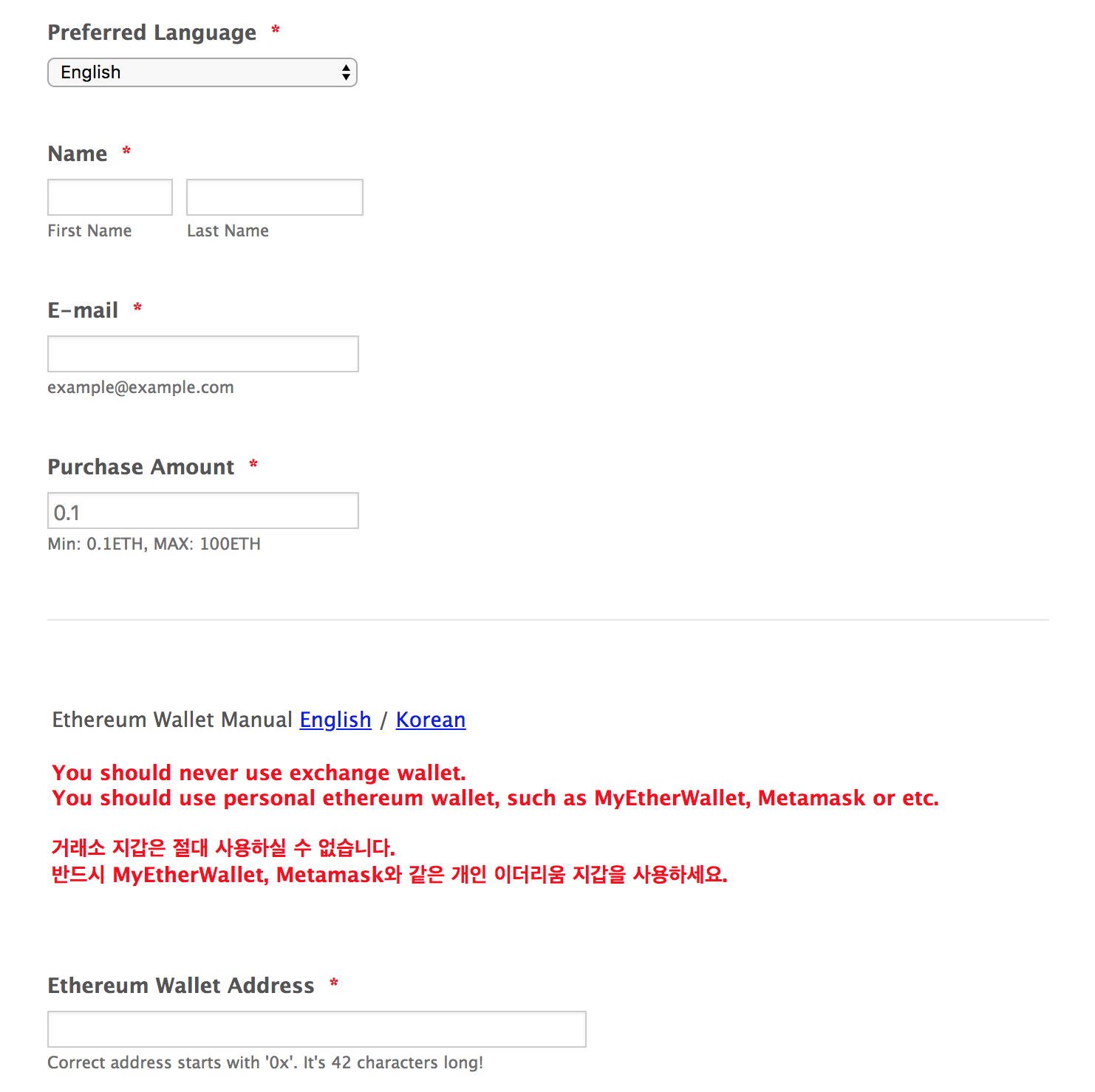 3. Attach the scanned copy/photo of your passport. If you are Korean, you can also use your ID or driver’s license. Your passport number / ID number must be hidden. (Do not edit your picture but use post-it to cover it before taking picture.) 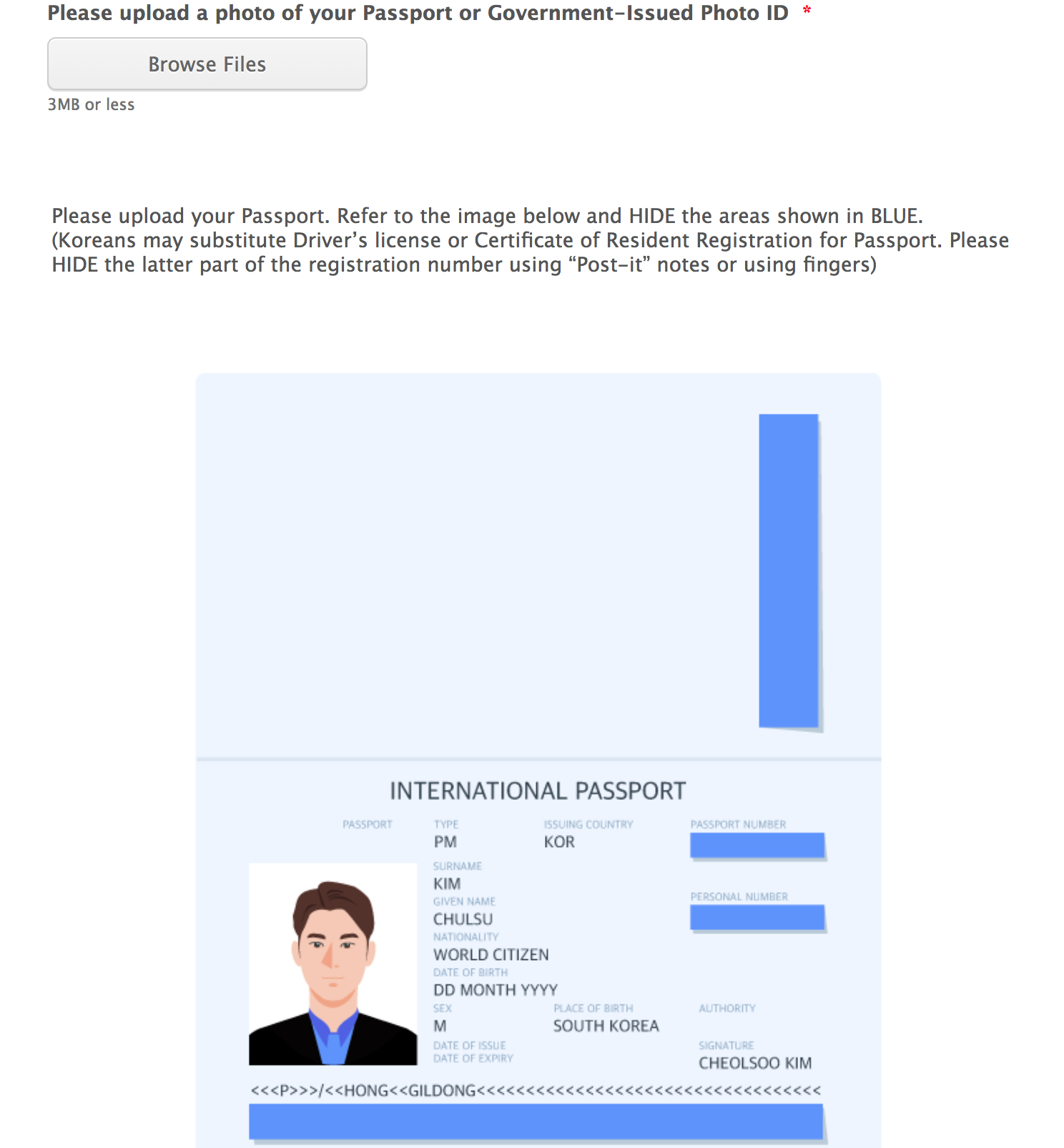 4. Attach a selfie of yours like below. 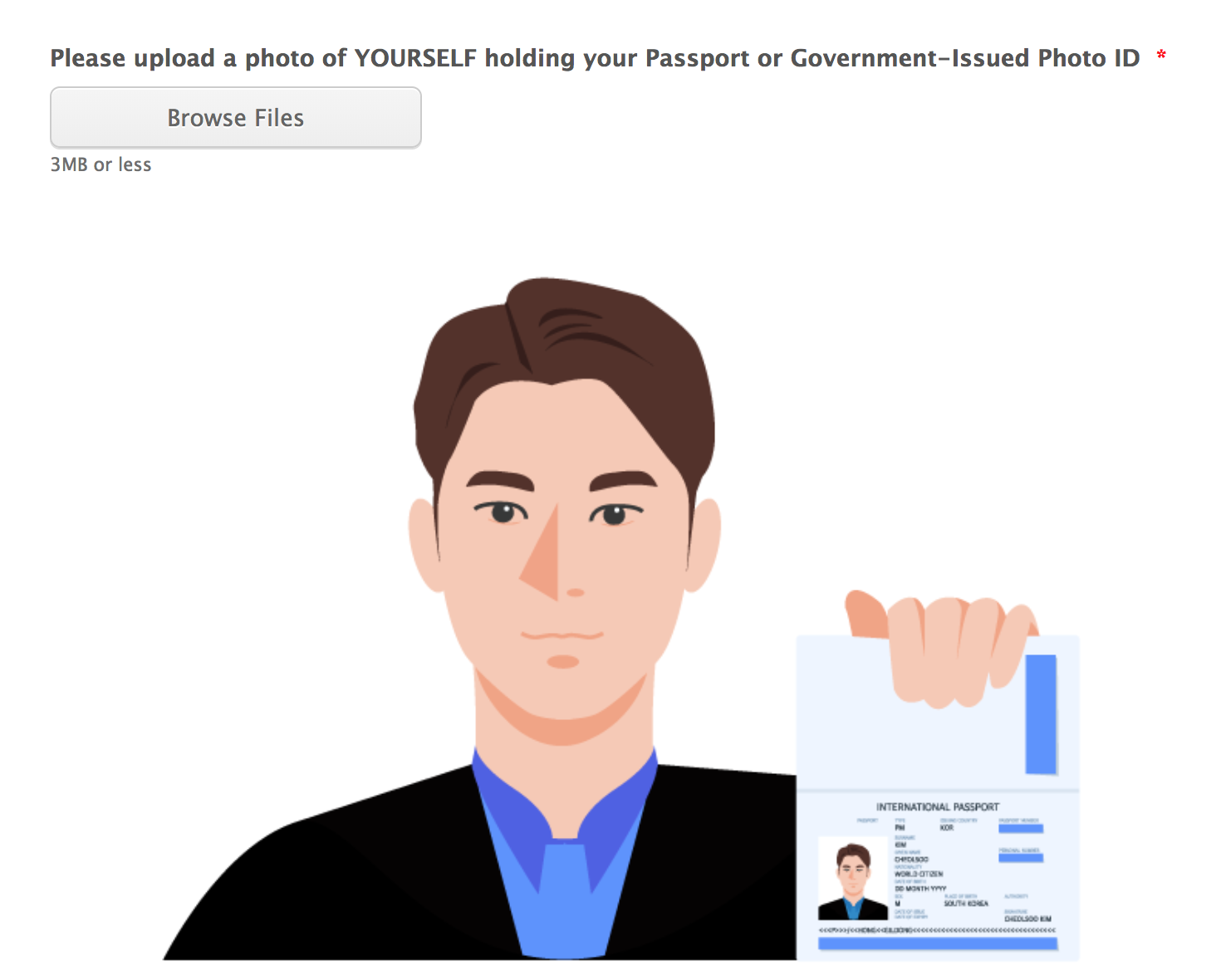 5. Read the agreements and mark the checkbox.  6. Click the “Submit” button. Once your application is submitted, you will see the page below.  Your KYC application has been successfully submitted. The result will be informed via email within 2 days on average (it can take up to 7 days). Thank you. <br> <b>Get to know us better! Join our official channels below.</b> Telegram(EN) : https://t.me/Humanscape_ICO KakaoTalk(KR) : https://open.kakao.com/o/gqbUQEM Website : https://humanscape.io Medium : https://medium.com/humanscape-ico Steemit : https://steemit.com/@humanscape Facebook : https://www.facebook.com/Humanscape-ICO-128195591375667 Twitter : https://twitter.com/Humanscape_ICO * * * 안녕하세요. 휴먼스케이프 팀입니다. 휴먼스케이프에 관심을 가져주시고, KYC 등록을 위해 이 곳을 방문해주신 여러분들께 진심으로 감사의 인사를 드립니다. KYC(Know Your Customer)는 고객의 신분확인 및 검증을 위한 과정입니다. 이를 통해 참여하시는 고객분들에게 생길 수 있는 문제를 방지하고 규제로부터 보호하고자 합니다. KYC 등록을 위한 준비물을 확인하시고 미리 준비해주세요. <br> <b>준비물)</b> 1. 여권을 찍은 사진이나 스캔본 (한국인의 경우 주민등록증, 운전면허증도 가능) 2. 위의 신분증이 본인임을 증명할 수 있는 사진(신분증을 들고 얼굴이 나오게 찍은 사진) 3. 거래소 지갑이 아닌 이더리움 지갑 (MyEtherWallet, Mist 등) * 이더리움 지갑이 없으신 분은 이 곳을 클릭해주세요. 지금부터 KYC 등록 시 주의사항 및 절차를 안내해드리겠습니다. <br> <b>주의사항)</b> 1. ICO 금지 국가인 미국, 중국, 싱가폴 국민들은 KYC에 참여하실 수 없습니다. 2. 만 19세 미만의 미성년자(약 1998년 5월 이후 출생자)는 KYC에 참여하실 수 없습니다. 3. KYC 등록 후 정상적으로 승인이 되어야만 Pre-ICO에 참가하실 수 있습니다. 승인 여부는 이메일로 알려드립니다. 4. 이더리움 지갑 주소는 거래소 지갑 주소가 아닌, MyEtherWallet, Mist 등의 이더리움 개인지갑의 주소를 입력해주셔야합니다. 5. KYC 등록 후 검수를 거쳐 승인이 완료 되기까지 최대 일주일의 시간이 걸릴 수 있습니다. 따라서 Pre-ICO가 시작되기 전에 미리 KYC를 등록하셔서 기간 내 승인을 받지 못하는 사태를 방지하시기 바랍니다. <br> <b>KYC 등록절차)</b> 1. 휴먼스케이프 홈페이지로 이동합니다.(www.humanscape.io) 2. 홈페이지의 “화이트리스트 참여하기” 버튼을 클릭하여 아래 페이지로 이동합니다. 아래 양식의 모든 항목은 필수이므로 정확하게 기입해주세요.  3. 신분확인을 위한 여권을 찍은 사진이나 스캔본을 첨부해주세요. 한국인의 경우 주민등록증, 운전면허증도 가능합니다. 민감정보인 여권번호, 주민등록번호가 노출되지 않도록 해주세요. (사진을 수정하지 마시고, 포스트잇 등으로 민감정보를 가려서 사진을 촬영해주세요.)  4. 신분증과 본인이 일치하는 것을 확인할 수 있도록 아래와 같이 사진을 첨부해주세요.  5. 다음 동의사항을 확인하시고 체크해주세요.  6. “Submit” 버튼을 클릭해주세요. 제출이 완료되면 다음과 같은 화면을 확인하실 수 있습니다.  KYC 등록이 완료되었습니다. 승인 여부 메일은 평균 2일 이내(최대 7일)에 받아보실 수 있습니다. 감사합니다. <br> <b>Get to know us better! Join our official channels below.</b> Telegram(EN) : https://t.me/Humanscape_ICO KakaoTalk(KR) : https://open.kakao.com/o/gqbUQEM Website : https://humanscape.io Medium : https://medium.com/humanscape-ico Steemit : https://steemit.com/@humanscape Facebook : https://www.facebook.com/Humanscape-ICO-128195591375667 Twitter : https://twitter.com/Humanscape_ICO |
| json metadata | {"tags":["ico","kr","kyc","humanscape"],"image":["https://steemitimages.com/DQmRi3BLDK2tYoWDq1oTvtoWan7n7pHUFTP5GyDqkbAM36e/1_JotForm%20%E1%84%89%E1%85%A1%E1%86%BC%E1%84%83%E1%85%A1%E1%86%AB%20%E1%84%91%E1%85%A9%E1%86%B7%20%E1%84%89%E1%85%B3%E1%84%8F%E1%85%B3%E1%84%85%E1%85%B5%E1%86%AB%E1%84%89%E1%85%A3%E1%86%BA.png","https://steemitimages.com/DQmbps4BxaJGqfng6tfvK38LqSYMZt5CCLWBp7nqkfXeaFc/2_%E1%84%89%E1%85%B5%E1%86%AB%E1%84%87%E1%85%AE%E1%86%AB%E1%84%8C%E1%85%B3%E1%86%BC%20%E1%84%8B%E1%85%B5%E1%84%86%E1%85%B5%E1%84%8C%E1%85%B5.png","https://steemitimages.com/DQmPpxSgQQGQXdcteiT7G89r1YUvKxNzK1Lukw8HAHEpc2Z/3_%E1%84%89%E1%85%B5%E1%86%AB%E1%84%87%E1%85%AE%E1%86%AB%E1%84%8C%E1%85%B3%E1%86%BC%20%2B%20%E1%84%87%E1%85%A9%E1%86%AB%E1%84%8B%E1%85%B5%E1%86%AB%20%E1%84%8B%E1%85%B5%E1%84%86%E1%85%B5%E1%84%8C%E1%85%B5.png","https://steemitimages.com/DQmQk3GwHdy6dd9MNJ5NpCDzZt4uniodMvUMKfsSJ5hD35y/4_%E1%84%83%E1%85%A9%E1%86%BC%E1%84%8B%E1%85%B4%E1%84%89%E1%85%A1%E1%84%92%E1%85%A1%E1%86%BC%20%E1%84%8B%E1%85%B5%E1%84%86%E1%85%B5%E1%84%8C%E1%85%B5.png","https://steemitimages.com/DQmQP7RPLyeexLz6foj643ur9YRRGoZLfcaPCD55Nr7FvZz/5_%E1%84%83%E1%85%A1%E1%84%8B%E1%85%B3%E1%86%B7%20%E1%84%92%E1%85%AA%E1%84%86%E1%85%A7%E1%86%AB%20%E1%84%8B%E1%85%B5%E1%84%86%E1%85%B5%E1%84%8C%E1%85%B5.png"],"links":["https://t.me/Humanscape_ICO","https://open.kakao.com/o/gqbUQEM","https://humanscape.io","https://medium.com/humanscape-ico","https://steemit.com/@humanscape","https://www.facebook.com/Humanscape-ICO-128195591375667","https://twitter.com/Humanscape_ICO"],"app":"steemit/0.1","format":"markdown"} |
| Transaction Info | Block #22446422/Trx 8c2c0f038f5439781df1de03046959e626b82e23 |
View Raw JSON Data
{
"trx_id": "8c2c0f038f5439781df1de03046959e626b82e23",
"block": 22446422,
"trx_in_block": 15,
"op_in_trx": 0,
"virtual_op": 0,
"timestamp": "2018-05-15T08:05:42",
"op": [
"comment",
{
"parent_author": "",
"parent_permlink": "ico",
"author": "humanscape",
"permlink": "eng-kyc-process-guide-kyc",
"title": "[ENG/한국어] KYC process guide / KYC 안내가이드",
"body": "Greetings from team Humanscape!\n\nWe sincerely appreciate your support and taking time to register for our whitelist.\n\nKYC(Know Your Customer) is the process of a business identifying and verifying the identity of its clients. We try to protect our investors from any potential problems and regulations through KYC.\n\nPlease check the list of things you need for KYC below and make sure you have them ready before beginning the process.\n\n<br>\n<b>Requirements) </b>\n1. A scanned copy of your passport (If you are Korean, you can also use ID or driver’s license.)\n2. A picture that can prove the passport/ID card is yours (a selfie of yourself holding the ID near your face)\n3. An Ethereum wallet (MyEtherWallet, Mist, etc…), not an exchange wallet\n* If you do not have an Ethereum wallet, please click here.\n\n<br>\n<b>Attention) </b>\n1. Applications from the US, China and Singapore citizens will not be accepted due to their country’s regulations.\n2. Minors under the age of 19 (who were born after May, 1998) can’t participate in the ICO.\n3. You can only participate in the Pre-ICO once you are registered for the whitelist. The result of your application will be informed via email.\n4. You must put your Ethereum wallet(ERC-20 compatible) address such as MyEtherWallet or Mist, not your exchange wallet address.\n5. It can take up to a week until KYC screening process completely finishes. Please submit your KYC application in advance, preferably before Pre-ICO, so there is enough time for your application to be reviewed.\n\n<br>\n<b>KYC instruction) </b>\n1. Go to our website, www.humanscape.io\n2. Click “Join whitelist” button and you will be redirected to the page below. Make sure to fill out every field correctly in the form.\n\n3. Attach the scanned copy/photo of your passport. If you are Korean, you can also use your ID or driver’s license. Your passport number / ID number must be hidden. (Do not edit your picture but use post-it to cover it before taking picture.)\n\n4. Attach a selfie of yours like below.\n\n5. Read the agreements and mark the checkbox.\n\n6. Click the “Submit” button. Once your application is submitted, you will see the page below.\n\n\nYour KYC application has been successfully submitted. The result will be informed via email within 2 days on average (it can take up to 7 days).\n\nThank you.\n\n<br>\n<b>Get to know us better!\nJoin our official channels below.</b>\n\nTelegram(EN) : https://t.me/Humanscape_ICO\nKakaoTalk(KR) : https://open.kakao.com/o/gqbUQEM\nWebsite : https://humanscape.io\nMedium : https://medium.com/humanscape-ico\nSteemit : https://steemit.com/@humanscape\nFacebook : https://www.facebook.com/Humanscape-ICO-128195591375667\nTwitter : https://twitter.com/Humanscape_ICO\n\n* * *\n\n안녕하세요. 휴먼스케이프 팀입니다.\n\n휴먼스케이프에 관심을 가져주시고, KYC 등록을 위해 이 곳을 방문해주신 여러분들께 진심으로 감사의 인사를 드립니다.\n\nKYC(Know Your Customer)는 고객의 신분확인 및 검증을 위한 과정입니다.\n\n이를 통해 참여하시는 고객분들에게 생길 수 있는 문제를 방지하고 규제로부터 보호하고자 합니다.\n\nKYC 등록을 위한 준비물을 확인하시고 미리 준비해주세요.\n\n<br>\n<b>준비물)</b>\n1. 여권을 찍은 사진이나 스캔본 (한국인의 경우 주민등록증, 운전면허증도 가능)\n2. 위의 신분증이 본인임을 증명할 수 있는 사진(신분증을 들고 얼굴이 나오게 찍은 사진)\n3. 거래소 지갑이 아닌 이더리움 지갑 (MyEtherWallet, Mist 등)\n* 이더리움 지갑이 없으신 분은 이 곳을 클릭해주세요.\n\n지금부터 KYC 등록 시 주의사항 및 절차를 안내해드리겠습니다.\n\n<br>\n<b>주의사항)</b>\n1. ICO 금지 국가인 미국, 중국, 싱가폴 국민들은 KYC에 참여하실 수 없습니다.\n2. 만 19세 미만의 미성년자(약 1998년 5월 이후 출생자)는 KYC에 참여하실 수 없습니다.\n3. KYC 등록 후 정상적으로 승인이 되어야만 Pre-ICO에 참가하실 수 있습니다. 승인 여부는 이메일로 알려드립니다.\n4. 이더리움 지갑 주소는 거래소 지갑 주소가 아닌, MyEtherWallet, Mist 등의 이더리움 개인지갑의 주소를 입력해주셔야합니다.\n5. KYC 등록 후 검수를 거쳐 승인이 완료 되기까지 최대 일주일의 시간이 걸릴 수 있습니다.\n\n따라서 Pre-ICO가 시작되기 전에 미리 KYC를 등록하셔서 기간 내 승인을 받지 못하는 사태를 방지하시기 바랍니다.\n\n<br>\n<b>KYC 등록절차)</b>\n1. 휴먼스케이프 홈페이지로 이동합니다.(www.humanscape.io)\n\n2. 홈페이지의 “화이트리스트 참여하기” 버튼을 클릭하여 아래 페이지로 이동합니다. 아래 양식의 모든 항목은 필수이므로 정확하게 기입해주세요.\n\n\n3. 신분확인을 위한 여권을 찍은 사진이나 스캔본을 첨부해주세요. 한국인의 경우 주민등록증, 운전면허증도 가능합니다. 민감정보인 여권번호, 주민등록번호가 노출되지 않도록 해주세요. (사진을 수정하지 마시고, 포스트잇 등으로 민감정보를 가려서 사진을 촬영해주세요.)\n\n\n4. 신분증과 본인이 일치하는 것을 확인할 수 있도록 아래와 같이 사진을 첨부해주세요.\n\n\n5. 다음 동의사항을 확인하시고 체크해주세요.\n\n\n6. “Submit” 버튼을 클릭해주세요. 제출이 완료되면 다음과 같은 화면을 확인하실 수 있습니다.\n\n\nKYC 등록이 완료되었습니다. 승인 여부 메일은 평균 2일 이내(최대 7일)에 받아보실 수 있습니다.\n\n감사합니다.\n\n<br>\n<b>Get to know us better!\nJoin our official channels below.</b>\n\nTelegram(EN) : https://t.me/Humanscape_ICO\nKakaoTalk(KR) : https://open.kakao.com/o/gqbUQEM\nWebsite : https://humanscape.io\nMedium : https://medium.com/humanscape-ico\nSteemit : https://steemit.com/@humanscape\nFacebook : https://www.facebook.com/Humanscape-ICO-128195591375667\nTwitter : https://twitter.com/Humanscape_ICO",
"json_metadata": "{\"tags\":[\"ico\",\"kr\",\"kyc\",\"humanscape\"],\"image\":[\"https://steemitimages.com/DQmRi3BLDK2tYoWDq1oTvtoWan7n7pHUFTP5GyDqkbAM36e/1_JotForm%20%E1%84%89%E1%85%A1%E1%86%BC%E1%84%83%E1%85%A1%E1%86%AB%20%E1%84%91%E1%85%A9%E1%86%B7%20%E1%84%89%E1%85%B3%E1%84%8F%E1%85%B3%E1%84%85%E1%85%B5%E1%86%AB%E1%84%89%E1%85%A3%E1%86%BA.png\",\"https://steemitimages.com/DQmbps4BxaJGqfng6tfvK38LqSYMZt5CCLWBp7nqkfXeaFc/2_%E1%84%89%E1%85%B5%E1%86%AB%E1%84%87%E1%85%AE%E1%86%AB%E1%84%8C%E1%85%B3%E1%86%BC%20%E1%84%8B%E1%85%B5%E1%84%86%E1%85%B5%E1%84%8C%E1%85%B5.png\",\"https://steemitimages.com/DQmPpxSgQQGQXdcteiT7G89r1YUvKxNzK1Lukw8HAHEpc2Z/3_%E1%84%89%E1%85%B5%E1%86%AB%E1%84%87%E1%85%AE%E1%86%AB%E1%84%8C%E1%85%B3%E1%86%BC%20%2B%20%E1%84%87%E1%85%A9%E1%86%AB%E1%84%8B%E1%85%B5%E1%86%AB%20%E1%84%8B%E1%85%B5%E1%84%86%E1%85%B5%E1%84%8C%E1%85%B5.png\",\"https://steemitimages.com/DQmQk3GwHdy6dd9MNJ5NpCDzZt4uniodMvUMKfsSJ5hD35y/4_%E1%84%83%E1%85%A9%E1%86%BC%E1%84%8B%E1%85%B4%E1%84%89%E1%85%A1%E1%84%92%E1%85%A1%E1%86%BC%20%E1%84%8B%E1%85%B5%E1%84%86%E1%85%B5%E1%84%8C%E1%85%B5.png\",\"https://steemitimages.com/DQmQP7RPLyeexLz6foj643ur9YRRGoZLfcaPCD55Nr7FvZz/5_%E1%84%83%E1%85%A1%E1%84%8B%E1%85%B3%E1%86%B7%20%E1%84%92%E1%85%AA%E1%84%86%E1%85%A7%E1%86%AB%20%E1%84%8B%E1%85%B5%E1%84%86%E1%85%B5%E1%84%8C%E1%85%B5.png\"],\"links\":[\"https://t.me/Humanscape_ICO\",\"https://open.kakao.com/o/gqbUQEM\",\"https://humanscape.io\",\"https://medium.com/humanscape-ico\",\"https://steemit.com/@humanscape\",\"https://www.facebook.com/Humanscape-ICO-128195591375667\",\"https://twitter.com/Humanscape_ICO\"],\"app\":\"steemit/0.1\",\"format\":\"markdown\"}"
}
]
}humanscapeupdated their account properties2018/05/15 07:39:57
humanscapeupdated their account properties
2018/05/15 07:39:57
| account | humanscape |
| memo key | STM87R38Egr1Tz4xbwXE5eaFJBZdDfvmEXM763gC5CkhEmc1VQBP8 |
| json metadata | {"profile":{"cover_image":"https://steemitimages.com/DQmeaWNwAidoxsJsnwZ9dRFcgRLooKGwbiN7ykCKtbVahh2/steemit.png","profile_image":"https://steemitimages.com/DQmcb1tH7trv2p8fSPiwJjv5aVR5sME7U27svKpjRBPW6Ad/03_humanscape-logo_L.jpg","name":"Humanscape"}} |
| Transaction Info | Block #22445907/Trx 2fec02714925fa1481acd0b2152580e88269153b |
View Raw JSON Data
{
  "trx_id": "2fec02714925fa1481acd0b2152580e88269153b",
  "block": 22445907,
  "trx_in_block": 36,
  "op_in_trx": 0,
  "virtual_op": 0,
  "timestamp": "2018-05-15T07:39:57",
  "op": [
    "account_update",
    {
      "account": "humanscape",
      "memo_key": "STM87R38Egr1Tz4xbwXE5eaFJBZdDfvmEXM763gC5CkhEmc1VQBP8",
      "json_metadata": "{\"profile\":{\"cover_image\":\"https://steemitimages.com/DQmeaWNwAidoxsJsnwZ9dRFcgRLooKGwbiN7ykCKtbVahh2/steemit.png\",\"profile_image\":\"https://steemitimages.com/DQmcb1tH7trv2p8fSPiwJjv5aVR5sME7U27svKpjRBPW6Ad/03_humanscape-logo_L.jpg\",\"name\":\"Humanscape\"}}"
    }
  ]
}humanscapeupdated their account properties2018/05/14 06:02:30
humanscapeupdated their account properties
2018/05/14 06:02:30
| account | humanscape |
| memo key | STM87R38Egr1Tz4xbwXE5eaFJBZdDfvmEXM763gC5CkhEmc1VQBP8 |
| json metadata | {"profile":{"cover_image":"https://steemitimages.com/DQmeaWNwAidoxsJsnwZ9dRFcgRLooKGwbiN7ykCKtbVahh2/steemit.png","profile_image":"https://steemitimages.com/DQmcb1tH7trv2p8fSPiwJjv5aVR5sME7U27svKpjRBPW6Ad/03_humanscape-logo_L.jpg"}} |
| Transaction Info | Block #22415160/Trx e1515d260c16dbb7689aad9dd04d3938ee7f2fc8 |
View Raw JSON Data
{
  "trx_id": "e1515d260c16dbb7689aad9dd04d3938ee7f2fc8",
  "block": 22415160,
  "trx_in_block": 40,
  "op_in_trx": 0,
  "virtual_op": 0,
  "timestamp": "2018-05-14T06:02:30",
  "op": [
    "account_update",
    {
      "account": "humanscape",
      "memo_key": "STM87R38Egr1Tz4xbwXE5eaFJBZdDfvmEXM763gC5CkhEmc1VQBP8",
      "json_metadata": "{\"profile\":{\"cover_image\":\"https://steemitimages.com/DQmeaWNwAidoxsJsnwZ9dRFcgRLooKGwbiN7ykCKtbVahh2/steemit.png\",\"profile_image\":\"https://steemitimages.com/DQmcb1tH7trv2p8fSPiwJjv5aVR5sME7U27svKpjRBPW6Ad/03_humanscape-logo_L.jpg\"}}"
    }
  ]
}humanscapeupdated their account properties2018/05/14 06:01:57
humanscapeupdated their account properties
2018/05/14 06:01:57
| account | humanscape |
| memo key | STM87R38Egr1Tz4xbwXE5eaFJBZdDfvmEXM763gC5CkhEmc1VQBP8 |
| json metadata | {"profile":{"cover_image":"https://steemitimages.com/DQmeUg2WSNe42Xtm9UePPUHPCoGD3ZNsbuPfnA29xbaberh/steemit%20%E1%84%8E%E1%85%AC%E1%84%8C%E1%85%A9%E1%86%BC.png","profile_image":"https://steemitimages.com/DQmcb1tH7trv2p8fSPiwJjv5aVR5sME7U27svKpjRBPW6Ad/03_humanscape-logo_L.jpg"}} |
| Transaction Info | Block #22415149/Trx ceee82588616de11587afb218f2f2037c6e67f9c |
View Raw JSON Data
{
  "trx_id": "ceee82588616de11587afb218f2f2037c6e67f9c",
  "block": 22415149,
  "trx_in_block": 38,
  "op_in_trx": 0,
  "virtual_op": 0,
  "timestamp": "2018-05-14T06:01:57",
  "op": [
    "account_update",
    {
      "account": "humanscape",
      "memo_key": "STM87R38Egr1Tz4xbwXE5eaFJBZdDfvmEXM763gC5CkhEmc1VQBP8",
      "json_metadata": "{\"profile\":{\"cover_image\":\"https://steemitimages.com/DQmeUg2WSNe42Xtm9UePPUHPCoGD3ZNsbuPfnA29xbaberh/steemit%20%E1%84%8E%E1%85%AC%E1%84%8C%E1%85%A9%E1%86%BC.png\",\"profile_image\":\"https://steemitimages.com/DQmcb1tH7trv2p8fSPiwJjv5aVR5sME7U27svKpjRBPW6Ad/03_humanscape-logo_L.jpg\"}}"
    }
  ]
}steemdelegated 18.645 SP to @humanscape2018/05/11 11:37:33
steemdelegated 18.645 SP to @humanscape
2018/05/11 11:37:33
| delegator | steem |
| delegatee | humanscape |
| vesting shares | 30327.564854 VESTS |
| Transaction Info | Block #22335466/Trx ad1f0978f1f7b31e2b3b919c1a0cc5039f8581a9 |
View Raw JSON Data
{
  "trx_id": "ad1f0978f1f7b31e2b3b919c1a0cc5039f8581a9",
  "block": 22335466,
  "trx_in_block": 43,
  "op_in_trx": 0,
  "virtual_op": 0,
  "timestamp": "2018-05-11T11:37:33",
  "op": [
    "delegate_vesting_shares",
    {
      "delegator": "steem",
      "delegatee": "humanscape",
      "vesting_shares": "30327.564854 VESTS"
    }
  ]
}humanscapeupdated their account properties2018/05/11 10:07:51
humanscapeupdated their account properties
2018/05/11 10:07:51
| account | humanscape |
| memo key | STM87R38Egr1Tz4xbwXE5eaFJBZdDfvmEXM763gC5CkhEmc1VQBP8 |
| json metadata | {"profile":{"cover_image":"https://steemitimages.com/DQmaUG7rqEWizvrYAWoKjEqveD3frtUfvhbEfrdMosP8x6W/steemitt.png","profile_image":"https://steemitimages.com/DQmcb1tH7trv2p8fSPiwJjv5aVR5sME7U27svKpjRBPW6Ad/03_humanscape-logo_L.jpg"}} |
| Transaction Info | Block #22333672/Trx 9a816acb5fe29ebf3273378d3a78f5e9accbe146 |
View Raw JSON Data
{
  "trx_id": "9a816acb5fe29ebf3273378d3a78f5e9accbe146",
  "block": 22333672,
  "trx_in_block": 2,
  "op_in_trx": 0,
  "virtual_op": 0,
  "timestamp": "2018-05-11T10:07:51",
  "op": [
    "account_update",
    {
      "account": "humanscape",
      "memo_key": "STM87R38Egr1Tz4xbwXE5eaFJBZdDfvmEXM763gC5CkhEmc1VQBP8",
      "json_metadata": "{\"profile\":{\"cover_image\":\"https://steemitimages.com/DQmaUG7rqEWizvrYAWoKjEqveD3frtUfvhbEfrdMosP8x6W/steemitt.png\",\"profile_image\":\"https://steemitimages.com/DQmcb1tH7trv2p8fSPiwJjv5aVR5sME7U27svKpjRBPW6Ad/03_humanscape-logo_L.jpg\"}}"
    }
  ]
}humanscapeupdated their account properties2018/05/11 10:06:00
humanscapeupdated their account properties
2018/05/11 10:06:00
| account | humanscape |
| memo key | STM87R38Egr1Tz4xbwXE5eaFJBZdDfvmEXM763gC5CkhEmc1VQBP8 |
| json metadata | {"profile":{"cover_image":"https://steemitimages.com/DQmaUG7rqEWizvrYAWoKjEqveD3frtUfvhbEfrdMosP8x6W/steemitt.png"}} |
| Transaction Info | Block #22333635/Trx 37c96d5948891e65e4737f9b0087abac399c4b7e |
View Raw JSON Data
{
  "trx_id": "37c96d5948891e65e4737f9b0087abac399c4b7e",
  "block": 22333635,
  "trx_in_block": 11,
  "op_in_trx": 0,
  "virtual_op": 0,
  "timestamp": "2018-05-11T10:06:00",
  "op": [
    "account_update",
    {
      "account": "humanscape",
      "memo_key": "STM87R38Egr1Tz4xbwXE5eaFJBZdDfvmEXM763gC5CkhEmc1VQBP8",
      "json_metadata": "{\"profile\":{\"cover_image\":\"https://steemitimages.com/DQmaUG7rqEWizvrYAWoKjEqveD3frtUfvhbEfrdMosP8x6W/steemitt.png\"}}"
    }
  ]
}humanscapeupdated their account properties2018/05/11 10:04:48
humanscapeupdated their account properties
2018/05/11 10:04:48
| account | humanscape |
| memo key | STM87R38Egr1Tz4xbwXE5eaFJBZdDfvmEXM763gC5CkhEmc1VQBP8 |
| json metadata | {"profile":{"cover_image":"https://steemitimages.com/DQmb5Z1JQgs6CScUwzQSMT78XMEf5ihNE6iunWEYykKUQZF/steemit.jpg"}} |
| Transaction Info | Block #22333611/Trx 20b33ec5b78c1a59561aab8ce5c9d8915e33e685 |
View Raw JSON Data
{
  "trx_id": "20b33ec5b78c1a59561aab8ce5c9d8915e33e685",
  "block": 22333611,
  "trx_in_block": 23,
  "op_in_trx": 0,
  "virtual_op": 0,
  "timestamp": "2018-05-11T10:04:48",
  "op": [
    "account_update",
    {
      "account": "humanscape",
      "memo_key": "STM87R38Egr1Tz4xbwXE5eaFJBZdDfvmEXM763gC5CkhEmc1VQBP8",
      "json_metadata": "{\"profile\":{\"cover_image\":\"https://steemitimages.com/DQmb5Z1JQgs6CScUwzQSMT78XMEf5ihNE6iunWEYykKUQZF/steemit.jpg\"}}"
    }
  ]
}humanscapeupdated their account properties2018/05/11 09:49:27
humanscapeupdated their account properties
2018/05/11 09:49:27
| account | humanscape |
| memo key | STM87R38Egr1Tz4xbwXE5eaFJBZdDfvmEXM763gC5CkhEmc1VQBP8 |
| json metadata | {"profile":{"cover_image":"https://steemitimages.com/DQmeaWNwAidoxsJsnwZ9dRFcgRLooKGwbiN7ykCKtbVahh2/steemit.png"}} |
| Transaction Info | Block #22333304/Trx b749ca49e38474f67a59153095990b2702359244 |
View Raw JSON Data
{
  "trx_id": "b749ca49e38474f67a59153095990b2702359244",
  "block": 22333304,
  "trx_in_block": 35,
  "op_in_trx": 0,
  "virtual_op": 0,
  "timestamp": "2018-05-11T09:49:27",
  "op": [
    "account_update",
    {
      "account": "humanscape",
      "memo_key": "STM87R38Egr1Tz4xbwXE5eaFJBZdDfvmEXM763gC5CkhEmc1VQBP8",
      "json_metadata": "{\"profile\":{\"cover_image\":\"https://steemitimages.com/DQmeaWNwAidoxsJsnwZ9dRFcgRLooKGwbiN7ykCKtbVahh2/steemit.png\"}}"
    }
  ]
}steemcreated a new account: @humanscape2018/05/11 09:47:00
steemcreated a new account: @humanscape
2018/05/11 09:47:00
| fee | 0.100 STEEM |
| delegation | 30690.000000 VESTS |
| creator | steem |
| new account name | humanscape |
| owner | {"weight_threshold":1,"account_auths":[],"key_auths":[["STM6EpbdR2YdLNjk9EVFjZZomZjAZ5MU4zjRmwpt47PnbdAkdBtyd",1]]} |
| active | {"weight_threshold":1,"account_auths":[],"key_auths":[["STM5EZyL1uhDE8QpxnTbLBCKFE7Ri5gsRfm7JW3W3KrK1QKPT8zHr",1]]} |
| posting | {"weight_threshold":1,"account_auths":[],"key_auths":[["STM7SbZnhk4MHqGrvjDfNmqyfcwNnrFst8V72jzDHqzLhGdtCEdoT",1]]} |
| memo key | STM87R38Egr1Tz4xbwXE5eaFJBZdDfvmEXM763gC5CkhEmc1VQBP8 |
| json metadata | {} |
| extensions | [] |
| Transaction Info | Block #22333255/Trx 85819f601d950ad0068e4d3482758c3d69f20f27 |
View Raw JSON Data
{
  "trx_id": "85819f601d950ad0068e4d3482758c3d69f20f27",
  "block": 22333255,
  "trx_in_block": 37,
  "op_in_trx": 0,
  "virtual_op": 0,
  "timestamp": "2018-05-11T09:47:00",
  "op": [
    "account_create_with_delegation",
    {
      "fee": "0.100 STEEM",
      "delegation": "30690.000000 VESTS",
      "creator": "steem",
      "new_account_name": "humanscape",
      "owner": {
        "weight_threshold": 1,
        "account_auths": [],
        "key_auths": [
          [
            "STM6EpbdR2YdLNjk9EVFjZZomZjAZ5MU4zjRmwpt47PnbdAkdBtyd",
            1
          ]
        ]
      },
      "active": {
        "weight_threshold": 1,
        "account_auths": [],
        "key_auths": [
          [
            "STM5EZyL1uhDE8QpxnTbLBCKFE7Ri5gsRfm7JW3W3KrK1QKPT8zHr",
            1
          ]
        ]
      },
      "posting": {
        "weight_threshold": 1,
        "account_auths": [],
        "key_auths": [
          [
            "STM7SbZnhk4MHqGrvjDfNmqyfcwNnrFst8V72jzDHqzLhGdtCEdoT",
            1
          ]
        ]
      },
      "memo_key": "STM87R38Egr1Tz4xbwXE5eaFJBZdDfvmEXM763gC5CkhEmc1VQBP8",
      "json_metadata": "{}",
      "extensions": []
    }
  ]
}Manabar
Voting Power100.00%
Downvote Power100.00%
Resource Credits100.00%
Reputation Progress0.00%
{
  "voting_manabar": {
    "current_mana": "8143659806",
    "last_update_time": 1779066921
  },
  "downvote_manabar": {
    "current_mana": 2035914951,
    "last_update_time": 1779066921
  },
  "rc_account": {
    "account": "humanscape",
    "rc_manabar": {
      "current_mana": "10164408779",
      "last_update_time": 1779066921
    },
    "max_rc_creation_adjustment": {
      "amount": "2020748973",
      "precision": 6,
      "nai": "@@000000037"
    },
    "max_rc": "10164408779"
  }
}
Account Metadata
| POSTING JSON METADATA | |
| profile | {"cover_image":"https://steemitimages.com/DQmeaWNwAidoxsJsnwZ9dRFcgRLooKGwbiN7ykCKtbVahh2/steemit.png","profile_image":"https://steemitimages.com/DQmcb1tH7trv2p8fSPiwJjv5aVR5sME7U27svKpjRBPW6Ad/03_humanscape-logo_L.jpg","name":"Humanscape"} |
| JSON METADATA | |
| profile | {"cover_image":"https://steemitimages.com/DQmeaWNwAidoxsJsnwZ9dRFcgRLooKGwbiN7ykCKtbVahh2/steemit.png","profile_image":"https://steemitimages.com/DQmcb1tH7trv2p8fSPiwJjv5aVR5sME7U27svKpjRBPW6Ad/03_humanscape-logo_L.jpg","name":"Humanscape"} |
{
  "posting_json_metadata": {
    "profile": {
      "cover_image": "https://steemitimages.com/DQmeaWNwAidoxsJsnwZ9dRFcgRLooKGwbiN7ykCKtbVahh2/steemit.png",
      "profile_image": "https://steemitimages.com/DQmcb1tH7trv2p8fSPiwJjv5aVR5sME7U27svKpjRBPW6Ad/03_humanscape-logo_L.jpg",
      "name": "Humanscape"
    }
  },
  "json_metadata": {
    "profile": {
      "cover_image": "https://steemitimages.com/DQmeaWNwAidoxsJsnwZ9dRFcgRLooKGwbiN7ykCKtbVahh2/steemit.png",
      "profile_image": "https://steemitimages.com/DQmcb1tH7trv2p8fSPiwJjv5aVR5sME7U27svKpjRBPW6Ad/03_humanscape-logo_L.jpg",
      "name": "Humanscape"
    }
  }
}
Auth Keys
Owner
Single Signature
Public Keys
STM6EpbdR2YdLNjk9EVFjZZomZjAZ5MU4zjRmwpt47PnbdAkdBtyd1/1
Active
Single Signature
Public Keys
STM5EZyL1uhDE8QpxnTbLBCKFE7Ri5gsRfm7JW3W3KrK1QKPT8zHr1/1
Posting
Single Signature
Public Keys
STM7SbZnhk4MHqGrvjDfNmqyfcwNnrFst8V72jzDHqzLhGdtCEdoT1/1
App Permissions
@dtube.app1/1
Memo
STM87R38Egr1Tz4xbwXE5eaFJBZdDfvmEXM763gC5CkhEmc1VQBP8
{
  "owner": {
    "weight_threshold": 1,
    "account_auths": [],
    "key_auths": [
      [
        "STM6EpbdR2YdLNjk9EVFjZZomZjAZ5MU4zjRmwpt47PnbdAkdBtyd",
        1
      ]
    ]
  },
  "active": {
    "weight_threshold": 1,
    "account_auths": [],
    "key_auths": [
      [
        "STM5EZyL1uhDE8QpxnTbLBCKFE7Ri5gsRfm7JW3W3KrK1QKPT8zHr",
        1
      ]
    ]
  },
  "posting": {
    "weight_threshold": 1,
    "account_auths": [
      [
        "dtube.app",
        1
      ]
    ],
    "key_auths": [
      [
        "STM7SbZnhk4MHqGrvjDfNmqyfcwNnrFst8V72jzDHqzLhGdtCEdoT",
        1
      ]
    ]
  },
  "memo": "STM87R38Egr1Tz4xbwXE5eaFJBZdDfvmEXM763gC5CkhEmc1VQBP8"
}
Witness Votes
0 / 30
No active witness votes.
[]